How does color modification look in Wall of Love?
In your Wall of Love, you have the option to change the Primary Color and Highlight Color in the Design tab. This guide will tell you how this color modification work in each Wall of Love style.
This is applicable to any Senja plans (Free, Starter, and Pro).
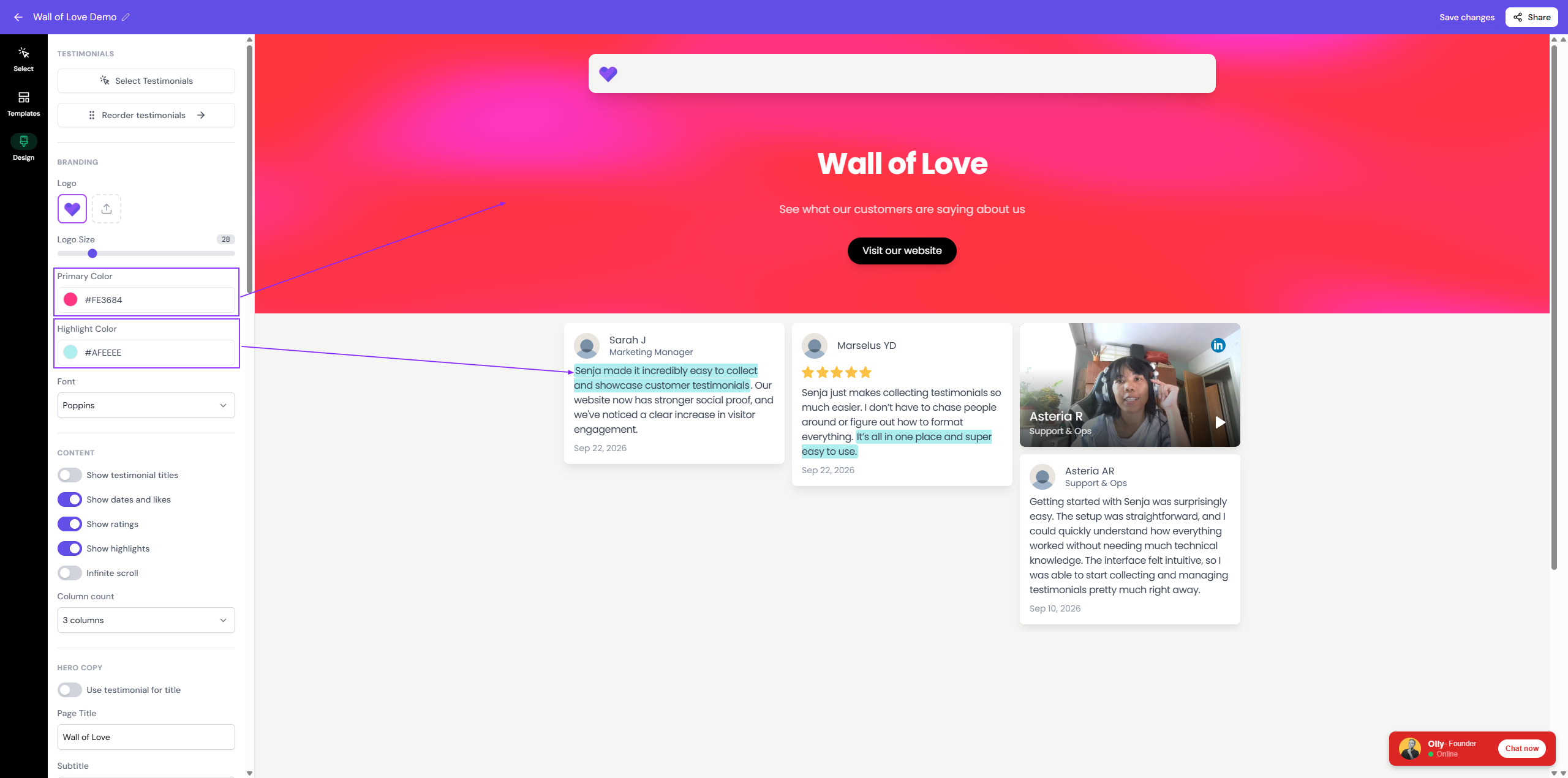
Playful style
Primary color: The shade of the header (reduced opacity) and the CTA button
Highlight color: The color of highlighted part of the testimonials
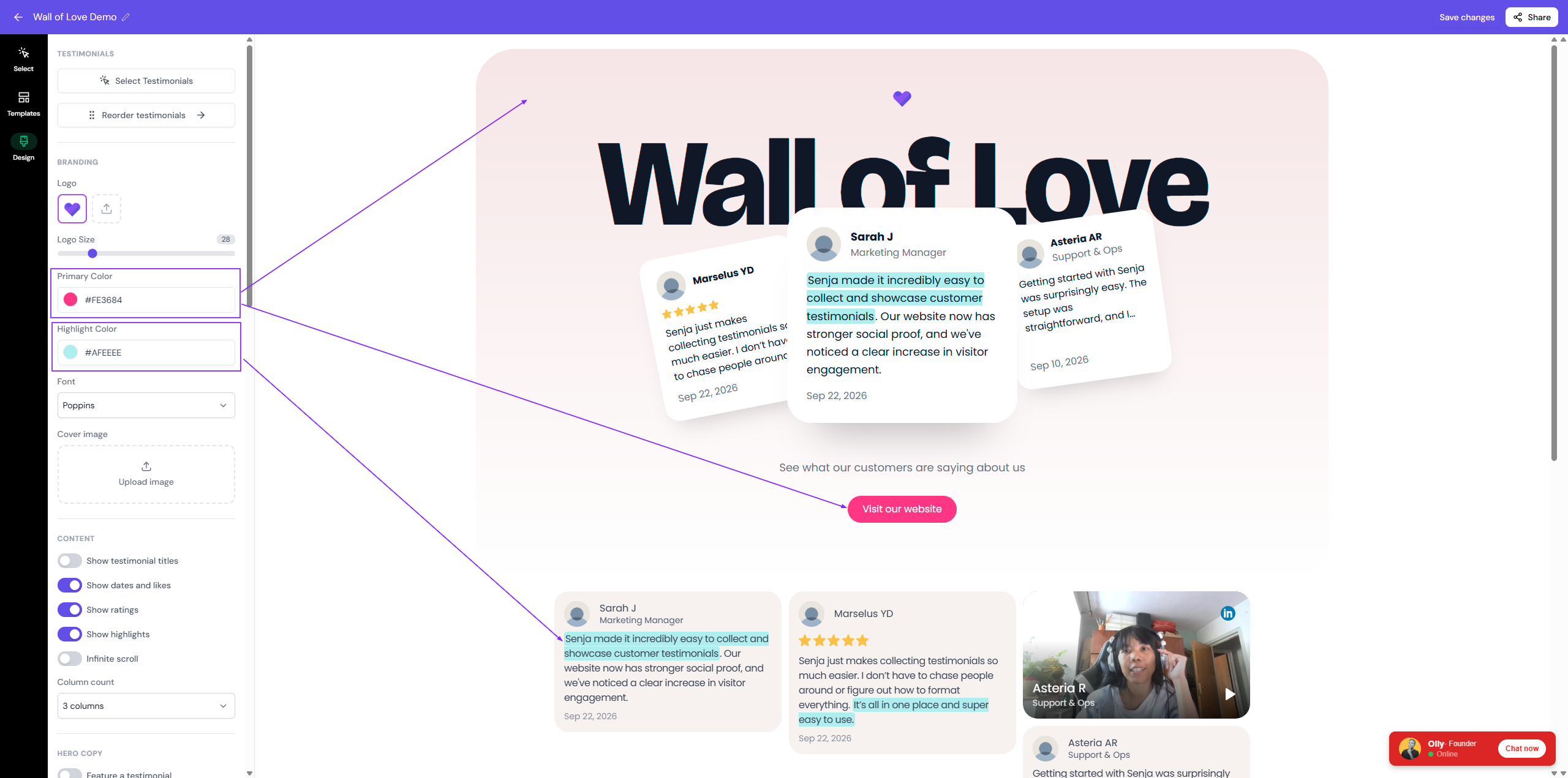
Default style
Primary color: The solid background color on the header
Highlight color: The color of highlighted part of the testimonials
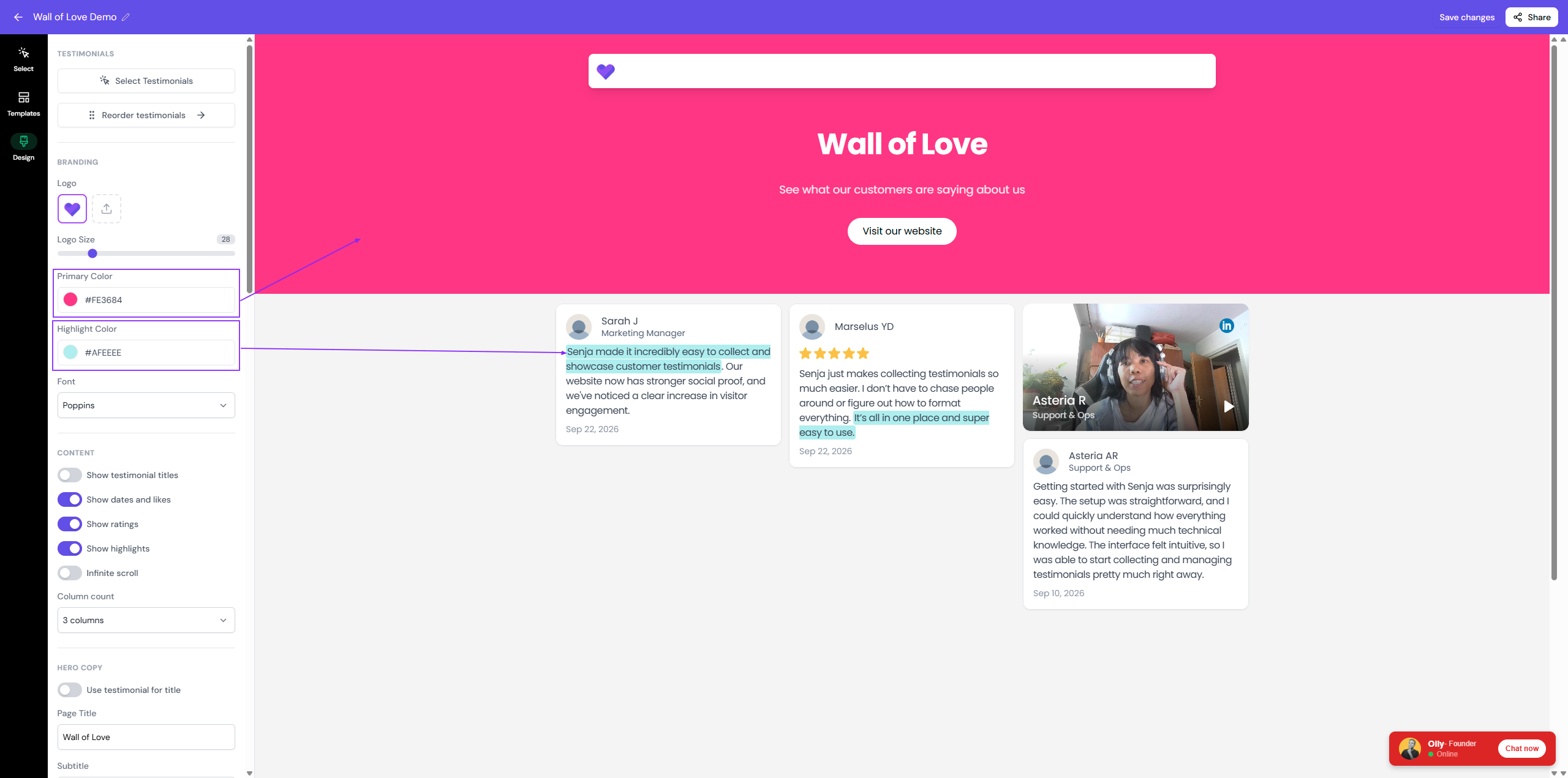
Hong Kong style
Primary color: No impact
Highlight color: No impact, the shade is predefined by default to make sure that it doesn't clash with the already colorful design
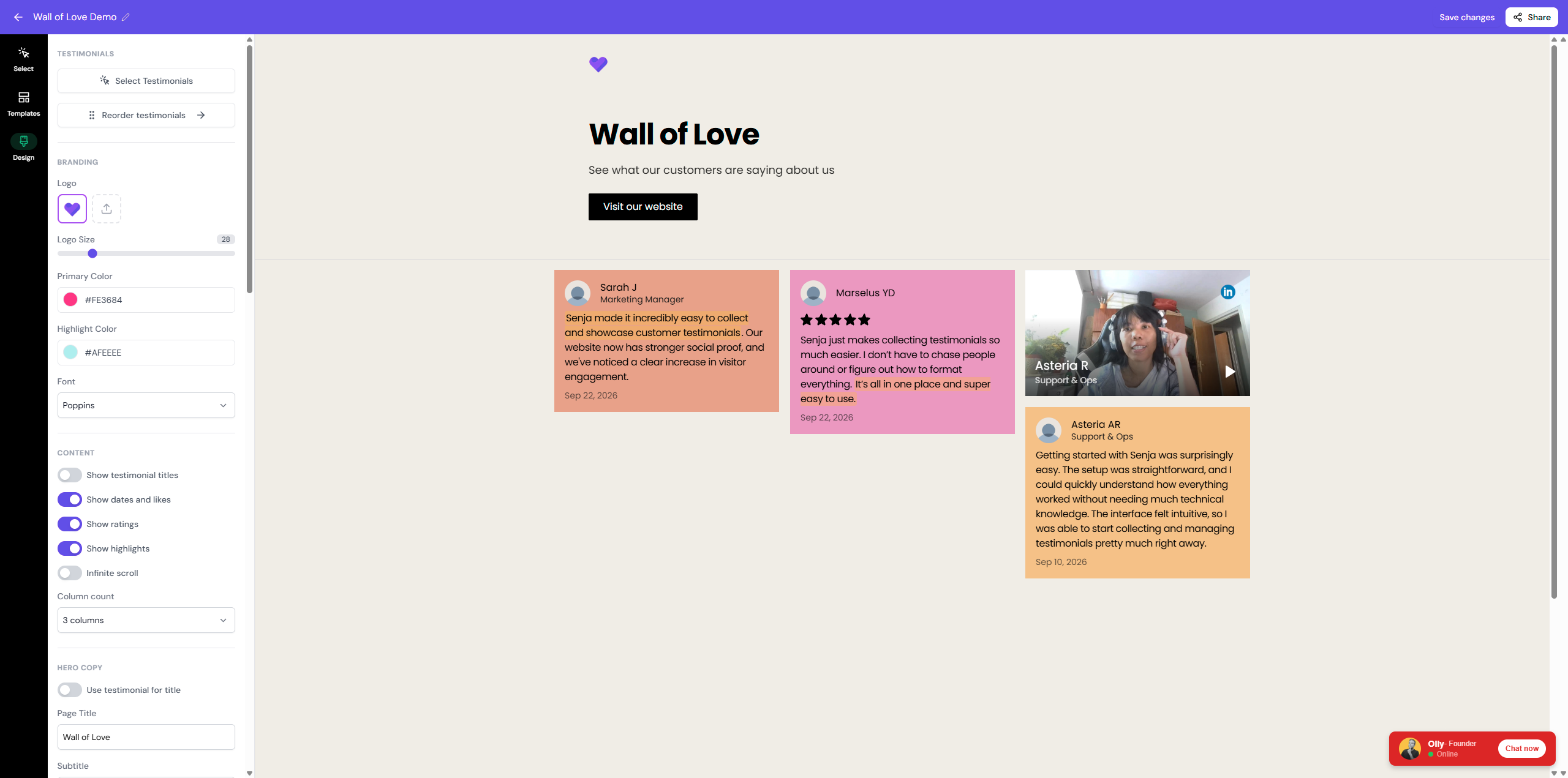
Whimsical style
Primary color: The color of CTA button
Highlight color: The color of highlighted part of the testimonials, but not on the header section
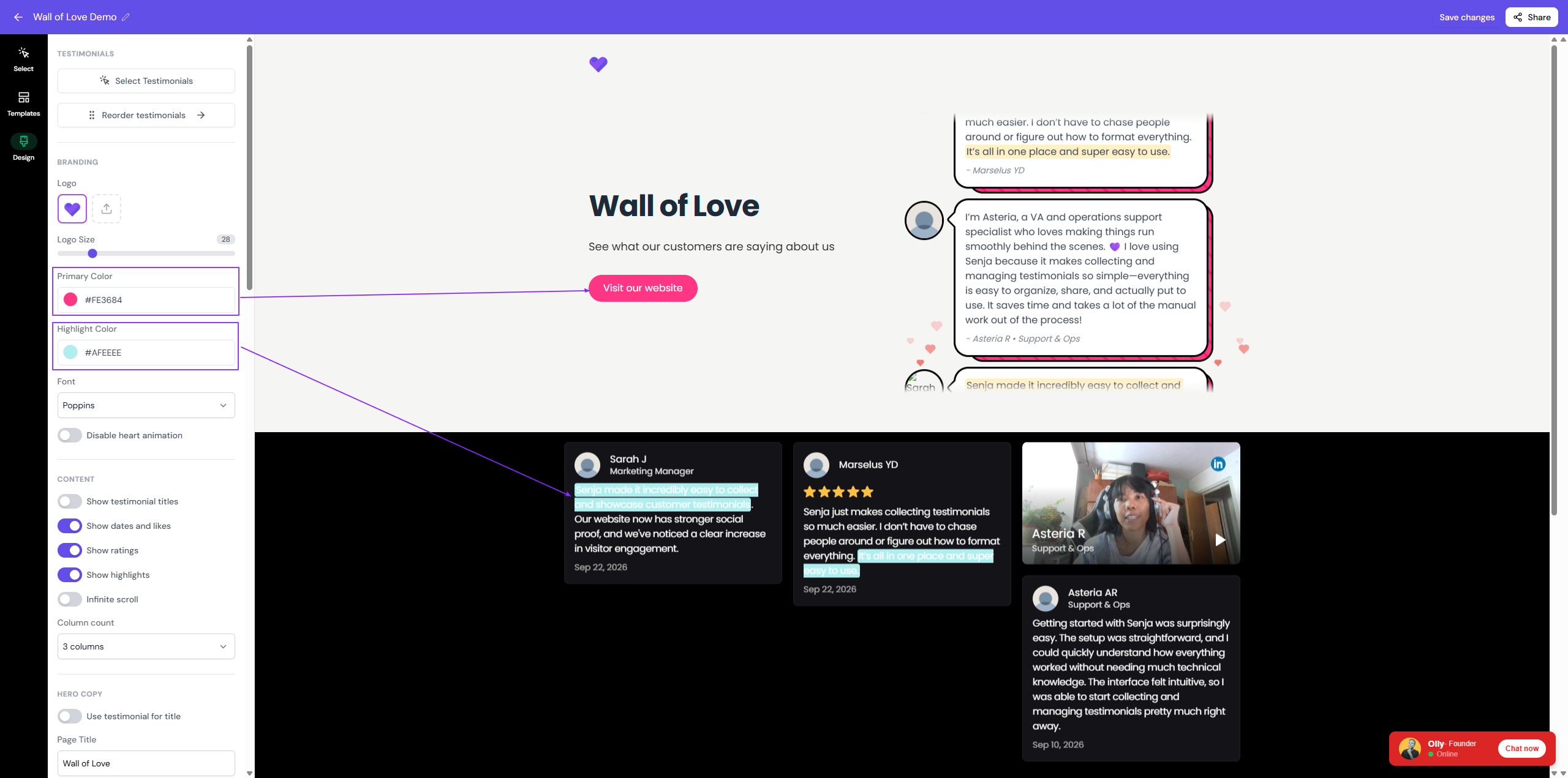
Pick a darker shade of highlight for this style, because the testimonial text is white by default to match the dark mode on the body section.
Noire style
Primary color: The burst shade of the header and the outline of CTA button
Highlight color: The color of highlighted part of the testimonials
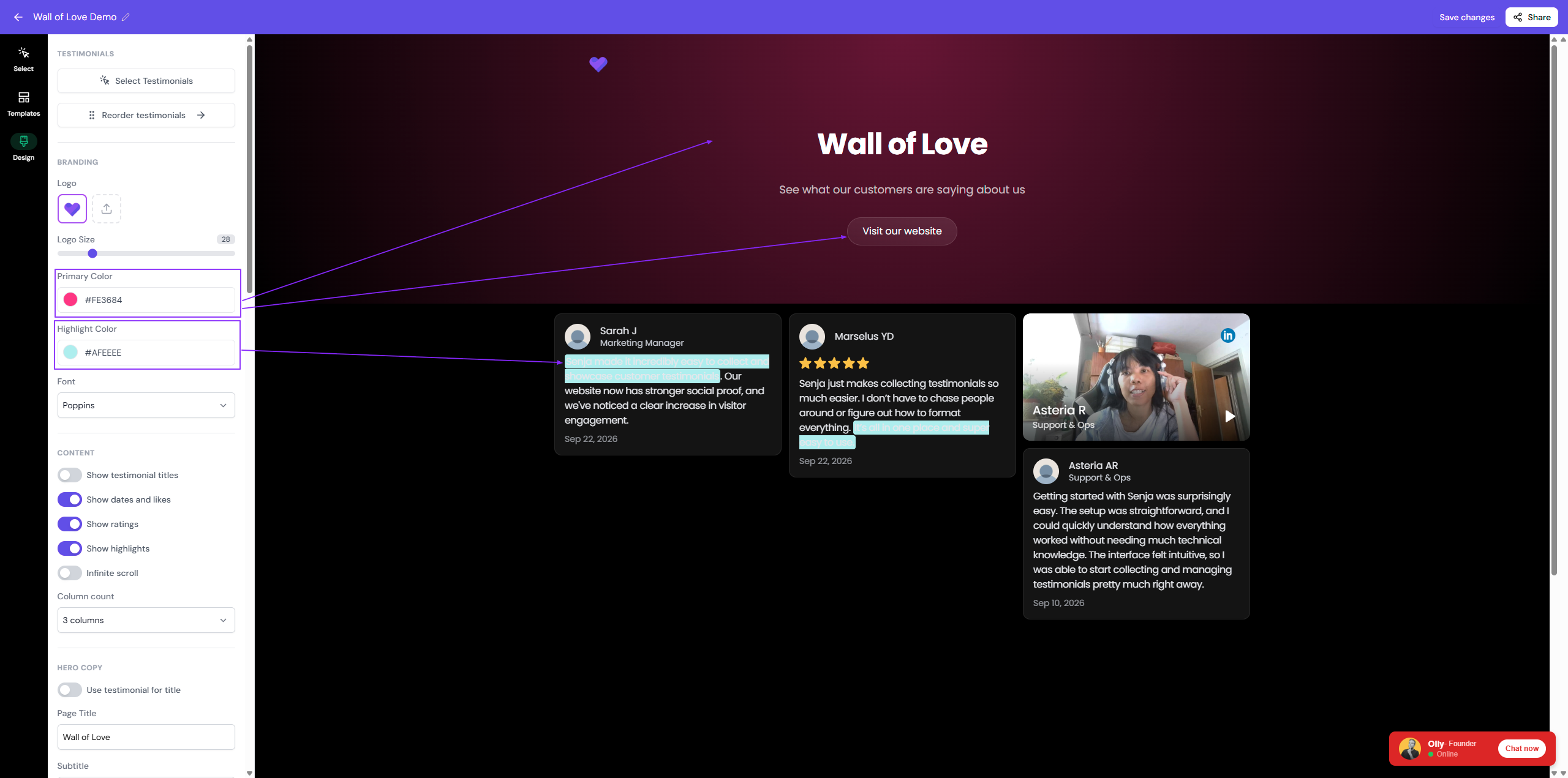
Pick a darker shade of highlight for this style, because the testimonial text is white by default to match the dark mode on the body section.
Pastel style
Primary color: The color of CTA button
Highlight color: The color of highlighted part of the testimonials, but not on the header section