
How to edit the design of my widget
Change how your widget looks so it fits your website: layout, colors, fonts, what each testimonial shows, and more. Every change shows in the preview straight away.
This is available on all Senja plans: Free, Starter and Pro. Removing Senja branding and custom CSS need a paid plan, and automatic translation needs Pro.
Open the Design tab
Go to your Studio page and open your widget
Click Design
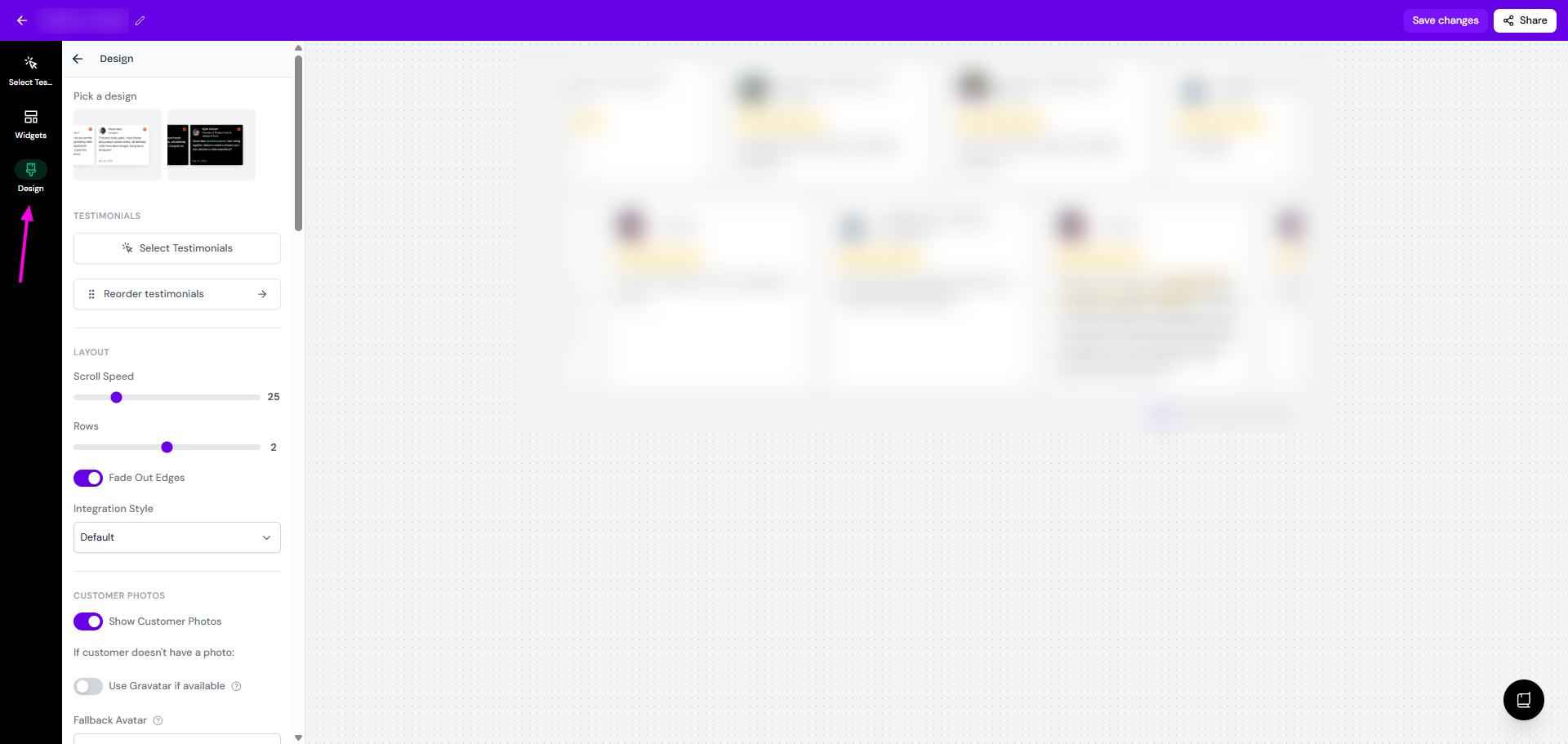
Make your changes
Click Save changes
Each widget style has its own set of options, so you won't see every setting below on every widget. Settings that only appear on some widgets are marked.
Pick a design
Some widget styles come in more than one variation. Choose one under Pick a design.
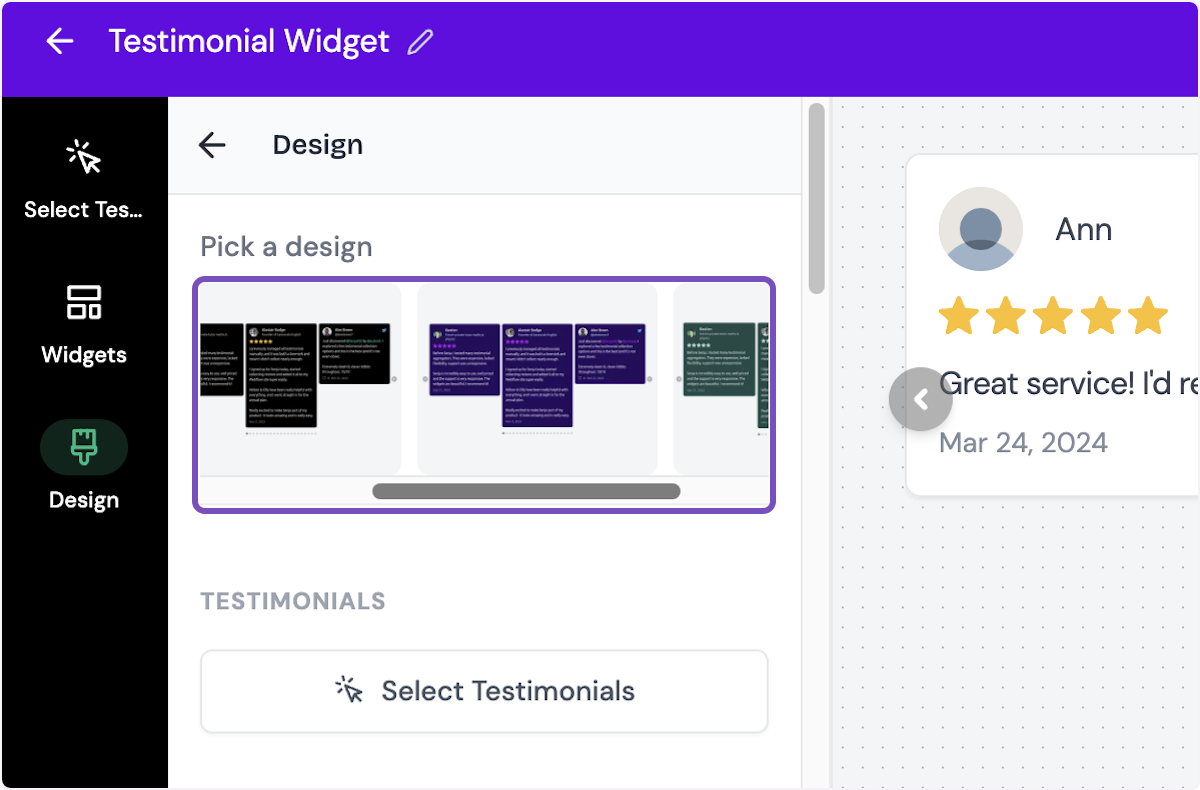
Available in: Rating Badge, Avatars Grid, Lindoy List, Testimonial Highlights, testimonial Masonry, Quote Grid, Mayen Carousel, Testimonial Avatars, Candy Carousel
Testimonials
Select Testimonials: change which testimonials your widget shows, see How to select testimonials for your widget
Reorder testimonials: sort, shuffle or pin testimonials, see How to reorder testimonials in your widget
Targeting
Hide on mobile
Only show on some pages
Available in: Testimonial Toast, Testimonial Popup
Layout
Setting | What it does | Which widgets |
|---|---|---|
Layout | Choose between grid or marquee style | Company Logos |
Max Columns | Number of columns, from 1 to 4 | Image Gallery, Hero Quotes, Testimonial Masonry, Testimonial Carousel, Quote grid |
Rows / Number of Rows | Number of rows shown | Testimonial Highlights, Testimonial Marquee |
Items Per Row | Number of testimonials per row | Testimonial Highlights |
Size | The size of testimonial block | Testimonial Highlights |
Spacing | Space between testimonials: Small to Extra Large | Company Logos, Testimonial Masonry |
Logo Width | Set logo width from 24 to 256 | Company Logos |
Center on page / Position in Center | Centers the widget on your page | Rating Badge, Testimonial Avatars |
Position | Show the popup on the Left, Center or Right | Testimonial Popup |
Alignment | Text testimonials alignment (center/left) | Quote Grid |
Autoplay | Move through testimonials on their own | Testimonial Carousel |
Transition Duration | Testimonial Toast | |
Show Arrows | Show navigation arrows | Testimonial Carousel |
Automatically Scroll Vertically | Scrolls through testimonials on its own, up to a Max height you set | Social Star, Bubble List |
Scroll Speed | How fast the widget scrolls | Testimonial Highlights, Testimonial Carousel |
Fade Out Edges | Fades the left and right edges instead of cutting them off | Testimonial Marquee |
Pulse Animation | Turn pulsing animation on or off | Testimonial Popup |
Integration Style | Choose Default or Floating | Testimonial Masonry, Testimonial Carousel, Testimonial Marquee |
Customer photos
Setting | What it does |
|---|---|
Show Customer Photos | Shows or hides photos for all testimonials in the widget. You can't hide them for only some |
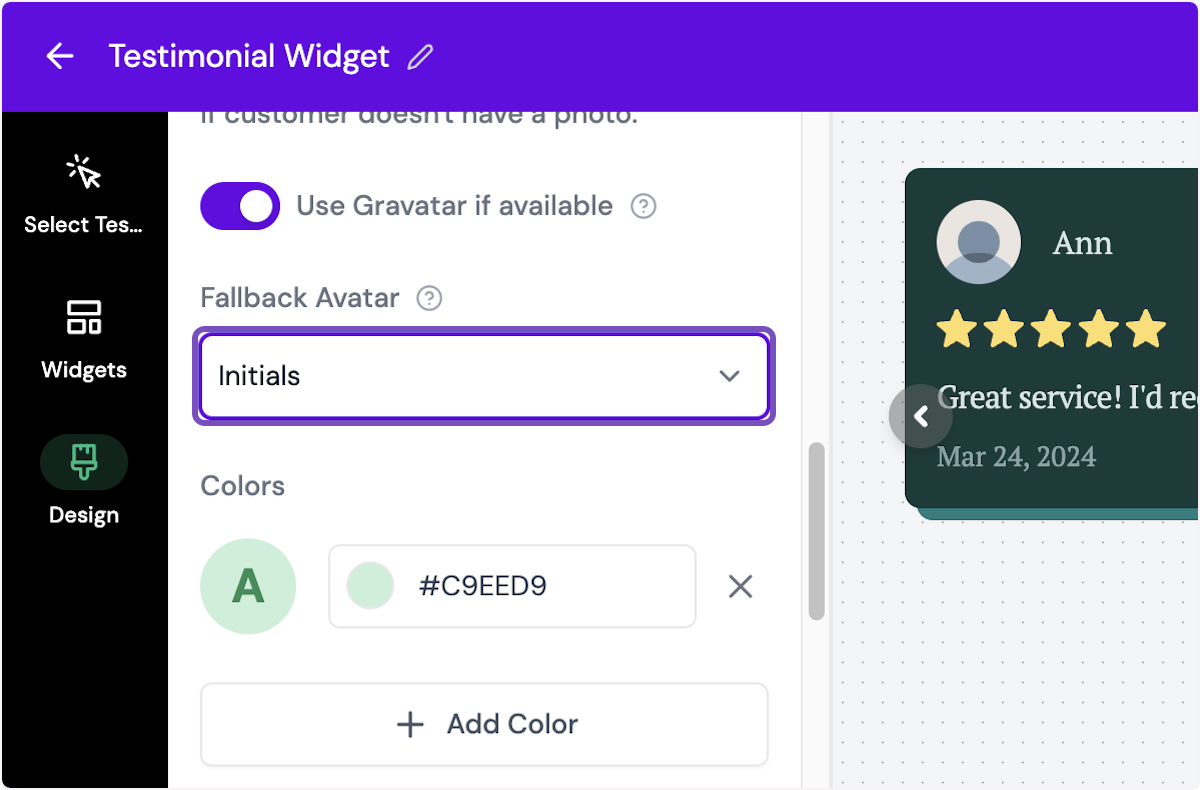
Use Gravatar if available | Uses the customer's Gravatar when they don't have a photo |
Fallback Avatar | What to show when there's no photo or Gravatar: Placeholder, Initials (with a background color you choose) or Custom (your own image) |
Optimize Customer Photos | Improves photo quality (Avatars Pro only) |
This setting is not available on: Image Gallery, Rating Badge, and Company Logo.
Translation
Turn on Automatically show testimonials in the visitors language to translate your widget for each visitor. This needs the Pro plan, see How to show testimonials in other languages in your widget.
This setting is not available on: Image Gallery, Rating Badge, and Company Logo.
Content
Setting | Which widgets |
|---|---|
Show Ratings / Show rating | Hero Quotes, Lindoy List, Testimonial Masonry, Bubble List, Testimonial Carousel, Testimonial Marquee, Quote Grid |
Show testimonial titles | Testimonial Masonry, Testimonial Carousel, Testimonial Marquee |
Show Highlights / Use Highlights | Except Image Gallery, Rating Badge, Testimonial Highlights |
Show Quotes | Testimonial Highlights |
Show image attachments | Testimonial Masonry, Testimonial Carousel, Testimonial Marquee |
Show text excerpt on video testimonials | Testimonial Masonry, Testimonial Carousel, Testimonial Marquee |
Show dates and likes | Testimonial Masonry, Testimonial Carousel, Testimonial Marquee |
Shorten long testimonials | Testimonial Masonry, Testimonial Carousel, Testimonial Marquee |
Limit Testimonials | Image Gallery, Hero Quotes, Highlights Bold, Bricks, Lindoy List, Testimonial Masonry, Bubble List |
Max Testimonials | Image Gallery, Hero Quotes, Highlights Bold, Bricks, Lindoy List, Testimonial Masonry, Bubble List |
Load more button label / Load more button text | Image Gallery, Hero Quotes, Highlights Bold, Bricks, Testimonial Popup, Lindoy List, Testimonial Masonry, Bubble List |
Hide load more button | Image Gallery, Hero Quotes, Highlights Bold, Bricks, Lindoy List, Testimonial Masonry, Bubble List |
Max lines | Testimonial Masonry, Testimonial Carousel, Testimonial Marquee |
Read more text | Testimonial Masonry, Testimonial Carousel, Testimonial Marquee |
Read less text | Testimonial Masonry, Testimonial Carousel, Testimonial Marquee |
Show Border | Testimonial Masonry, Testimonial Carousel, Testimonial Marquee |
Border Width | Image Gallery, Testimonial Masonry, Testimonial Carousel, Testimonial Marquee |
Border Radius | Image Gallery, Testimonial Masonry, Bubble List, Testimonial Carousel, Testimonial Marquee, Mayen Carousel |
Shadow Size | Image Gallery, Testimonial Masonry, Bubble List, Testimonial Carousel, Testimonial Marquee |
Shadow Style | Image Gallery, Testimonial Masonry, Bubble List, Testimonial Carousel, Testimonial Marquee |
Shadow Color | Image Gallery, Testimonial Masonry, Testimonial Carousel, Testimonial Marquee |
Title | Testimonial Popup |
Subtitle | Testimonial Popup |
Button Text | Testimonial Popup |
Call to Action text | Testimonial Toast, Testimonial Popup |
Call to Action URL | Testimonial Toast, Testimonial Popup |
Text | Rating Badge, Avatars Pro, Testimonial Avatars |
Center Text | Avatars Pro |
Show Rating Value | Testimonial Avatars |
Rating Number Style | Rating Badge |
External Link / Link | Rating Badge, Testimonial Avatars |
Open Popup on Click | Company Logos, Testimonial Avatars |
Colors
Set Primary Color, Background Color, Text Color, Rating Color, Rating Border Color, Border Color and Highlight Color. Some widgets also have Rating Number Background, and Company Logos has Grayscale.
Your brand kit colors show first when you pick a color, see How to set up and use your brand kit.
Typography
Choose a font under Typography → Font. Your brand kit fonts show at the top of the list.
Filters
On Testimonial Masonry, add filter tabs so visitors can choose which testimonials to see, like by product or topic.
Remove Senja branding
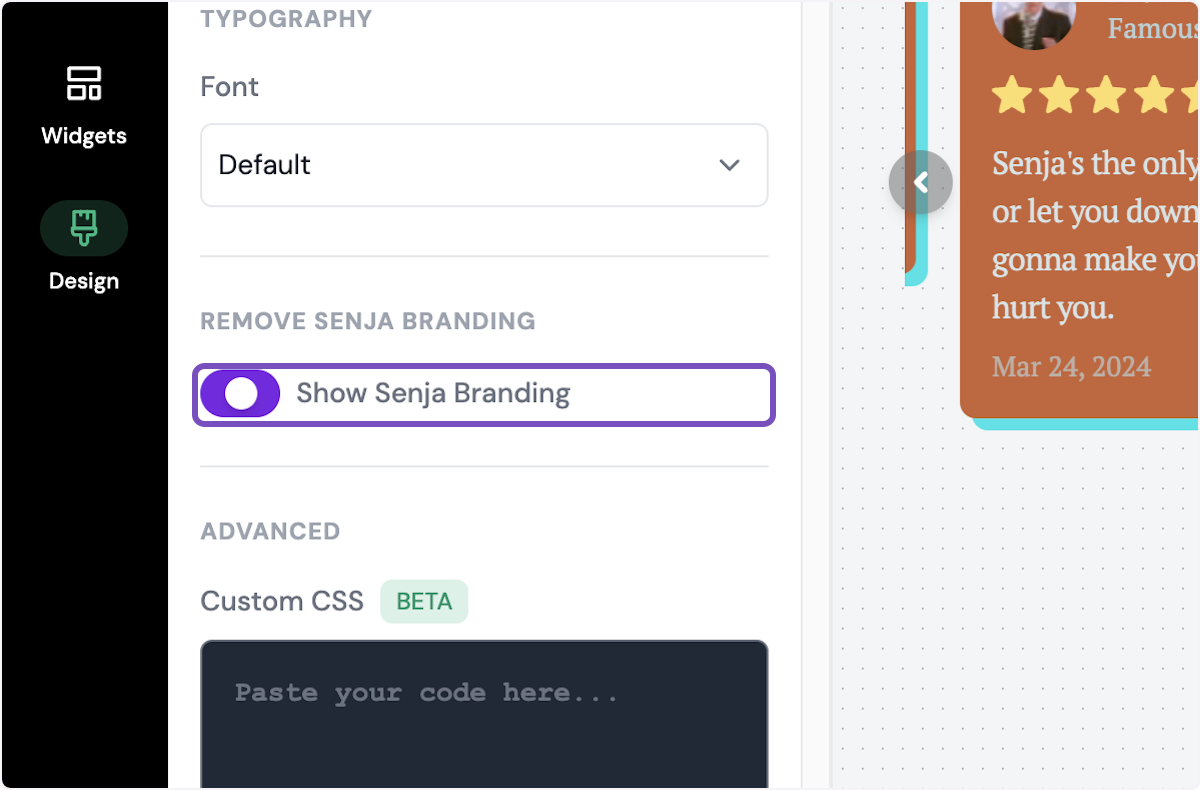
On a paid plan, turn off the Collect testimonials with Senja label. To remove it from everything in your project at once, see How do I remove Senja branding?
Custom CSS
On a paid plan, go to Advanced → Custom CSS to change anything the settings above don't cover, like width or custom fonts. See Can I customize my widget CSS.