
How to edit a testimonial
You can edit a testimonial's text, rating, images, and other details after it's collected. You can also highlight the best parts, add translations, and make a shorter version for places where space is tight.
Editing is available on all Senja plans: Free, Starter, and Pro. Translations need a Pro plan.
There's no undo once you save an edit. If you only want a shorter version, duplicate the testimonial first. See Create a shorter version.
Edit a testimonial
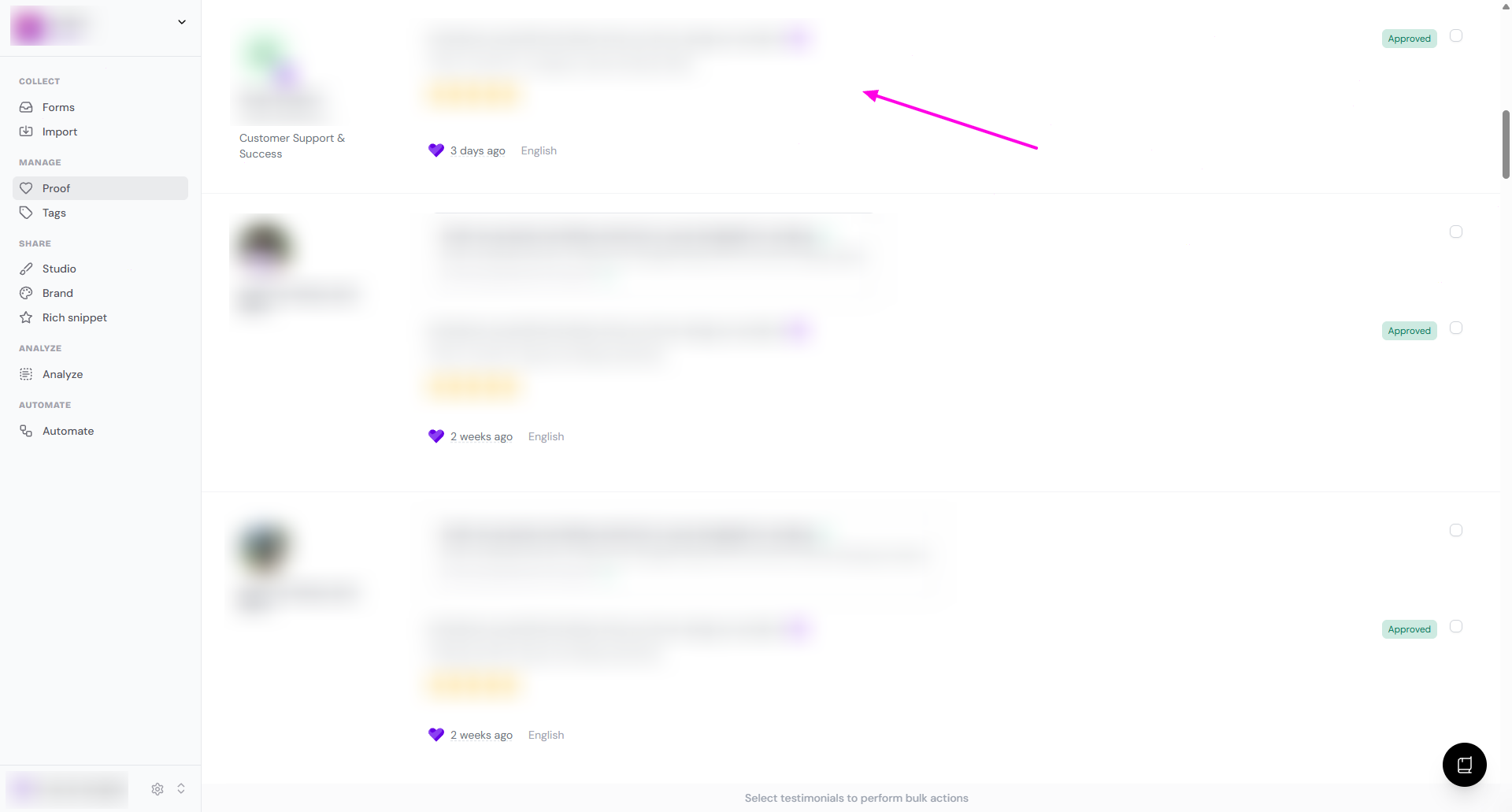
Go to your Proof page: https://app.senja.io/
Click the testimonial you want to edit
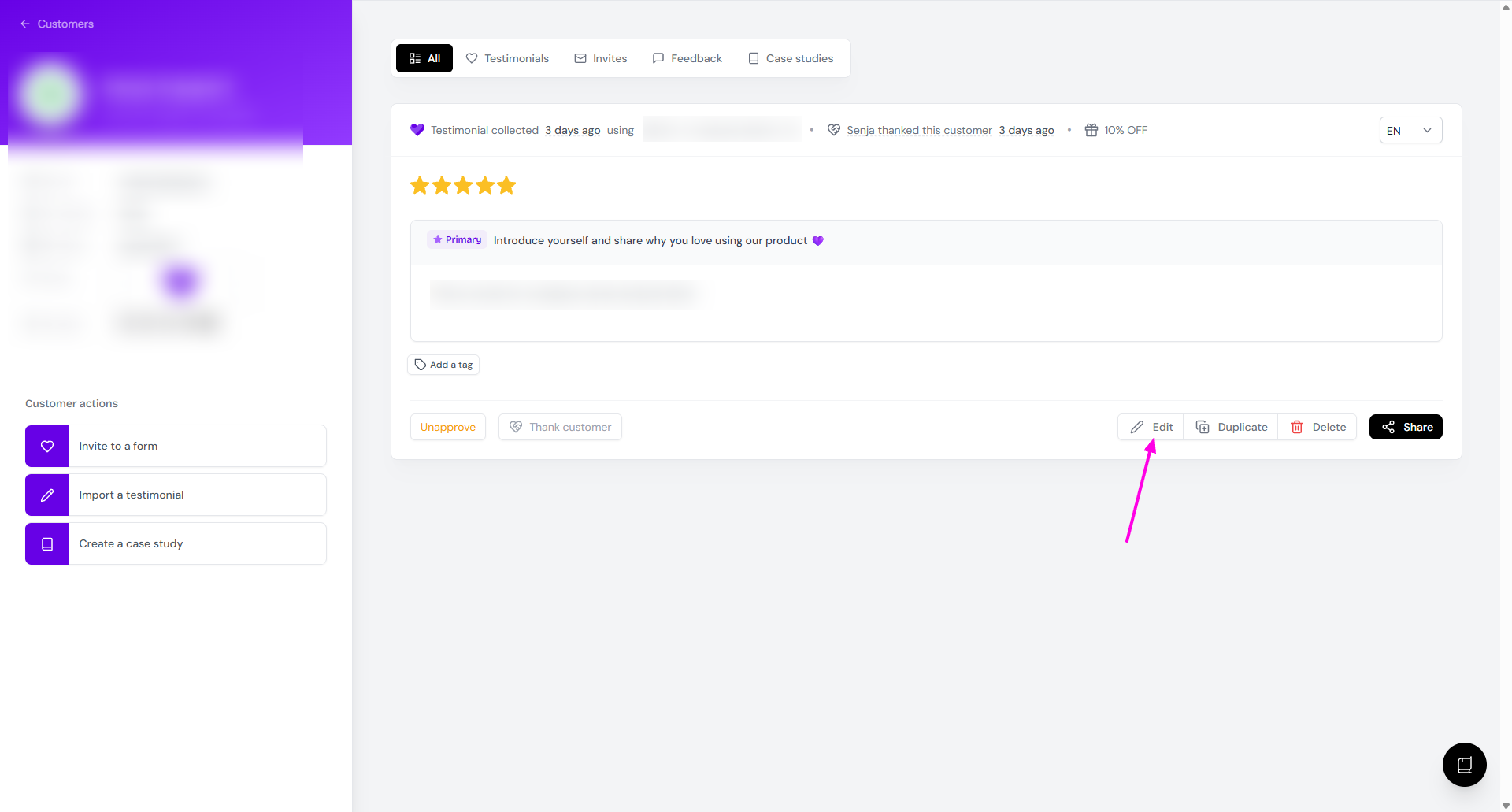
On the customer page, click Edit
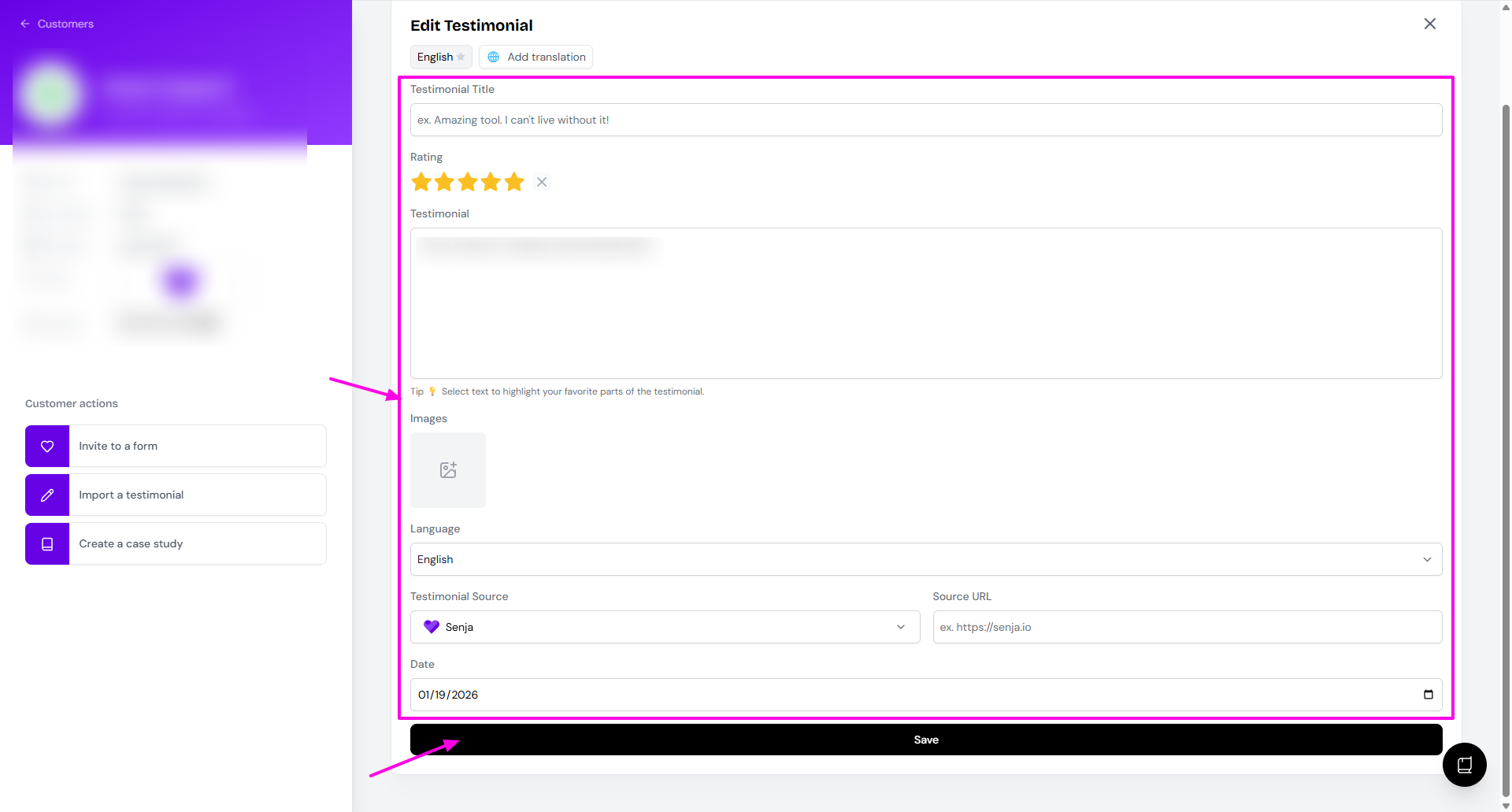
Make your changes and click Save
Your changes also show up in any widget or Wall of Love that uses this testimonial.
What you can edit
Testimonial Title
Rating
Testimonial text
Highlights in the text, see Highlight the best parts
Images
Language
Testimonial Source
Source URL
Date the testimonial was submitted
Translations (Pro plan only), see Add translations
To edit customer details like name, photo, or company, update them on the left side of the customer page. Editing a video testimonial? See How do I edit my video testimonial?
You can only edit the text of the answer to the primary question.
Highlight the best parts
Highlights mark the key line in a testimonial, so readers can scan a page full of testimonials and still catch the important bit. For ideas on what to highlight, read our guide to testimonial highlights.
Open the testimonial and click Edit
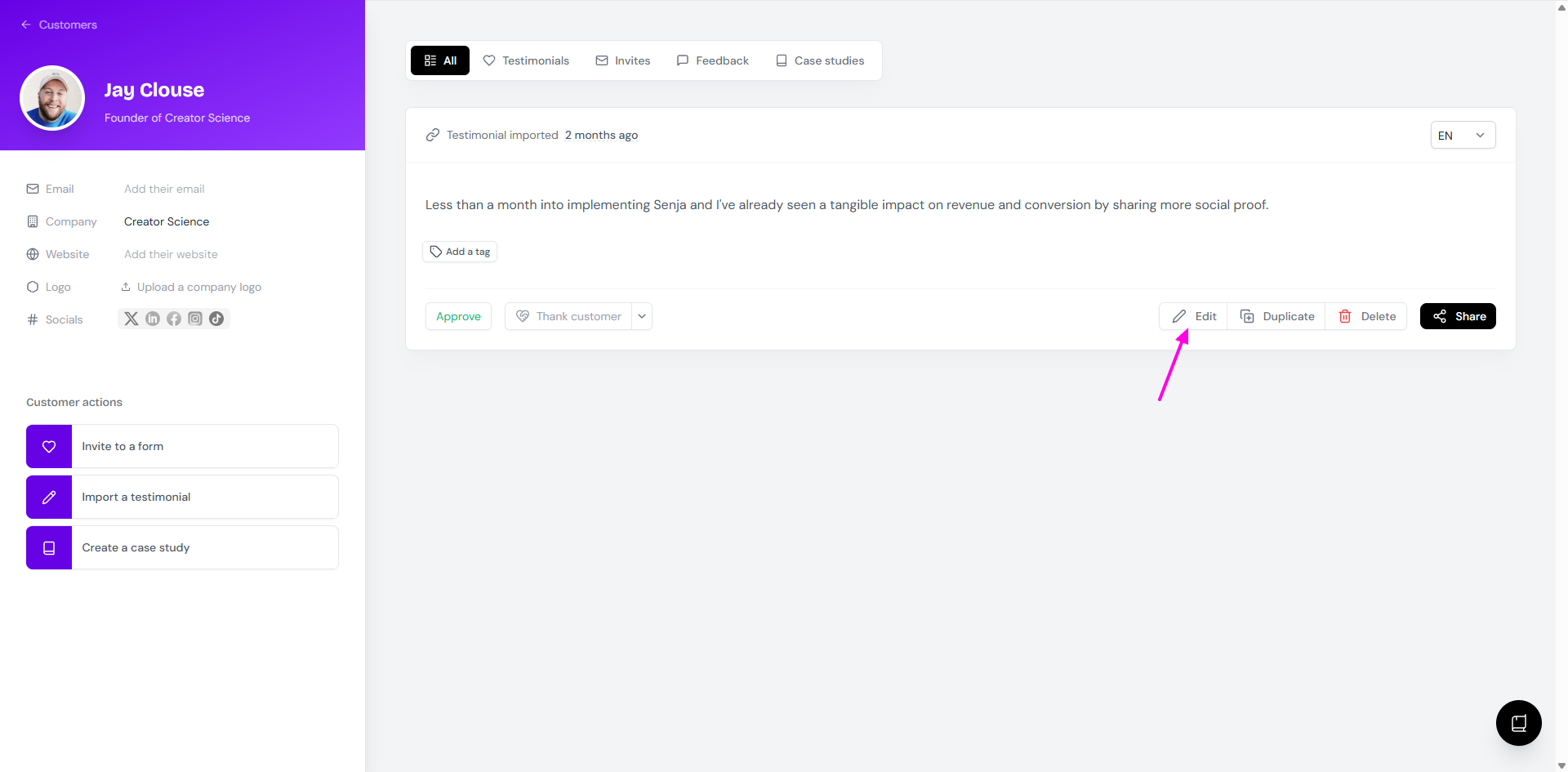
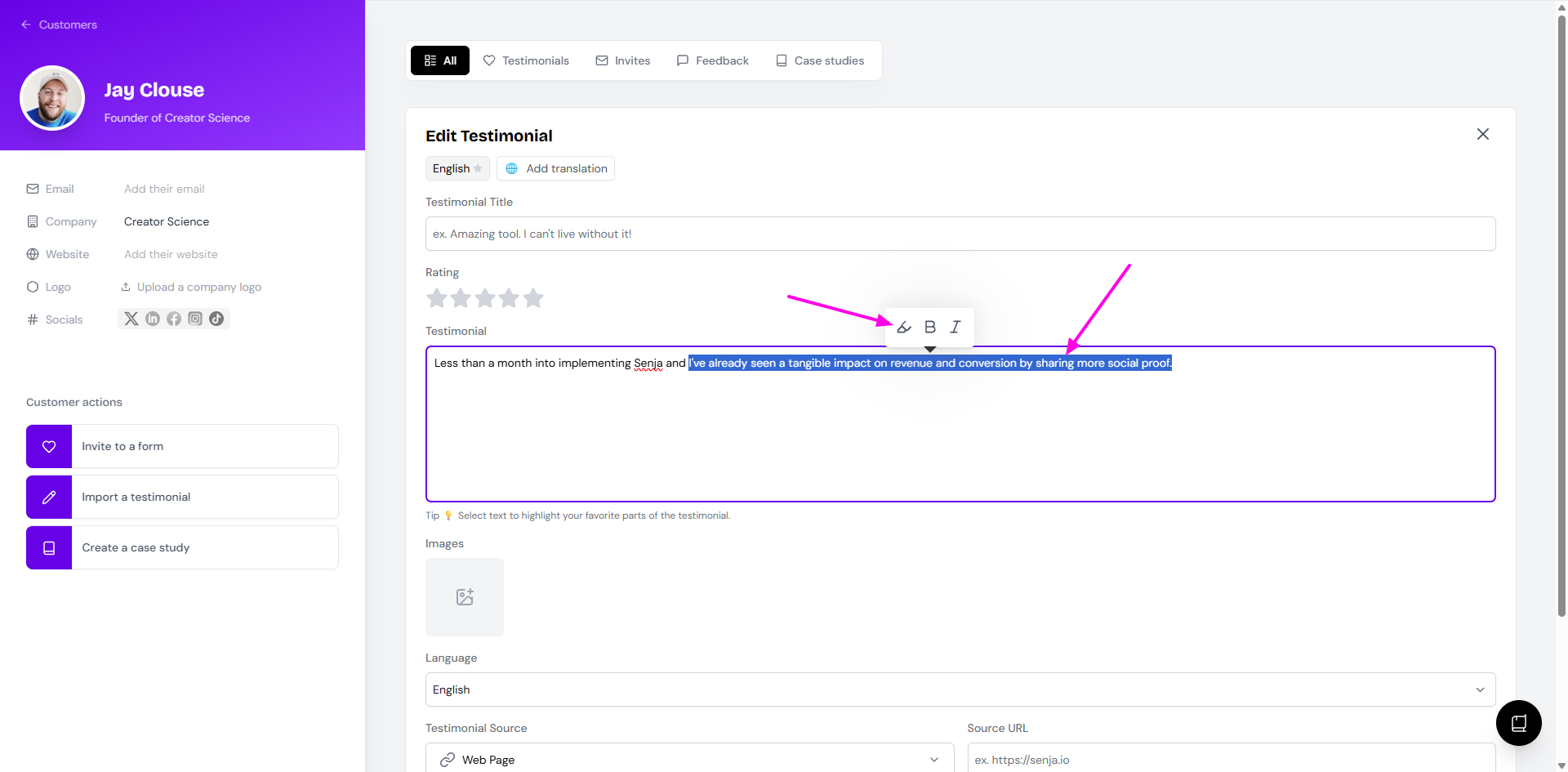
Select the text you want to highlight
In the formatting menu, click the highlight marker. You can also make text bold or italic from here
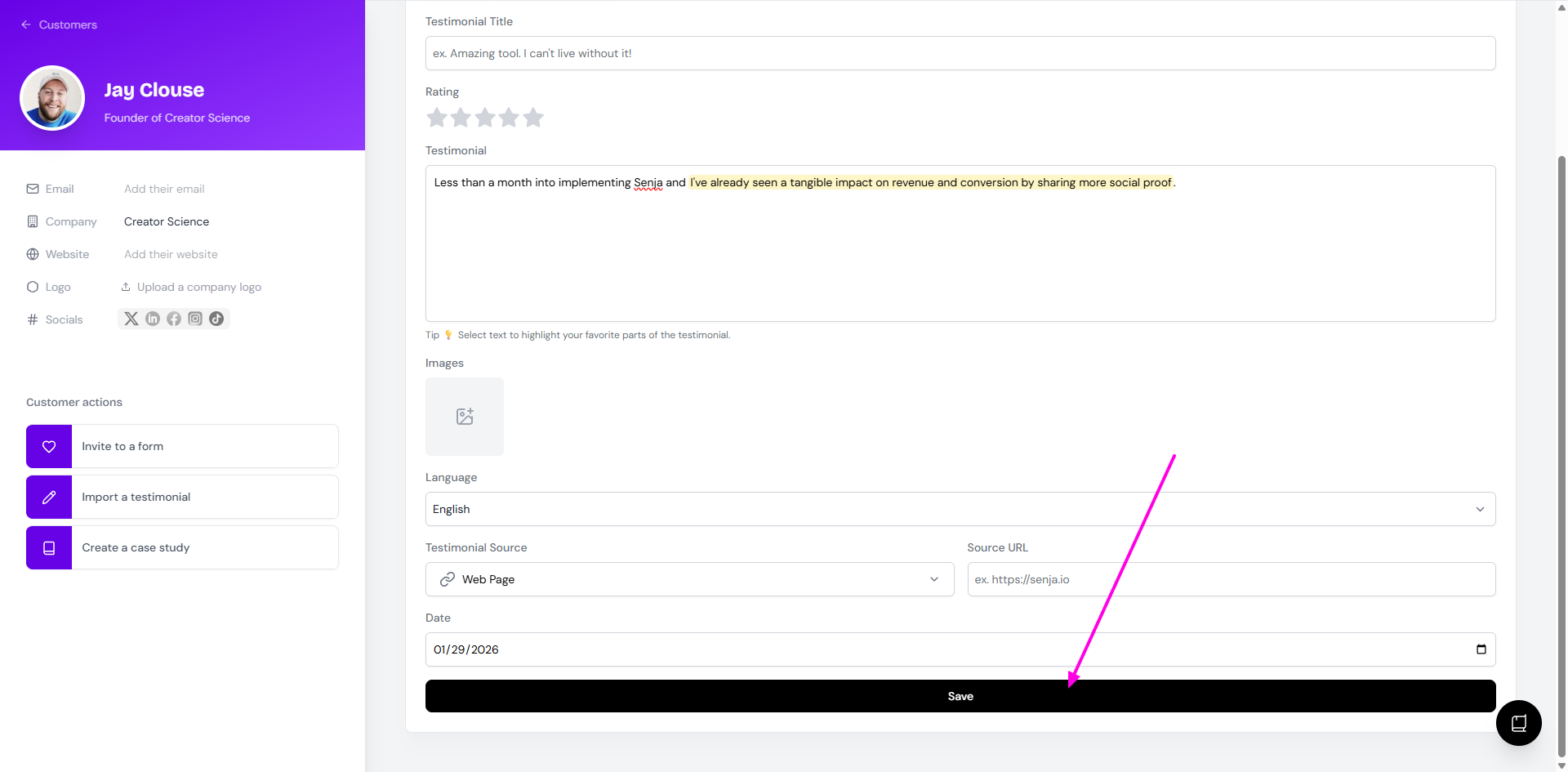
Click Save
Use highlighted testimonials in widgets
To show only testimonials that have highlights, go to Studio: https://app.senja.io/studio
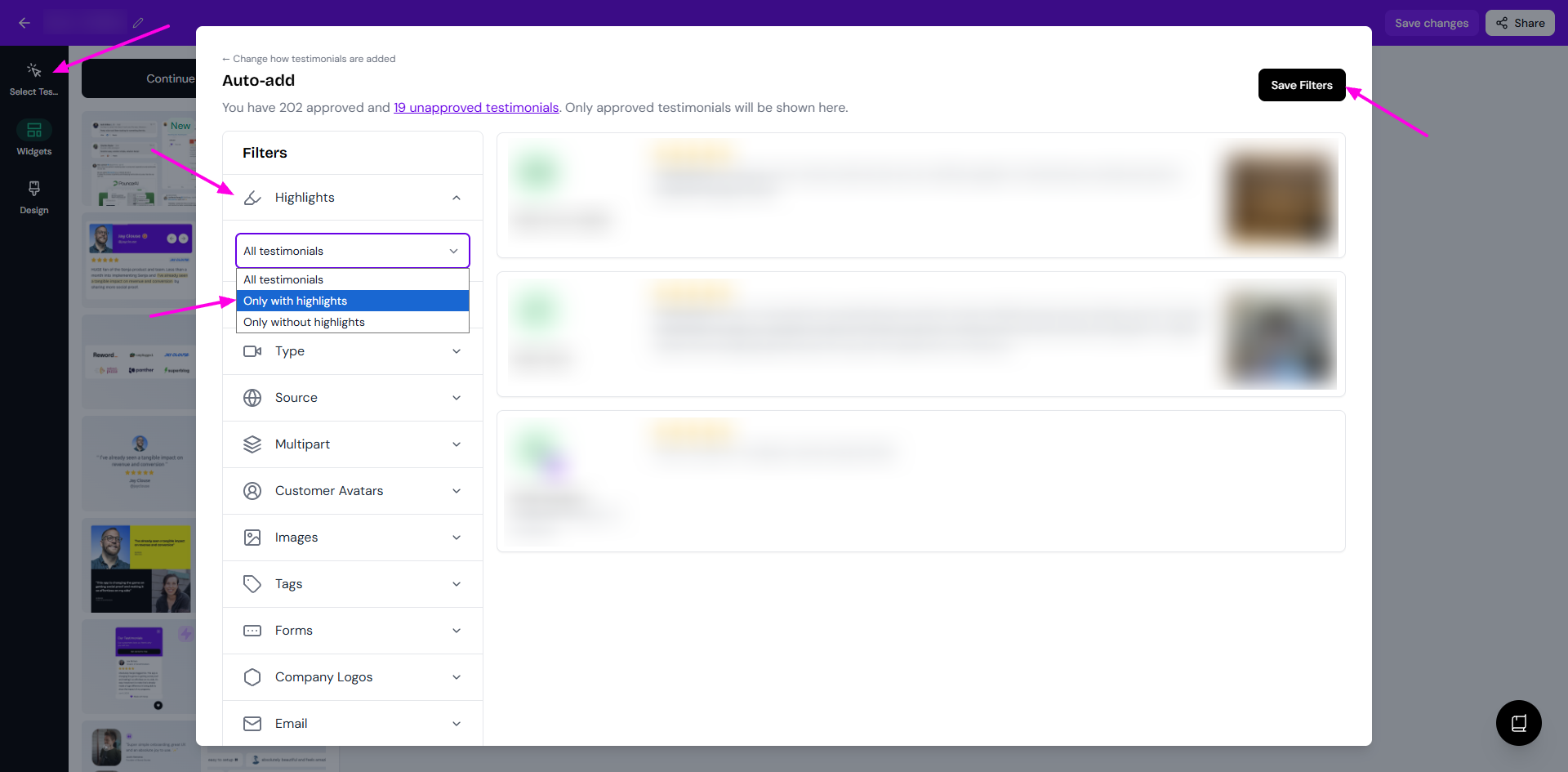
Open your widget or Wall of Love and click Select Testimonials
Go to Filters → Highlights → Only with highlights
Click Save Filters (Auto-add mode) or Save Selection (Manual selection mode)
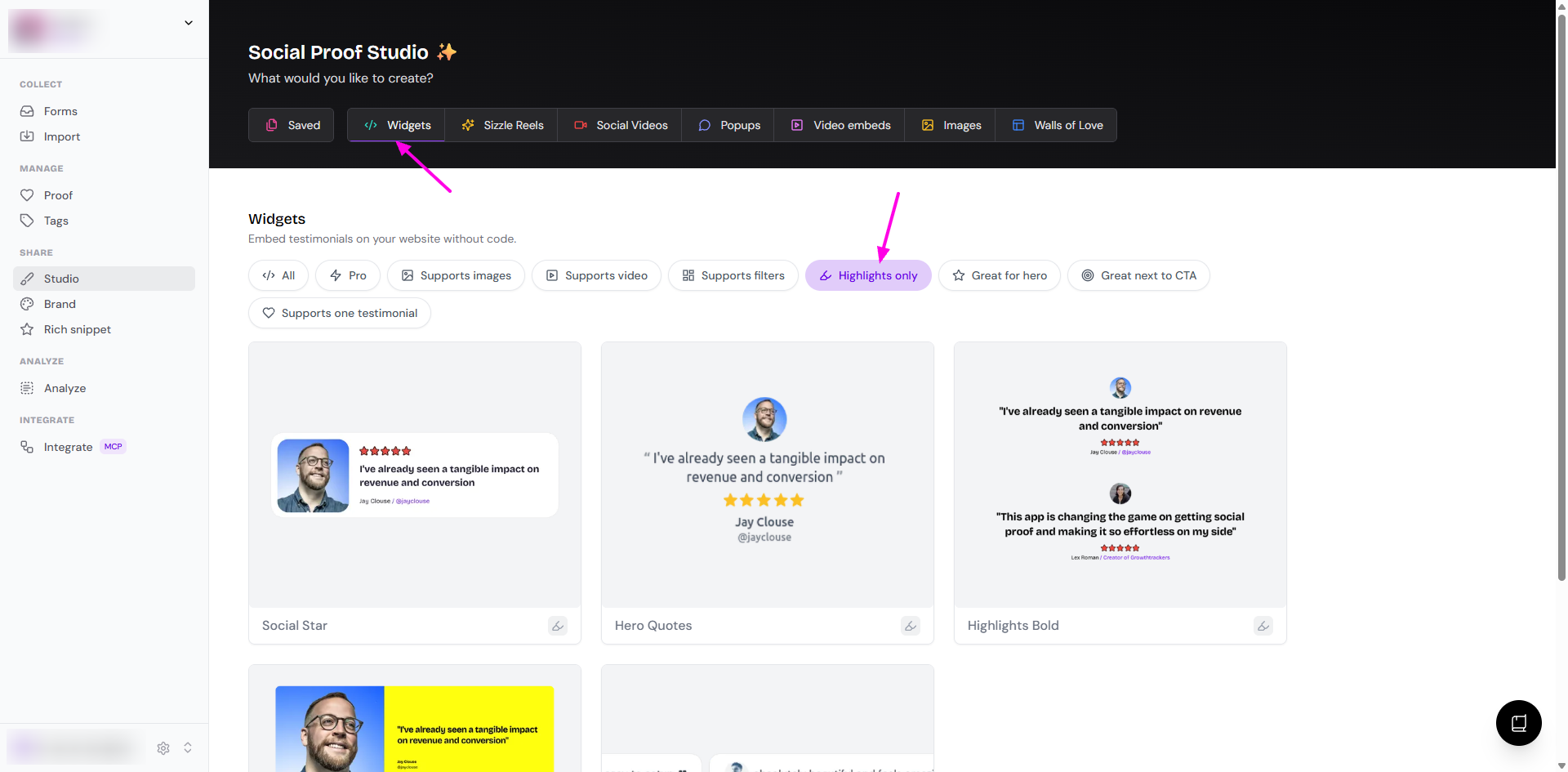
Some widget styles are built for highlighted testimonials. In Studio → Widgets, pick the Highlights only label to see them.
Add translations
Translations are available on the Pro plan.
Add other language versions of a testimonial, so you can show the right one to the right audience.
Open the testimonial and click Edit
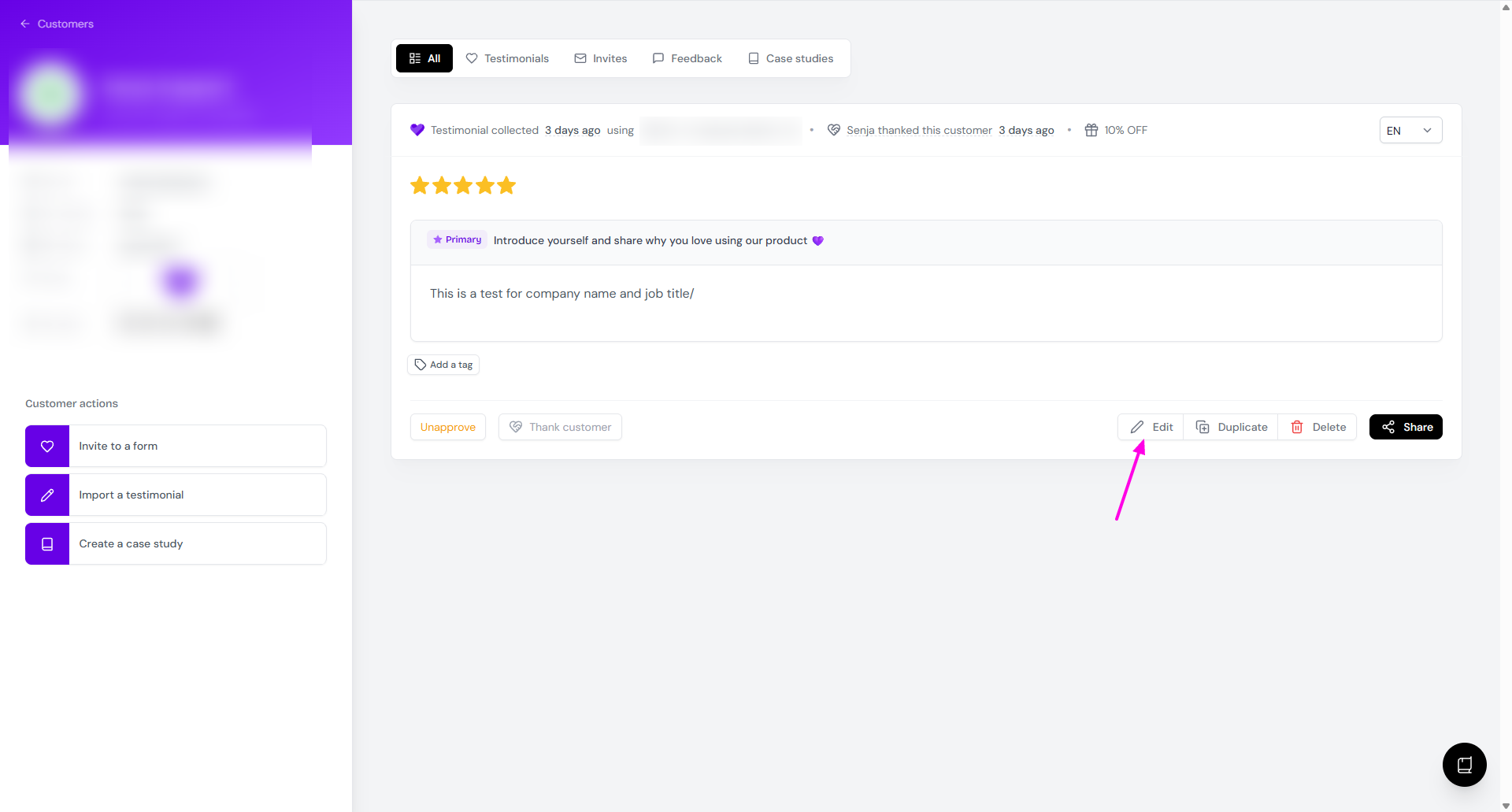
Click Add translation and choose the Language
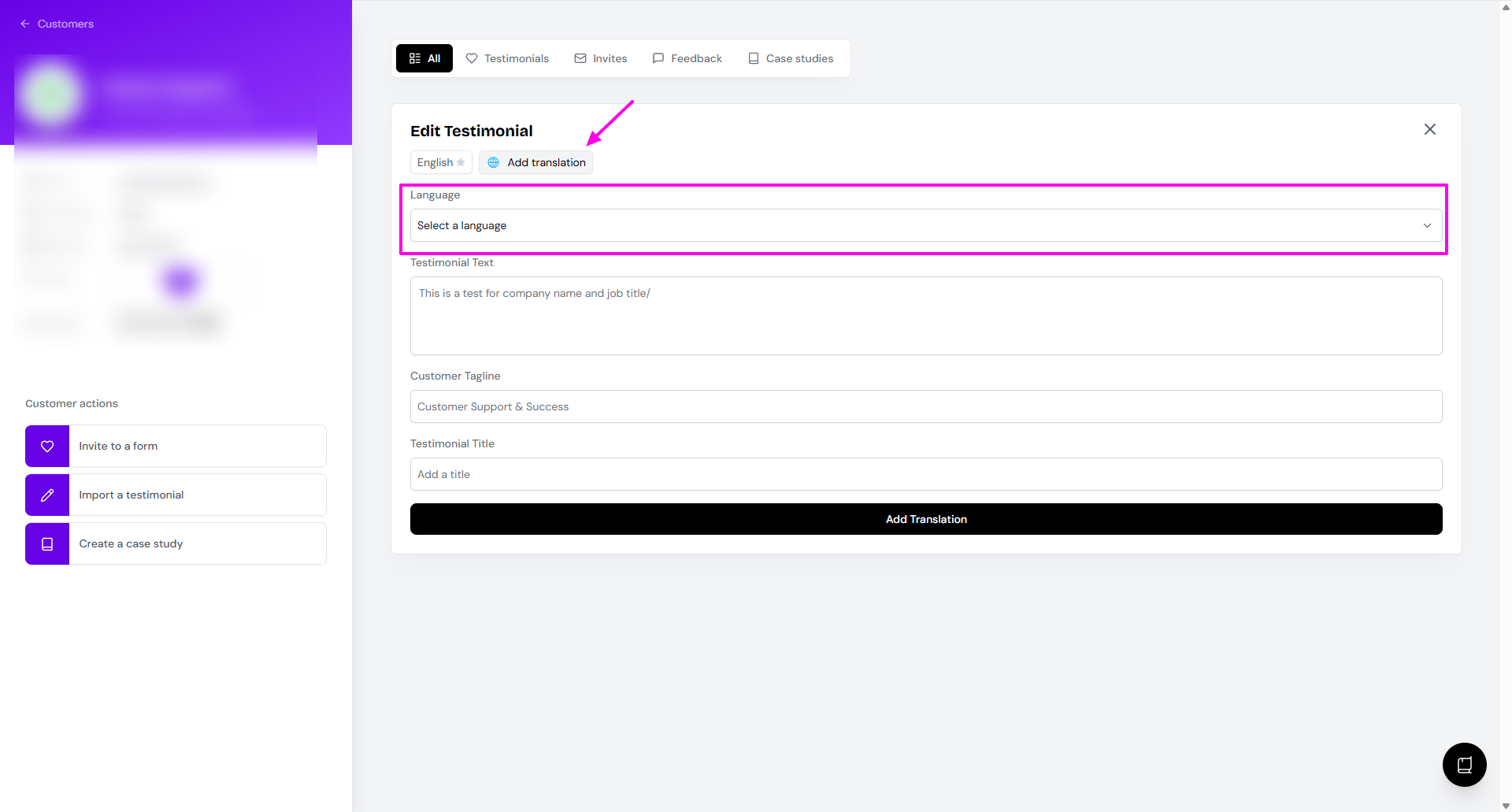
Click Generate Translation
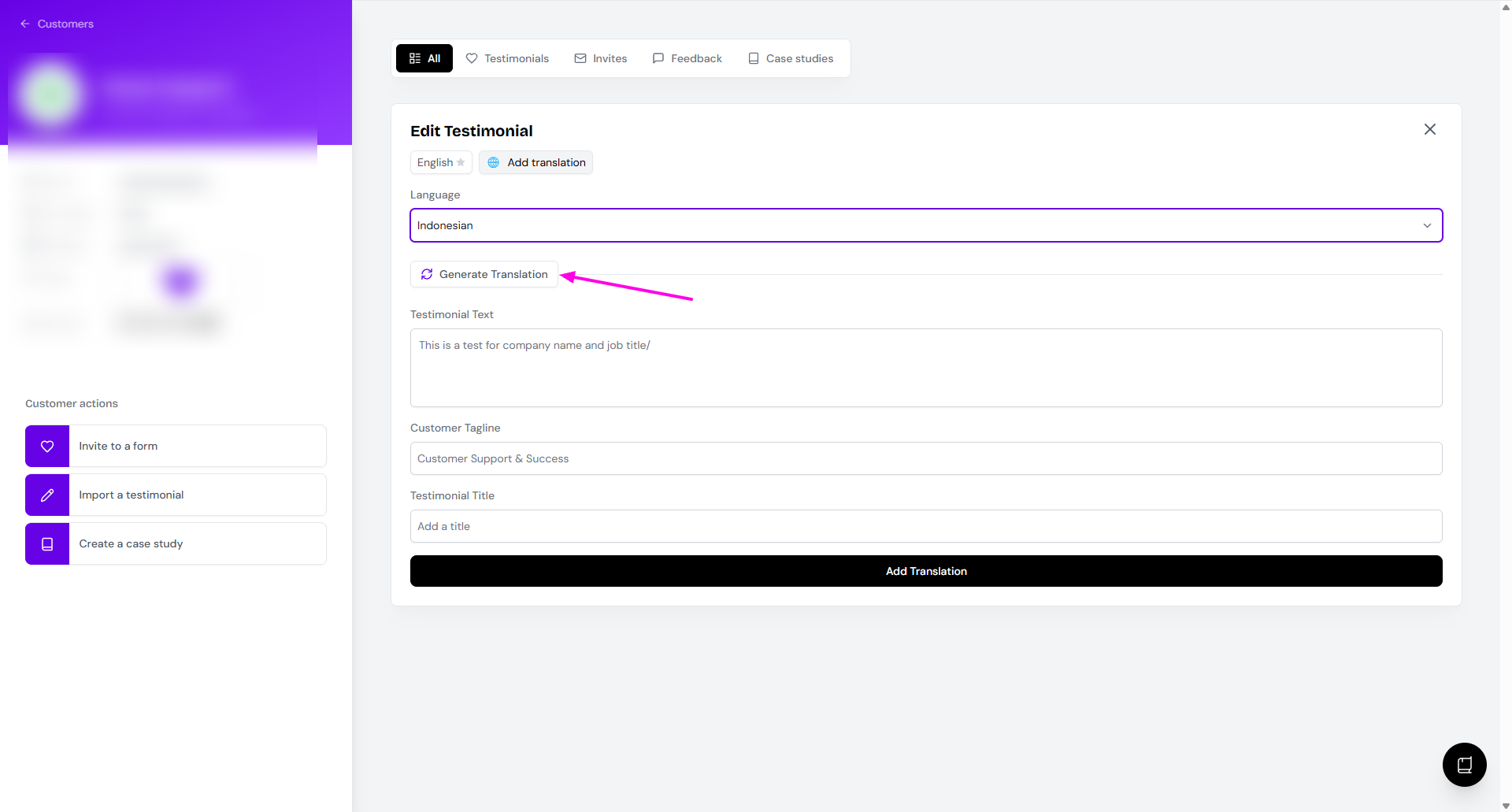
Review the result and click Add Translation if you're happy with it
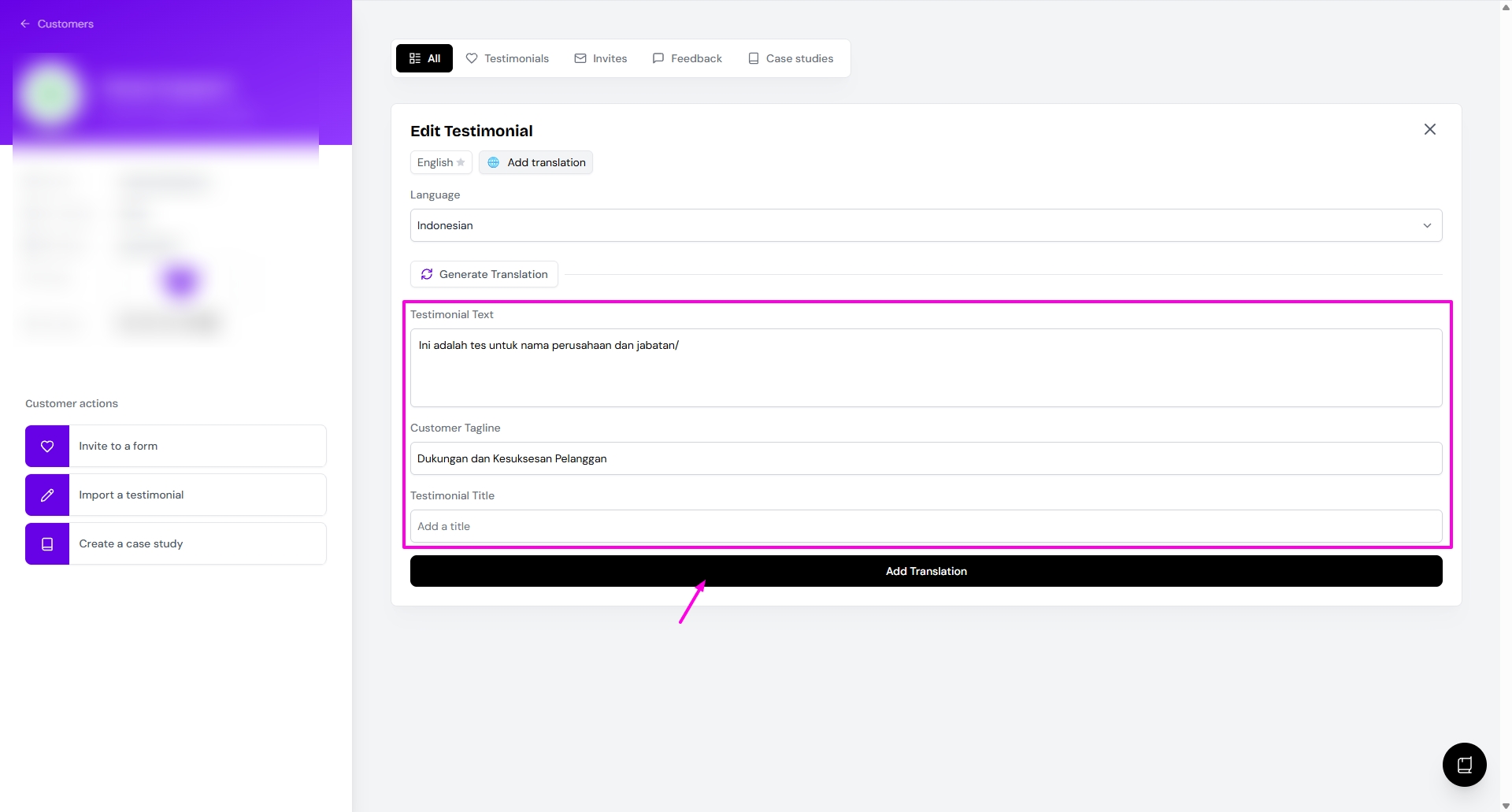
Switch between languages from the testimonial
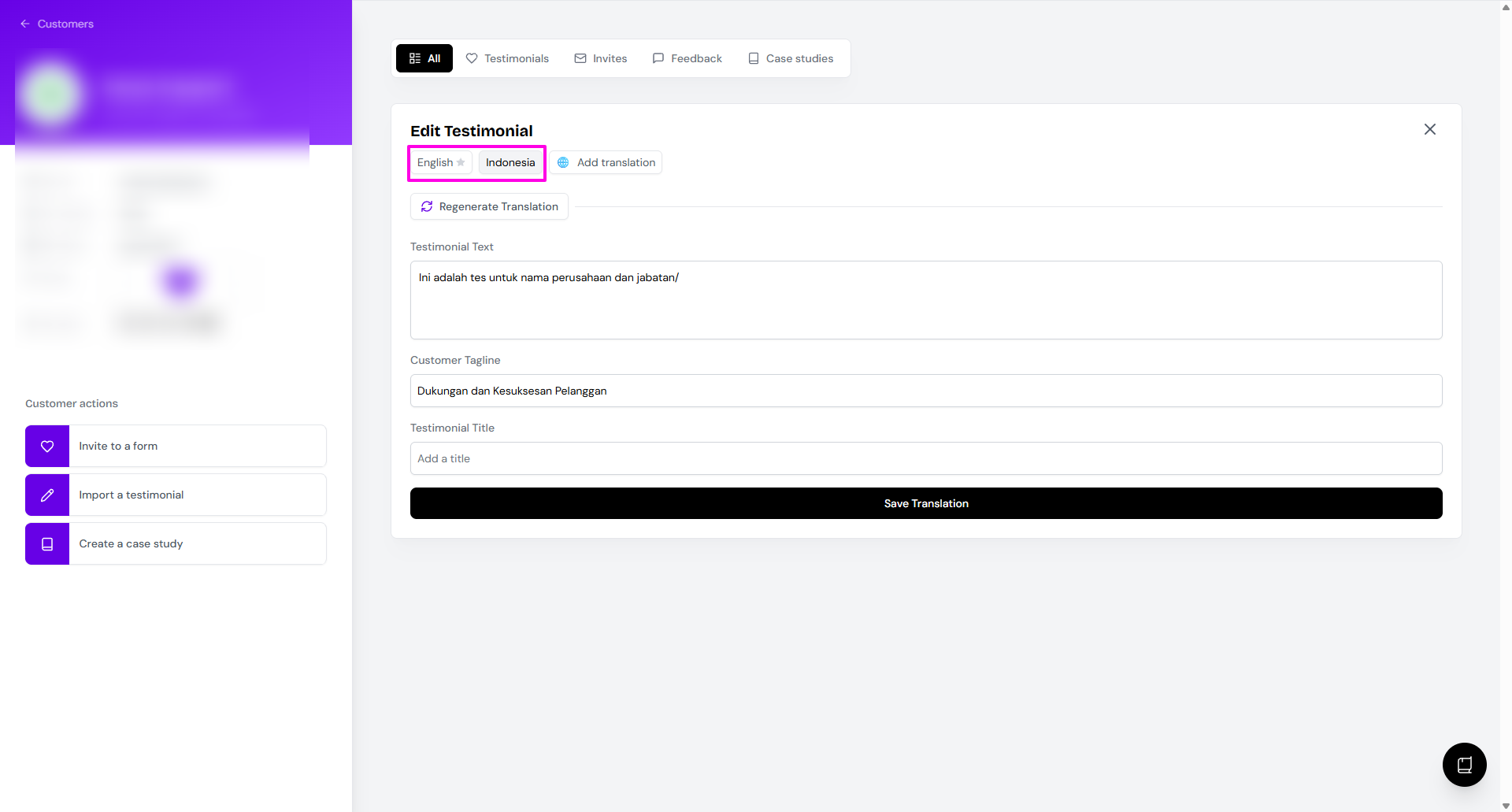
Available languages: English, Spanish, Japanese, Mandarin Chinese, German, French, Portuguese, Italian, Russian, Korean, Arabic, Dutch, Polish, Swedish, Turkish, Hindi, Indonesian, Thai, Vietnamese, and Czech.
Create a shorter version
Need a short quote for a landing page but want to keep the full testimonial? Edit a copy, not the original.
Open the testimonial and click Duplicate
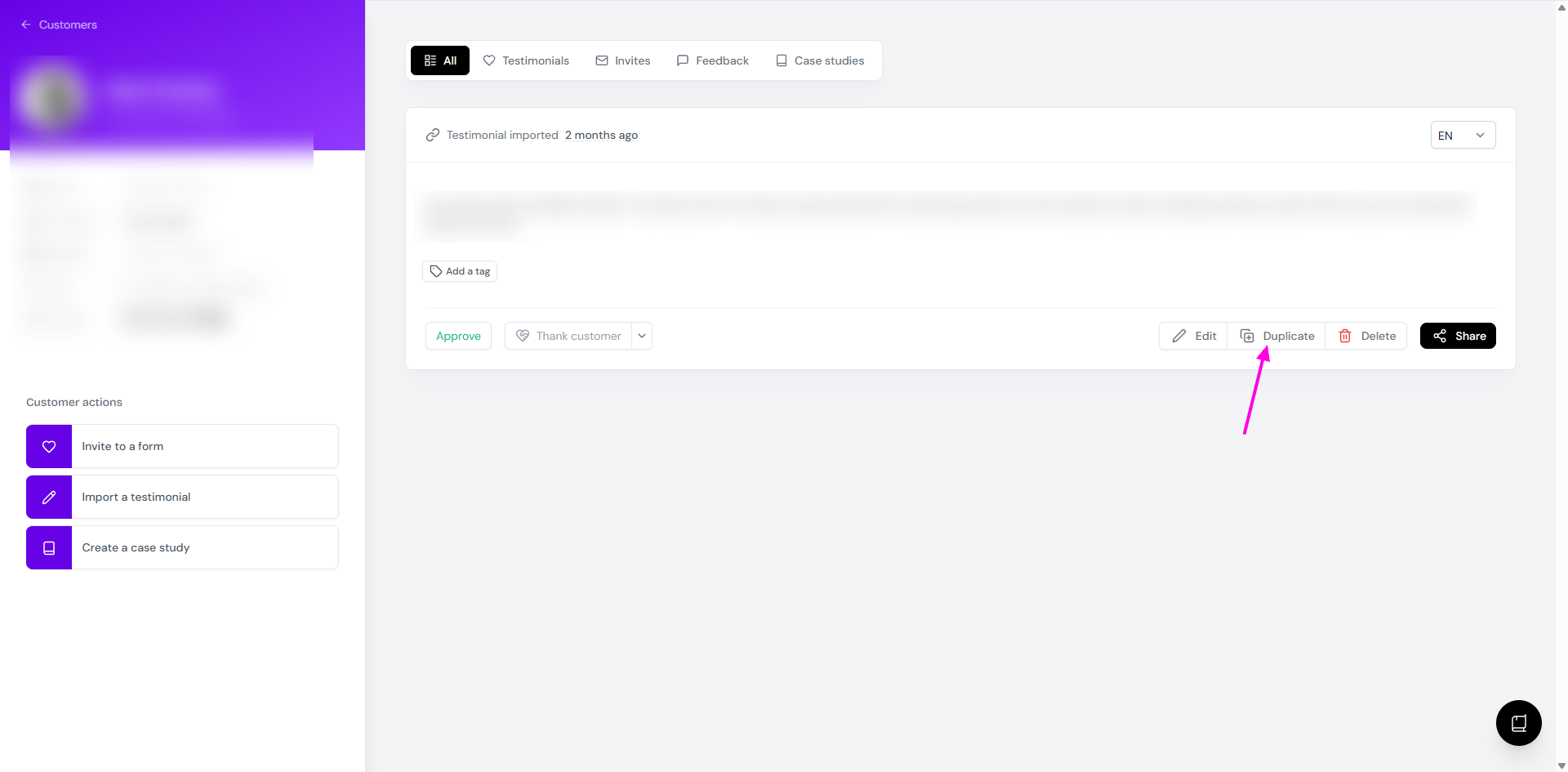
Add a tag to the copy, like Short version, so you can tell the two apart
Click Edit on the copy
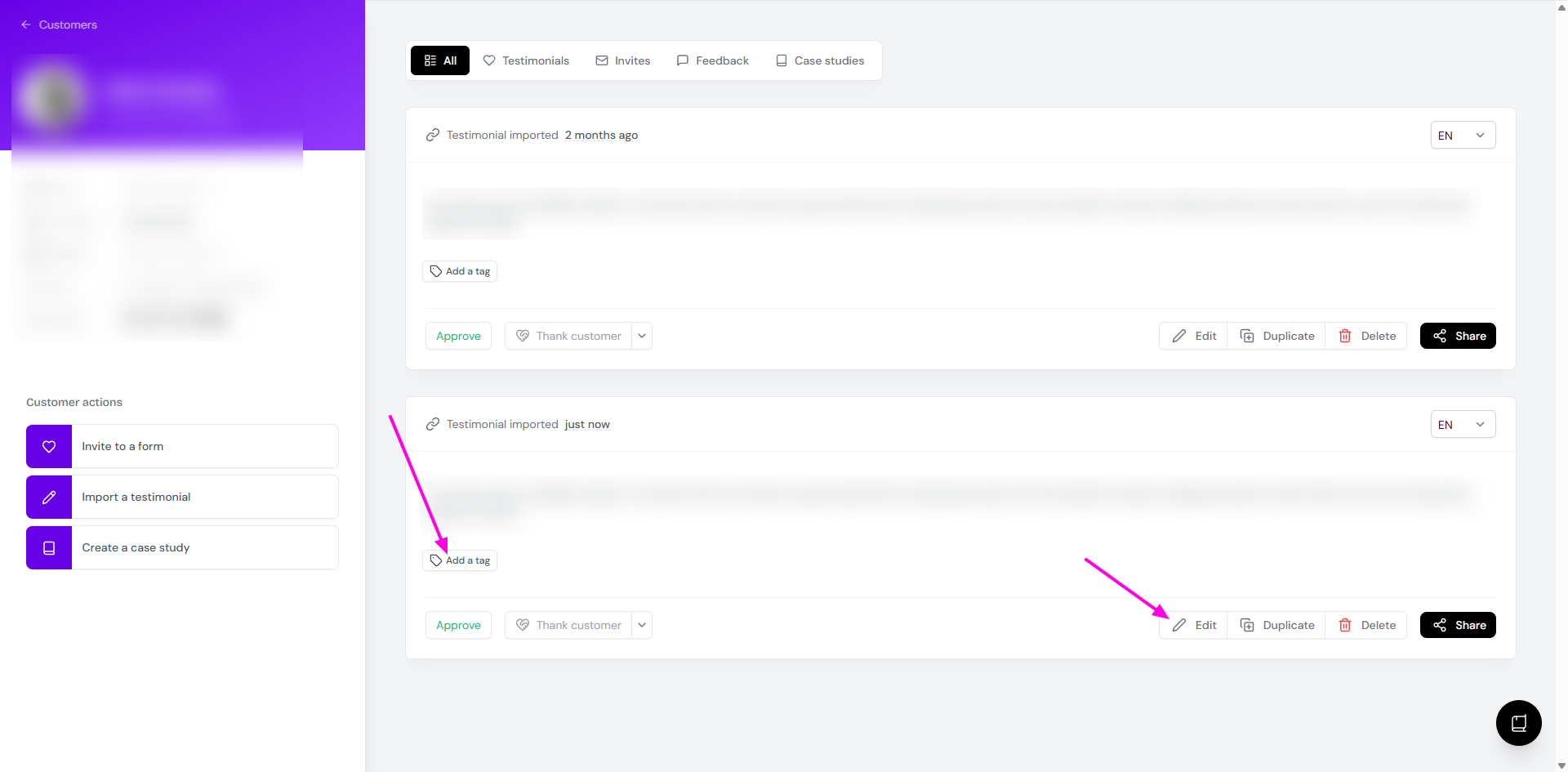
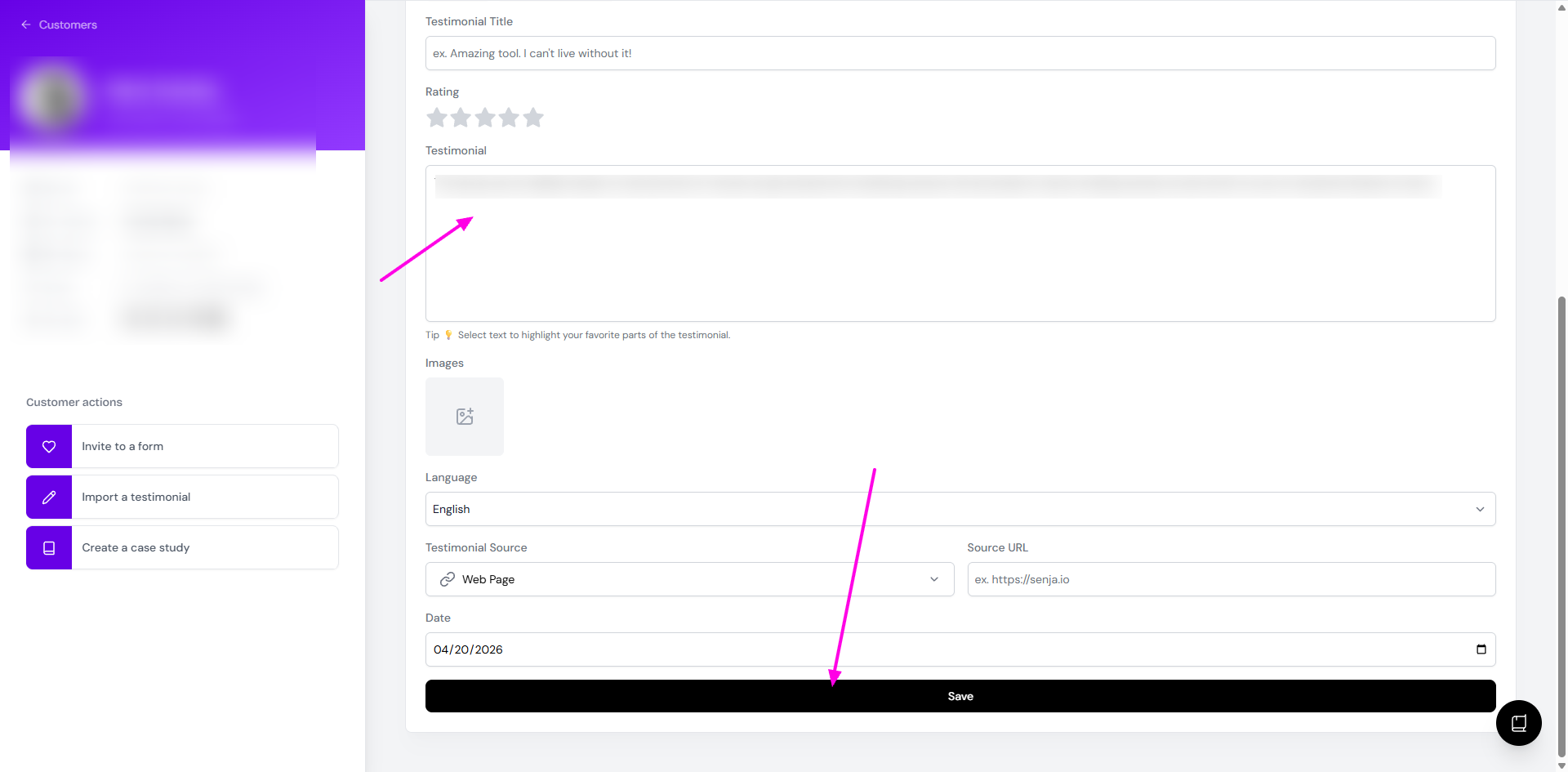
Remove the sentences you don't need and click Save
Filter by that tag when you add testimonials to a widget or Wall of Love
If you only want to draw attention to one line, a highlight is often enough and leaves the full text intact.
Edited something by mistake?
Saving an edit replaces what was there before. Senja doesn't have:
An undo button
A way to restore the original wording
A revision history
If you know what it said before, click Edit, paste the original text back in, and click Save. You might find the original wording in:
The email notification for the new testimonial, if it came from a Senja form
The source platform, if it came from an import
A CSV export, if you exported your testimonials before
The original screenshot, if you imported it from an image
Your Slack notifications, if you connected Senja to Slack
Deleted a testimonial instead? See Can I recover a deleted testimonial?
When your customer wants to change their testimonial
A new submission doesn't replace the old one. Each one is saved as a separate testimonial.
If a customer wants to fix a typo or update what they said, ask them to contact you, and edit it for them. See Submitting multiple testimonials or updating an existing one.