
Everything I can do with video testimonials
Video testimonials have a few extra tools on top of regular editing. You can fix the transcript, add an excerpt and a thumbnail, trim the start or end, and choose how multi-question videos show up in your widgets.
All of this is available on all Senja plans: Free, Starter, and Pro. Video downloads are SD on Free and HD on Starter and Pro.
Video edits can't be undone. Contact Support right away if something goes wrong.
Edit video details
Go to your Proof page: https://app.senja.io/
Click the video testimonial to open the customer page
Update the customer's details on the left
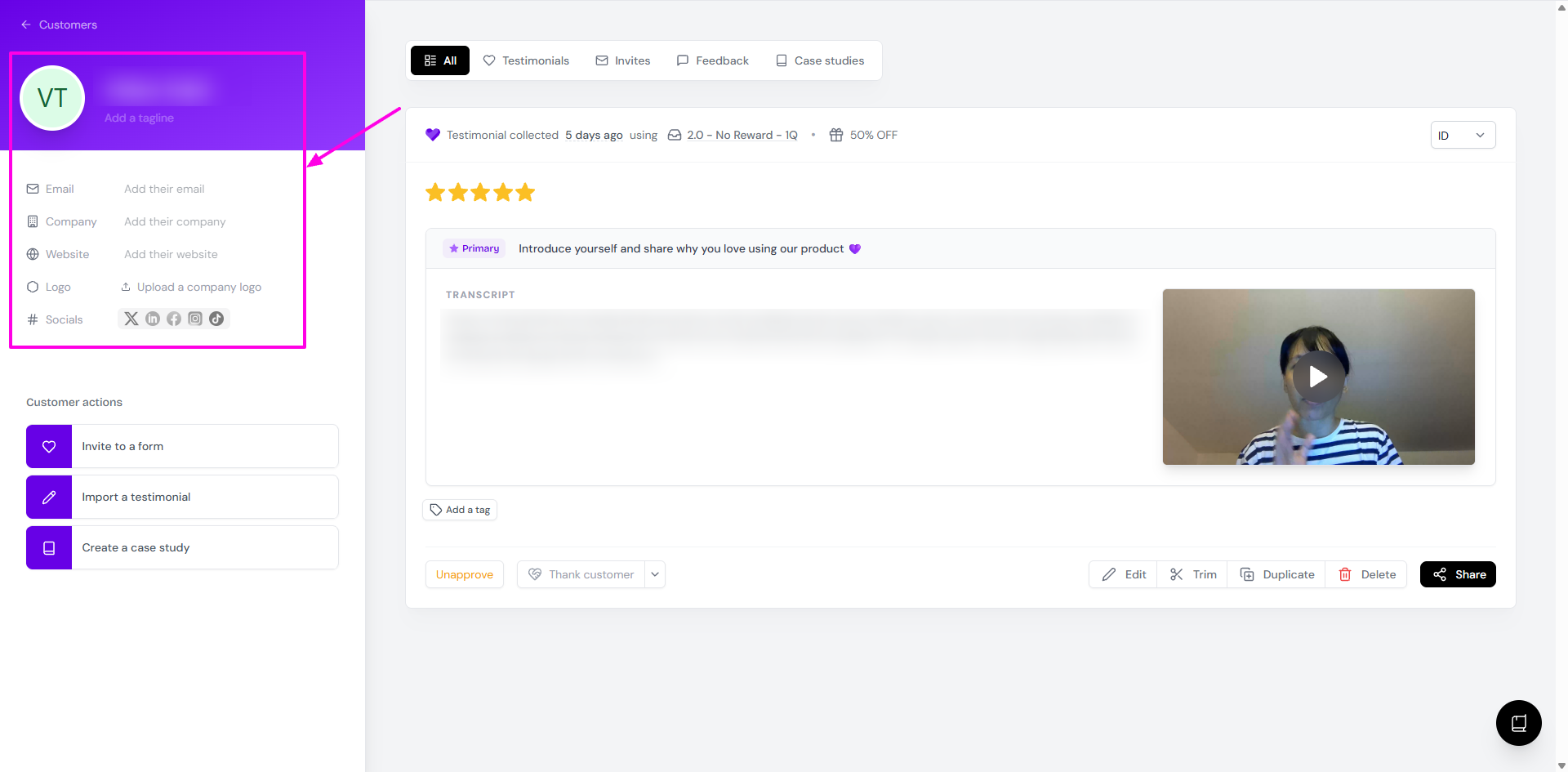
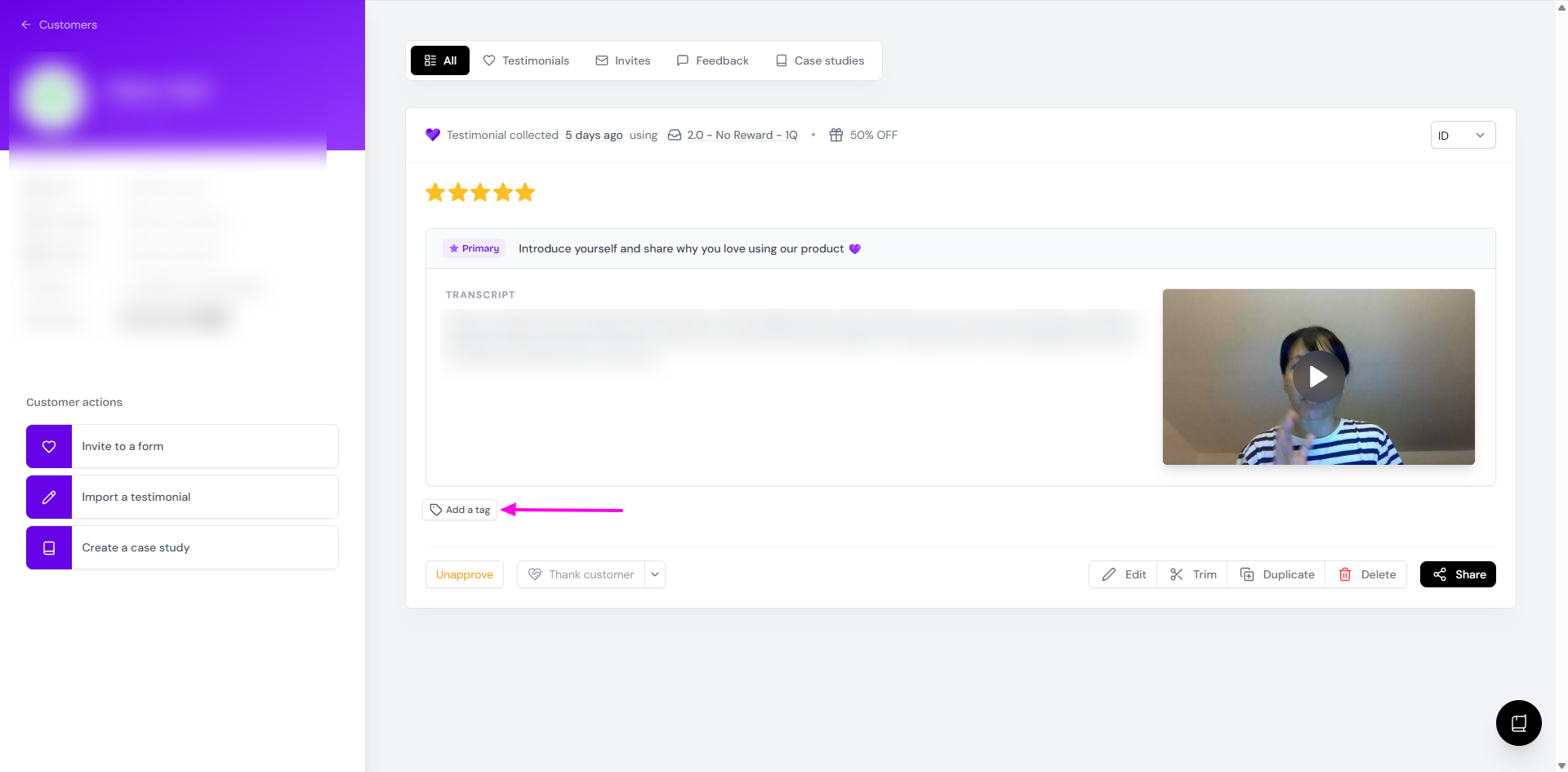
Click Add a tag to tag the video
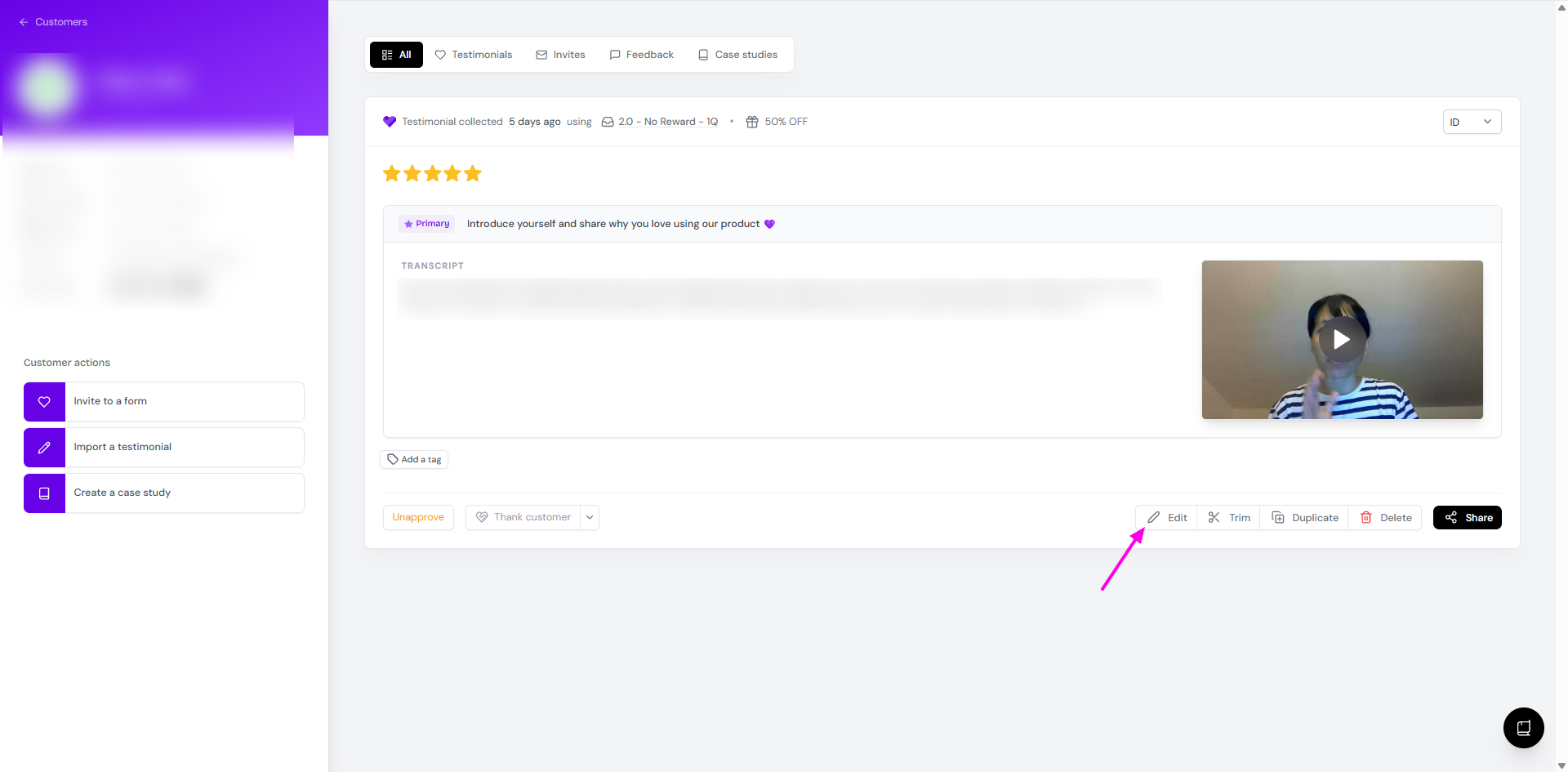
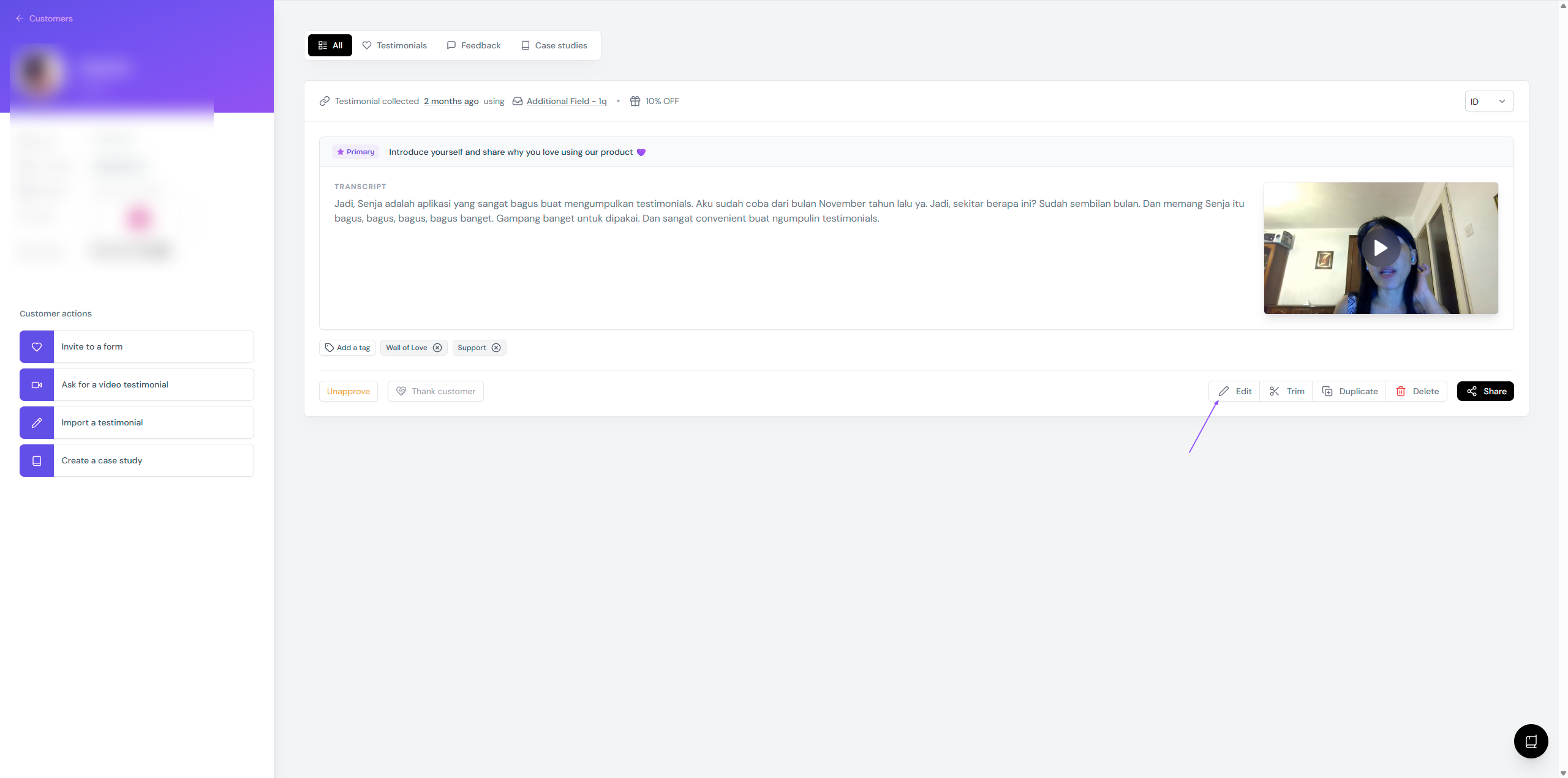
Click Edit
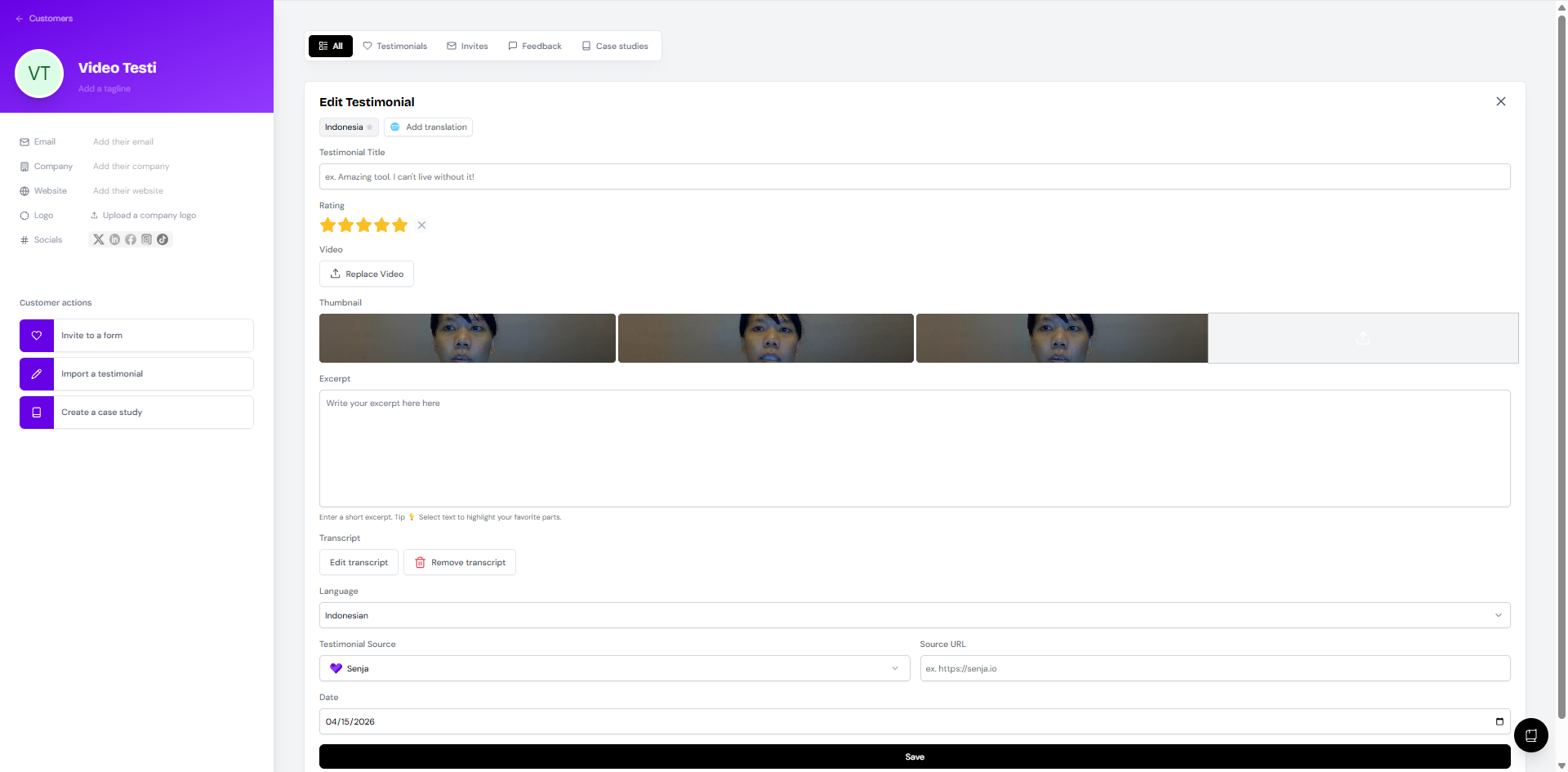
Make your changes and click Save
Your changes also show up in any widget or Wall of Love that uses this video.
What you can edit
Testimonial Title: a short summary of what the customer talks about
Rating: get your customer's OK before changing it
Replace Video: swap in a new video from your customer, with their consent
Thumbnail: the image shown before the video plays, see Add a thumbnail
Excerpt: the best line from the video, see Add an excerpt
Edit transcript or Remove transcript, see Edit the transcript
Language: detected automatically, change it if it's wrong
Testimonial Source: Senja, Google, and others
Source URL: a link related to the video
Date: when the testimonial was submitted, not when you edited it
Edit the transcript
Senja transcribes every video automatically. You'll see the transcript to the left of the video.
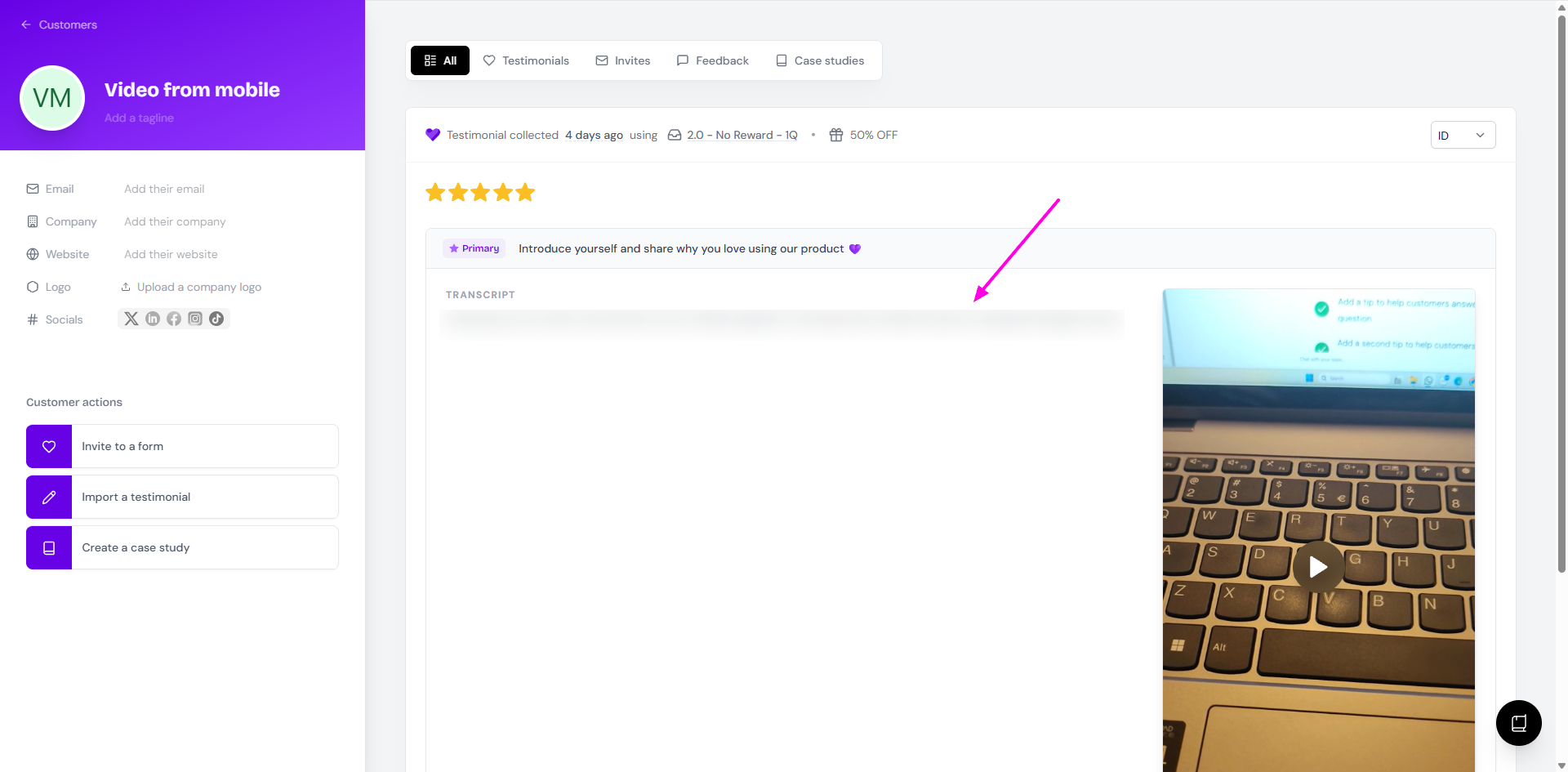
For the testimonials coming from multipart forms, you can only edit the video transcript if the response to primary question is a video. If the primary response is text and the rest are video, the Edit transcript function won't appear.
Click Edit, then Edit transcript
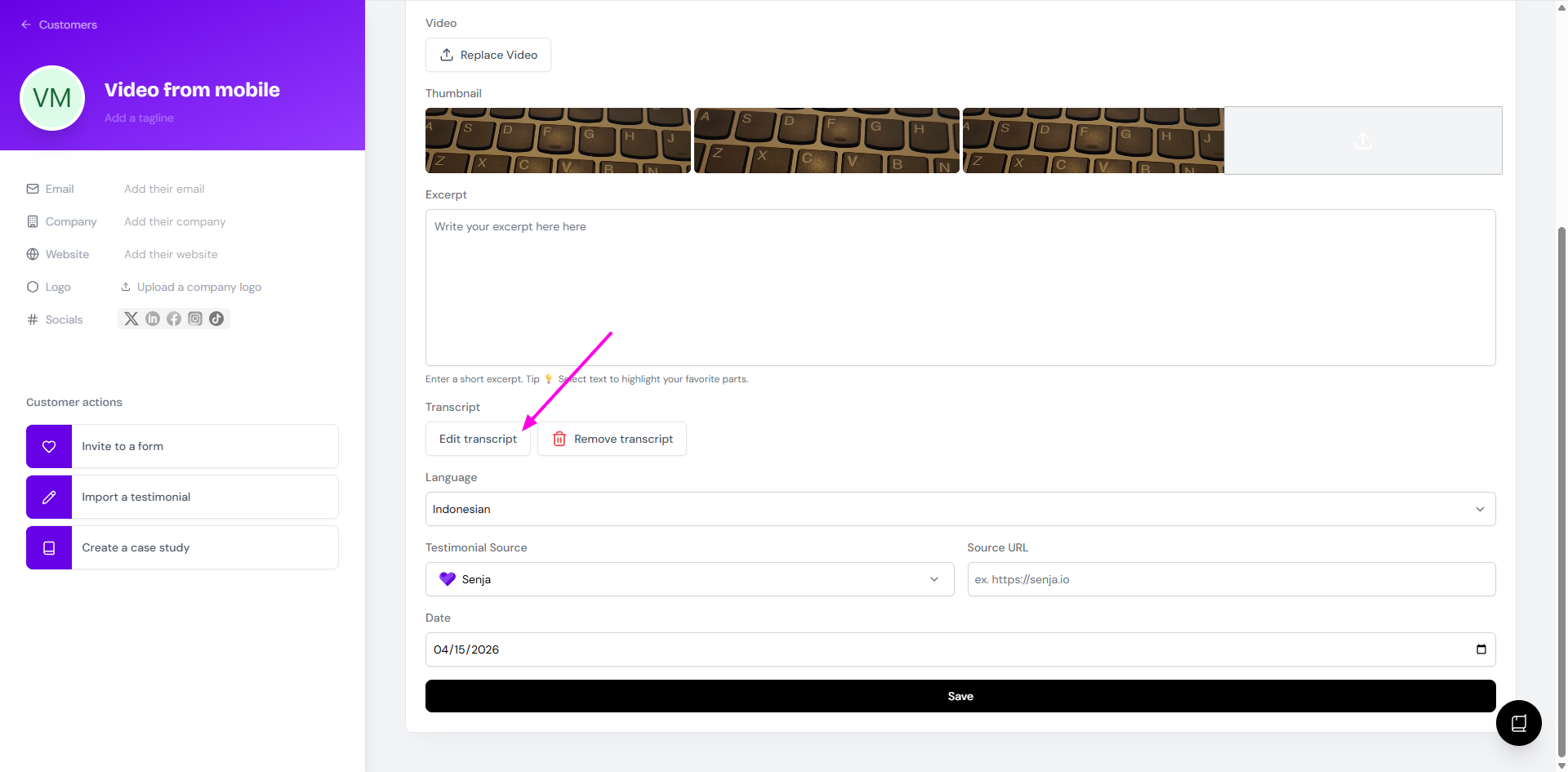
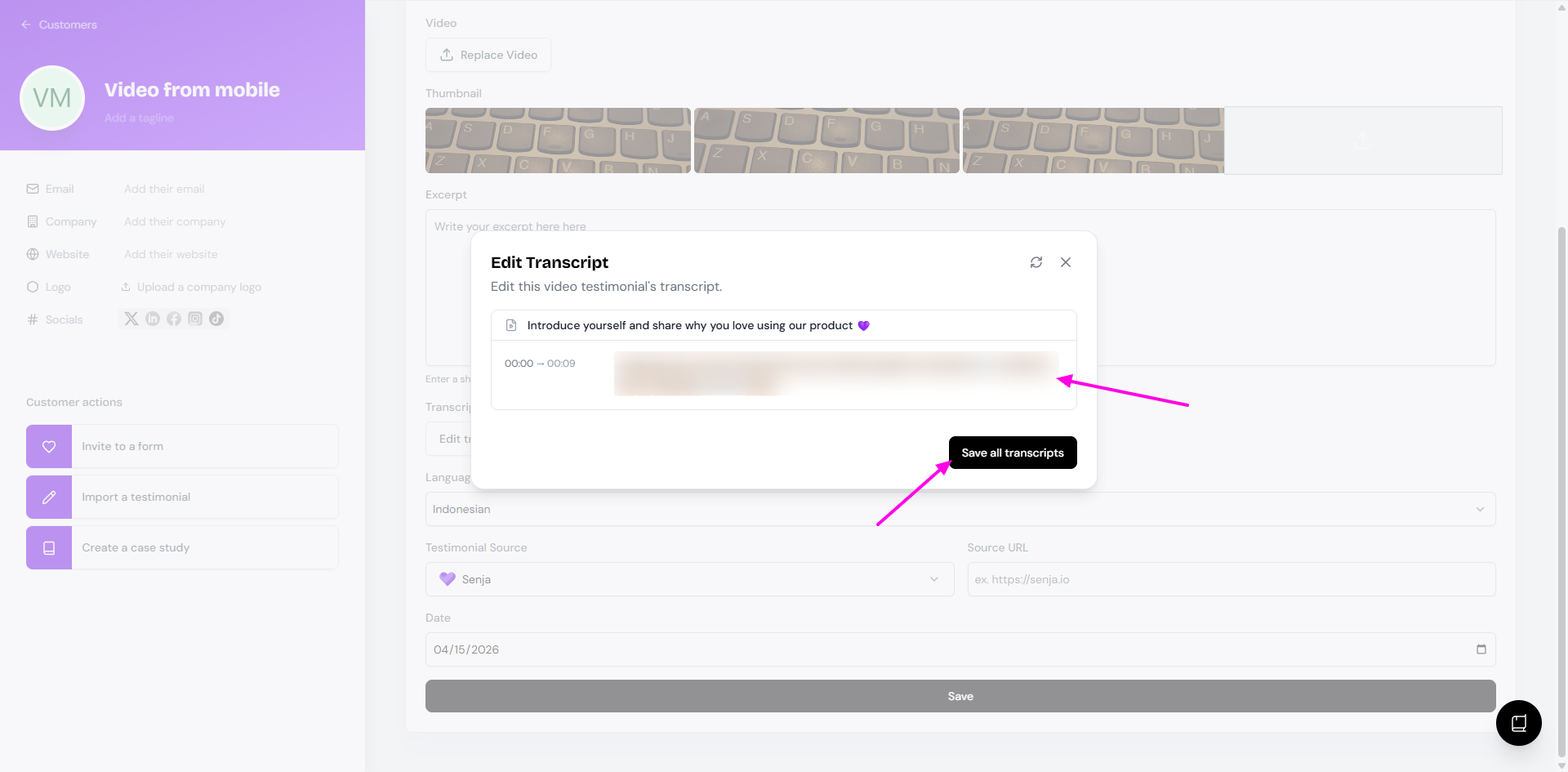
Fix any mistakes, like a misspelled business or product name
Click Save all transcripts
Longer videos take longer to transcribe. If there's still no transcript after 20 minutes, contact Senja Support.
Add an excerpt
An excerpt is a short highlight from the video. It puts the best bit front and centre, so visitors don't have to watch the whole thing to get to the good part.
Open the video testimonial and click Edit
Write the Excerpt, you can copy all or part of the transcript into it
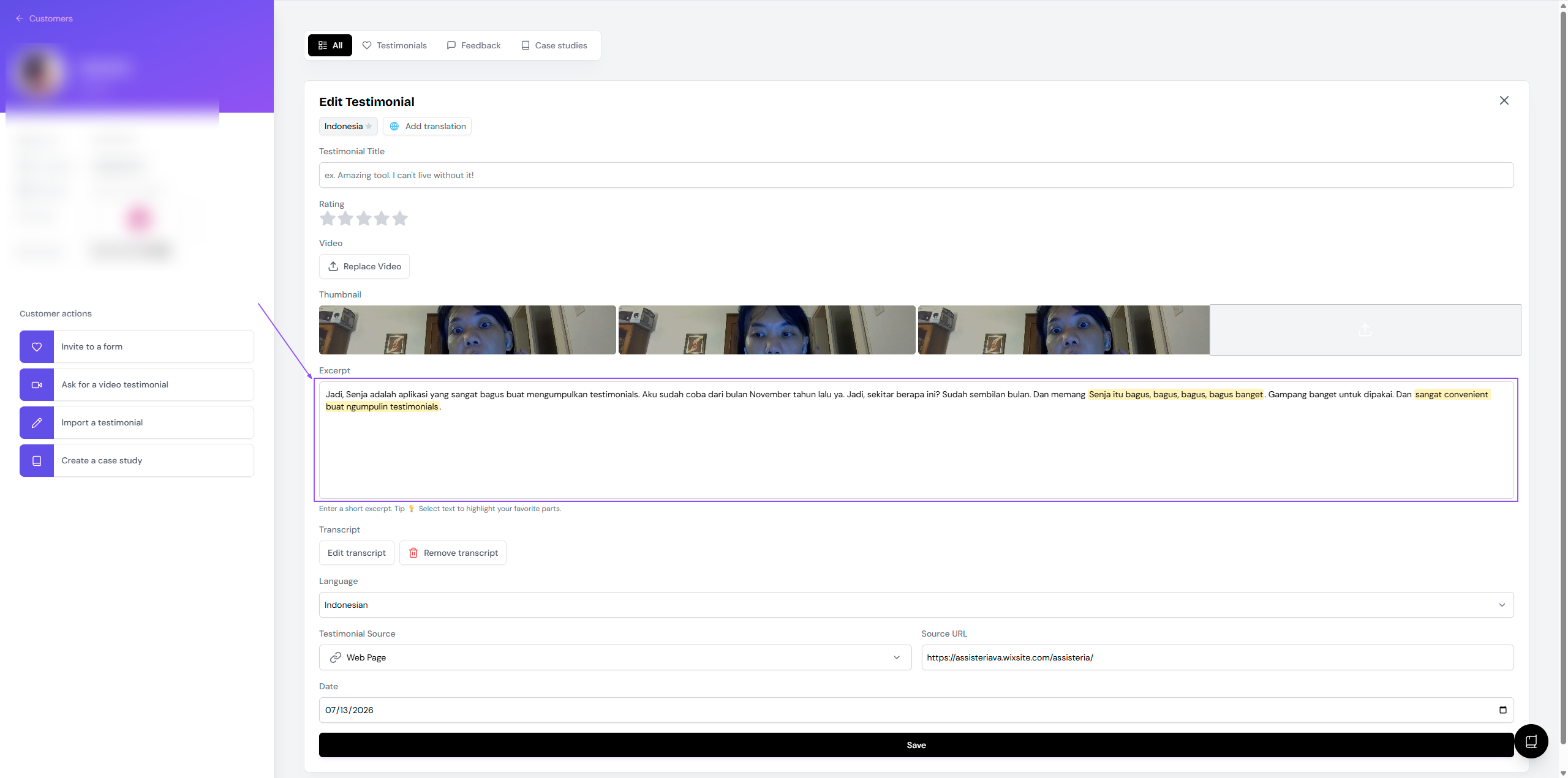
Click Save
Where the excerpt shows up
Where | Excerpt |
|---|---|
Wall of Love | Shown by default. Remove it from the Proof page to hide it |
Testimonial Toast, Testimonial Popup, Lindoy List | Always shown |
Testimonial Masonry, Testimonial Carousel, Testimonial Marquee | You choose to show or hide it |
Slab Carousel, Avatars Pro, Avatars Grid, Loppa Carousel | Not shown |
Multiclip videos | Not shown, see Multiclip videos |
In a testimonial with several videos, the excerpt belongs to the first video. The other videos don't have one.
Add a thumbnail
Open the video testimonial and click Edit
Add an image under Thumbnail
Click Save
Use a different thumbnail for each video. It helps visitors tell your videos apart when several sit in the same widget or Wall of Love.
Trim the start or end
Got a long pause before or after the good part? Trim it.
Open the video testimonial and click Trim
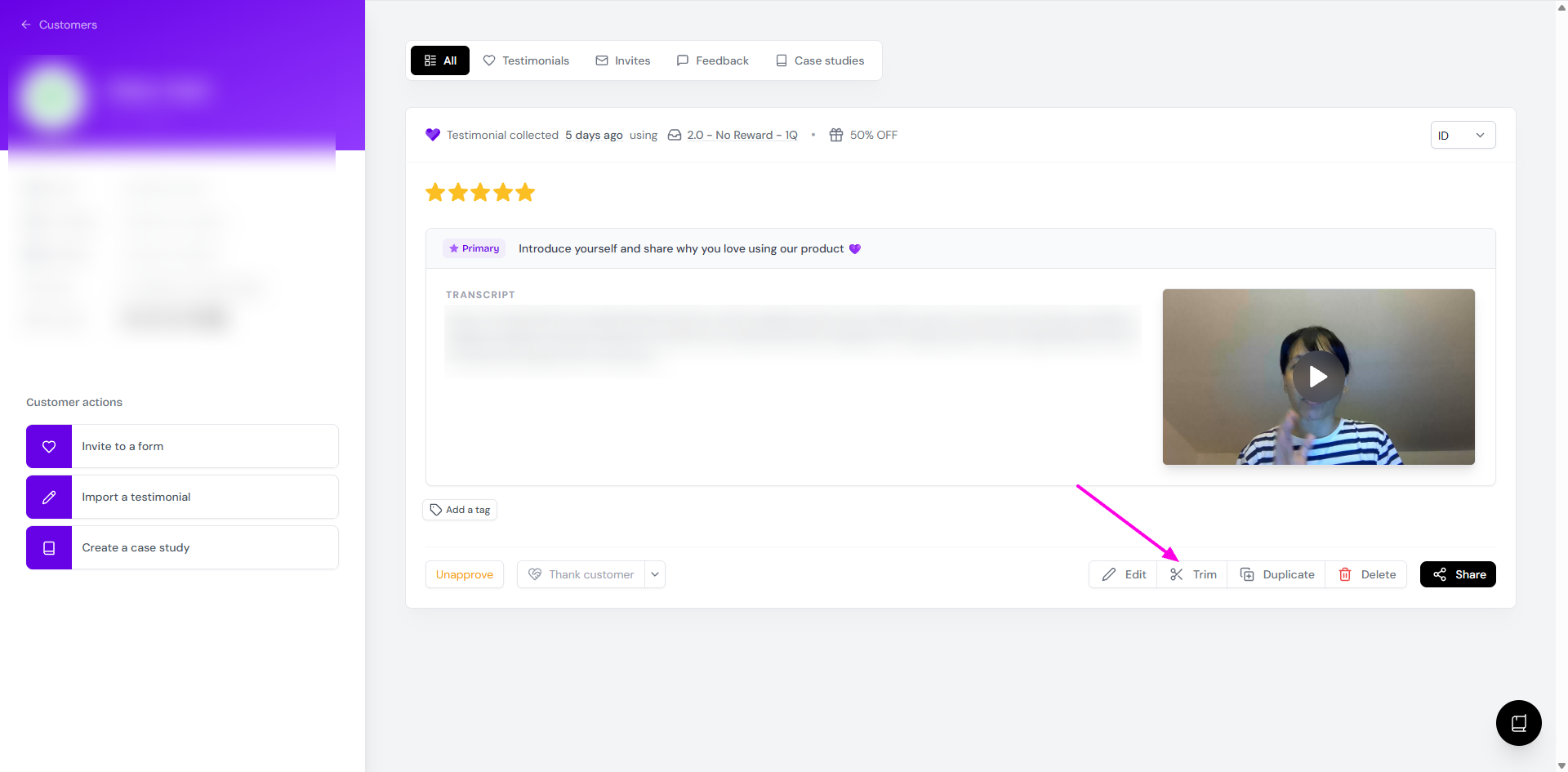
Drag the left and right edges of the timeline to cut the start or end
Click Save changes
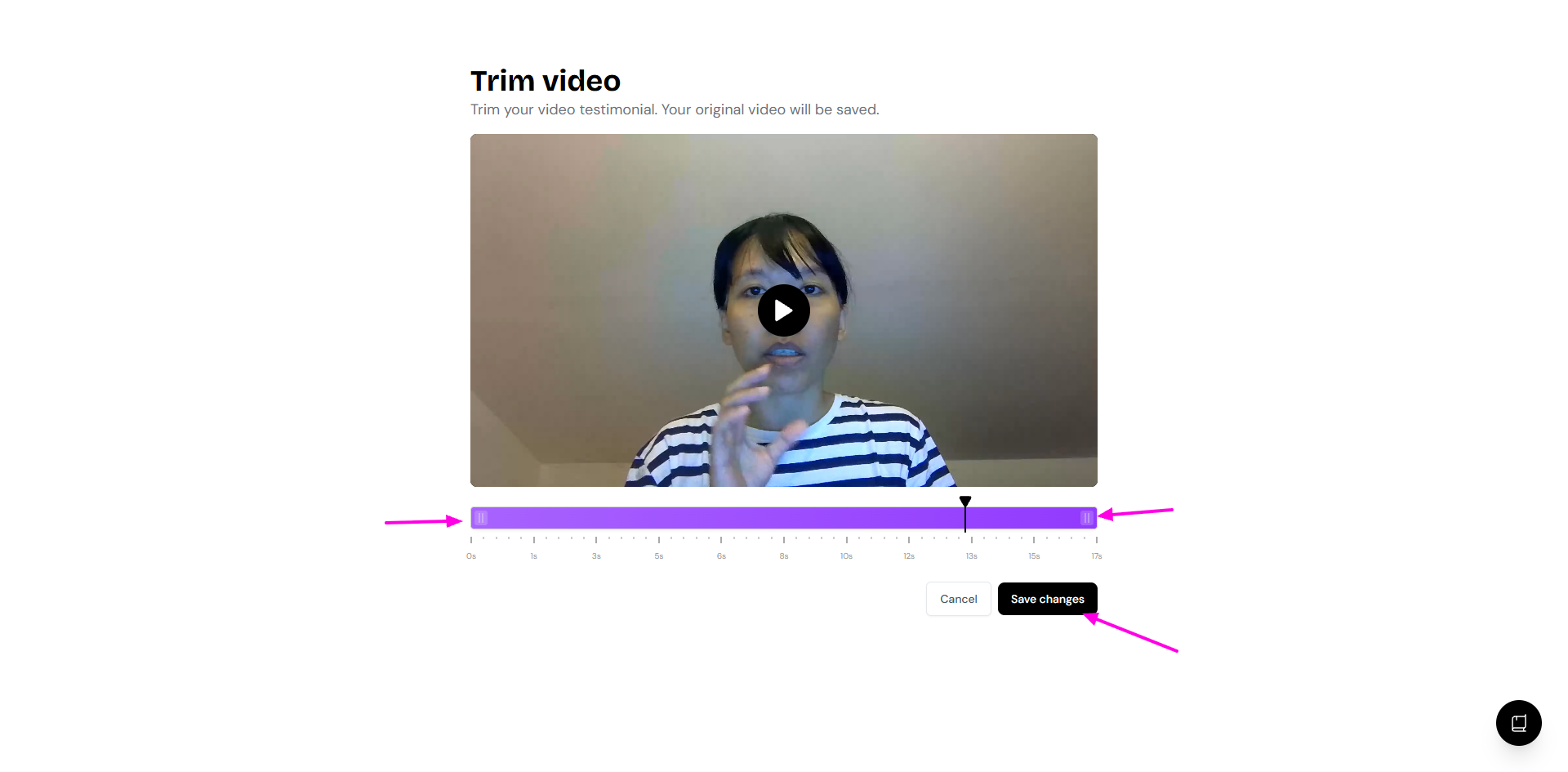
You can't cut out the middle of a video. Download it and edit it in a video editor, or use Proof Reels. See How to create reels in Senja
Fix a video in another editor
Use this for edits Senja can't do, like cutting the middle or changing the format. If a video looks too tall, it was probably recorded in portrait on a phone. Convert it to landscape in a video editor.
Download the video, see How do I download my testimonials?
Edit it in your video editor
Go to Import → Manual import: https://app.senja.io/import/manual
Choose Video testimonial
Pick the customer from the Customer name dropdown, so the new video lands on the same customer page
When the import is done, open the customer from your Proof page
The edited video is added as a separate entry. It doesn't replace the original, so delete the old one if you don't need it.
Multiclip videos
When a form asks several questions and the customer answers on video, Senja stitches the answers into one multiclip. On the customer page you'll see each individual video plus the multiclip.
What you want to do | Individual videos | Multiclip |
|---|---|---|
Download | Yes | No |
Share as a link | Embed it or add it to a widget | Yes |
Show in widgets and Walls of Love | Yes | Yes |
Show an excerpt | First video only | No |
The multiclip is put together live in the browser rather than saved as one file, so there's no merged file to download.
Download
You'll get the individual videos only
Want one merged file? Download the videos and join them in a video editor
Share
Follow How to share video testimonial as link. The link plays the multiclip
To share just one of the individual videos, use a video embed or a widget
Show in widgets and Walls of Love
Create a widget or Wall of Love
Go to Filters → Multipart → Use Multiclip (video responses only)
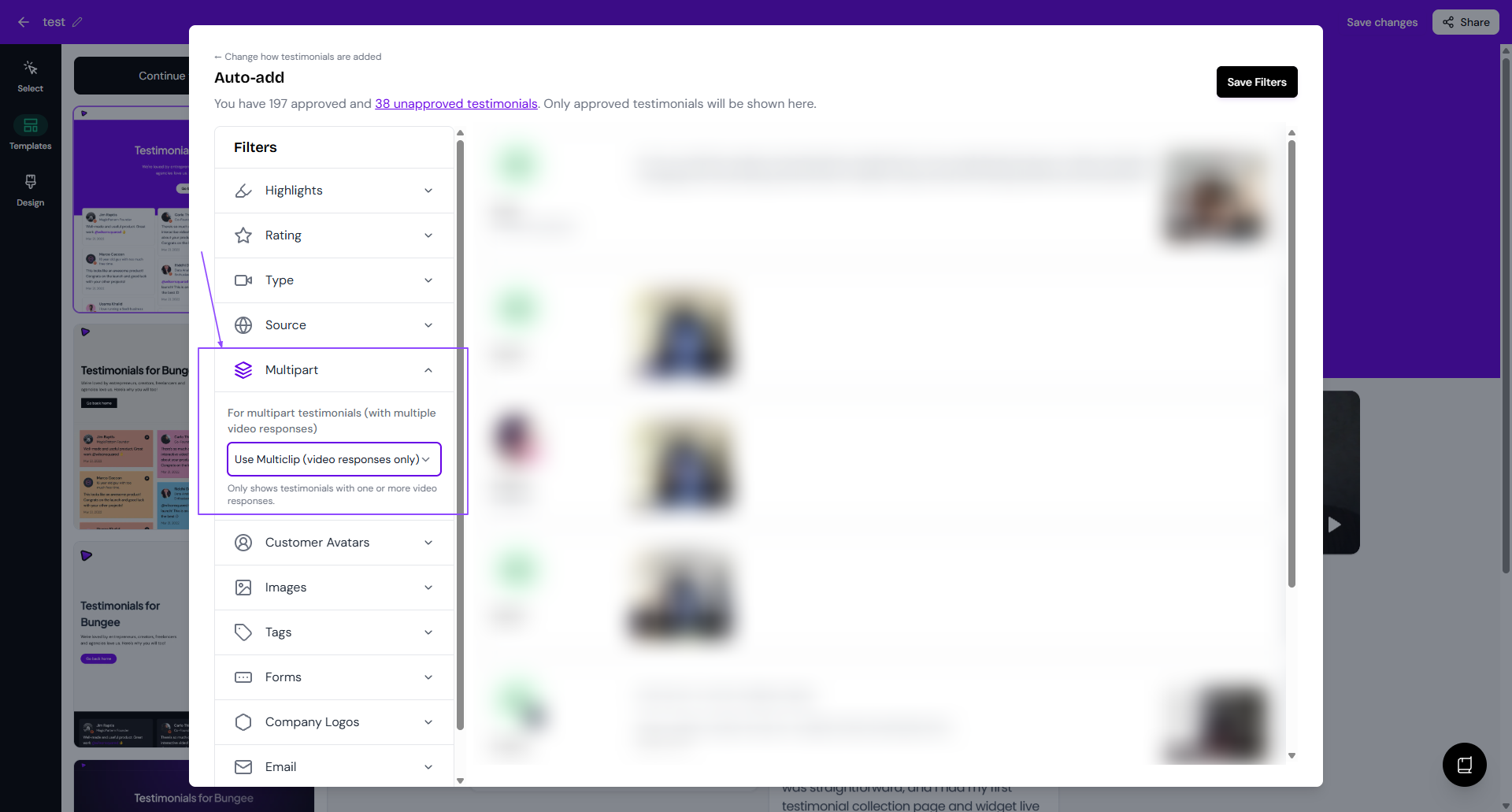
This shows multiclips plus single videos from one-question forms.
Add an excerpt to a multiclip
Multiclips can't have an excerpt. If you need one:
Download the individual videos
Join them in a video editor
Import the merged video, see How can I manually import video testimonials?
Add the excerpt to the new video