
Senja settings overview
Settings is where you manage your account and the project you’re working in, like its name, links, brand, team, notifications and connected apps. Open it by clicking the ⚙️ icon next to your project name at the bottom left of your dashboard.
Settings are available on all Senja plans: Free, Starter, and Pro. Some pages have features that need a paid plan, marked below.
In general
Settings impacted 2 different levels:
Account settings apply to you, across every project you’re in
Project, Connections, and Danger zone settings only apply to the project you have open
If you have more than one project, switch to the right one before you change anything
Account
Page | What you can do there |
|---|---|
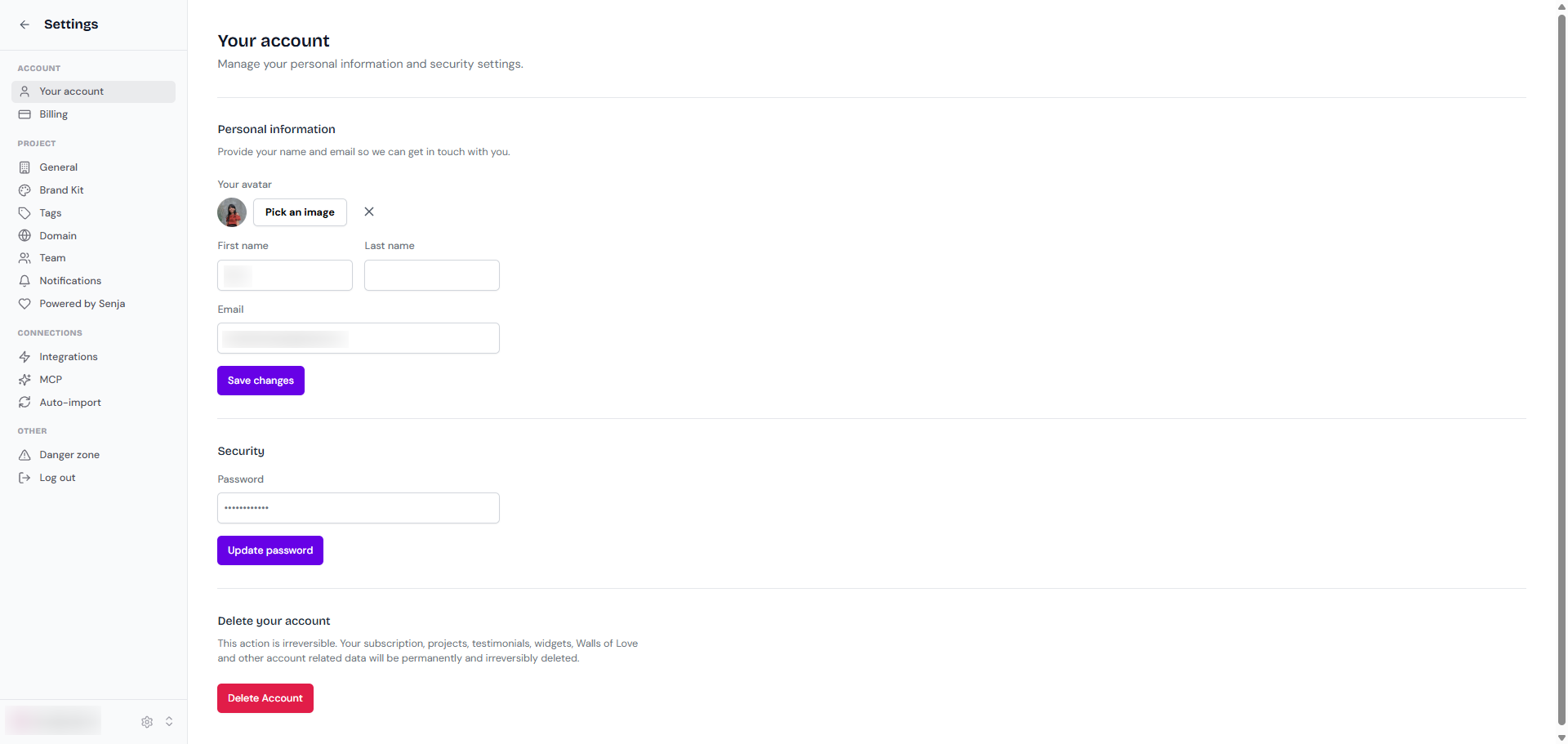
Your account | Change your email or password, or delete your account. See How do I change my email, password, or delete my account? |
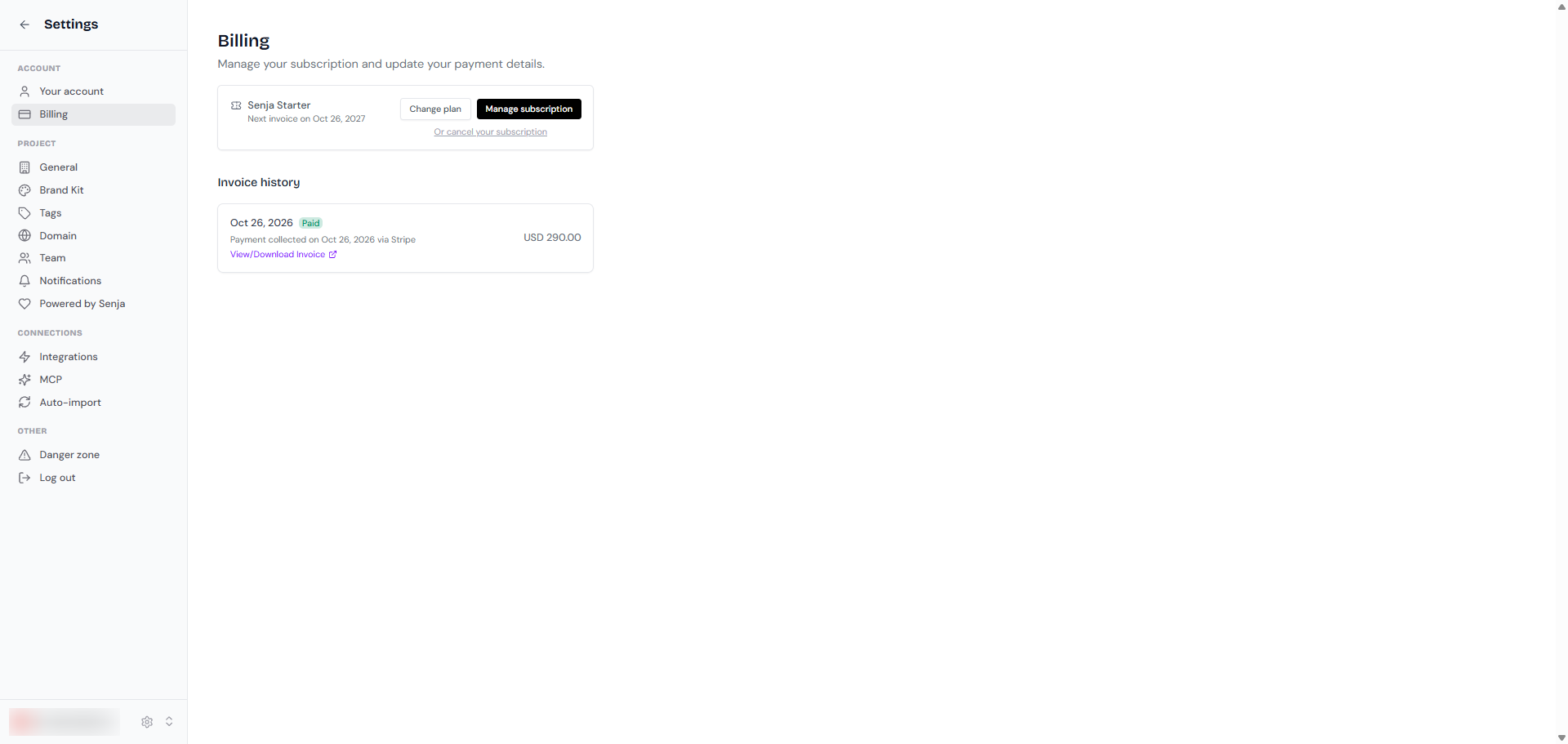
Billing | Change your plan, update your payment method, download invoices, or cancel. See Invoices, billing details and payment method |
Project
Page | What you can do there |
|---|---|
General | Change your project name, slug and URL, see How to use projects in Senja |
Brand Kit | Save your logo, colors, fonts and spokespeople to reuse across forms, widgets and Walls of Love, see How to set up and use your brand kit |
Tags | Create, edit and group the tags you use to organise testimonials, see How do I use tags? |
Domain | Connect a custom domain (Starter and Pro), send emails from your own address, add a favicon, and add custom code, see How to set up a custom domain and favicon |
Team | Invite teammates and choose their role, see How to manage team members in your Senja project |
Notifications | Choose which emails you get about new testimonials, see How do I turn off notification emails? |
Powered by Senja | Remove Senja branding from your whole project (Starter and Pro), see How do I remove Senja branding? |
Plan | Check the Senja plan and billing details related to the project (not to your personal account) |
Connections
Page | What you can do there |
|---|---|
Integrations | Connect Senja to apps like Slack, Stripe, Zapier, Webhook, AI, and MCP |
MCP | Connect Senja to AI tools like Claude, see How do I connect Senja to Claude with MCP? |
Auto-import | Bring in new reviews from other platforms automatically (Starter and Pro), see How to auto-import testimonials from other platforms |
Other
Page | What you can do there |
|---|---|
Danger zone | Delete the project you're currently on (only Owner can delete a project), see How to use projects in Senja |
Log out | Sign out of Senja on this device |