
How to order, pin and limit testimonials in my widget
Decide which testimonials visitors see first in your widget: sort them, shuffle them on every visit, pin your best ones to the top, and limit how many show at once.
This is available on all Senja plans: Free, Starter and Pro.
Sort your testimonials
Go to your Studio page and open your widget
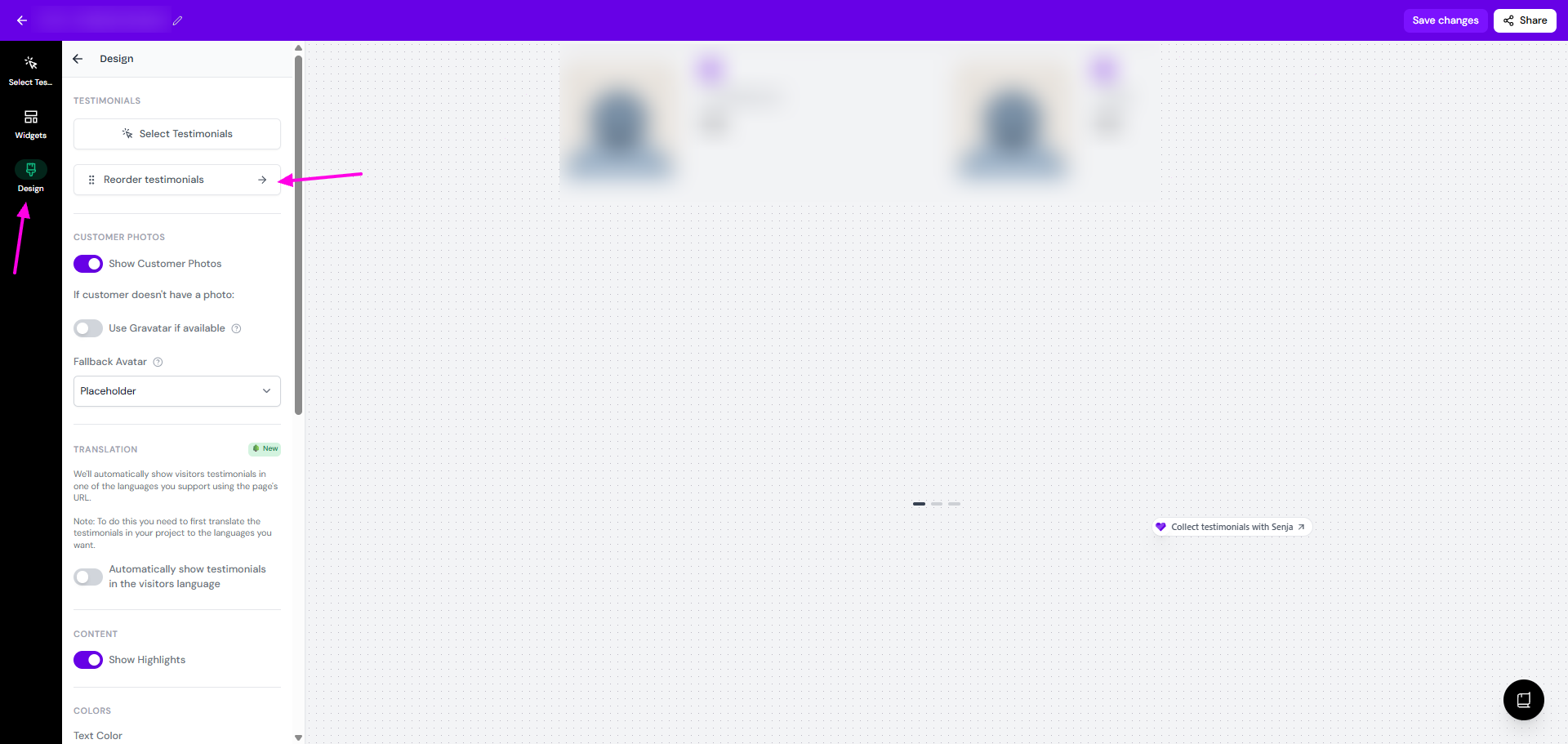
Click Design, then Reorder testimonials
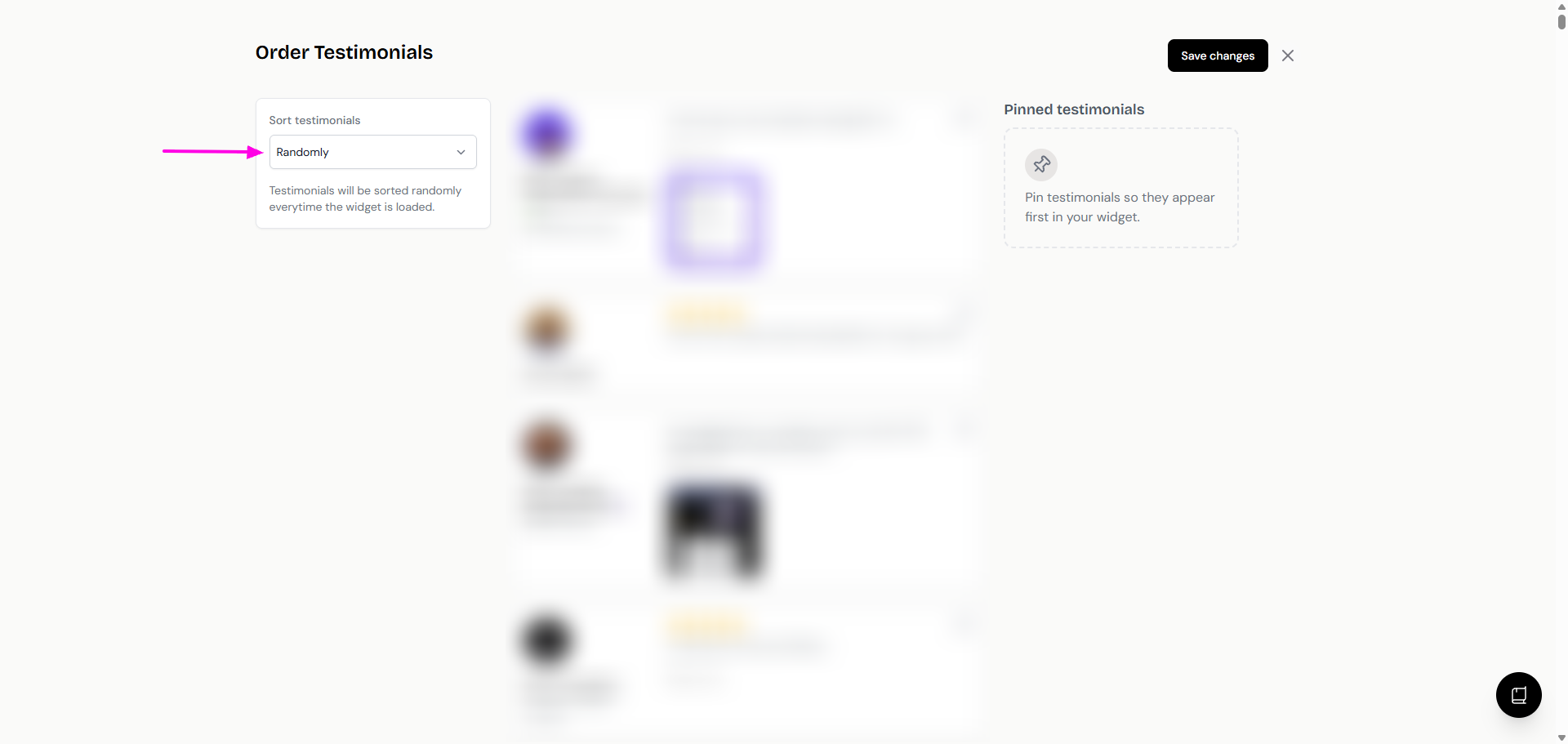
Choose an option in the Sort testimonials dropdown
Click Save changes
Sort option | What it does |
|---|---|
Manually | Drag and drop testimonials into the order you want |
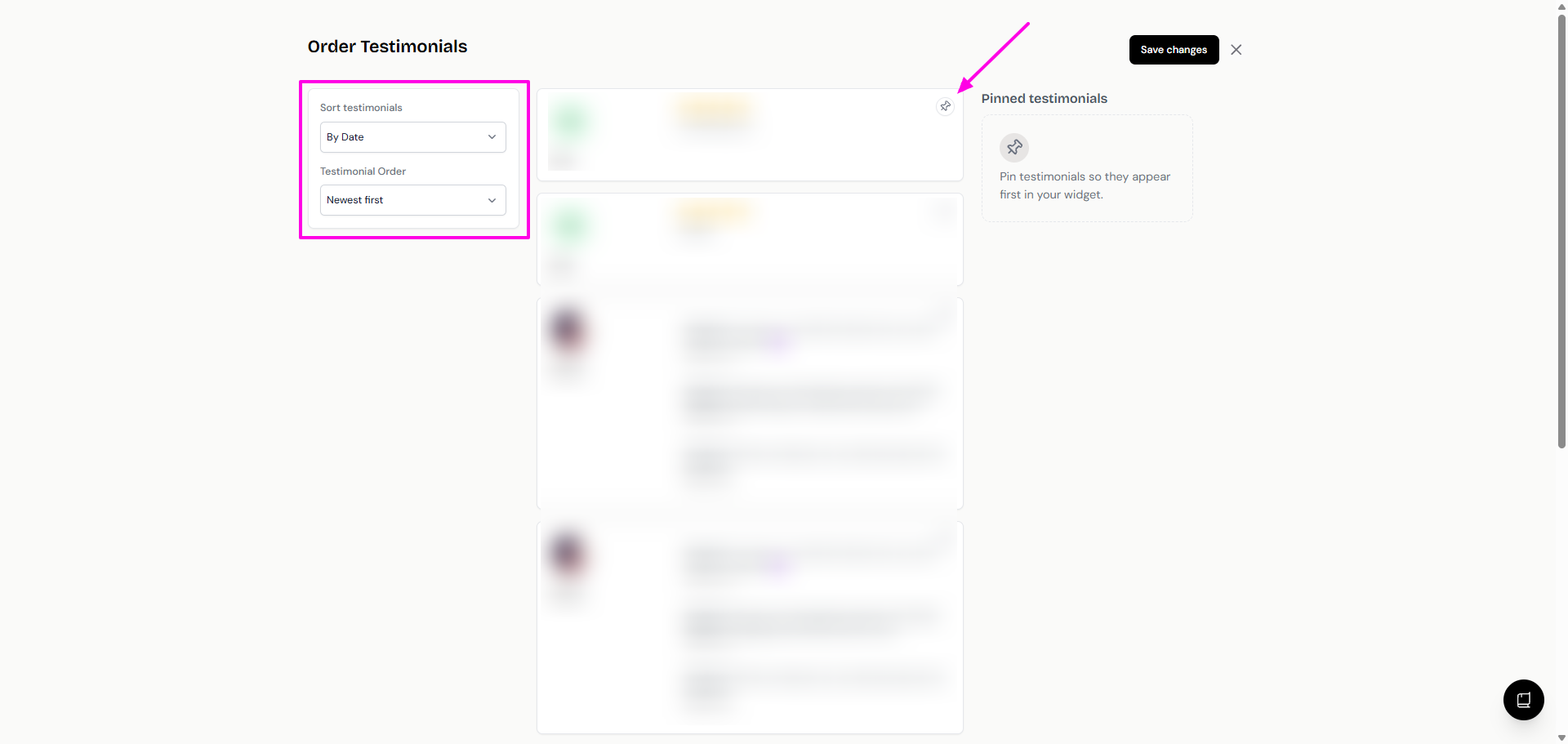
By Date | Newest or oldest first |
By Rating | Highest or lowest rating first |
Videos first | Video testimonials before text ones |
Randomly | Shuffles your testimonials every time the widget loads, so each visitor may see a different order |
With every option except Manually, the order changes as new testimonials are added to your widget.
Pin testimonials to the top
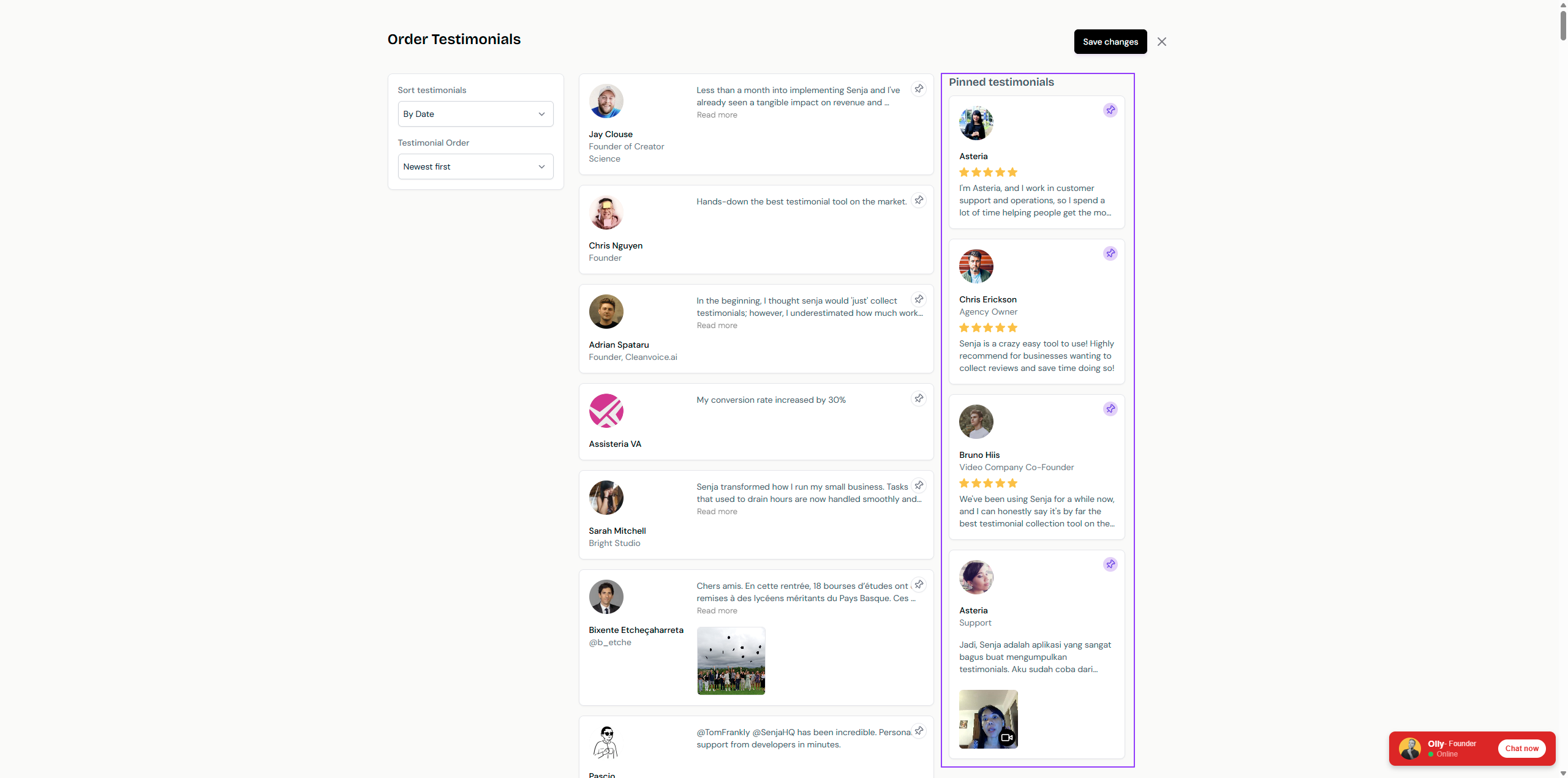
Pinned testimonials always show first, whatever sort option you choose. Use them to keep your strongest testimonials in view, even when shuffling.
In Reorder testimonials, click the 📌 icon next to each testimonial you want first
Your pinned testimonials move to the right side. Drag them to change their order
Click Save changes
Limit how many testimonials show
Show only a set number of testimonials, with a button for visitors to load more. This works on these widgets: Image Gallery, Hero Quotes, Highlights Bold, Bricks, Lindoy List, Testimonial Masonry and Bubble List.
Open your widget and click Design
Turn on Limit Testimonials
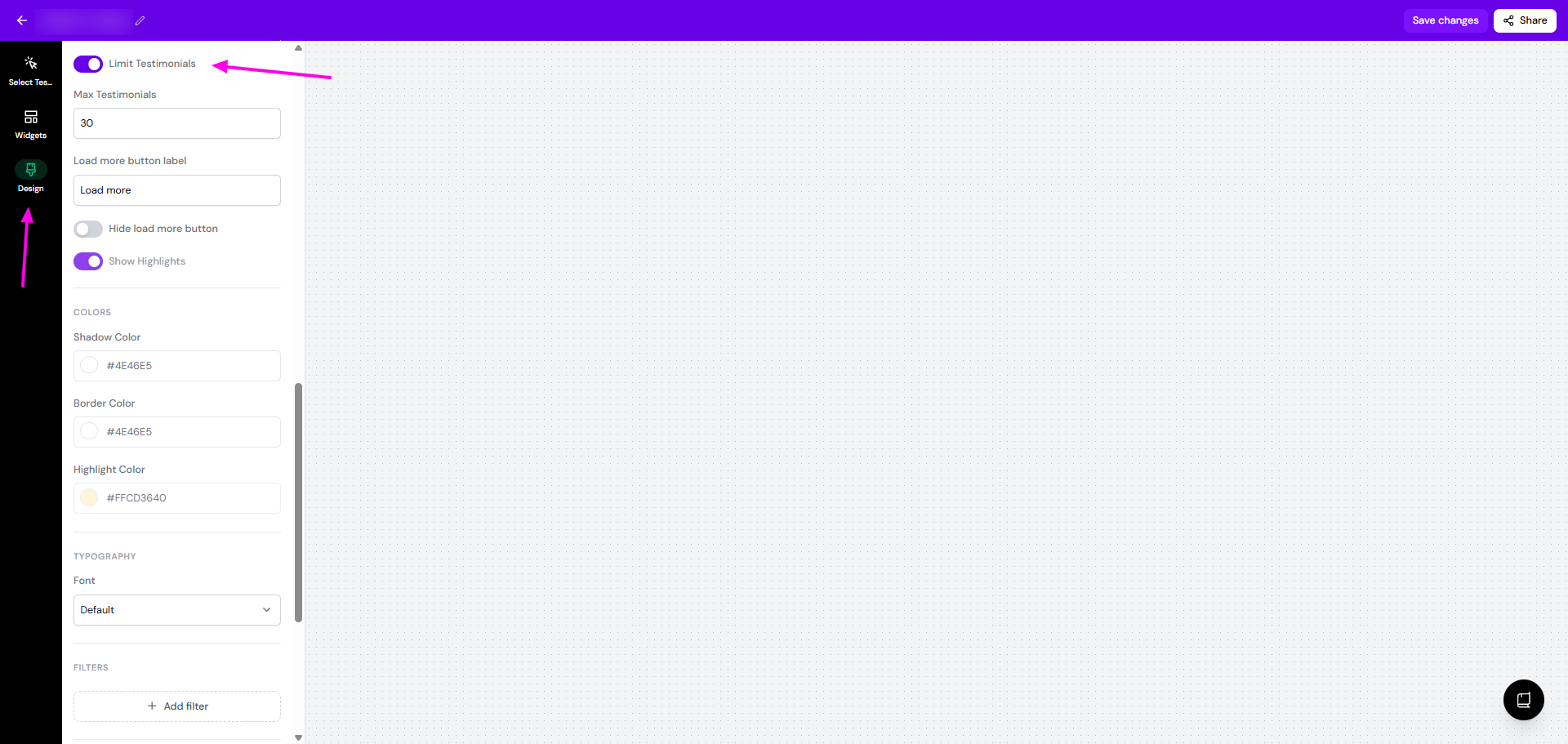
Set Max Testimonials
Change the Load more button label if you want (it's Load more by default)
Click Save changes
To show only your maximum number with no way to see more, turn on Hide load more button.
Want to show fewer testimonials on mobile than on desktop? That needs custom CSS, see Can I customize my widget CSS.