How to collect consent to use testimonials
Your customers should agree to how you use their testimonials before you put them in your marketing. Every Senja form has a Consent page where customers choose public or private use, or pick the exact channels you can share on.
Consent is available on all Senja plans: Free, Starter, and Pro.
Set up the consent page
The consent page is on by default.
Go to your Forms page: https://app.senja.io/forms
Click the ⚙️ icon on your form and choose Edit
Click the Form tab and scroll to the Consent page
Make sure the page is enabled
Update the text in the right sidebar:
Page title: the heading
Subtitle: the description under the heading
Call to action: the button text
Public consent label: the option for public use
Private consent label: the option for private use
Click Save changes
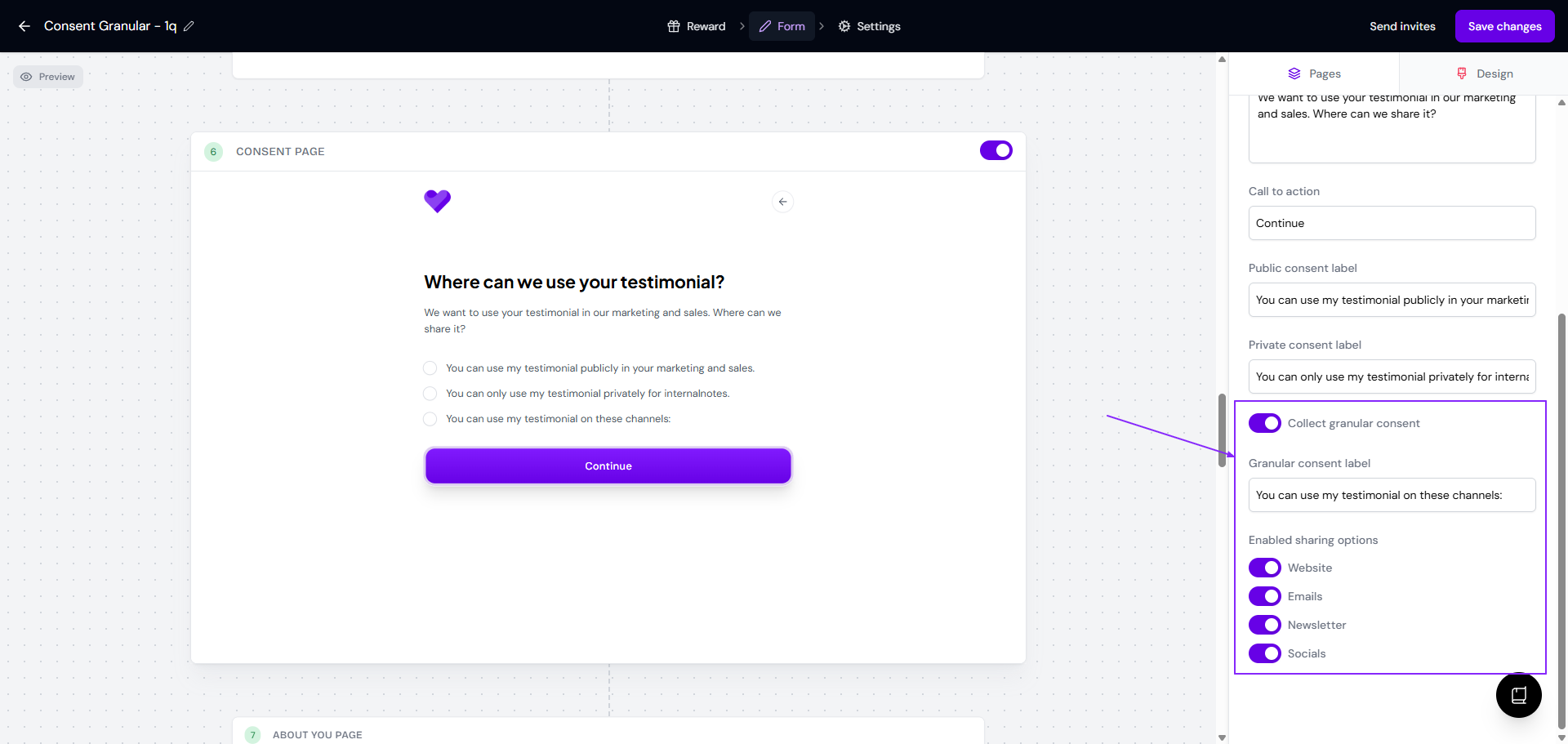
Consent covers the whole testimonial, not each question separately.
Write each label in the right field
Senja doesn’t read your label text. It records consent based on which field the customer picked. Whatever a customer chooses in the Public consent label field is saved as public consent, even if your wording says private.
Here’s what goes wrong when the labels are swapped:
Public consent label says “This testimonial will be used privately”
Private consent label says “This testimonial will be used in all channels”
A customer picks the first option, thinking they chose private use
Senja saves it as public consent, and your Proof page says “You can use my testimonial publicly in your marketing and sales”
Always write a public message in the public field, and a private message in the private field.
Let customers choose channels
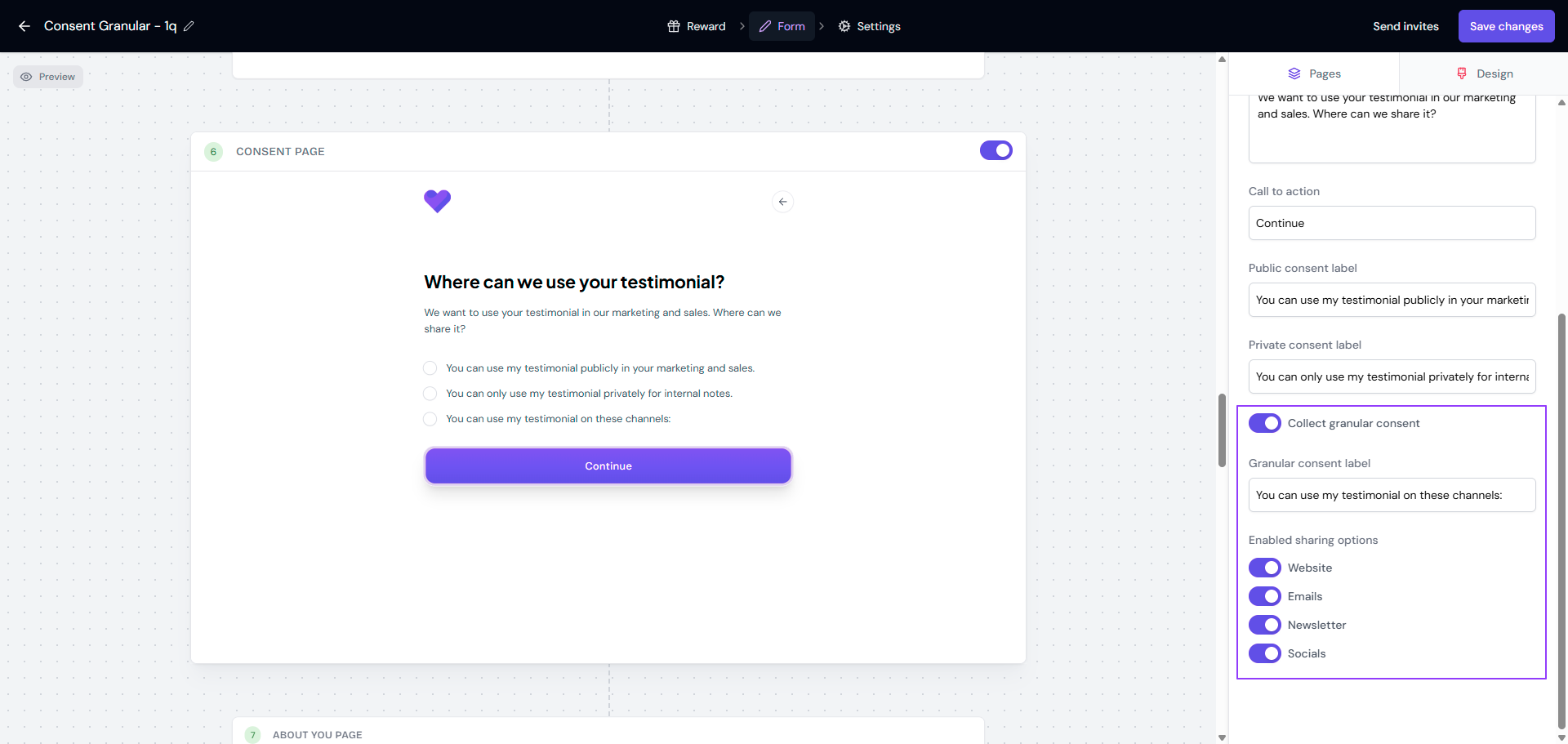
Turn on Collect granular consent if you want customers to pick exactly where you can share their testimonial.
Write the option text in Granular consent label
Pick the channels customers can choose from in Enabled sharing options
Click Save changes
Check what each customer agreed to
Go to your Proof page: https://app.senja.io/
Click a testimonial to open it
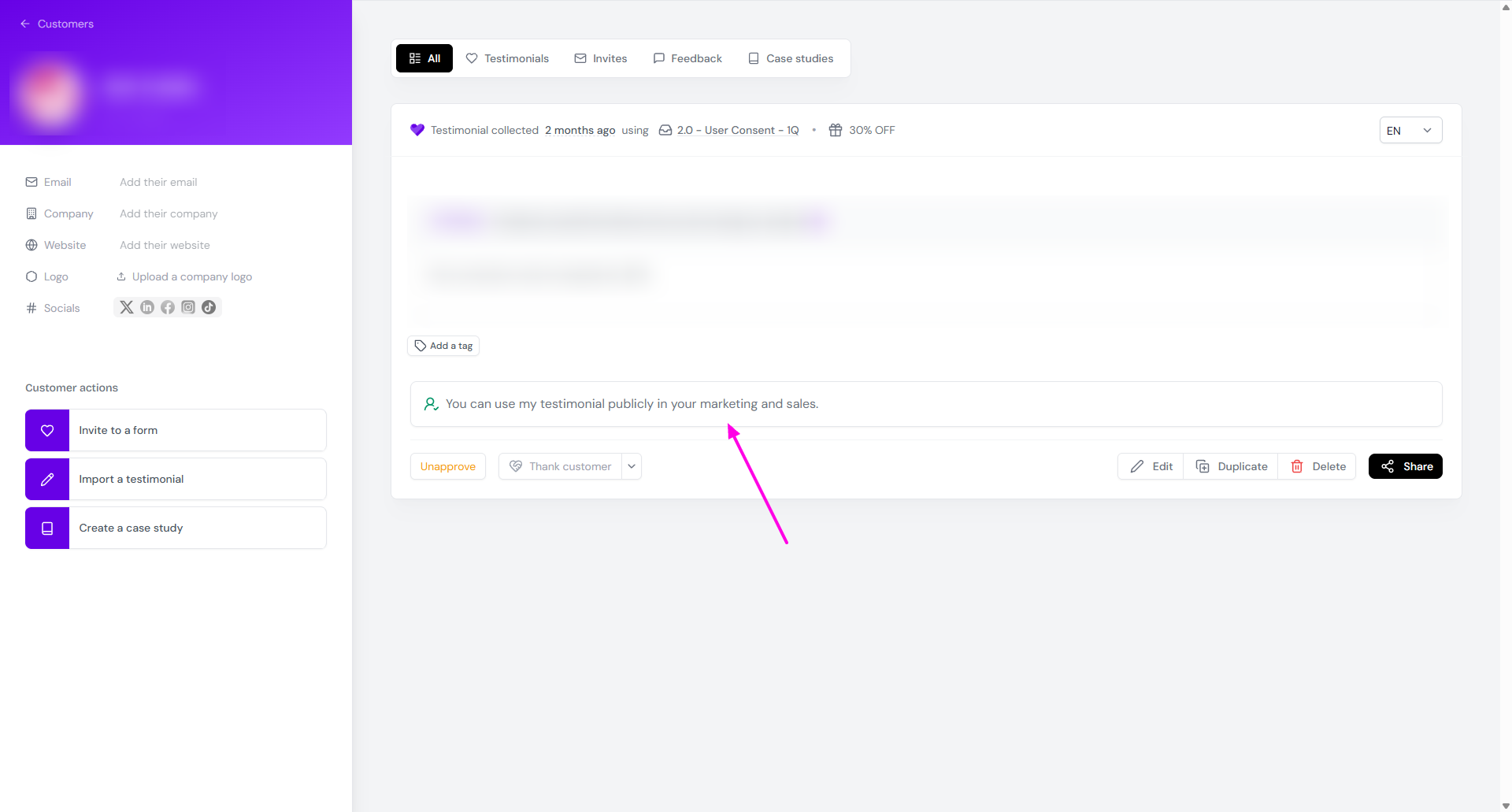
The consent shows under the testimonial:
Public: “You can use my testimonial publicly in your marketing and sales”
Private: “This user did not consent to have their testimonial shared publicly”
Granular: “This user consented to share their testimonial on: …” followed by the channels they chose
If the consent page is turned off, no consent information appears on the testimonial.
Sort testimonials by consent
You can’t filter by consent type on the Proof page or in Studio yet. Tags are the workaround:
Open the testimonial on your Proof page
Add a tag like Public, Private, or Granular
Filter by that tag in Proof or when you select testimonials for a widget
To tag many testimonials at once, see How to add tags to multiple testimonials at once.
Review consent before you share
New testimonials come in as Unapproved by default, so you can check consent before they reach your widgets or Wall of Love. Only approved testimonials can be used in Studio.
If Approve testimonials is on in your form’s Settings tab, testimonials skip review, and private ones can end up in widgets that add testimonials automatically. Turn it off if you rely on private consent.
Other ways to handle consent
Get consent without the consent page
If your country or industry doesn’t require explicit consent, you can turn off the consent page and still make sure customers know how you’ll use their words.
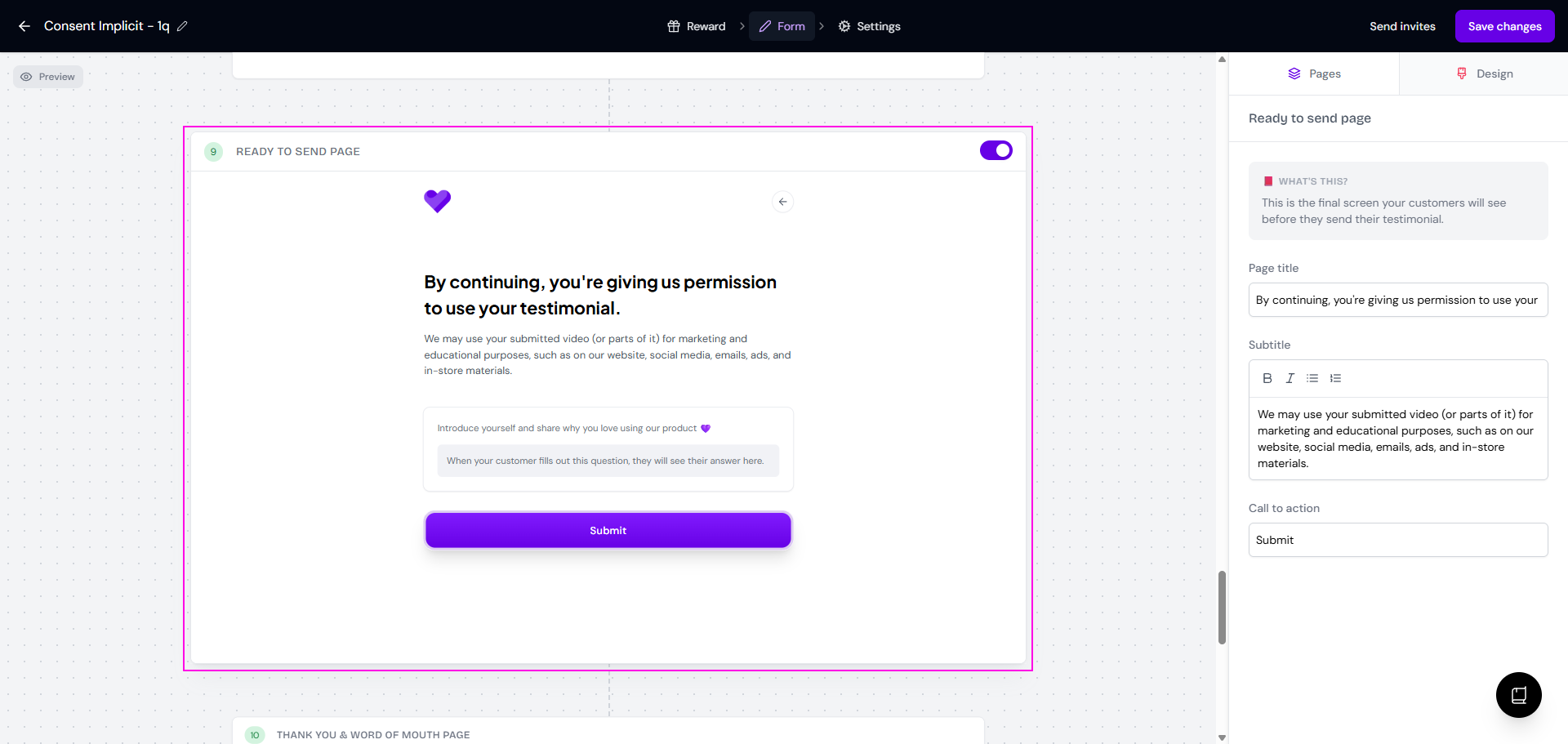
Enable the Ready to send page in the Form tab
Say clearly on that page that you’ll use their testimonial in your marketing
Mention it again on the Welcome page and the Thank you & word of mouth page for extra clarity
Use your own consent document
If you need a formal agreement, for example one with an e-signature, you’ll need to handle it outside the Senja form. There are two ways to do this:
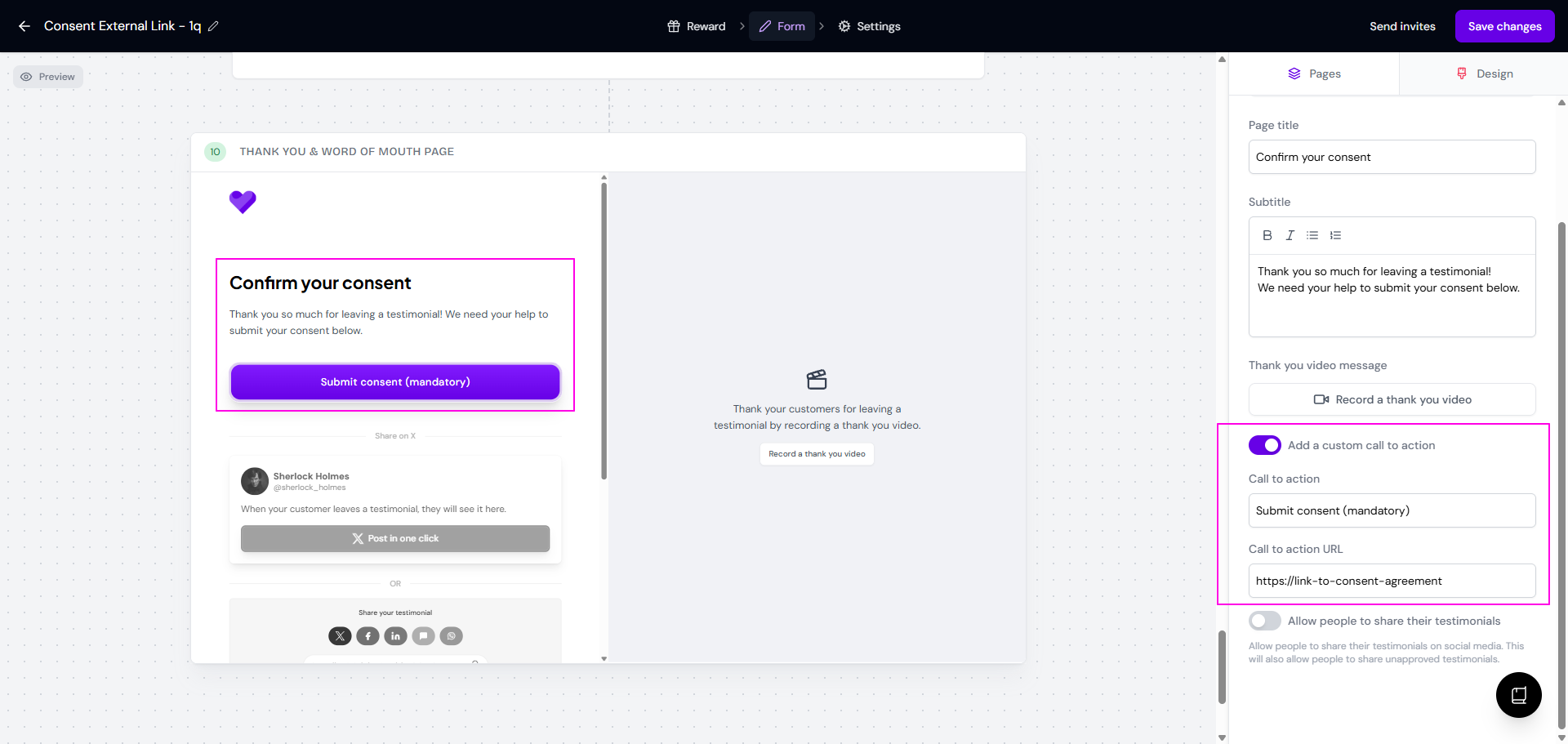
Link to it from the thank you page
Go to the Thank you & word of mouth page in the Form tab
Turn on Add a custom call to action (paid plans only)
Paste the link to your agreement in Call to action URL
Send it after they submit
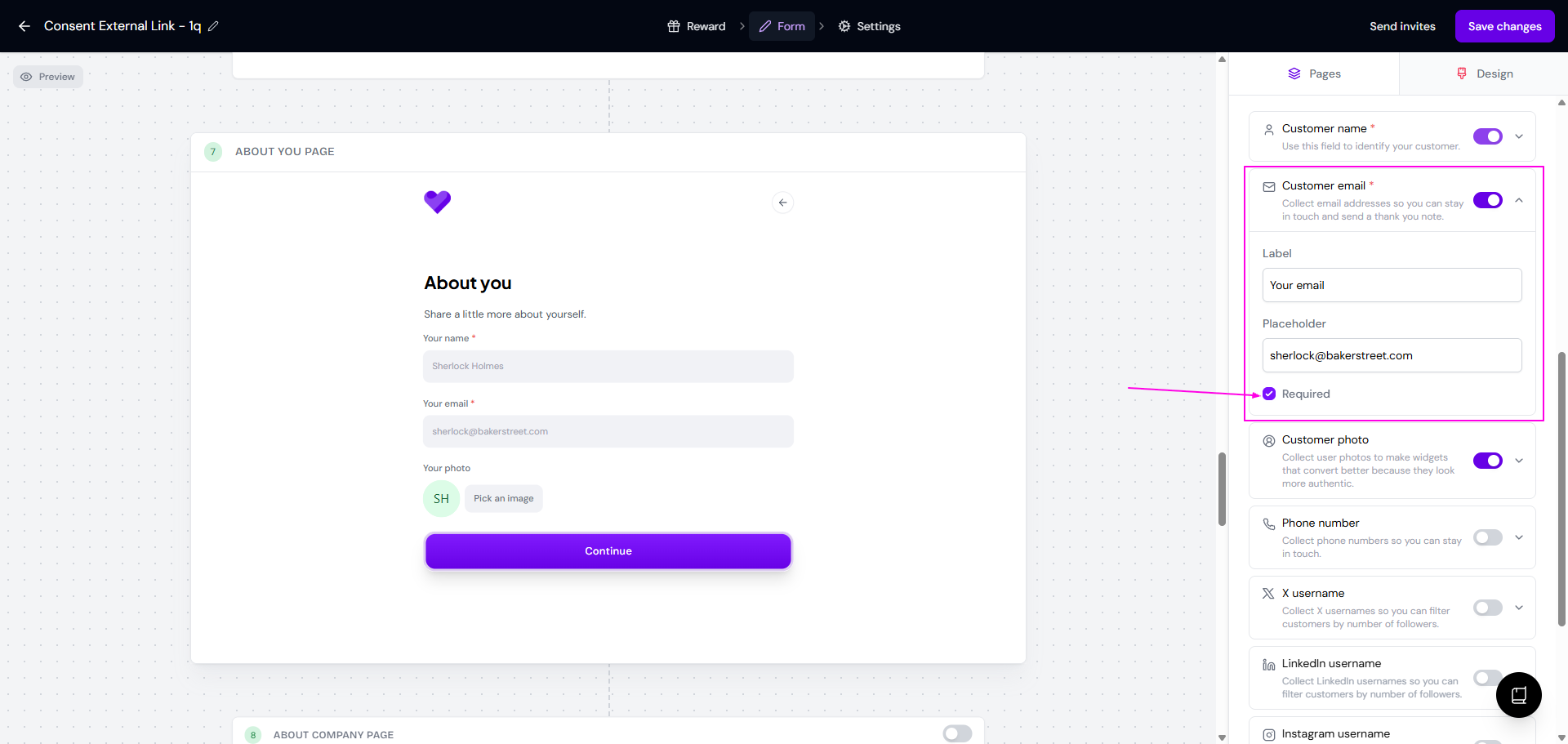
Make the email field required on the About you page
Email your agreement to everyone who submits