
How can I automatically tag and filter Google Reviews by campus?
If you have multiple campuses or locations, you can automatically tag your Google Reviews and filter them by location — so each campus only shows its own reviews.
This feature is available for Senja paid plans when implementing the auto-import.
Connect your Google organization
Connect your Google organization to Senja
Each connection is unique for each Google Place ID
You can add multiple locations separately
It allows you to manage reviews from different locations
Enable auto-tagging
Once connected, enable auto-tagging for that location
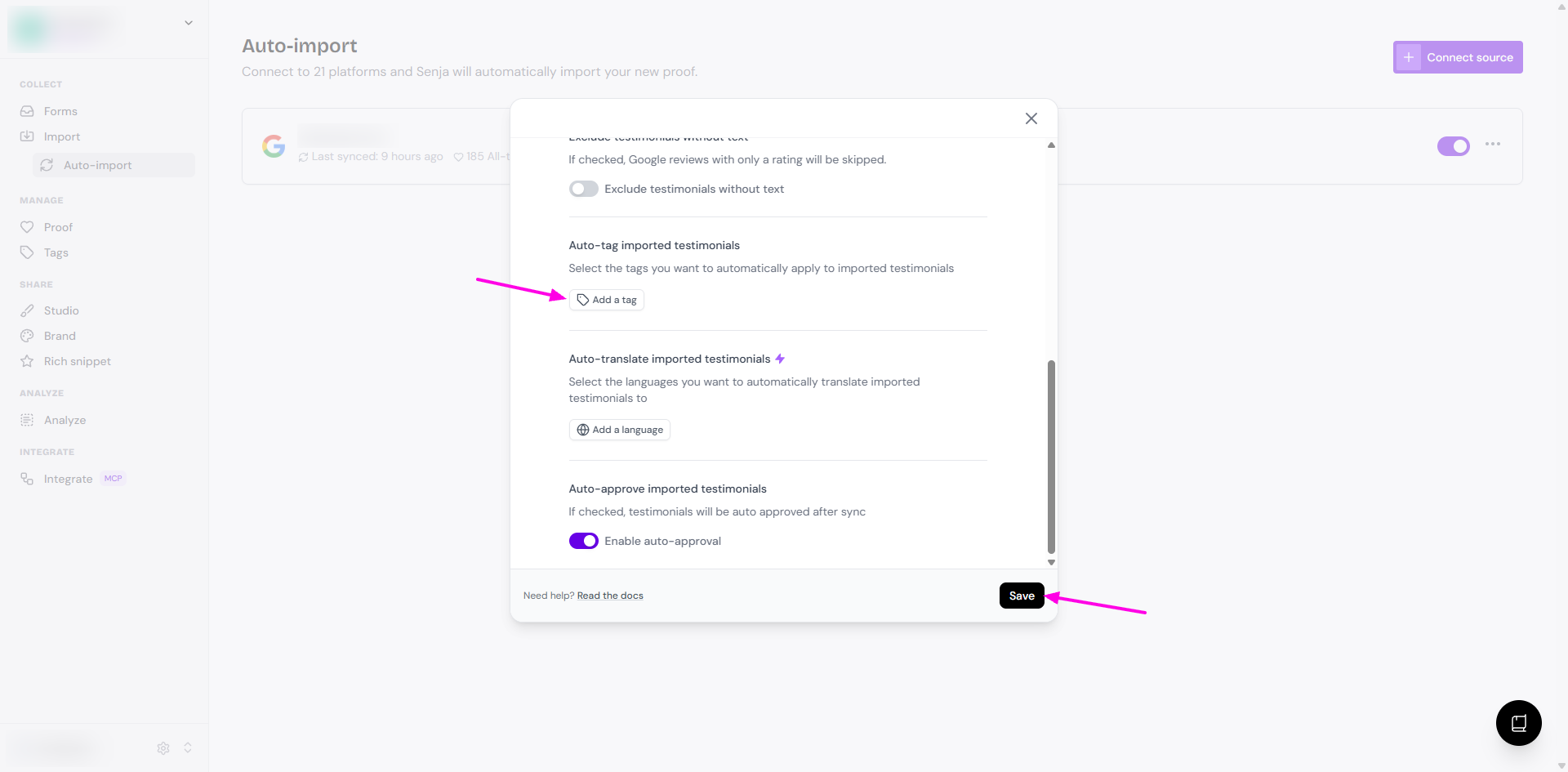
Senja will automatically tag incoming Google Reviews with the campus or location they came from, no manual sorting needed
Make sure that these tags are based on the specific campus or location
Read more about auto-import in How to auto-import testimonials from other platforms.
Filter testimonials by campus
Use the location tags to filter testimonials when building a widget or Wall of Love
This lets you show the right reviews for the right campus automatically
Read more about testimonials filtering in Using tag filters in studio widgets.