
How to manage your account: email/password change and account deletion
You can change your name, email address and password, or delete your account, from Your account page. Forgot your password? Jump to Reset a forgotten password below.
This is applicable on any Senja plan: Free, Starter, and Pro.
Update your name, email or password
Log in to Senja: https://app.senja.io/signin
Click your profile avata/name and choose Your account (or go straight to app.senja.io/account)
Edit your name, email address or password
Click Save changes/Update password
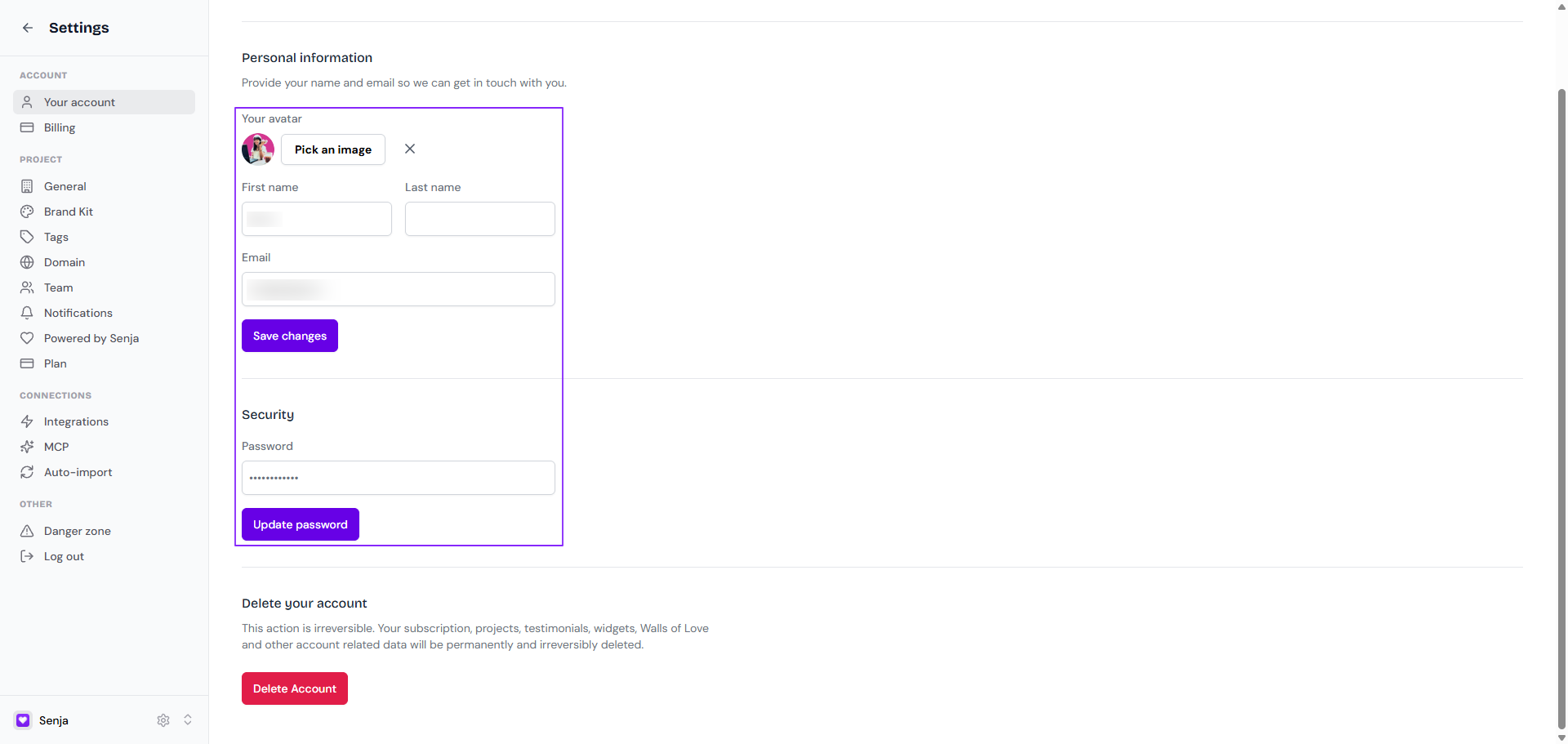
If something won't change, contact Support and we'll help.
Reset a forgotten password
For security reasons, we can't reset your password for you, but it only takes a minute.
Go to app.senja.io/reset-password, or click Forgot Password? on the login page
Enter the email address you use for Senja
Open the reset email and follow the instructions
Can't find the email? Check your spam or junk folder.
Delete your account
Deleting your account is permanent and can't be undone. Your subscription, projects, testimonials, Widgets, Walls of Love and all other account data will be deleted for good.
Just want to stop paying? You can downgrade to the Free plan instead and keep your testimonials.
Go to Your account page
Click Delete Account
Your account and all its data will be deleted within a few seconds
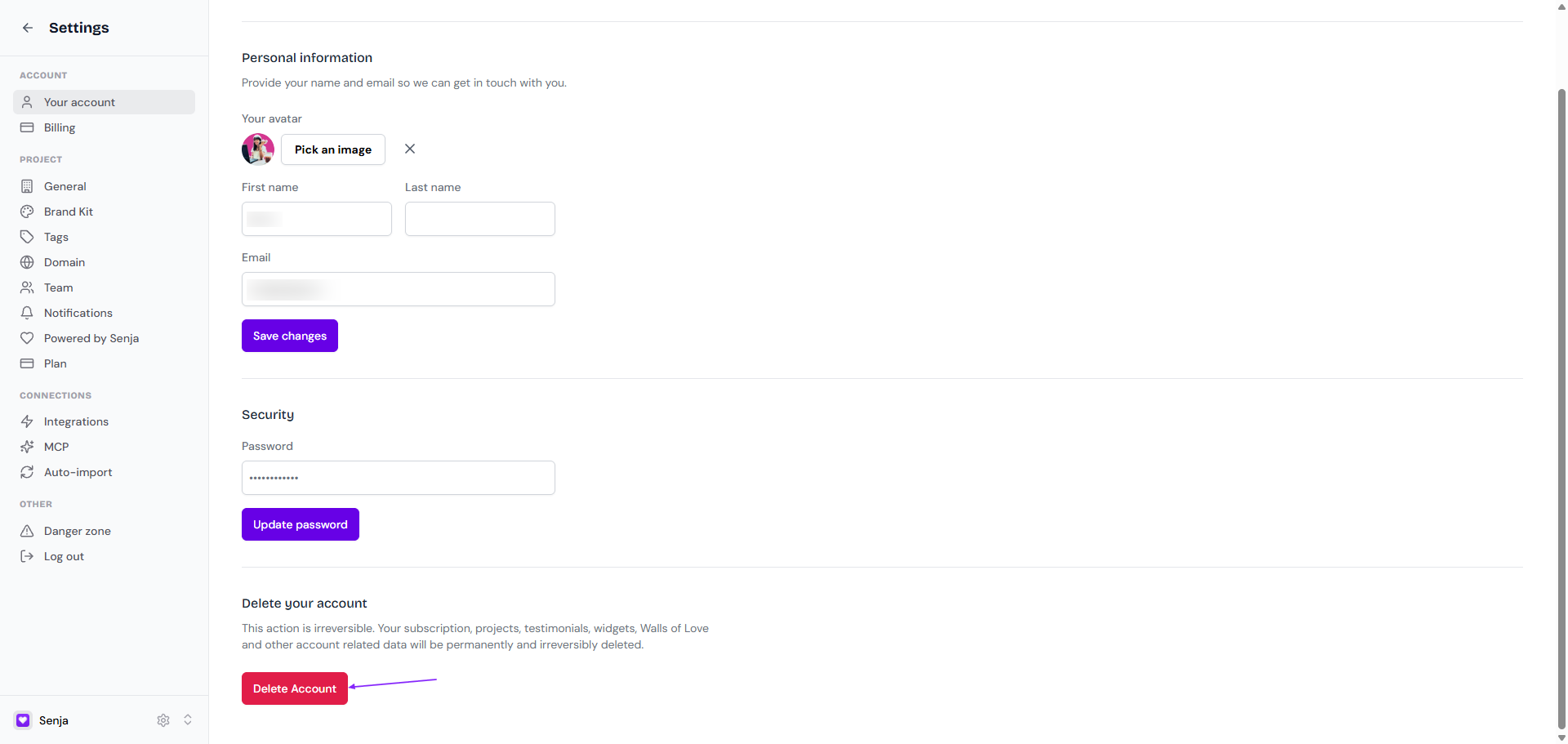
Deletion is permanent, we do not keep any backup data to restore.
Troubleshooting
Can't change your email: the new address may already belong to another Senja account. Try a different one, or contact Support if it isn't in use
"Something went wrong" error: contact Support
Can't delete your account: contact Support for help
Still can't log in: see Troubleshooting signup or login issues