
How to auto-import testimonials from other platforms
Senja can automatically import your new testimonials from supported platforms. We call this functionality Auto-import.
Auto-import is available on Senja's paid plans.
How to do it
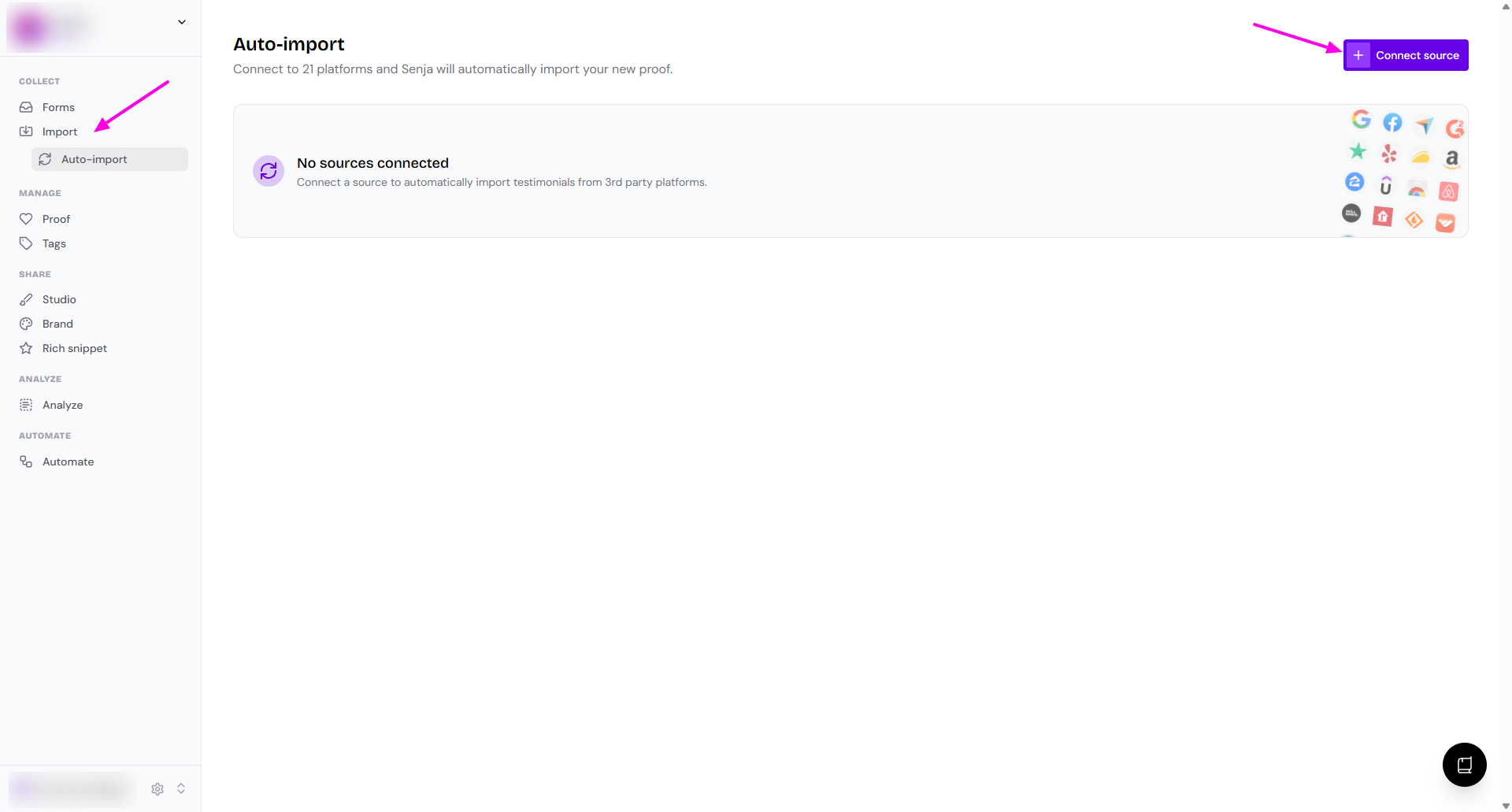
Go to your Import > Auto-import page: https://app.senja.io/import/auto
Click Connect source
Choose the platform to connect
Click Continue
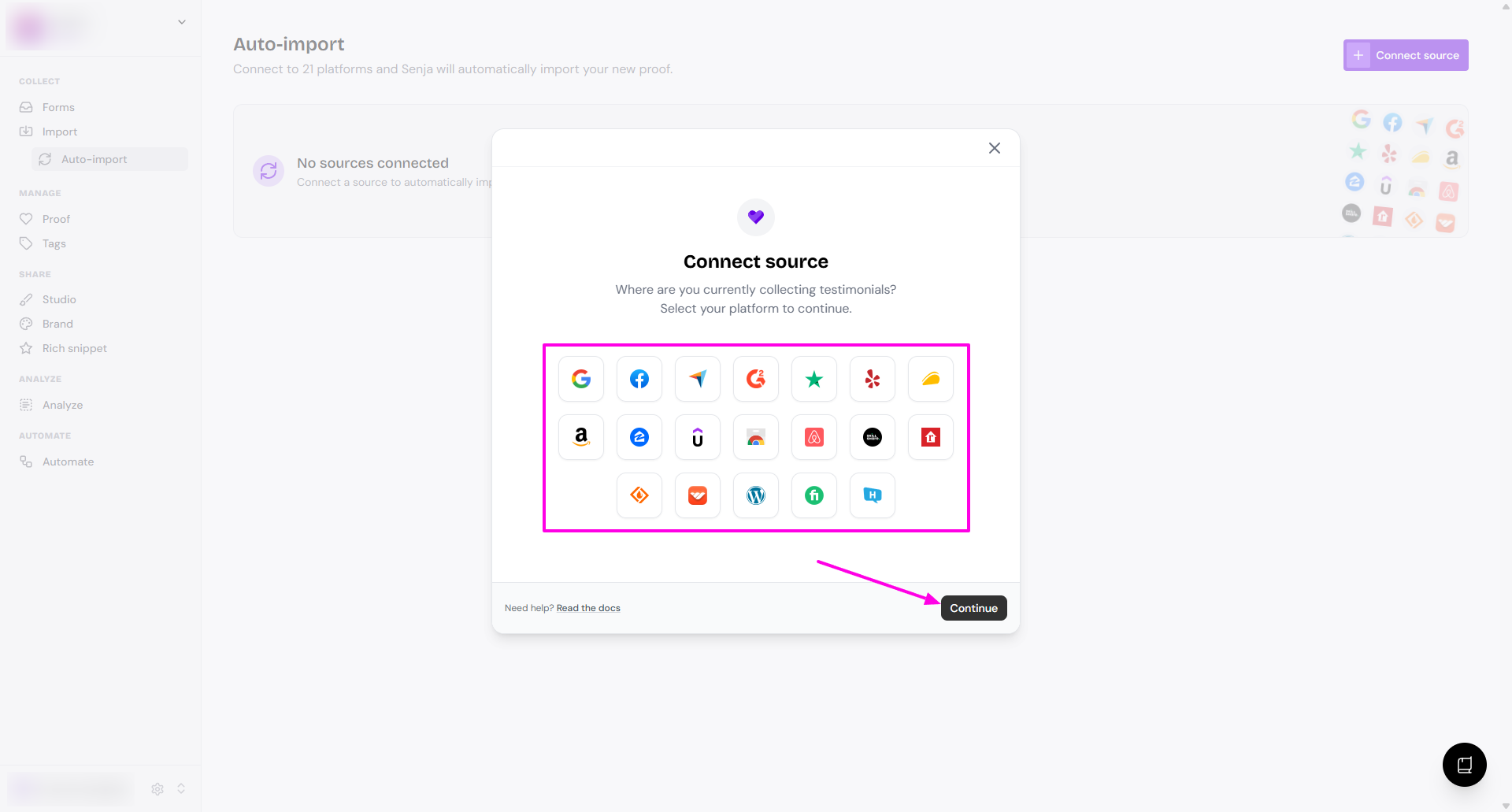
You can connect multiple platforms in Auto-import, just repeat the process for each platform
More setup
Once connected, you will have the list on your Auto-import page
Make sure that all platforms are enabled (the toggle on)
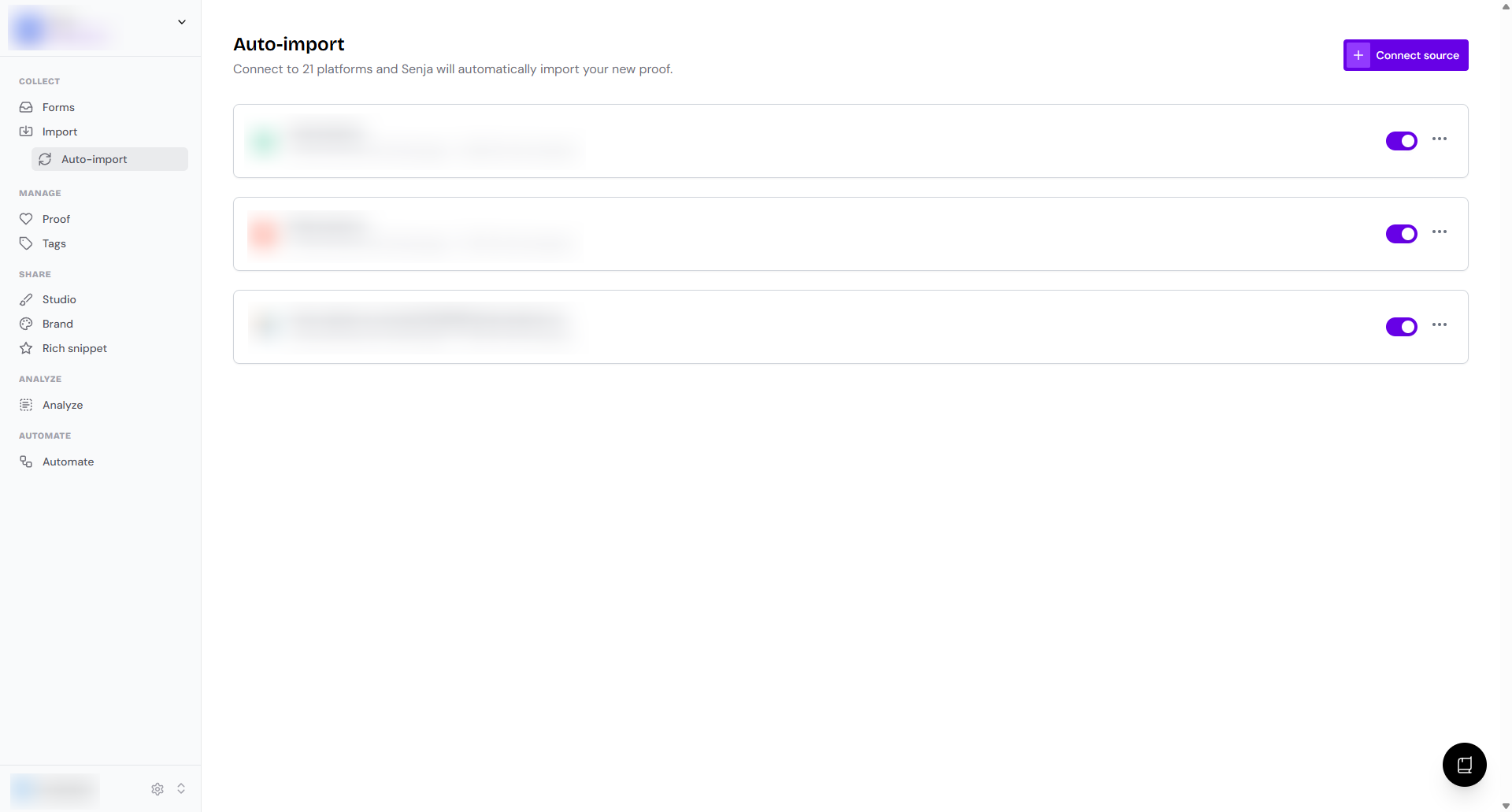
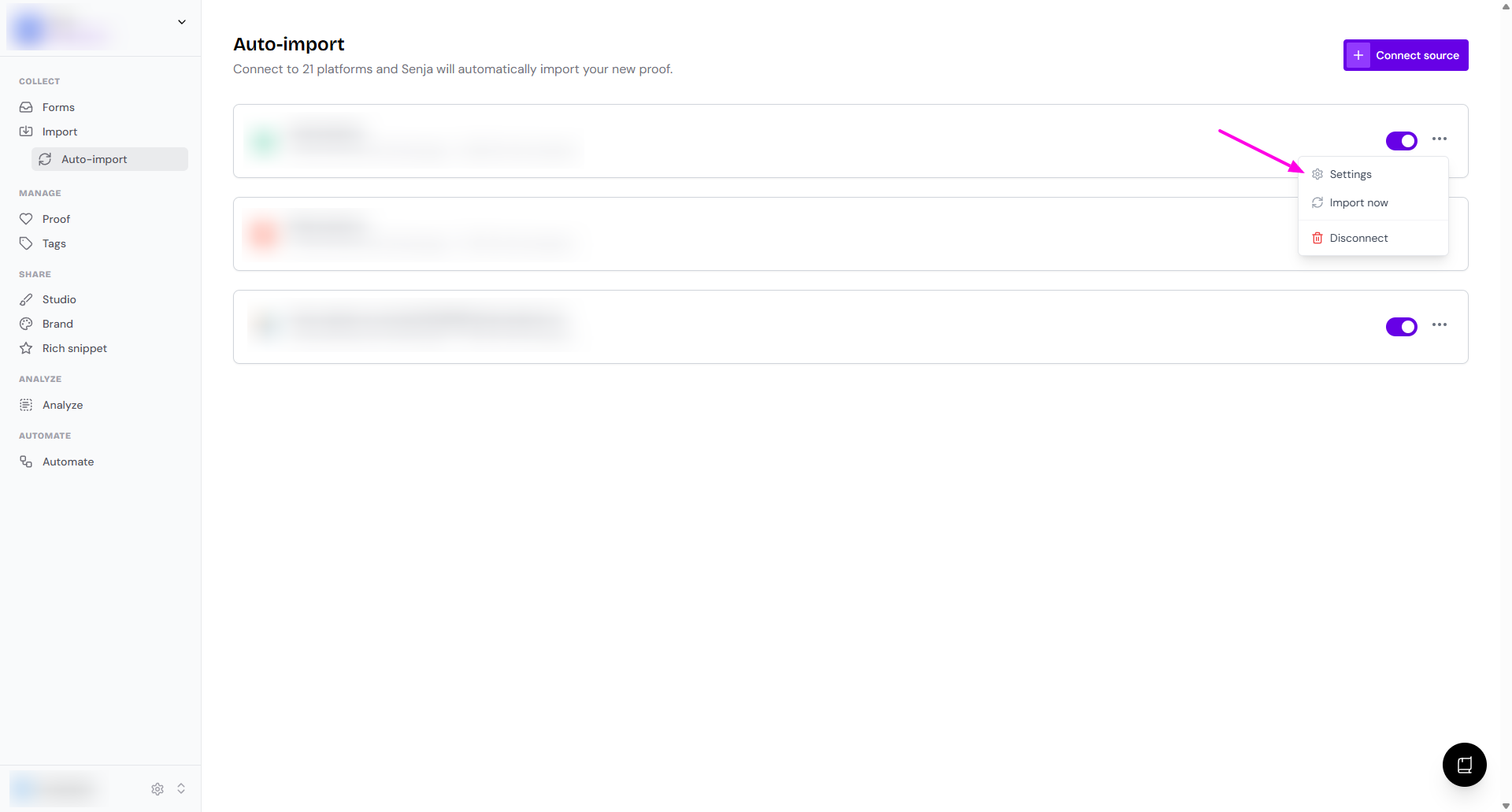
You can do more setup by clicking the 3-dots
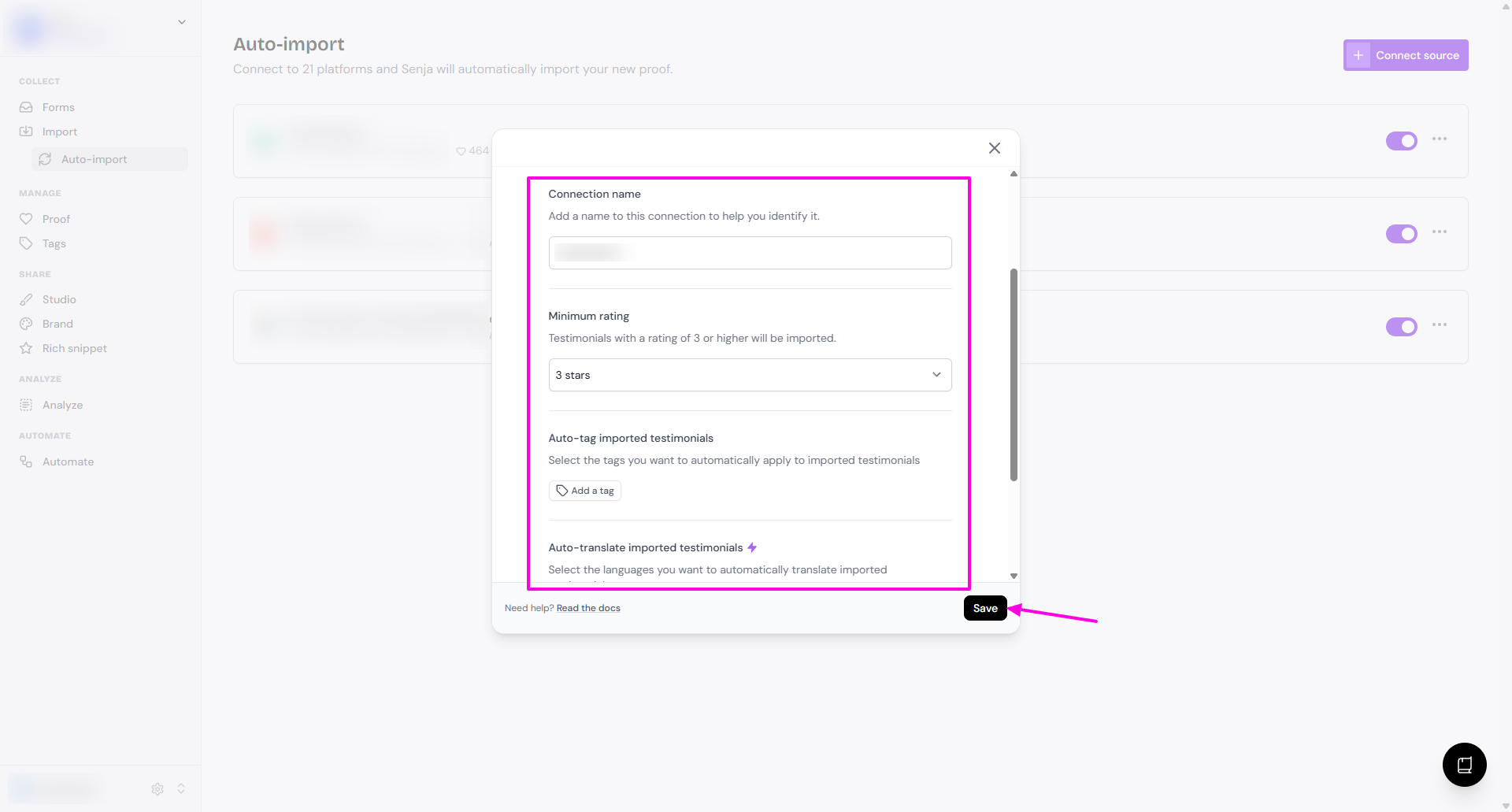
Click Settings to see the additional configuration
Connection name
Minimum rating, to limit the imported testimonials from specific rating (1 star to 5 stars)
Auto-tag imported testimonials, to add tags automatically when the import is happening
Auto-translate imported testimonials
Auto-approve imported testimonials
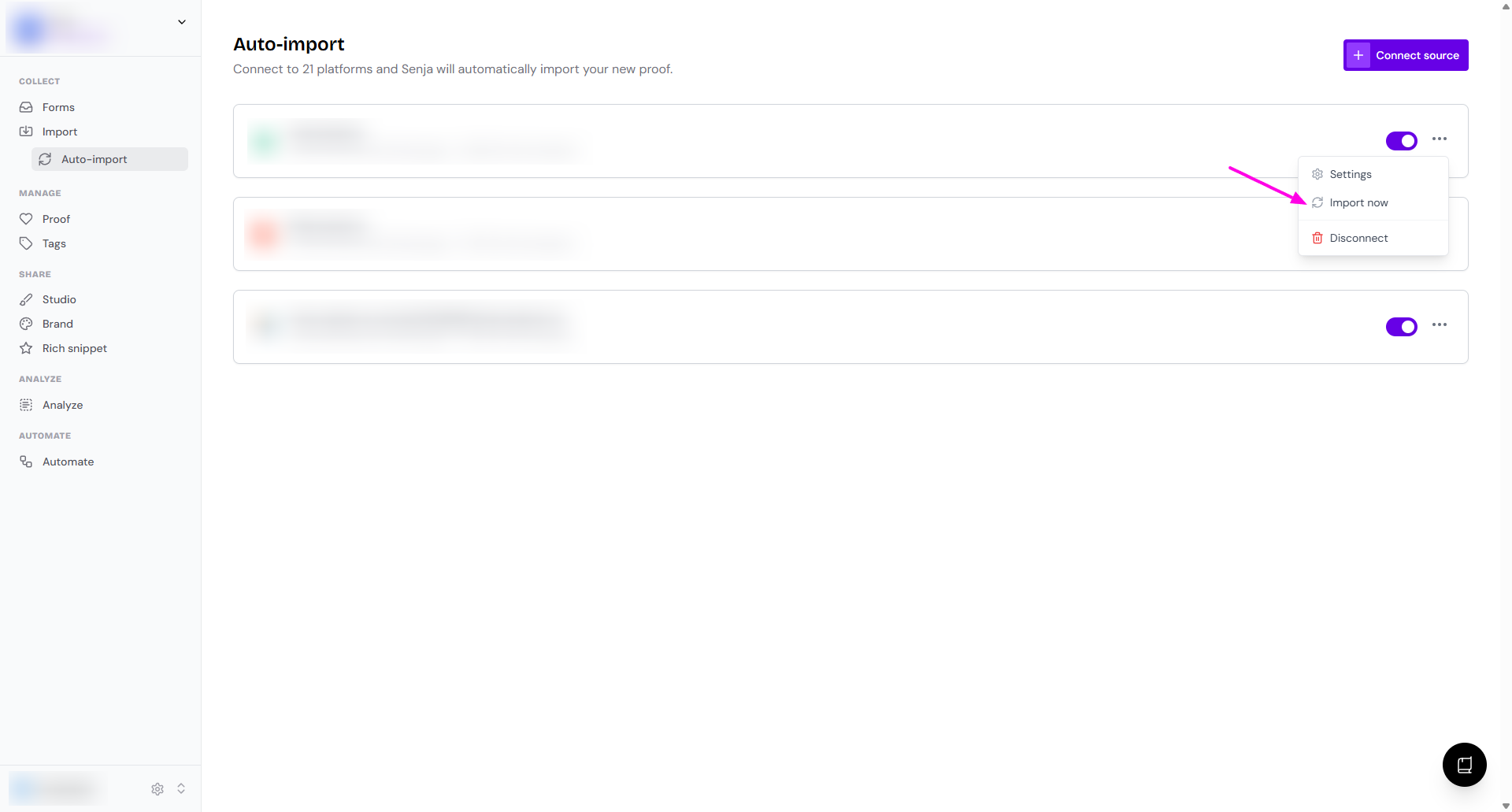
Click Import now to run the import without waiting for the auto-sync
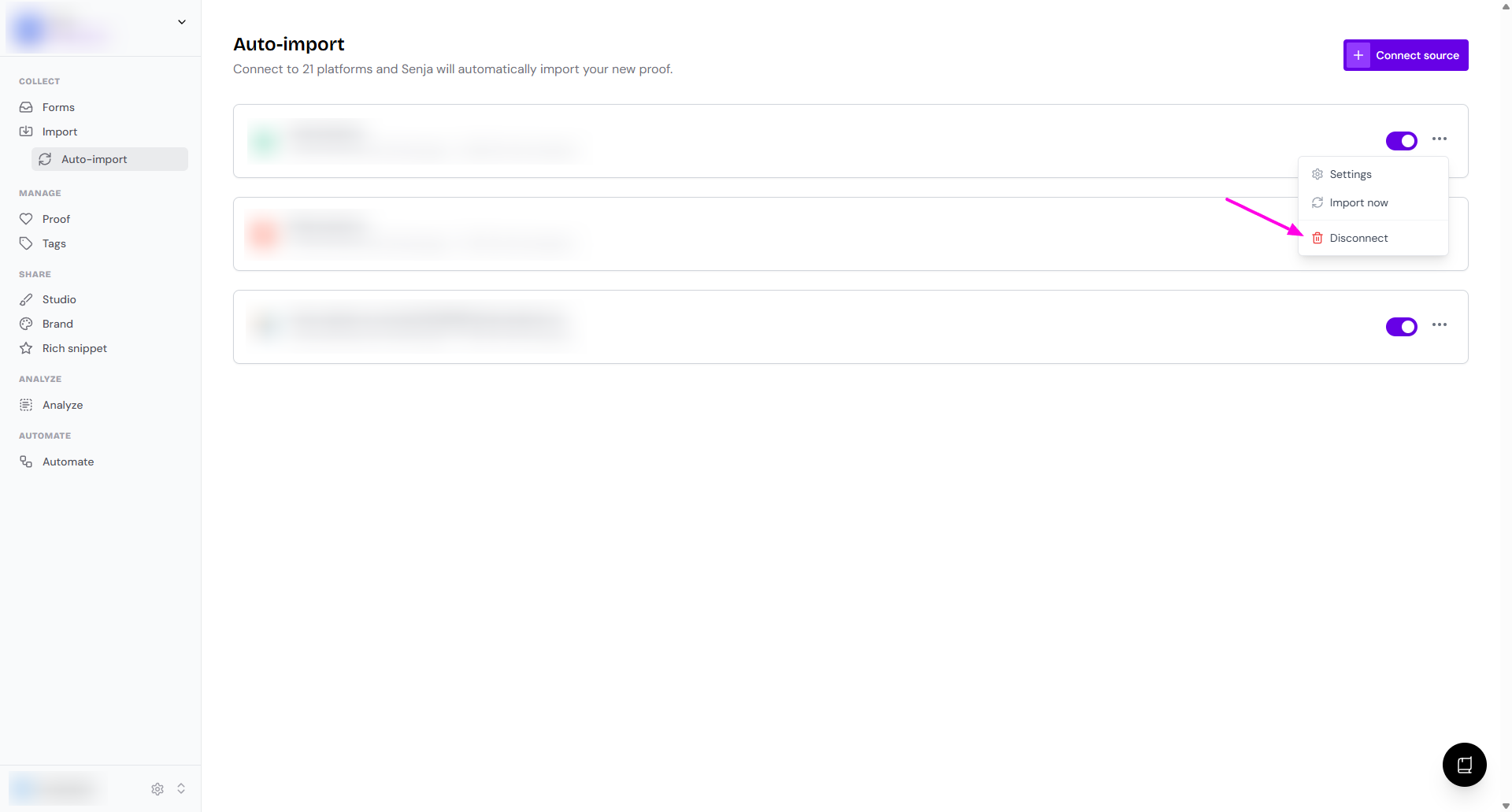
Click Disconnect if you want to remove that platform from your Auto-import page
What's next?
New testimonials coming to the connected platforms will be automatically added to your Proof page when the auto-sync runs
The auto-sync happens every 12 hours, at 12 AM and 12 PM GMT
Sources that are actively getting reviews are always checked on this schedule
If a source hasn't had a new review in about two months, we check it less often (every few days) to keep things efficient
The moment a new review comes in, it goes back to the twice-daily schedule automatically
You can always pull in the latest reviews instantly with the Sync now button on any connection
If you encounter an issue, contact our Support team to help you.