
How do I download my testimonials?
You can download testimonials from your Proof page in two ways: as video files (MP4), or as a CSV export with the text, images, and video links.
This is available for all Senja plans: Free, Starter, and Pro. Video downloads are standard quality (SD) on Free and HD on Starter and Pro. HD is the original recording quality.
Which method should I use?
I want to… | Use |
|---|---|
Download the video file(s) of one testimonial | |
Download a video that answers a non-primary question | Download video files from one testimonial (you get every individual video) |
Download many videos | Export to CSV, then open each video link |
Get the text, images, or all your testimonial data |
You cannot download the multipart video (the auto-merged version from a form with multiple questions). It is not included in the CSV either.
Download video files from one testimonial
Go to your Proof page: https://app.senja.io/
Choose the testimonial with the video(s) you want to download
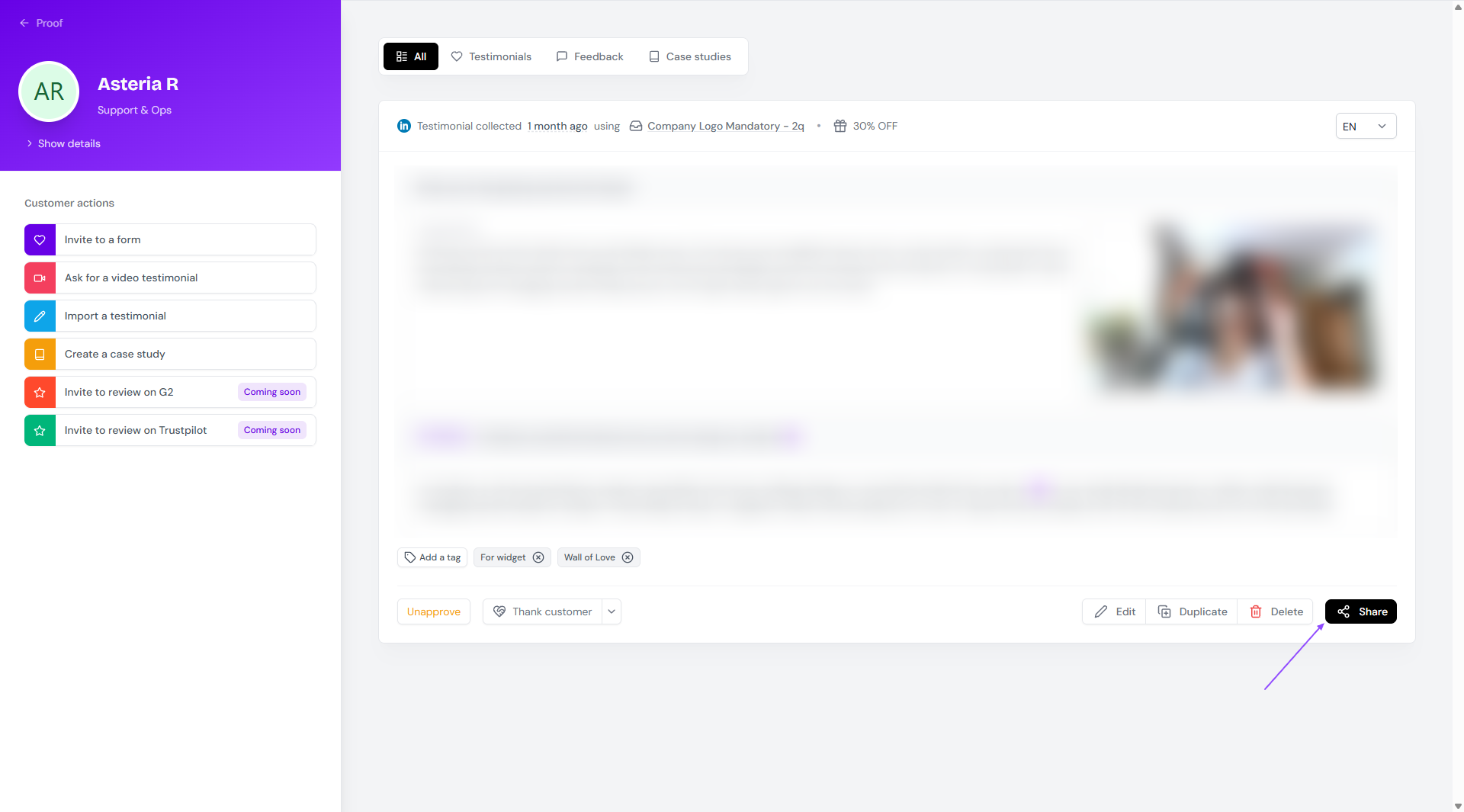
On the customer page modal, click Share
Click Download videos
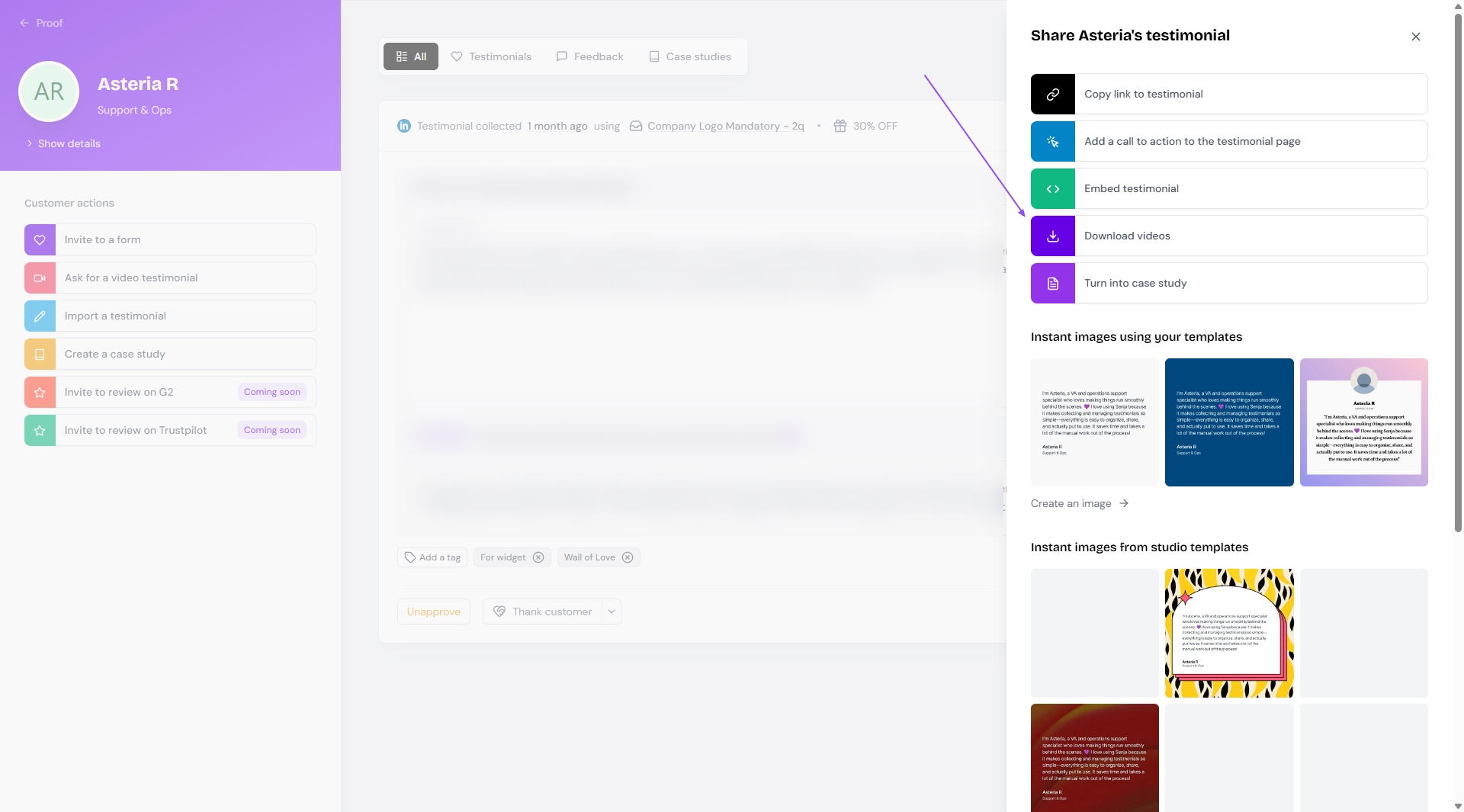
If the testimonial has more than 1 video:
Only the individual videos are downloaded
The multiclip (auto-merged version) is not included
If Chrome only downloads the first video, see Troubleshooting video download issues.
Export testimonials to CSV
The export gives you a CSV file. Videos appear as links you open to download.
Export selected testimonials
Go to your Proof page: https://app.senja.io/
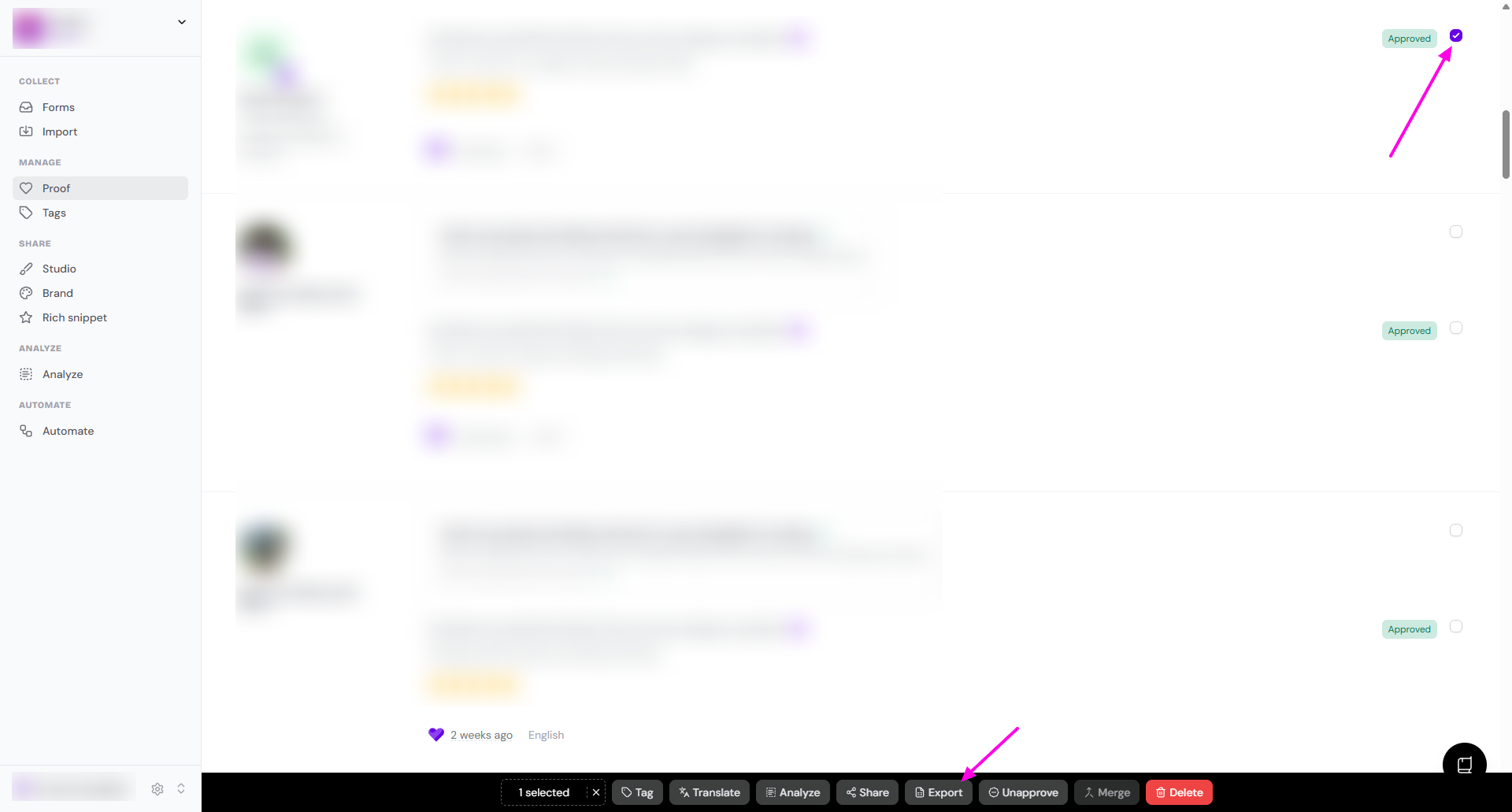
Use the checkbox to select 1 or multiple testimonials
Click Export on the bottom popup toolbar
Export testimonials with specific criteria
Go to your Proof page
Click Filter to show specific testimonials. For example, set Type to Video to show testimonials with video only
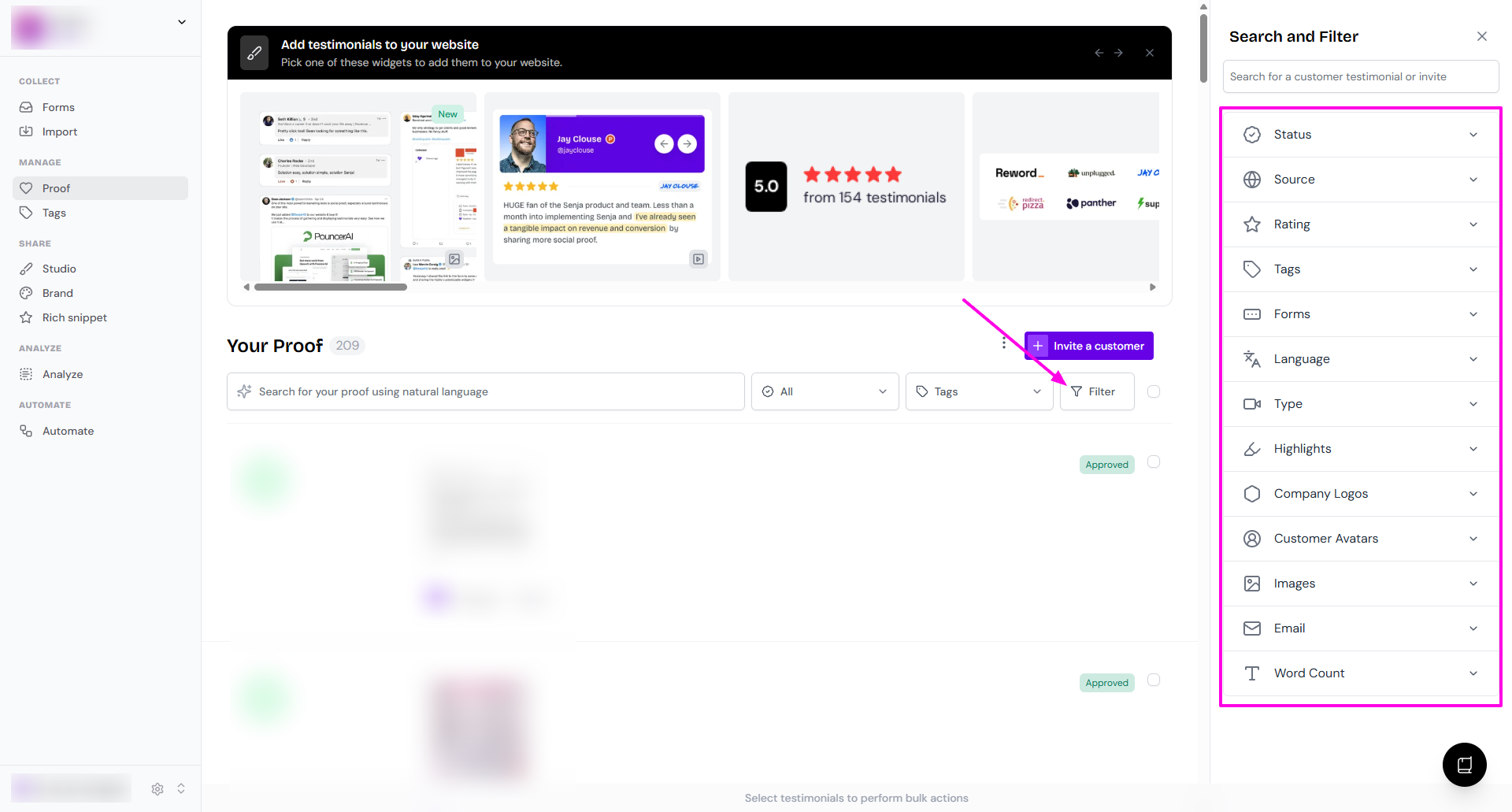
Click the checkbox next to the Filter button to select all of them
Click Export on the bottom popup toolbar
Export all testimonials
Go to your Proof page
Click the 3-dots next to Invite a customer
Click Export all to CSV
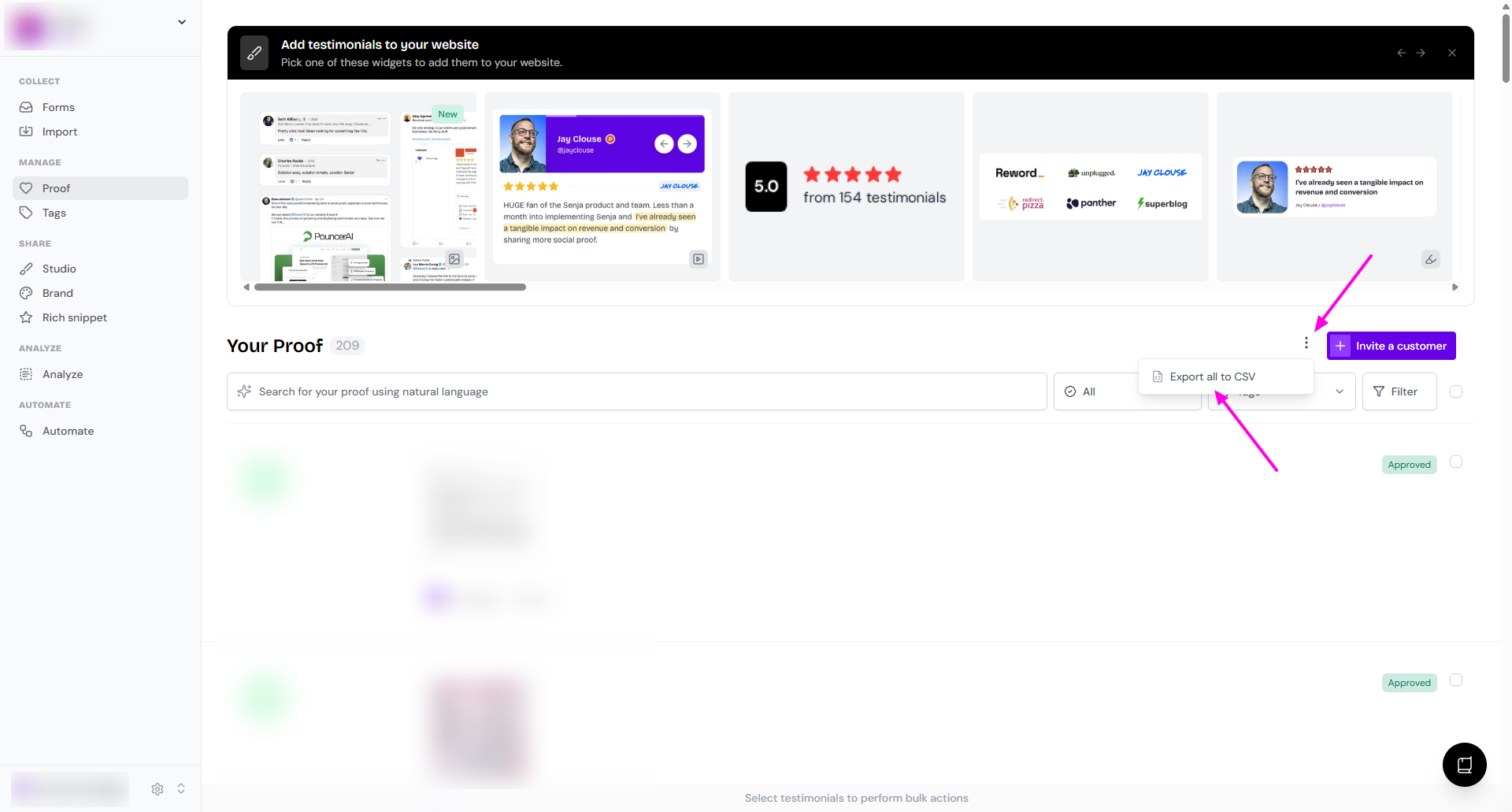
Moving testimonials to another project? Export them first, then follow How do I copy testimonials to another project?
What’s in the CSV
Content | Where to find it |
|---|---|
Text | text column. If there are multiple questions, the answers are in 1 cell, separated by comma. |
Images | attachments column, as URLs (open to download). Multiple images are in 1 cell, separated by comma. |
Videos | attachments and video_mp4_url columns, as URLs (open to download). Multiple videos are in 1 cell, separated by comma. |
Example for multipart text testimonials and images attachment
In Proof page
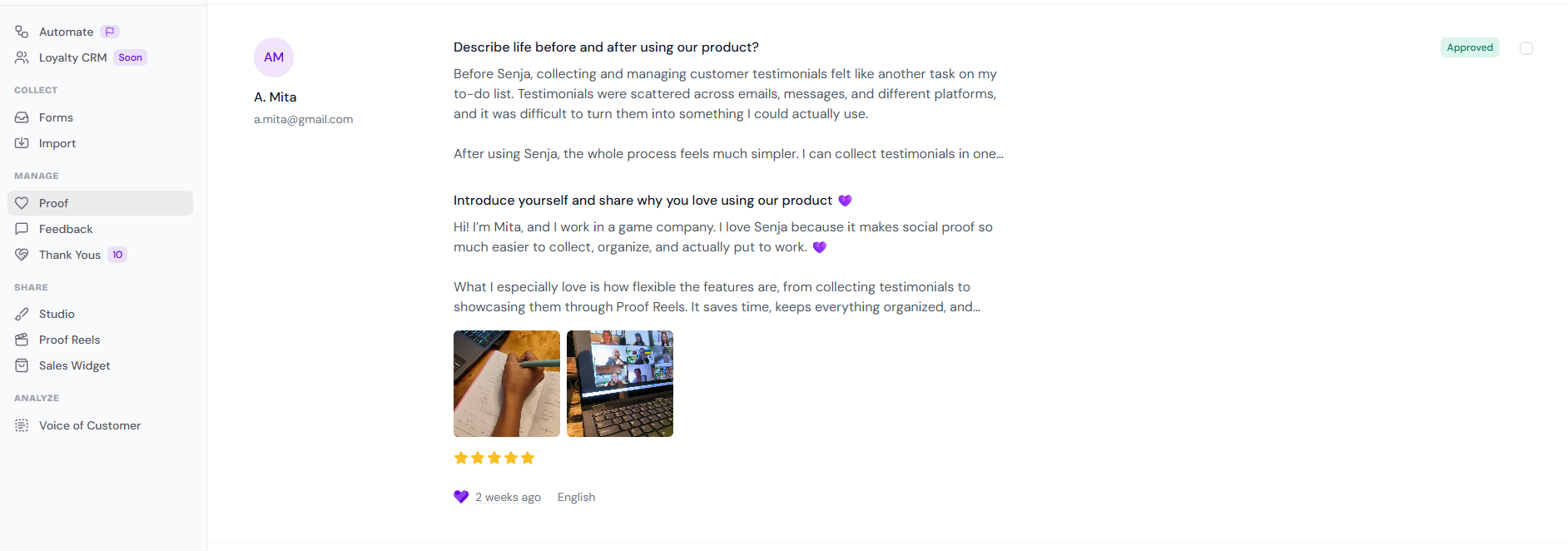
In the CSV - text column
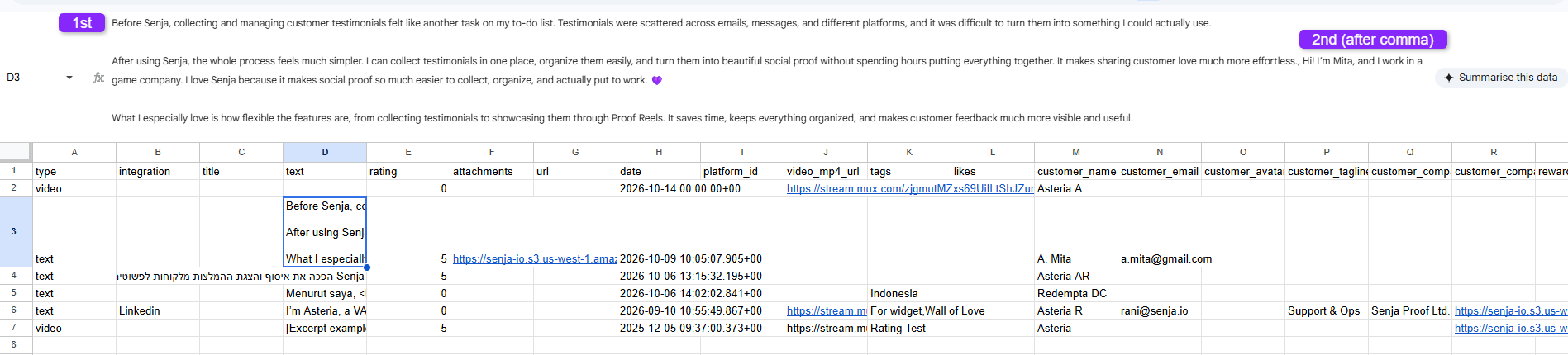
In the CSV - attachments column

Example for multipart videos
In Proof page

In the CSV

See here you only have 3 videos downloaded, because the multiclip (the auto-merged version) is not included in the download.
Problems with downloading?
Downloads not starting, failing, or only the first video downloads: Troubleshooting video download issues
Video looks lower quality than expected: Troubleshooting video quality issues