
How do I copy testimonials to another project?
If you manage multiple projects, you can copy testimonials from one project to another. The originals stay in the first project.
This is applicable to all Senja plans: Free, Starter, and Pro.
Copy testimonials to another project
Go to your Proof page: https://app.senja.io/
Export the testimonials you want to copy, following How do I download my testimonials?
You'll get a CSV of your testimonials
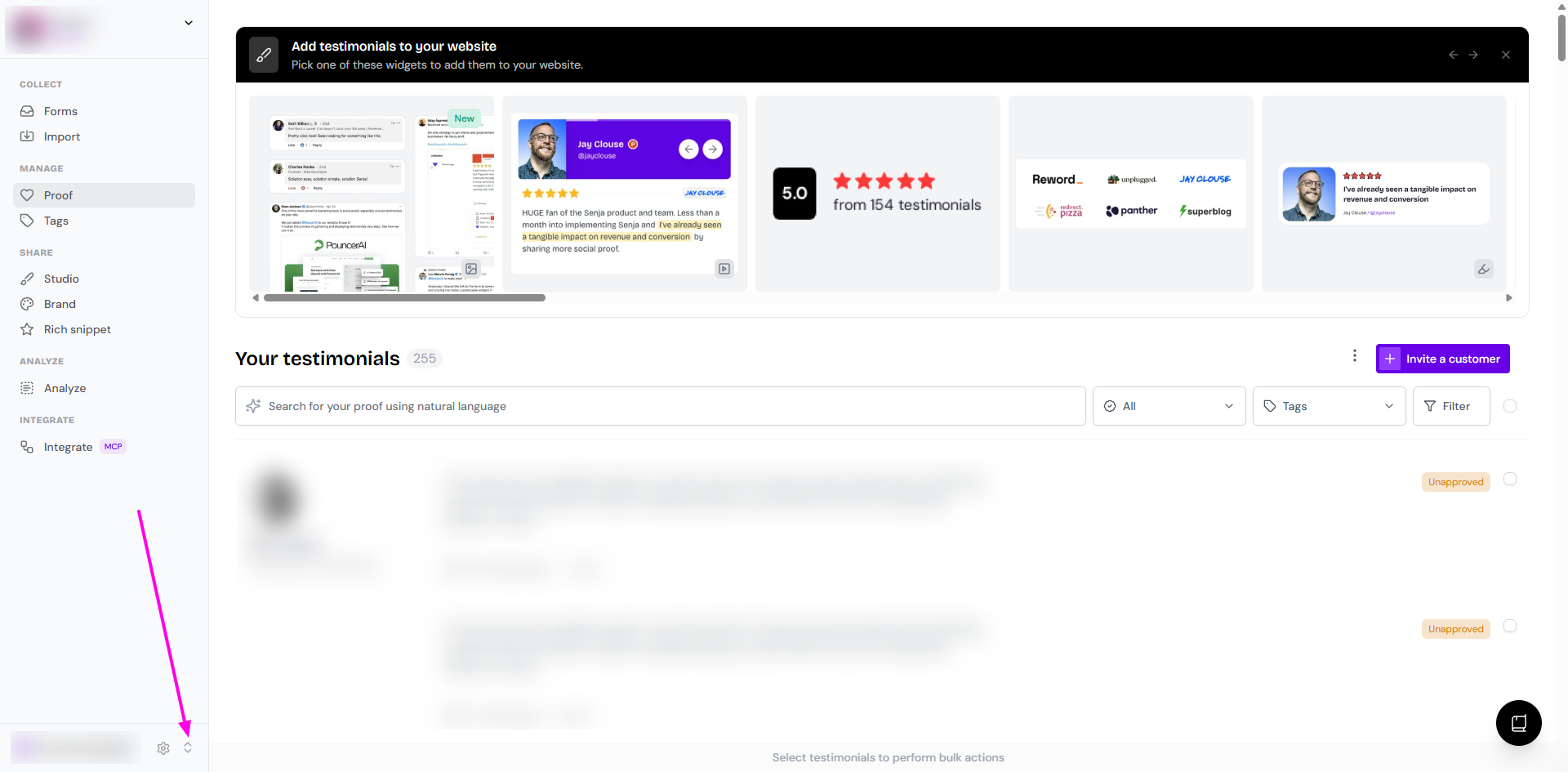
Click the project switcher button
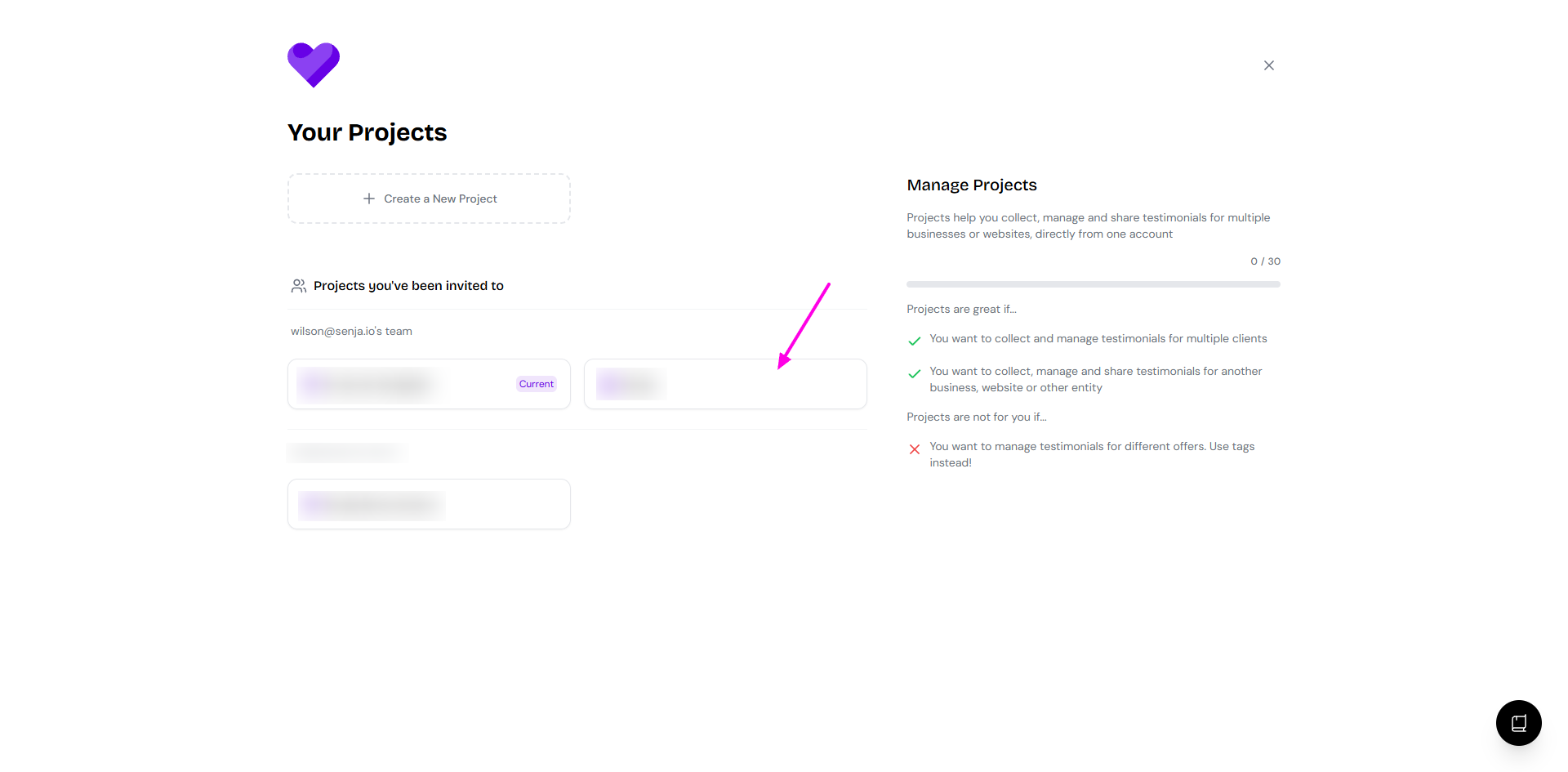
Choose the project you want to copy them to
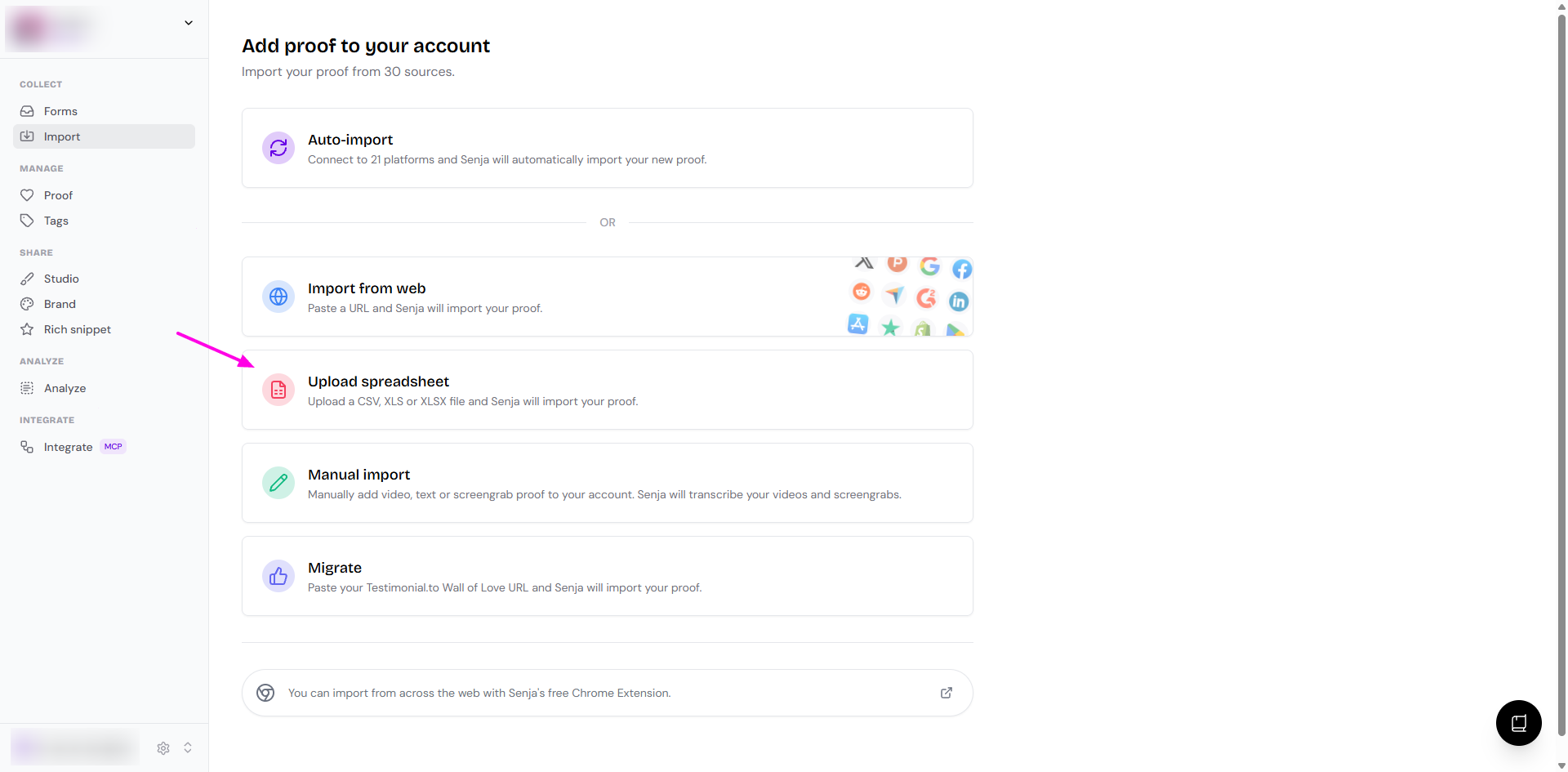
Go to Import: https://app.senja.io/import
Choose Upload spreadsheet
Upload the CSV you exported
Your testimonials are now in the destination project
Multiclip videos (the auto-merged version from a form with multiple questions) aren't included in the CSV, so they won't be copied.
Testimonials uploaded from a spreadsheet are approved by default. See What do approved and unapproved mean?
Tips
Double-check you're in the correct destination project before uploading
Check that all testimonials copied correctly
Keep the originals in the first project as a backup