
How to reorder testimonials in your widget
You can customize the order of testimonials in your widget to highlight your best reviews first.
This feature is available for any Senja plans: Free, Starter, and Pro.
Steps to reorder testimonials
Open your widget in your Studio page: https://app.senja.io/studio
Click on Design
Click on Reorder testimonials
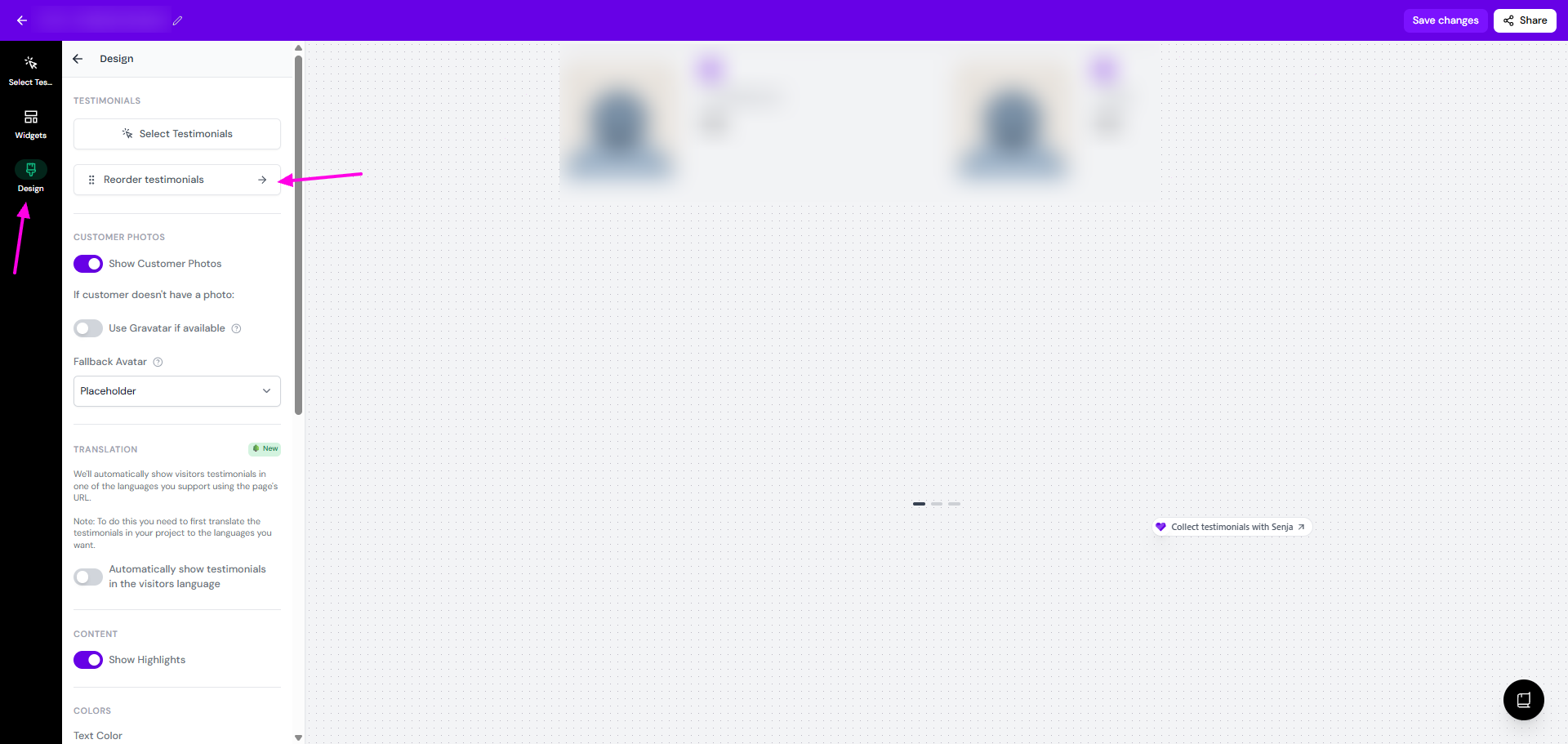
Rearrange as you wish
Sort by date, rating, videos first, or random
Order by newest/oldest first
Click the Pin icon to pin a testimonial to the top
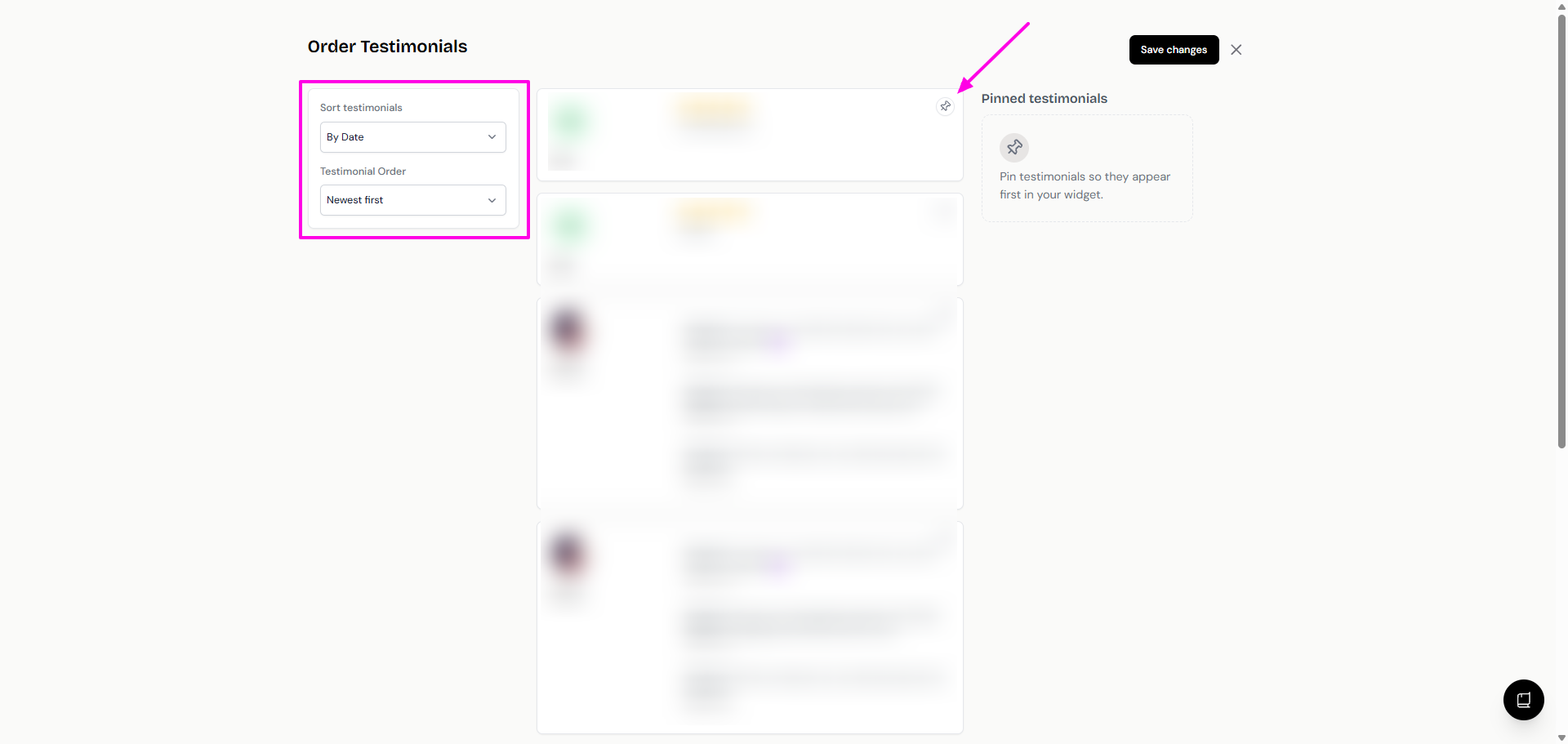
Pinned testimonials
When you reorder the testimonials by date, rating, videos, or randomly, the order of appearing will keep changing every time new testimonials are added to your widget.
In the case where you want specific testimonial(s) to always be on the first display, use the Pinned testimonial function.
Go to the Reorder testimonials page
Click the 📌 icon next to the testimonial you want to prioritize
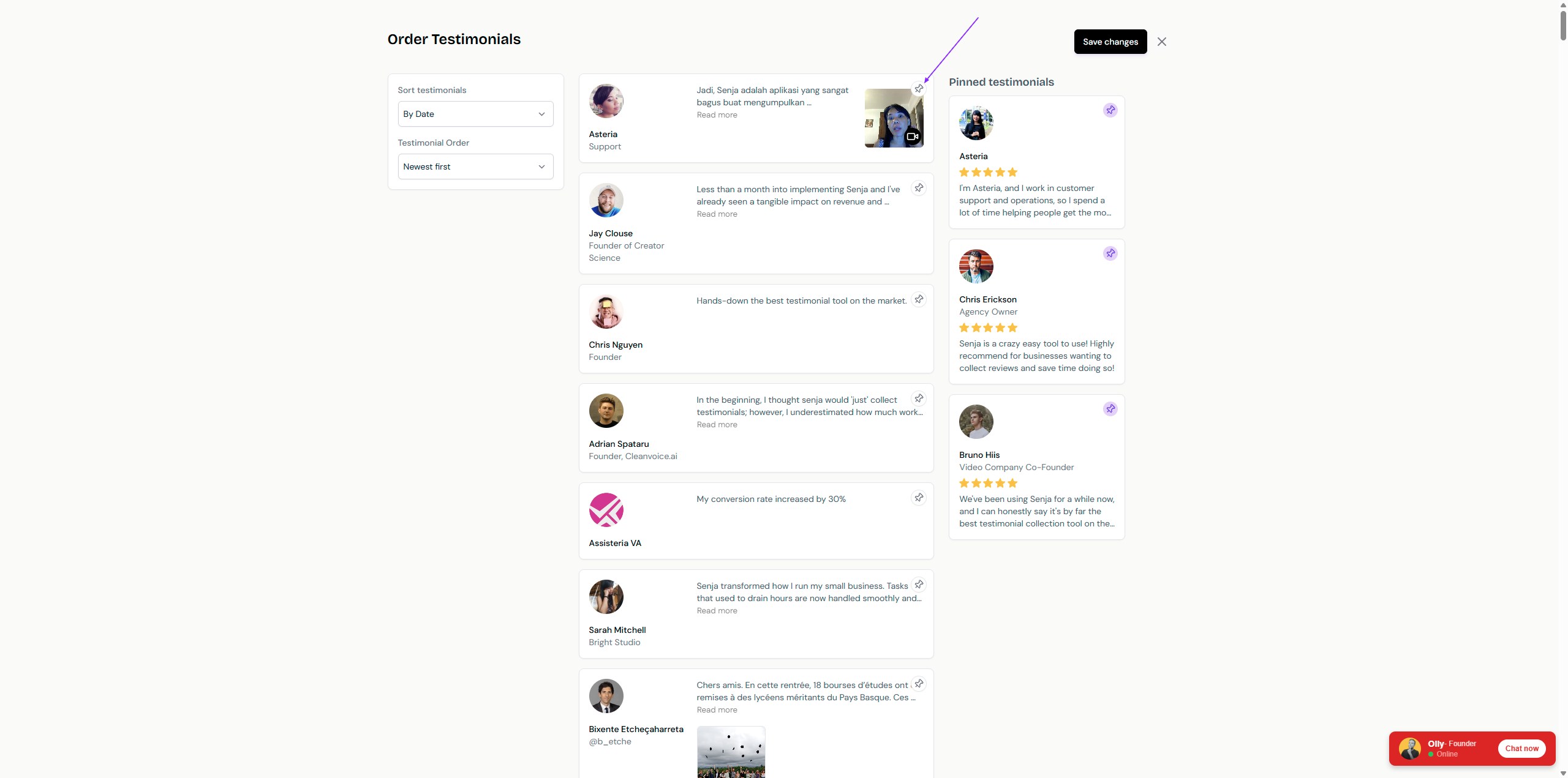
All pinned testimonials will be shown on the right side
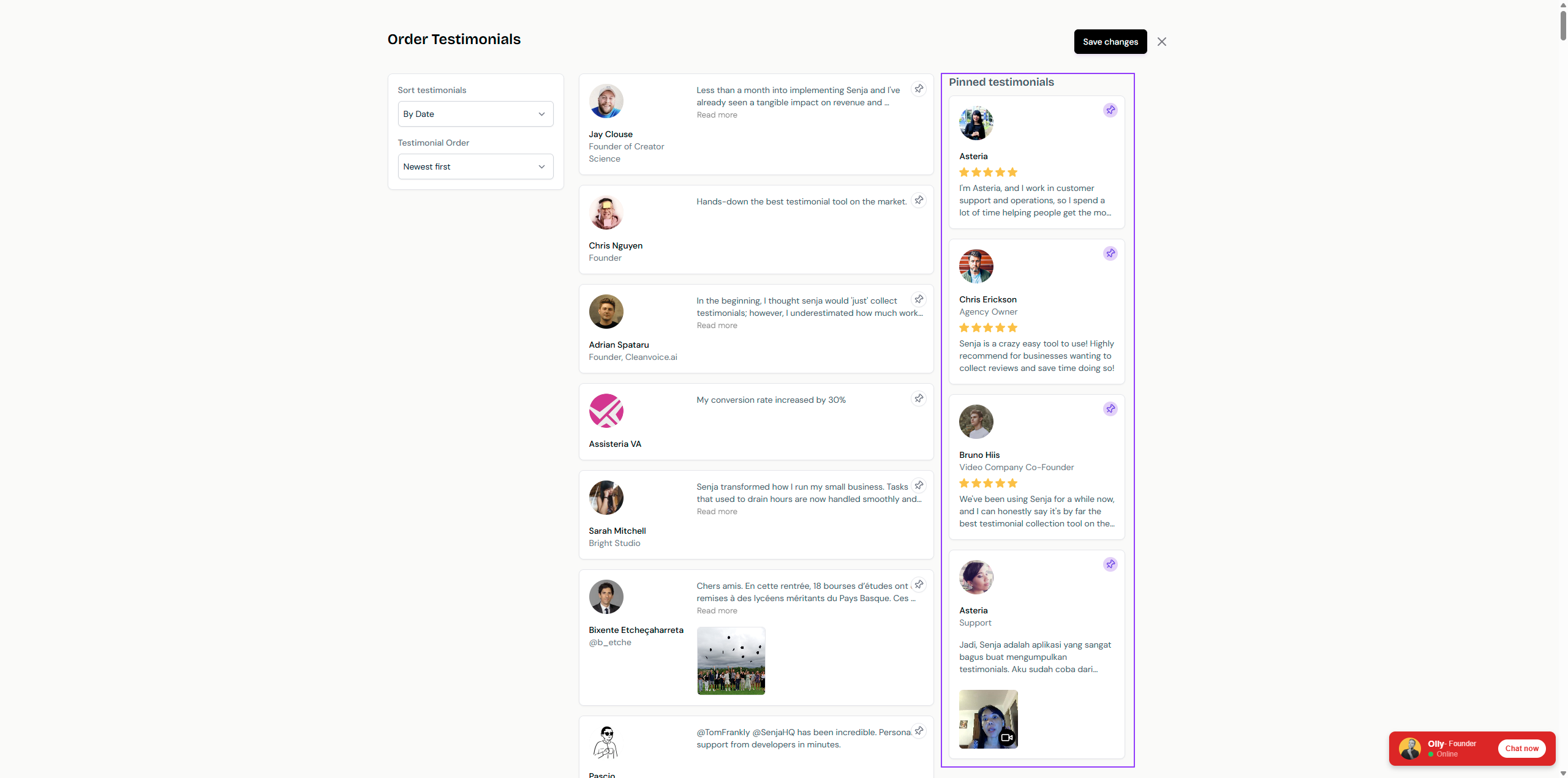
You can rearrange the order of pinned testimonials by drag and drop