
Why is my popup widget not displaying on mobile?
If your Testimonial Toast or Testimonial Popup widget isn't appearing on mobile, you may have the Hide on mobile setting switched on.
This setting prevents the widget from displaying on smaller screens.
This is applicable to any Senja plans: Free, Starter, and Pro.
How to fix it
Go to your Studio page: https://app.senja.io/studio/
Open your widget
Go to Design tab
Scroll until you find Targeting > Hide on mobile
Toggle off to allow mobile display, toggle on to hide on mobile
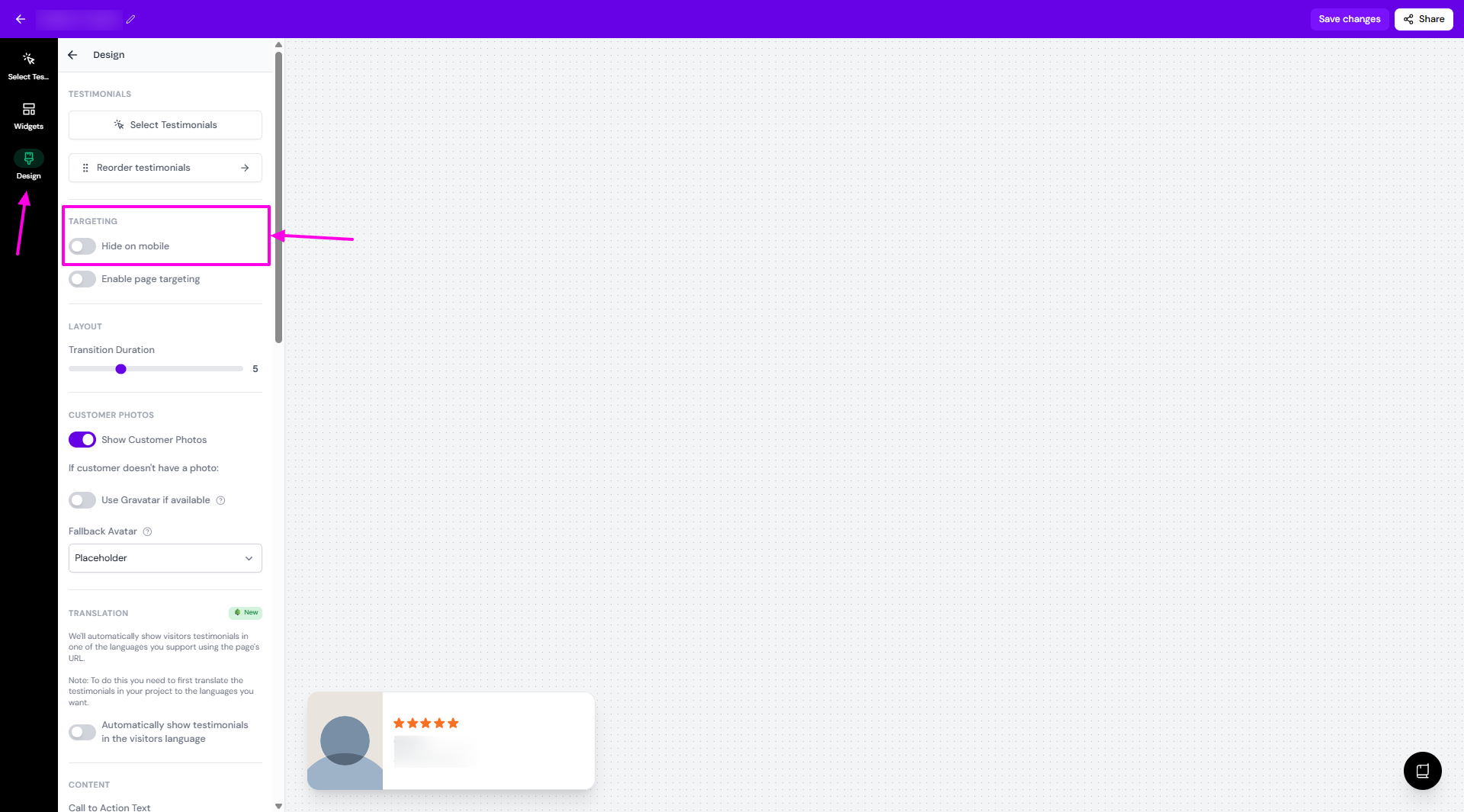
Click Save changes
That's it — your widget should now show on mobile devices.
Was this helpful?
Was this helpful?