
Adding popup widgets to Framer
Popup widgets let you display testimonials as subtle notifications on your Framer site.
This feature is available for all Senja plans: Free, Starter, and Pro.
Steps
Create your popup widget and copy the embed code
Go to your Framer dashboard
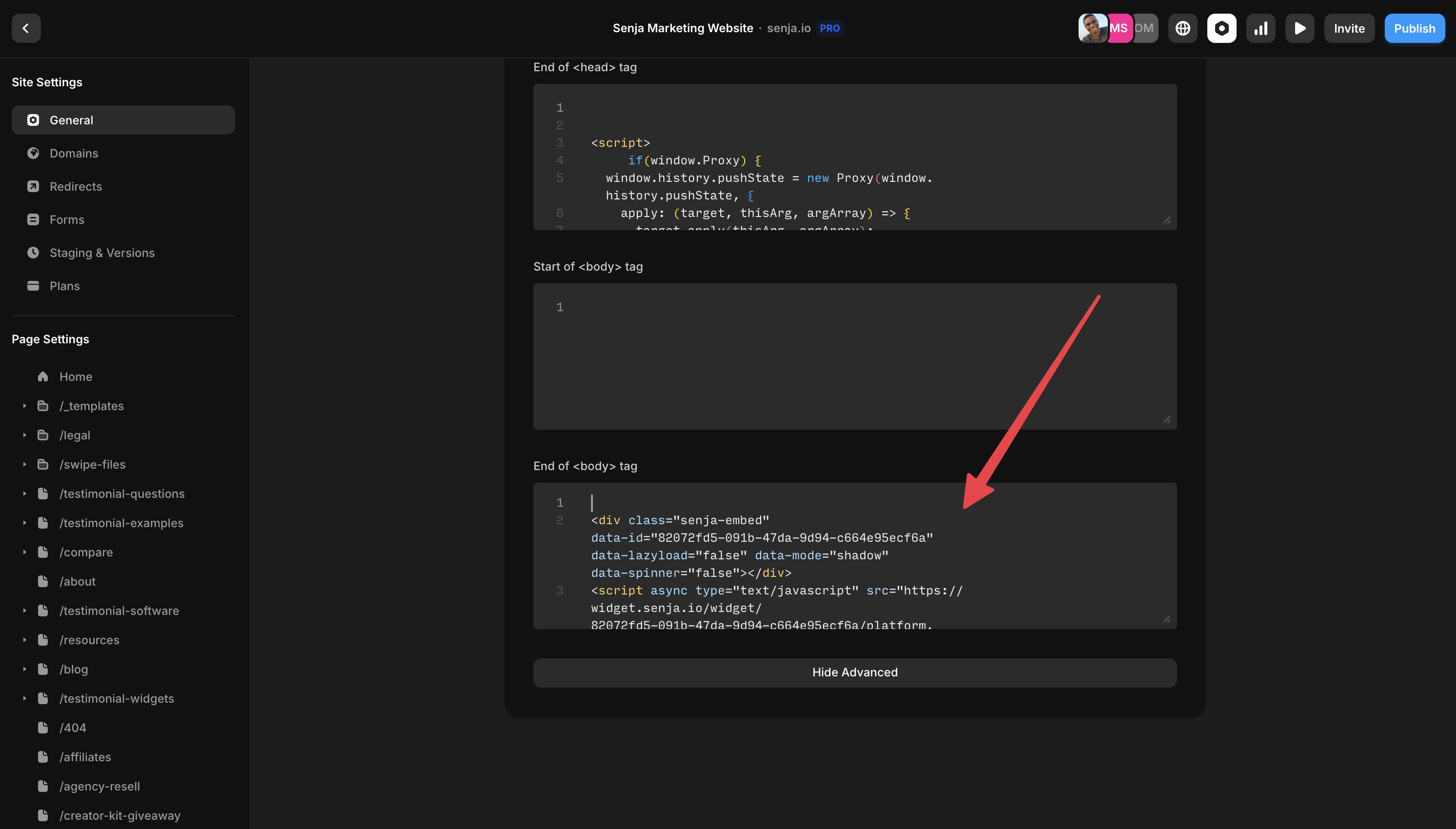
Click Site Settings > General
Paste your code at the end of the <body> tag section
Questions? Contact Senja Support team.
Was this helpful?
Was this helpful?