How does logo work in brand kit?
Your Brand page is the central place to manage your logo across Senja. Once you upload it here, you can apply it across your forms, widgets, Wall of Love, and images without uploading it again each time.
This feature is available on Senja paid plans: Starter and Pro.
In your form's questions page
You will see the option to use it in your form's questions
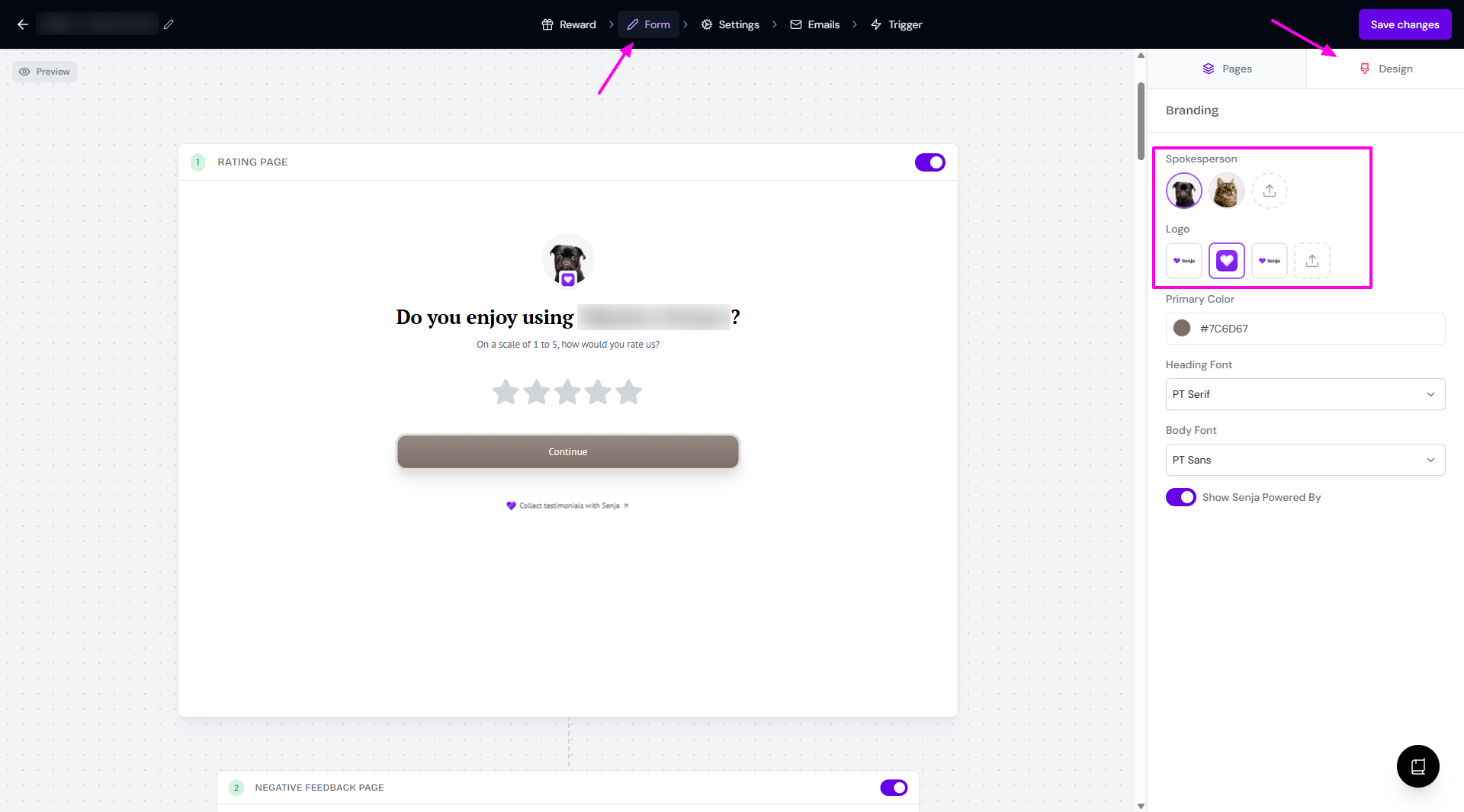
Open your form and see the Form tab
Choose Design subtab to choose the Logo to display in the questions
You can also add new Logo from this page (minimum 640px x 640px, ideal 1080px x 1080px)
To remove logo, click on the currently chosen image - it will deselect the logo
How it looks without logo
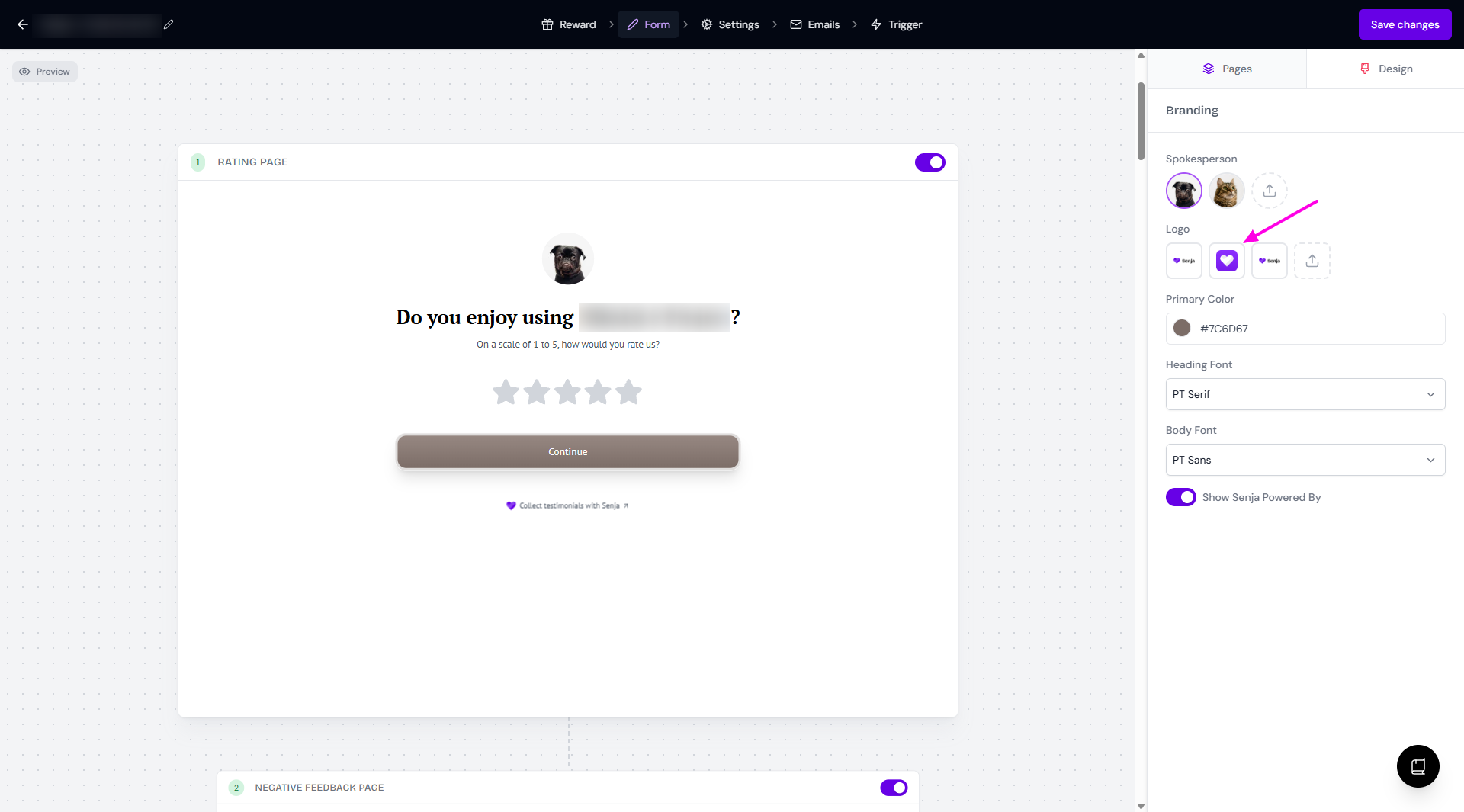
When you add the logo from your Form, it will also added to the Brand page.
In your form's settings page
Open your form and go to Settings tab
Scroll down to Confirmation email, click on it to expand the email body
Click on the avatar placeholder to add a Logo
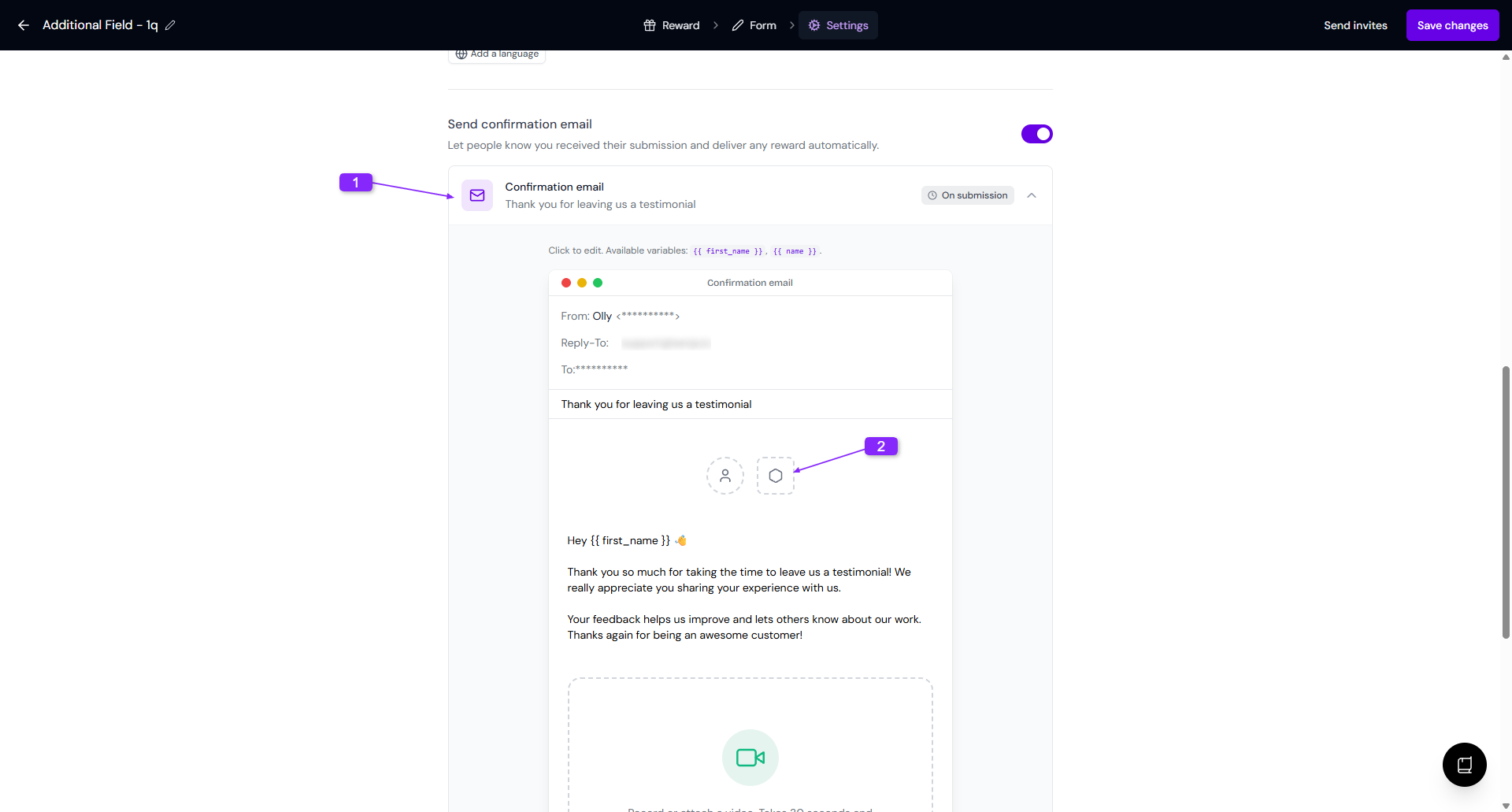
The same way, you can choose from the exiting logos or upload a new one
In thank you message of Proof page
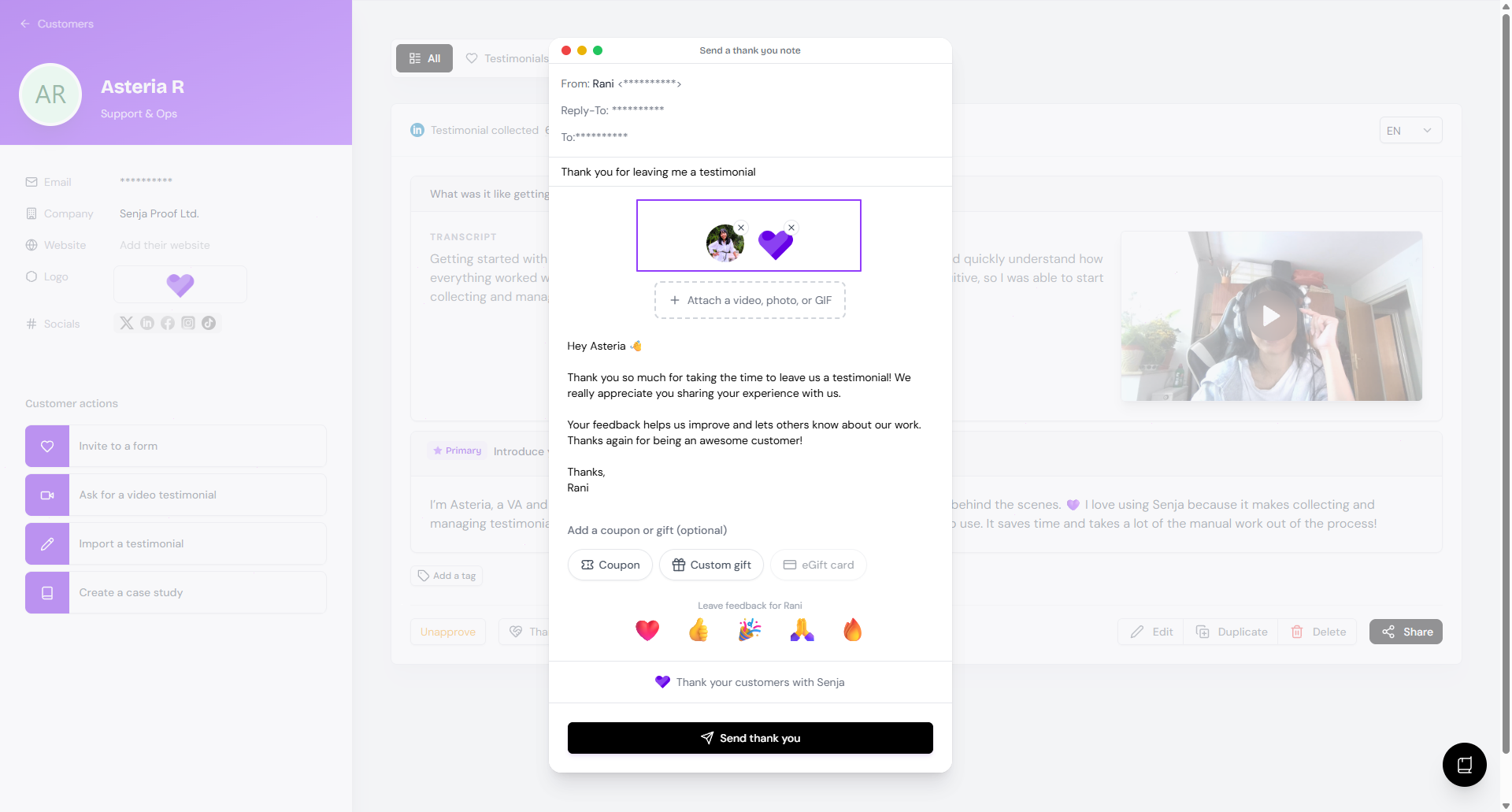
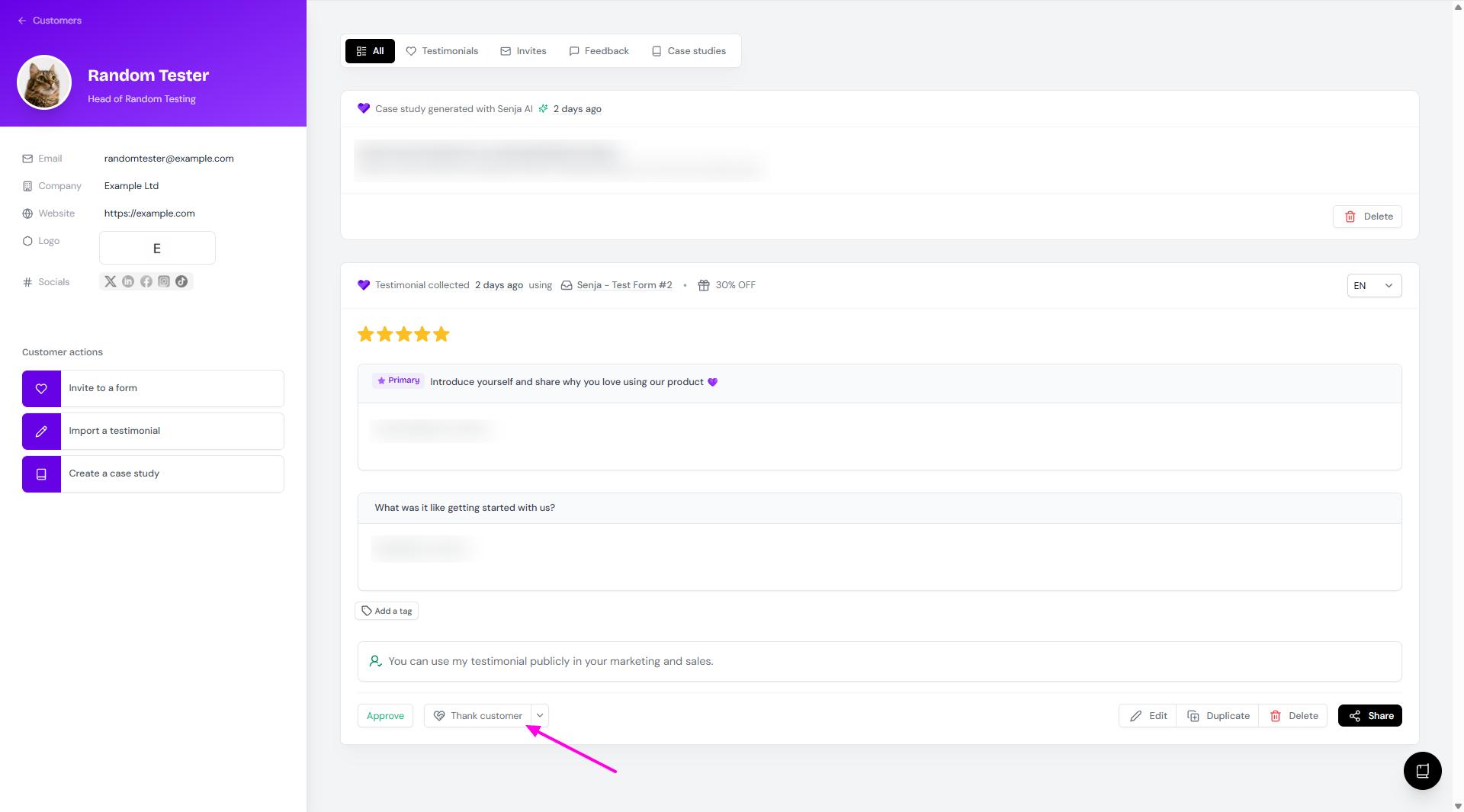
If you disable the thank you email on your form, you can send a thank you message from your Proof page and it will show the spokesperson avatar and logo.
Choose the testimonial from your Proof page: https://app.senja.io/
Click Thank customer
Review the email before clicking Send thank you
You can remove the logo by clicking the ✖️ sign on the top right side of the thumbnails