How do fonts work in brand kit?
Your Brand page is the central place to manage your fonts across Senja. Once you setting it up here, you can find it easily and apply it across your forms, widgets, Wall of Love, and images.
This feature is available on Senja paid plans: Starter and Pro.
Adding fonts to your brand kit
Go to the Brand page: https://app.senja.io/studio/brand
You can choose a font from the Google Font list
Set the Font type (None, Heading, or Body)
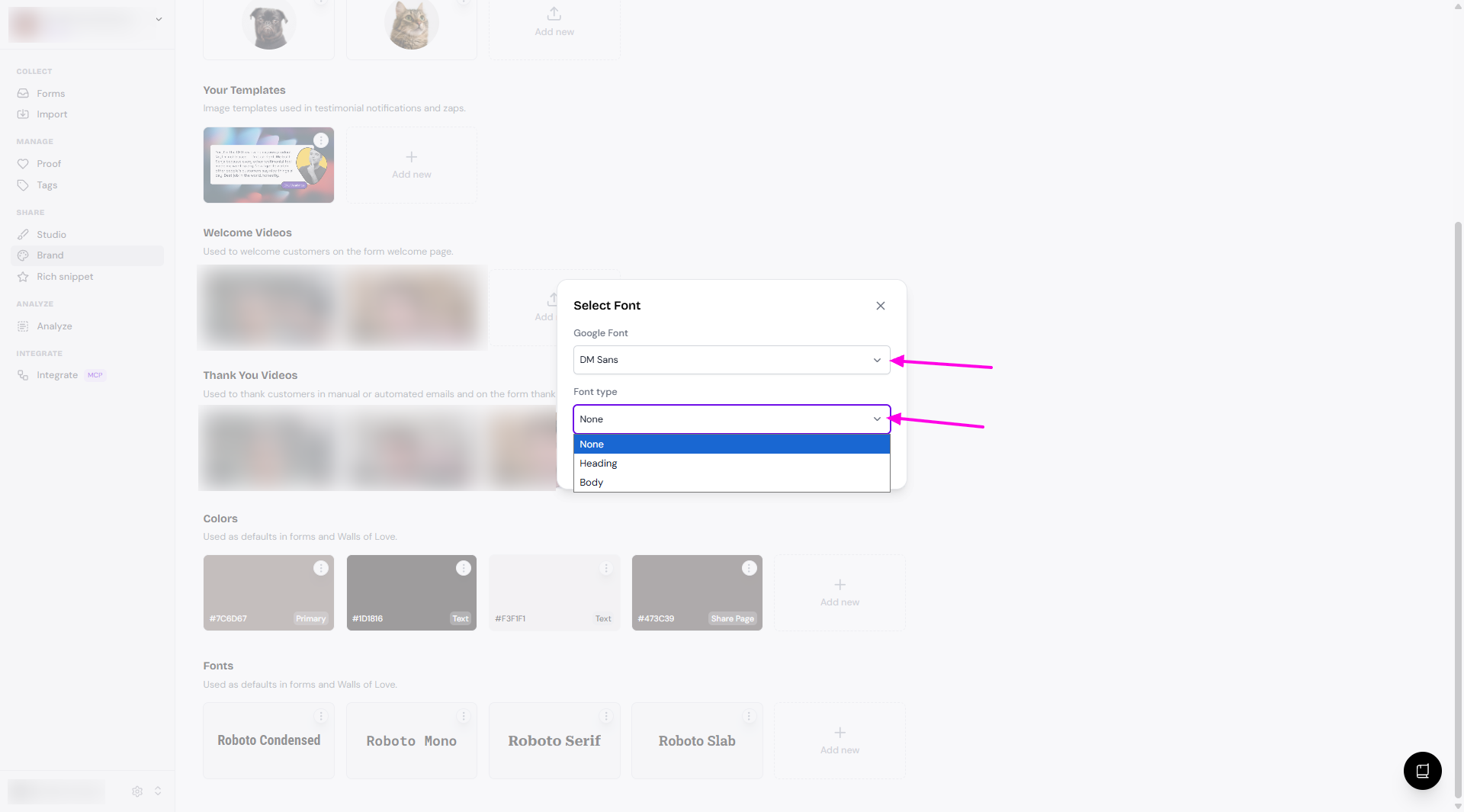
Click Save
Using fonts in the form
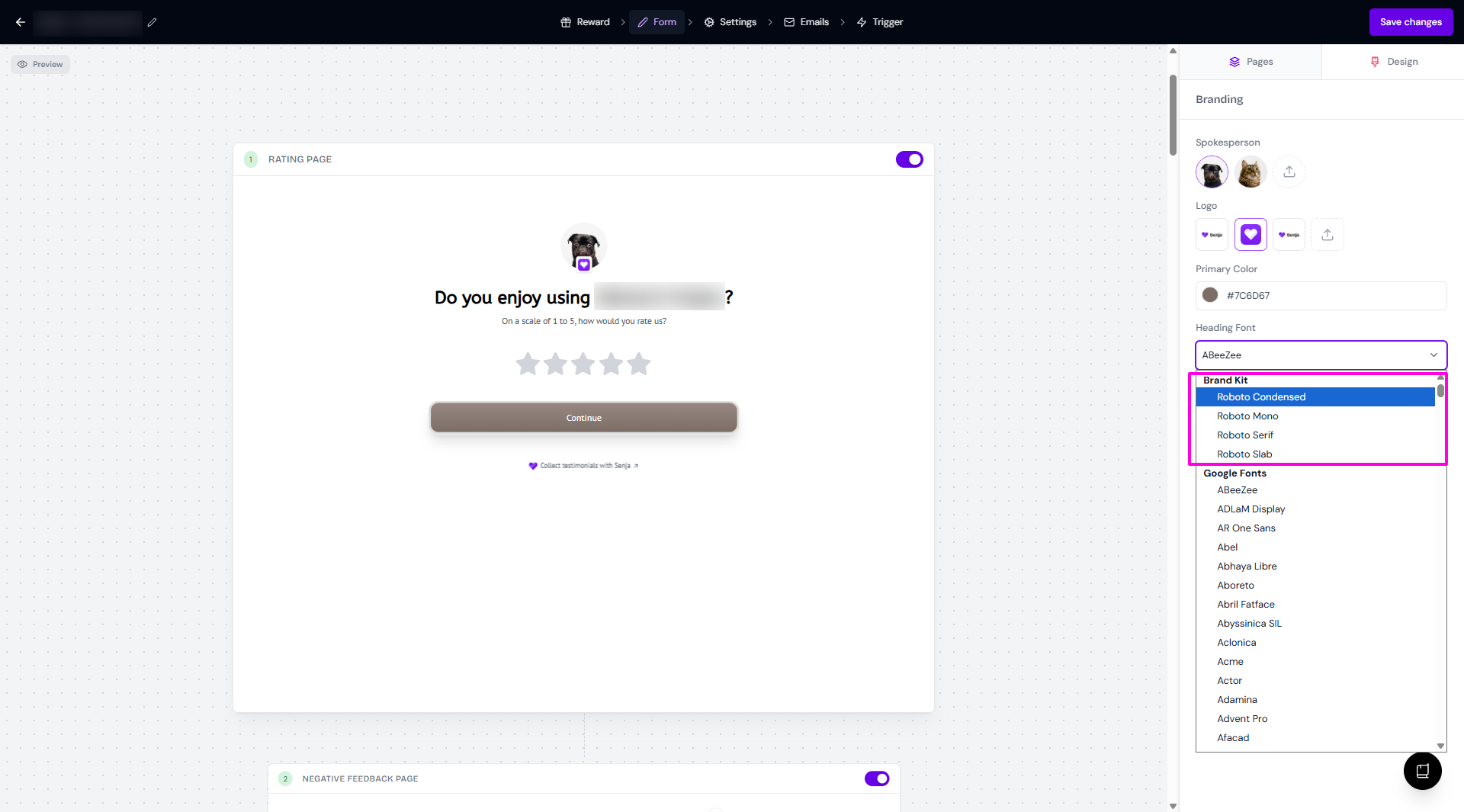
Open your form and open the Form tab > Design subtab
Click on the font dropdown
Your brand fonts will be on the top of the list
You can use a completely different font that is not on your brand fonts
Using brand fonts in your widgets
Open your widget
Go to Design
Scroll down until you find the Typography > Font section
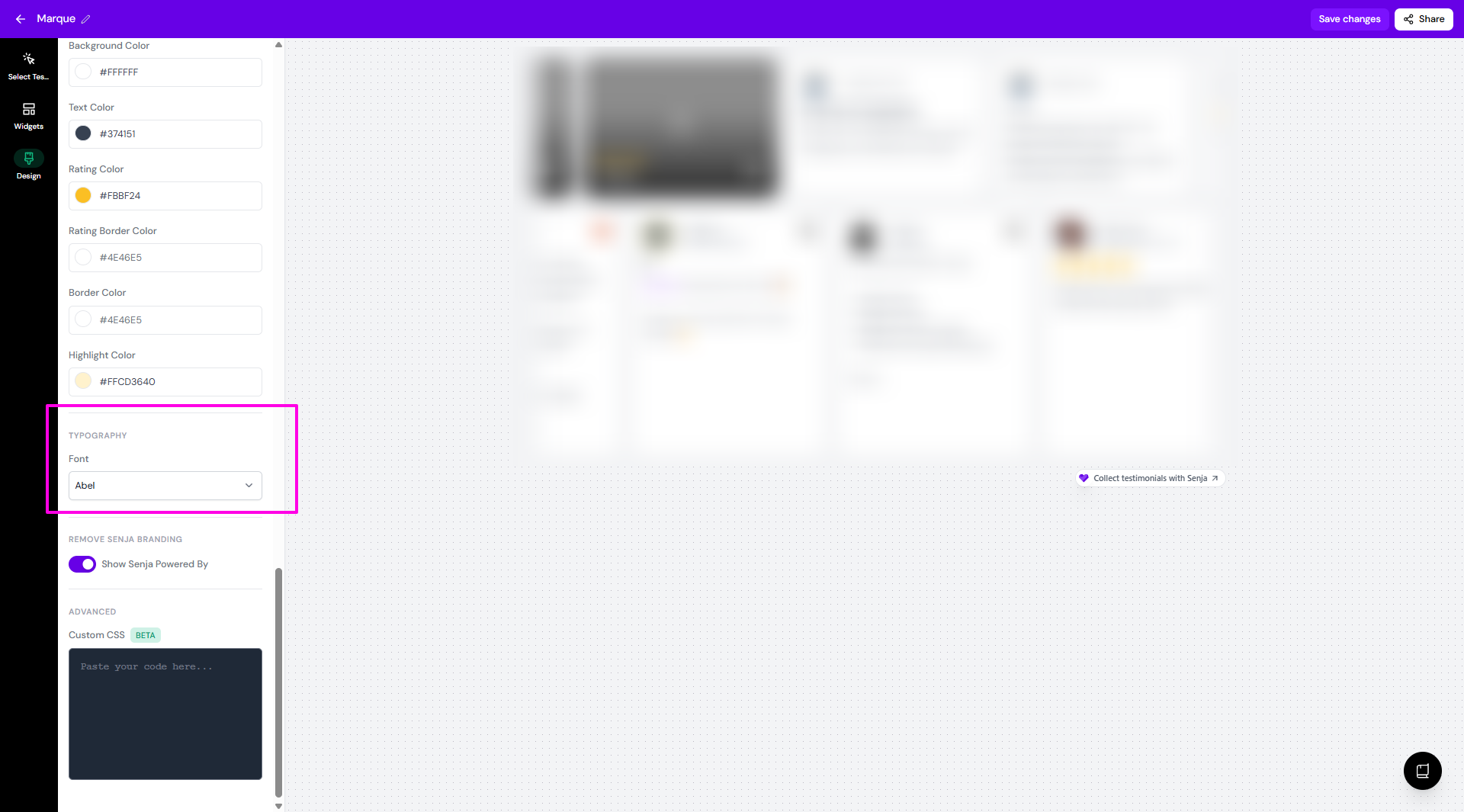
Click on the font dropdown
Your brand fonts will be on the top of the list
You can use a completely different font that is not on your brand fonts
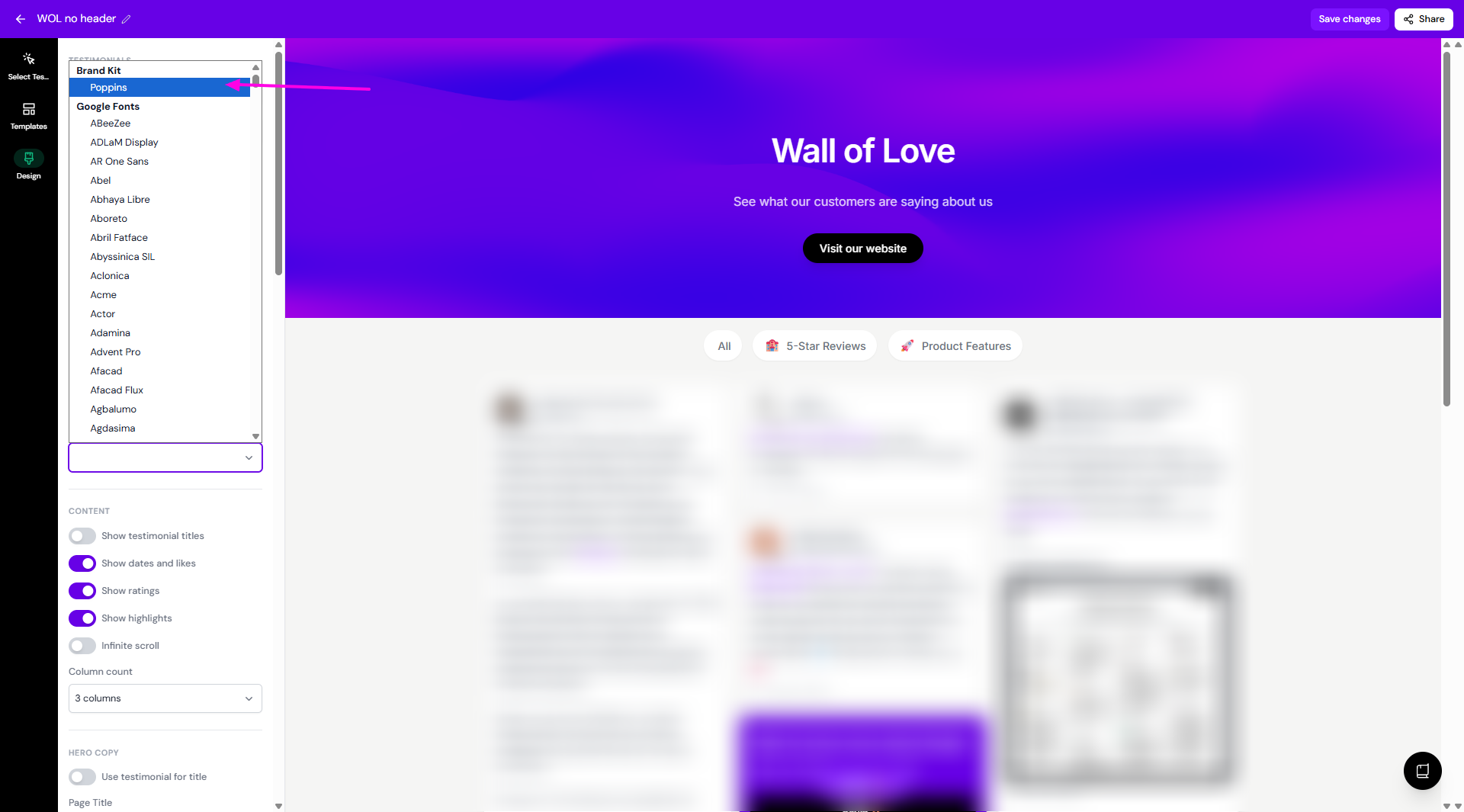
Using brand fonts in your Walls of Love
Open your Wall of Love
Go to Design
Scroll down until you find the Branding > Font section
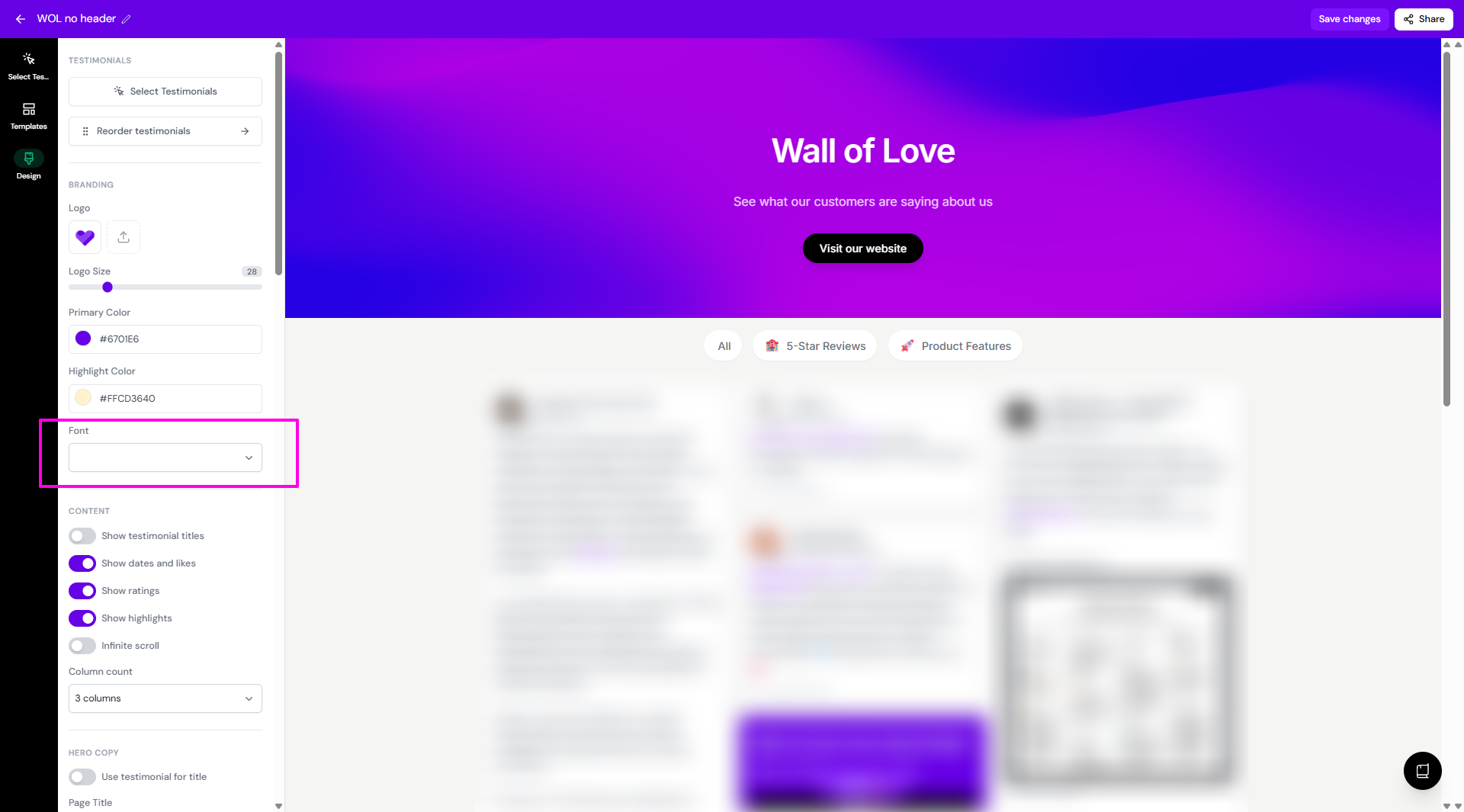
Click on the font dropdown
Your brand fonts will be on the top of the list
You can use a completely different font that is not on your brand fonts