
How do videos work in brand kit?
Your Brand page is the central place to manage your welcome videos and thank you videos across Senja. Once you upload it here, you can apply it across your forms and thank you message without uploading it again each time.
This feature is available on Senja paid plans: Starter and Pro.
More on welcome videos
Welcome video is available in your form, under Form tab.
Scroll down to Welcome page
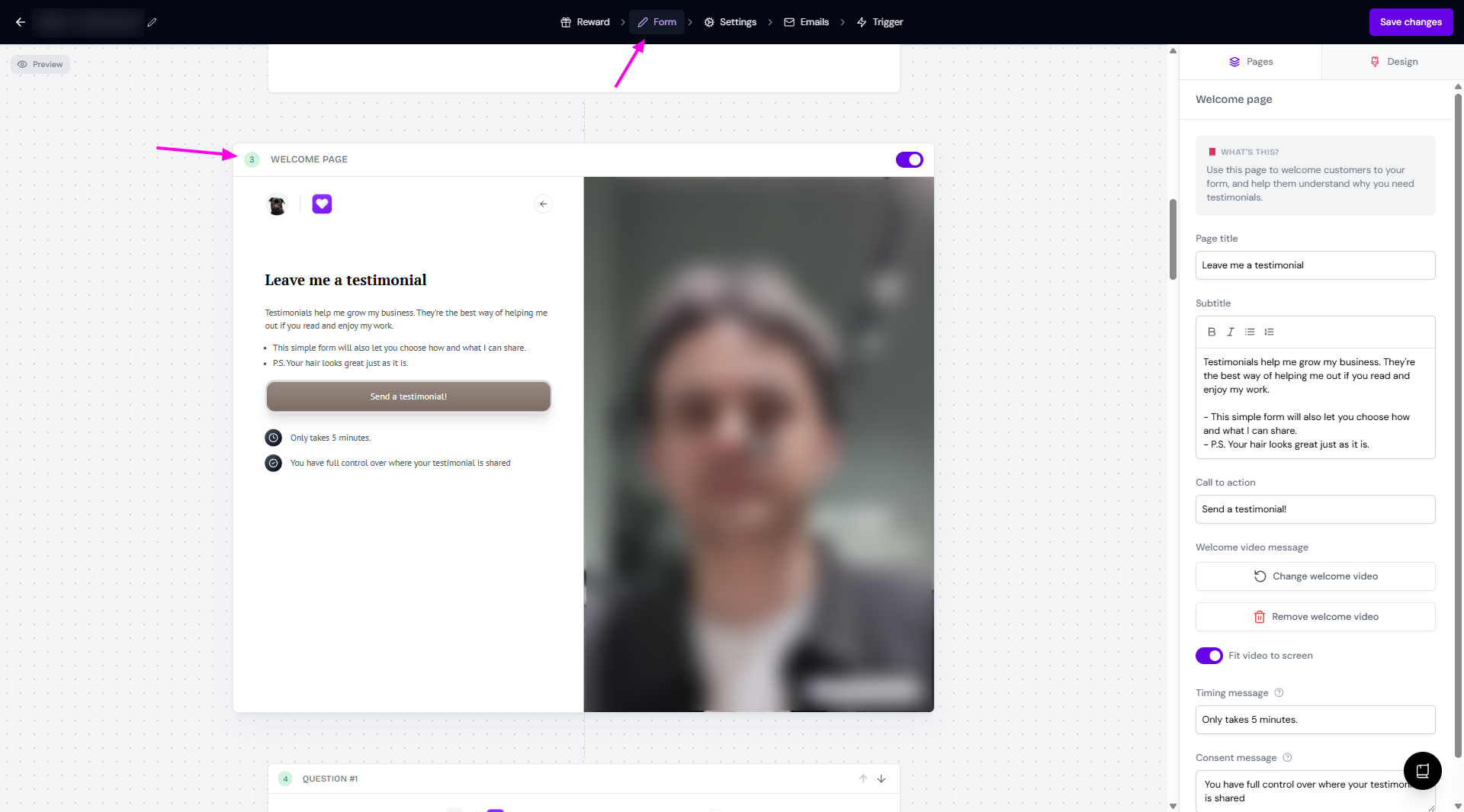
Record or upload a video, and the video will be added automatically to the Brand page
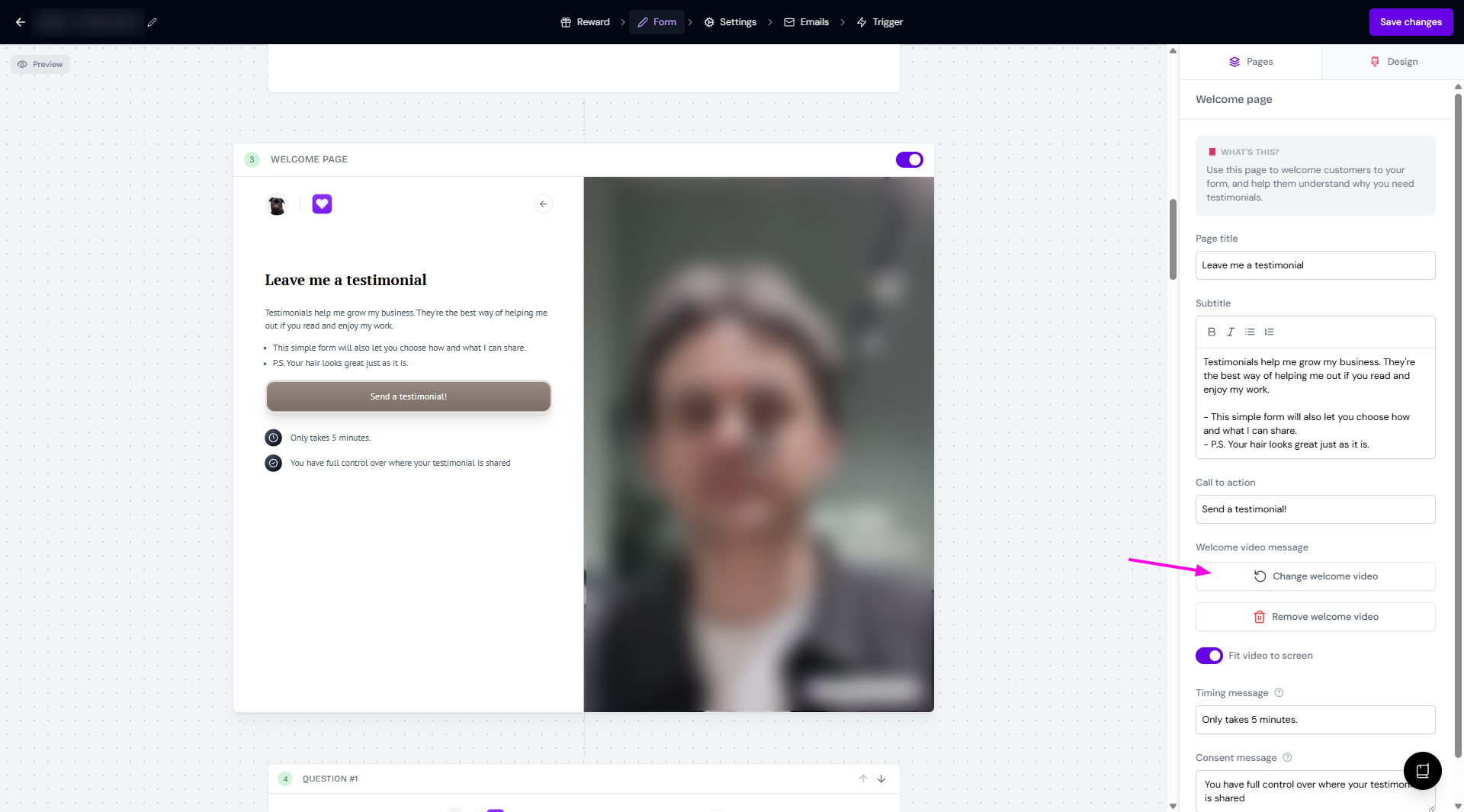
If you want to use another welcome video:
Click Change welcome video
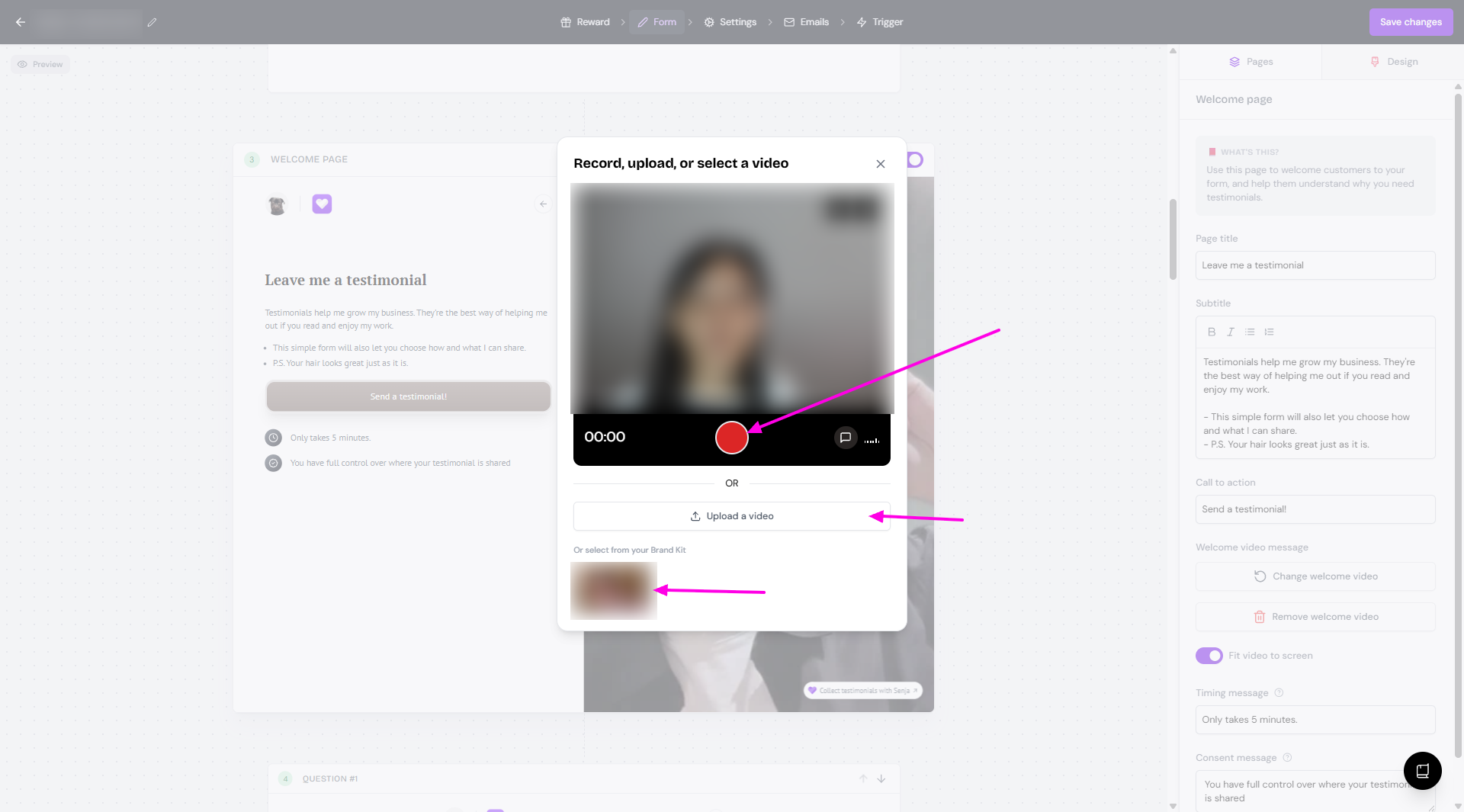
You'll have the option to record a new video, Upload a video, or select from the welcome videos saved in your Brand page
If you want to remove the welcome video:
Click Remove welcome video
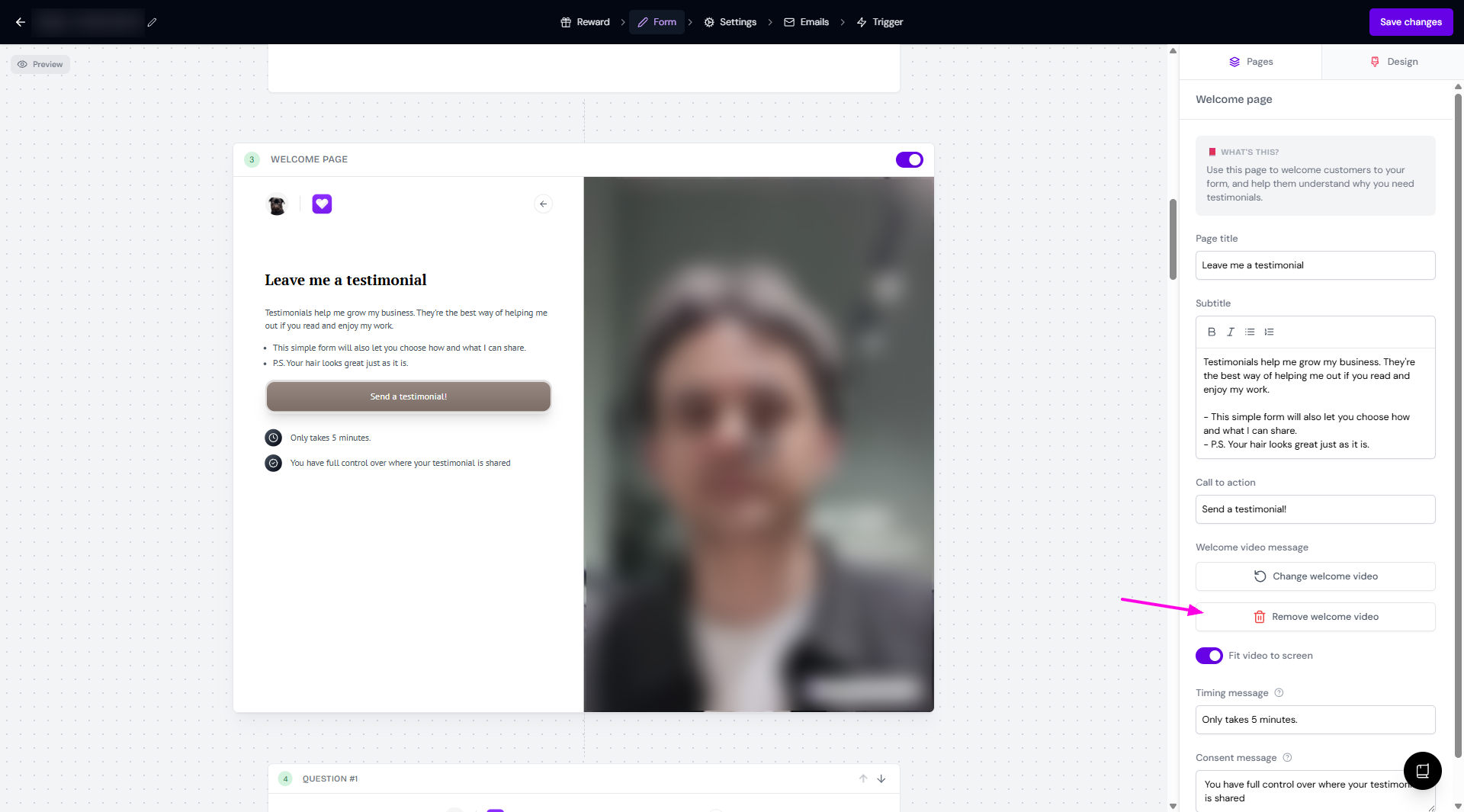
If you have recorded any welcome videos, it will stay in the Brand page for future use
You can add the welcome videos from Forms and it will be saved in your Brand page. Vice versa, you can add the video from your Brand page, to use it later in your Forms.
More on thank you videos
Thank you video is available in your form, under Emails tab.
Click Thank you email subtab
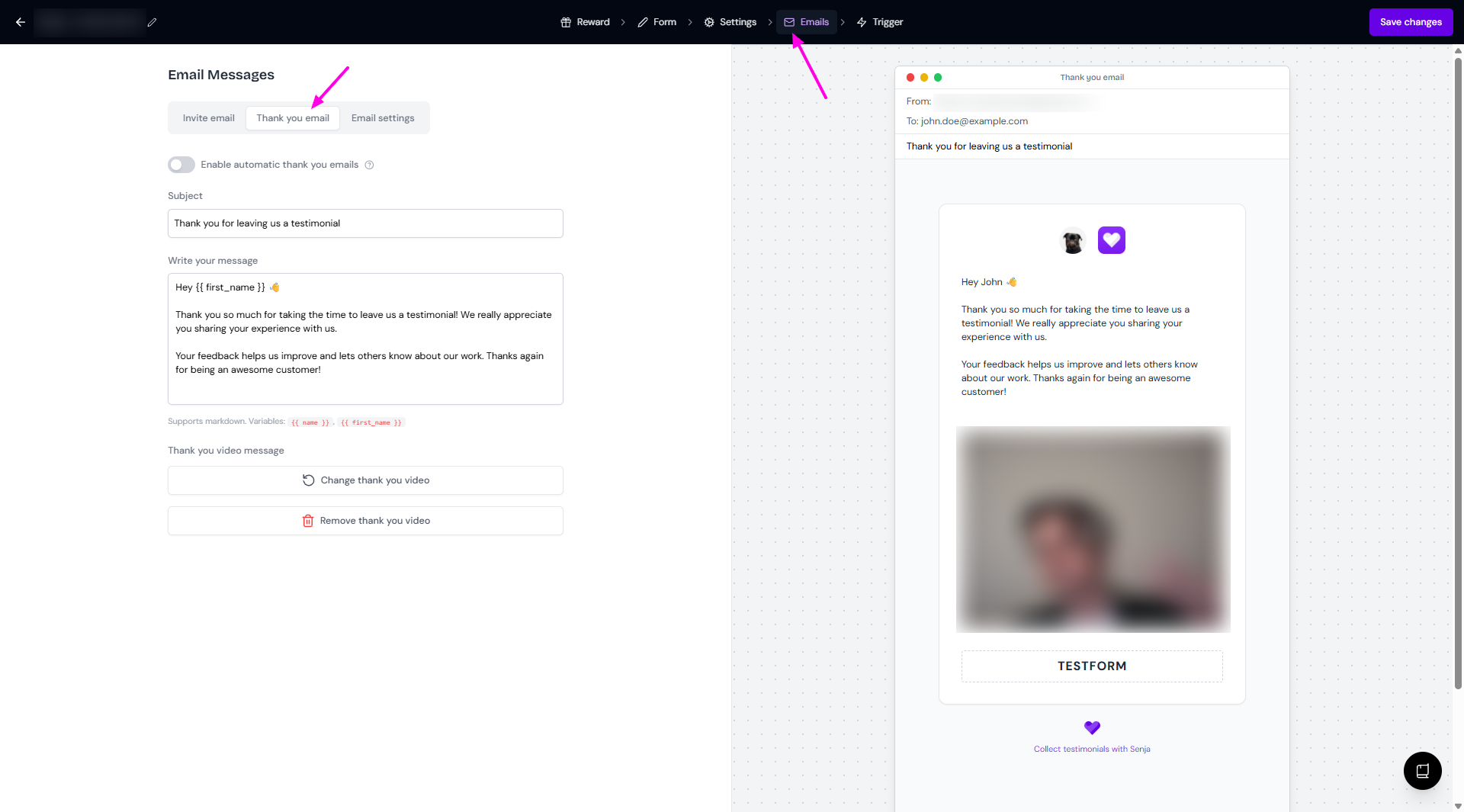
Record or upload a video, and the video will be added automatically to the Brand page
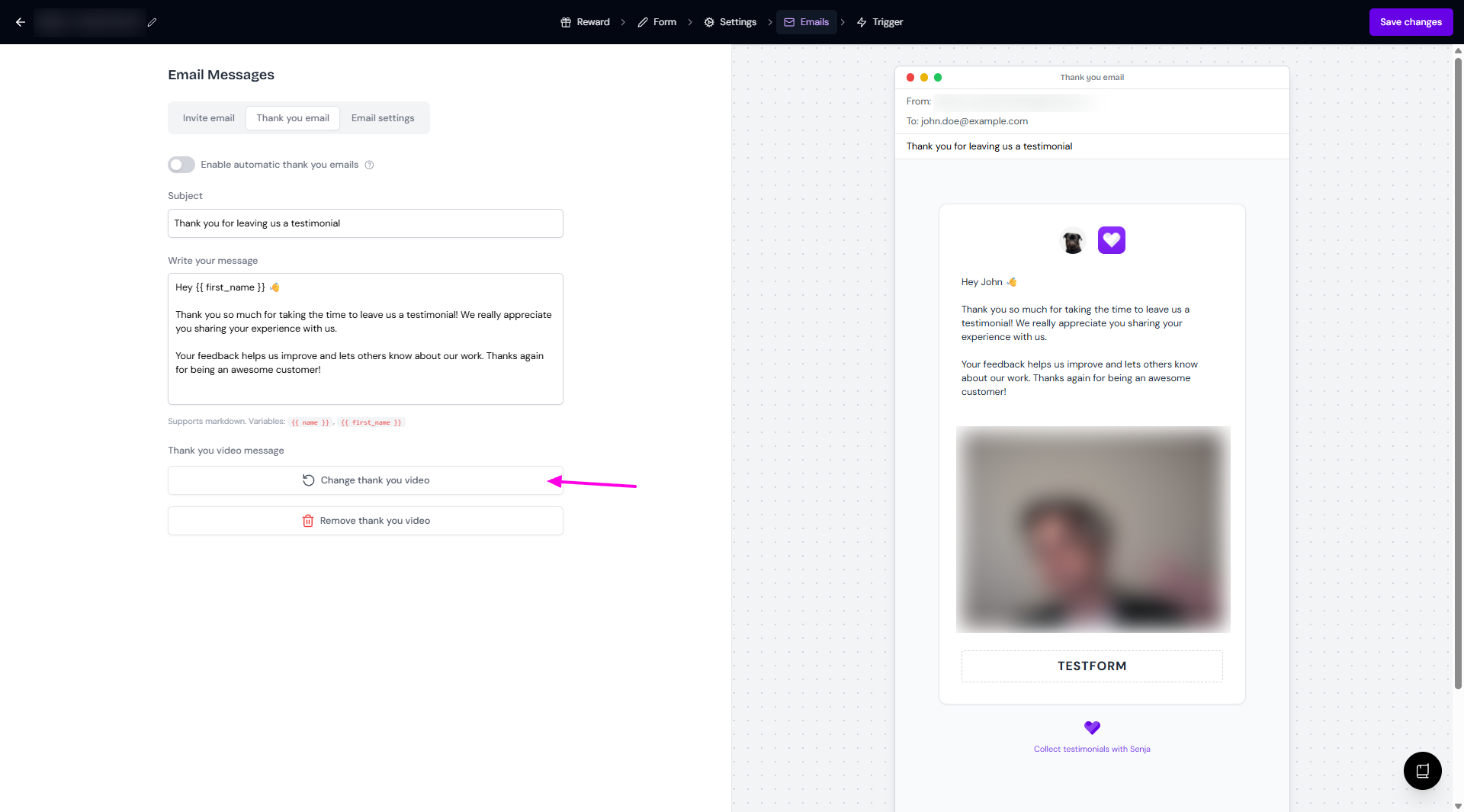
If you want to use another thank you video:
Click Change thank you video
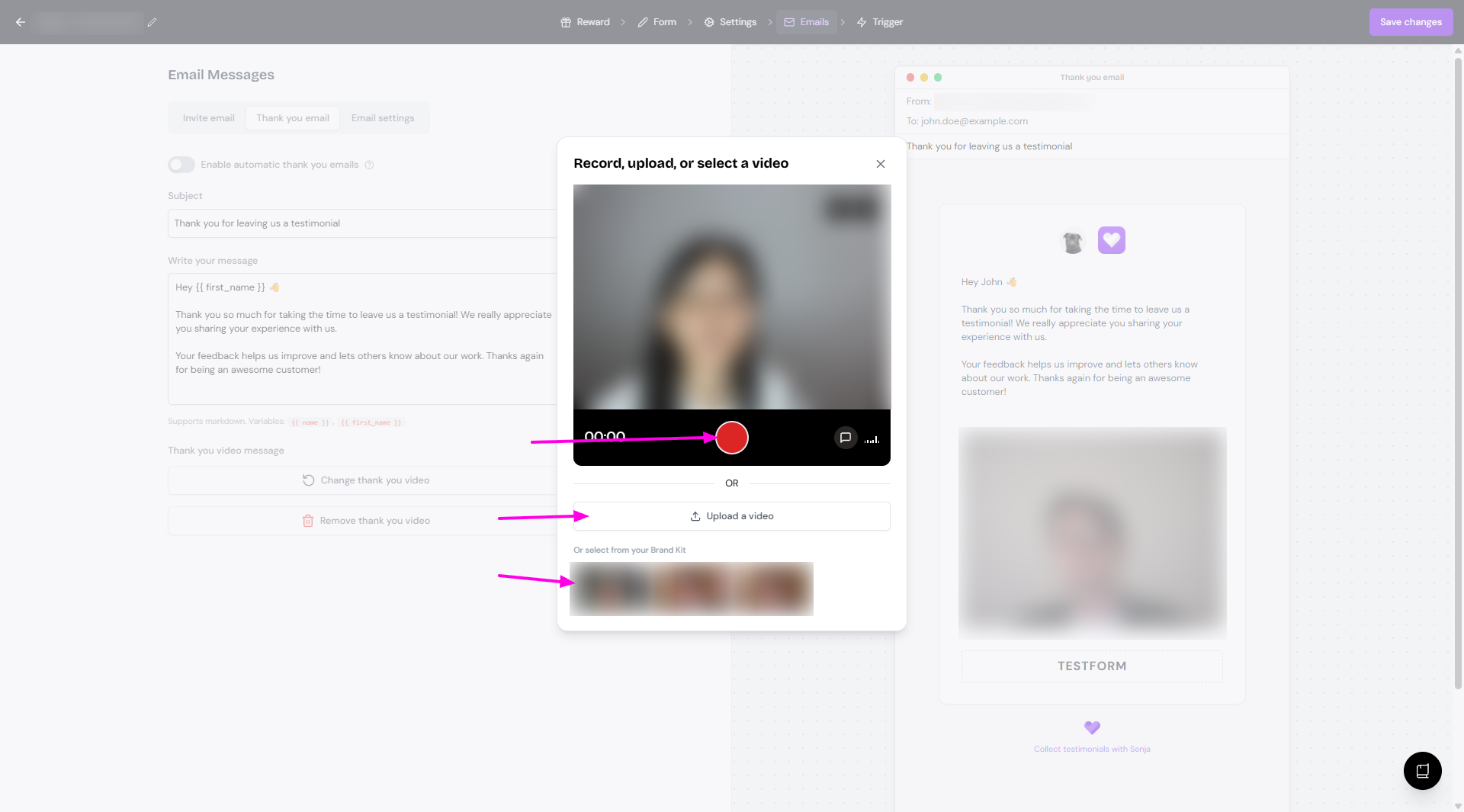
You'll have the option to record a new video, Upload a video, or select from the thank you videos saved in your Brand page
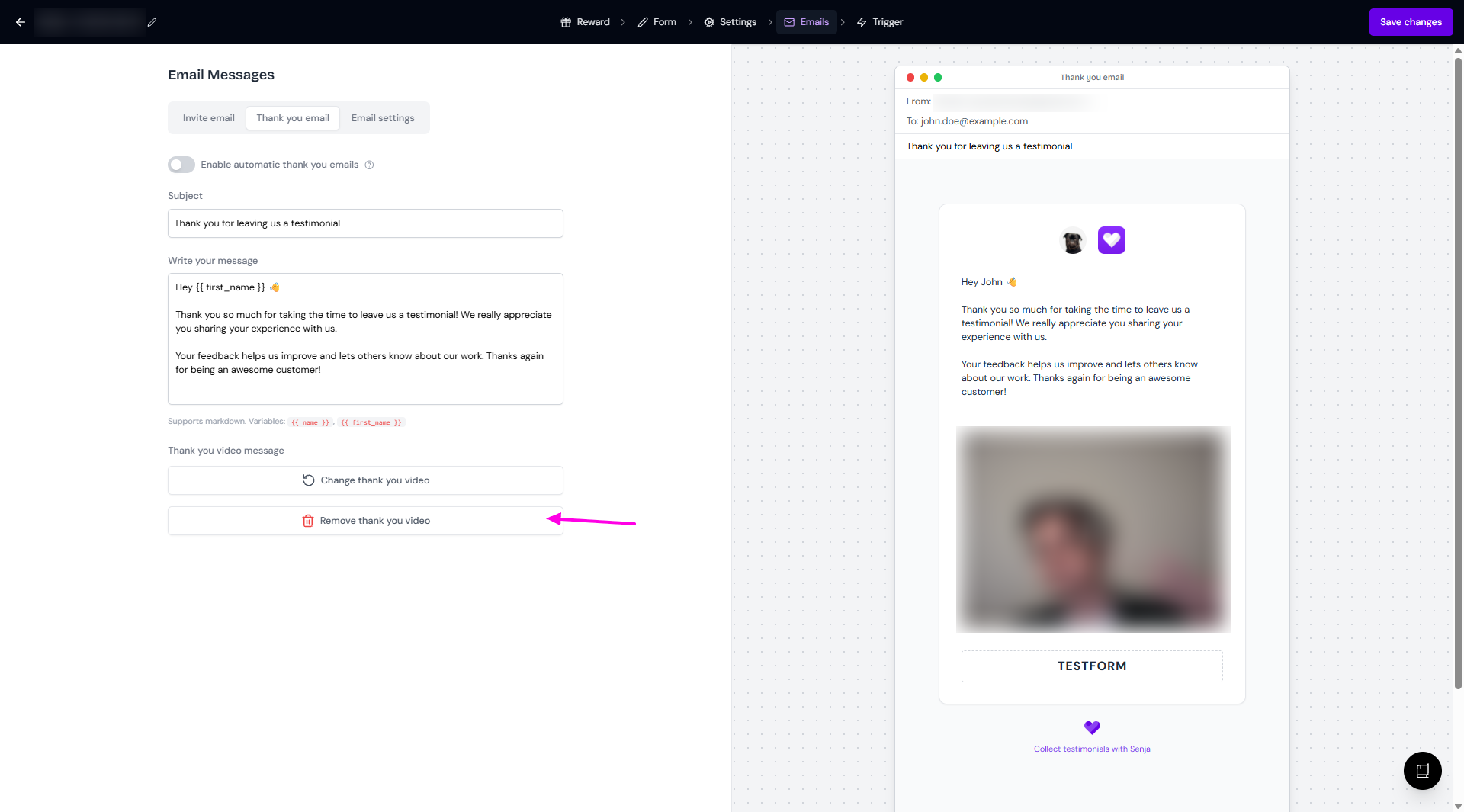
If you want to remove the thank you video:
Click Remove thank you video
If you have recorded any thank you videos, it will stay in the Brand page for future use
You can add the thank you videos from Forms and it will be saved in your Brand page. Vice versa, you can add the video from your Brand page, to use it later in your Forms.