
Can I customize my widget CSS
You can add custom CSS to any Senja widget to fine-tune its appearance beyond the built-in design options.
This feature is available on paid plans only: Starter and Pro.
Add custom CSS to a widget
Go to Studio in your dashboard: https://app.senja.io/studio
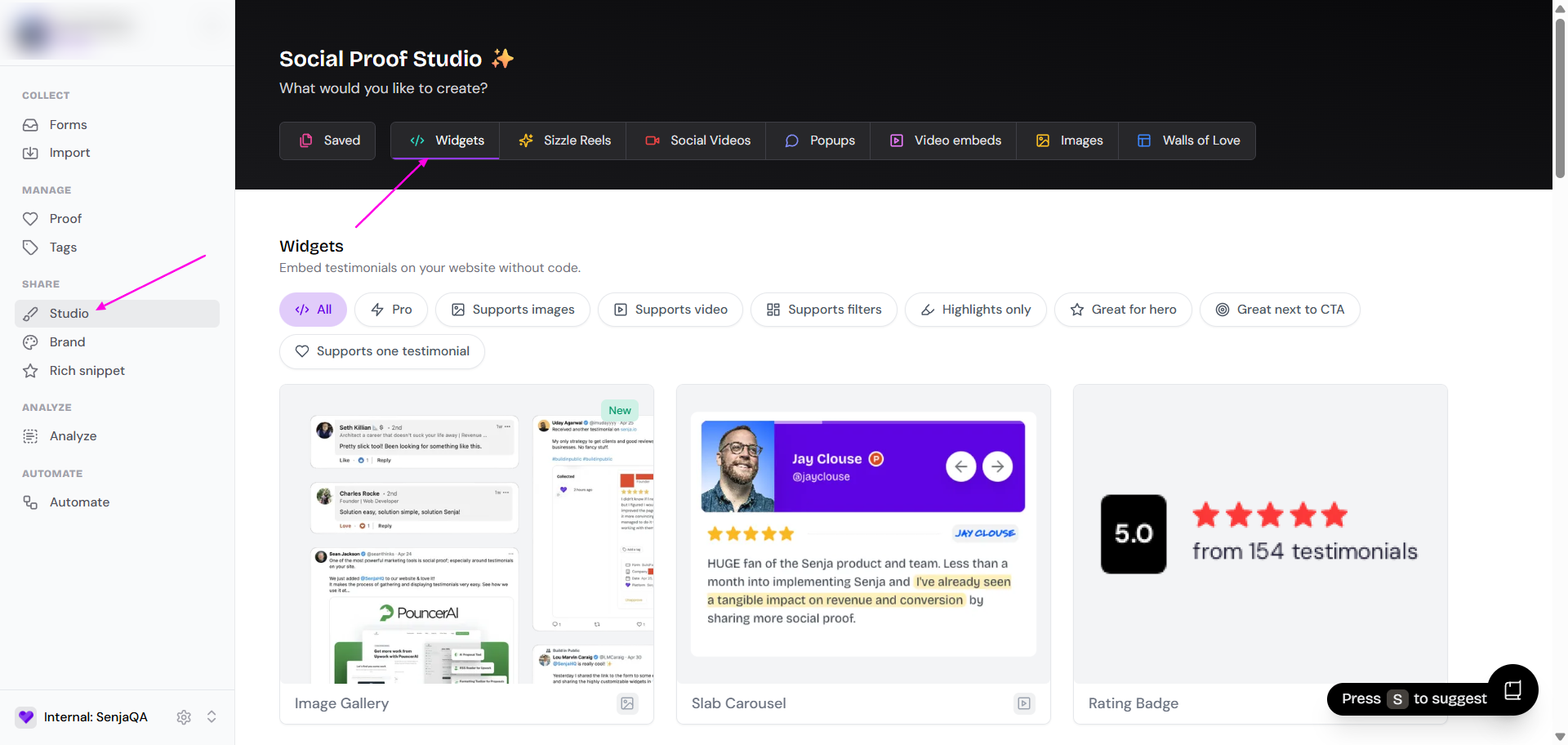
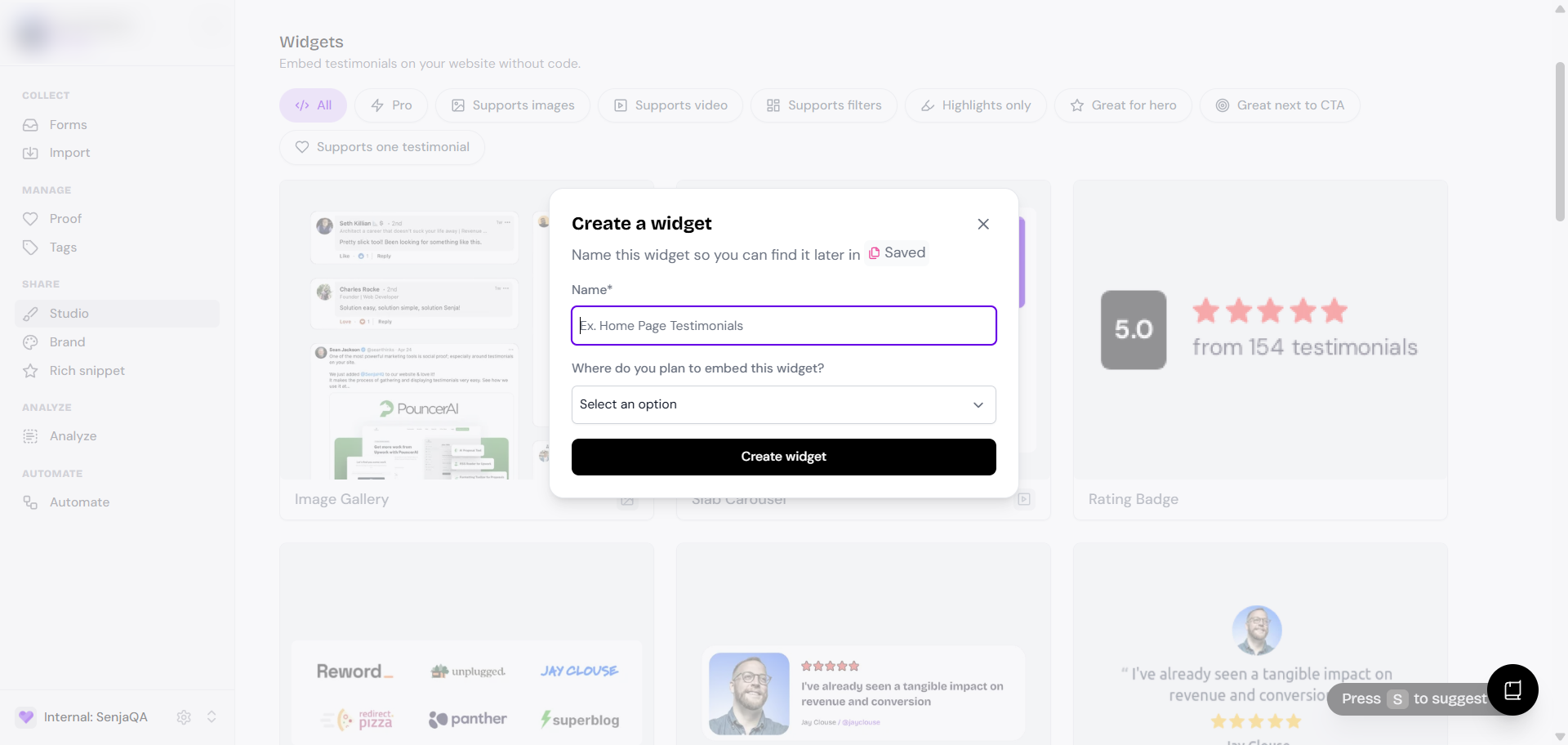
Create new widget or select the widget you want to customize
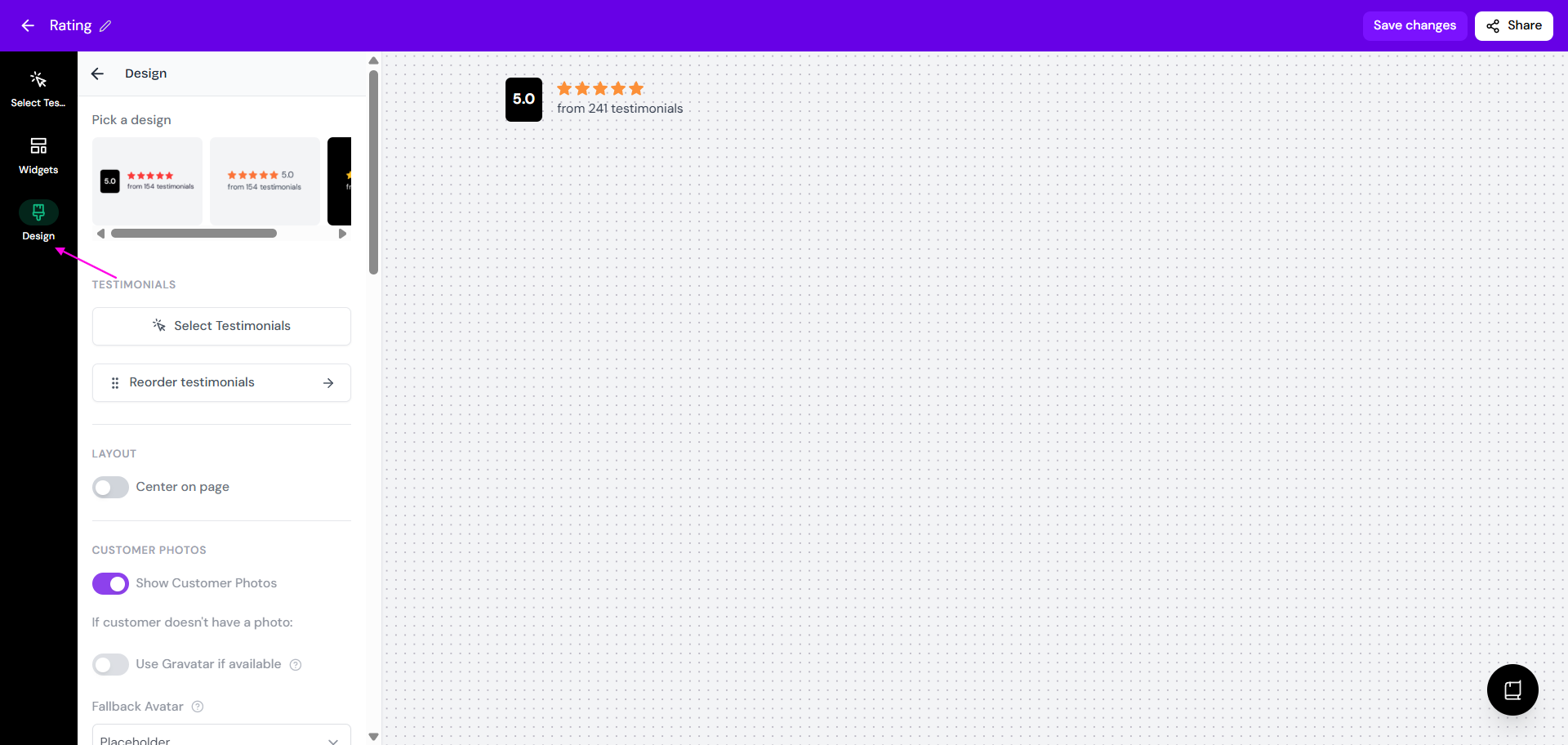
Click Design in the menu
Scroll down until you find Advanced > Custom CSS
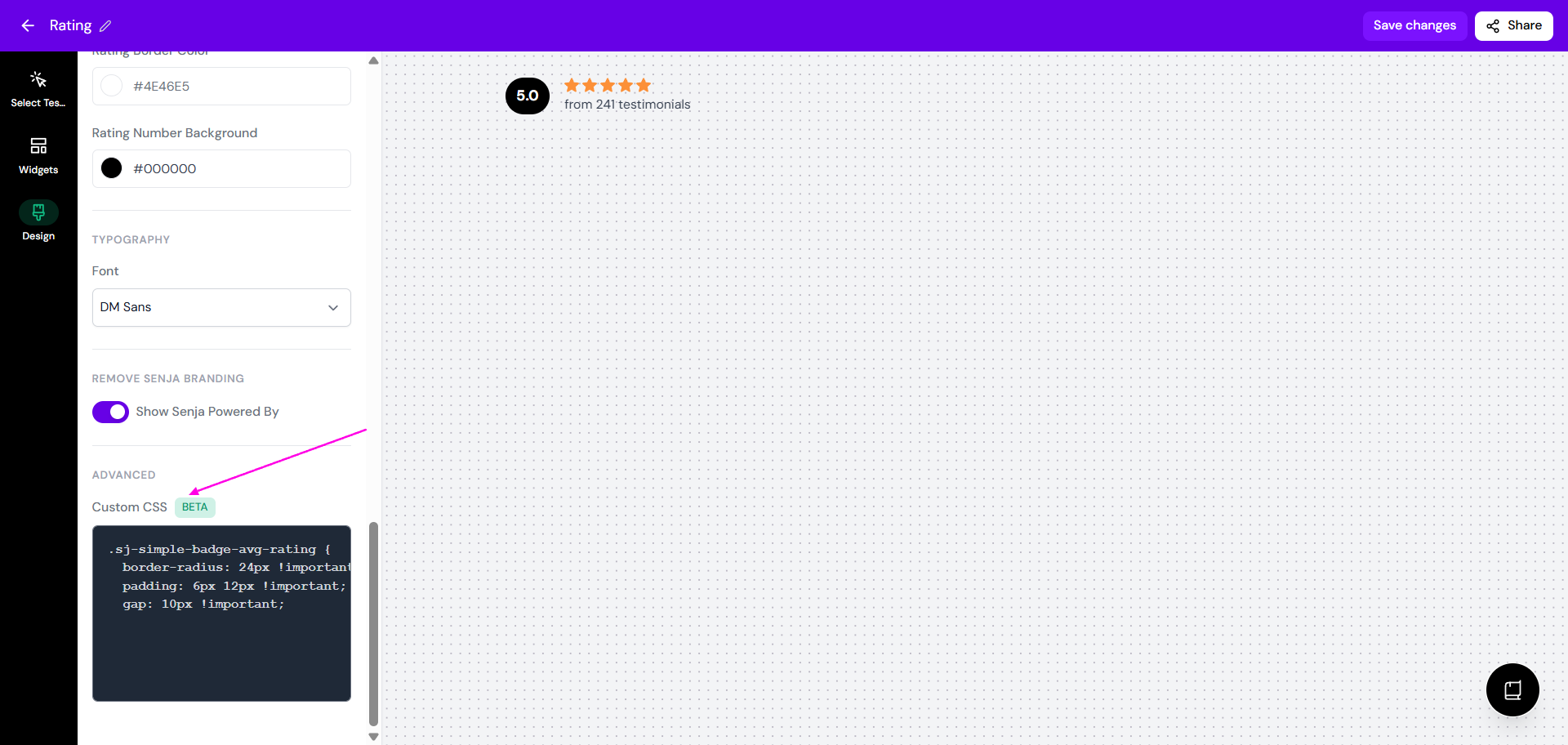
Add your CSS in the editor
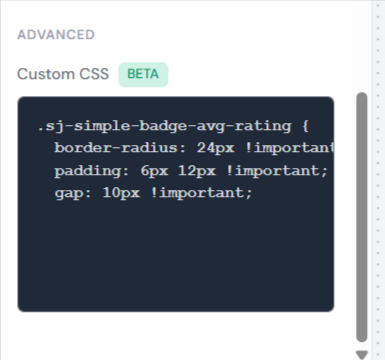
Click Save changes
Only override classes starting with sj- to avoid unexpected results.
Find element classes to style
To target specific elements in your widget:
Right-click on your widget and select Inspect to open Chrome DevTools
Click the element selector icon (top-left corner of DevTools), then click the element you want to style
In the Elements tab, look for a class attribute starting with sj-

If the element doesn't have an sj- class, check its parent elements
Use that class in your custom CSS, adding !important if needed to override defaults
Preview your widget after applying custom CSS to ensure styles display correctly across devices.