
How to import testimonials in bulk from a spreadsheet
Have a lot of testimonials in a spreadsheet? Upload them to Senja in one go from a CSV, XLS, or XLSX file. It's also the easiest way to move testimonials over from a tool or platform we don't import from directly.
This feature is available for any Senja plans: Free, Starter, and Pro.
Prepare your file
Put one testimonial per row, with these columns. Only Name is required.
Parameter | Required | What to put in it |
|---|---|---|
Customer Name | Yes | The customer's name |
Customer Email | No | The customer's email address |
Customer Photo | No | A link to the customer's photo |
Customer Tagline | No | Customer's job title, which will be shown under their name, like Founder |
Date | No | In the format |
Video MP4 URL | No | A link to the mp4 file, for video testimonials |
Customer Username | No | The customer's username on the original platform |
Integration | No | The platform the testimonial came from, if any |
Testimonial Text | No | The testimonial itself, can be left empty if it's a video testimonial instead |
Rating | No | The star rating, in integers from 1 - 5 (10 scale is not accepted) |
Source URL | No | A link to the original testimonial |
Tags | No | Tags separated by commas |
Customer Company | No | The customer's company name |
Images | No | Image links separated by commas |
Testimonial Title | No | A name for the testimonial in Senja |
Exporting from another tool? Its column names don't need to match exactly. Just make sure it has a name, the testimonial text, and a rating for each row.
Upload your file
Go to Import → Upload spreadsheet: https://app.senja.io/import
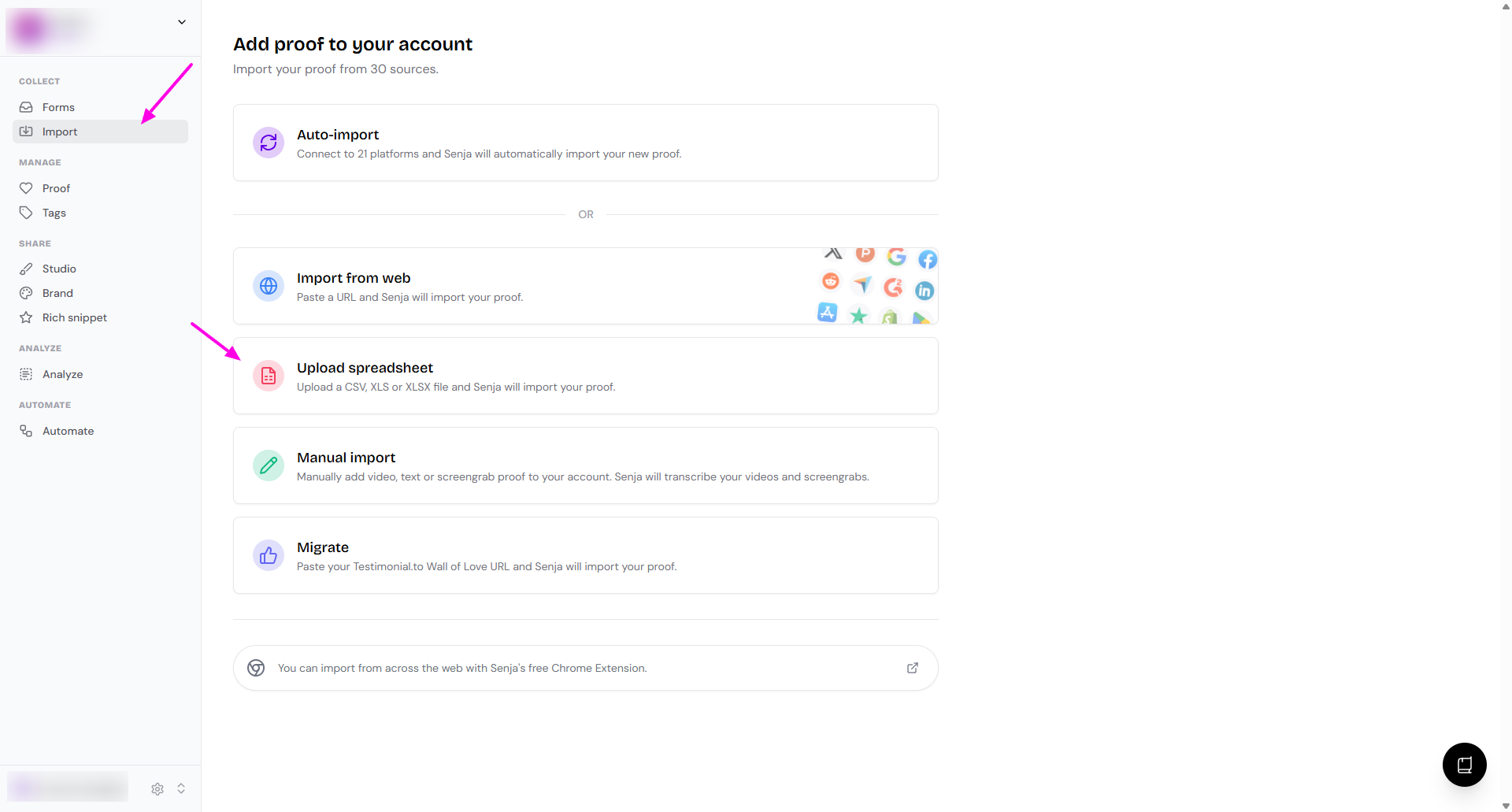
Upload your CSV, XLS, or XLSX file
Follow the on-screen steps to finish
What happens next
Your testimonials are imported in the background, so you can keep working
You'll get an email when the import is complete
Your testimonials appear on your Proof page, sorted by their date, not the date you imported them
Testimonials uploaded from a spreadsheet don’t get a Verified mark, even with an Integration and Source URL
To get the mark, import them with Import from web instead
On the Free plan, imported testimonials count toward your 15-testimonial limit. Anything beyond 15 is imported but hidden until you upgrade. See What happens after I collect more than 15 testimonials?
Example: Goodreads reviews
There's no direct Goodreads import yet, but you can bring reviews in with a spreadsheet:
Export your reviews from Goodreads, see Goodreads' guide to exporting your reviews
Upload the exported CSV following the steps above
Would you like a direct Goodreads import? Add your vote on our feedback board, and you'll be notified when it's added.
Need help?
Something not working? See Troubleshooting common import errors, or contact Senja Support.