
What is the video setup on Senja form?
In Senja form, you can add your own CTA video to attract your customers in completing the form. Your customers can also leave video testimonials on this form.
Adding your video to Senja form
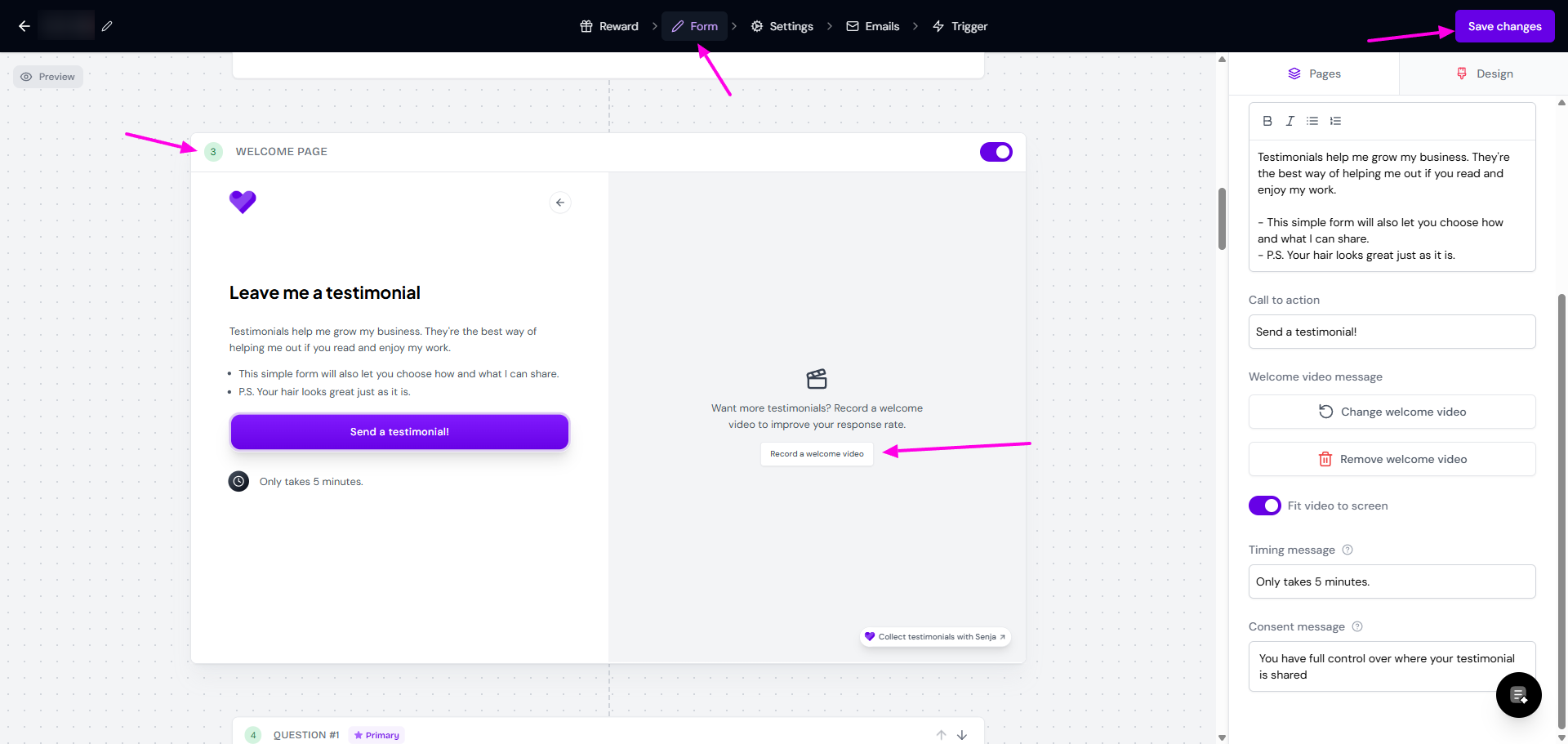
You can setup a welcome video from here:
Go to your Forms page
Edit your form, go to Form tab
Scroll down to Welcome page slide
Click Record a welcome video
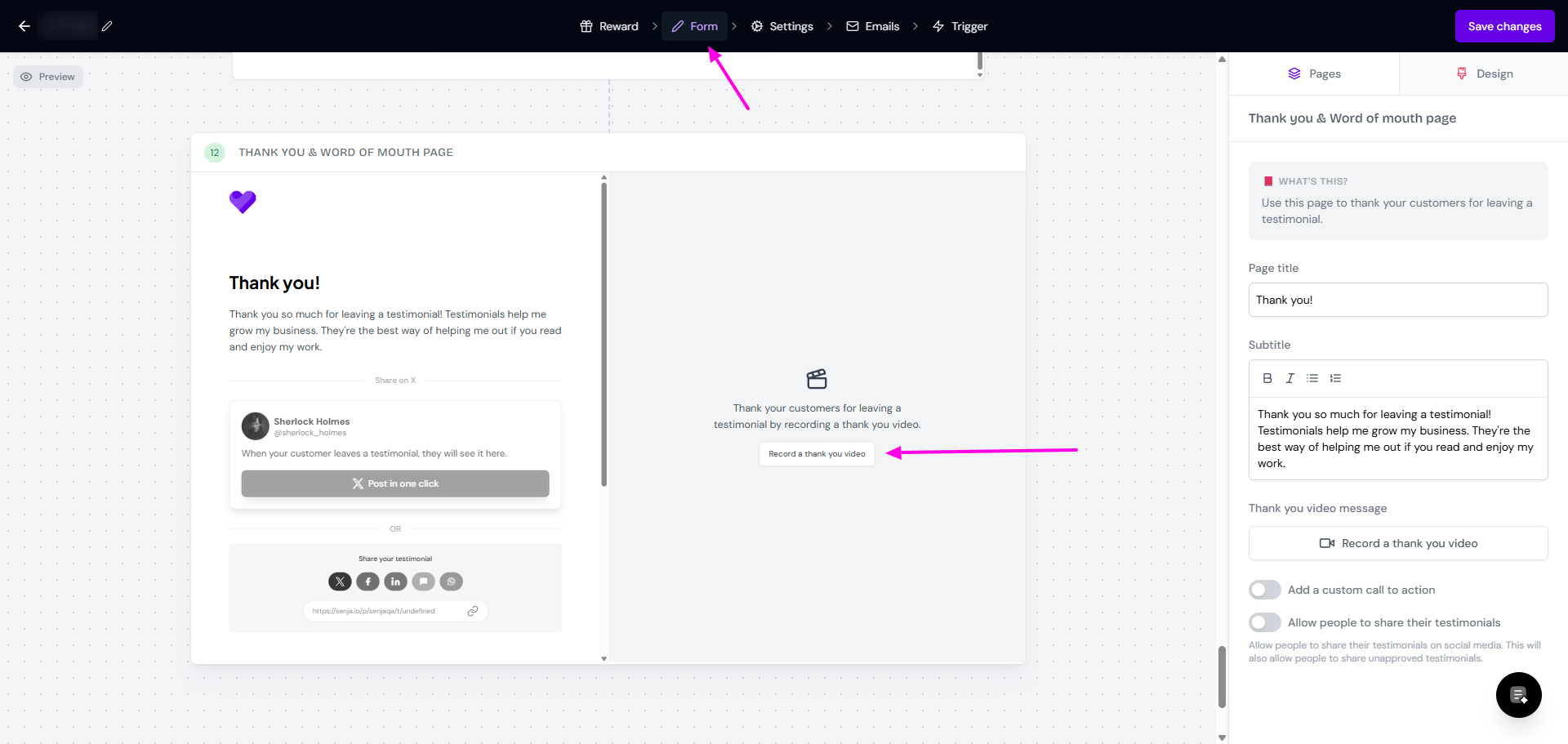
You can do the same with Thank you & word of mouth page and Record a thank you video
Click Save changes when you finish editing
The video will be shown as follows:
Ratio 5:4 in landscape mode
You can put the toggle off on Fit video to screen to display the original size
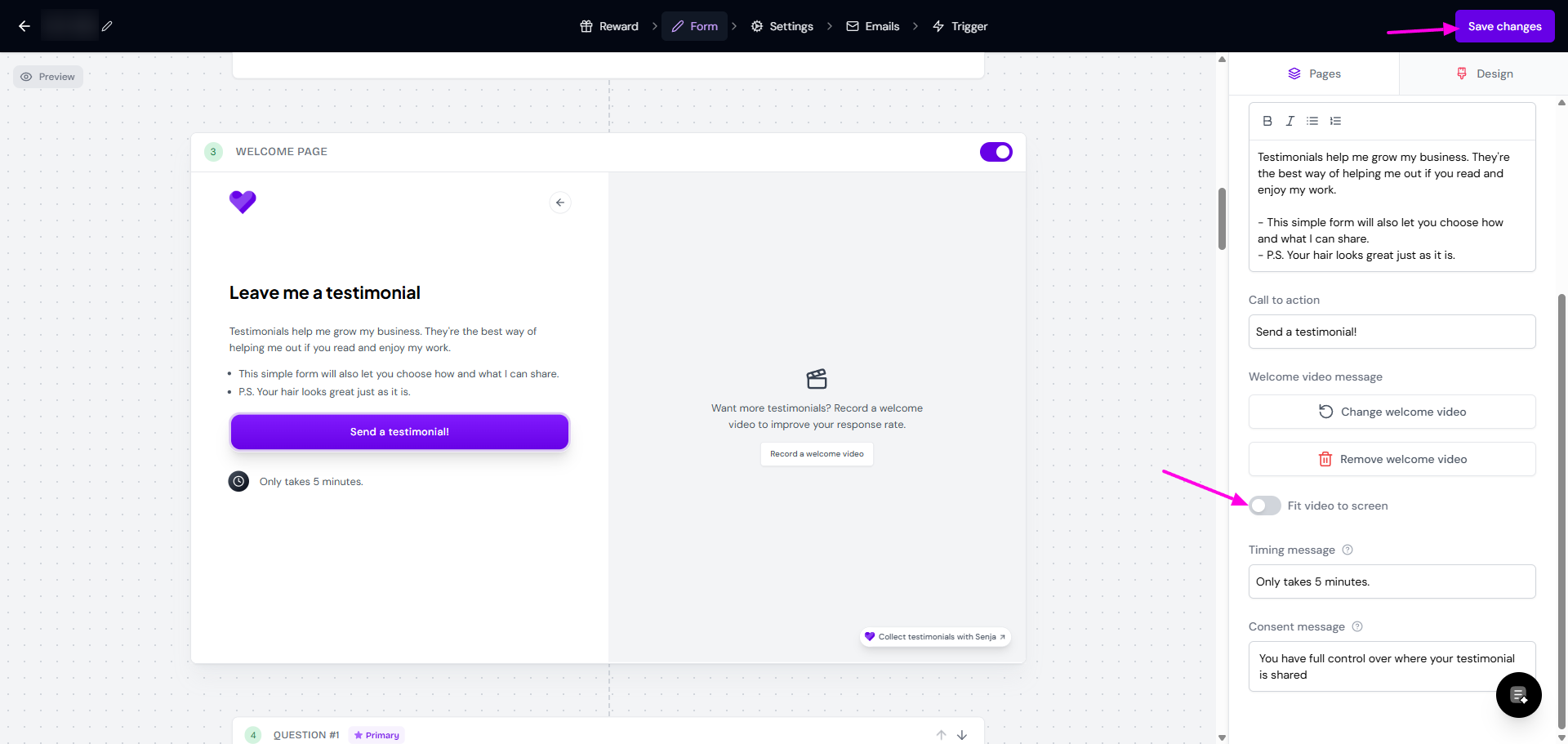
The frame will stay in the same size, but your video will be shown in its original ration, with black bars on top/bottom
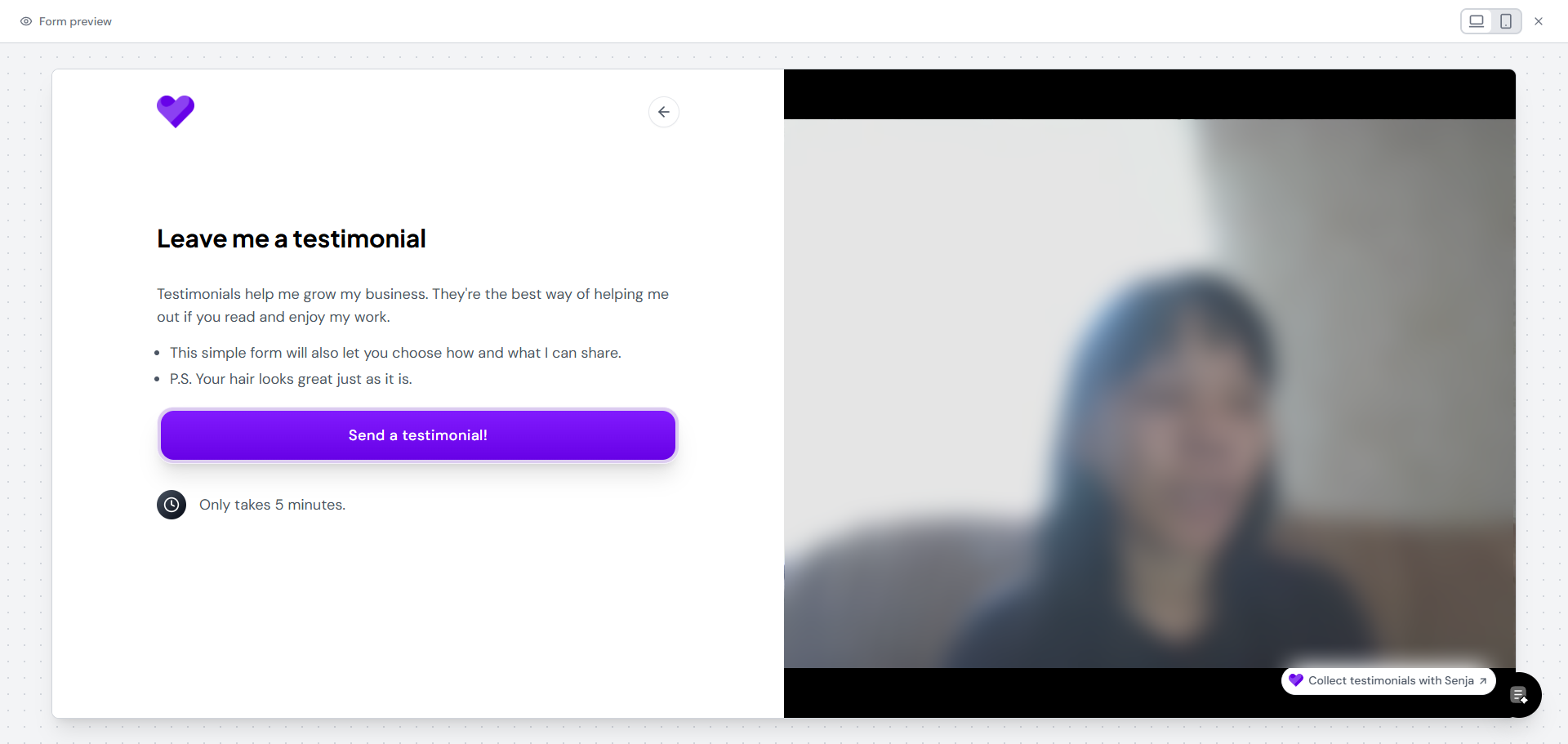
Video format recommendation for your customer
To ensure good visual when adding testimonials to your widget, we recommend you to set a video requirements to your customers (add this quick info in your form question).
The golden rule is:
To have the same format: portrait only or landscape only
It's to ensure consistent look on your widget
However, we recommend portrait video rather than landscape:
When video testimonials are paired with long text testimonials on your widget, the frame size will follow the long text
Portrait orientation prevents parts of your video from being cut off and avoids black spaces
Ratio 4:5 or 6:9 will work well
Minimum resolution of 1080 would avoid pixelated view
Make sure the face/body is centered