
How do I collect video testimonials only?
Video testimonials are really powerful. They are rich, persuasive, generate strong engagement, and hard to fake. Senja also transcribes video testimonials so you have a text version.
Classic Form
Go to your Forms page: https://app.senja.io/forms
Create new form or edit your existing form
Go to Welcome page section
Tick the checkbox for Collect Video Testimonials
Leave the checkbox empty on Collect Text Testimonials
Click Save changes
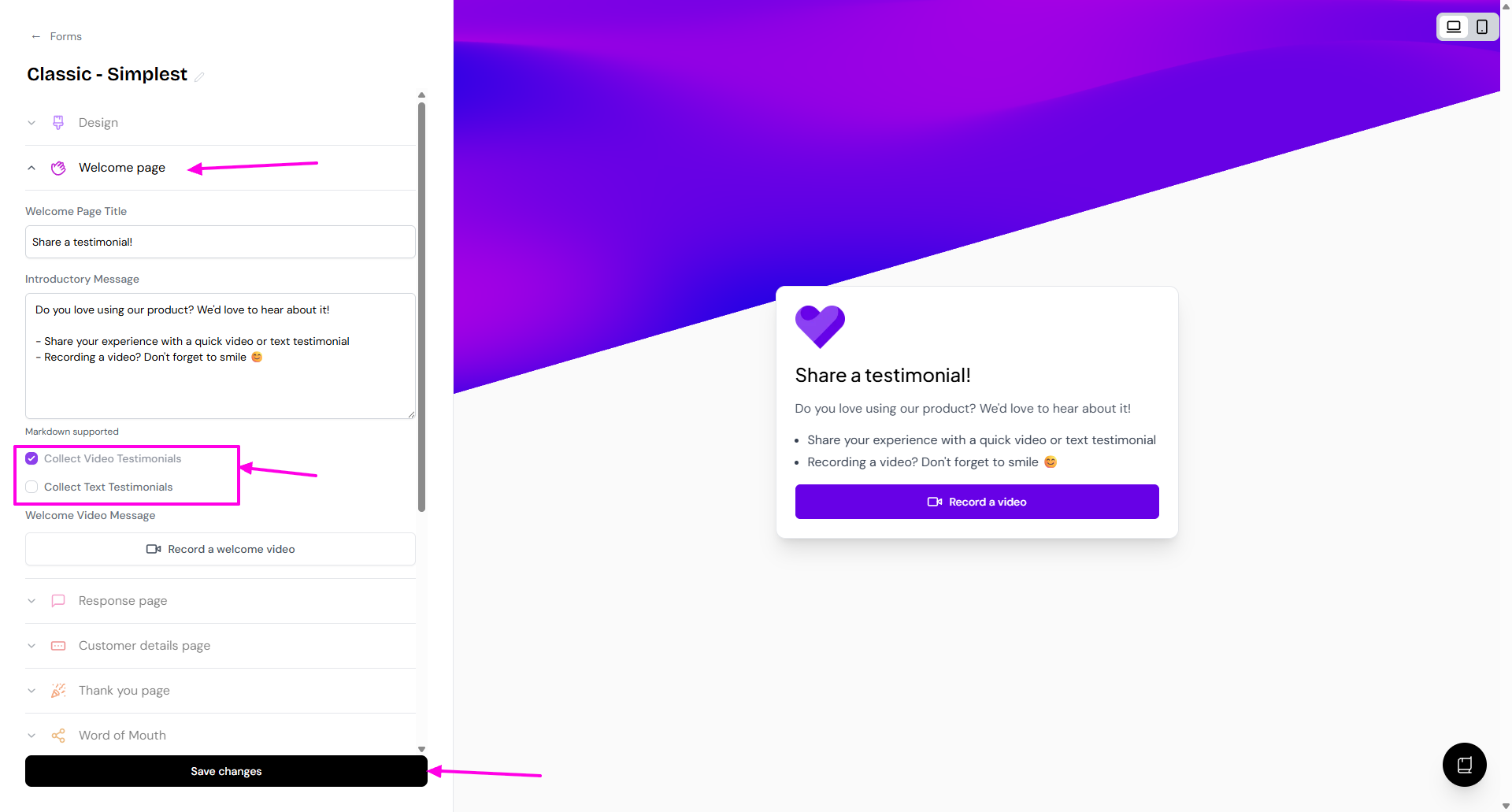
Your form is now only collecting video testimonials
Forms 2.0
Go to your Forms page: https://app.senja.io/forms
Create new form or edit your existing form
Go to Form tab
Scroll down to the question slide
On the right sidebar, choose Video to limit the testimonial to video only
Click Save changes
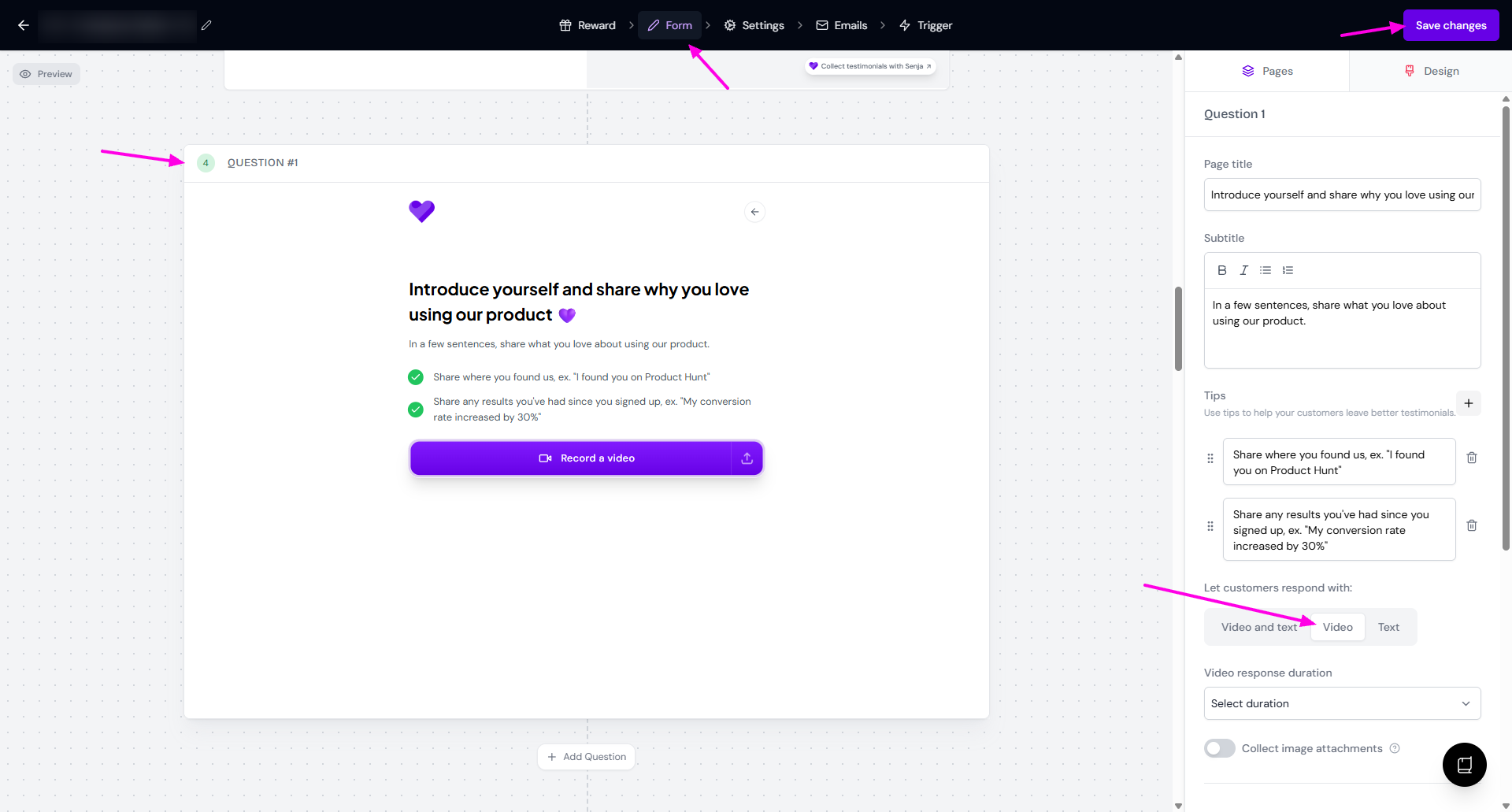
Your form is now only collecting video testimonials
If you want to limit the testimonial to text only, read the guide How do I collect text testimonials only?