
How to add testimonials to your self-hosted Wordpress.org website
You can embed testimonials on your self-hosted WordPress.org site in two ways: upload testimonials as images, or embed interactive widgets using Senja's code snippet. WordPress.org doesn't support app integrations for testimonials.
This guide covers adding testimonials to a page using the Gutenberg Editor in WordPress.org
Add widget testimonials to WordPress.org
Use these instructions if you're using a managed WordPress service (Bluehost, Siteground, Hostinger, Dreamhost) or self-hosting WordPress.
Create your widget in Senja following the guide How do I create widget?
On your widget page, click Share
Copy the embed code
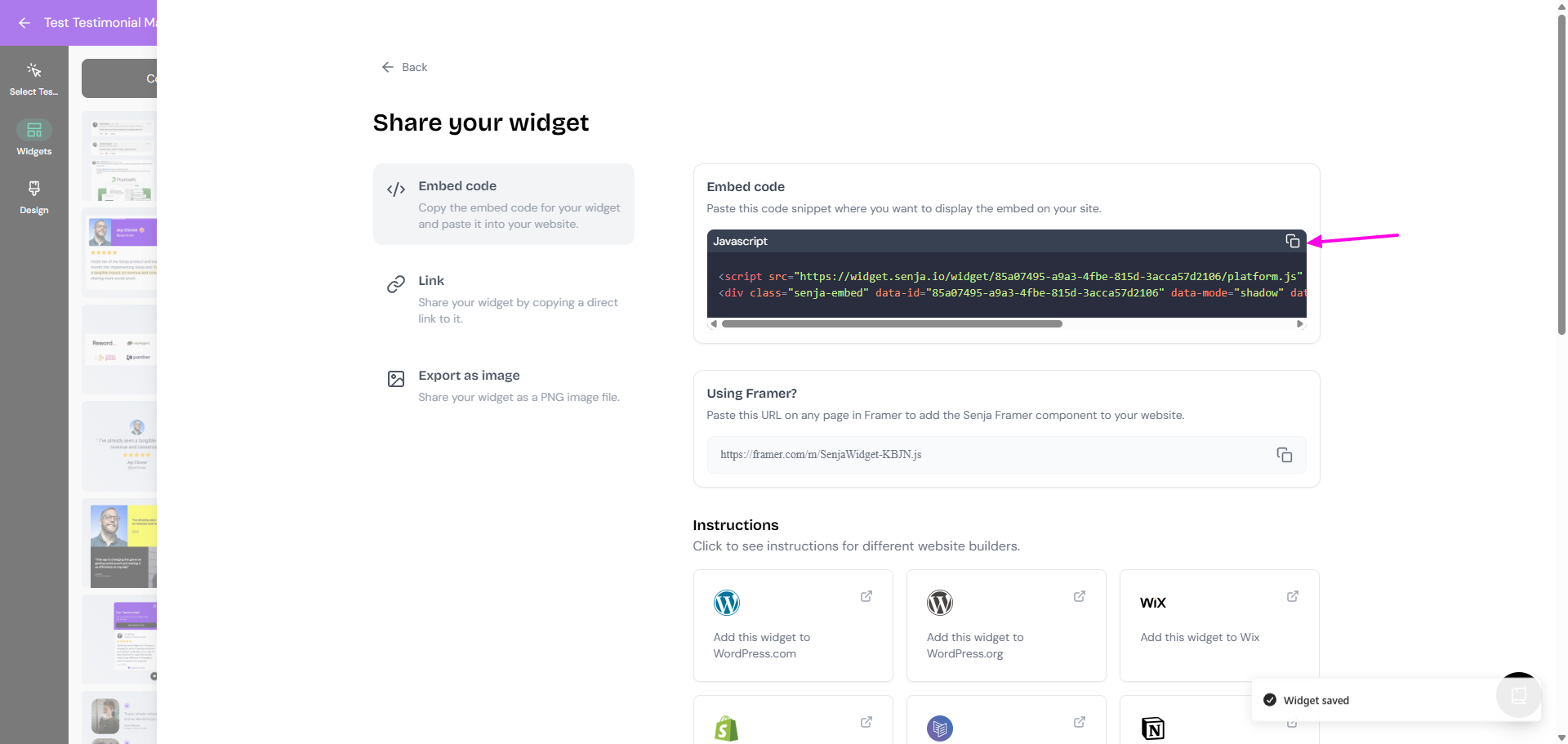
Senja's free Chrome Extension lets you copy widget code and form URLs without leaving the page you're on. Download it here
Open your WordPress dashboard and click Pages
Select the page where you want to display testimonials
Type / in the editor and select Custom HTML block
Paste the widget embed code you copied
Click Publish or Update
Your testimonial widget is now live on your WordPress.org site
Add testimonials as images to WordPress.org
If you prefer static images instead of interactive widgets:
Create your testimonial image following the article How do I turn my testimonials into images or Can I export my widget as an image?
Open your WordPress page in the editor
Click the + button where you want to add the image
Select Image block
Upload the testimonial image from your computer/local drive
Click Publish or Update
Images are static and won't update automatically. Use widgets if you want testimonials to refresh when you add new ones to Senja.
Other options
Click here for guides to add testimonials to other WordPress installations:
Having trouble? Contact us and we'll help you get set up.