
How do I turn my testimonials into images?
Turn your testimonials into beautiful images to share on landing pages, sales pages, emails, and anywhere else you need them.
This feature is available for any Senja plans: Free, Starter, and Pro.
How to create testimonial images
Go to your Studio page: https://app.senja.io/studio/
Choose Image tab
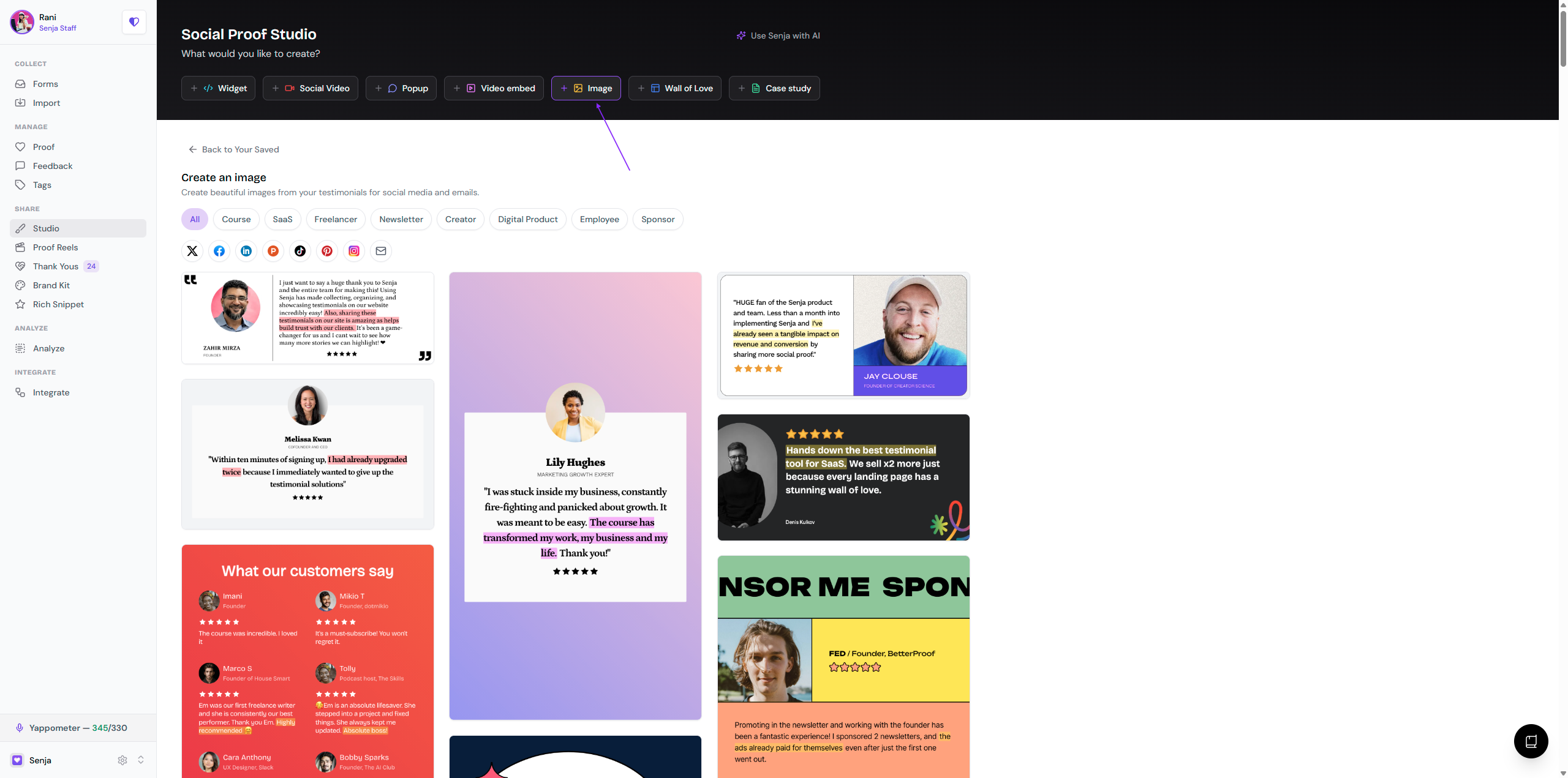
Choose a template, you can change your design at any point inside the editor
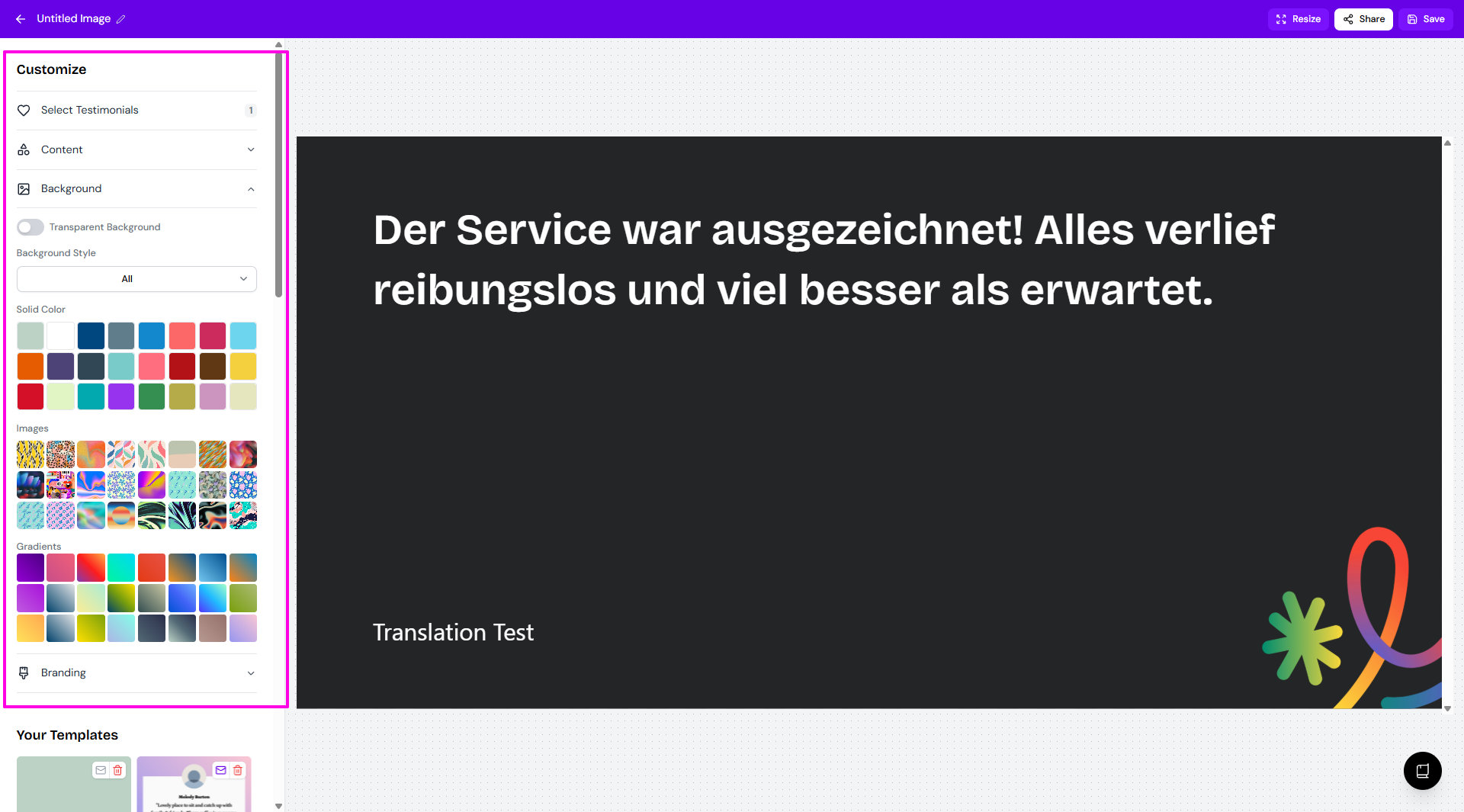
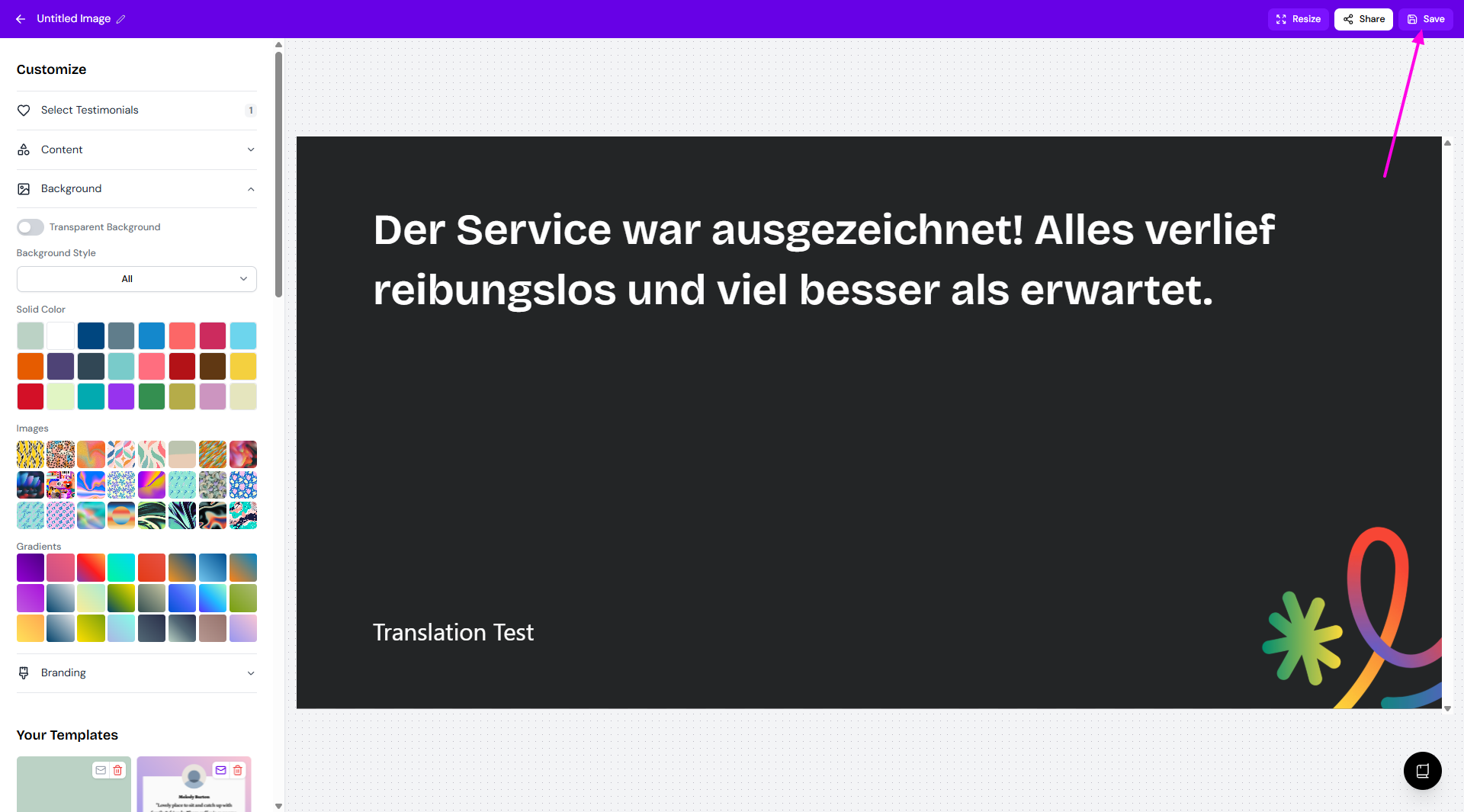
Customise your design using the Customise sidebar, adjust background colours, branding, and more
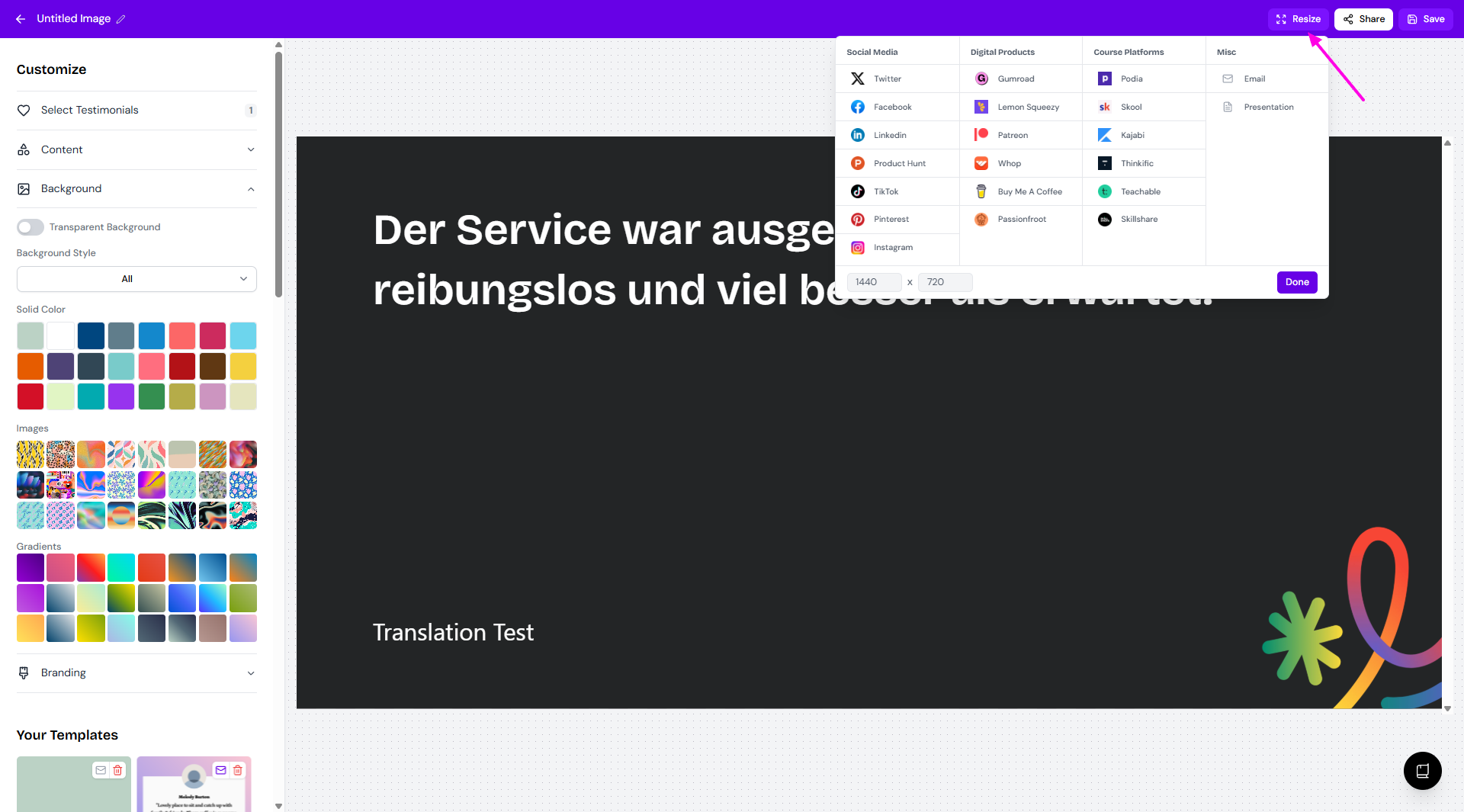
You can change the dimension of your image using the Resize option
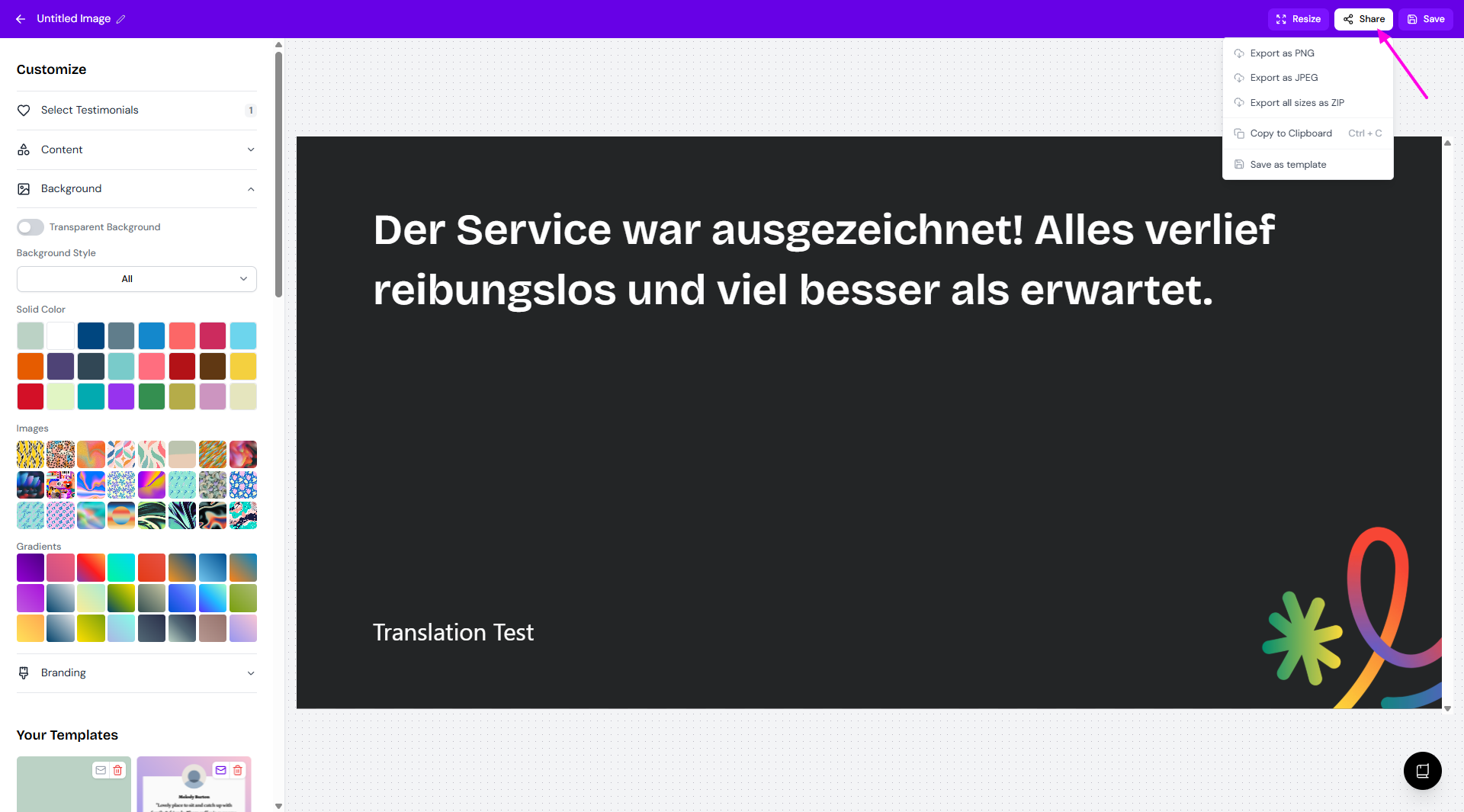
When you're ready, click Share in the top right corner to export
Choose your format
PNG/JPEG/ZIP for direct download
Copy to Clipboard to get the image copied and ready to paste
Save as template to keep the setup as image template for future use
Click Save to record your progress, if you want to edit later
Pro tip: If you'll reuse this design, click Save as template in the Share menu to save it for next time.