
Import testimonials from Slack
Senja lets you import Slack messages to use as testimonials and social proof.
This feature is available on all plans. Auto-sync is not currently available for Slack.
What you can do
Manually import individual Slack messages
Direct import using the Senja Chrome extension
How to import the testimonials
Manual import
You can do manual import following this guide: How can I manually import text testimonials?
In the Testimonial Source dropdown, choose Slack
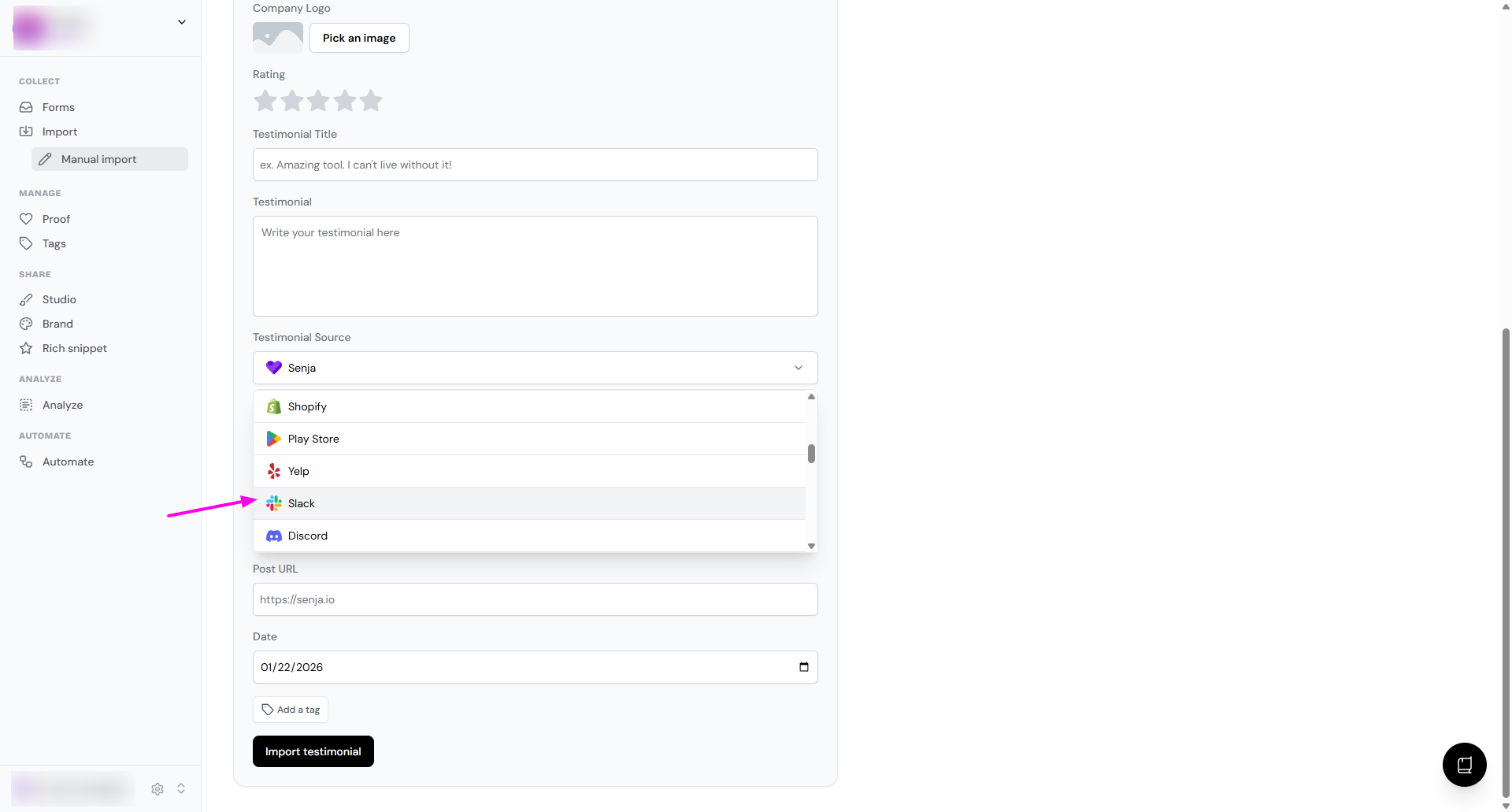
Your Slack message is now saved in Senja
Senja Chrome Extension
You can use the Senja Chrome Extension to quickly grab multiple messages from Slack.
Follow this guide: Import testimonials with the Chrome Extension
The Chrome Extension makes it easy to bulk import messages from Slack.
Need help?
If you run into any issues importing from Slack, contact Senja Support and we'll help you get set up
Was this helpful?