
How to add testimonials to Svelte
Adding Senja to your Svelte app is extremely simple and requires no extra dependencies or configuration.
This feature is available on any Senja plans: Free, Starter, and Pro.
Create your widget
First, you'll need to create a widget in Senja. Learn how to turn your testimonials into a widget
Paste the embed code into your Svelte component
Copy the widget embed code, see Where do I get my widget embed code or link?
Open the
+page.sveltefile (if you're working with SvelteKit), or the Svelte component you want to embed your testimonials inPaste the Senja embed code:
<div>
  <div
    class="senja-embed"
    data-id="4ac65b64-922c-4daf-af40-5cf71ade893f"
    data-lazyload="false"
    data-mode="shadow"
  ></div>
  <script
    async
    type="text/javascript"
    src="https://static.senja.io/dist/platform.js"
  ></script>
</div>
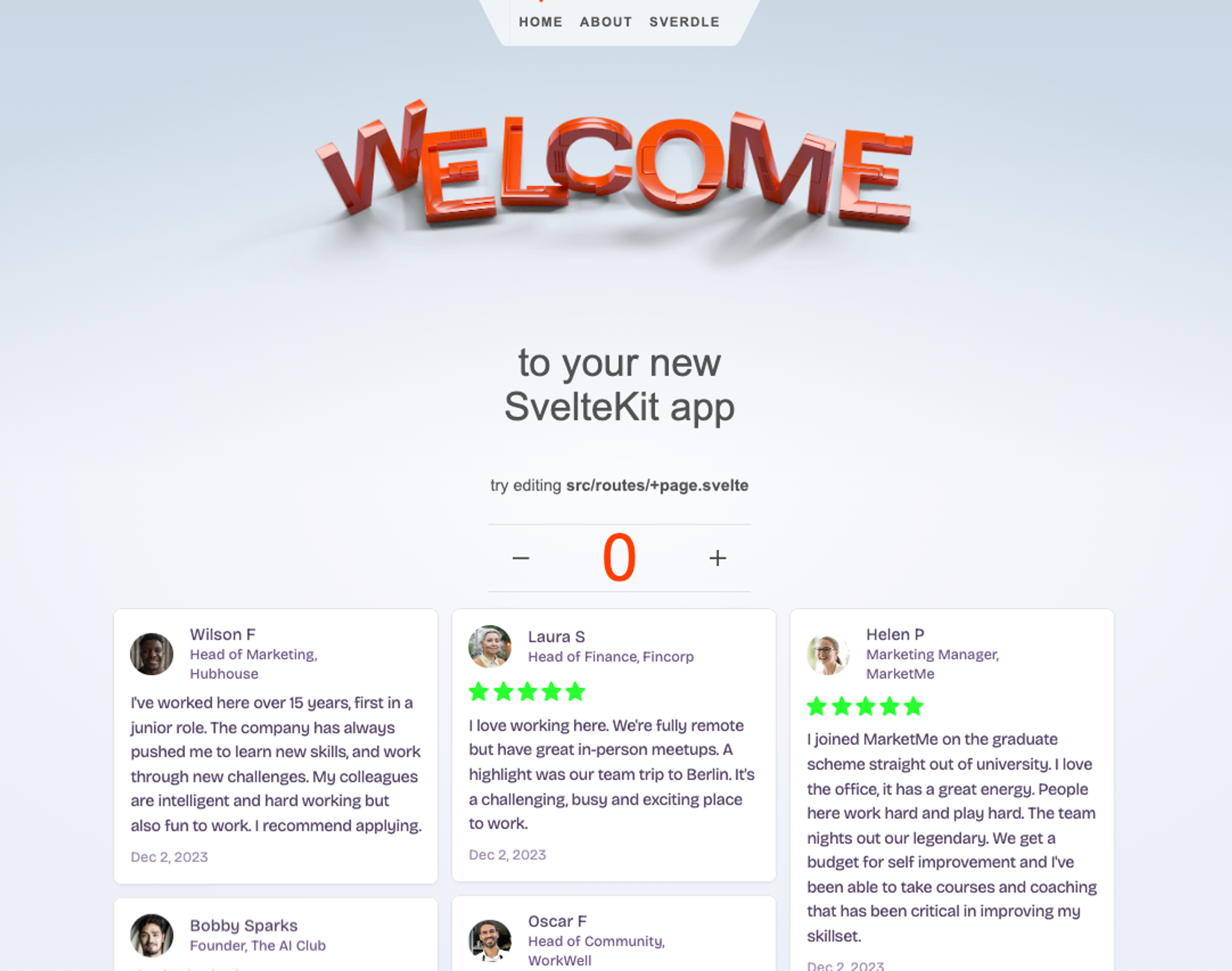
Once you do this, your Senja widget will be rendered on the page
You cannot add multiple top level scripts to a Svelte file. Make sure your Senja embed code is wrapped in at least one element or div.
Was this helpful?
Was this helpful?