
How to create social videos
Social videos in Senja are short, engaging video reels created from your video testimonials for sharing on platforms like Instagram, TikTok, and YouTube Shorts.
You'll need at least one video testimonial to create social videos.
Steps
Go to your Studio page: https://app.senja.io/studio
Click Social Videos tab
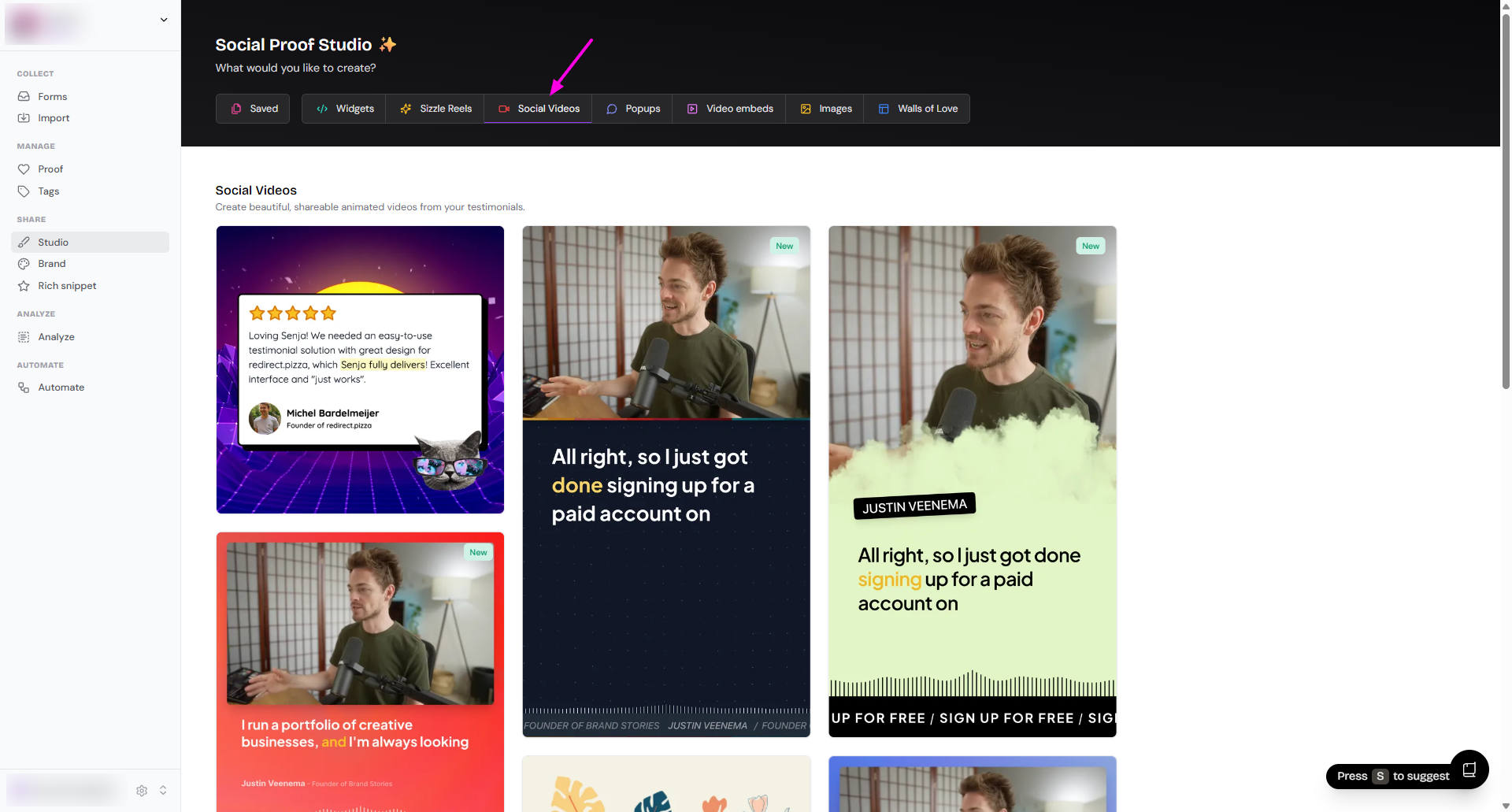
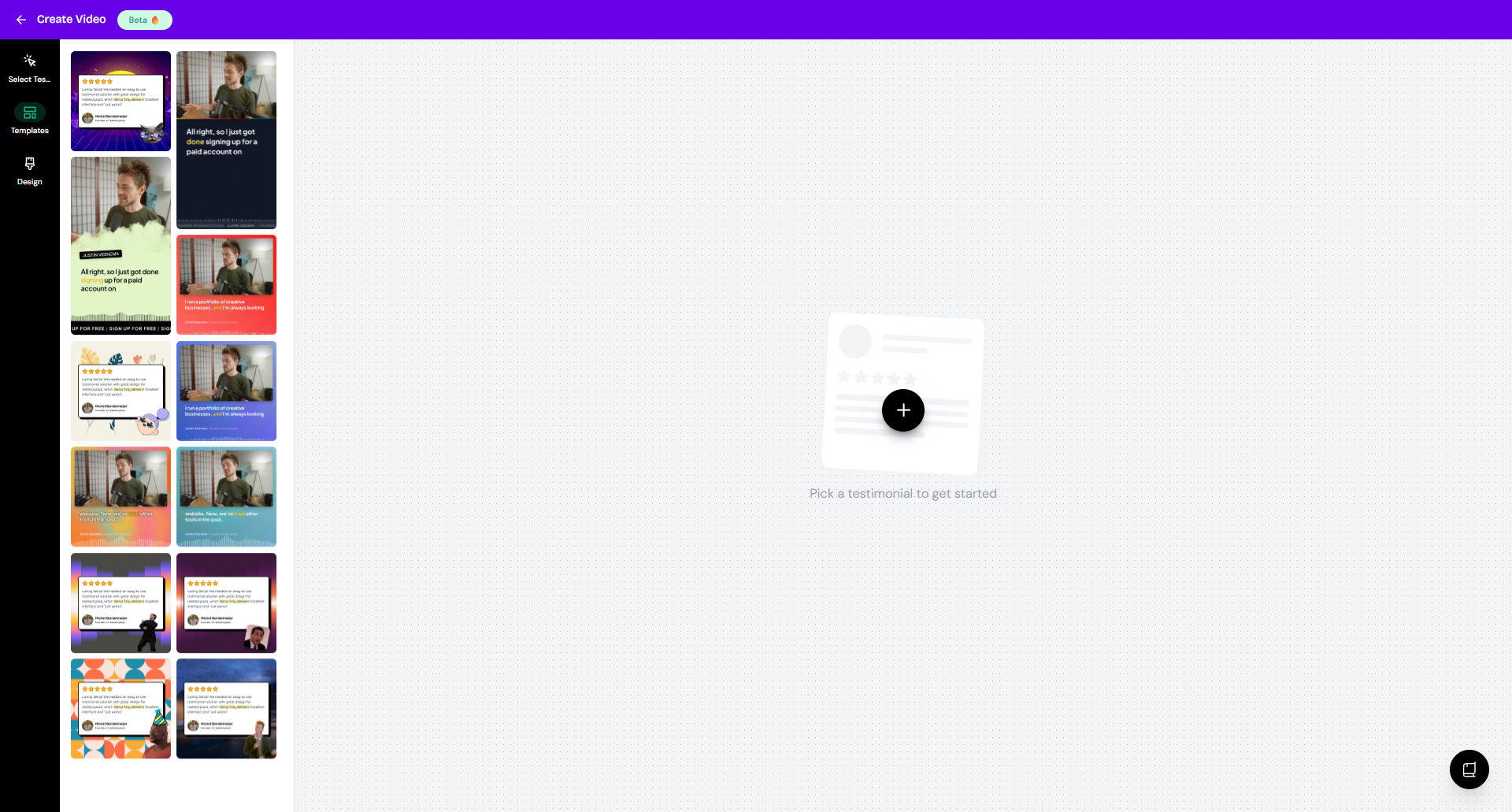
Choose the template that you want
Customize the design as you wish
Select Testimonials: choose the videos you want to show
Templates: change the style of the social videos
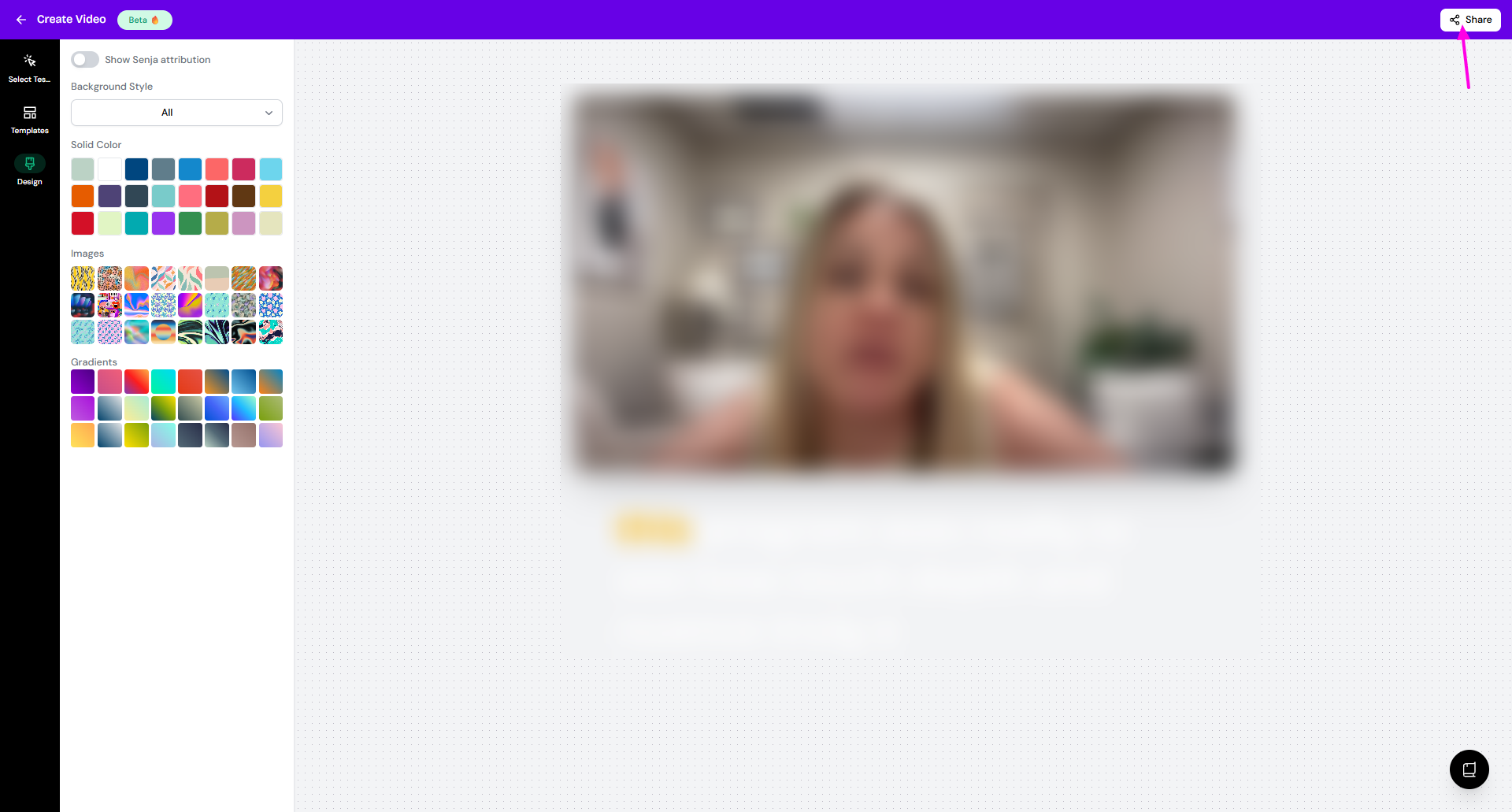
Design: change the background color/style
Click Share to export your video as MP4
Was this helpful?