
How do I turn my video testimonials into video embeds?
In Senja Studio, you can turn your video testimonials into video embeds.
Steps
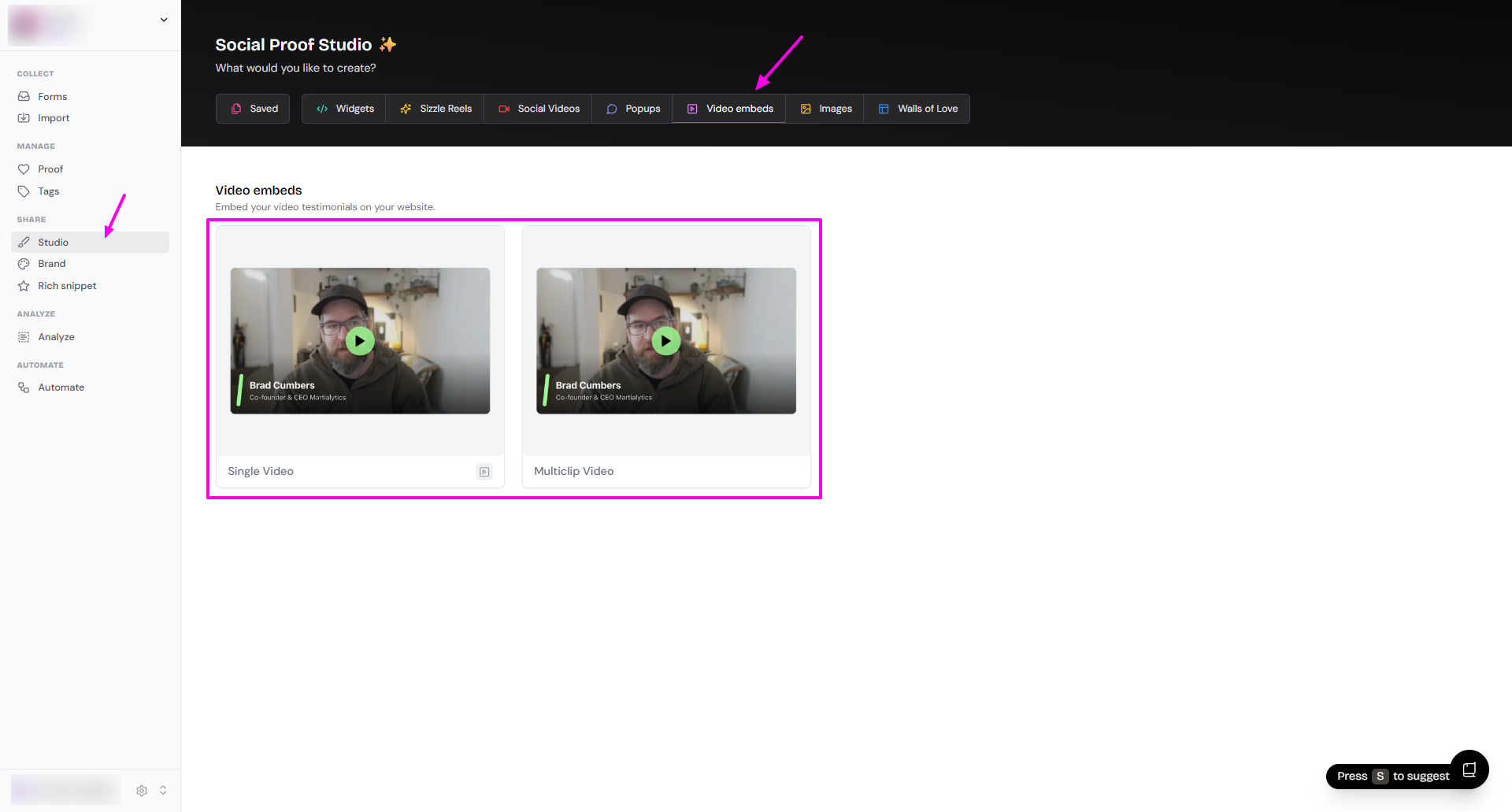
Go to your Studio page: https://app.senja.io/studio
Click Video embeds tab
Choose Single Video or Multiclip Video
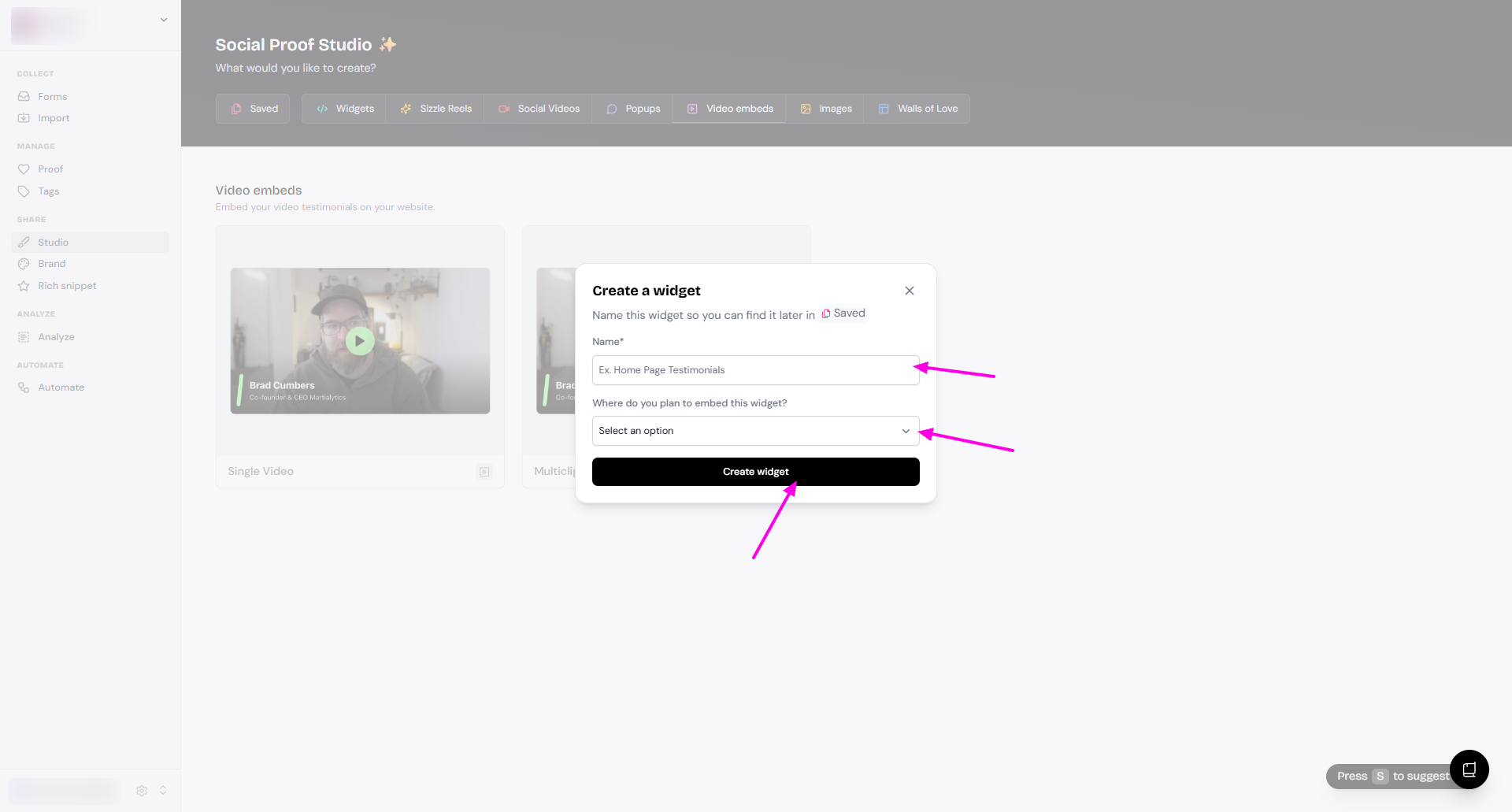
Add the Name and choose Where do you plan to embed this widget?
Click Create widget
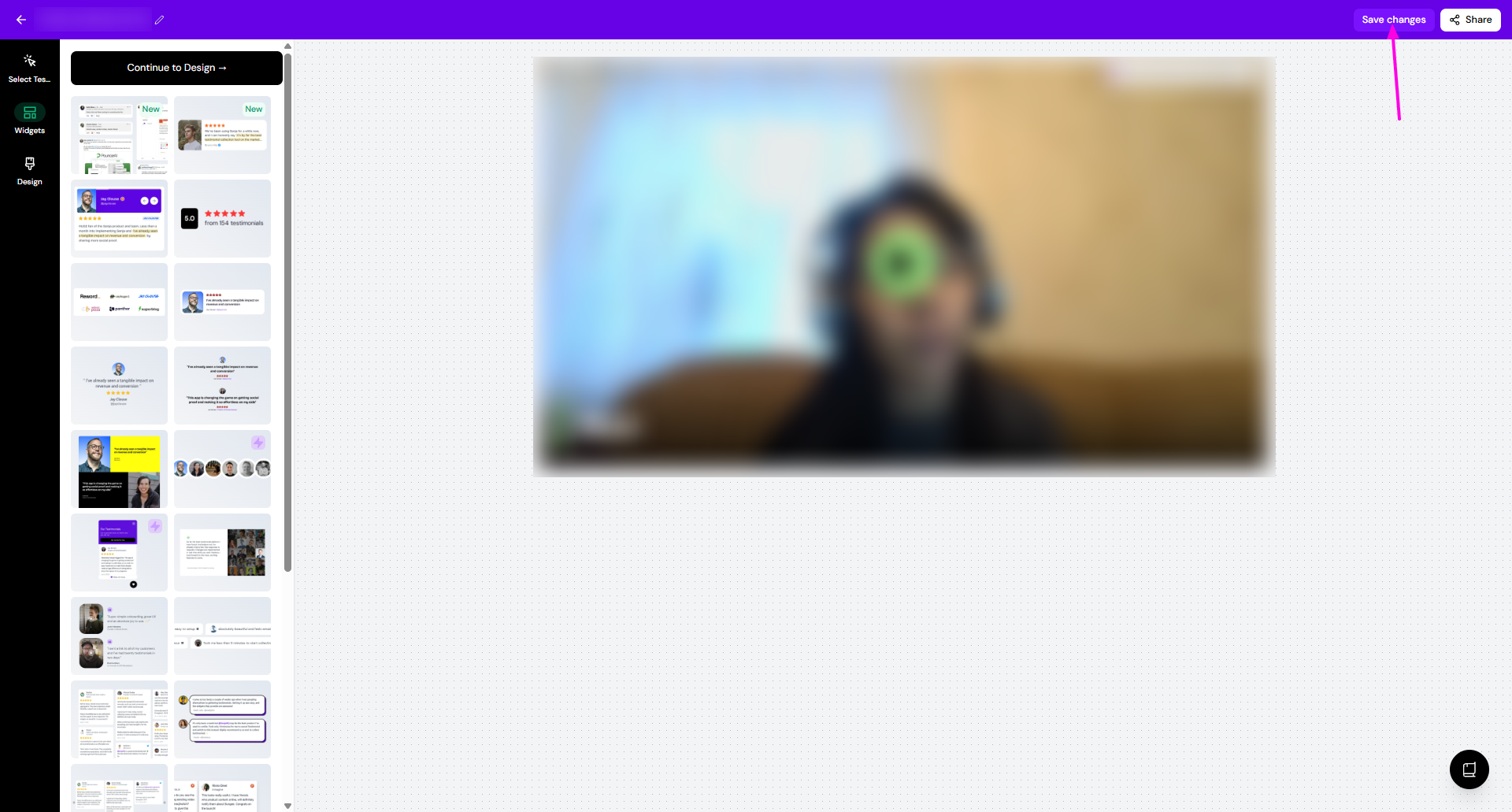
Customize the design as you wish
Select Testimonials: choose the videos you want to show
Templates: change the style of the social videos
Design: change the background color/style
Click Save changes when you're done
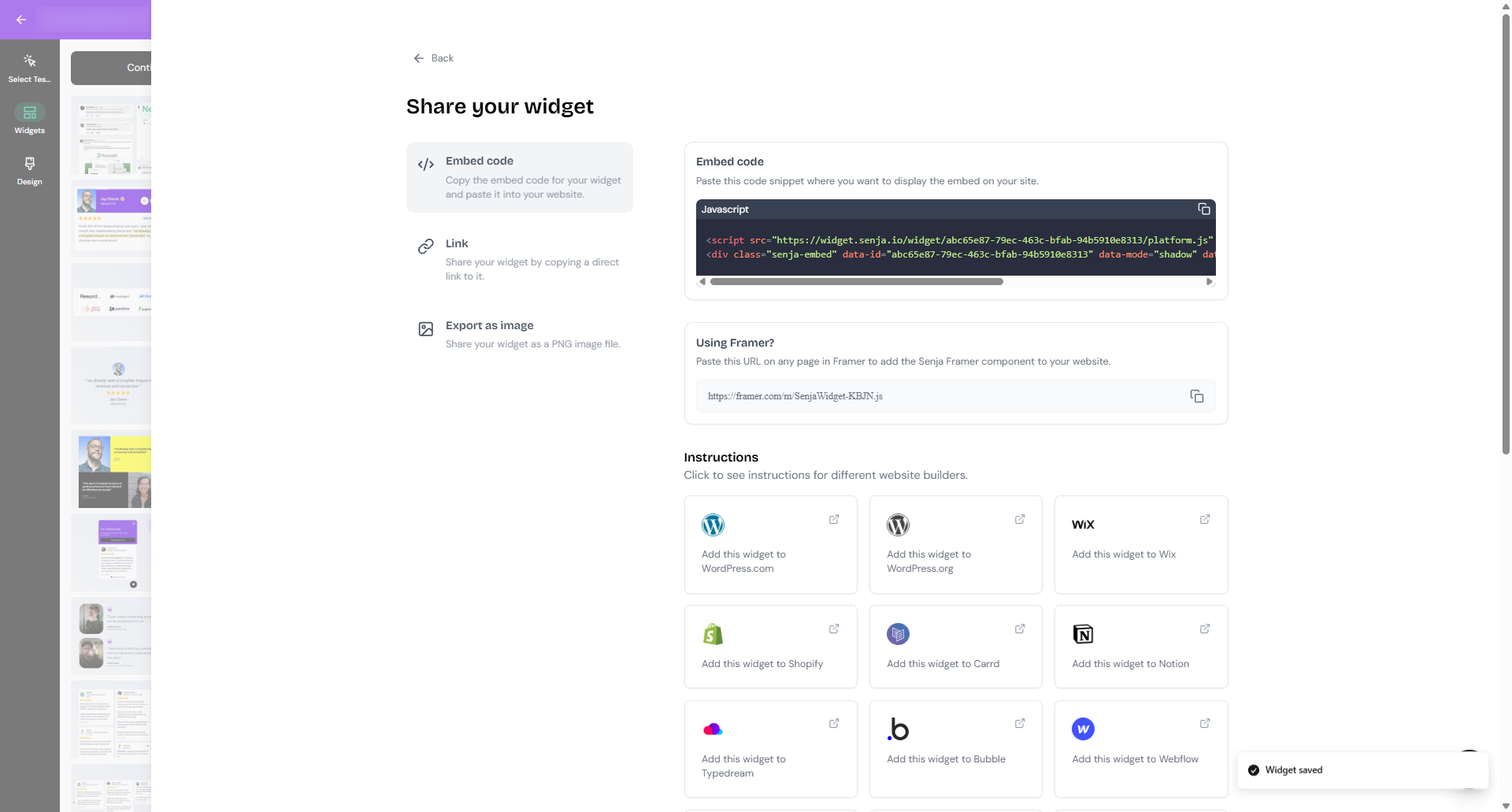
Click Share and choose the sharing method you want
Was this helpful?