
How do I sign up to Senja?
Signing up to Senja is free and takes less than a minute. You'll need an active email address—everything else is optional.
Before you create a new account
Check if you already have an account to avoid creating duplicates.
Don't create a new account if you already have one. Use the options below to recover access instead.
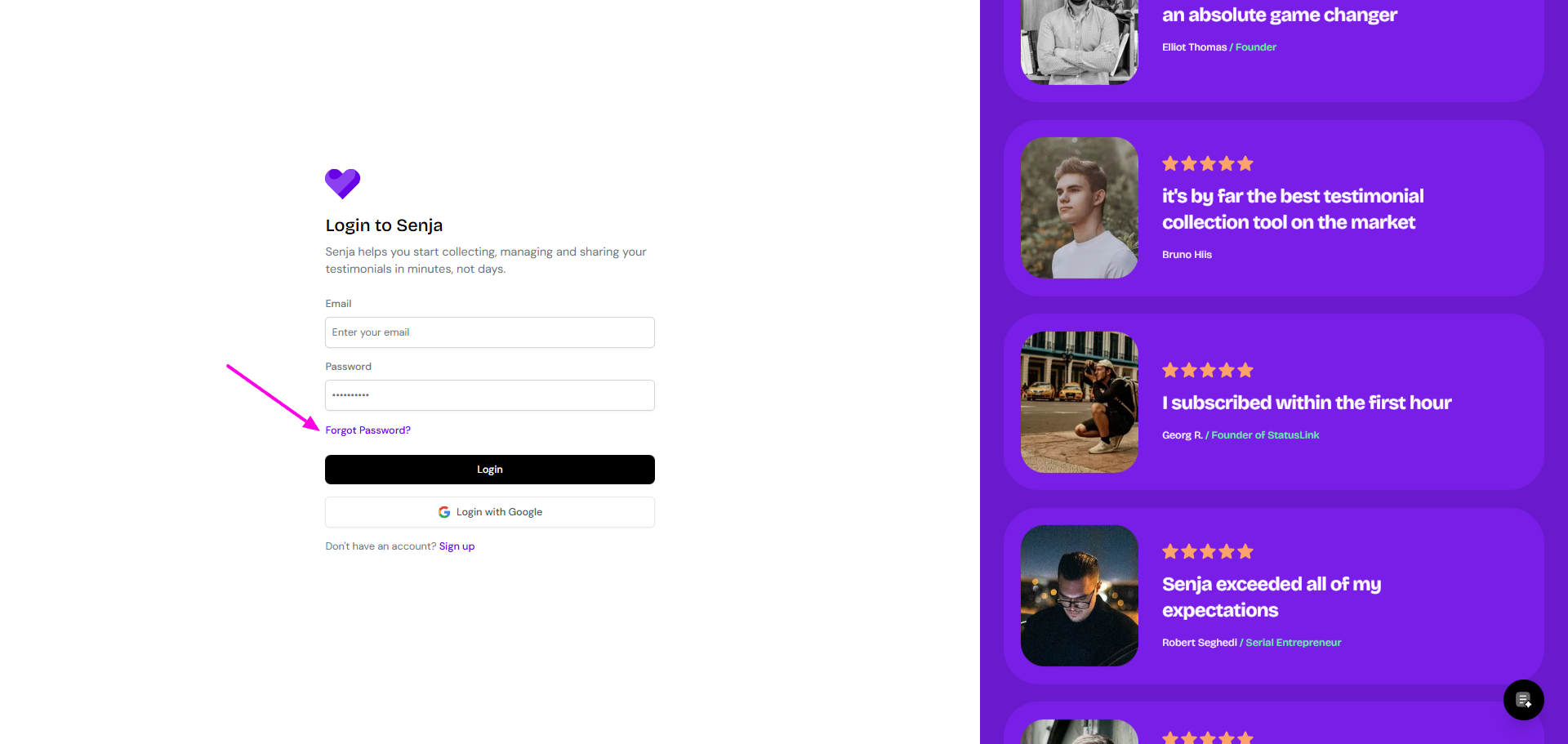
If you forgot your password:
Go to the Senja sign-in page
Click Forgot Password?
Follow the on-screen instructions
If you forgot your email address:
Contact the Senja Support team
Share any details you remember: partial email address, Senja project name, or your website link
If your old email no longer exists:
Contact the Senja Support team
Provide:
Your old email address
Your new email address
Proof of account ownership (e.g., backend screenshot showing Senja widget on your website)
If you want to manage multiple projects or businesses, add a new Project to your existing Senja dashboard instead of creating a new account. This feature requires a Pro plan. Learn how to manage multiple projects