
How do I delete a project?
Deleting a project permanently removes all testimonials, forms, and widgets associated with it. This action cannot be undone and only project Owner can do this.
You must be the project owner to delete a project. You also need at least one other project in your account—you can't delete your only project.
Delete a project
In the sidebar - next to your project name, click Settings icon
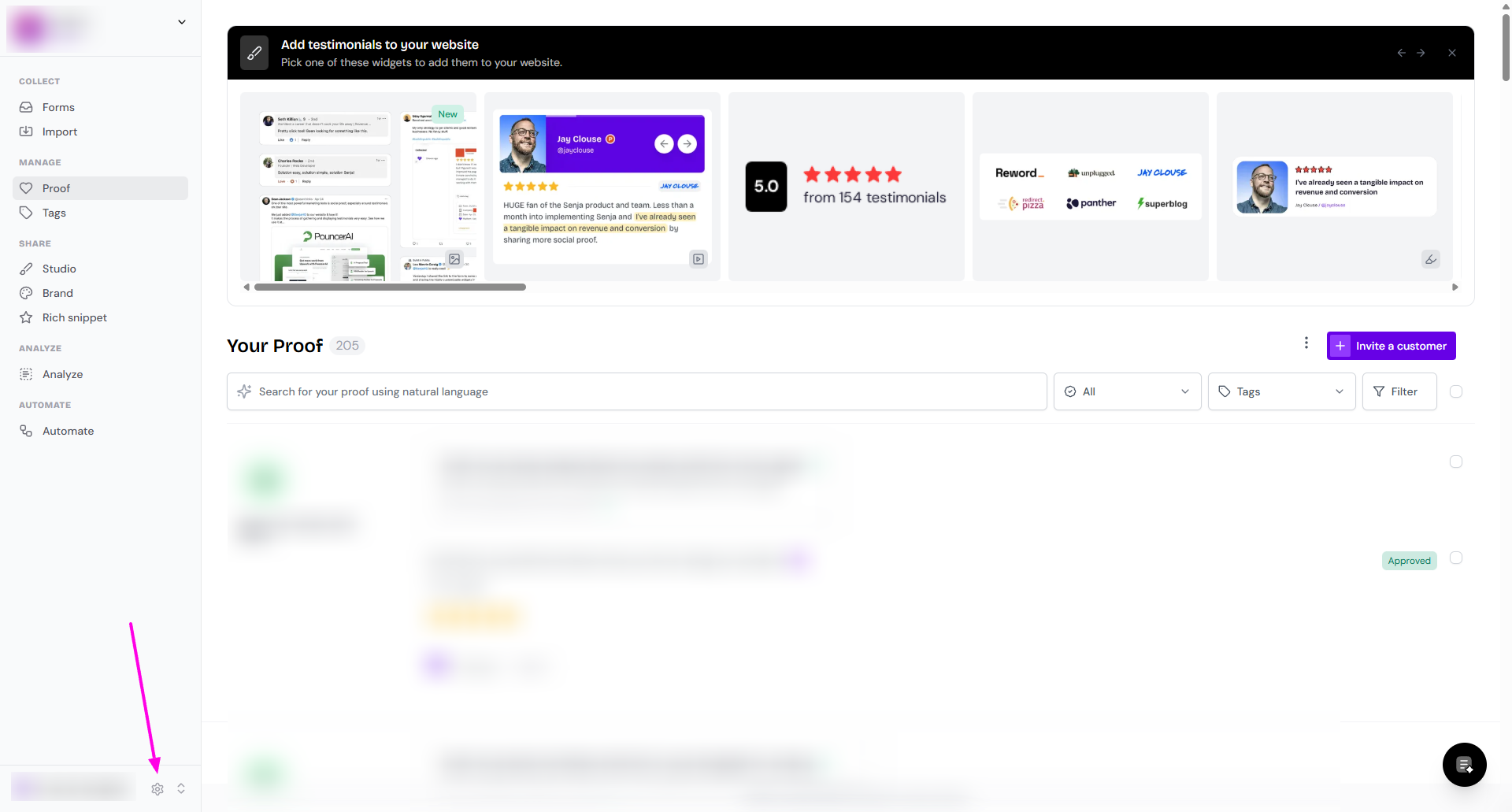
Click Danger Zone
Click the red Delete Project button

In the confirmation dialog, type your project slug exactly (for example,
my-project-slug)Click the confirm button to permanently delete the project
You'll be redirected to your dashboard after the project is deleted.
Need to organize your testimonials differently? You can create a new project or switch between existing projects instead.