
How do I change my project name?
You can rename your project at any time from the project settings. The project name is visible to you in your dashboard but won't affect your public-facing testimonial widgets or forms.
How to change your project name
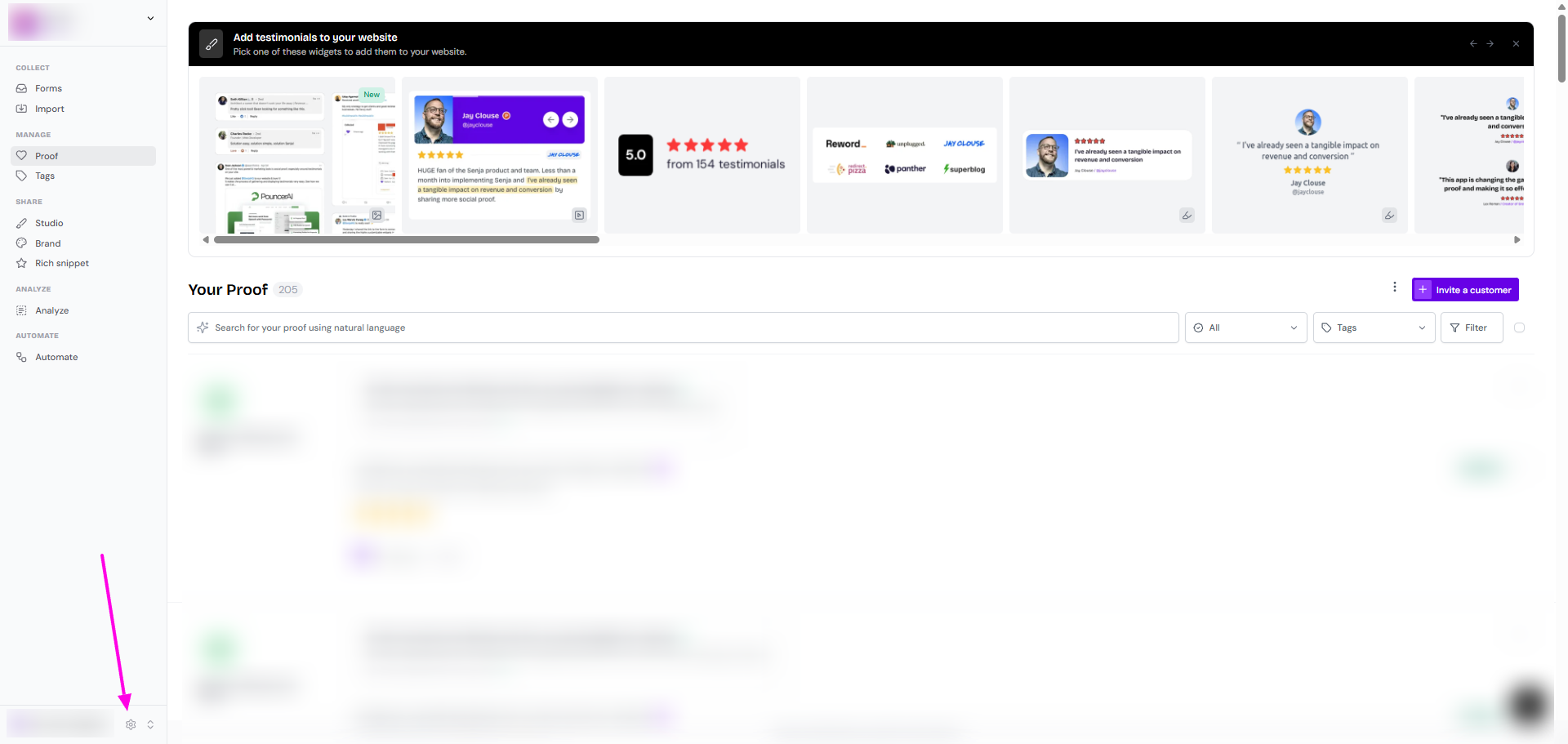
Click the settings icon (gear icon) at the bottom of your left sidebar
Make sure you're on the General tab
Update the text in the Project Name field
Click Save settings
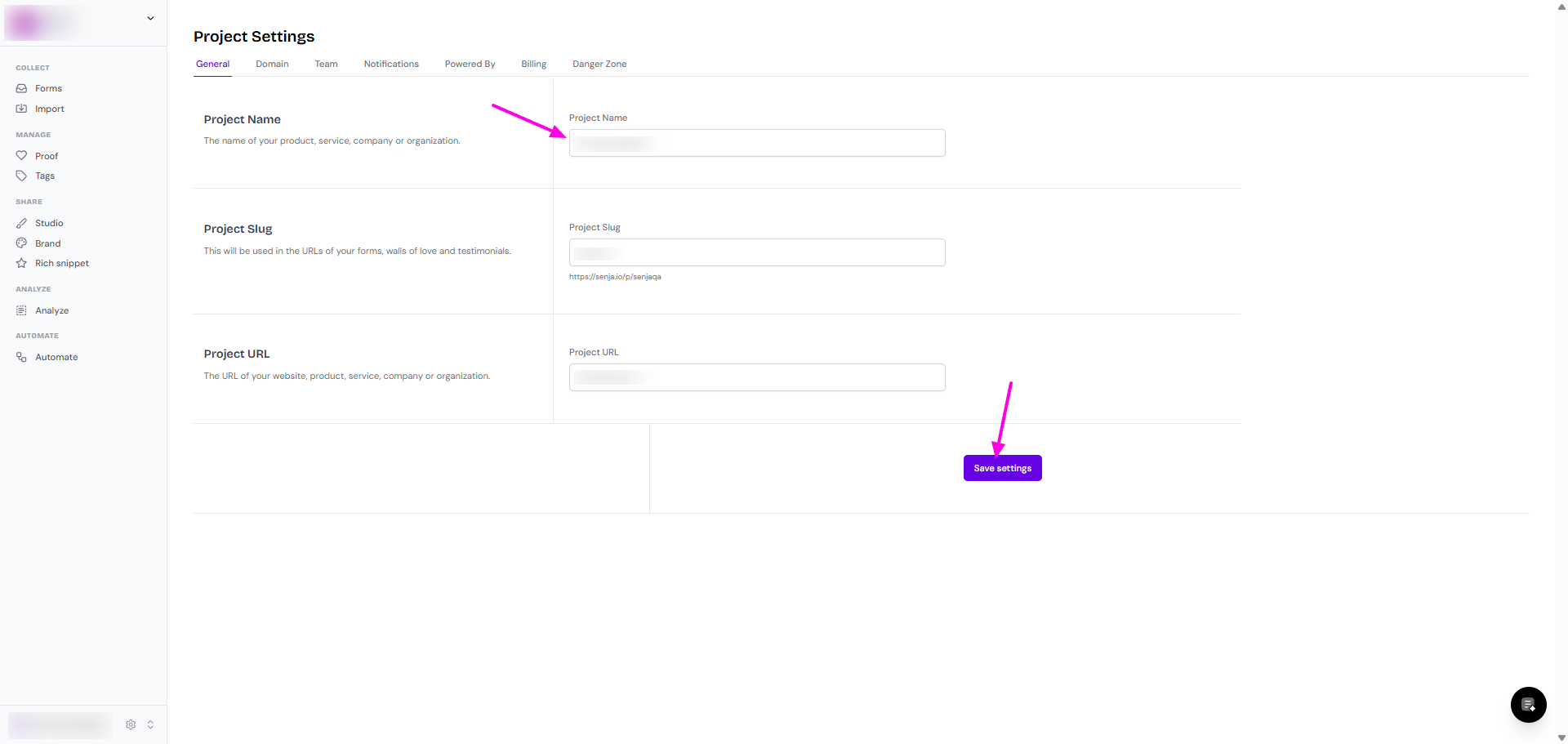
Changing your project name only updates how it appears in your dashboard. Your project slug and URL remain the same unless you also change them from this Project Settings page.
Was this helpful?