
How can I manually import image testimonials?
Now, you can import images, like screengrabs of your customer love, into Senja. We'll automatically transcribe them for you, so you can always find the perfect testimonial at the right time!
Manually import image testimonials
Go to Import > Manual import page: https://app.senja.io/import/manual
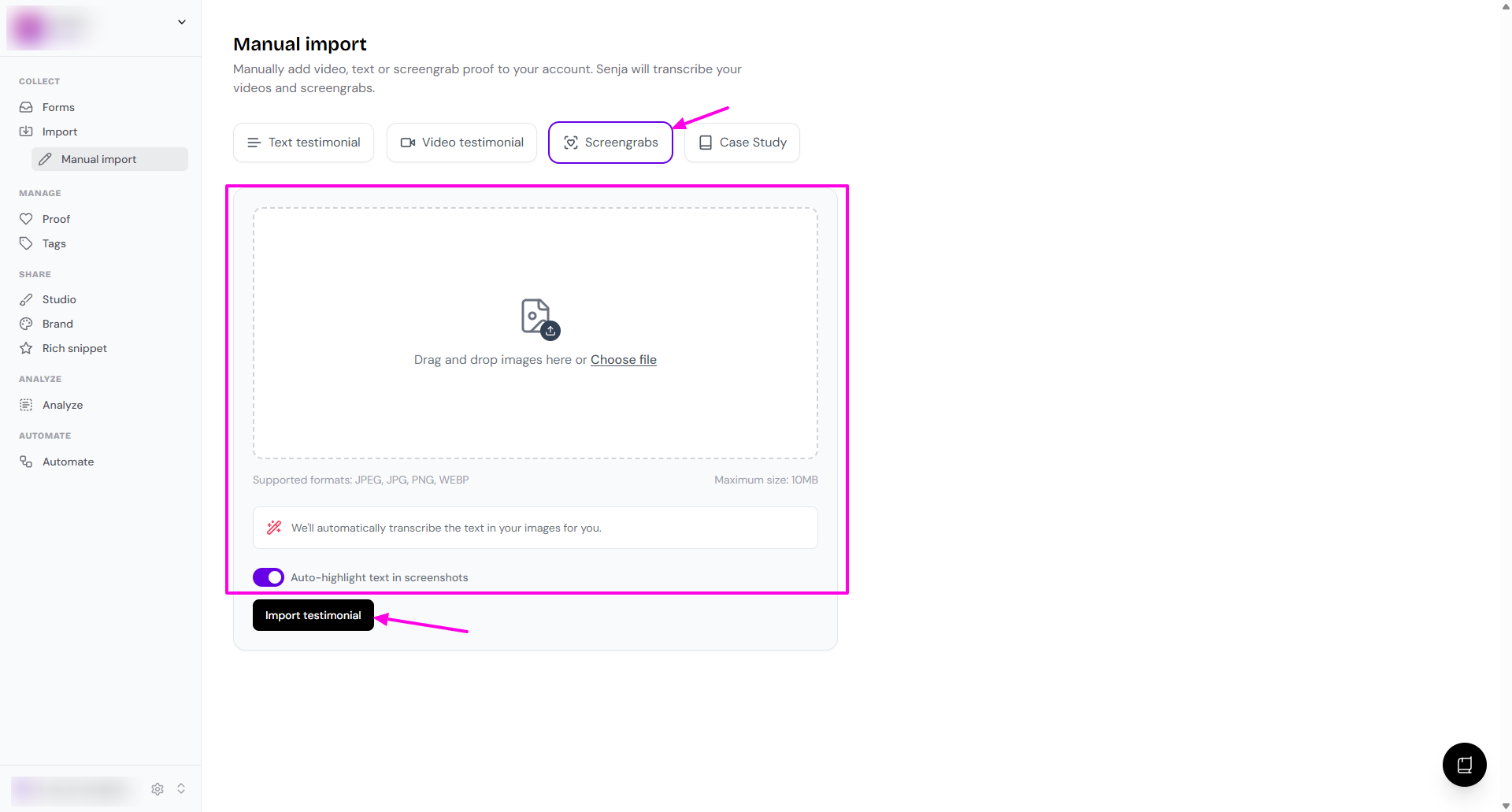
Choose Screengrabs
Complete the details
Upload the image/screengrab
Enable/disable Auto-highlight text in screenshots
Once you're done, click Import testimonial
The image will be imported to your Proof page with the text transcription
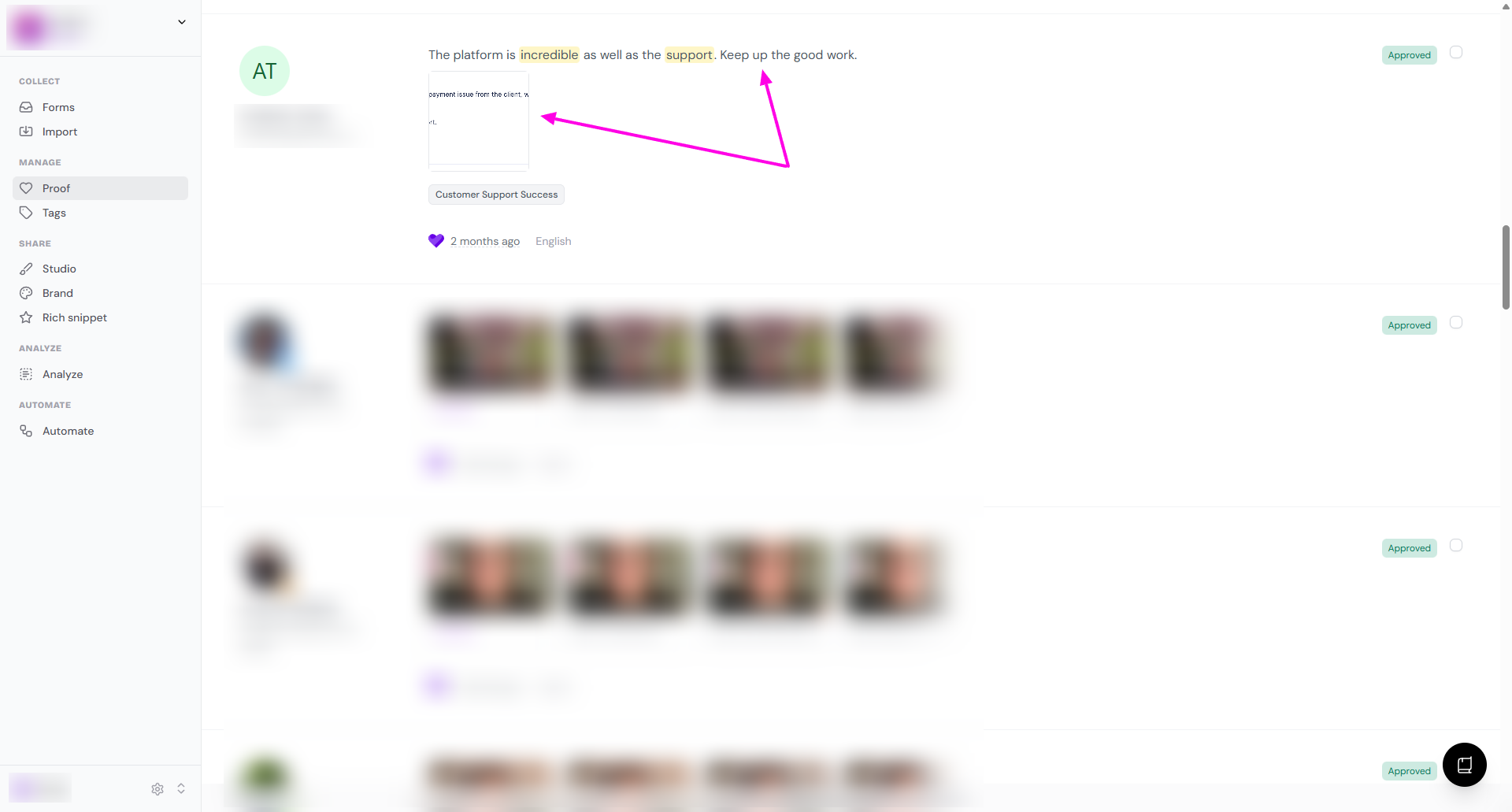
If the screengrab comes from well-known platforms (LinkedIn, Instagram, etc.), the import will also detect the source of the testimonial
We've also made it possible to take a screenshot of a testimonial and import it directly from our Chrome extension.
To get started, head over to the import page.