
How do I sign up and log in to Senja?
Signing up to Senja is free and takes less than a minute. This article walks you through creating your account, verifying your email, and setting up your first project, plus how to log in afterwards.
Signing up and logging in work the same way on every Senja plan: Free, Starter, and Pro.
Create your account
You can sign up in two ways:
With Google: the quickest option, and the only single sign-on (SSO) Senja supports
With any email address: your company email, or a personal one like Outlook
Sign up with Google
Go to the sign-up page: https://app.senja.io/signup
Click Sign up with Google
Choose the Google account you want to use
Your Senja account is created with that Google email
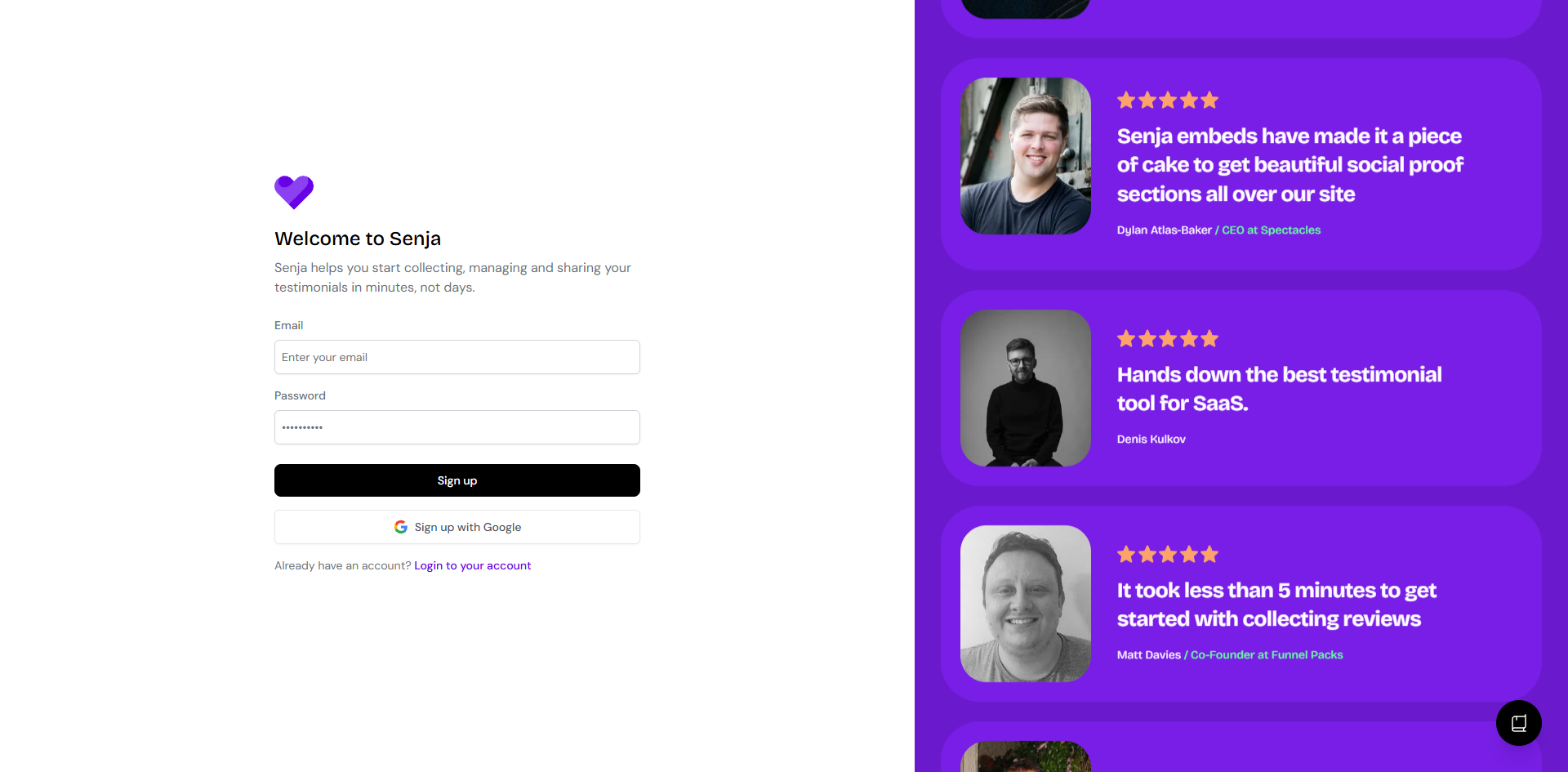
Creating a new account? Click Sign up with Google, not Login with Google.
Sign up with email
Go to the sign-up page: https://app.senja.io/signup
Enter your email address and follow the steps on screen
Don't create a new account if you already have one. If you've forgotten your password or which email you used, see How to find your Senja account and email to get back in.
Verify your email
After you sign up, Senja sends you a verification email. Open it and follow the link to confirm your address.
Can't find it? Check your spam, junk, or promotions folder, and search your inbox for Senja. Still nothing after a few minutes? See Troubleshooting signup or login issues.
Set up your account
Once your email is verified, Senja walks you through a short onboarding:
Your name: this is the name you will see in your dashboard
Your website: this becomes the website connected to your project, you can change it later in Project Settings
Your Senja plan: pick the plan that suits you (Free, Starter, or Pro)
You can start on Free and upgrade any time
Starter and Pro are subscriptions billed monthly or yearly, and they renew automatically until you cancel
There’s no one-time payment option
Compare plans on our pricing page
If you want to manage multiple projects or businesses, add a new Project to your existing Senja dashboard instead of creating a new account. This feature requires a Pro plan. Learn how to manage multiple projects
Log in to Senja
Go to the login page: https://app.senja.io/signin
Click Login with Google and pick your Google account, or enter the email address you signed up with
You'll land in your Senja dashboard
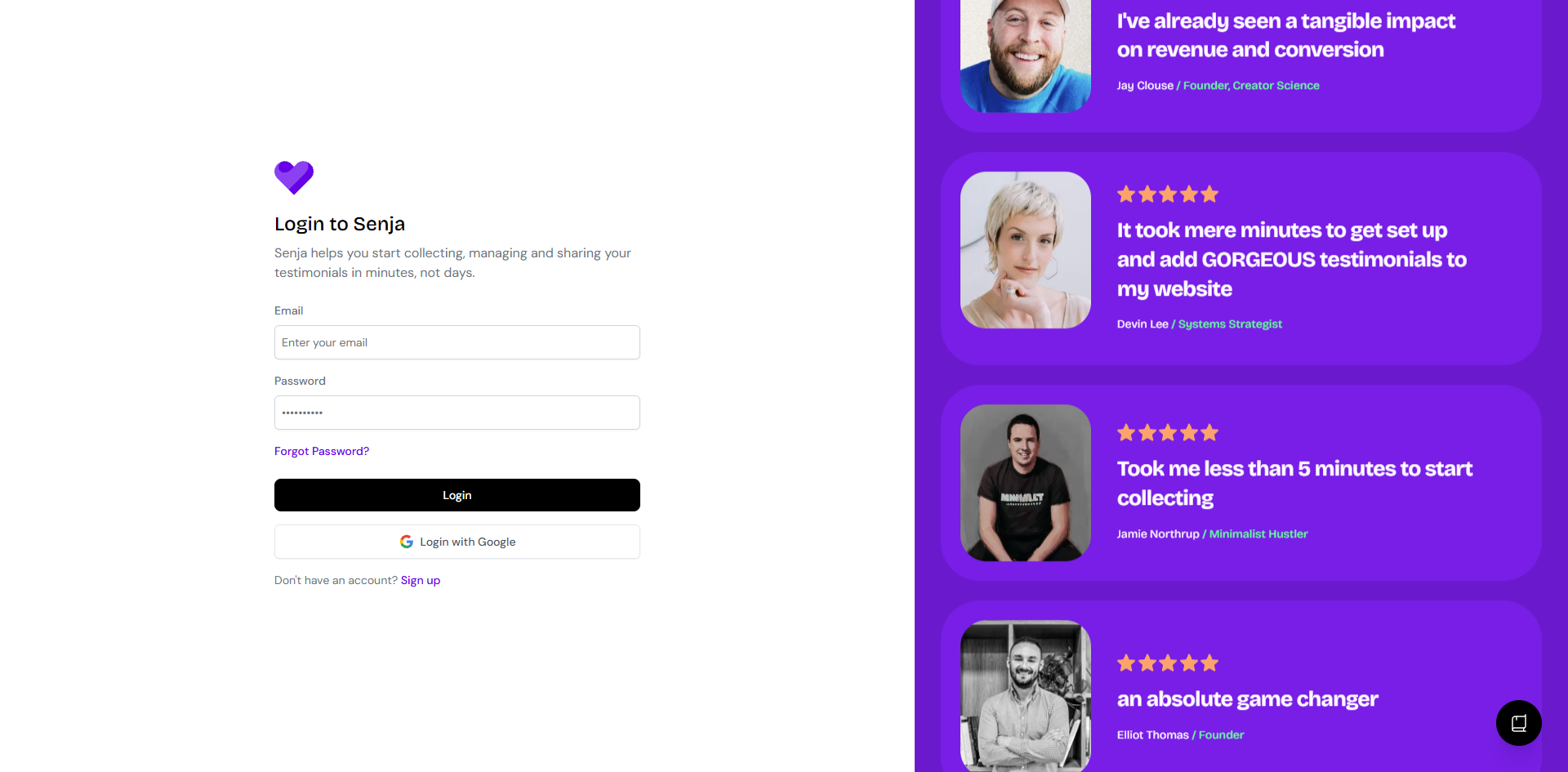
Add a password to your Google account
Signed up with Google but want a password too, as a backup? You can add one any time:
Enter the email address you use for Senja
Open the email and follow the instructions
No email after a few minutes? Check your spam or junk folder
From then on, you can log in with Google or with your email and password. Same account, two ways in.
Is Enterprise SSO (SAML, Okta) supported?
Not yet. Google is the only SSO option for now, and it's available to everyone, not just Enterprise teams. If your team needs SAML or Okta-style SSO, let us know.
Having trouble?
Account already exists, no verification email, or Google login not working? See Troubleshooting signup or login issues.