
Add testimonials to your Kit emails
Senja has a dedicated Kit app. Our app makes it super-easy to add your proof into emails you're composing in Kit.
This feature is available on any Senja plans: Free, Starter, and Pro.
What can the Kit app do?
The Kit app lets you:
Style and inject text testimonials in your emails
Inject a video GIF preview of your video testimonials in your emails
Inject a form preview in your emails
Adding Senja testimonials and forms to Kit emails
You can now unlock instant access to your customer testimonials inside Kit.
Senja now integrates with Kit, so you can instantly inject your testimonials and collection forms inside your Kit emails.
Whether it’s a launch, update or upgrade email, your social proof is now instantly available.
Add Senja’s app to your Kit account here.
First, turn your widget into image following the guide Can I export my widget as an image?
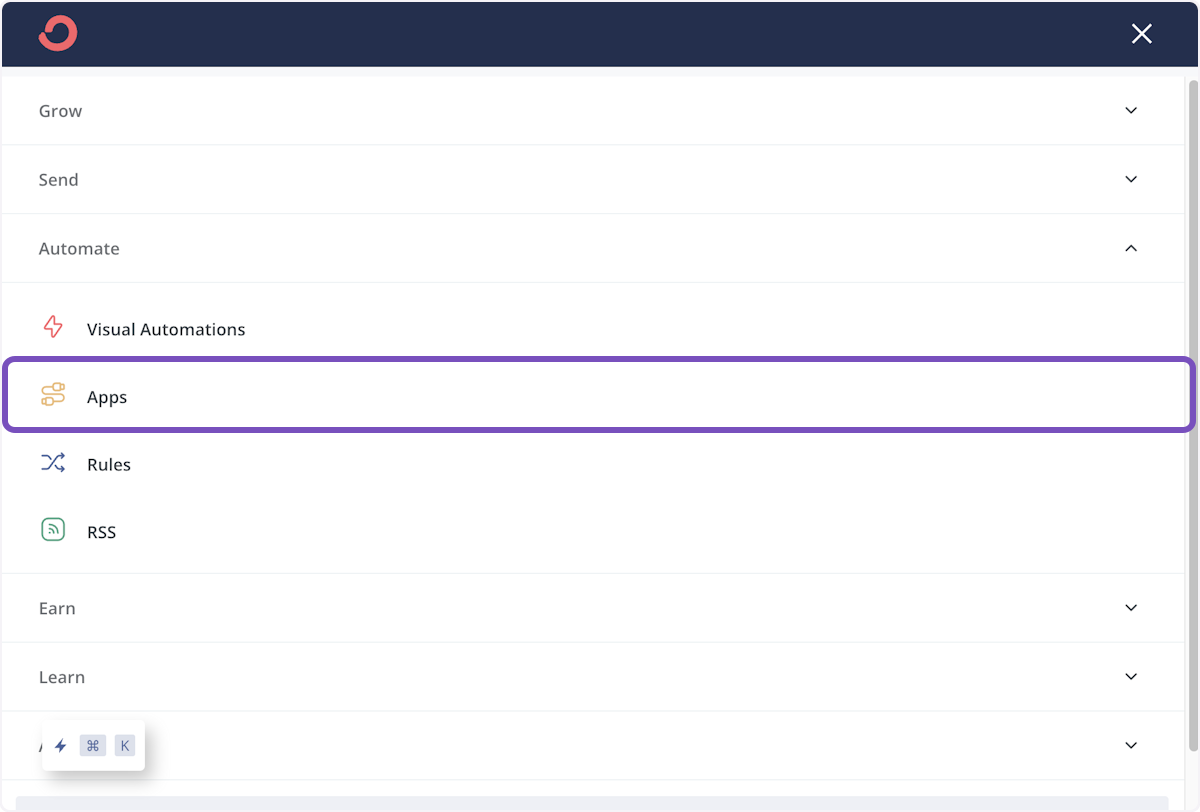
Open ConvertKit, hover over Automate, choose Apps
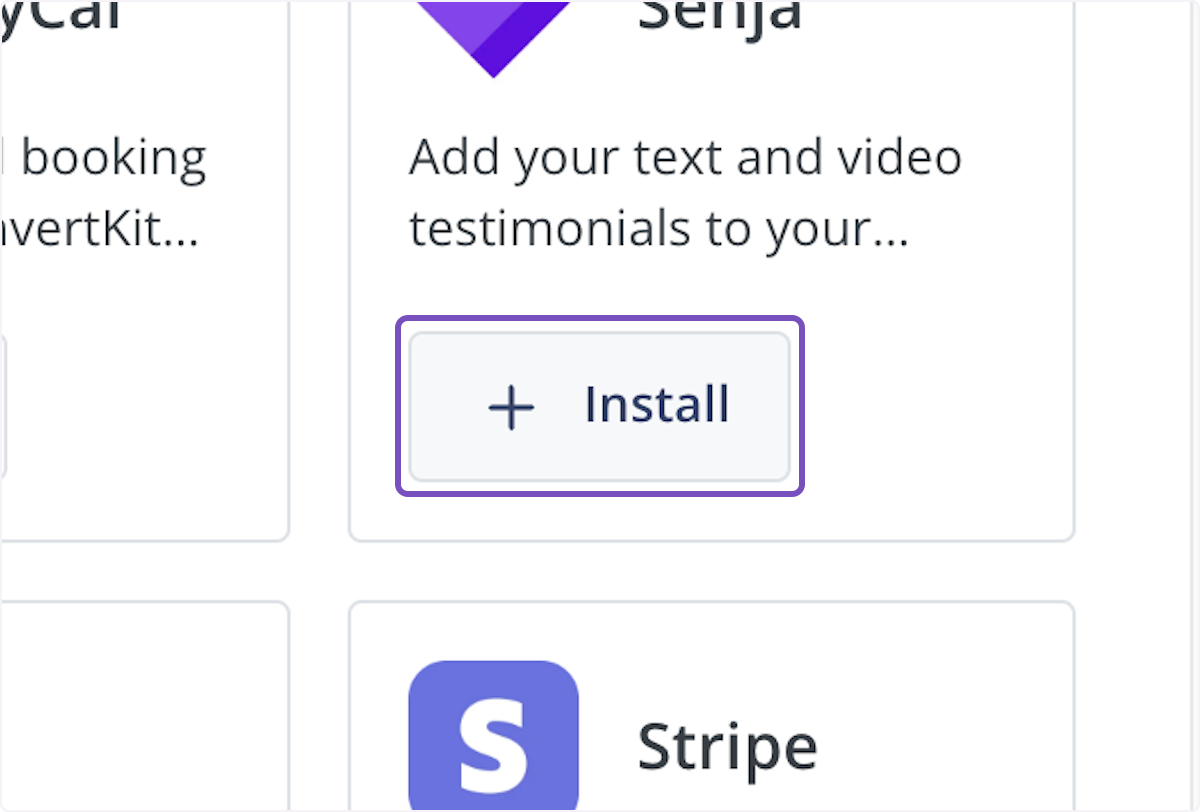
Find Senja and click Install
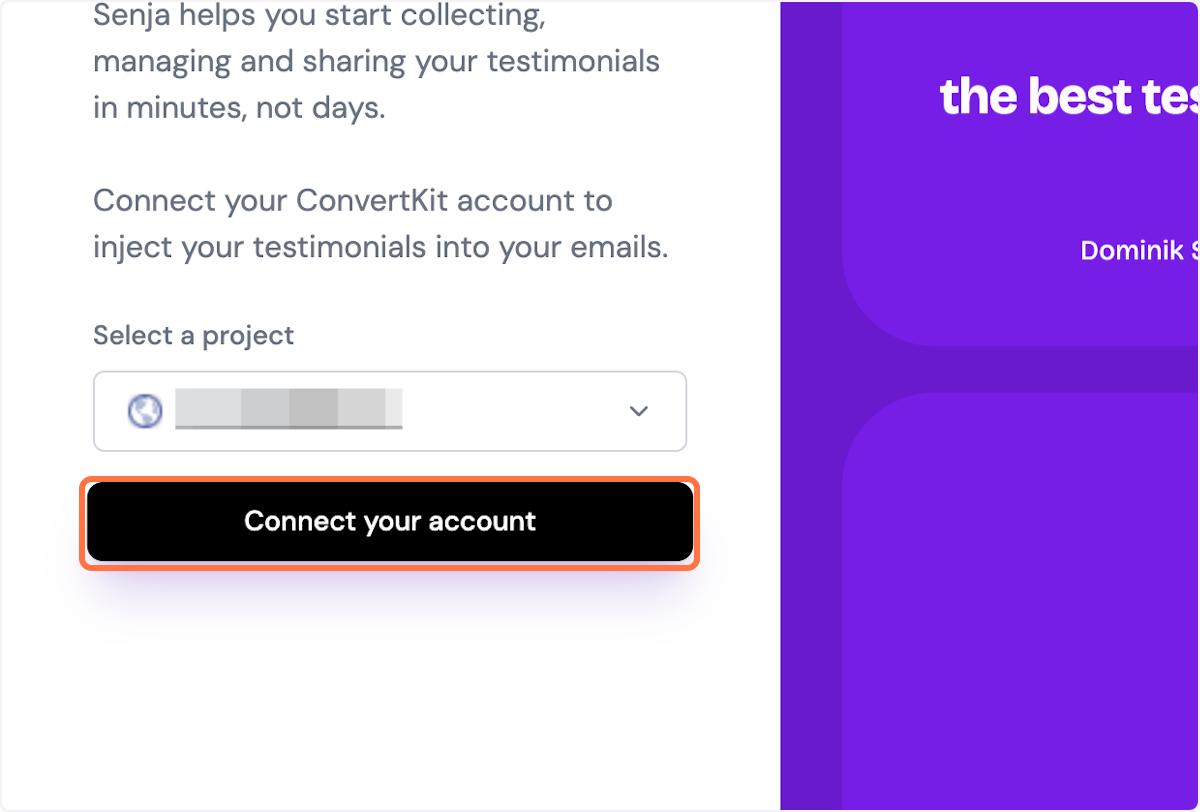
Click Connect your account
Open your broadcast
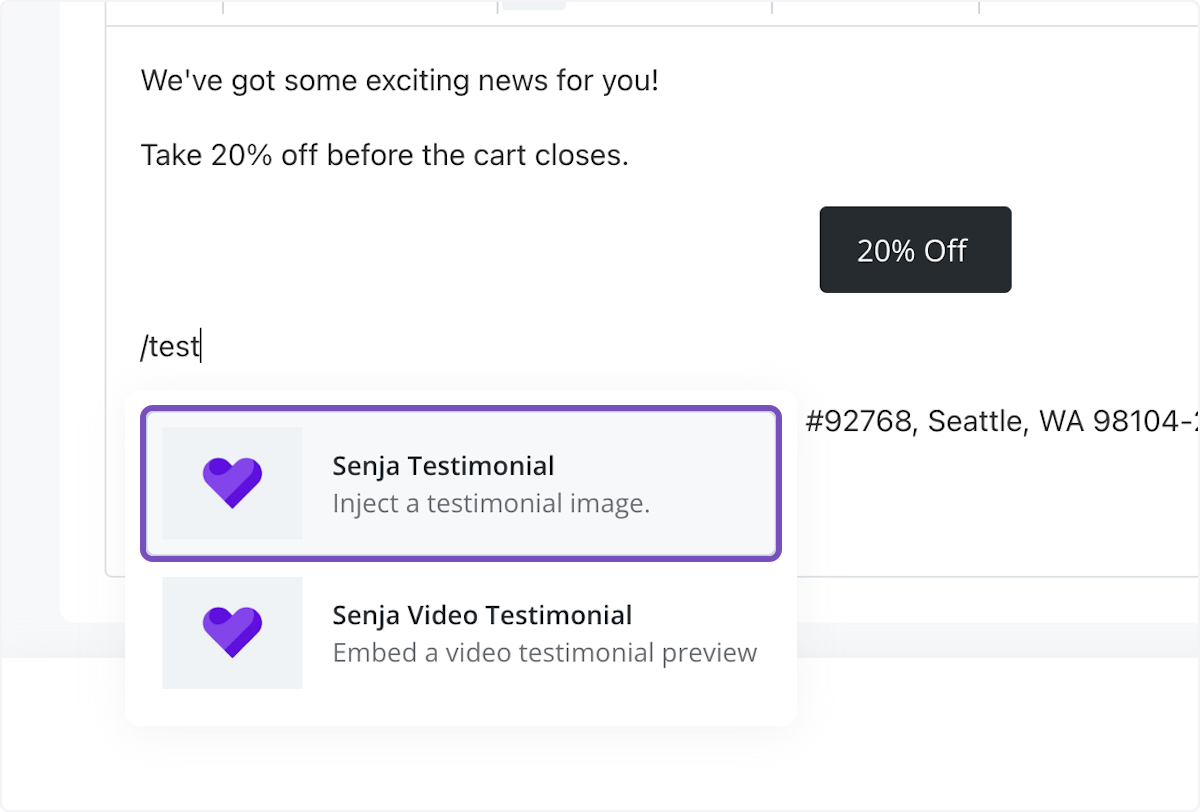
Use the command /test in the email body to select from injecting a testimonial image or testimonial video preview
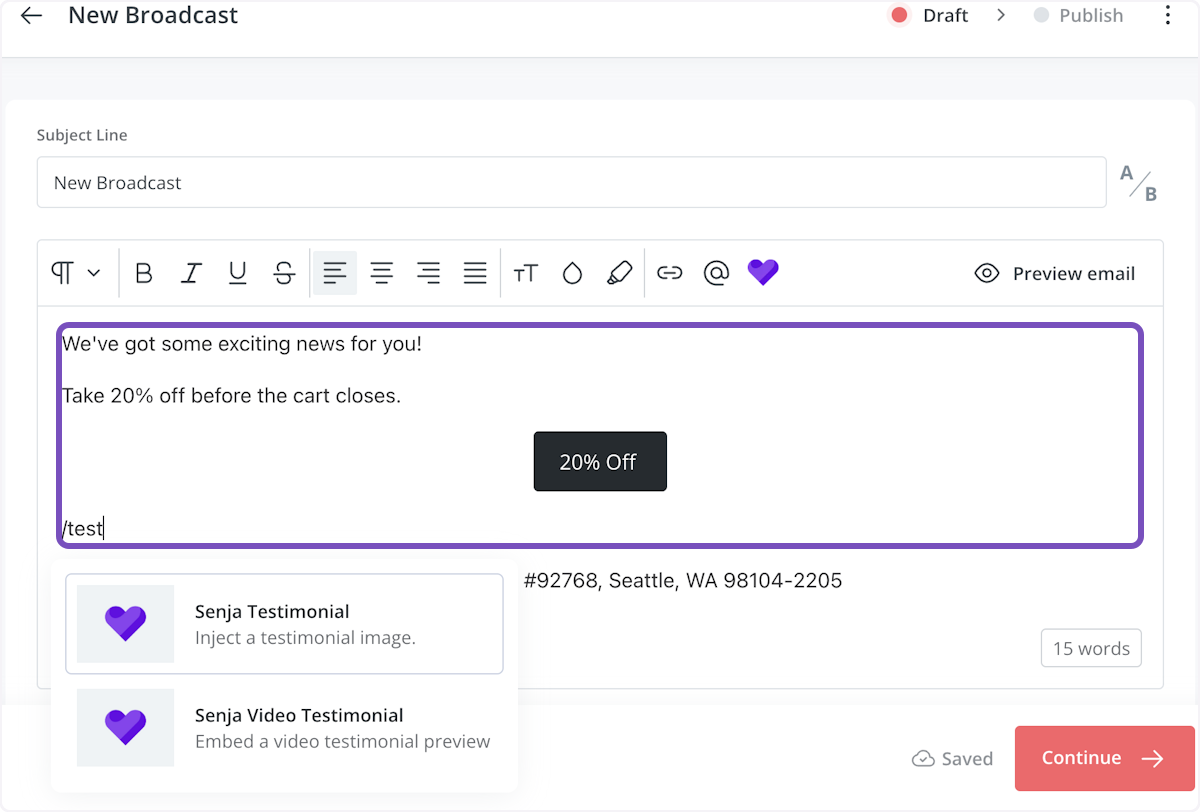
In this example, I use testimonial image
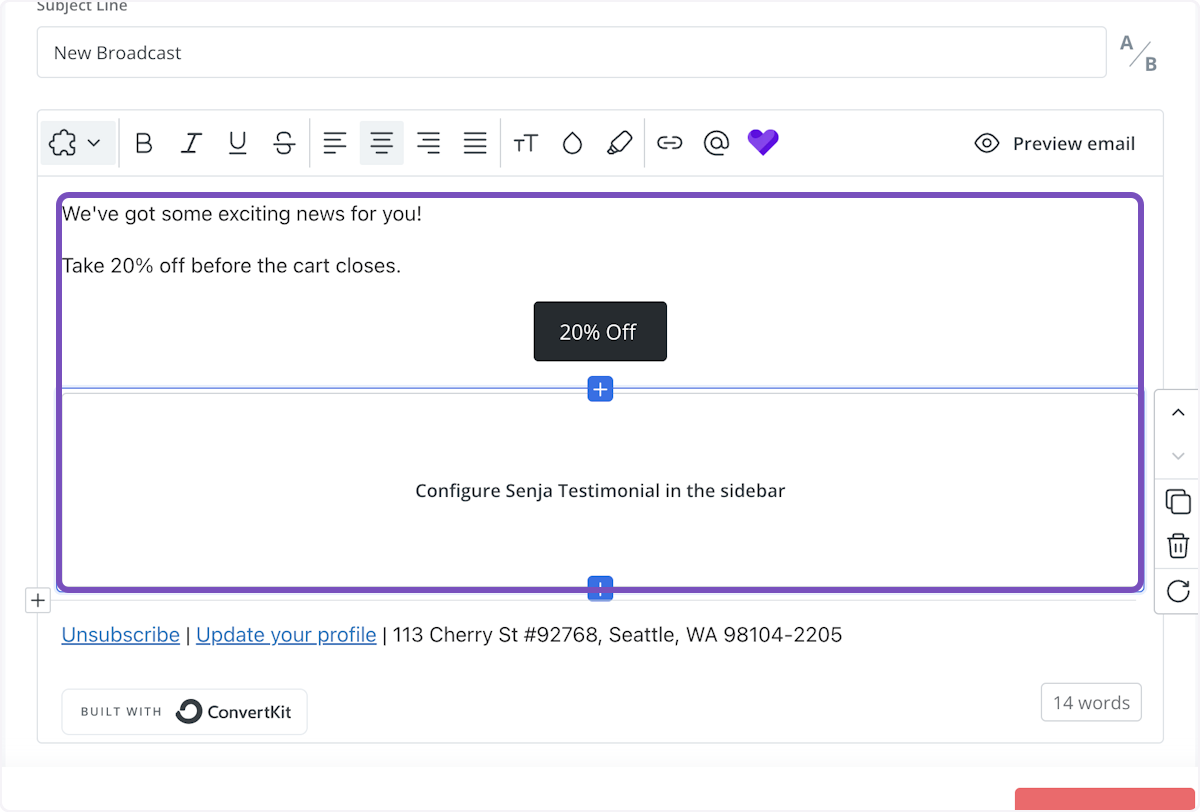
Once selected, a box will appear asking you to configure your testimonial in the sidebar
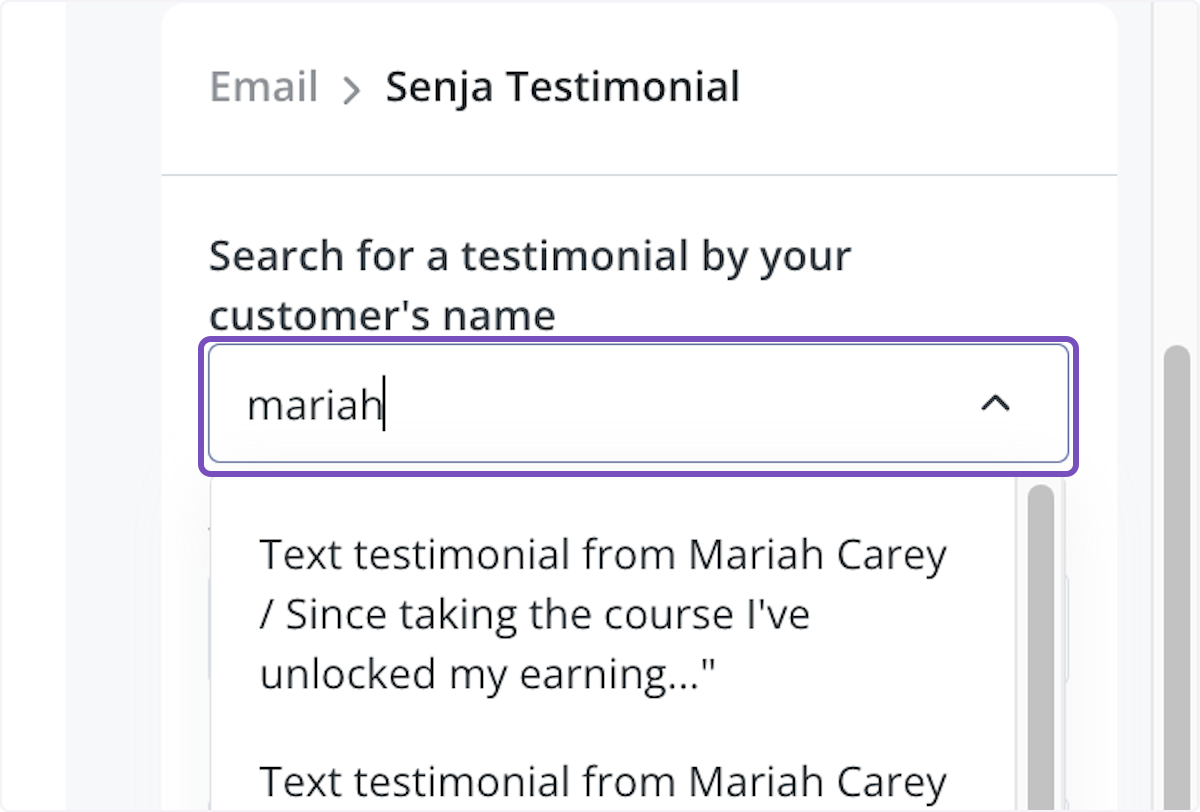
In the sidebar, search for the testimonial by your customer's first name
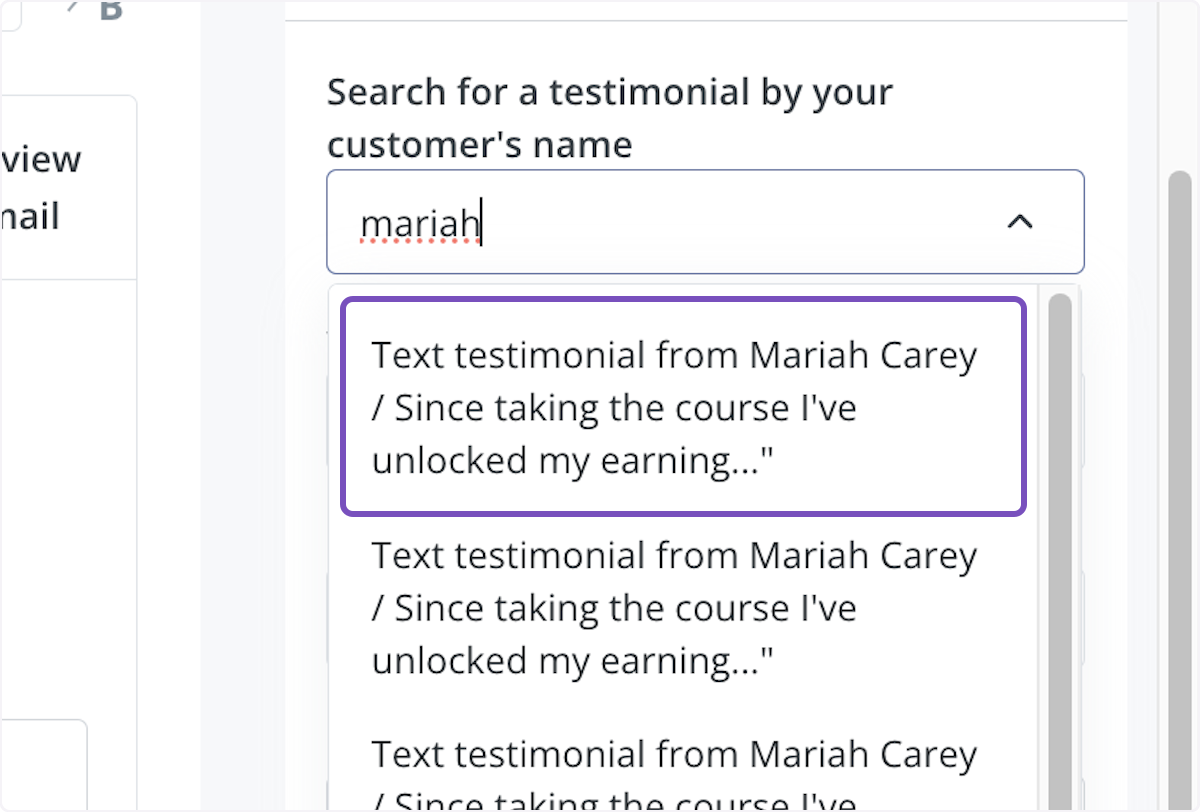
Click on the testimonial you'd like to use
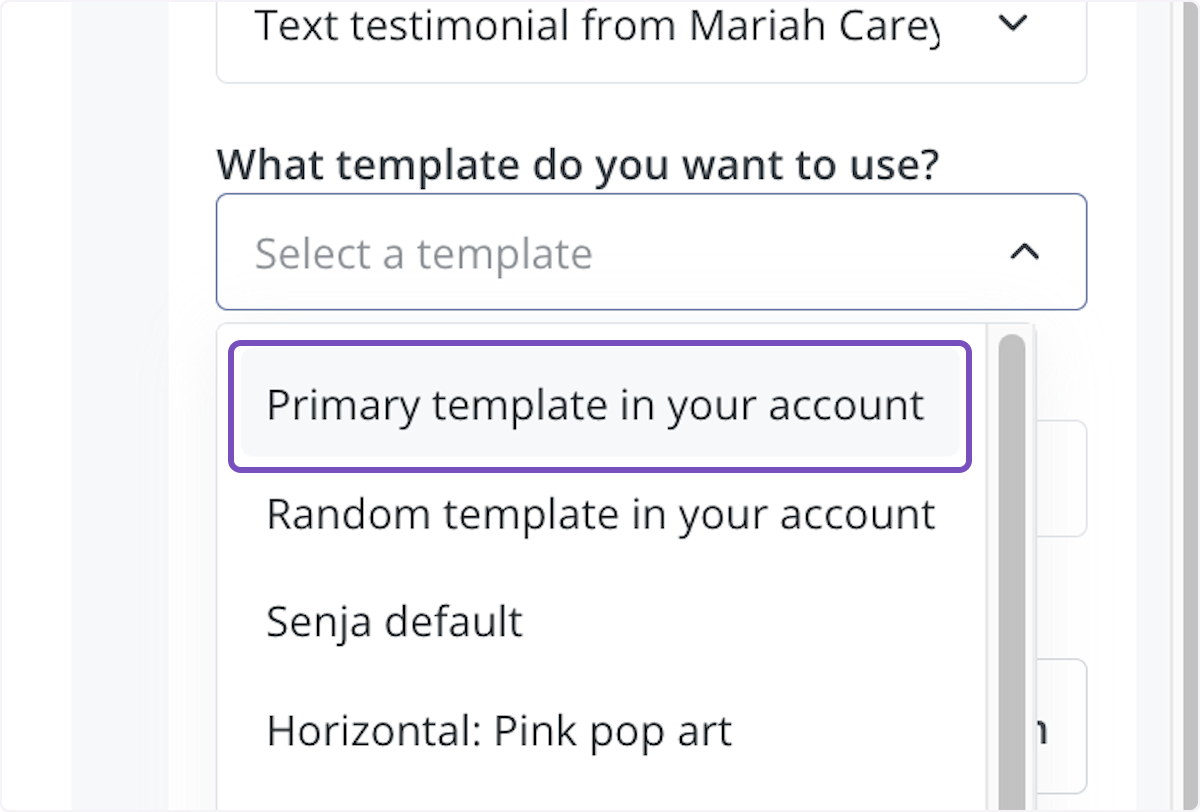
Click on What template do you want to use? dropdown to choose
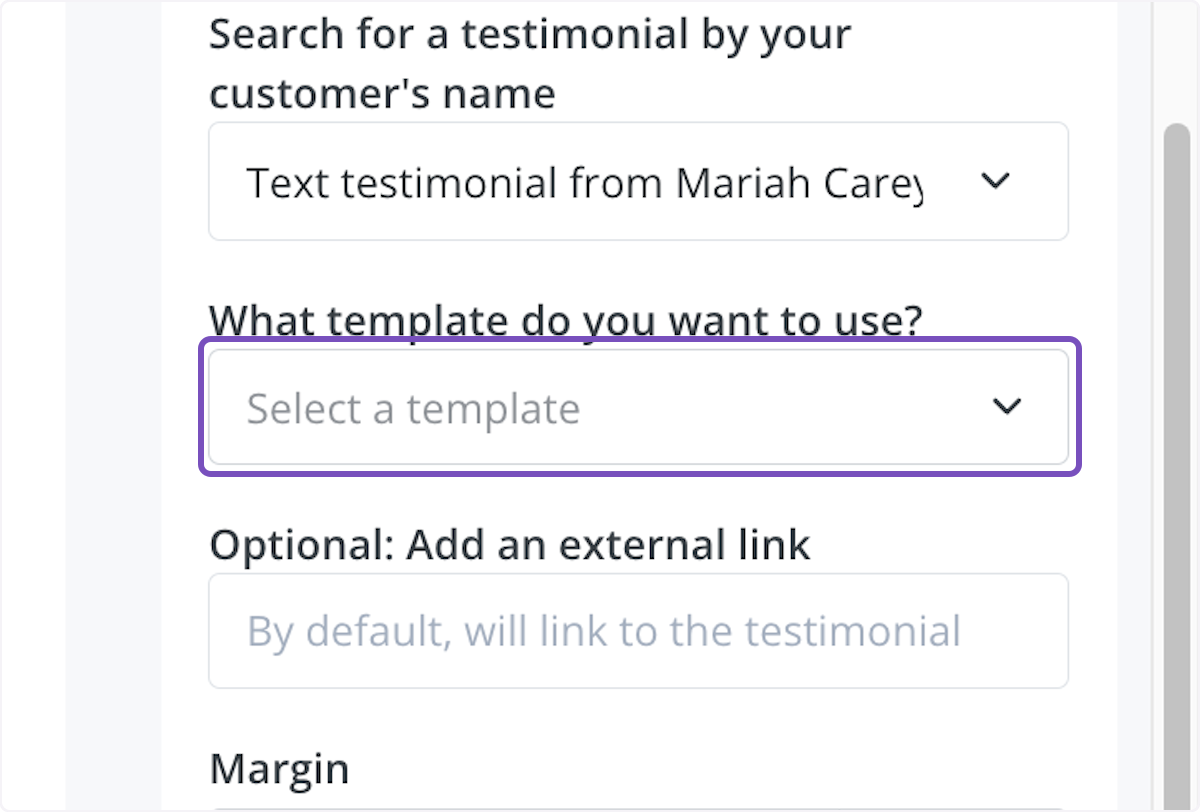
In this example, I'm using the Primary template in your account
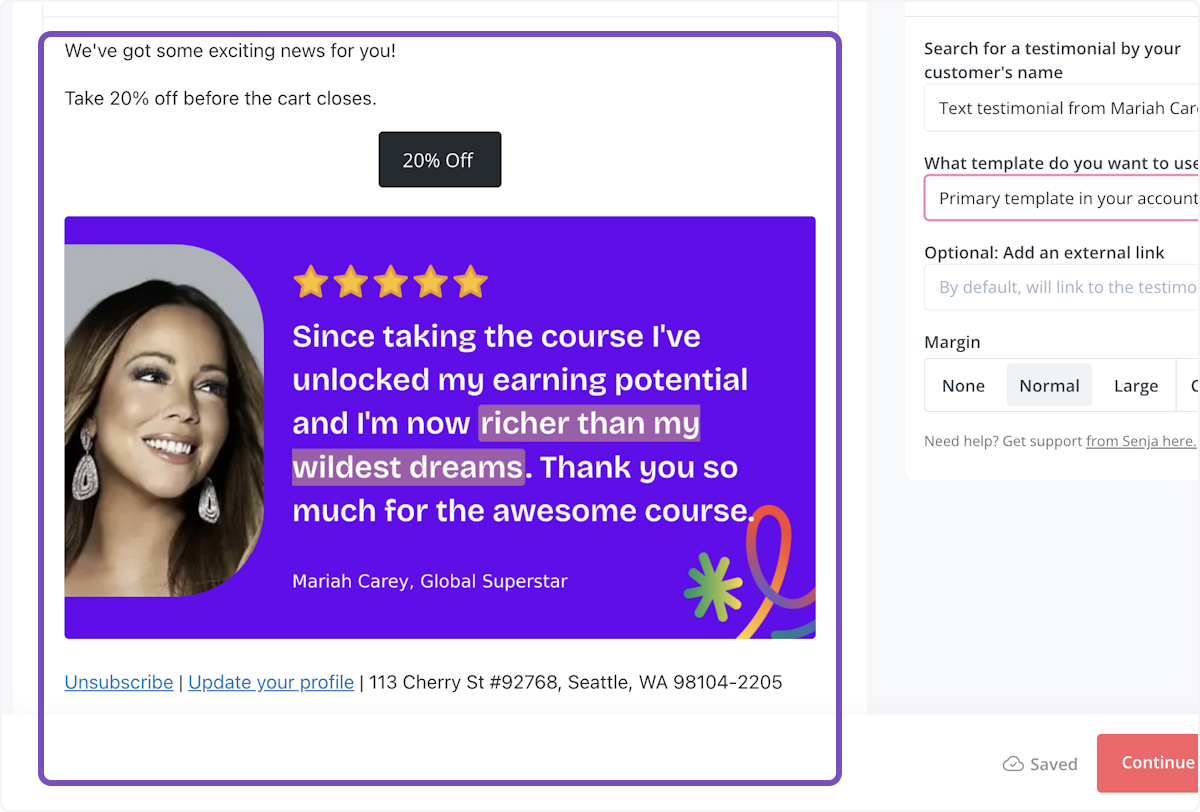
Now you can see a preview of what the testimonial looks like on the lefthand side in your broadcast
You can also add your Senja form to the broadcast, using command /form
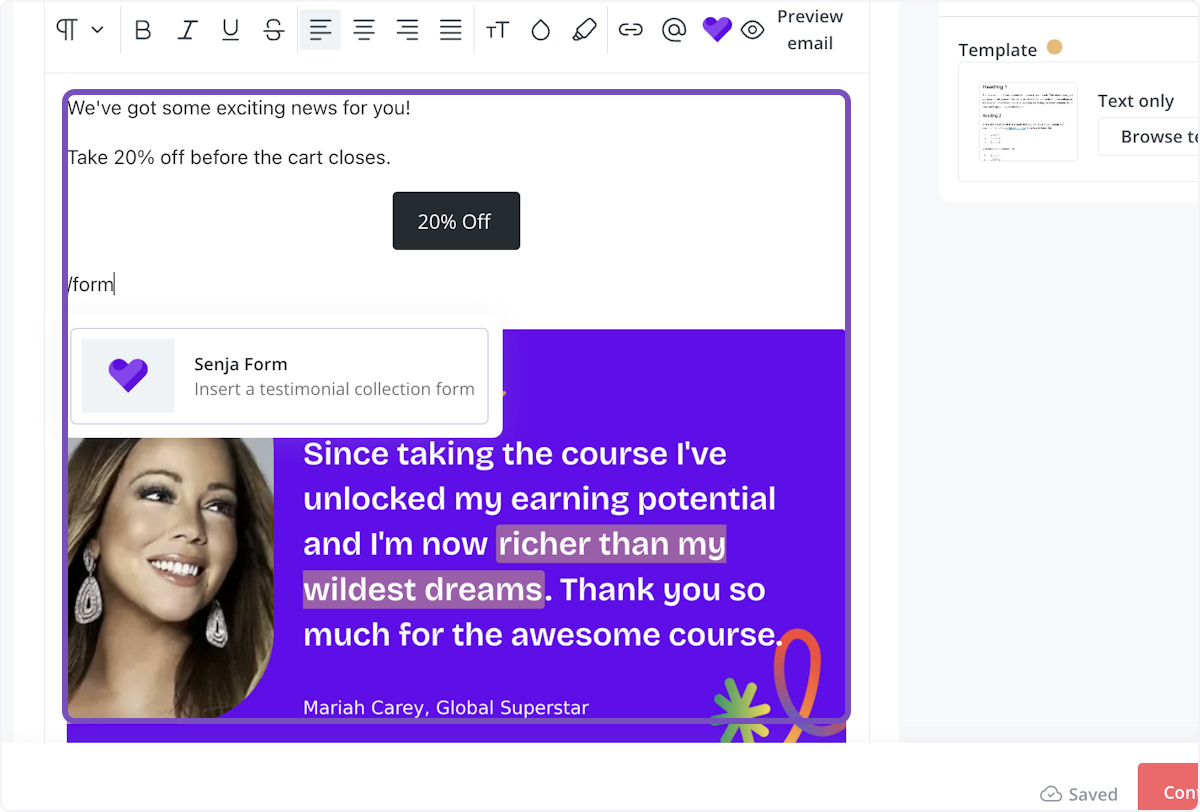
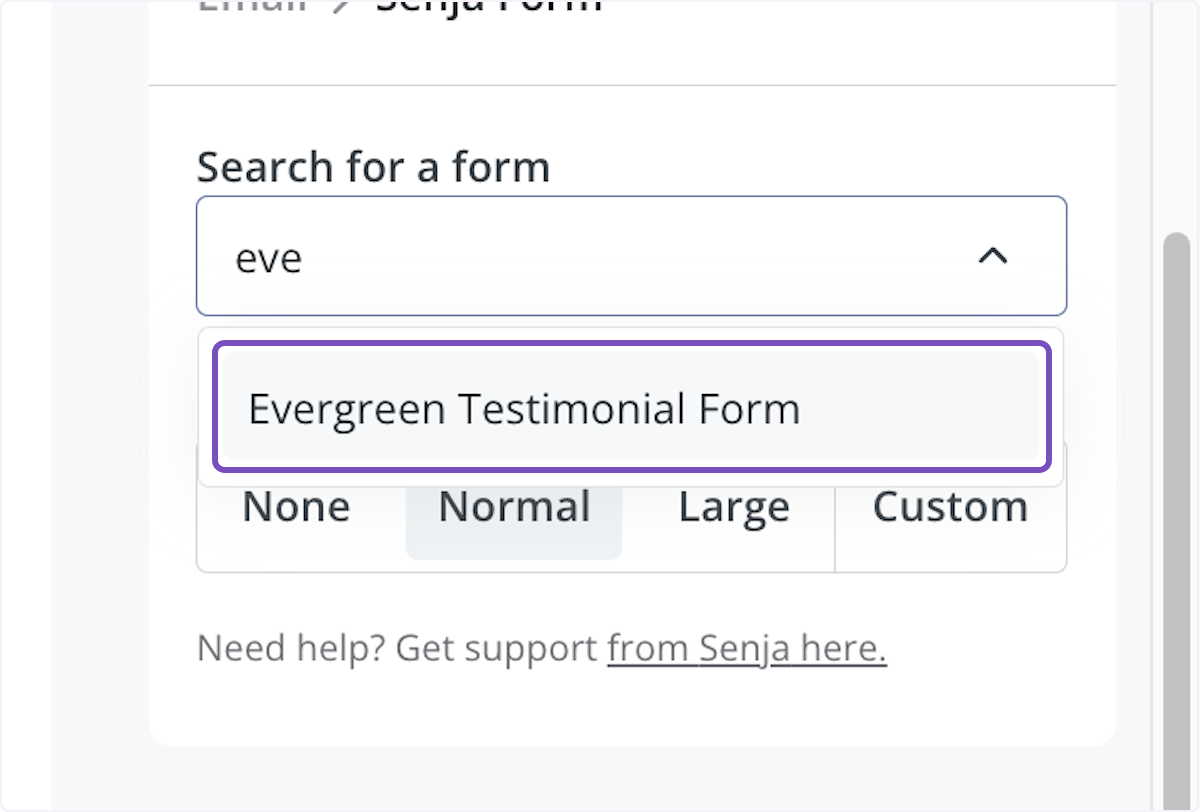
Select the form you'd like to include
You'll see a box asking you to configure your form in the sidebar
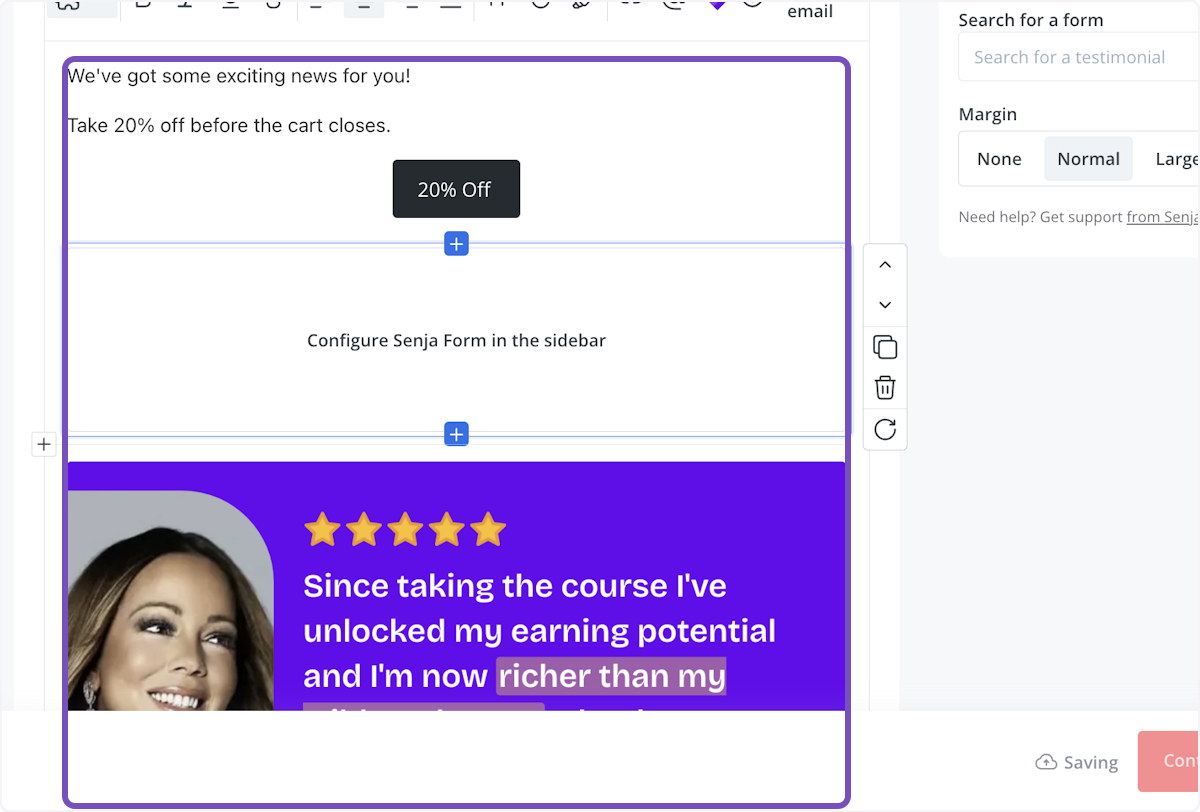
You can adjust how you'd like the margin to appear (optional)
Now you can see a preview of your form on the lefthand side in the broadcast itself and send it off
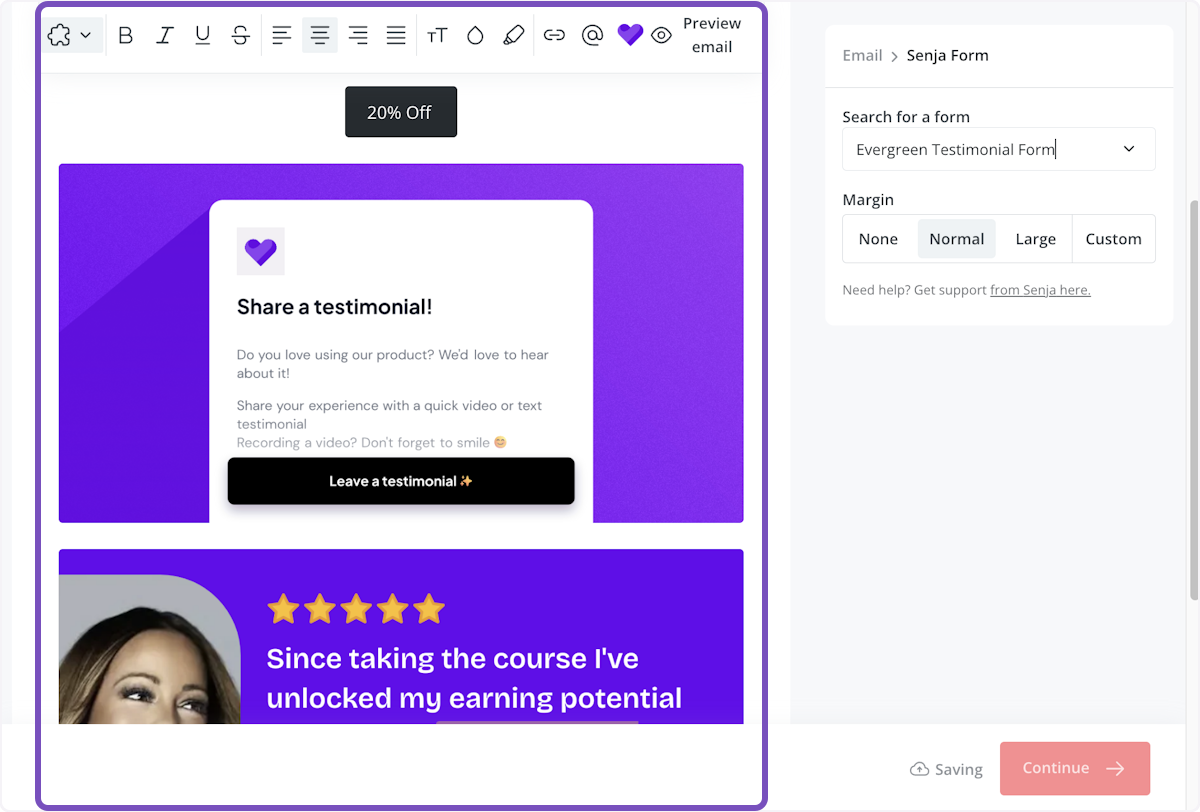
That's it, you're all set!
Watch: inject testimonials into Kit emails
Enable Senja's Kit app
You can enable Senja's free Kit app here.