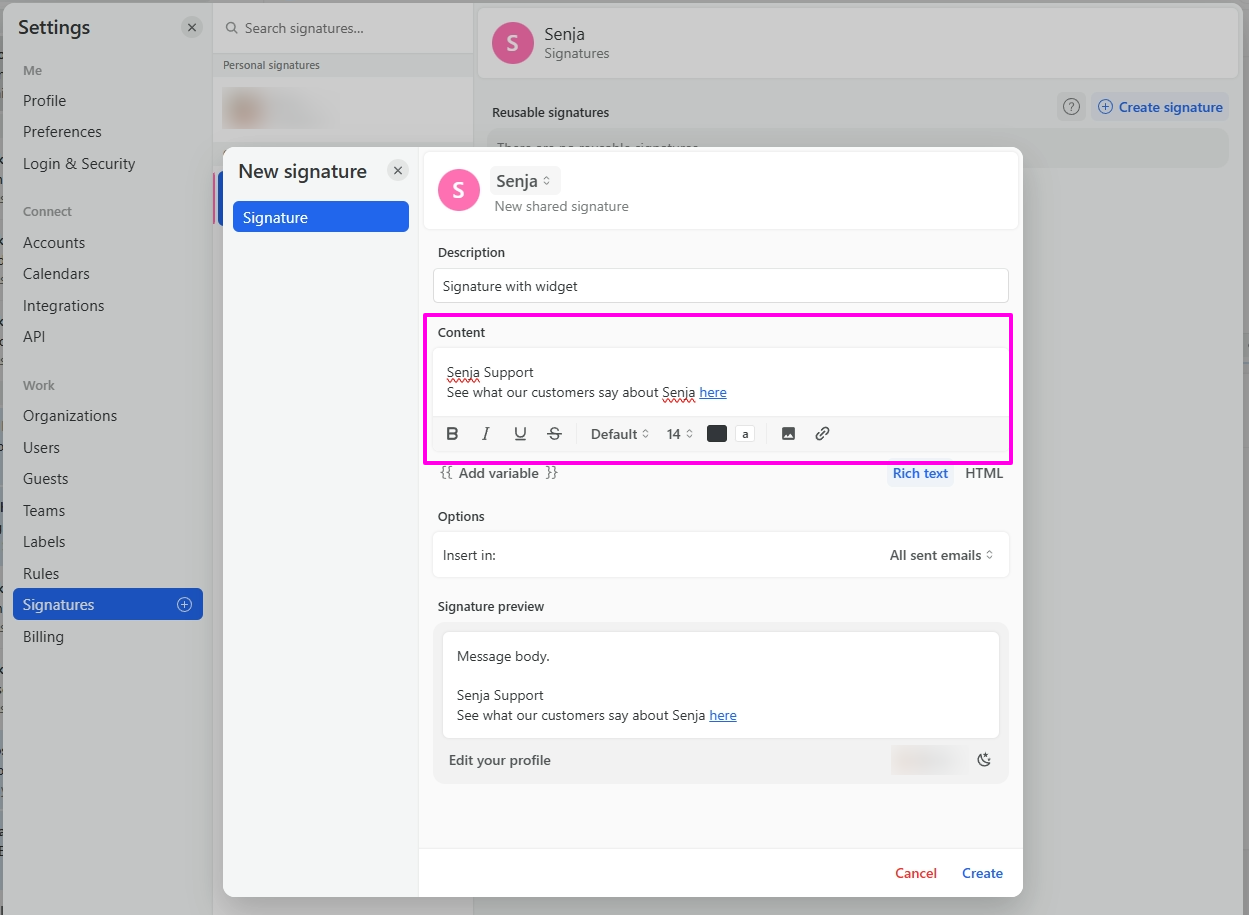
Add testimonials to my email signature
You want to add social proof to your emails and email signature. Senja makes it easy.
This feature is available on any Senja plans: Free, Starter, and Pro.
How to add testimonials to the signature
There are 2 ways to do this:
Adding testimonial image to your signature
Adding link to your testimonial or widget to your signature
Note: You cannot embed Senja's testimonial widgets into emails. Instead, create testimonial images in Senja Studio and upload them to your email marketing platform.
Adding testimonial image to email signature
Create a testimonial image in the Senja Studio: https://app.senja.io/studio
Click on Images and choose the Email icon
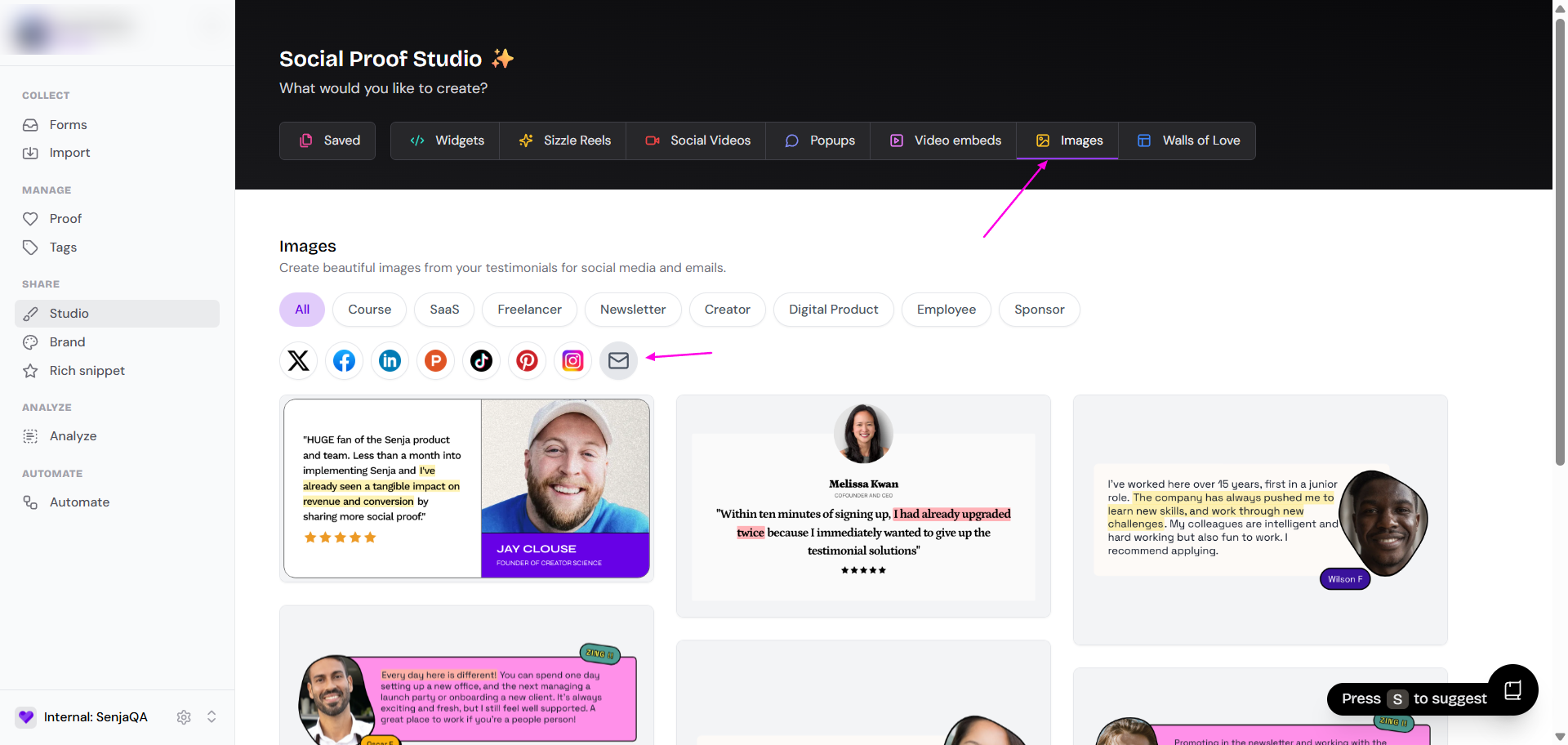
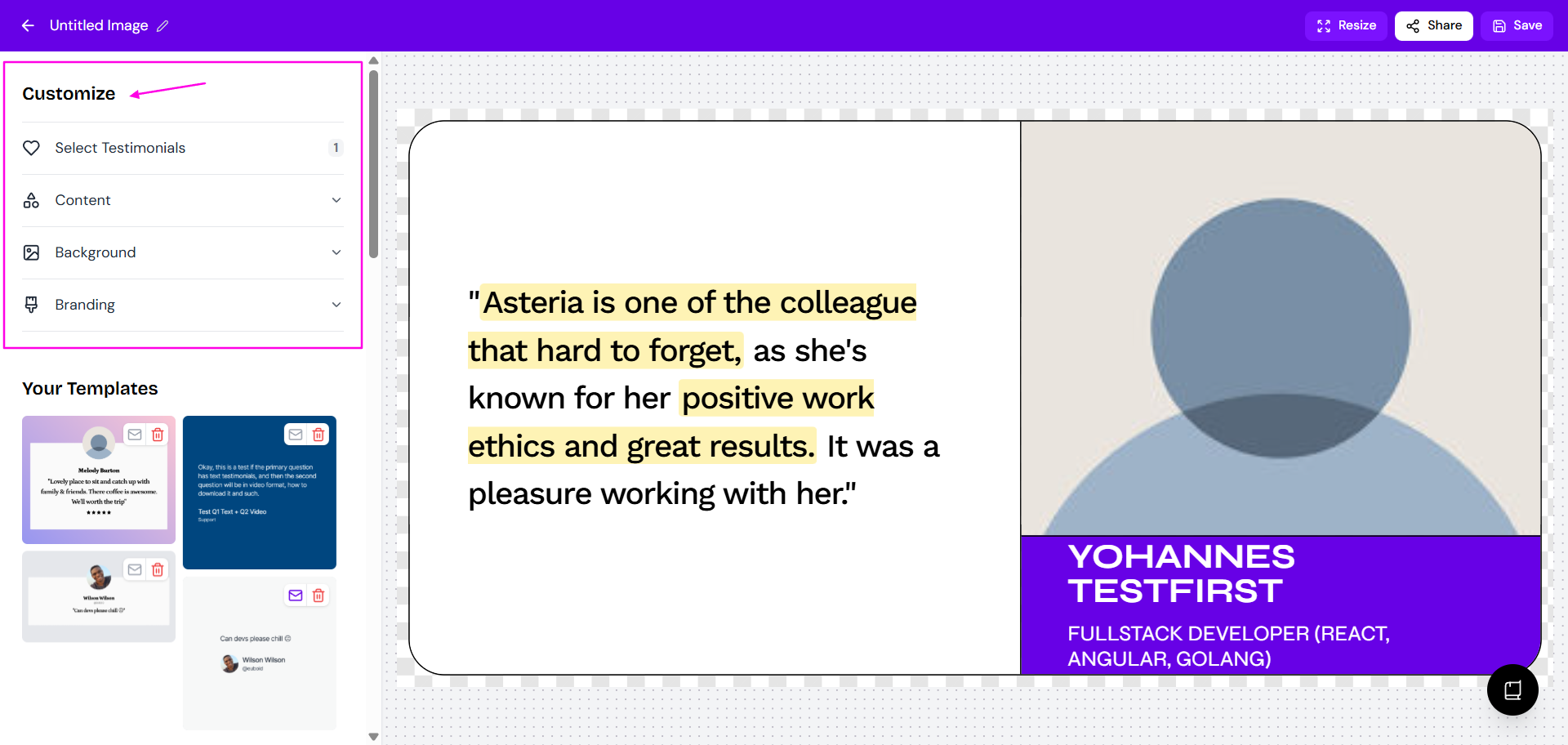
Select any of the available design options and adjust them to match your preference

Review your design and customize the image using the left-side Customize panel (Content, Background, Branding)
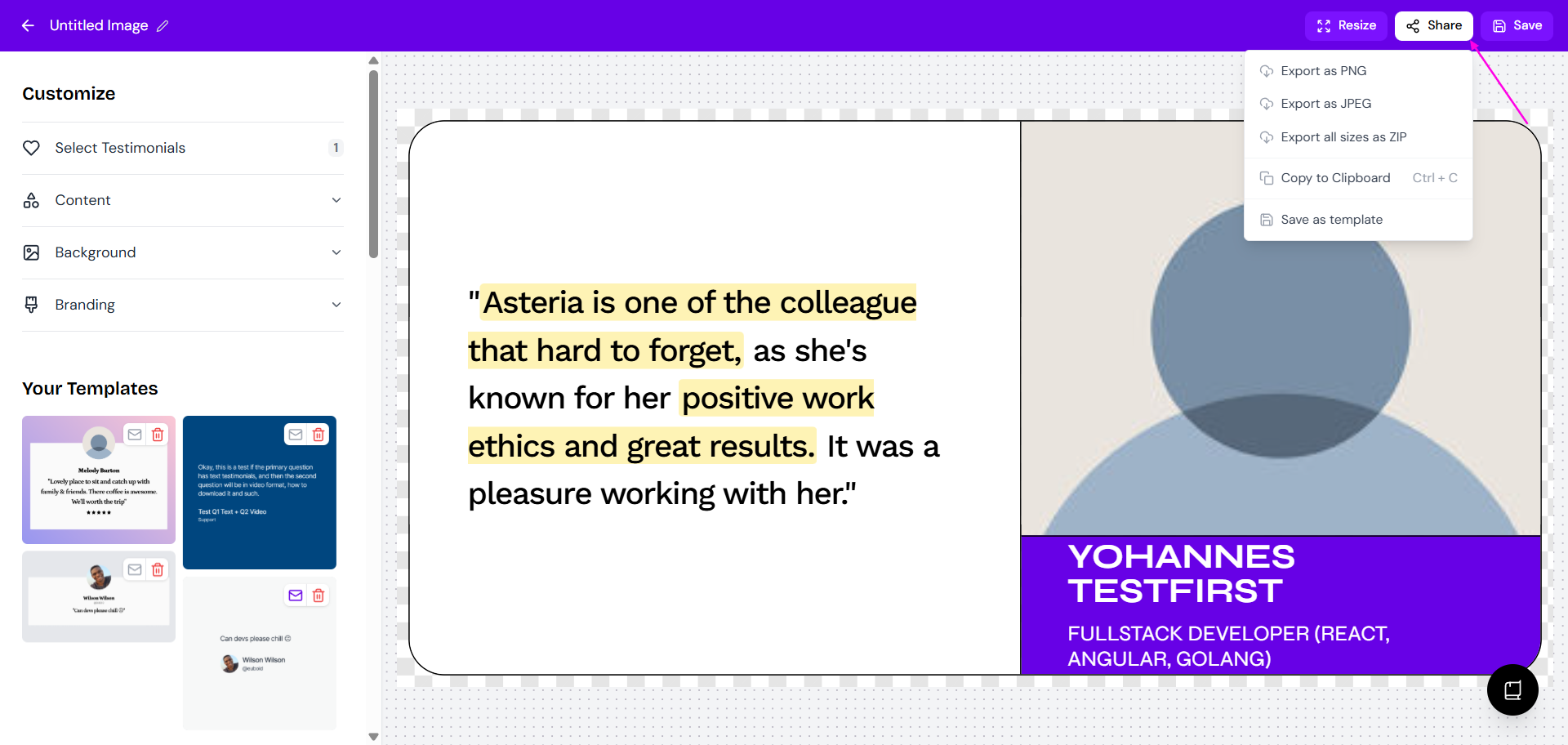
Click Share > Export to export your image
Upload the image to you email signature
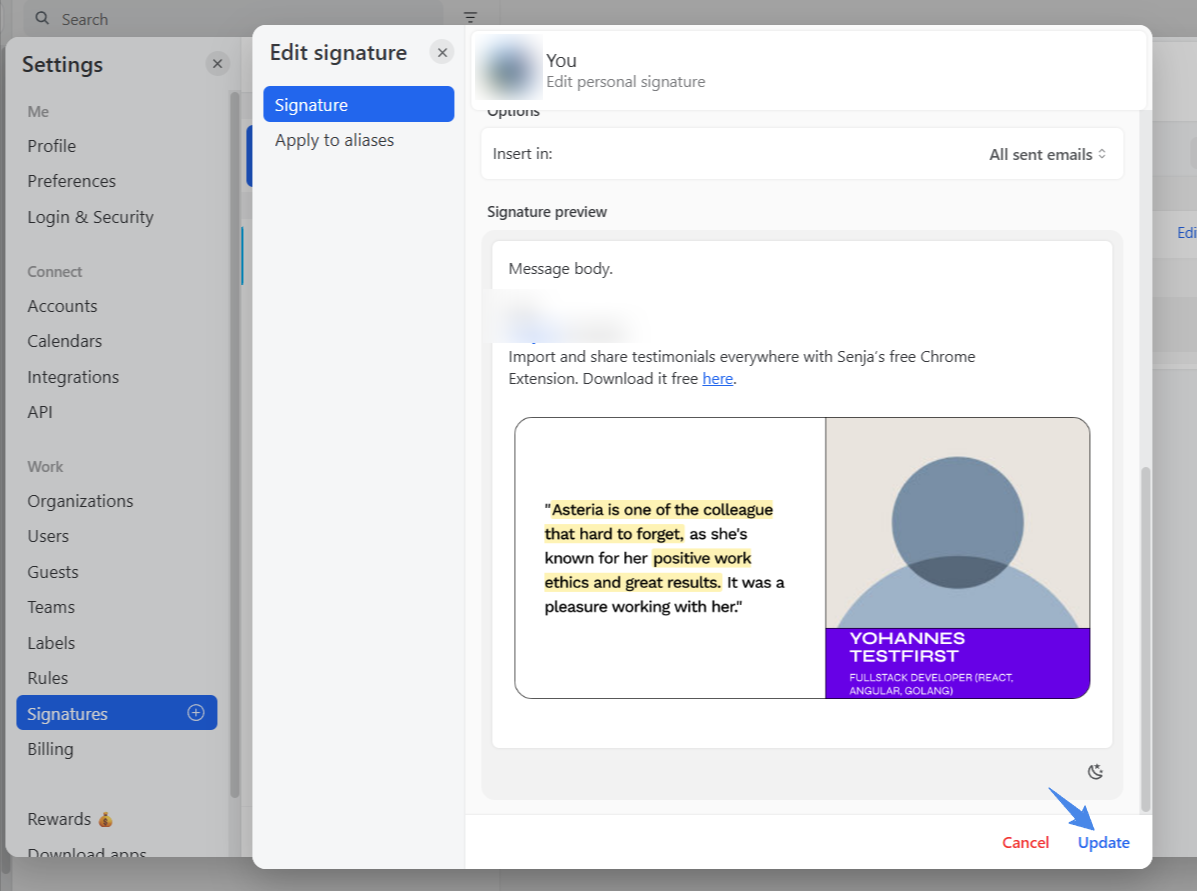
You can also use widget instead of single testimonial. Read the guide Can I export my widget as an image?
Adding testimonial link to email signature
You can grab the link to your widget and add the link as part of your email signature.
Create a testimonial in the Senja Studio: https://app.senja.io/studio
Click on the widget or choose from the saved one.
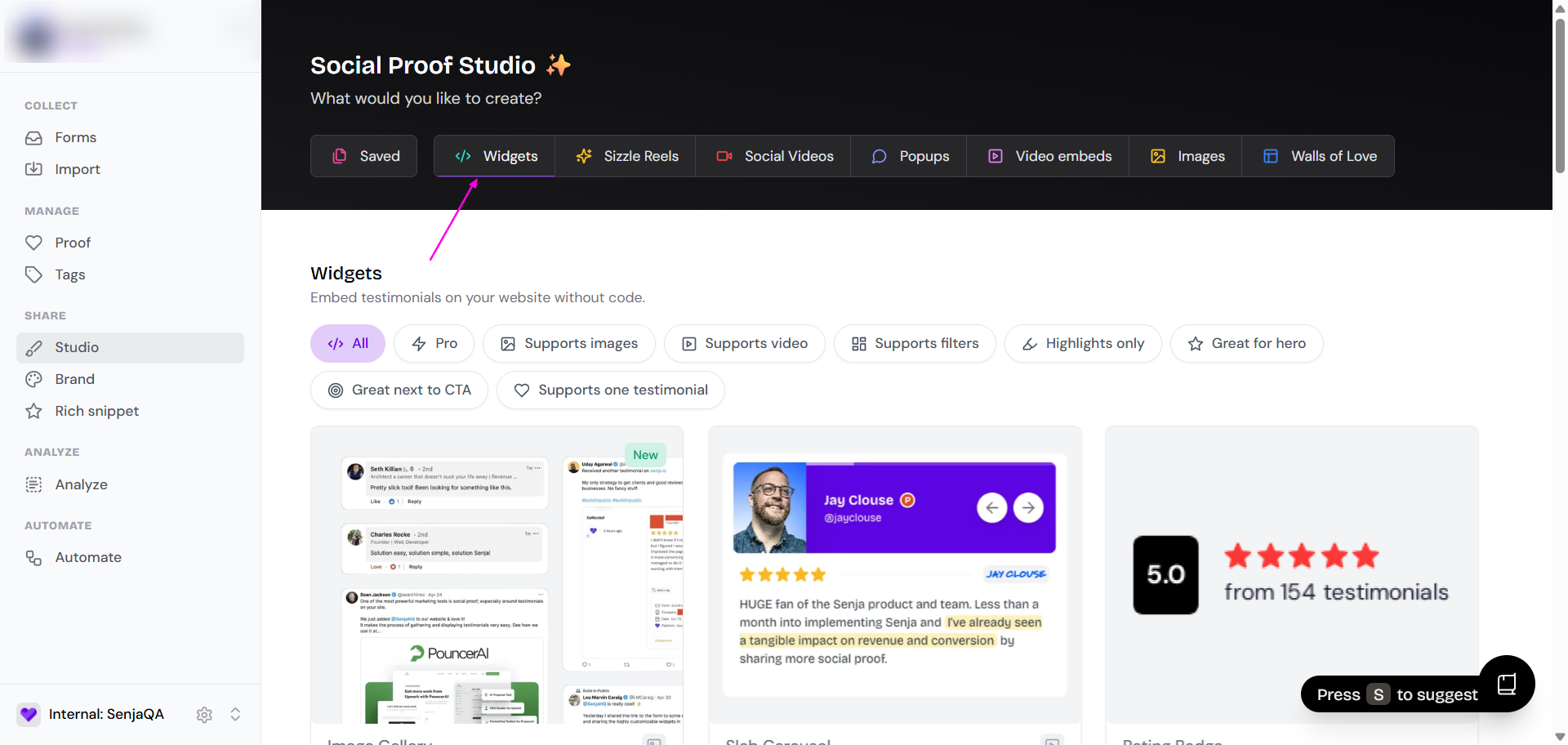
Select any of the available design options and adjust them to match your preference

Review your design and customize the Widget using the left-side Design panel (Content, Background, Branding)
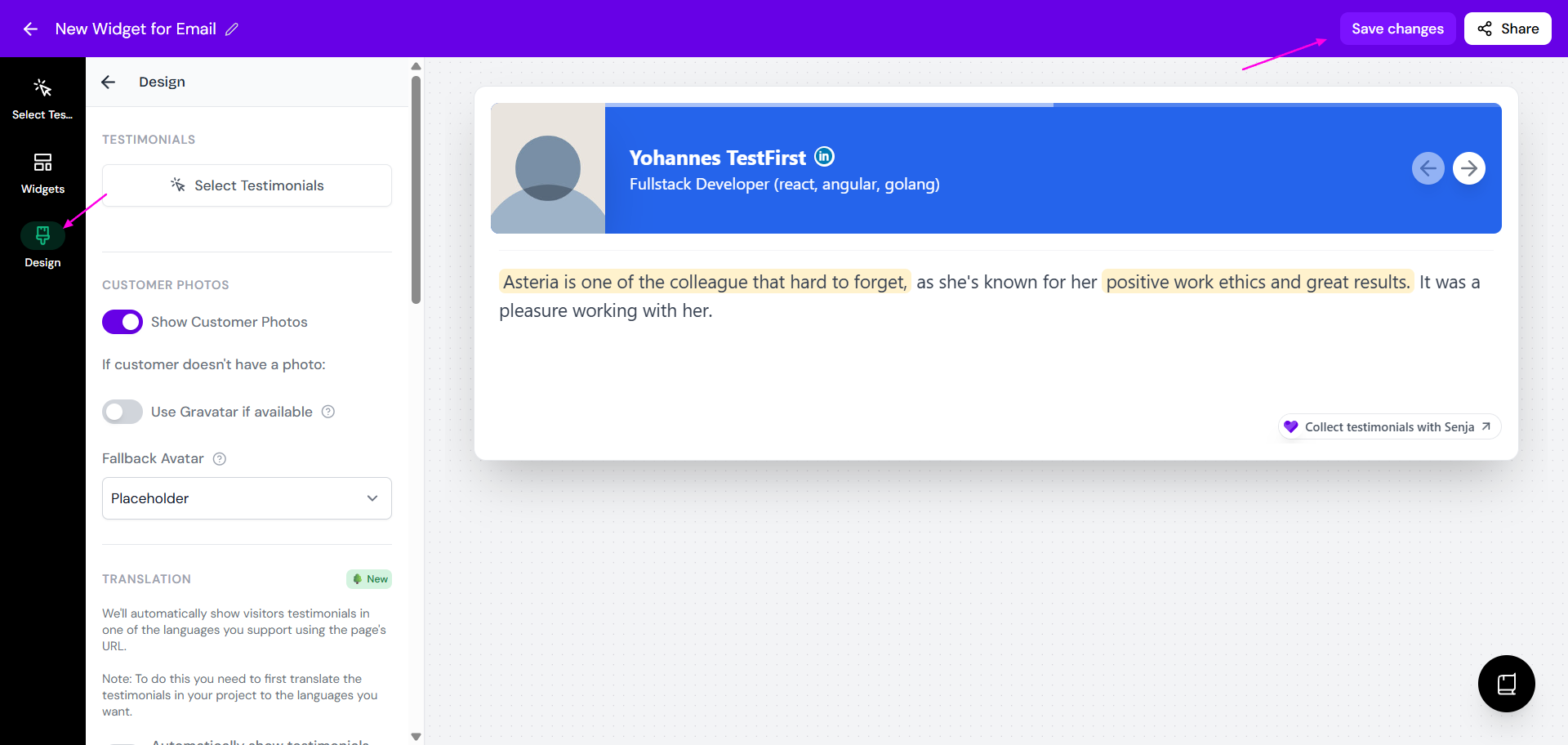
Click Share > Export to export your image
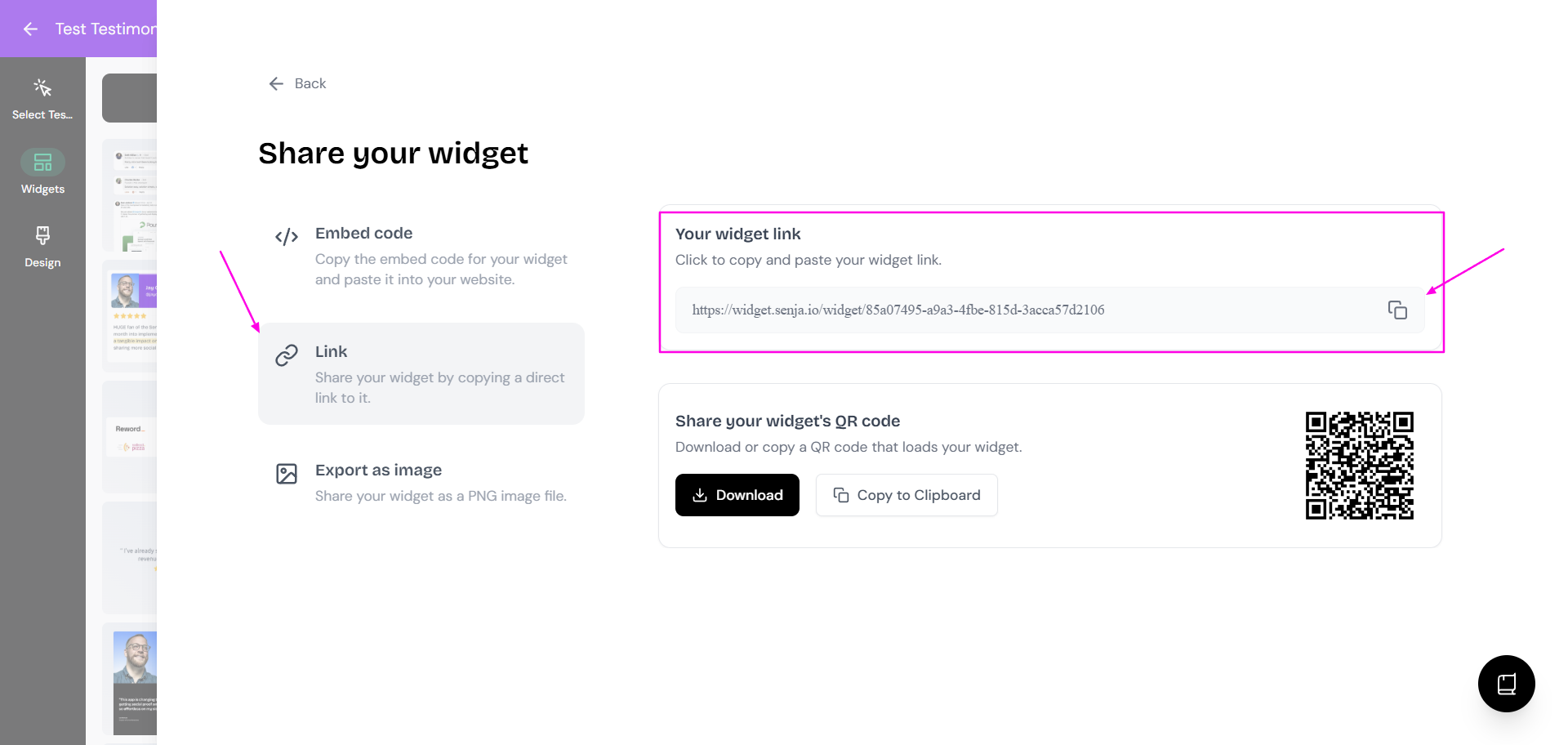
Insert the link to your testimonial or widget to your signature