
How to add testimonials to Gumroad
Can I…
Upload testimonials to Gumroad as images? | Yes |
Add widgets to Gumroad using the Senja code snippet? | No, Gumroad does not support custom code |
Add testimonials to Gumroad with an app integration? | No |
You want to embed your add testimonials to your Gumroad product page. Senja makes it easy
Add your Senja testimonials to your Gumroad product page
Note: Gumroad does not allow you to embed code in your product page.
Instead of embedding testimonials with code, we are going to create and upload an image of your testimonials to your Gumroad page.
We’ve created a template that’s the perfect image size and format for your Gumroad page.
Add testimonials to Gumroad
How to add your testimonial image to Gumroad
Navigate to the testimonial Studio: https://app.senja.io/studio
Choose Images tab
Choose a template to start making your image
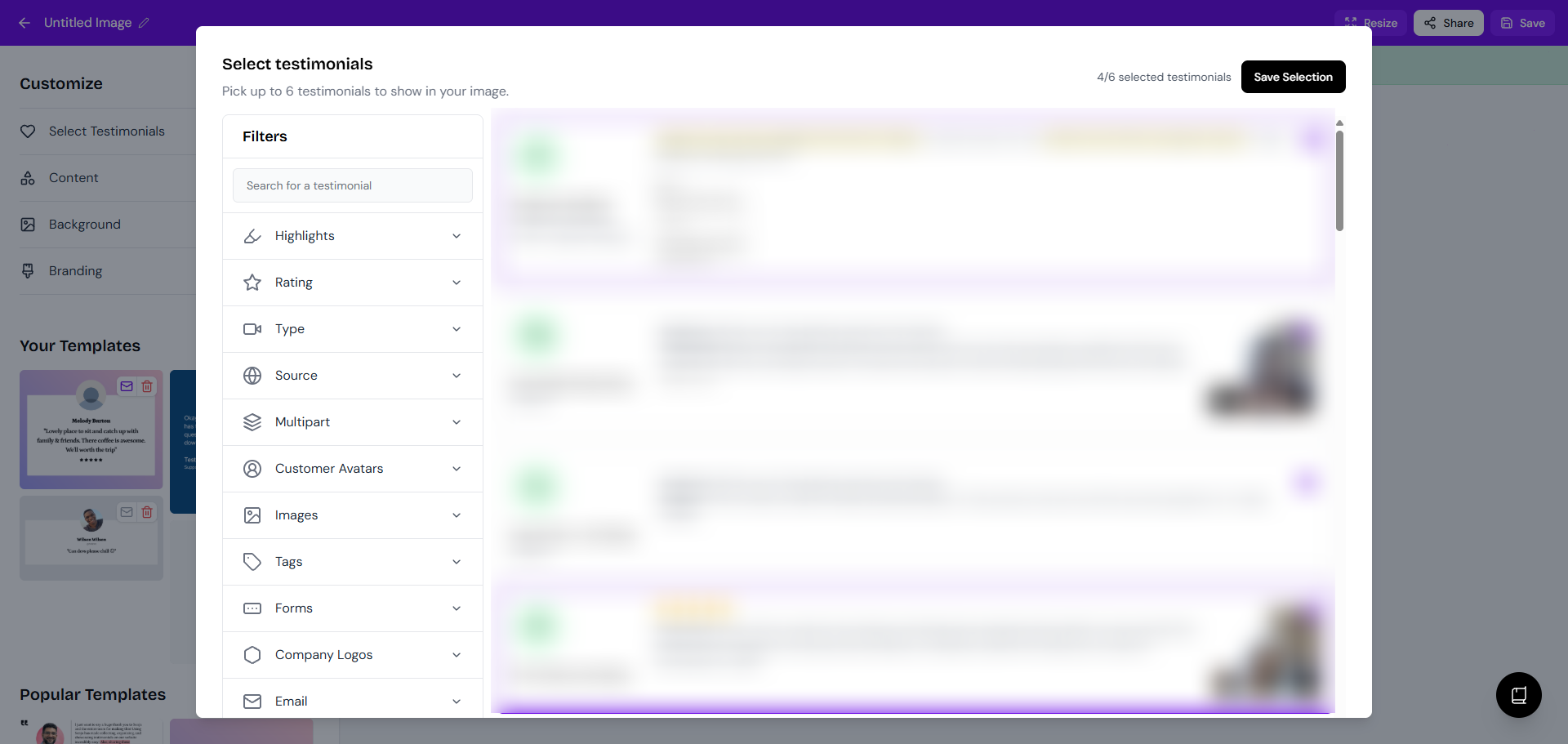
You can select up to 6 testimonials (depends on the template you choose), click Save Selection when you're done
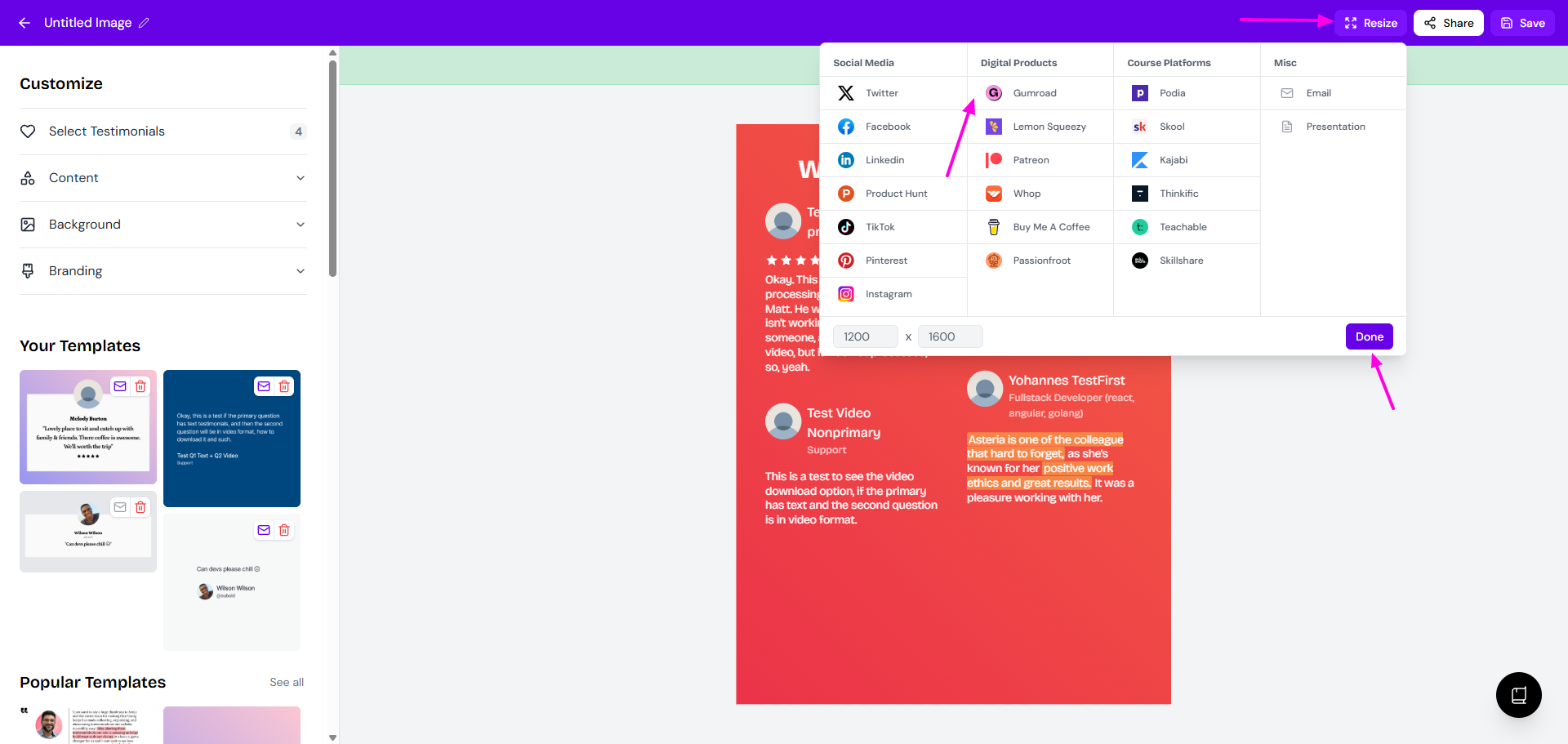
Click Resize in the top right
Choose Gumroad
Click Done
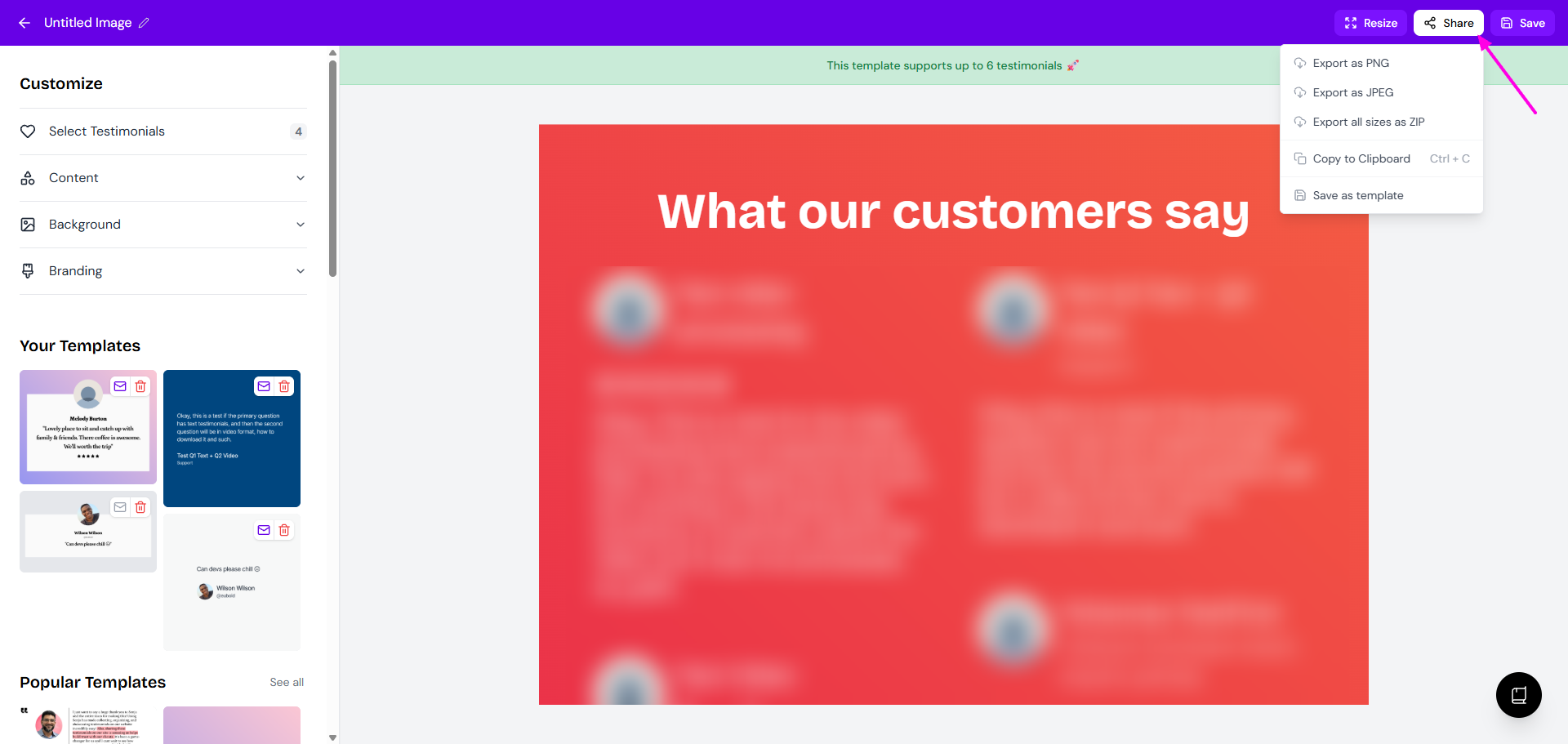
Click Share to download the image
Upload the image to your Gumroad product page
That’s it, your testimonial image is now in Gumroad 🥳 Not working? Just click Contact Us below and we’ll assist you.