
How to import case studies
You can import case studies into Senja so they are available to share from your account and the Chrome extension. Currently case studies are added as URLs.
Manually import case studies
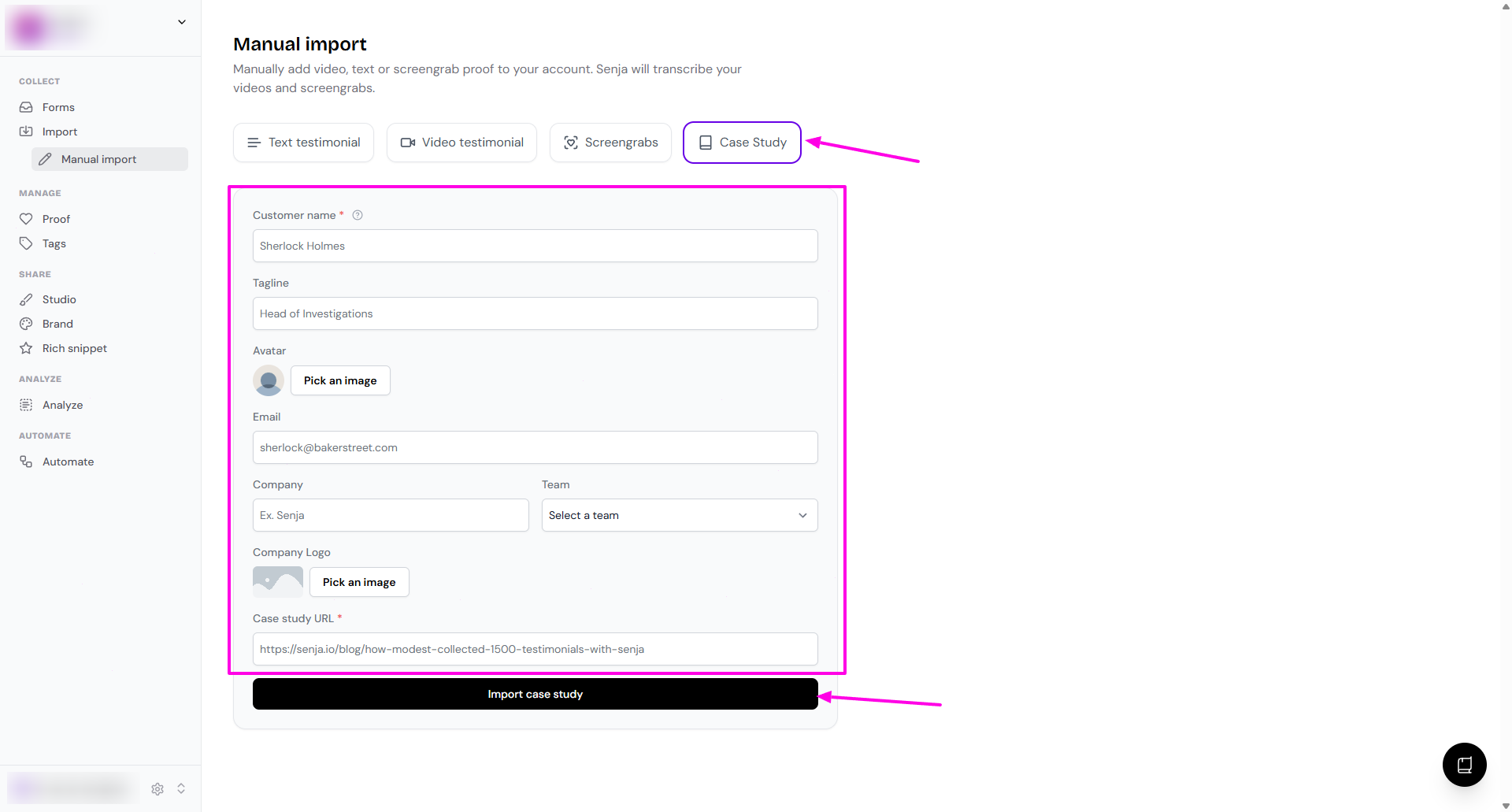
Go to Import > Manual import page: https://app.senja.io/import/manual
Choose Case Study
Complete the details
Customer name (mandatory)
Tagline (you can out your customer's job title here)
Avatar
Email
Company
Team
Company Logo
Case study URL (mandatory)
Once you're done, click Import case study
The image will be imported to your Proof page
Was this helpful?