
How to choose testimonials with specific language in my widget?
If you want to create a widget to have the testimonials with a specific language, Senja provides the feature for you!
Choosing testimonials with specific language
Go to your Studio page: https://app.senja.io/studio
Open your widget
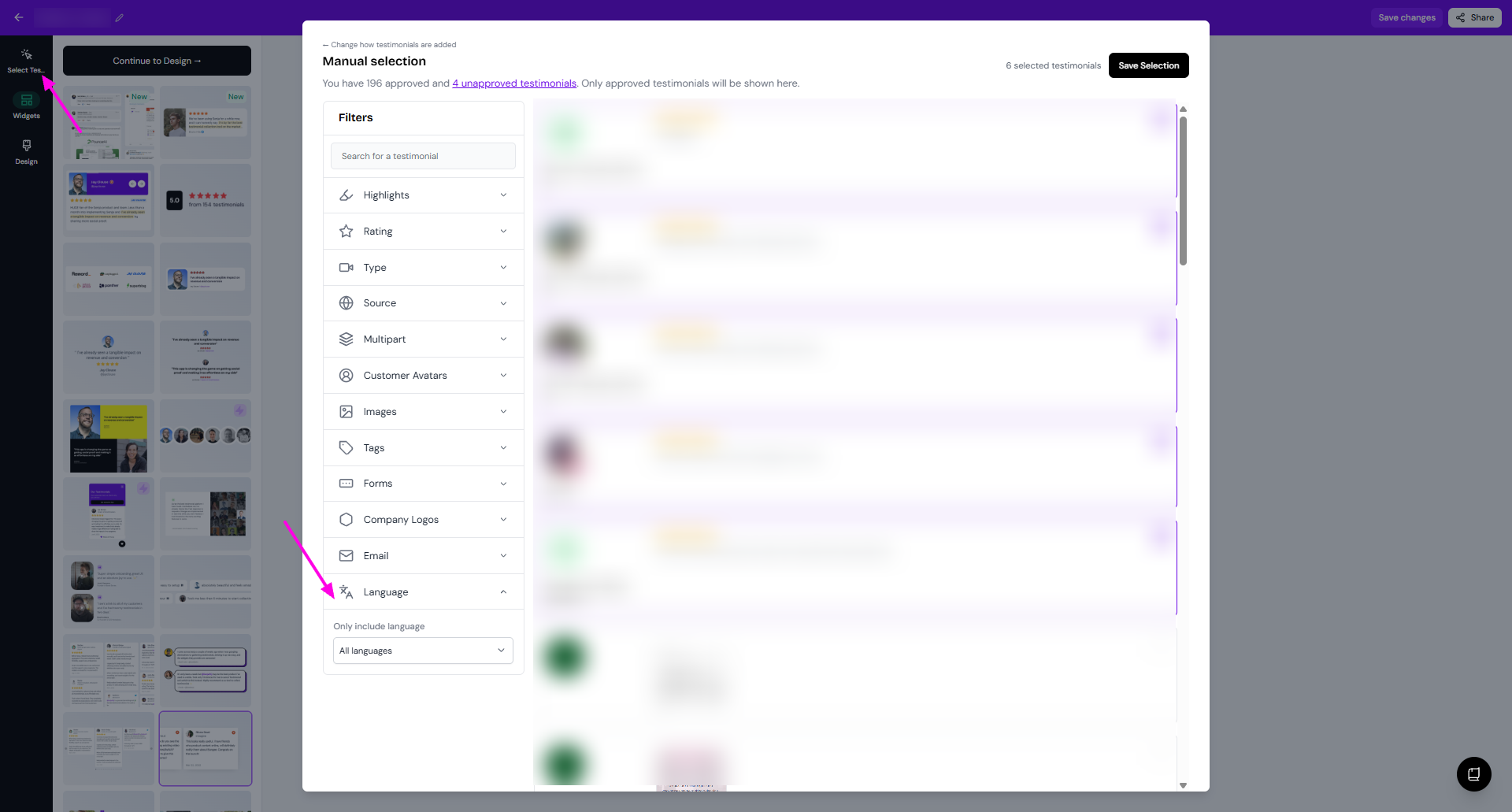
Click Select Testimonials
Click Filter > Language
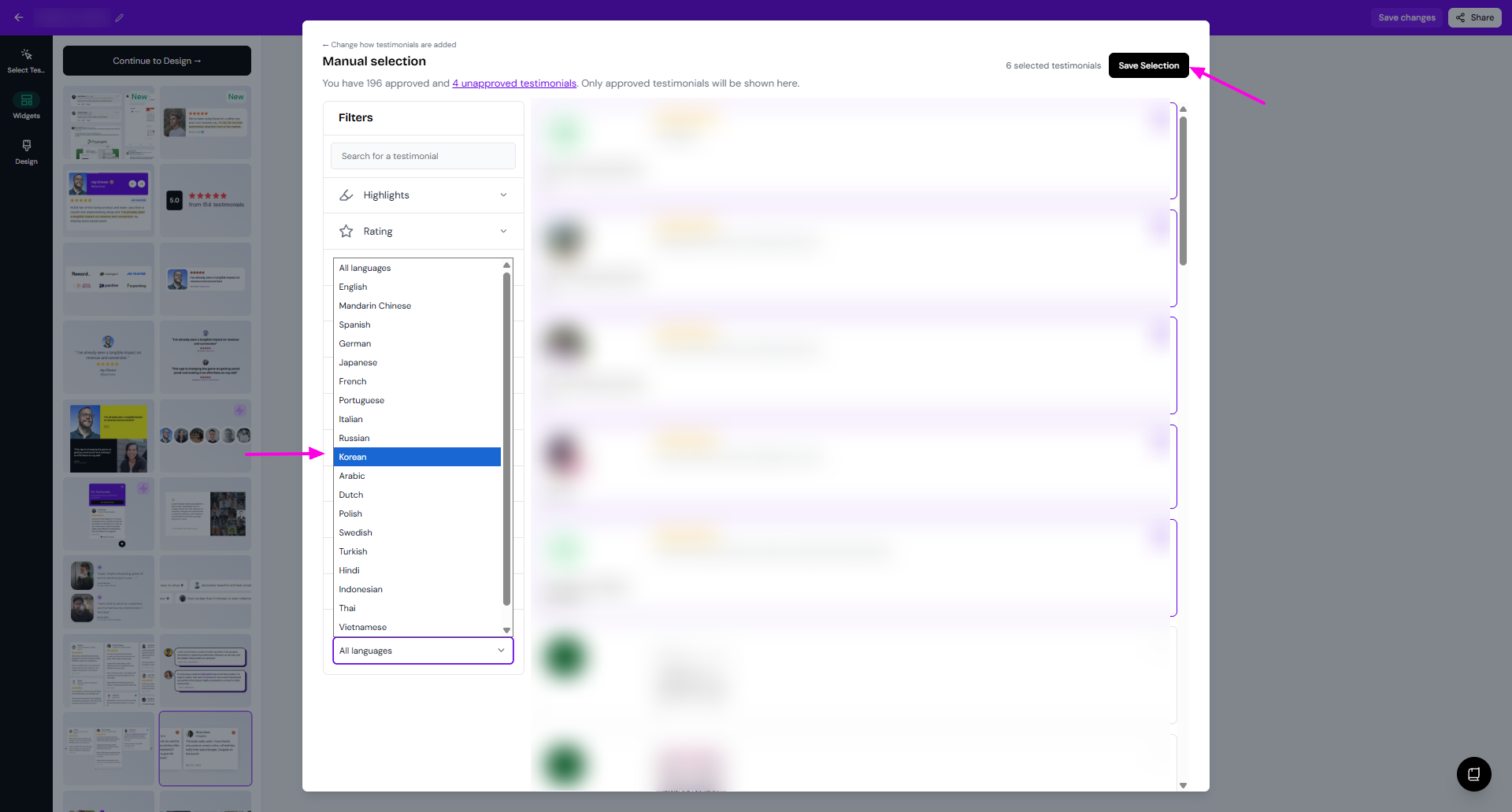
Choose the language that you want from the dropdown
Click Save Selection
Was this helpful?