
How do Proof Reels credits work?
Downloading a reel from Proof Reels uses credits. Every plan comes with some, and you can buy more whenever you need them. Widgets, Walls of Love and social videos don't use credits.
Proof Reels credits work on all Senja plans: Free, Starter and Pro.
How many credits you get
Plan | Included credits | Purchased credits |
|---|---|---|
Free | 3 credits when you sign up, with no monthly refill | $10 for 10 credits, never expire |
Starter and Pro | 5 credits a month. Your balance resets to 5 each month, so unused credits don't add up | $10 for 10 credits, never expire |
Credits belong to your project, not your account. If you have more than one project, each one has its own balance.
Check your balance
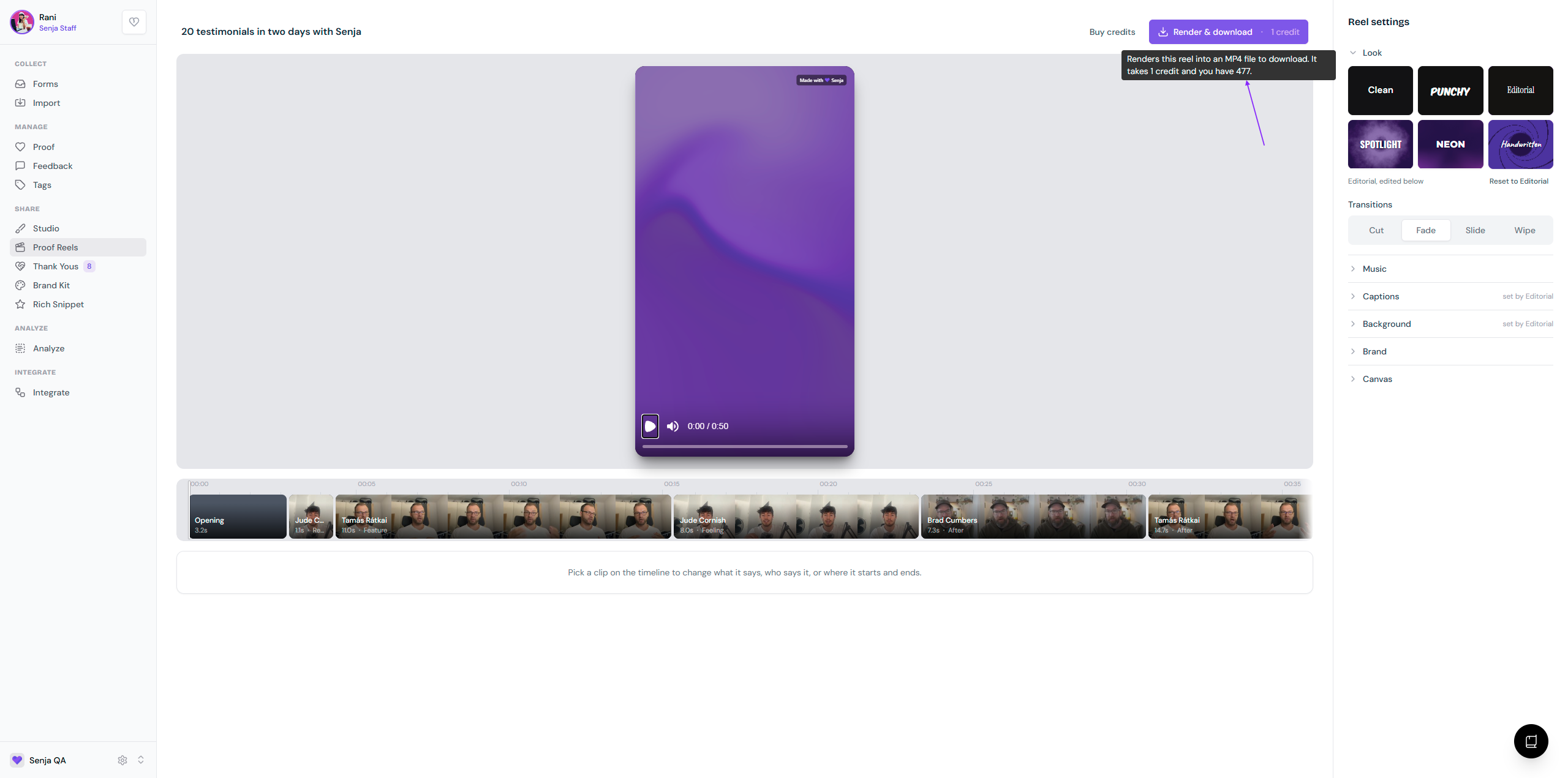
Go to Proof Reels and open a reel
Hover over the Render & download button
A popup shows how many credits you have left
How credits are charged
You're charged when you click Render & download, based on the length of your reel:
Reel length | Credits |
|---|---|
Up to 1 minute | 1 |
1 to 2 minutes | 2 |
2 to 3 minutes | 3 |
Reels can be up to 3 minutes long.
Once you've downloaded a reel, the button changes to Download, and downloading it again is free
Any change after a download makes it a new version, and Render & download uses credits again
If Render & download fails, you're not charged
Buy more credits
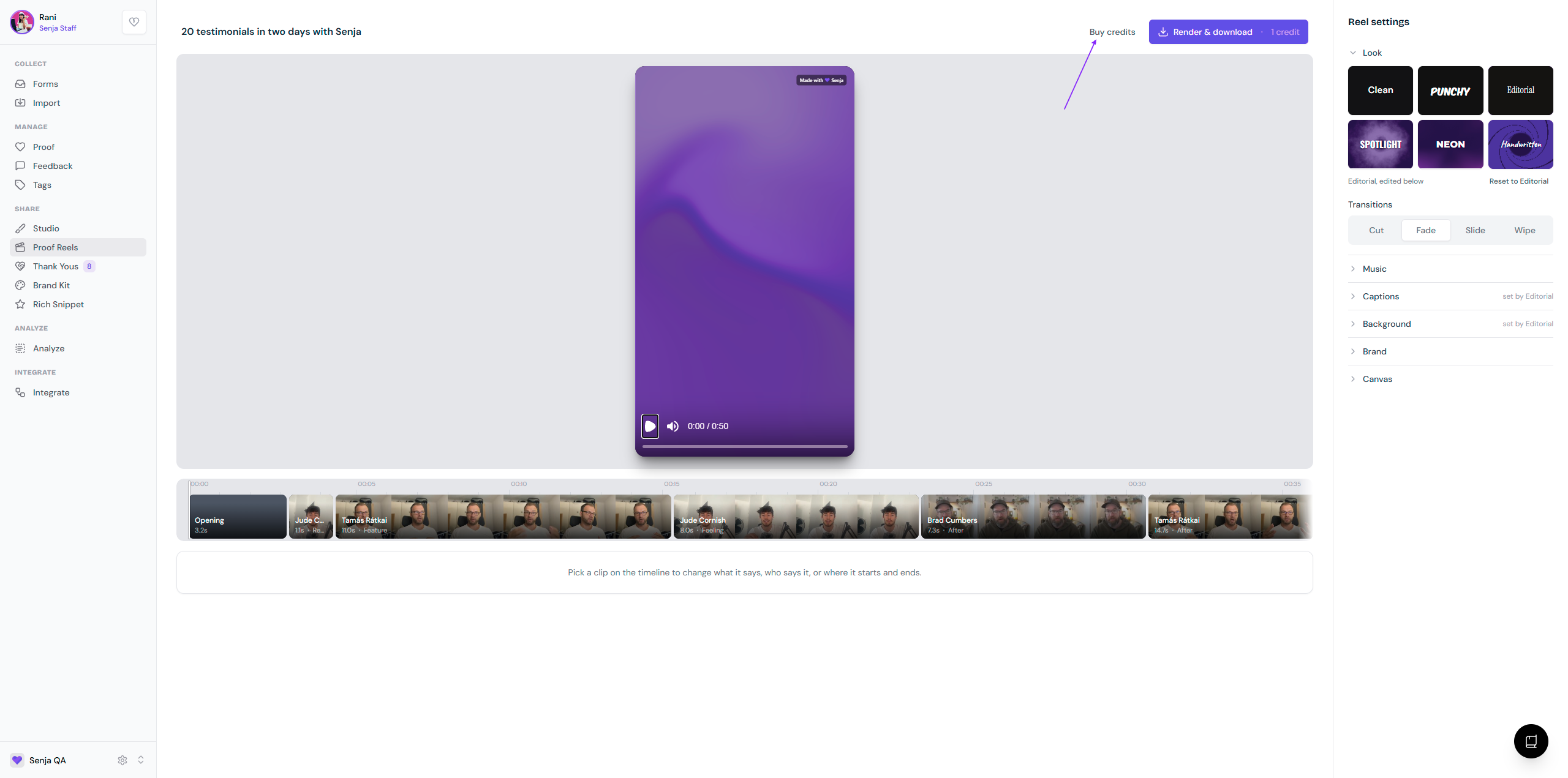
Go to Proof Reels and open a reel
Click Buy credits
You'll go to the payment page
Purchased credits never expire and stay in your project
To learn how to make and edit reels, see How to create reels in Senja.