
How to create Senja form
If you have no testimonials yet from your customer in any external platforms, you can use Senja form to reach out to your customers and ask them to give you testimonials.
This is applicable for all Senja plans: Free, Starter, and Pro.
Create your form
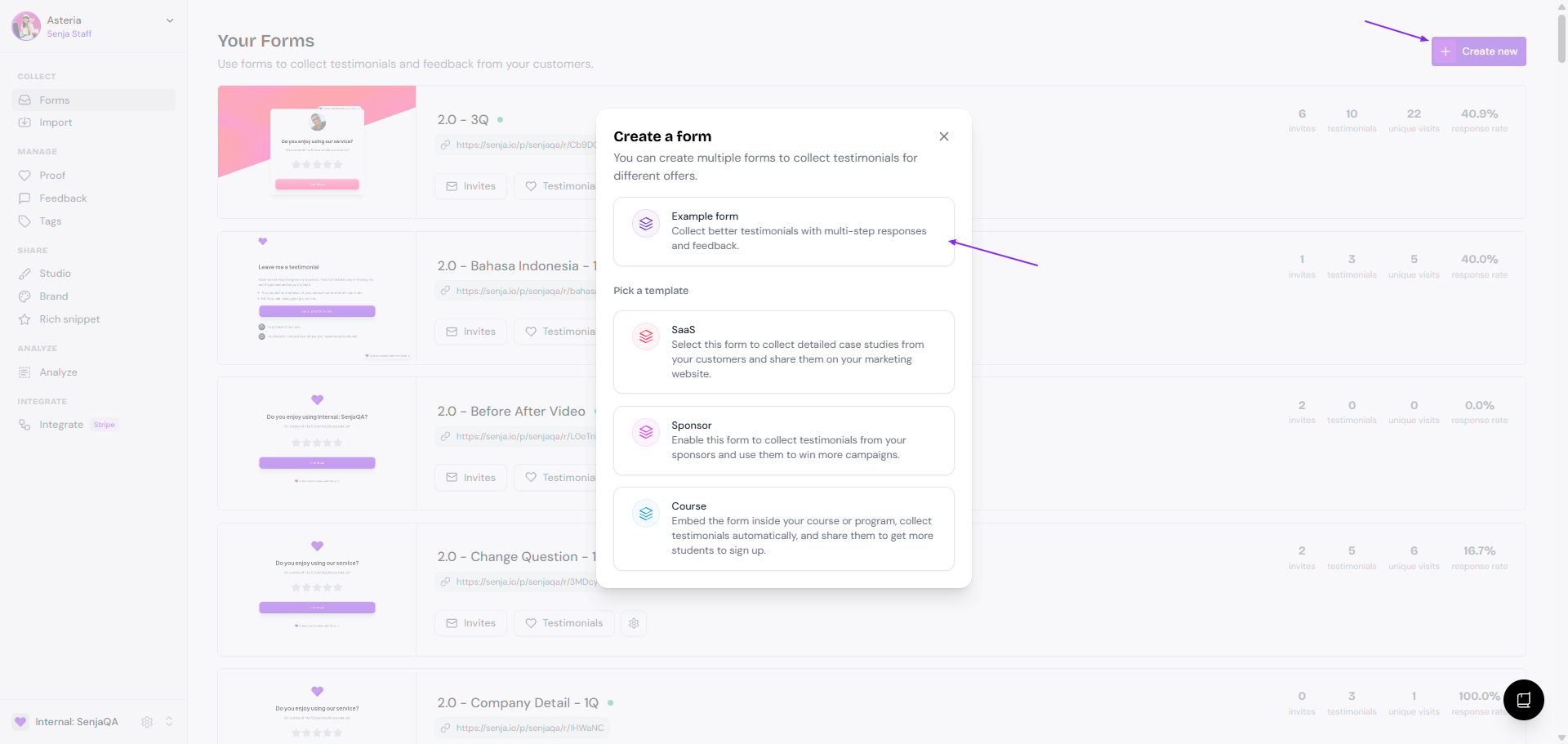
Go to your Forms page: https://app.senja.io/forms
Click + Create new
Choose Example form
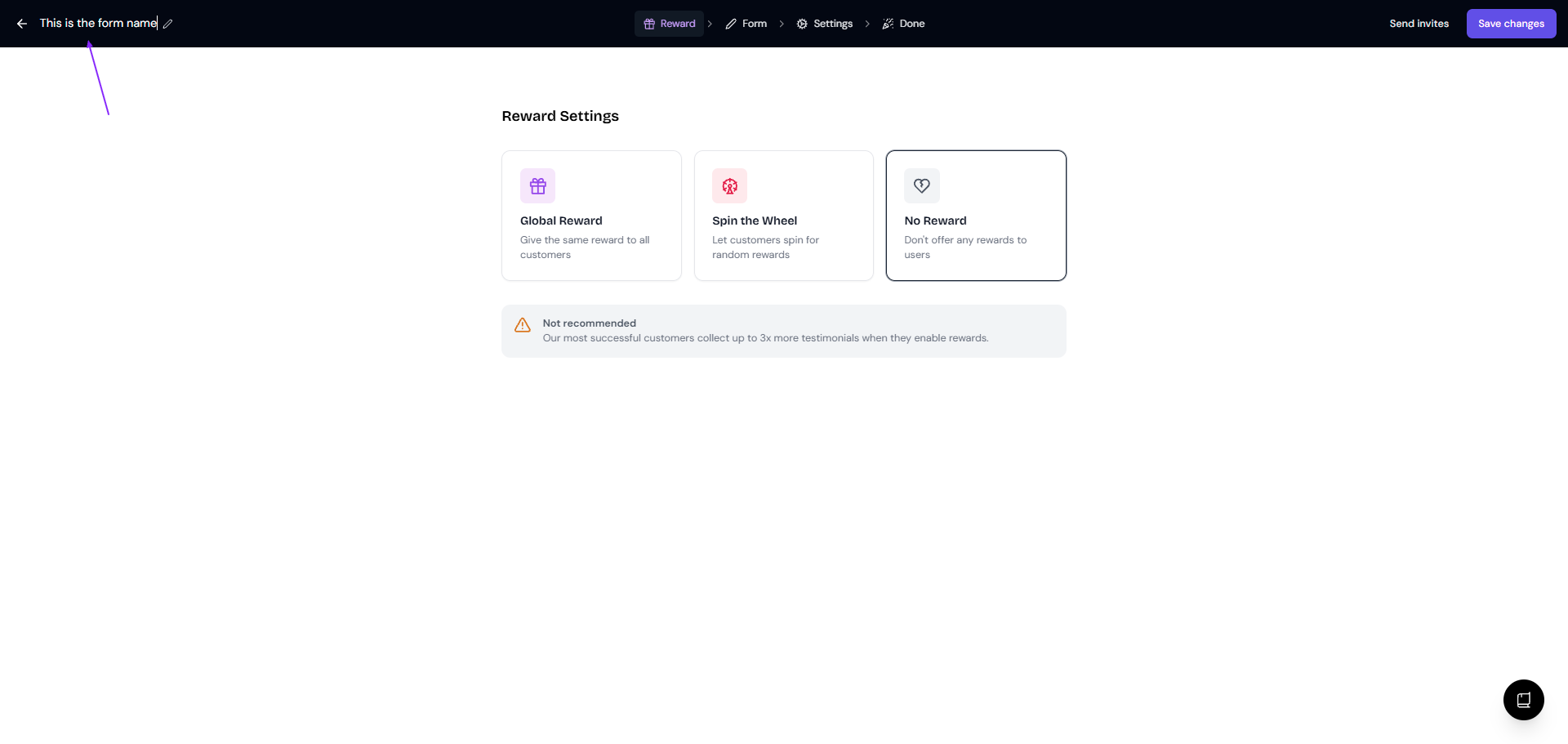
Update the form name on top-left
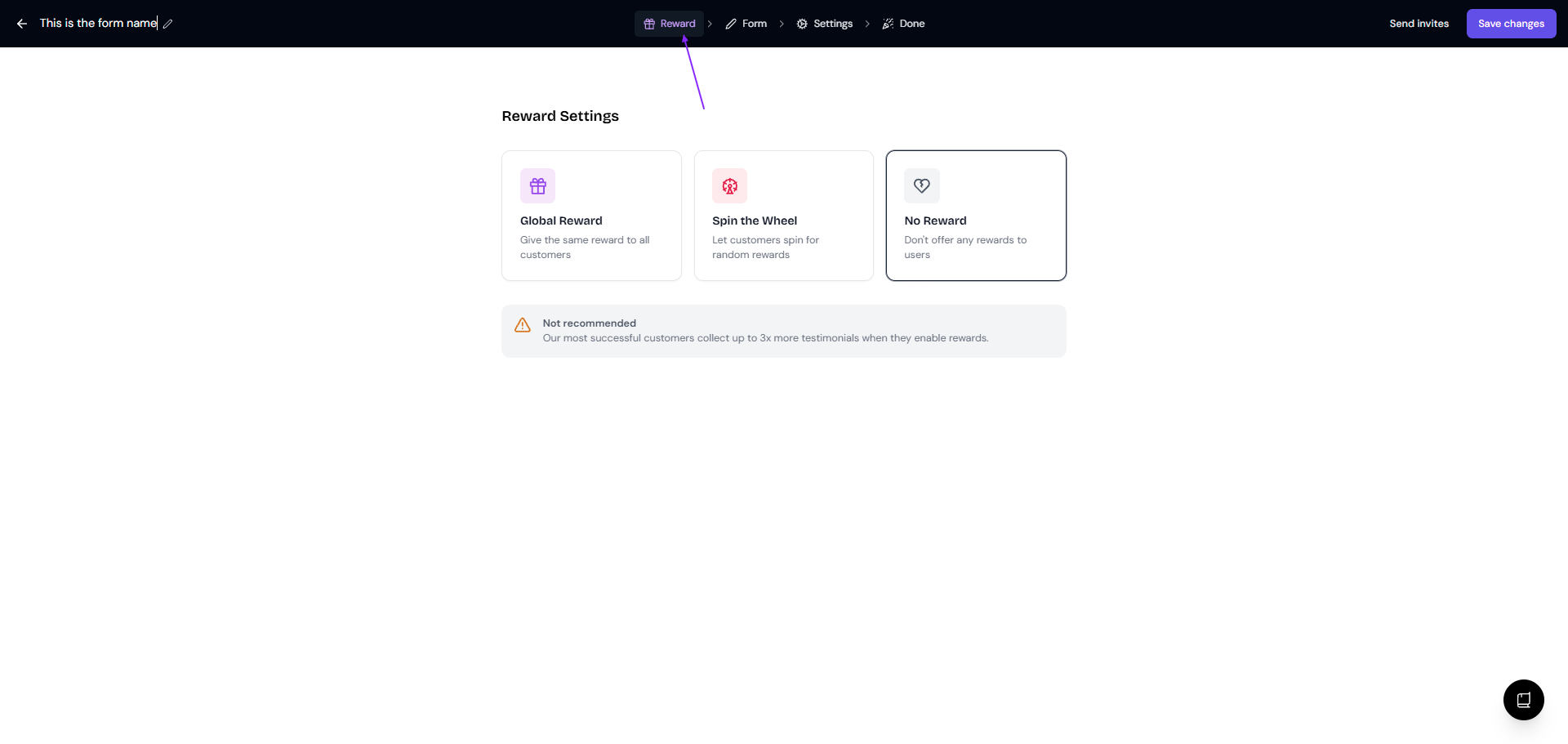
Set the reward you want to give to your customer when they submit a testimonial in the Reward tab (details here)
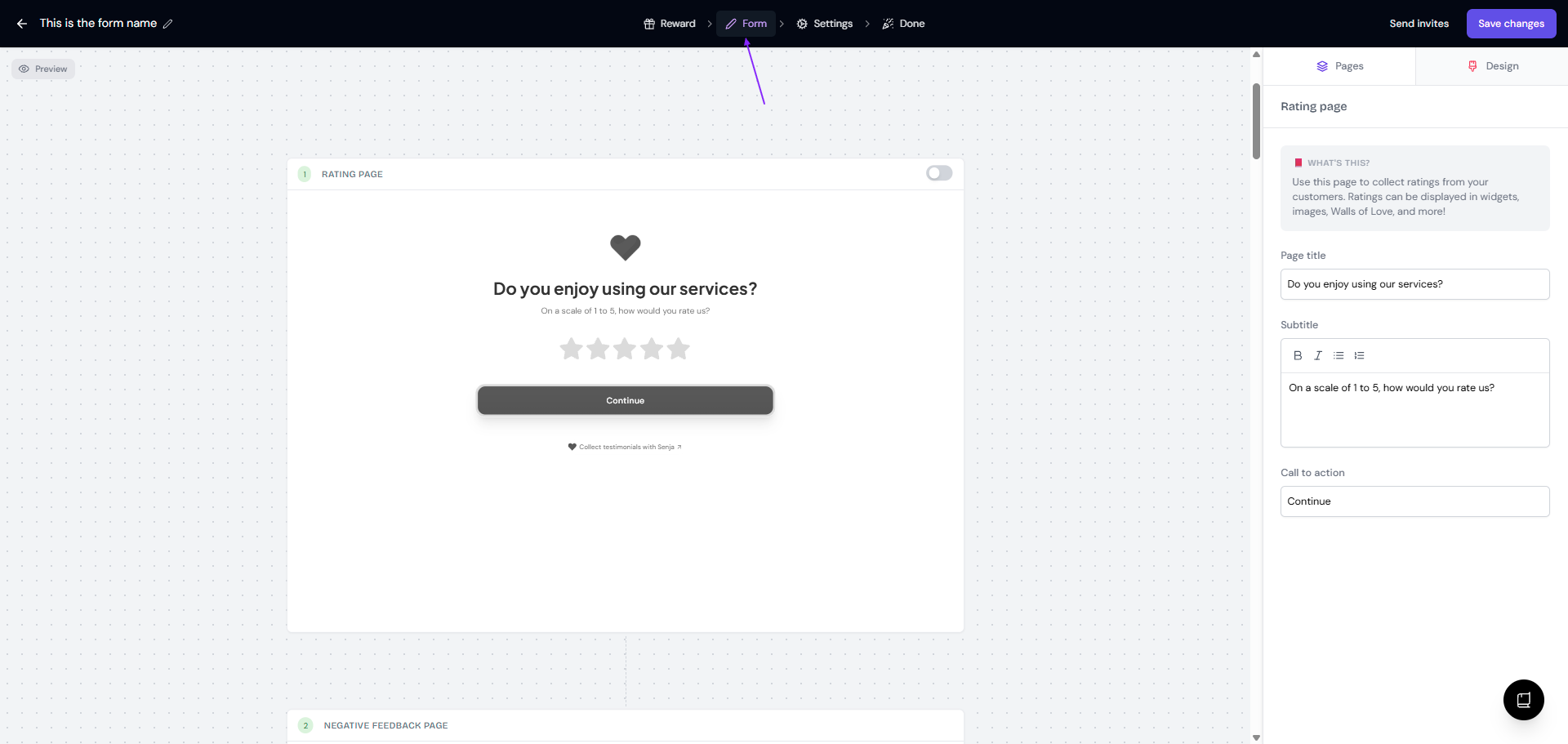
Always click Save changes before moving between tabs
Add your questions in Form tab
Update your general setup in Settings tab
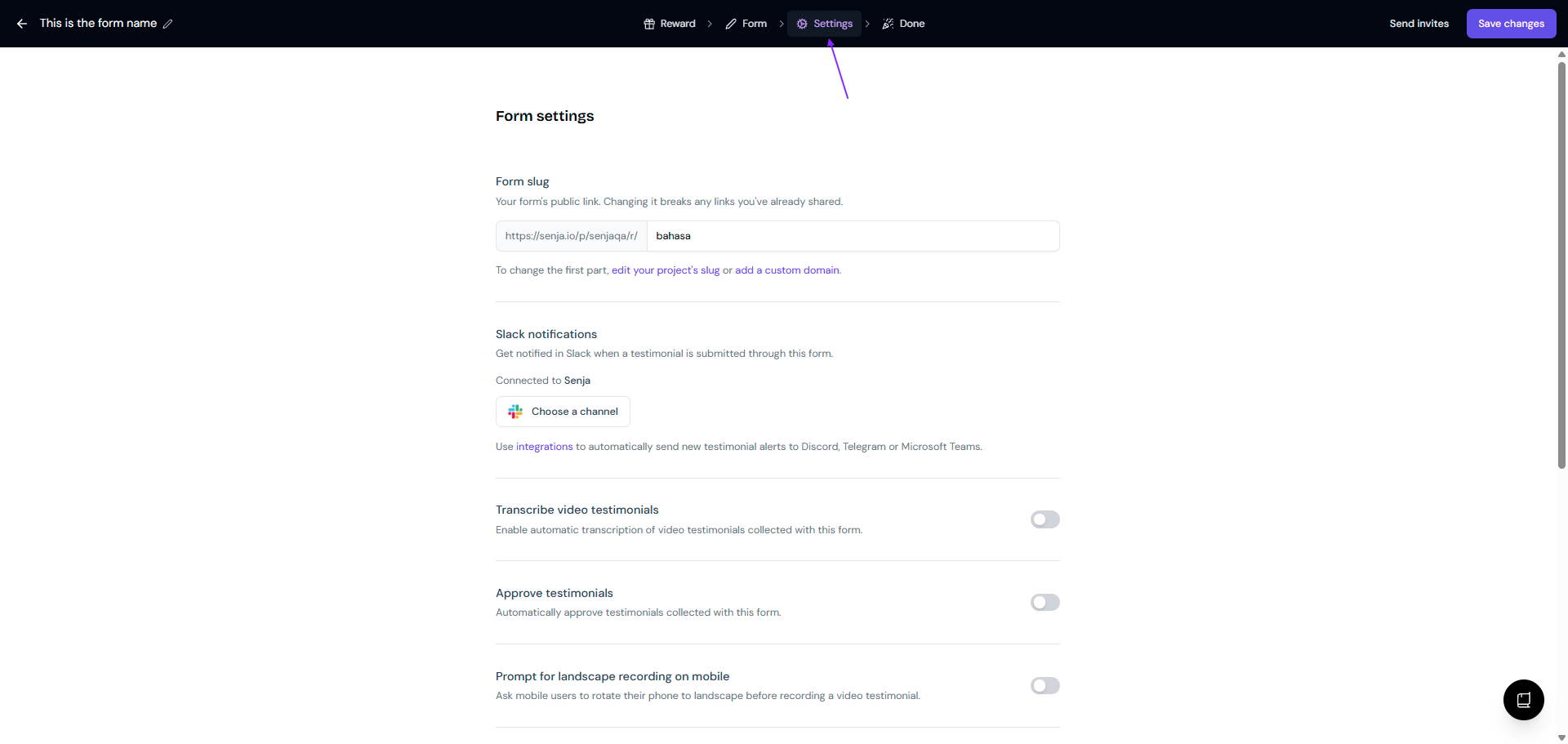
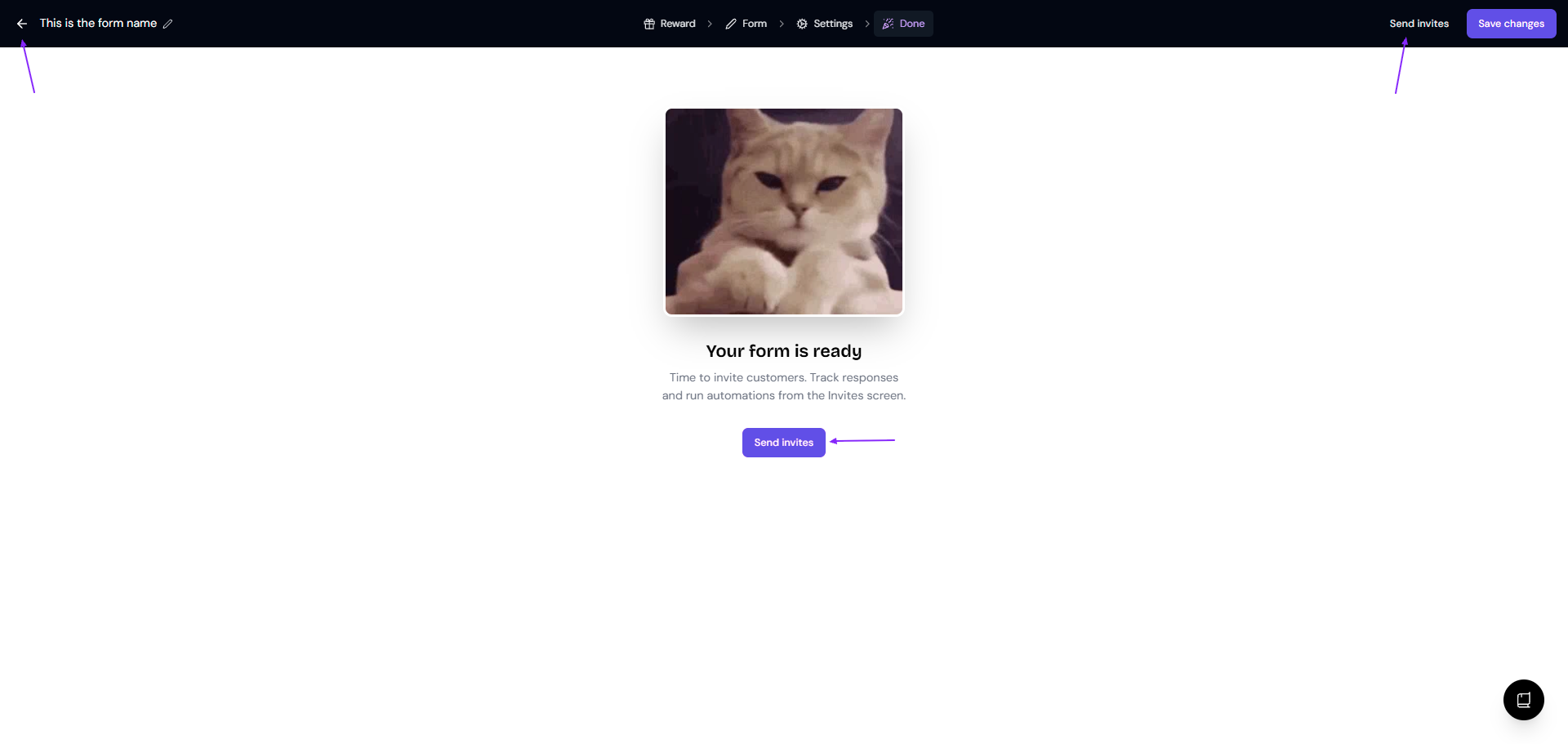
When you finish:
Go out from the form: click the back arrow next to the form name
Send invite email: click Send invites
You can also choose from a variety of templates to get started quickly. These templates are designed for common use cases like SaaS, courses, and more.
Adding multiple questions
Once you've created a new form, you can add multiple questions to it:
In the Form tab, scroll down until you find Question #1
Click the Add a question button to add a new question
You can choose between different question types, such as text, video, and rating
Add as many questions as you need by repeating the process
You can reorder questions by dragging and dropping them
Your form is now set up to collect detailed feedback from your customers!