
Import testimonials with the Chrome extension
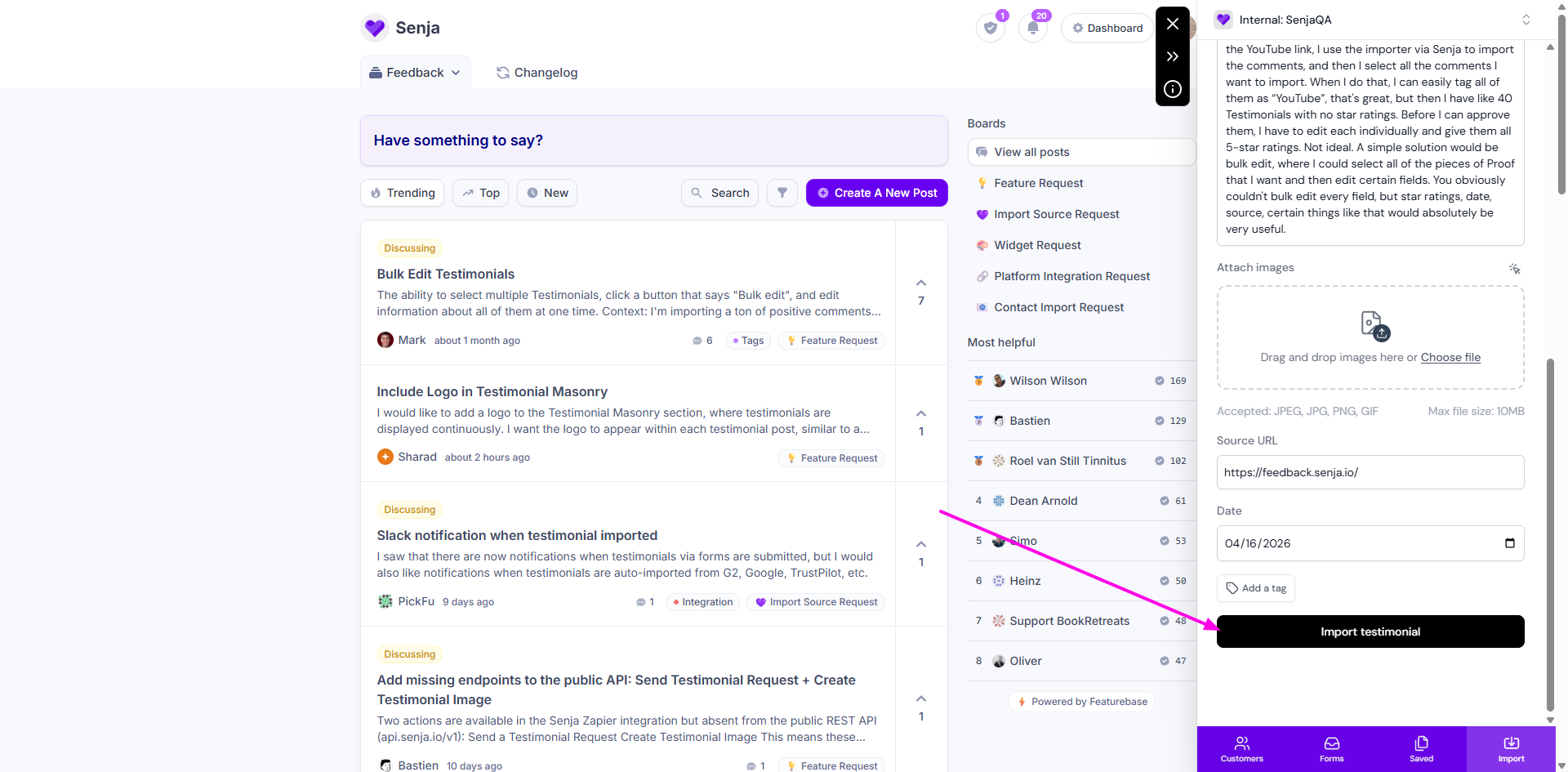
Senja’s Chrome extension lets you import your testimonials from anywhere on the web. First,
download our free testimonial extension here.
This feature is available for any Senja plans: Free, Starter, and Pro.
Import your first testimonial using the Chrome extension
Use Chrome to open the page containing the testimonial you want to grab
At the top right of your toolbar, click Senja extension icon (purple heart 💜)
Click the Import tab on Senja extension popup (bottom right)
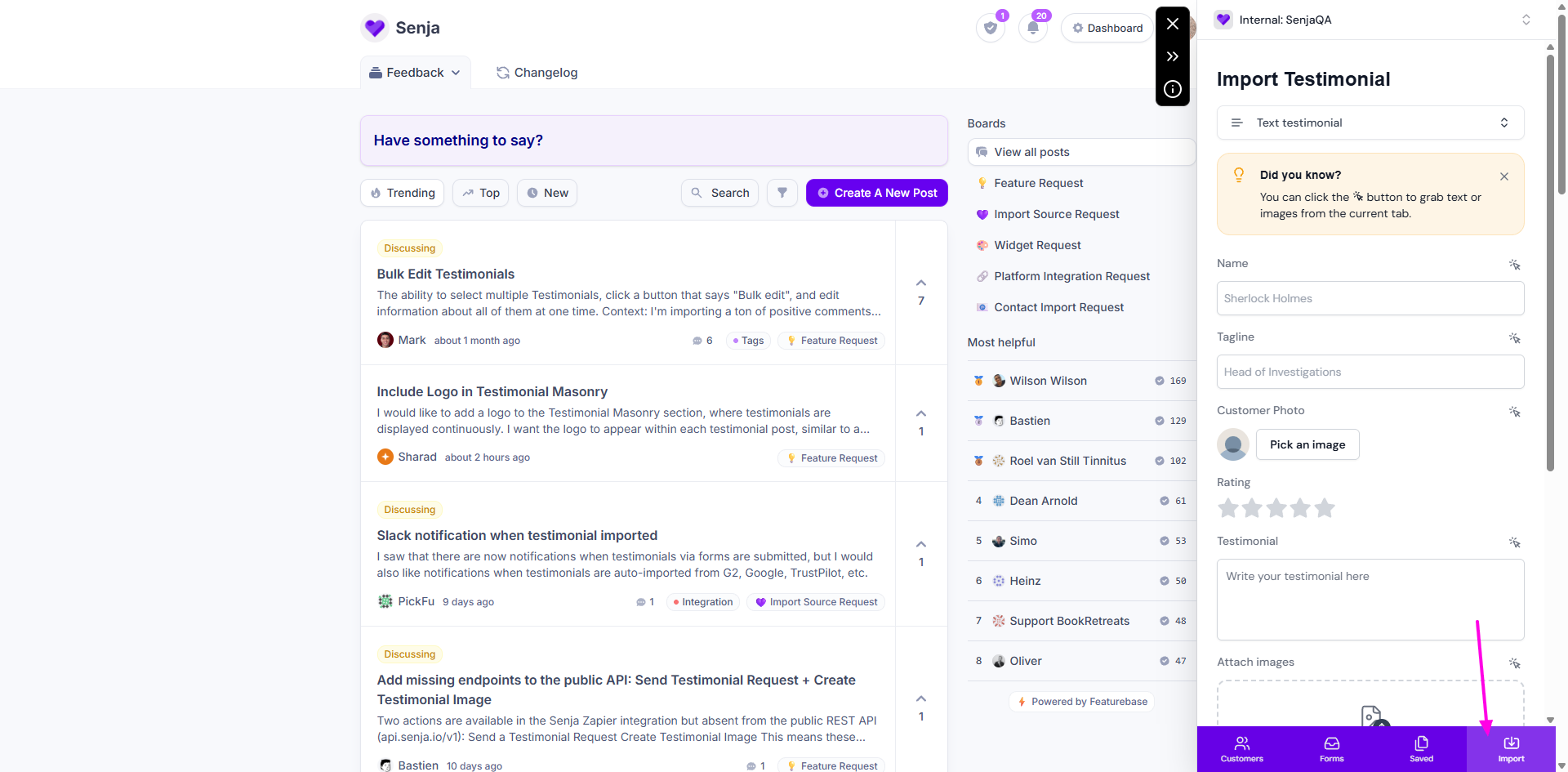
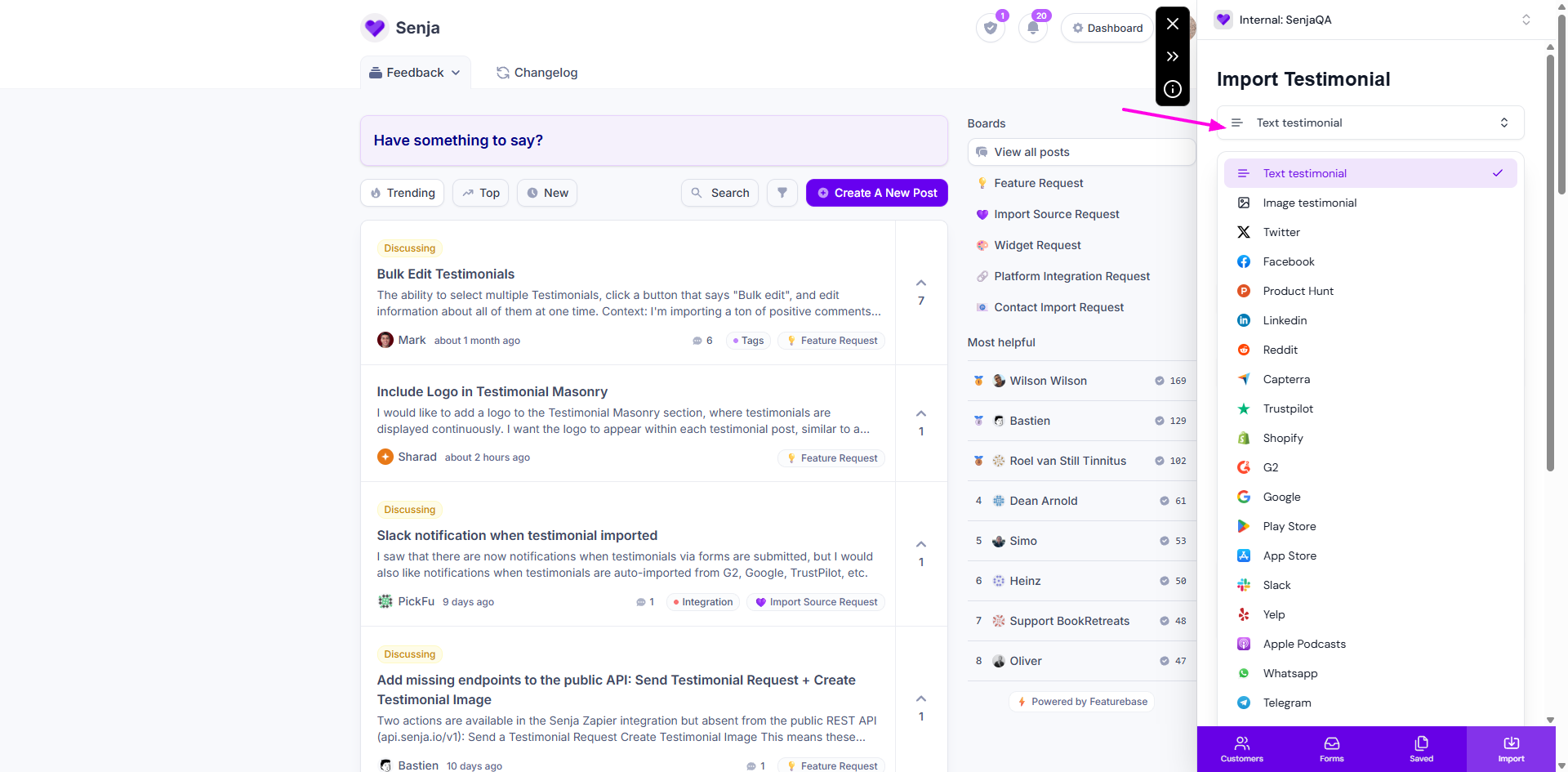
Choose the type or platform - this is automated in some cases where the extension read the page source automatically
Click the magic arrow/cursor to grab text and image from the page
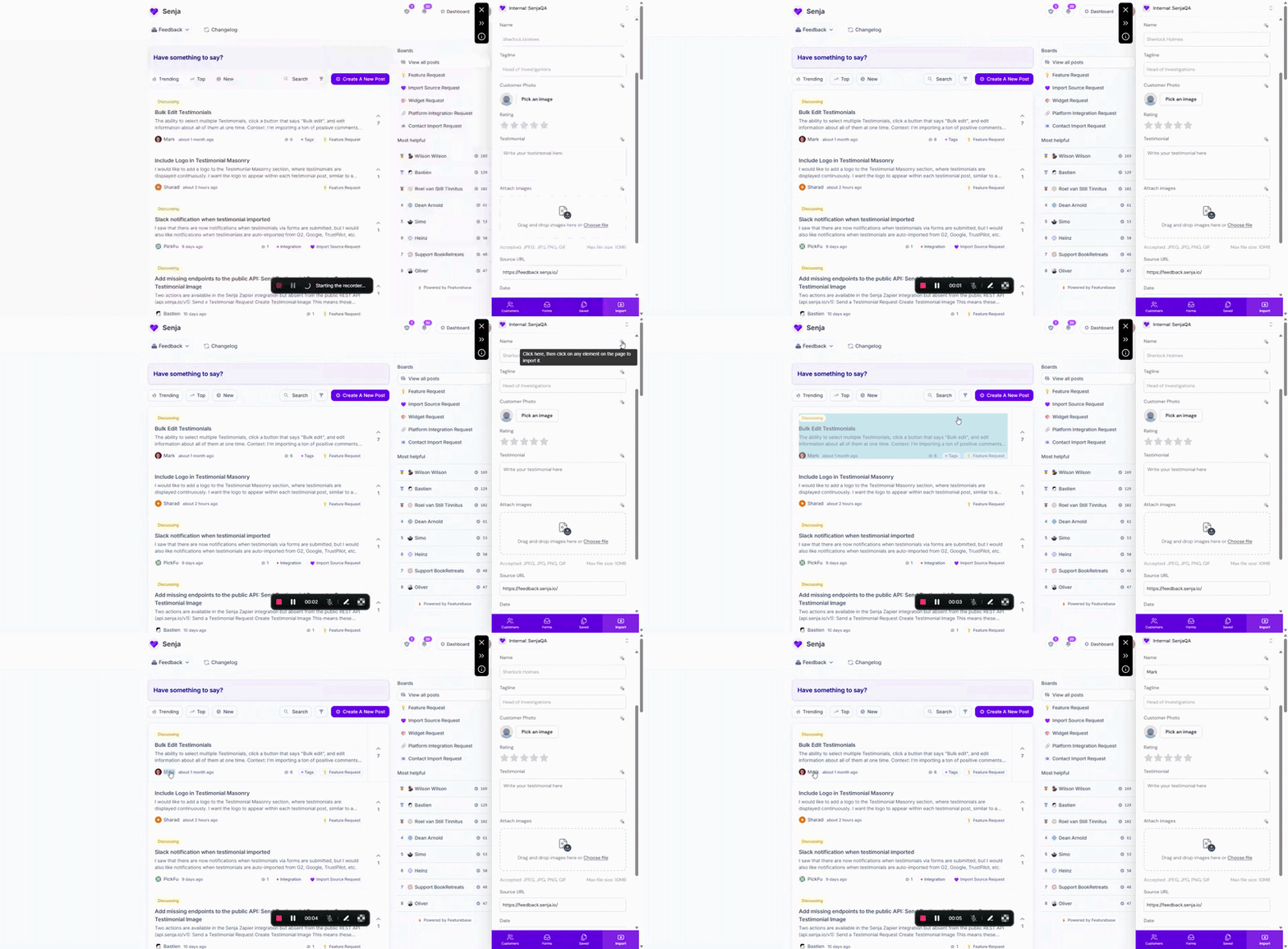
If you’d prefer to do this manually, you can type the info into the fields instead. But we highly recommend the grab tool for speed and accuracy.
Click Add a tag to implement a specific label to find it easier later
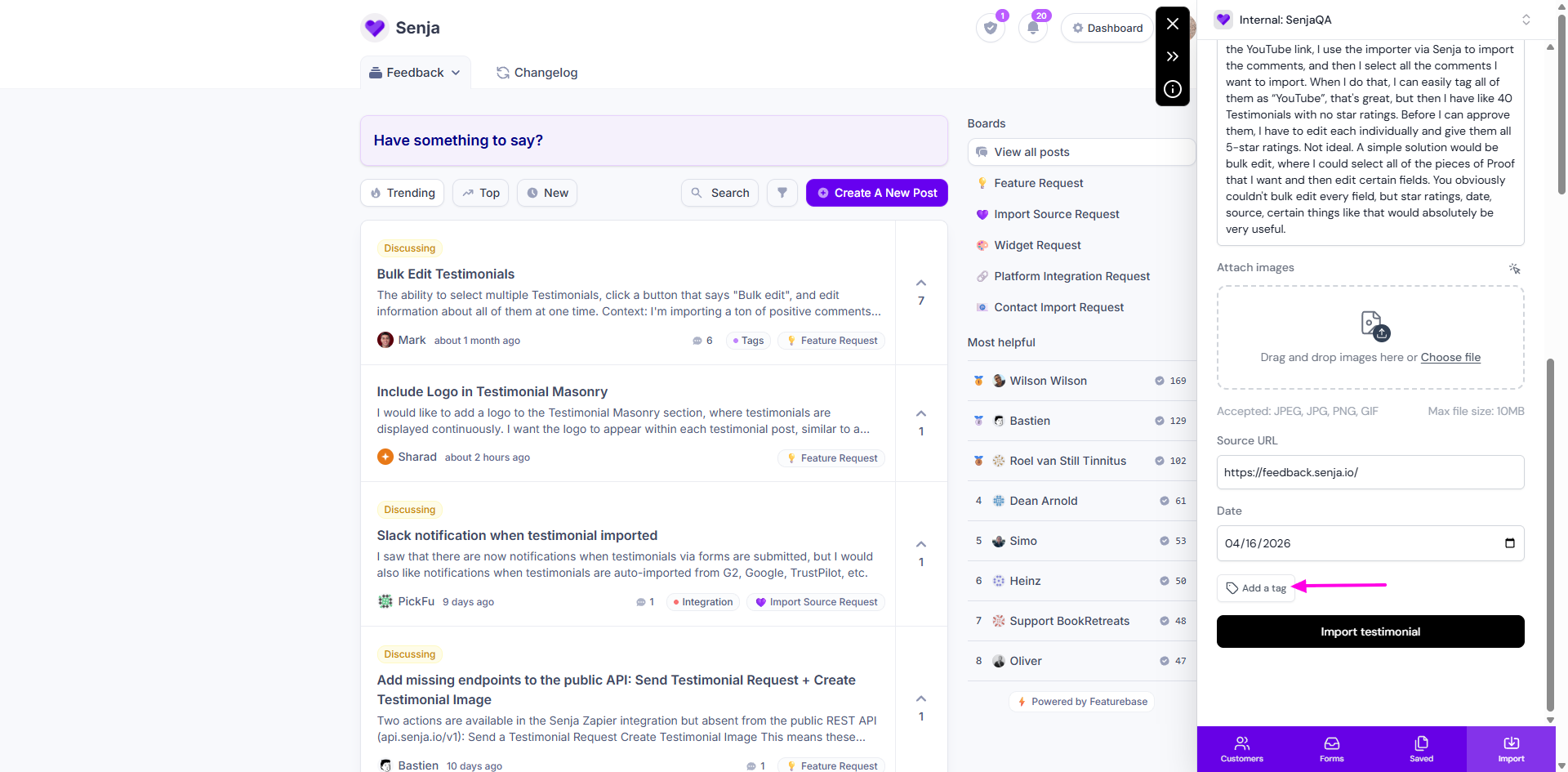
Click Import testimonial when you're done
You did it! You imported your first testimonial using the Senja Chrome extension 🥳
View your testimonial
Go to your Proof page: https://app.senja.io/
The testimonial should be imported correctly
The testimonials in Proof page is sorted by date of testimonial, not the date of import