
Where can I share my collection form?
Congratulations on creating a collection form! It’s time to share your form far and wide and start collecting social proof.
Sharing methods
Senja offers multiple ways of sharing your form:
Automatic: connect your platform and automate your testimonial collection
Campaign: invite customers to leave you testimonials
Manual: grab your form's link or embed it to your website
You can read the summary in our article of 14 places to share your testimonial form.
The first steps are:
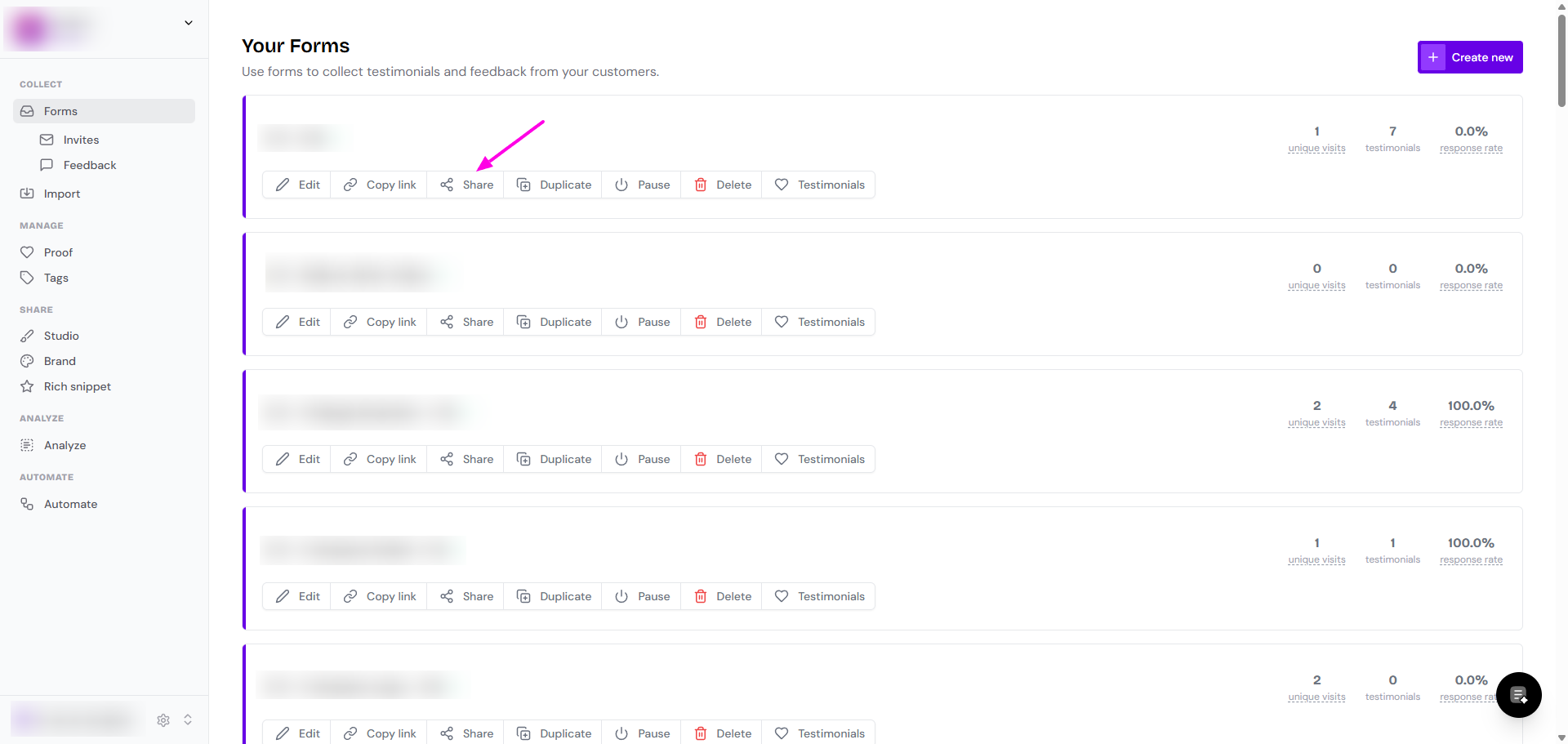
Go to your Forms page: https://app.senja.io/forms
Click Share and you'll be directed to the Trigger tab in form editing modal
Automatic sharing
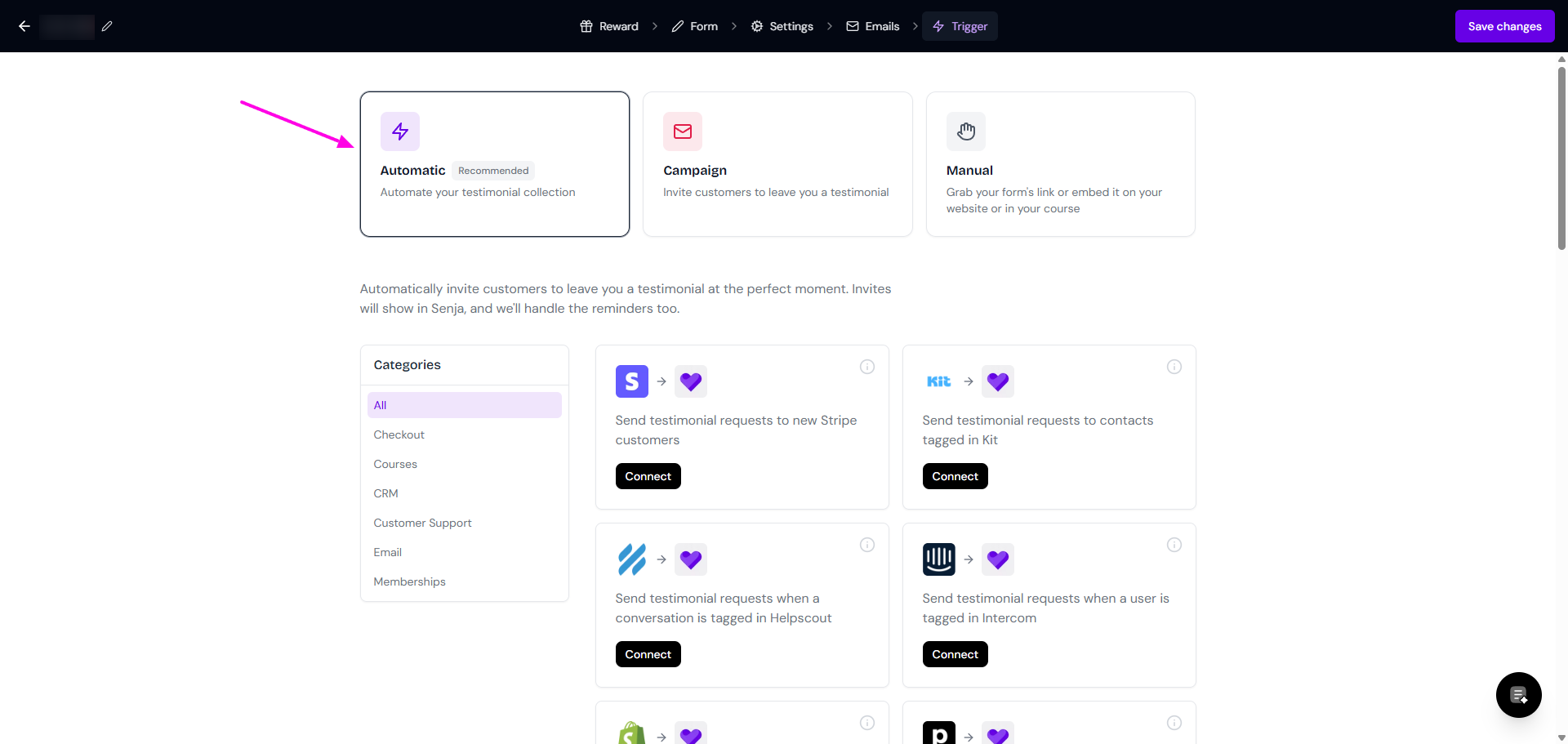
You have the option to connect 24 platforms to your form, which will trigger automatic testimonial request when you customer does an action in your platform.
Campaign sharing
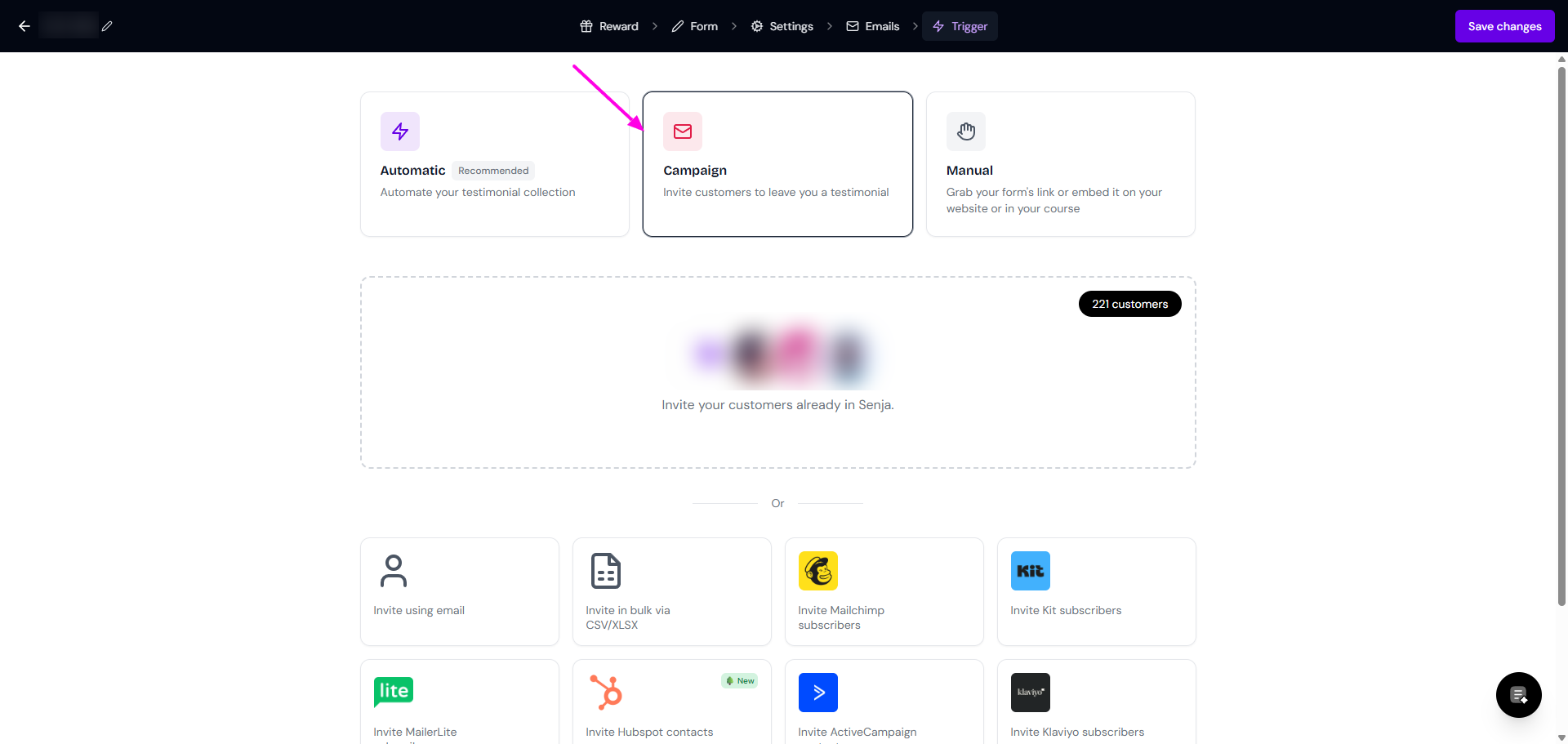
Here, you have these options:
Send invitation to your customers that already have Senja account
Send the form invitation to 1 individual
Send the invites in bulk, if you already have the customers list (name and email address) in CSV/XLSX
Invite subscribers listed on your email marketing platforms
Follow the guide How do I use form invites? for more detailed steps.
Manual sharing
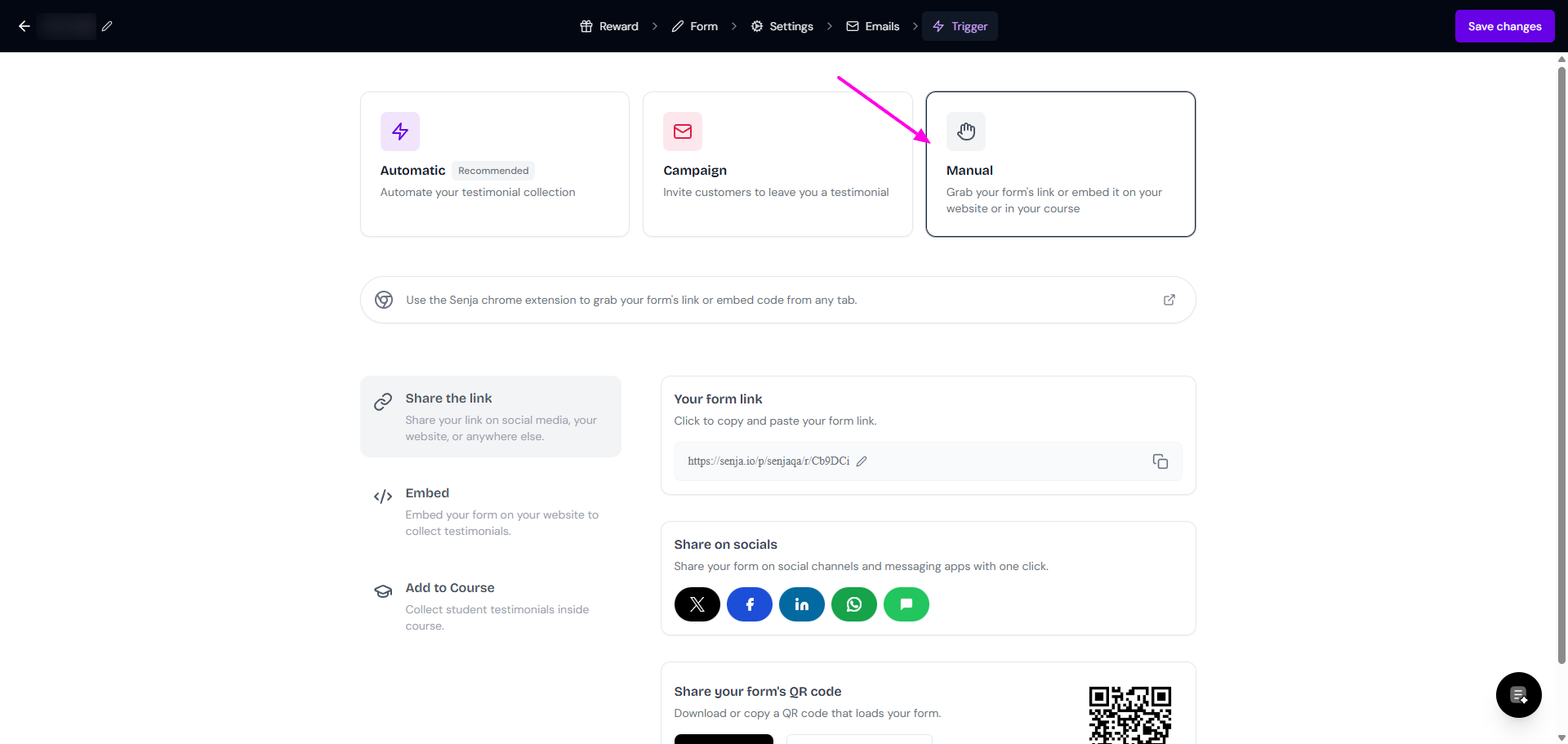
Your options are:
Share the link: grab the URL, share on your social, or download the QR code
Follow the guide What is my collection form link/URL? for more detailed steps.
Embed the form in your website
Follow the guide How do I embed my testimonial form on my website? for more detailed steps.
Add to Course: embed the form to your course