
Share my form on social media or messaging apps
You can share the form directly on X, Facebook, LinkedIn, WhatsApp, or others (using Pick an app).
Steps
Go to your Forms page: https://app.senja.io/forms
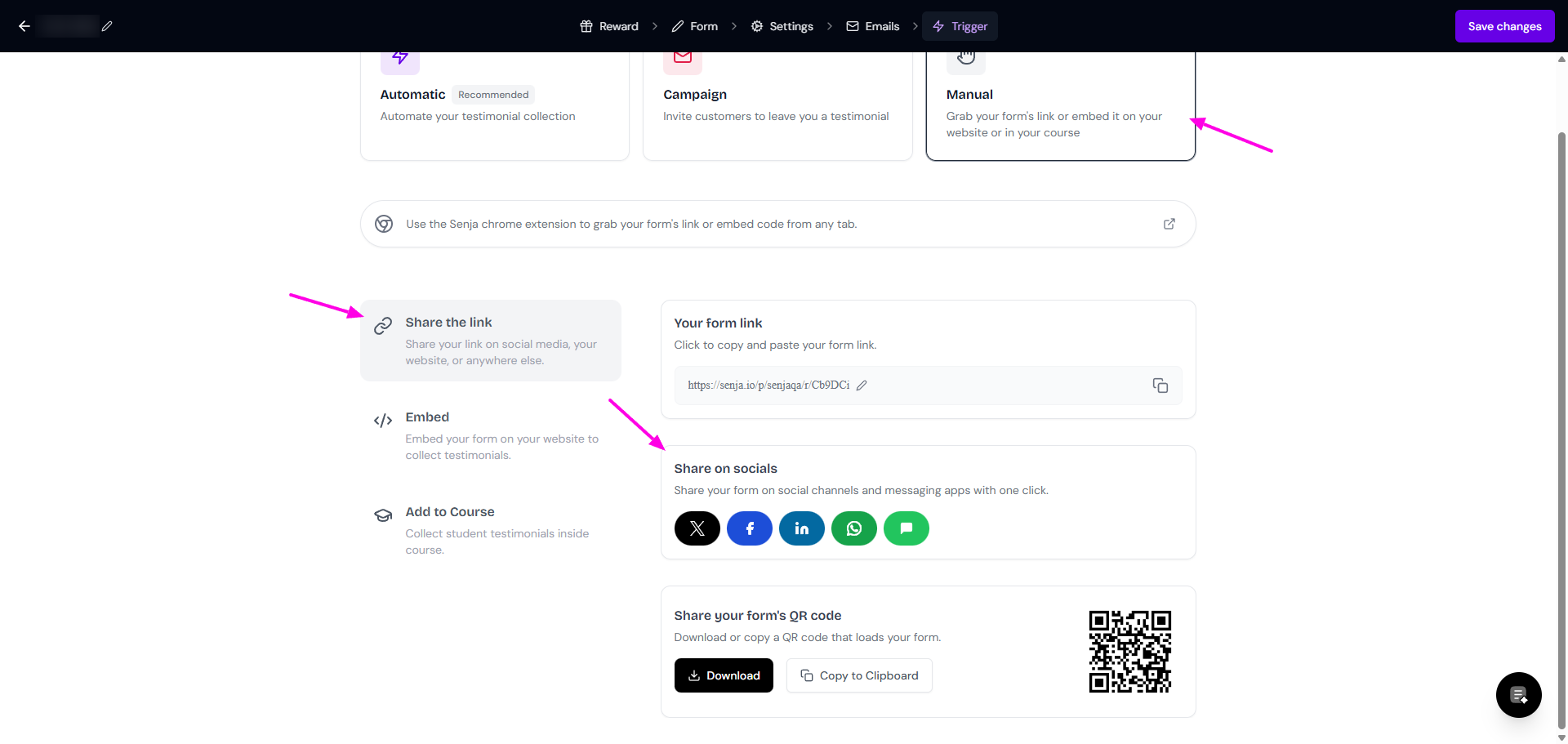
Click Share
You will be directed to the Trigger tab
Choose Manual > Share the link
Choose the platform that you want from Share on socials box
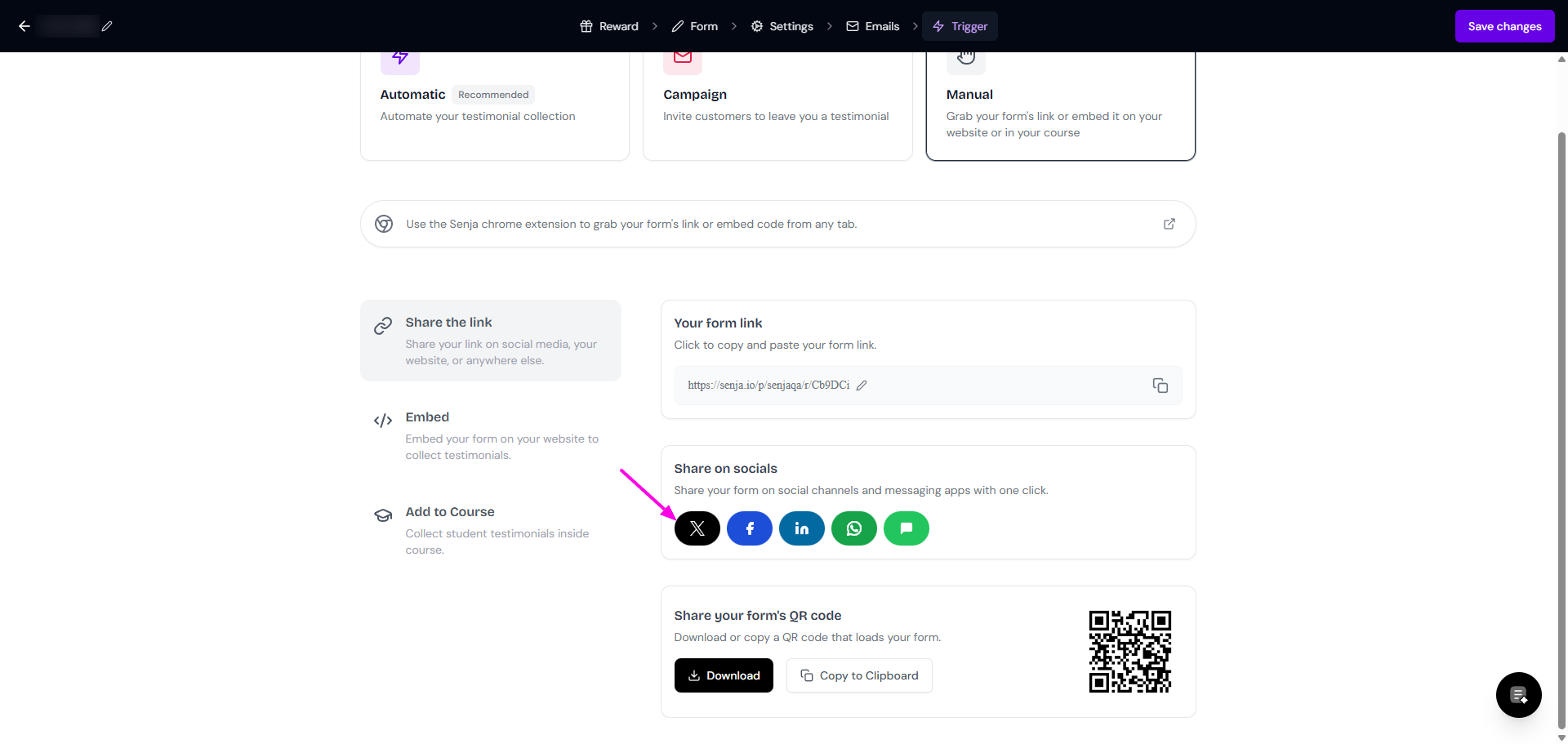
For example, if you want to share on X.
Click on the X icon to share your form on X
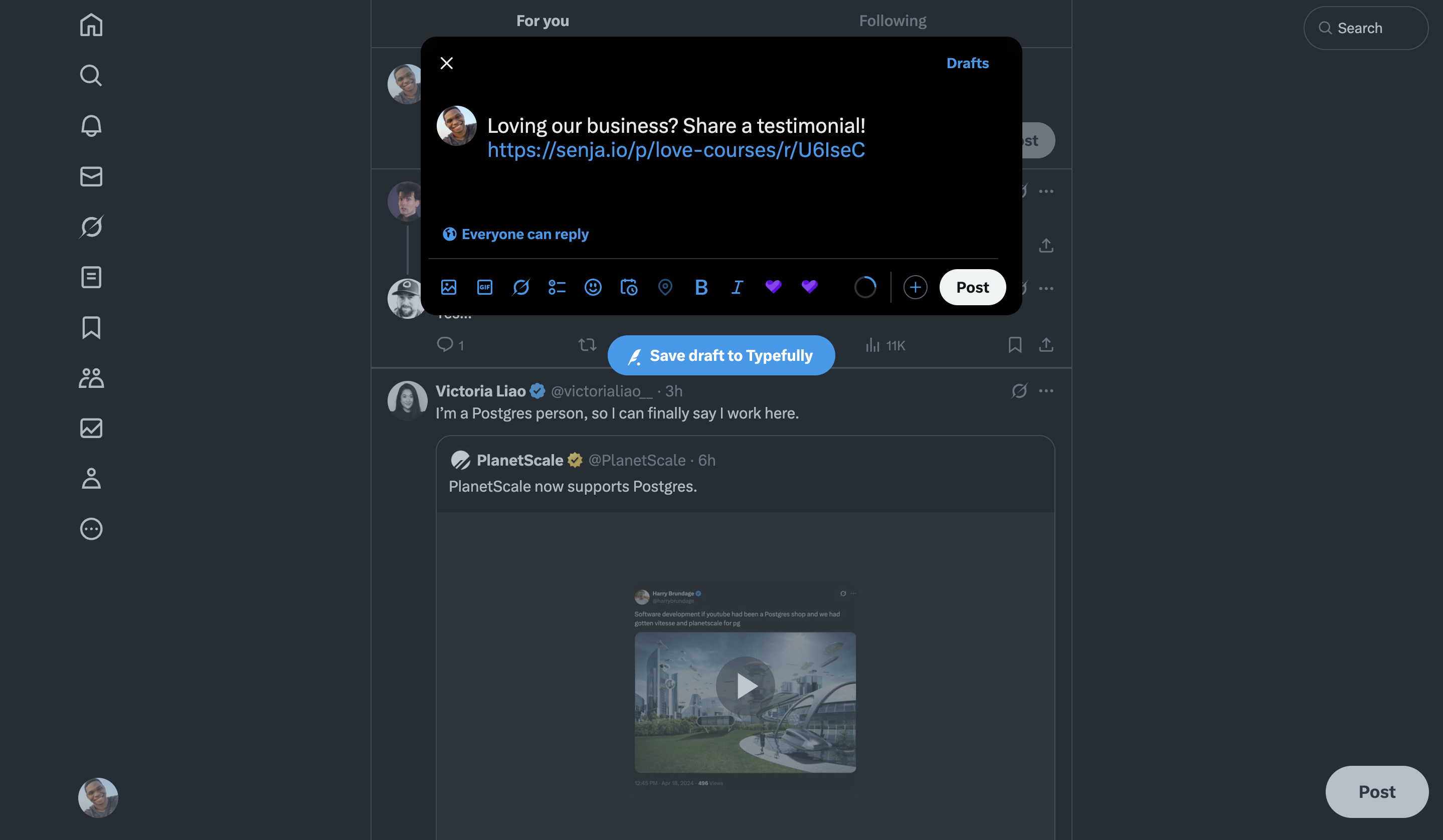
A new tab will open, with the tweet draft
Edit your tweet and click Post when you're happy with it
Was this helpful?