
How to create popups
Popups are floating testimonial widgets that display as modals on your website, helping you add social proof without taking up page space. You can create and customize a popup in under a minute.
Account access
Popup widgets are available on all plans. Some premium templates require a paid plan (Starter or Pro).
Create a popup widget
Go to Studio in your dashboard sidebar: https://app.senja.io/studio
Click the Popups tab
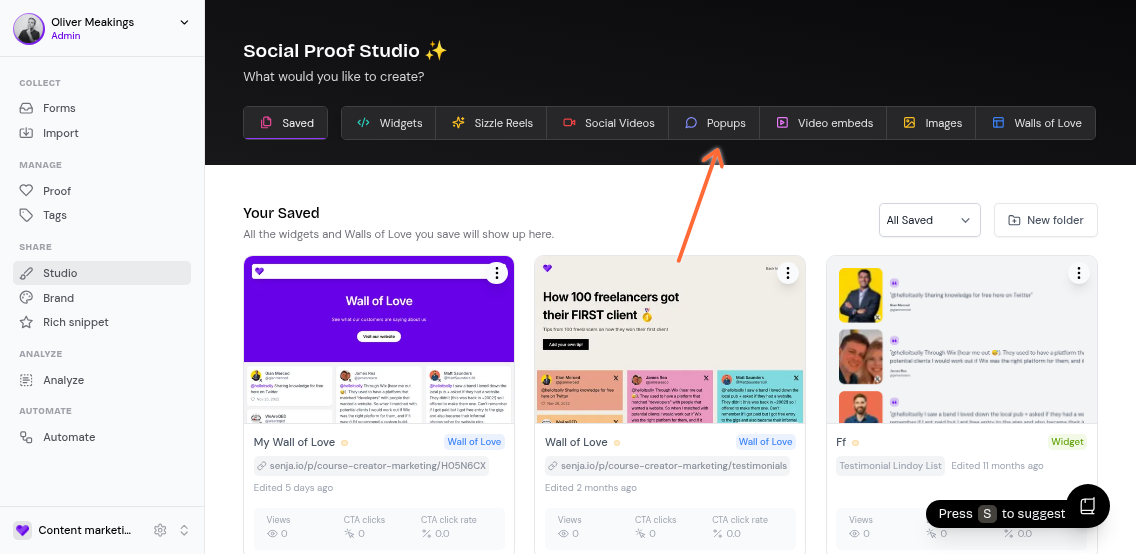
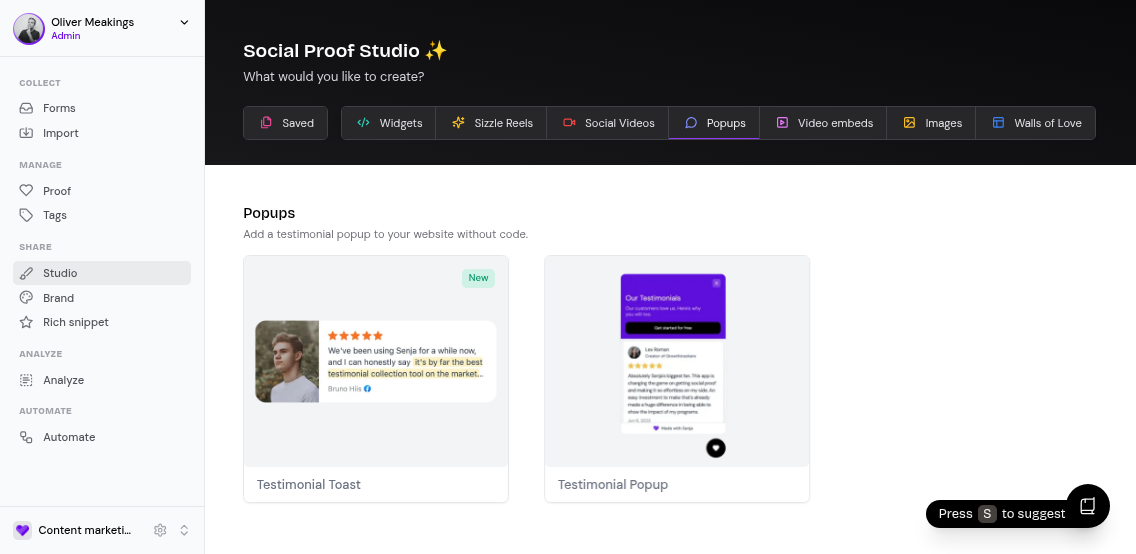
Browse the available popup templates and click on the one you want to use
In the dialog that appears:
Enter a name for your widget (e.g. Homepage Popup)
Optionally add where you'll embed it (e.g. Hero section)
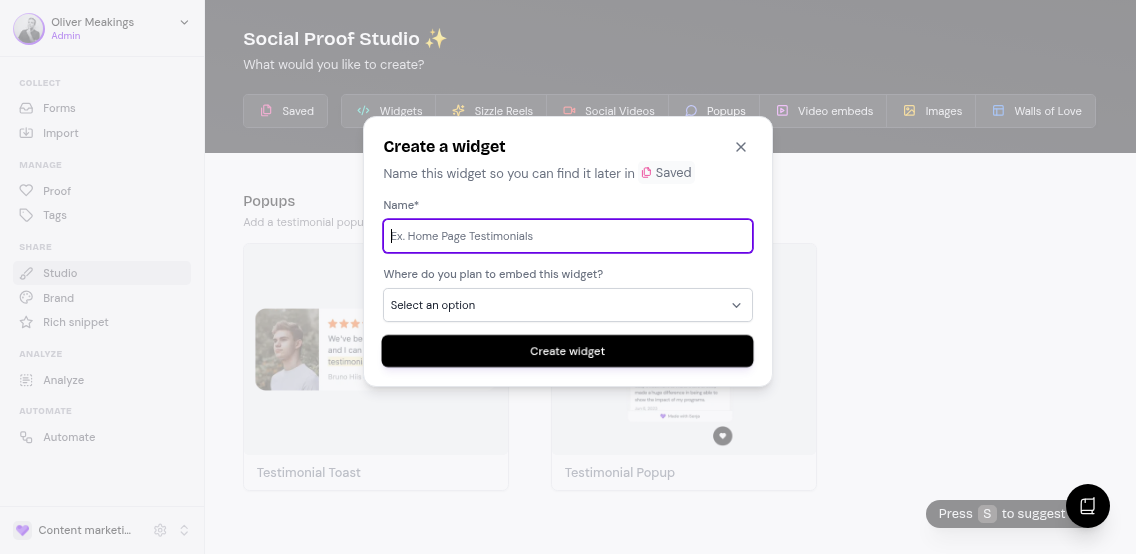
Click Create widget
Customize your popup
After creating your popup, you'll land in the editor where you can customize the design, switch templates, and filter which testimonials appear.
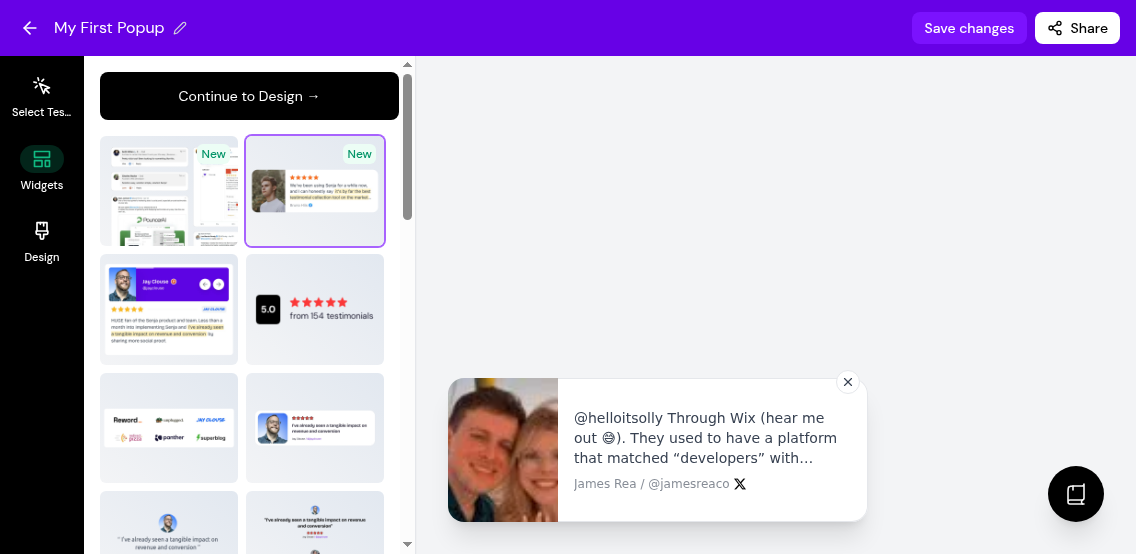
Once you're happy with your popup, click Save. You can find your saved popups in the Saved tab in Studio, where you can copy the embed code to add it to your website.
Share your popup
Open your popup widget
Click Share on the top-right corner of the screen
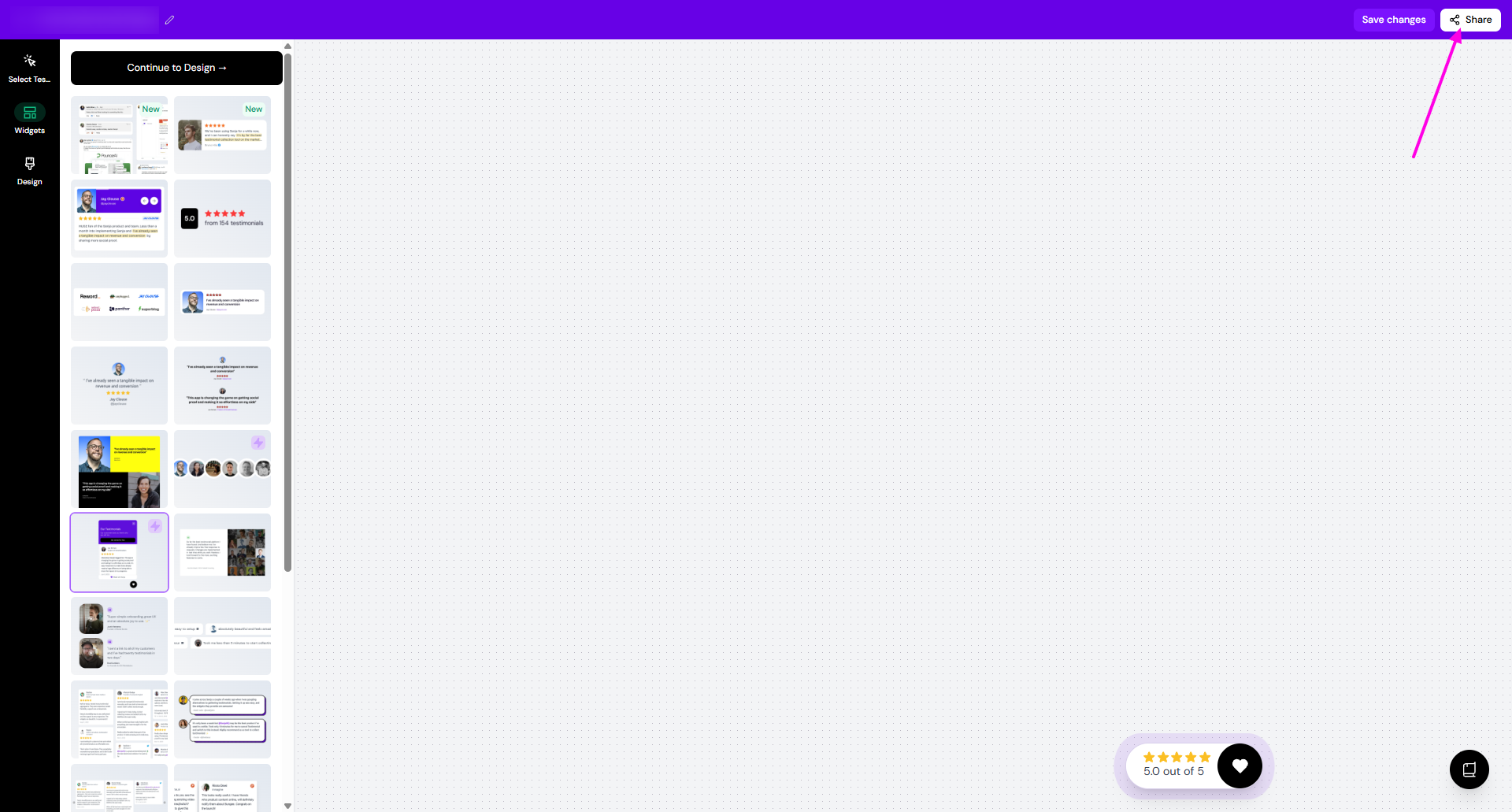
You can share in different ways
Embed code
Click the copy icon on Embed code box to copy the code
Add/paste the code inside the <head></head> tags in your website
Most website tools will have a place for you to inject a code snippet like this, often it will be in your site settings
If you use Framer, click the copy icon on Using Framer? section
You would go to Settings > paste the code in the first box and click Save and then Publish
You can read our Framer guide for details
You can read the instructions on how to embed to different platforms
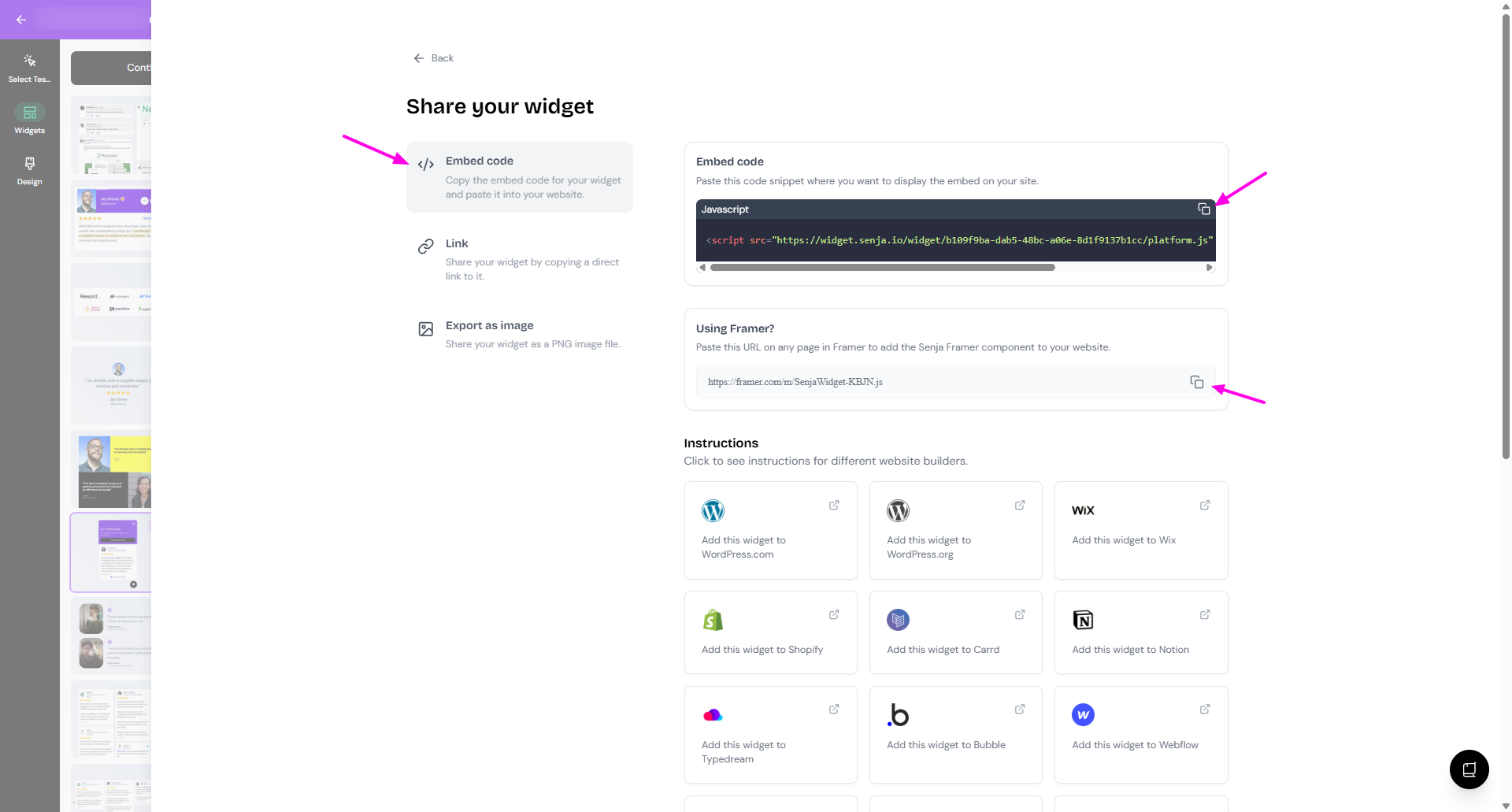
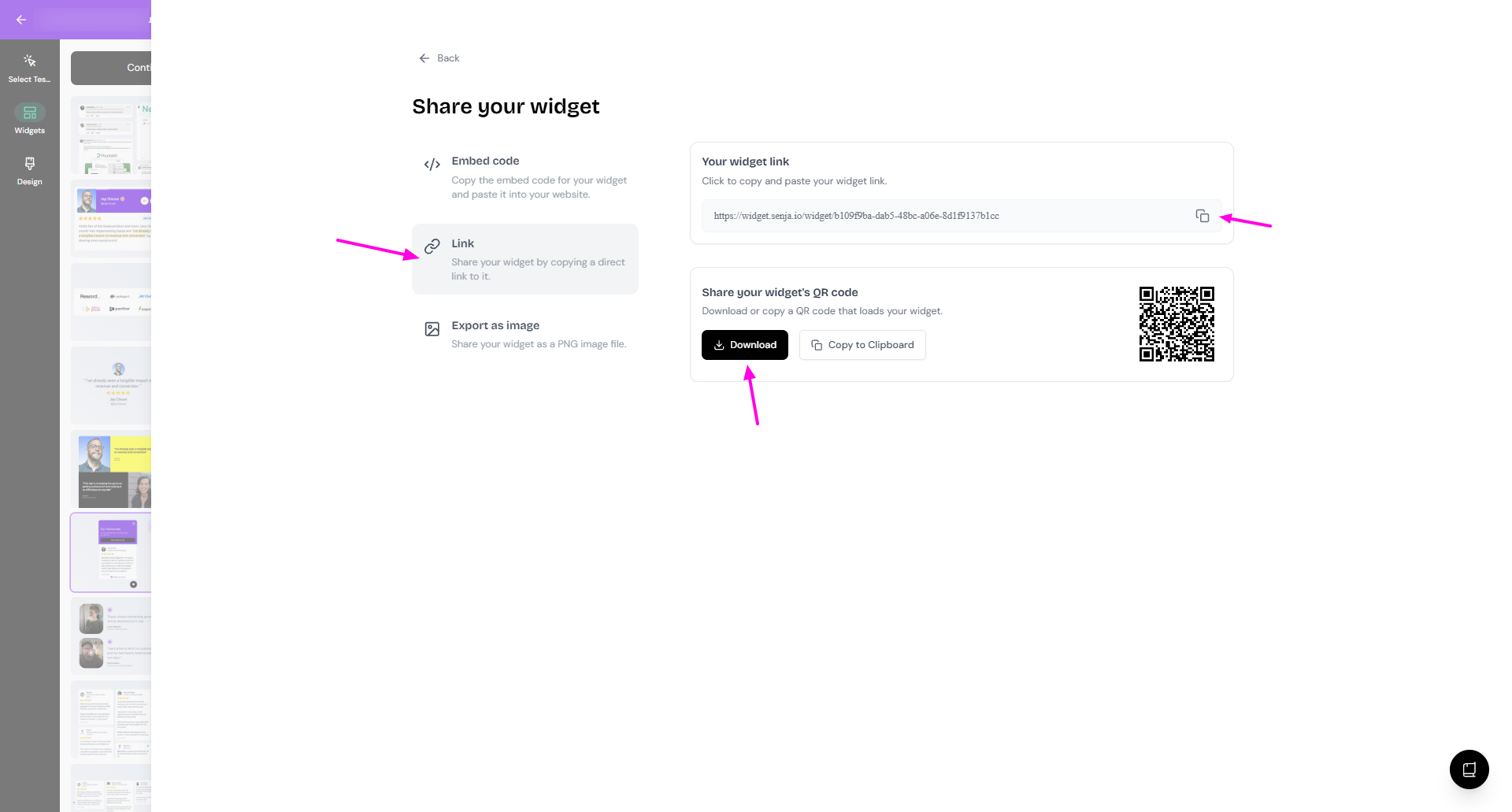
Link
Click the copy icon on Your widget link section to copy the URL
Or download the QR code on Share your widget's QR code
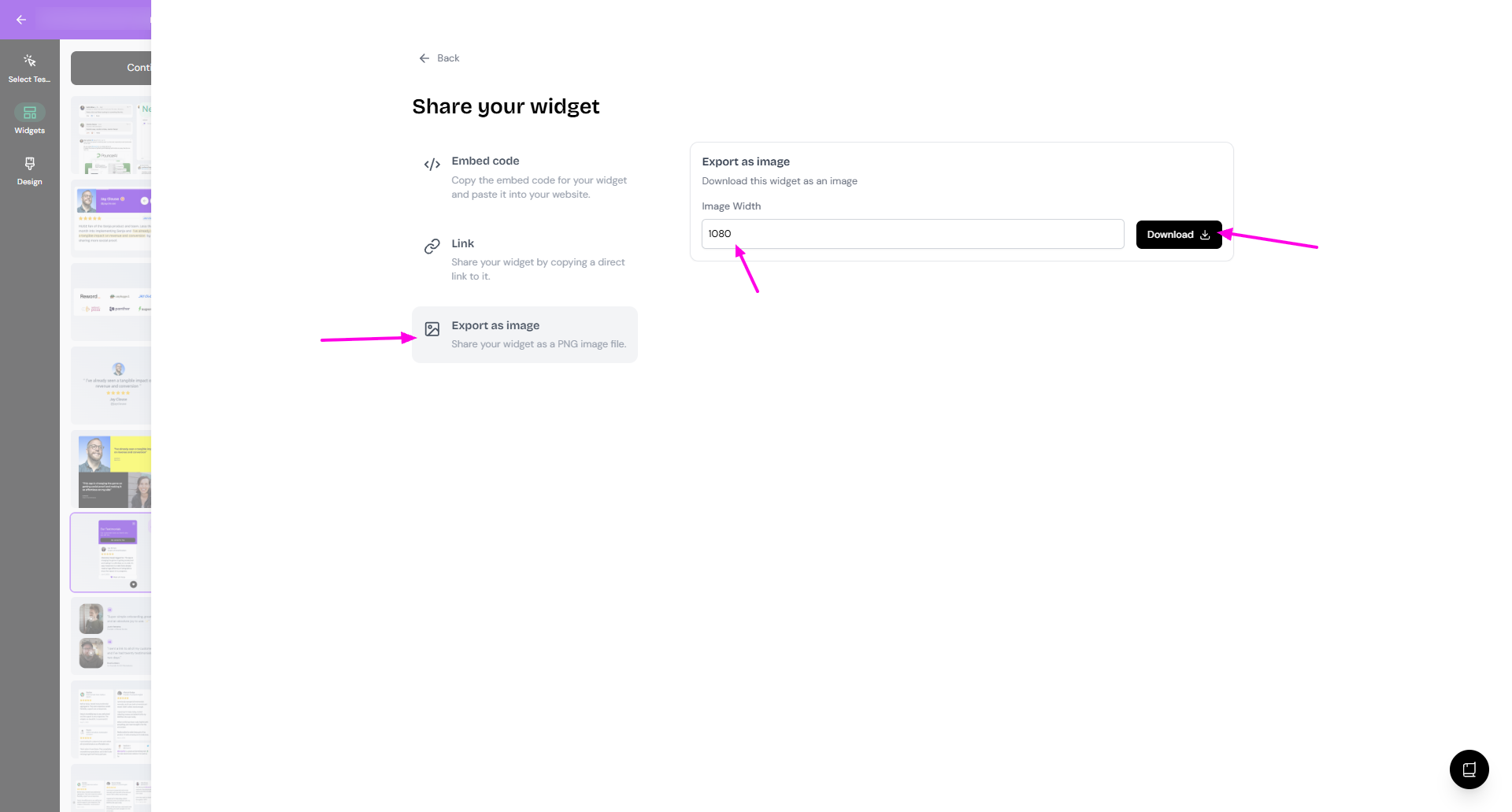
Export as image
Set the Image Width on the Export as image section
Click Download
Want to see popups in action? Check out the popup demo on the Senja website.