How to create Classic Form
Classic Form lets you collect text and video testimonials with customizable branding, questions, and design. You can adjust everything from your logo and colors to welcome messages and reward incentives.
Available on all plans. Some customization options (like removing Senja branding) require paid plans.
Create your form
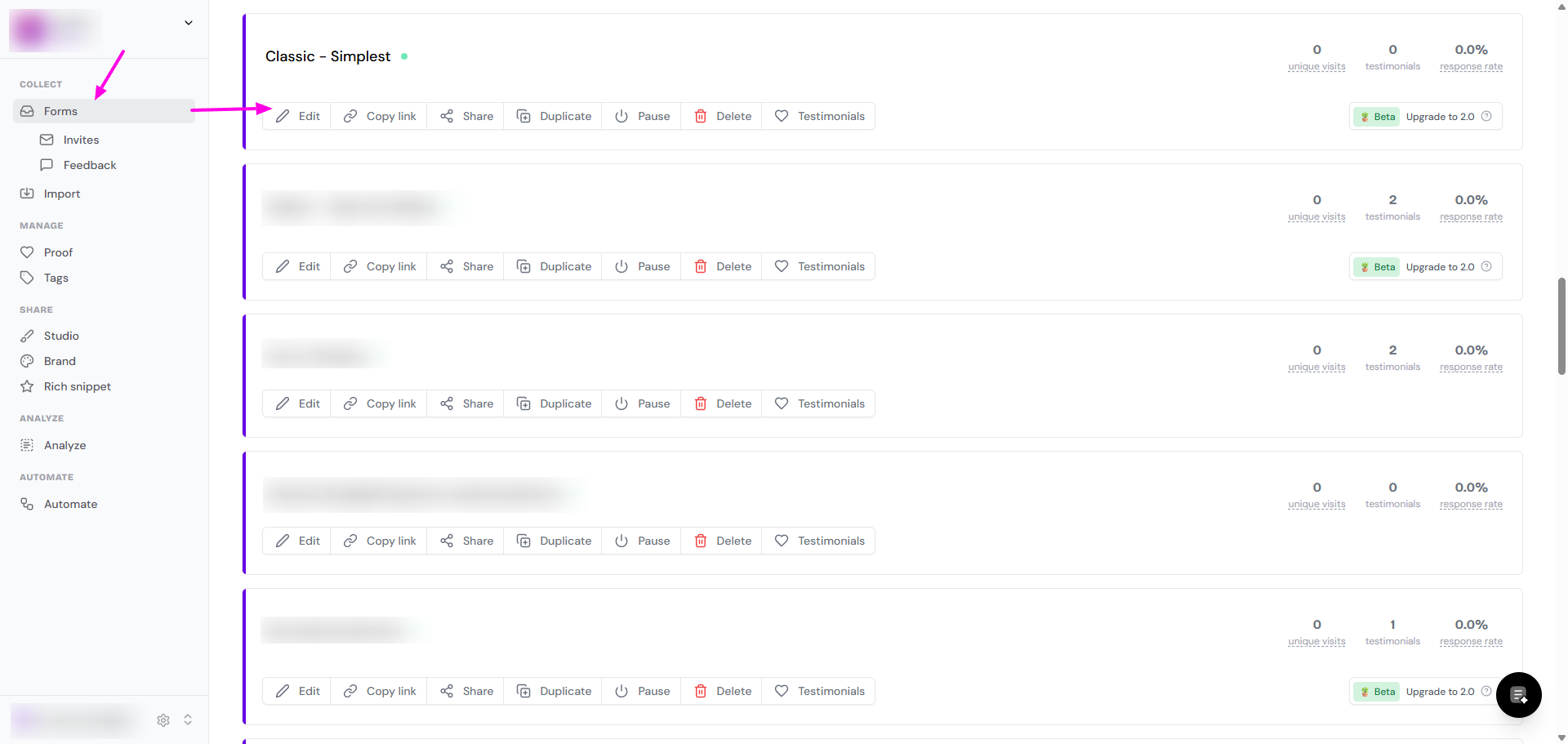
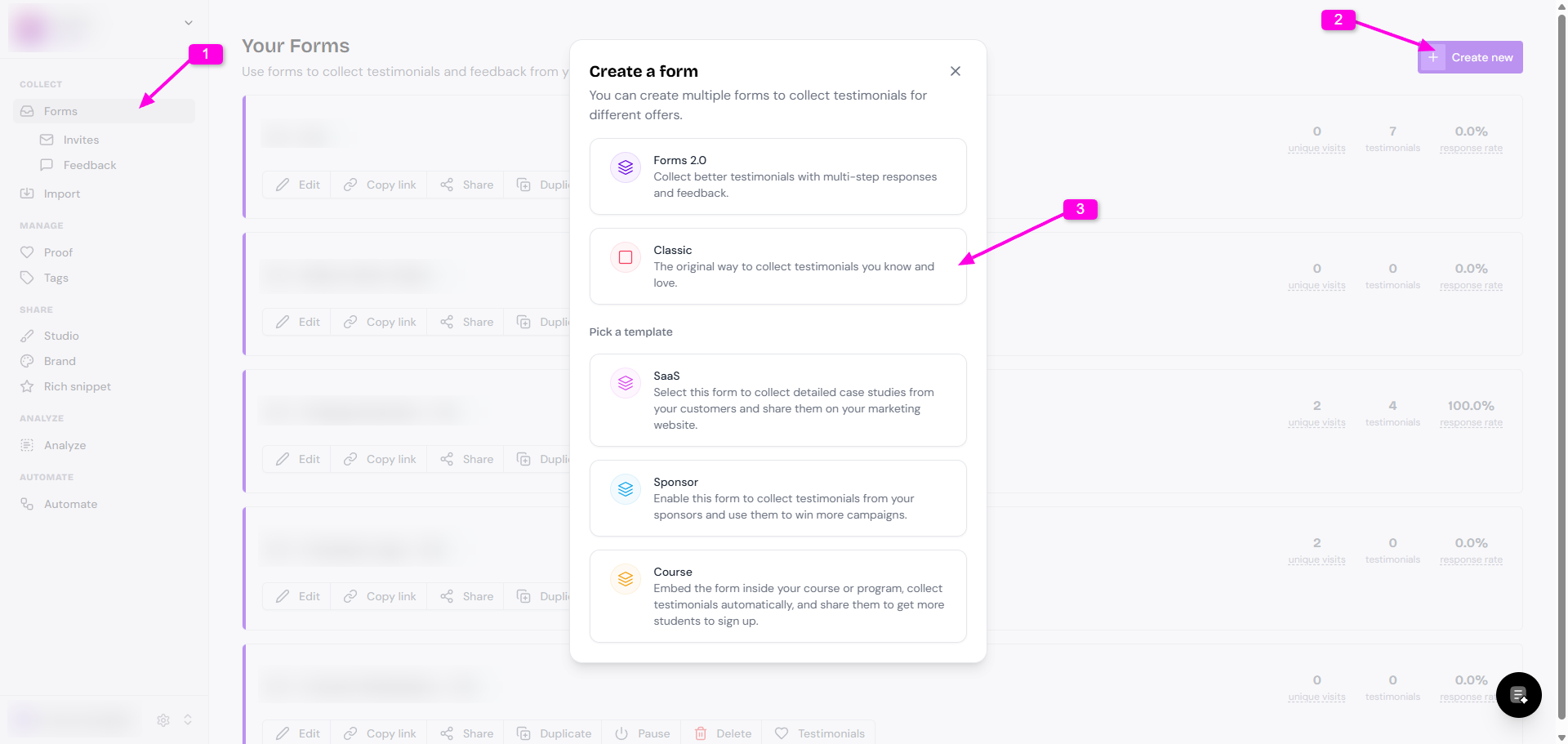
Go to your Forms page: https://app.senja.io/forms
Click + Create new
Choose Classic
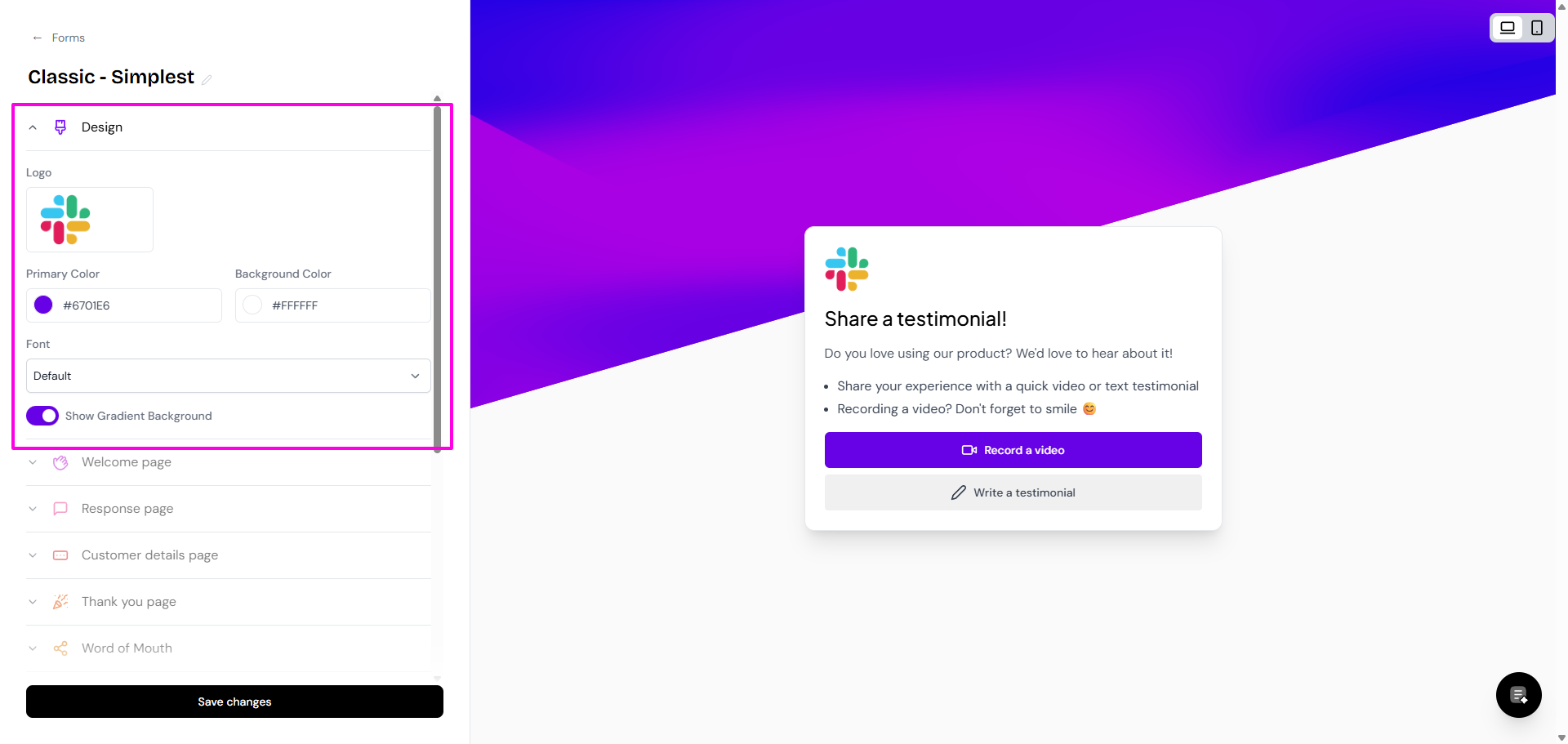
Go to Design to add your company logo, change the color, and change the font
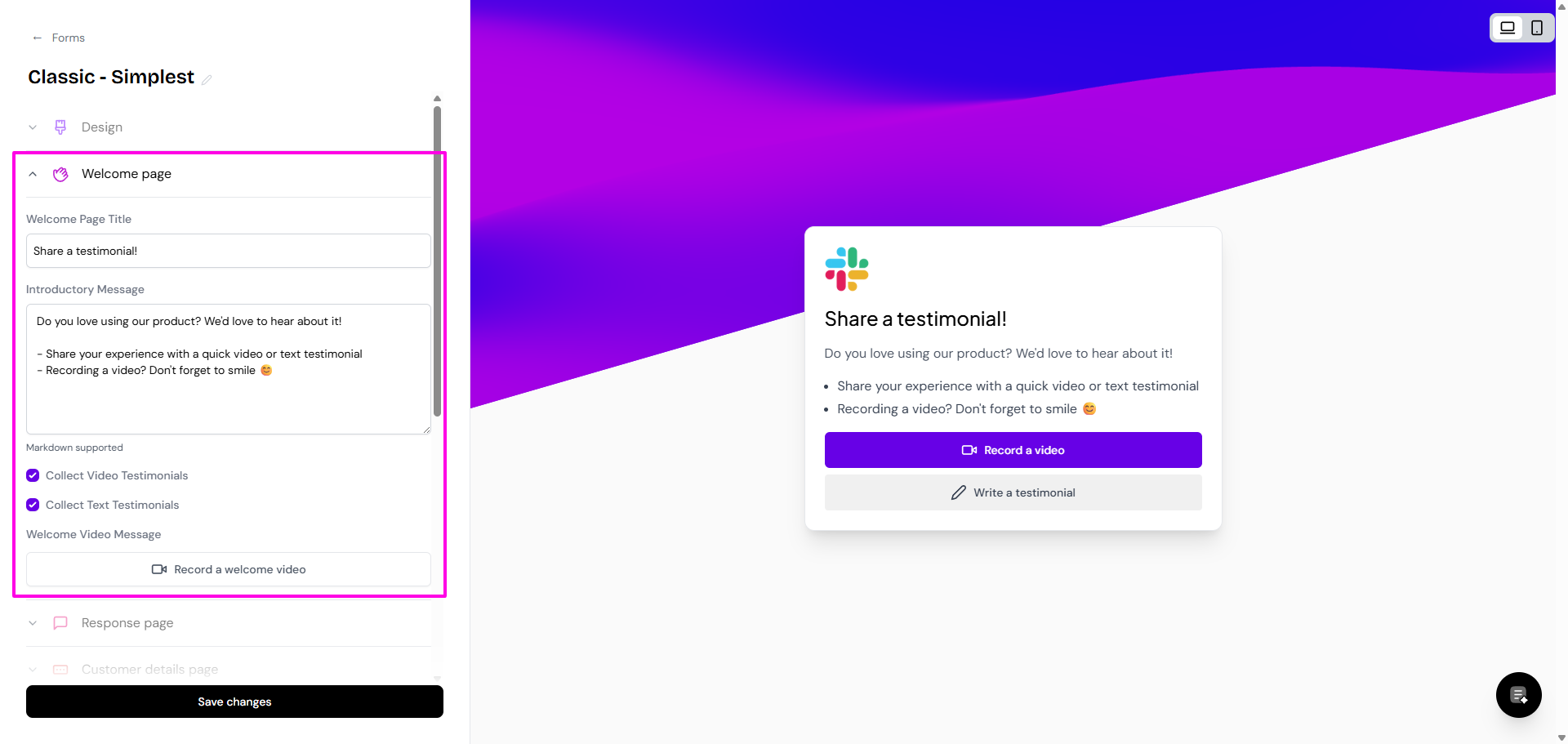
Update the Welcome page section, this is what your customer will see the first time they open your form's link
Update the Response page to customize the questions you ask and how you collect testimonials
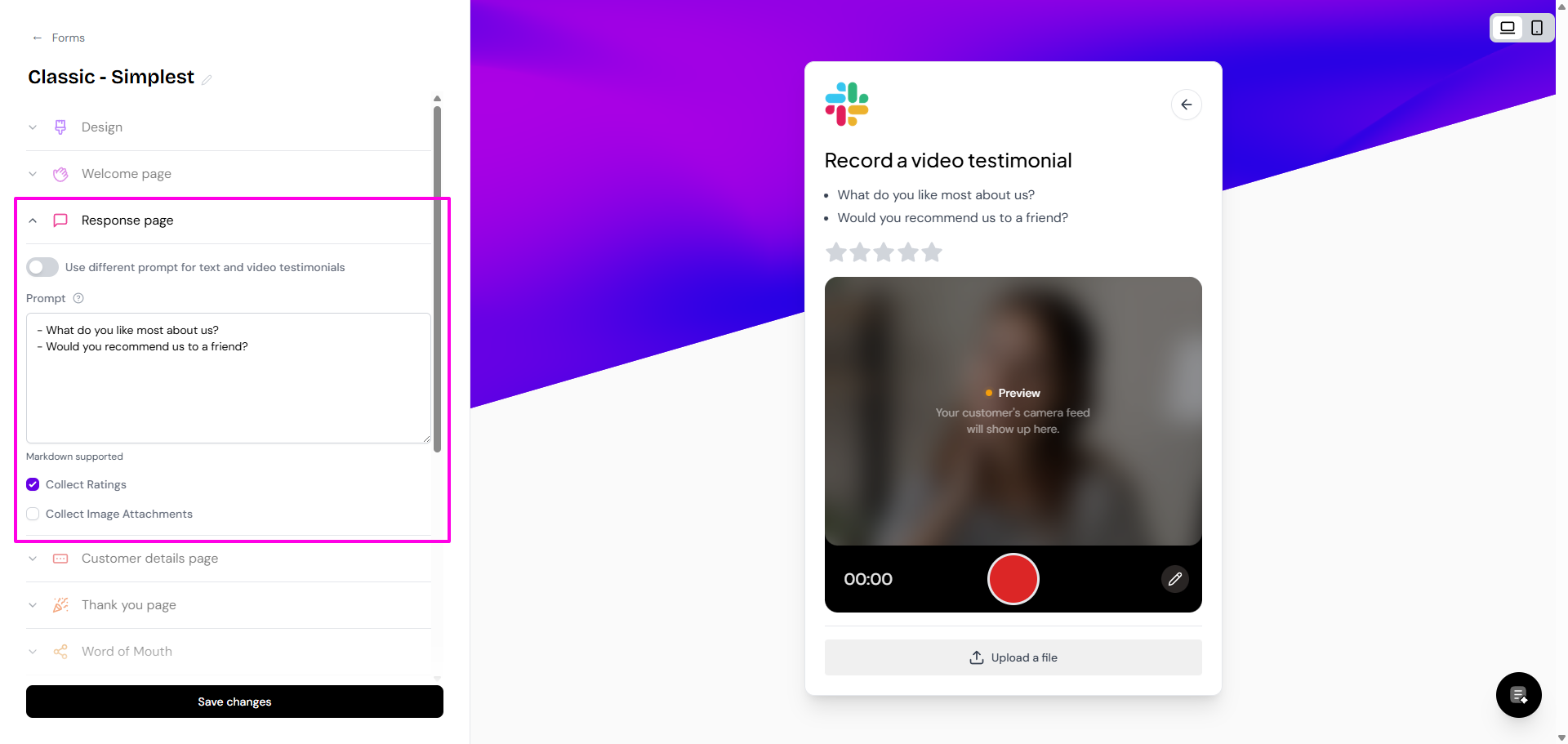
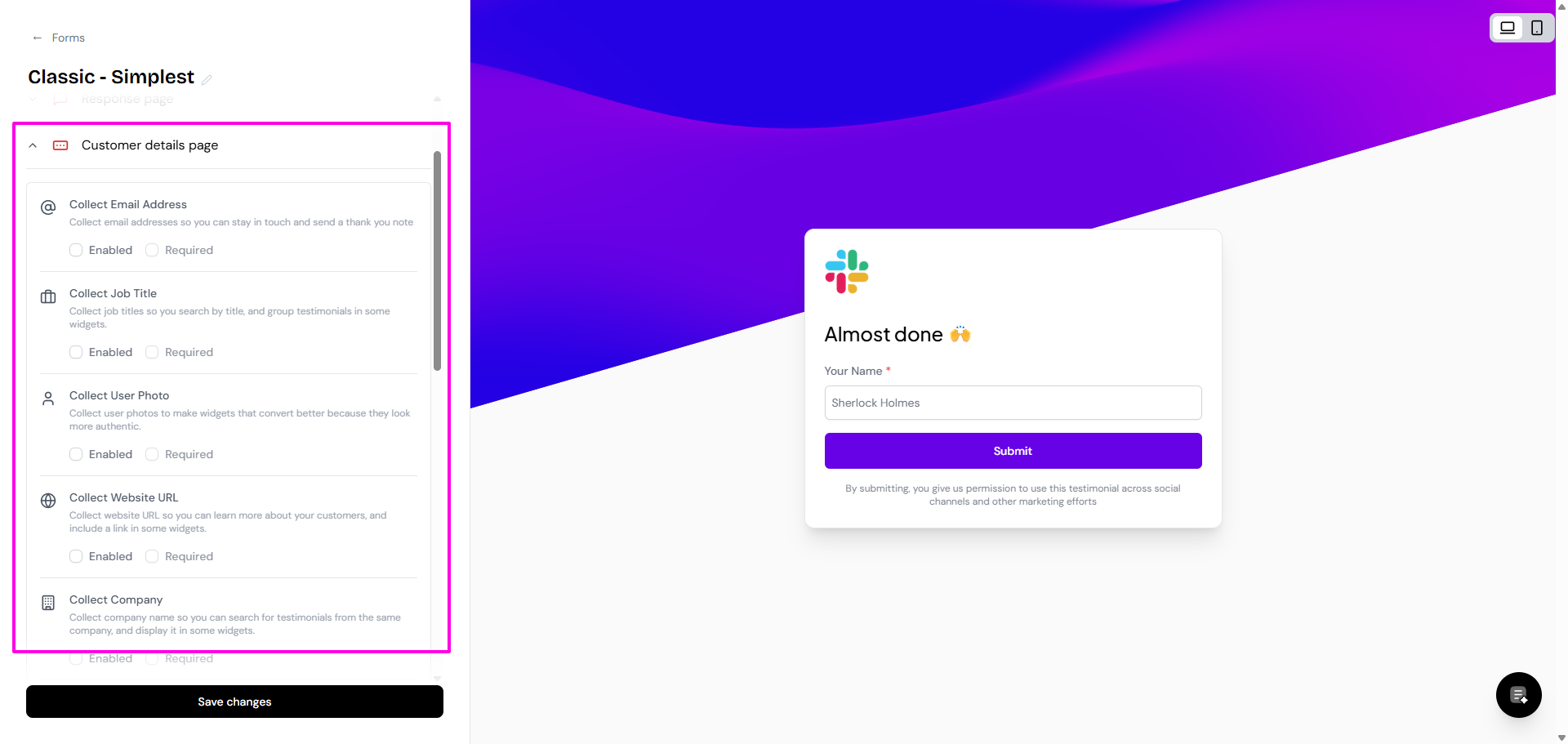
Set the Customer details page to include all info that you need from your customer (name, email, company, photo, etc.)
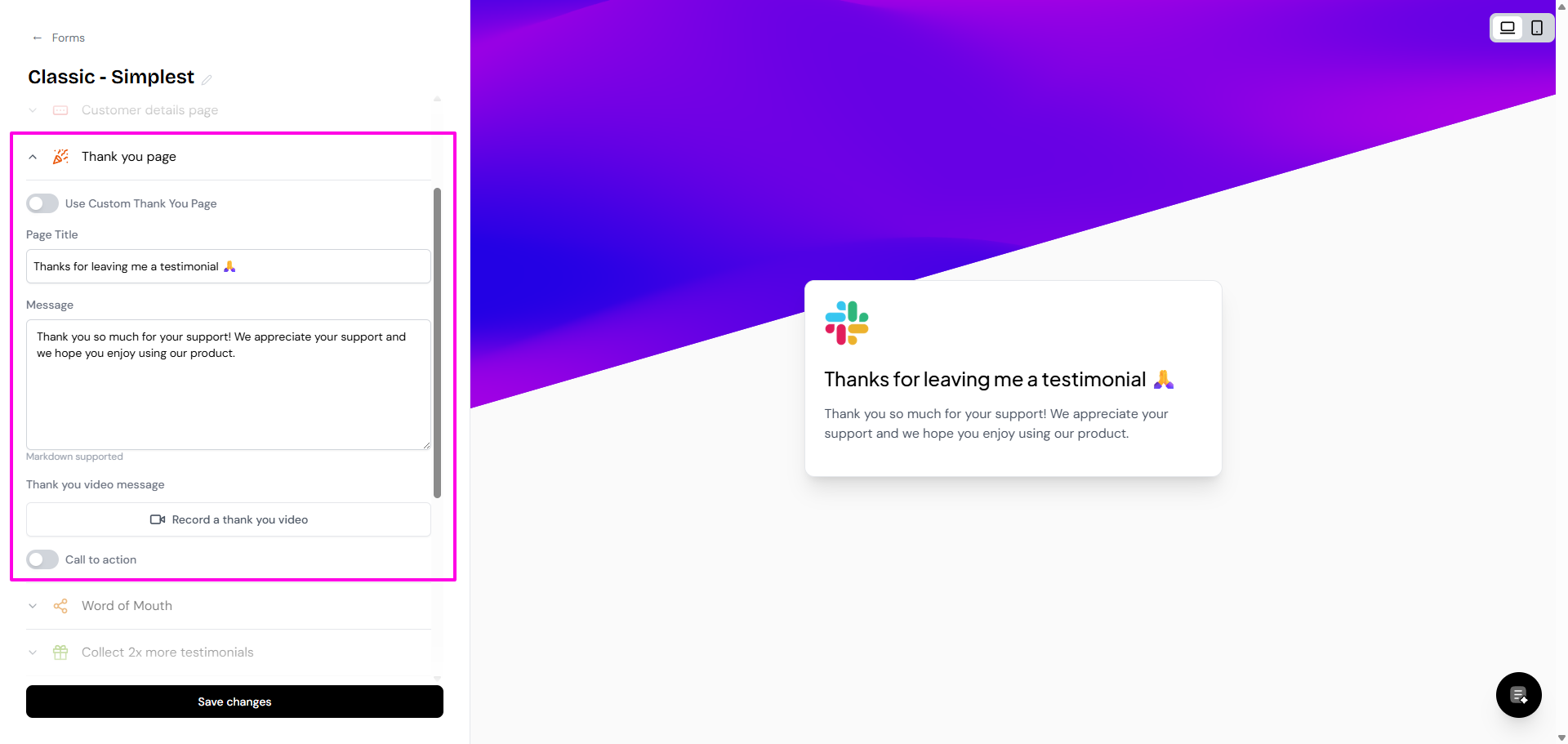
Update the Thank you page, which is the last page that your customer will see
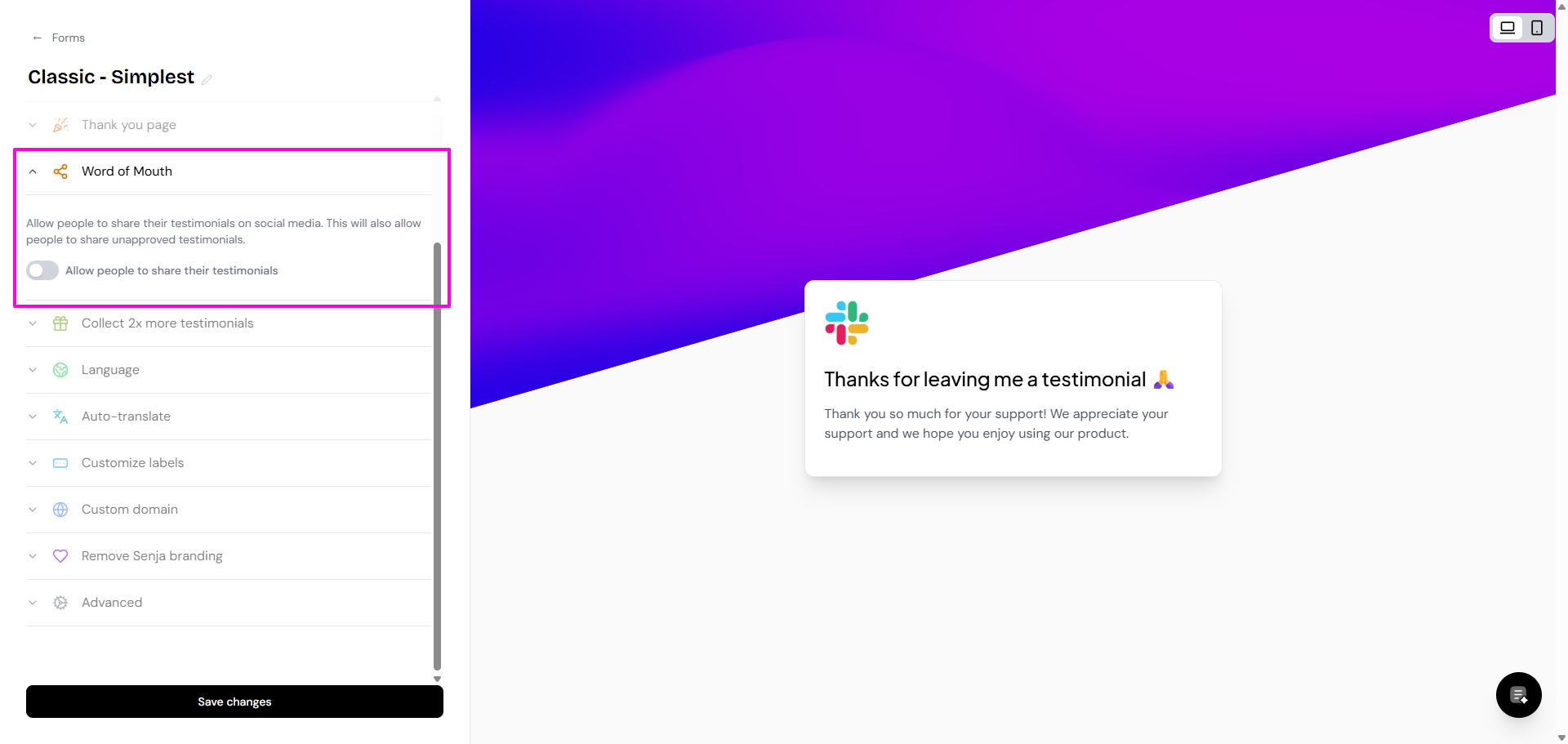
If you want your customer to share their testimonials on social media, enable the Allow people to share their testimonials under Word of Mouth
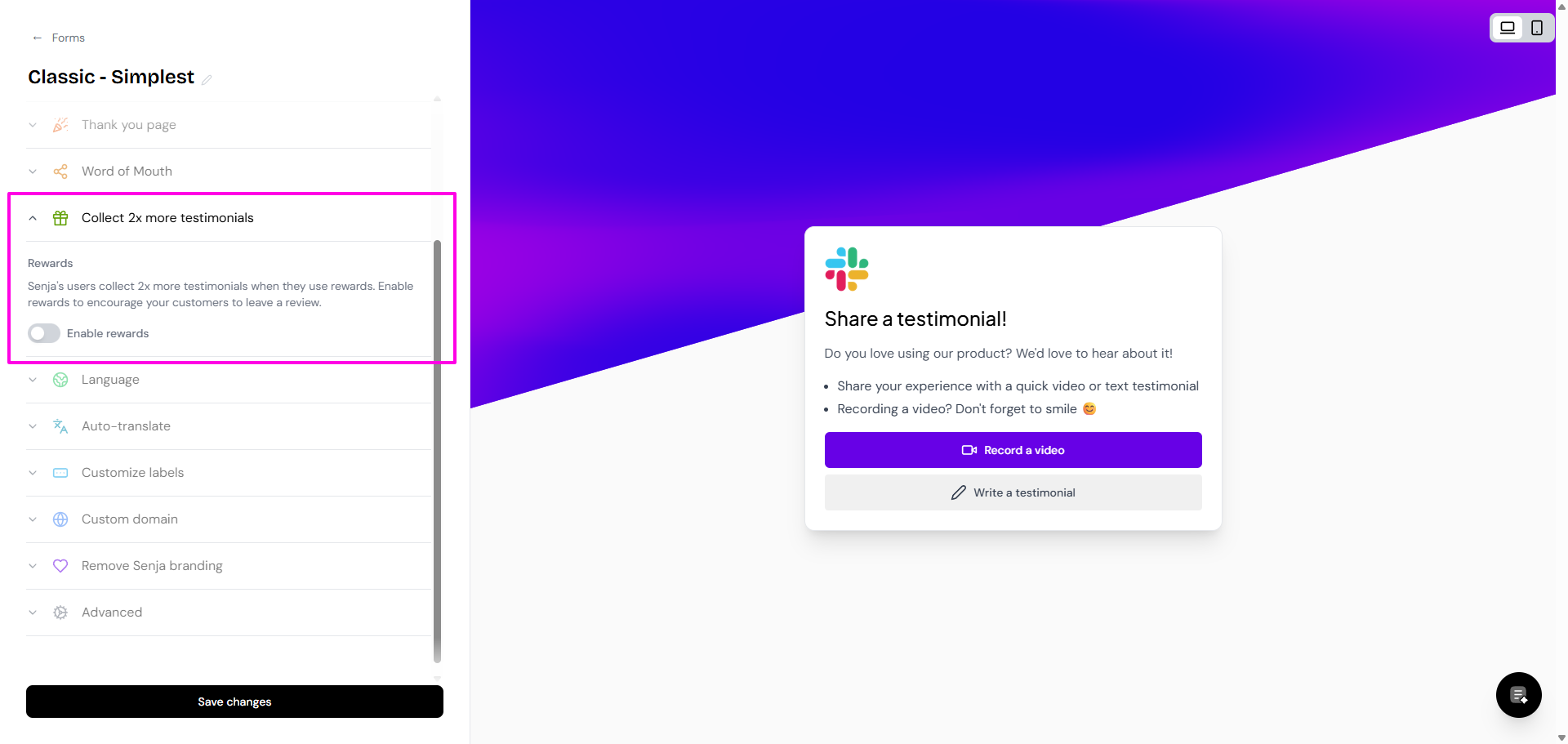
To attract your customers to submit testimonial, you can set a reward in Collect 2x more testimonials (read how-to here)
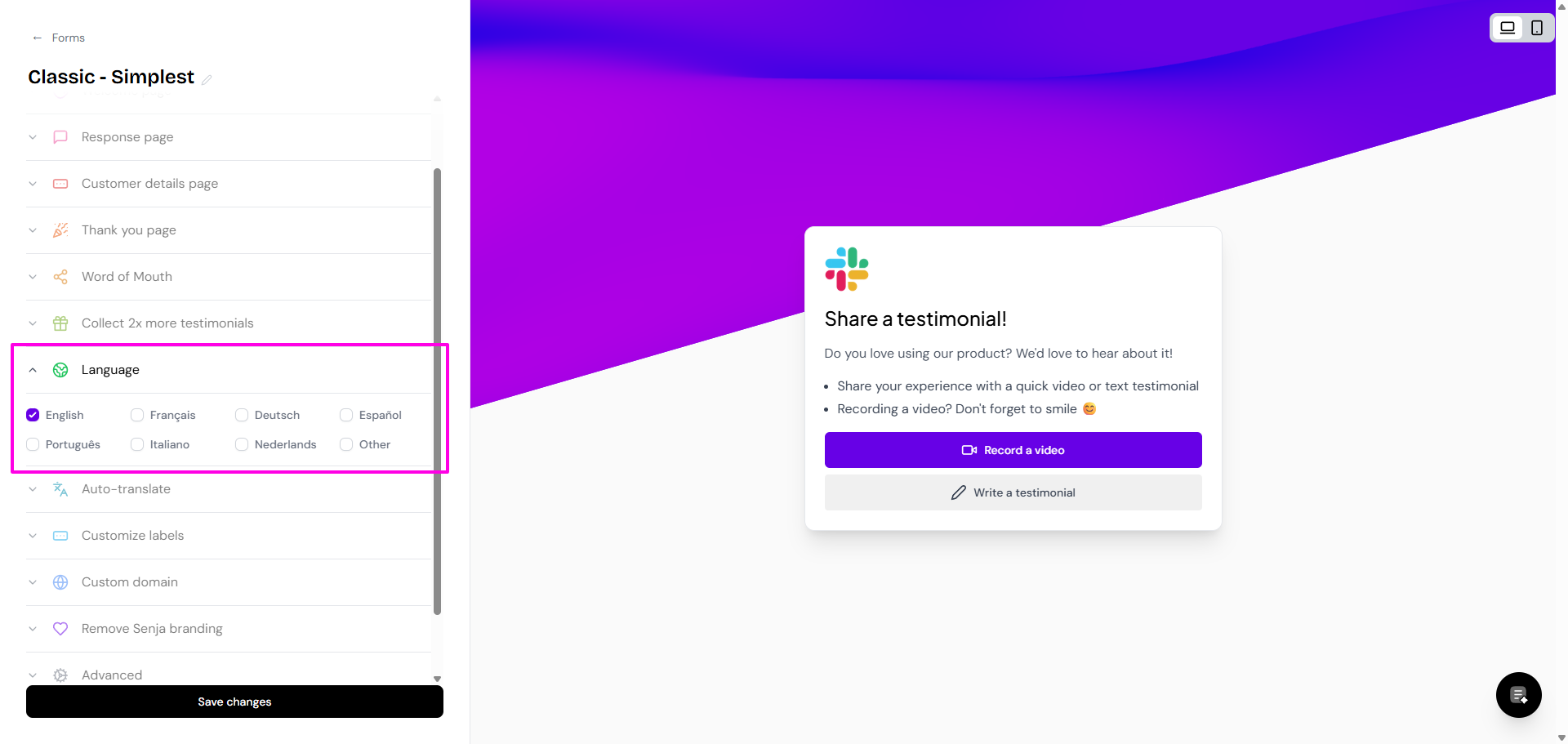
You can also set your form's language in Language section (the how-to here)
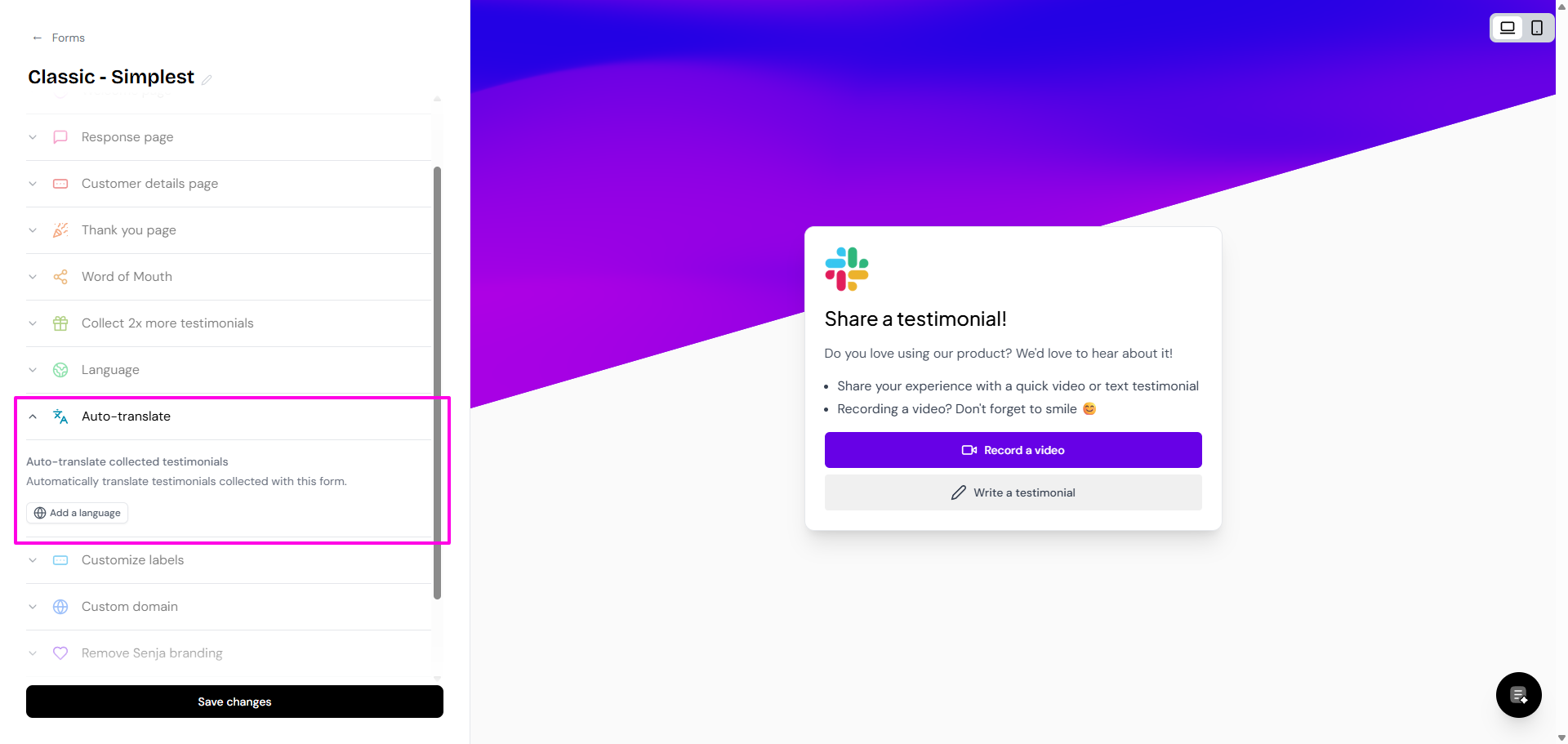
If you want to auto-translate the submissions to your language, go to Auto-translate section (the how-to here)
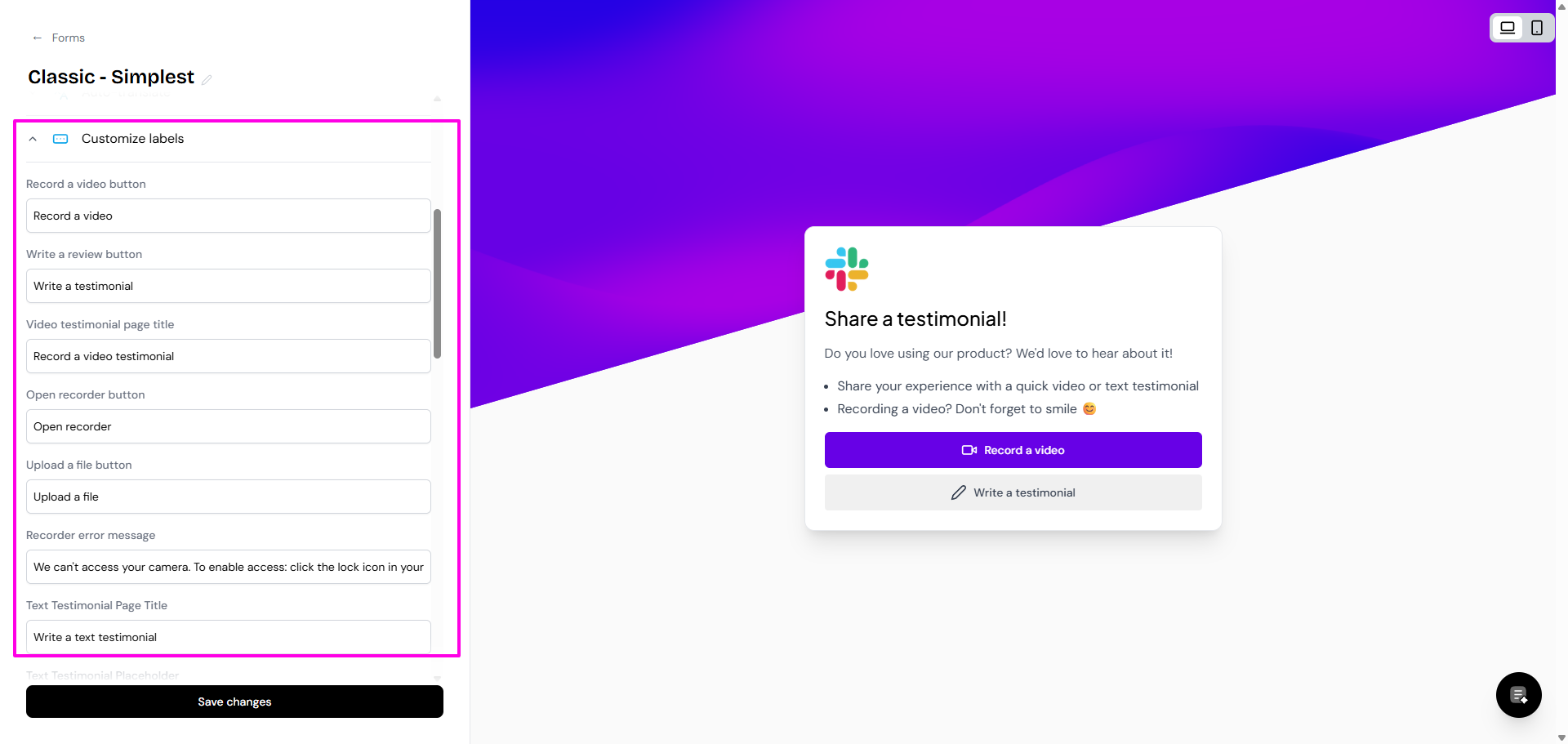
Change the labels on your form buttons in Customize labels
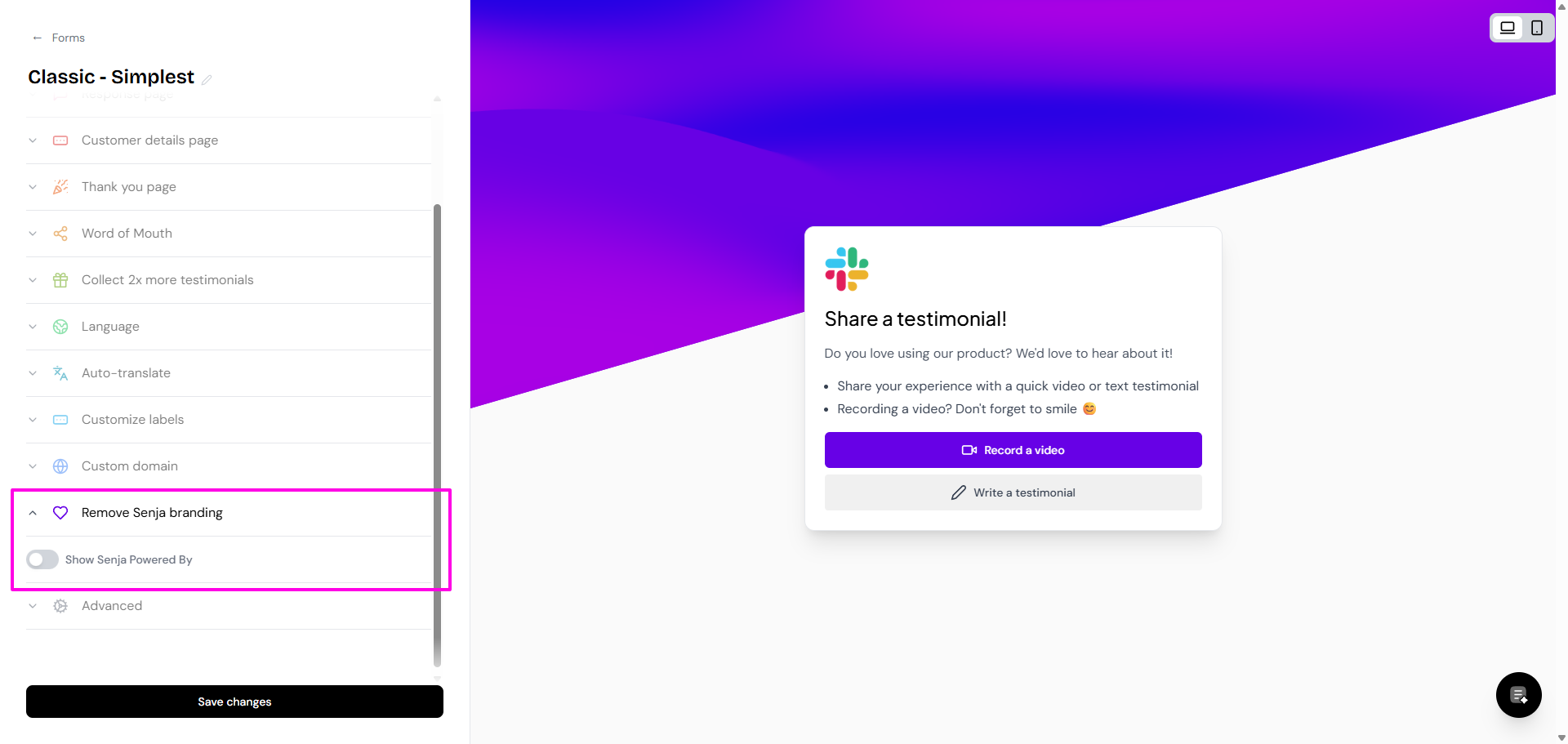
If you want to remove Senja Powered By label, disable it under Remove Senja branding (only for paid plans)
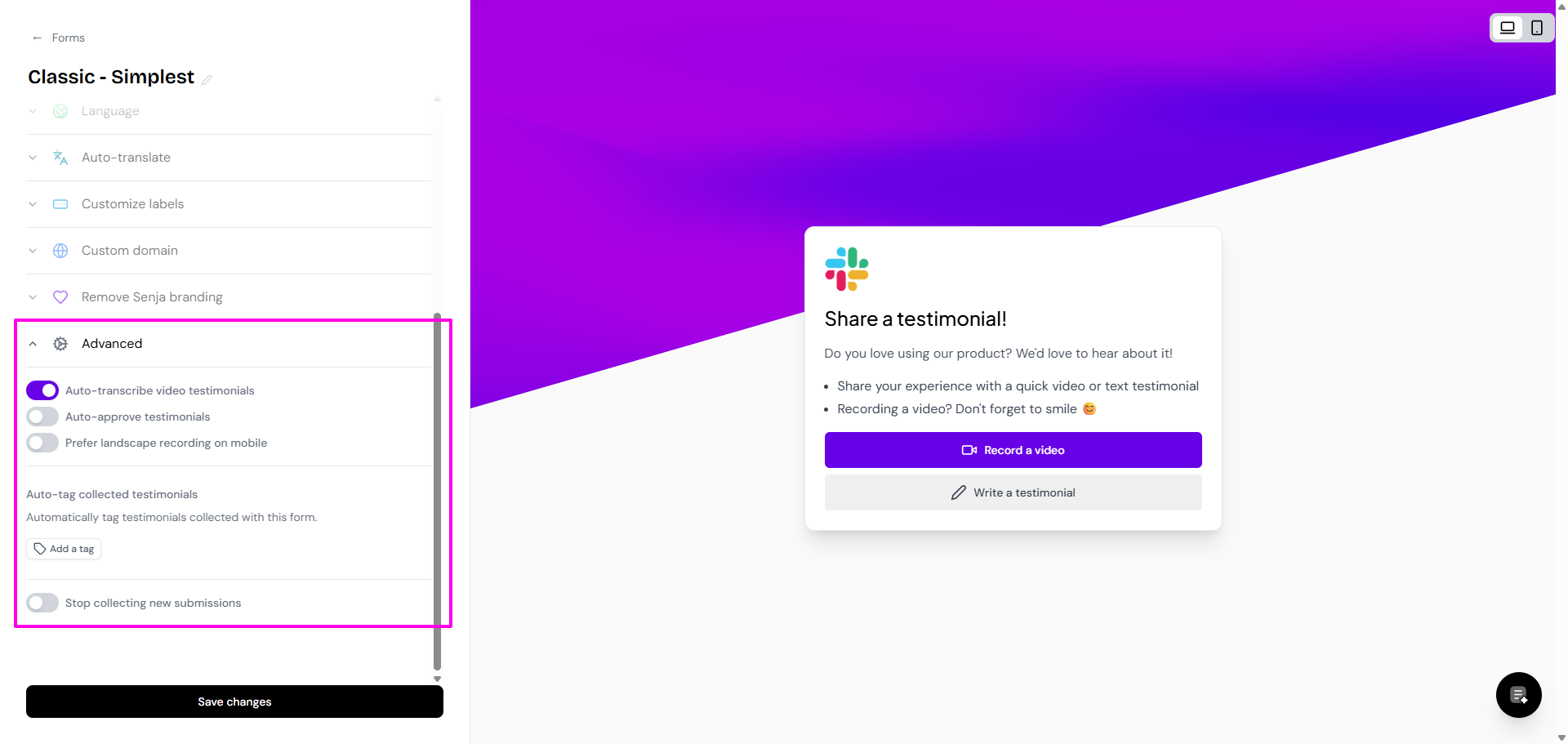
Other settings are in Advanced
Click Save changes when you're done
Edit your form
Go to your Forms page: https://app.senja.io/forms
Click Edit on the form that you want