How do I create Wall of Love?
Turn your testimonials into embeddable Wall of Love using the Senja Studio. Choose from 5 templates and customize them to match your brand.
Create a Wall of Love
Go to your Studio page: https://app.senja.io/studio
Choose Walls of Love tab
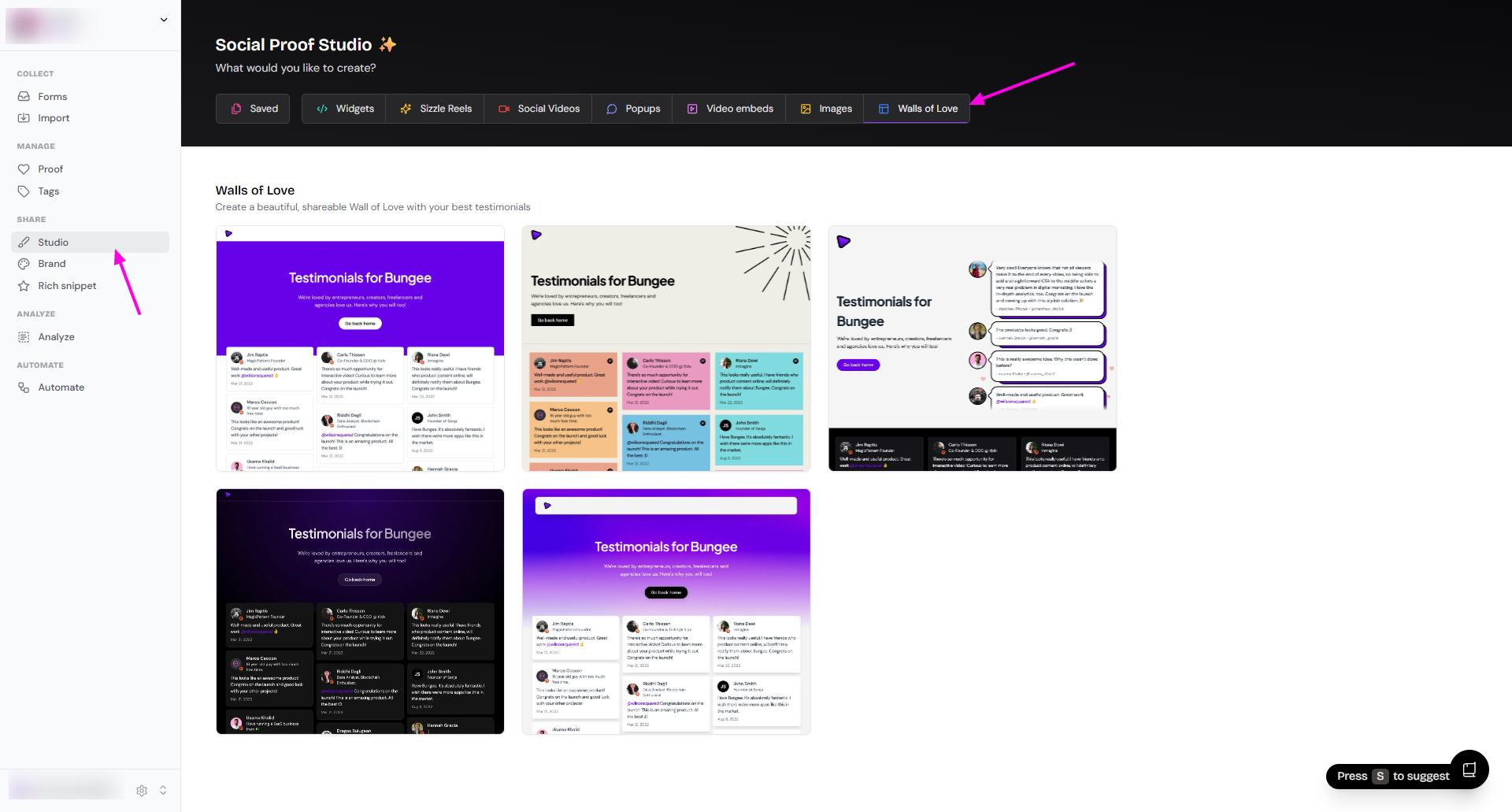
Choose the style that you want (you can also change it later)
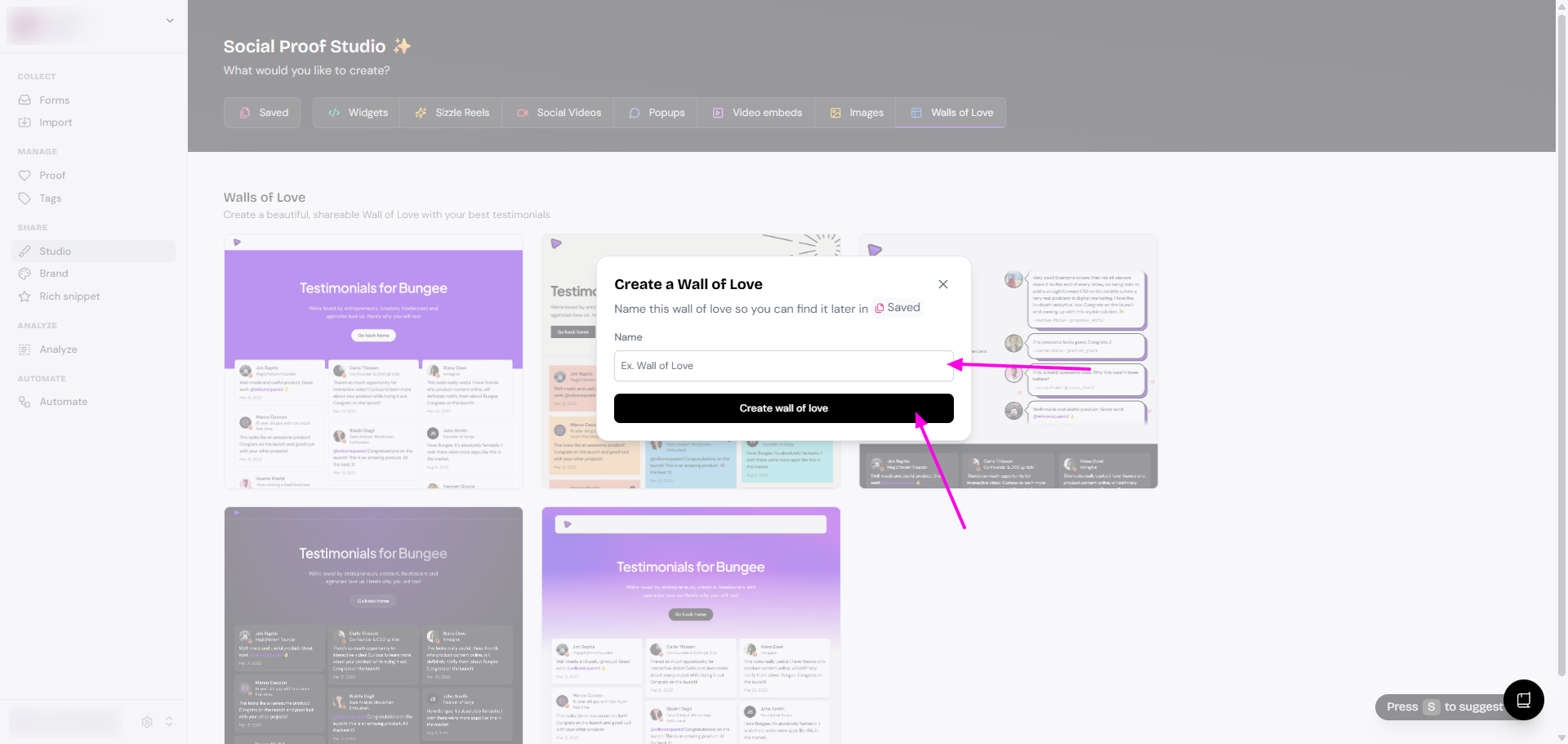
Name your Wall of Love
Click Create wall of love
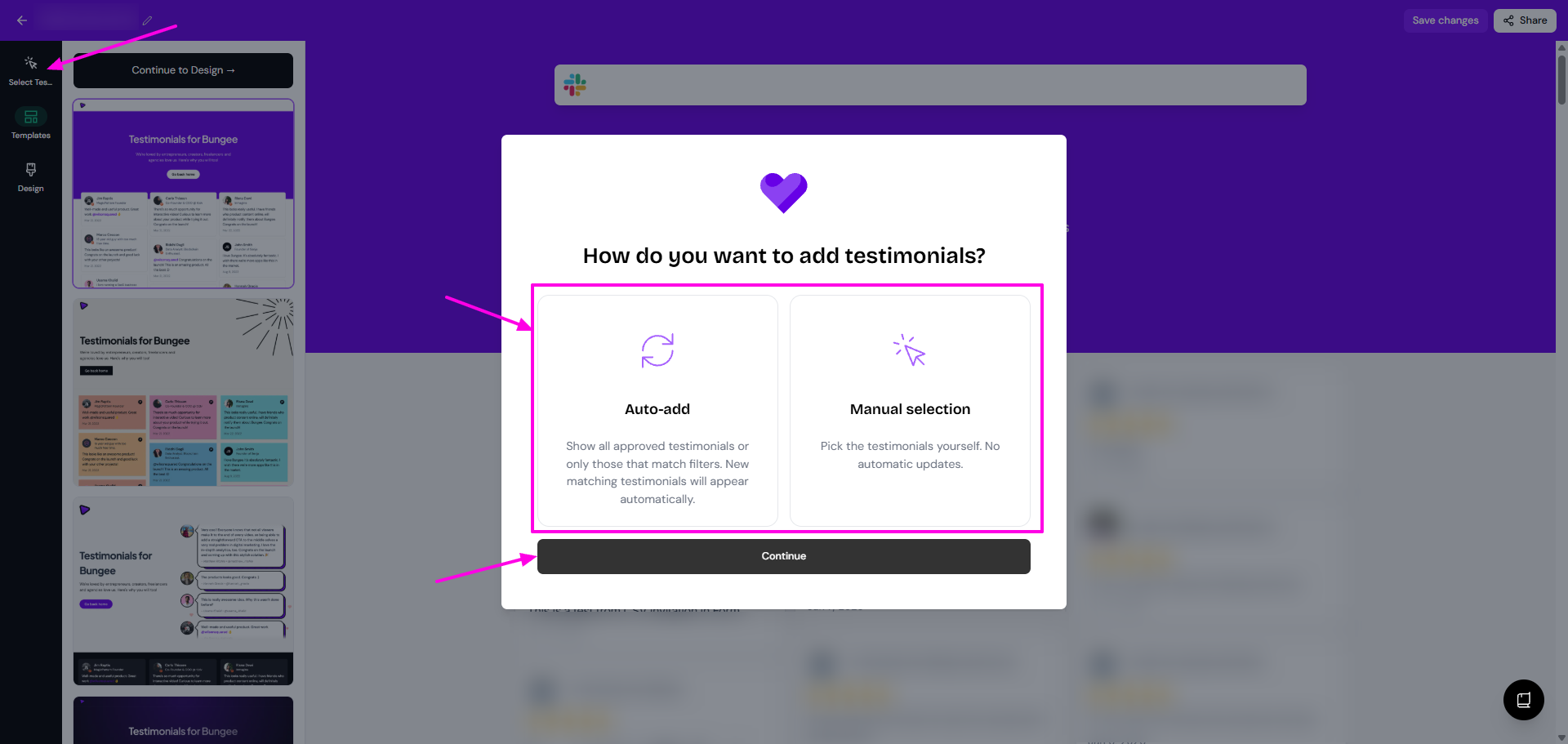
Click Select Testimonials to choose how to add testimonials
Auto-add means that all testimonials matching the criteria set will be added automatically
Manual selection means that you can cherry-pick the testimonials
Click Continue
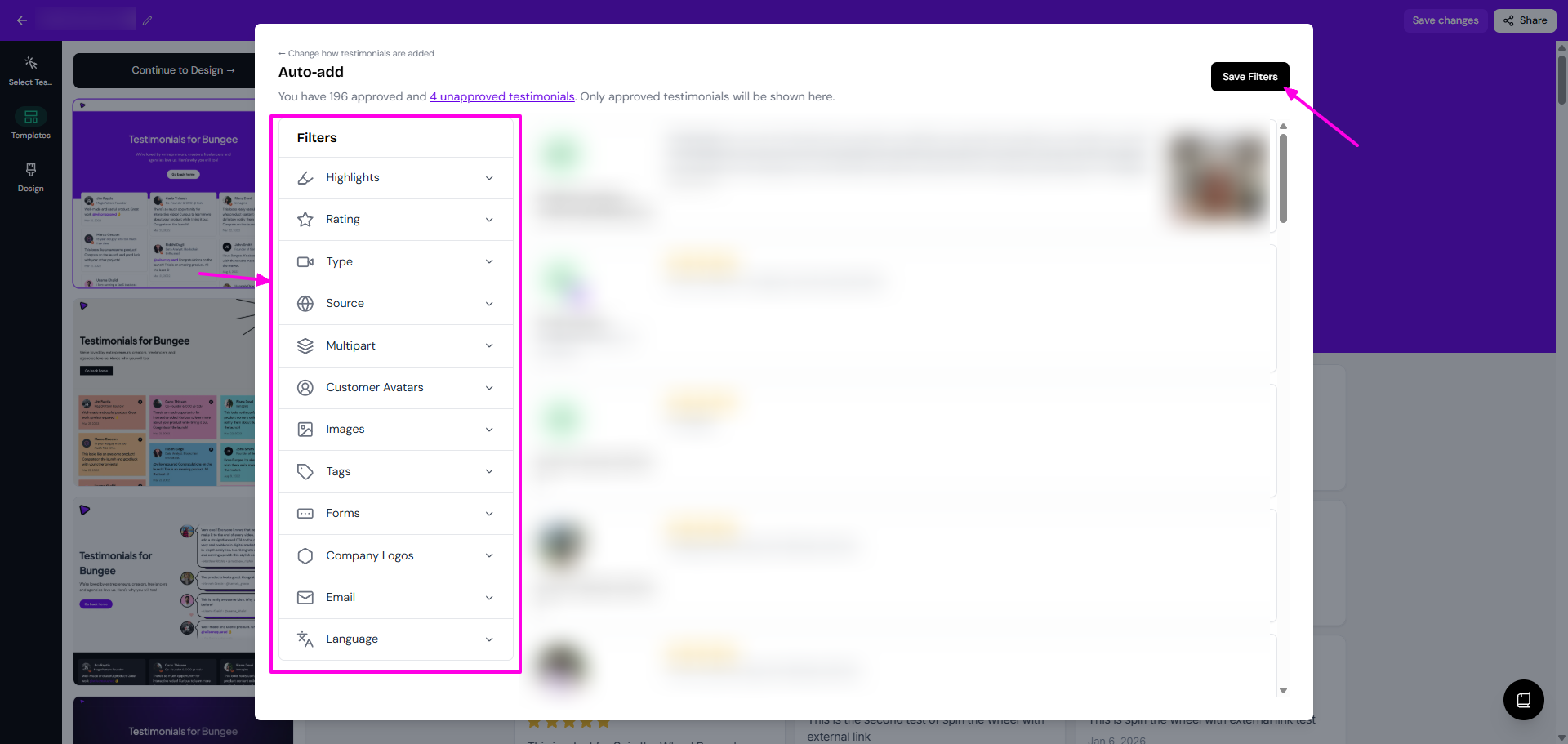
You can set the Filters if you want a specific type of testimonials
Finish the selection
Auto-add: click Save Filters
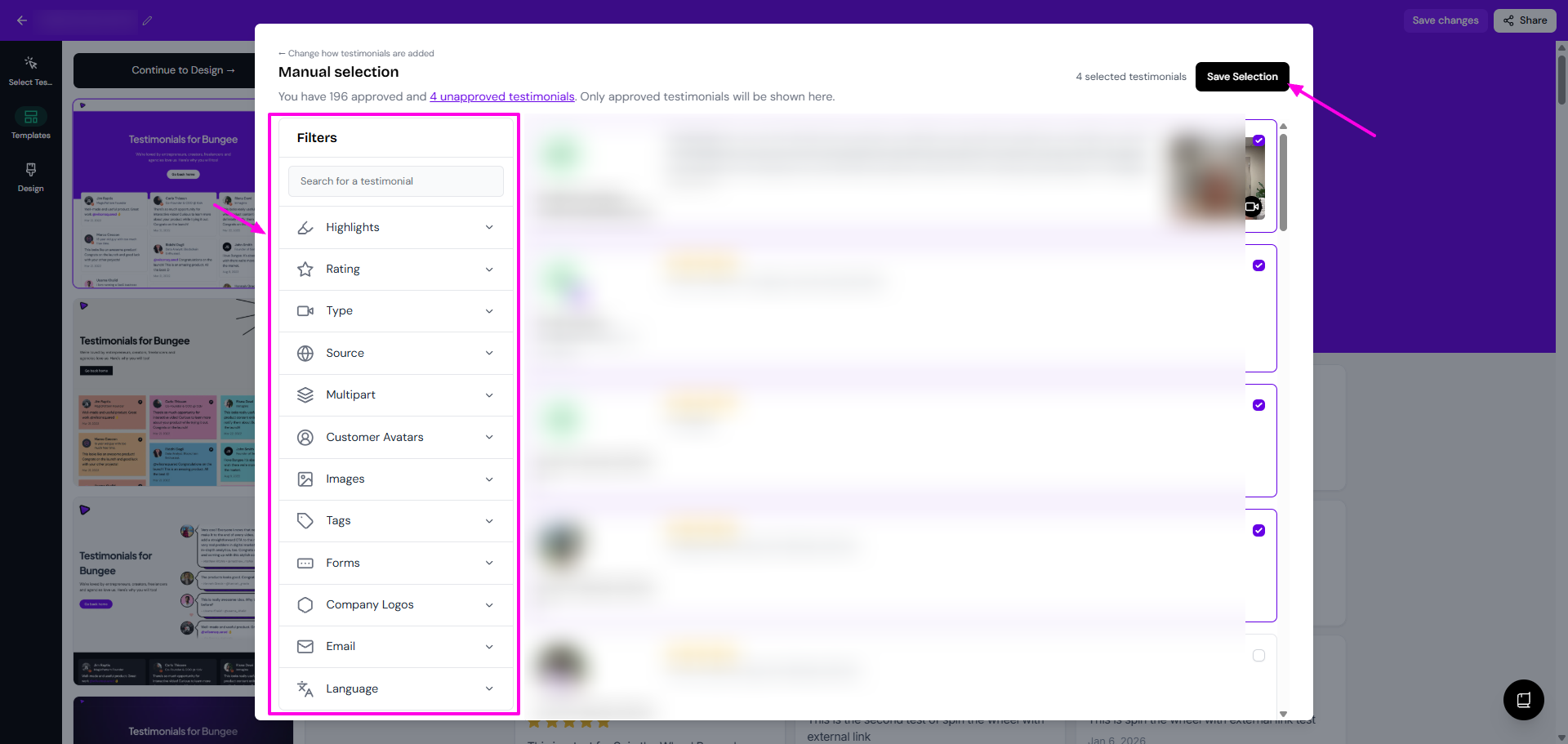
Manual selection: put the check mark on the testimonials that you want, and then click Save Selection
Customize your Wall of Love
If you change your mind on the style of Wall of Love you want to use:
Open the Wall of Love
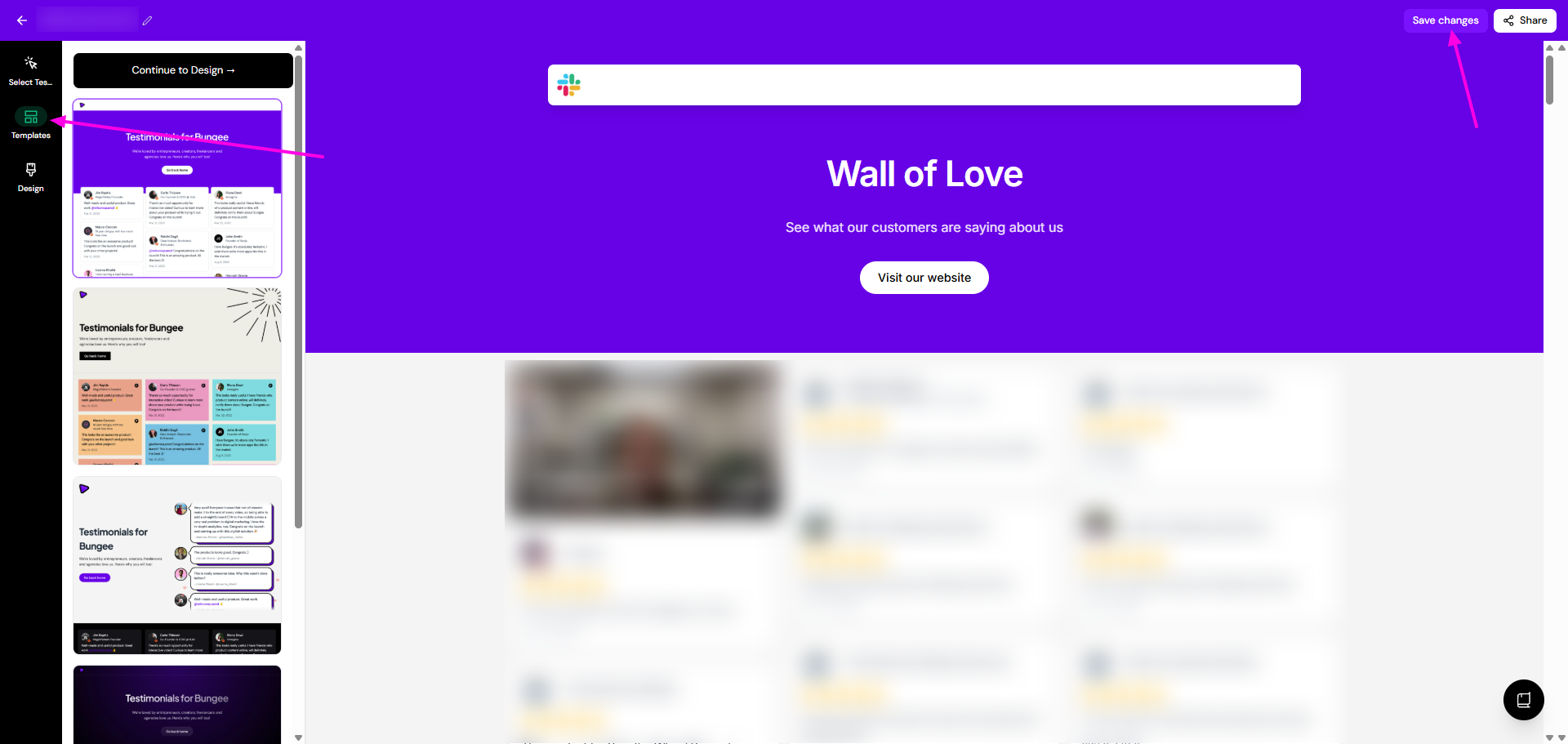
Choose the new style from the Templates tab
Click Save changes
You can also update other elements (colors, fonts...) like o:
Open the Wall of Love page, click Design
Adjust colors, fonts, spacing, and layout until you're happy with the result
Click Save changes when done
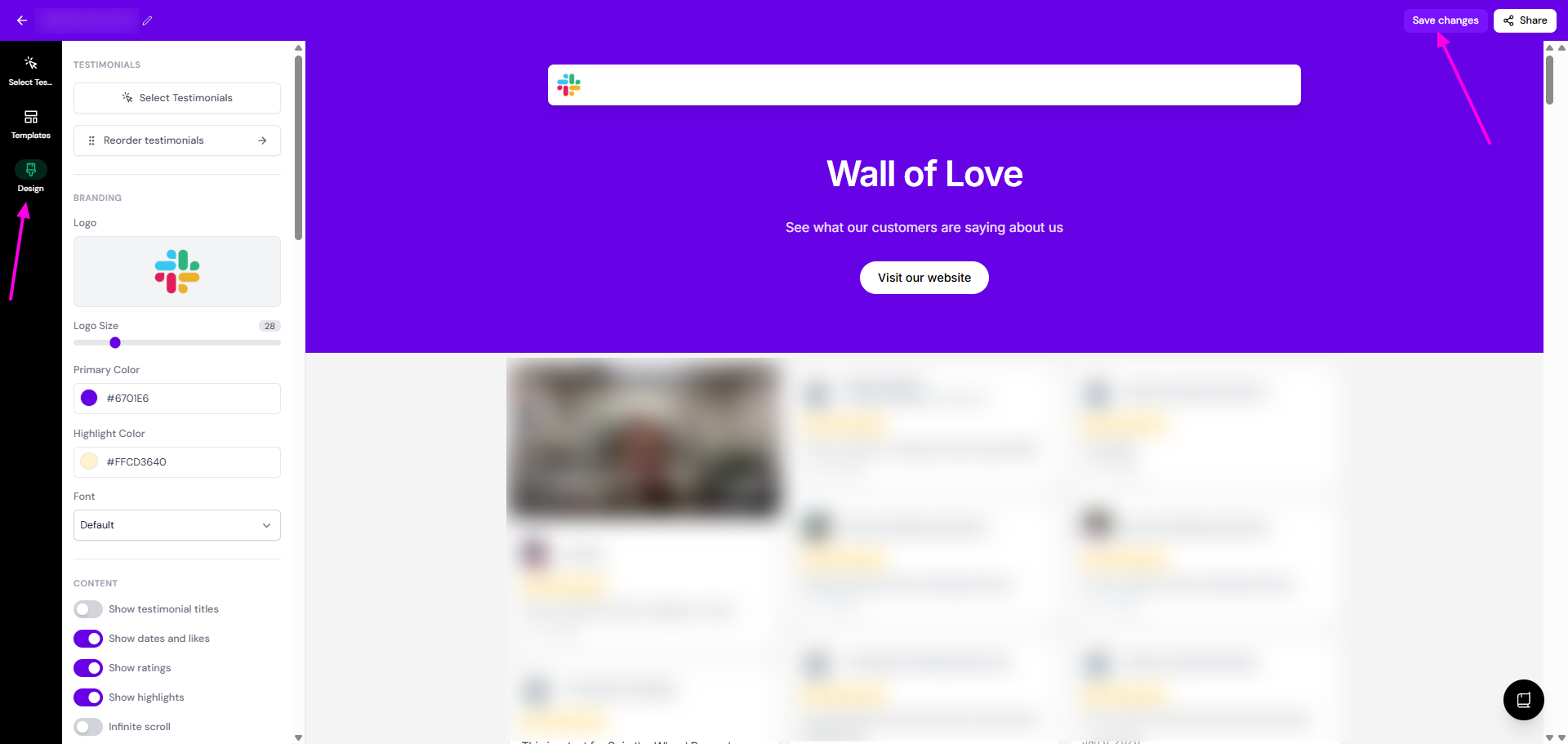
Design options vary by Wall of Love style. Explore the settings to match your brand.
Share the Wall of Love
Open the Wall of Love
Click Share
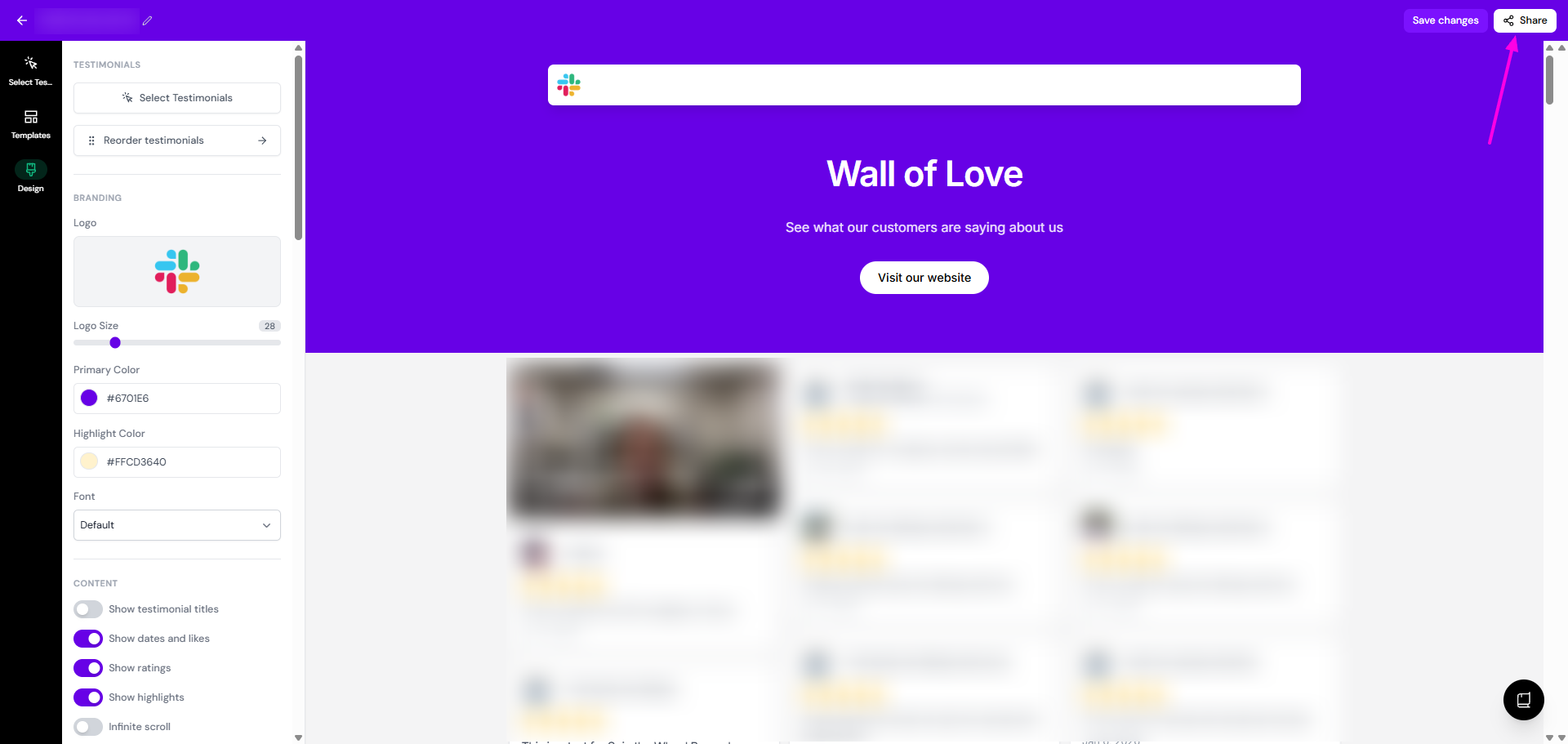
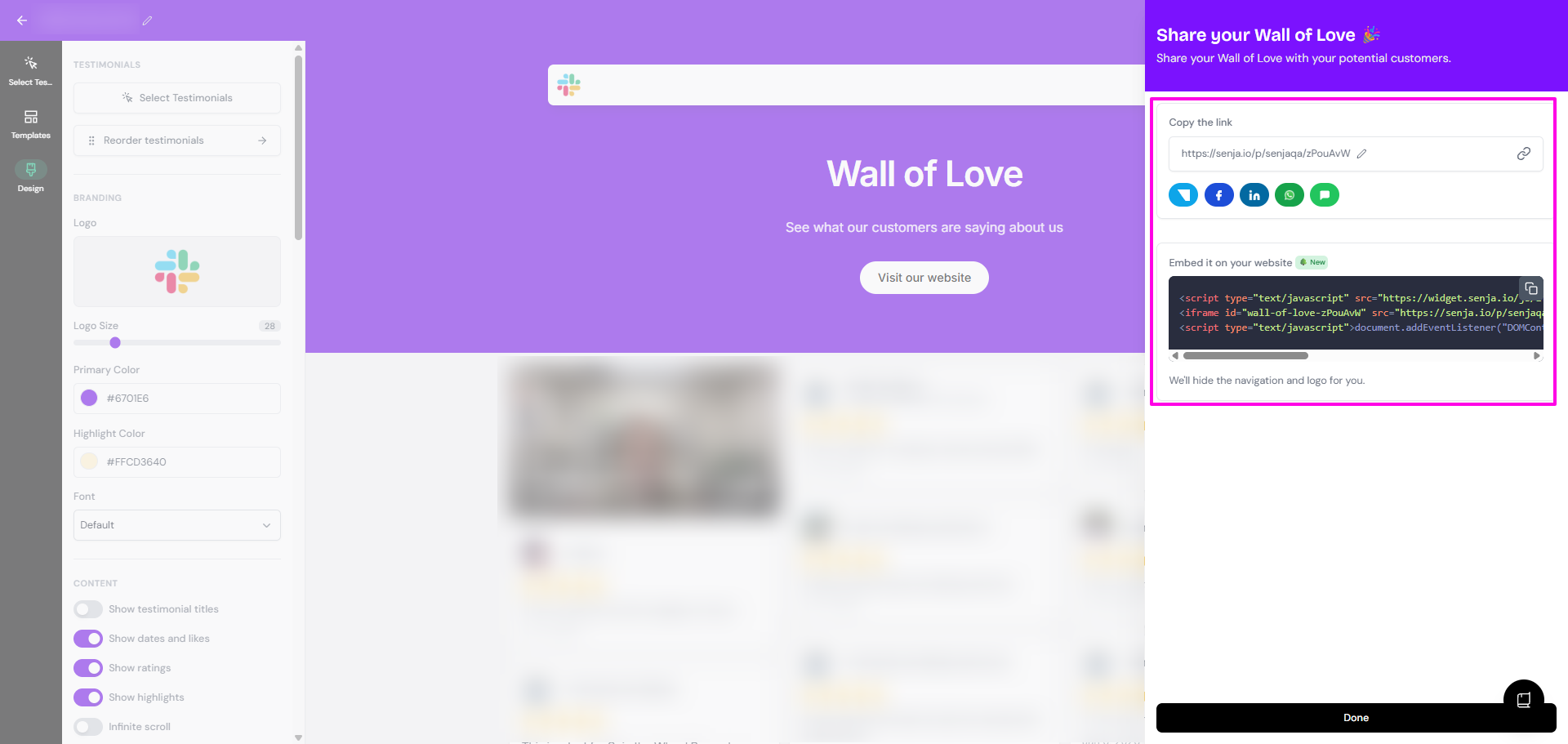
You have options on how to share it
Copy the link and share to your customers
Embed to your website