
How do I set Spin the Wheel reward in Classic Form?
Want to make leaving testimonials more fun? Spin the Wheel rewards let customers spin for a chance to win prizes right after they submit.
Spin the Wheel rewards is available on Classic Form and Form 2.0. If you want prizes sent via email, make sure you've got a required customer email field in your form.
Setting up your Spin the Wheel
Head to your Forms dashboard
Pick the Classic Form you want to add rewards to
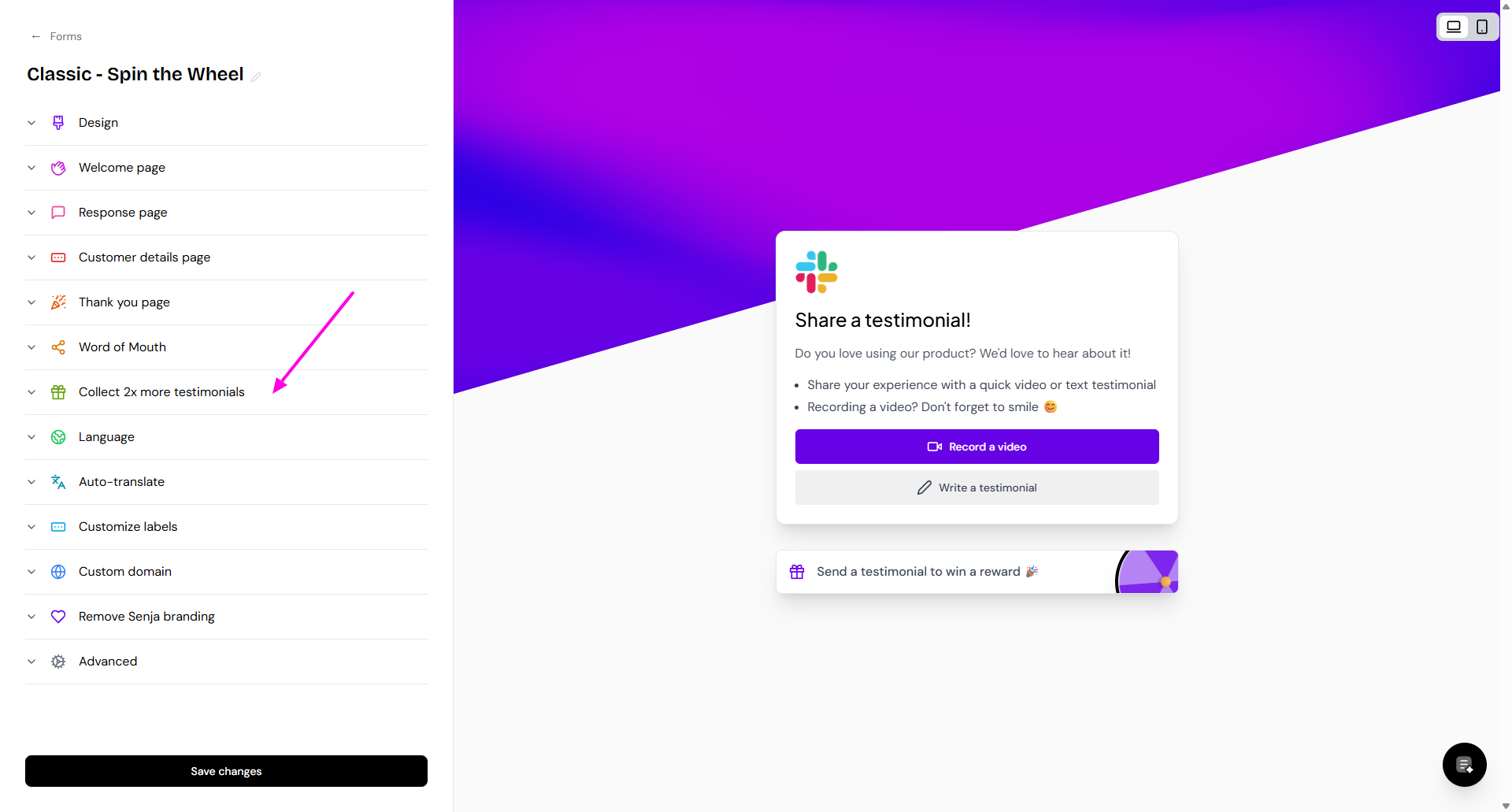
Go to Collect 2x more testimonials
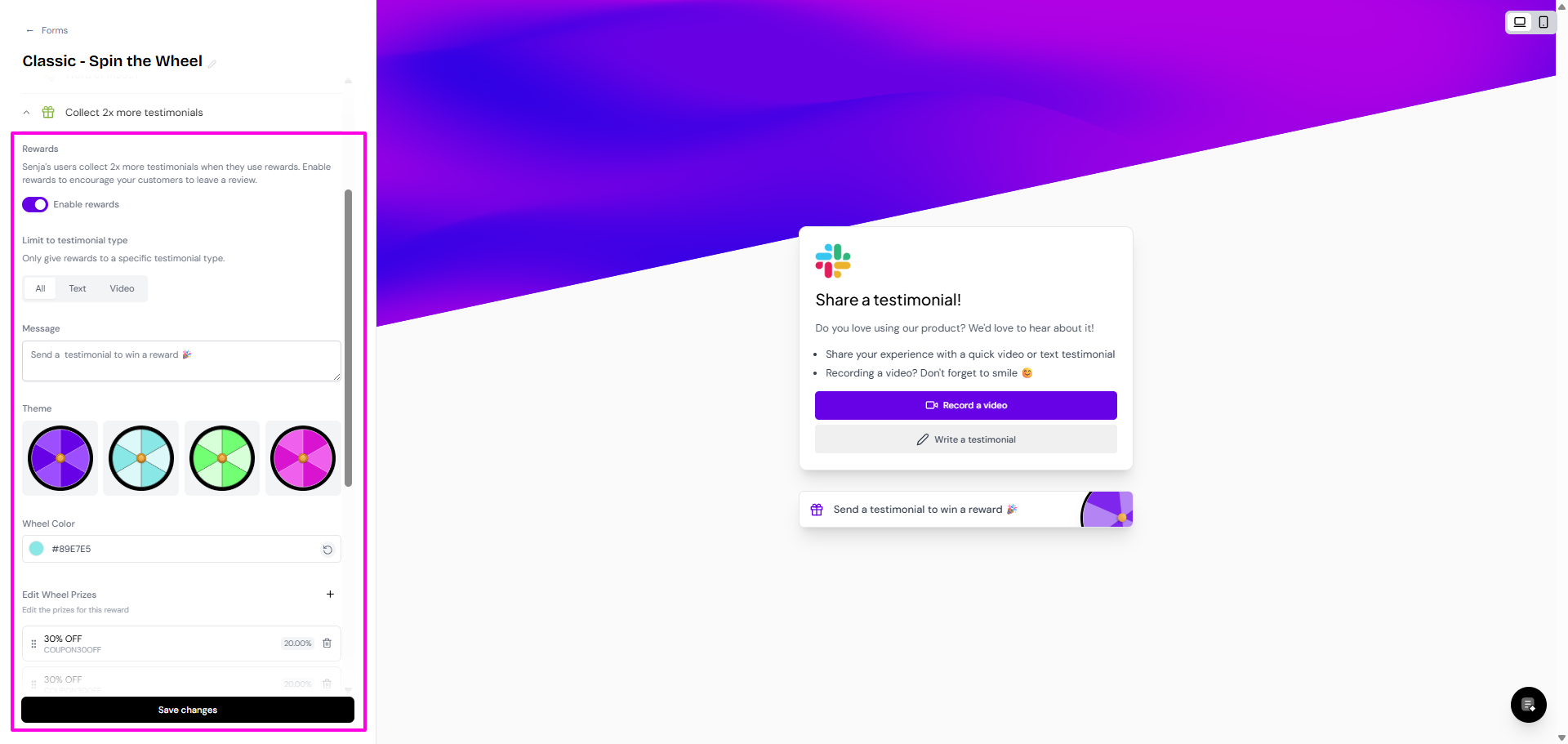
Put the toggle on in Enable rewards
Update the details and click Save changes when done
Limit the reward to specific testimonial type: all/text only/video only
Message
Wheel's theme and color
List of prizes
Go to Customize labels, setup the Spin the Wheel label in this section
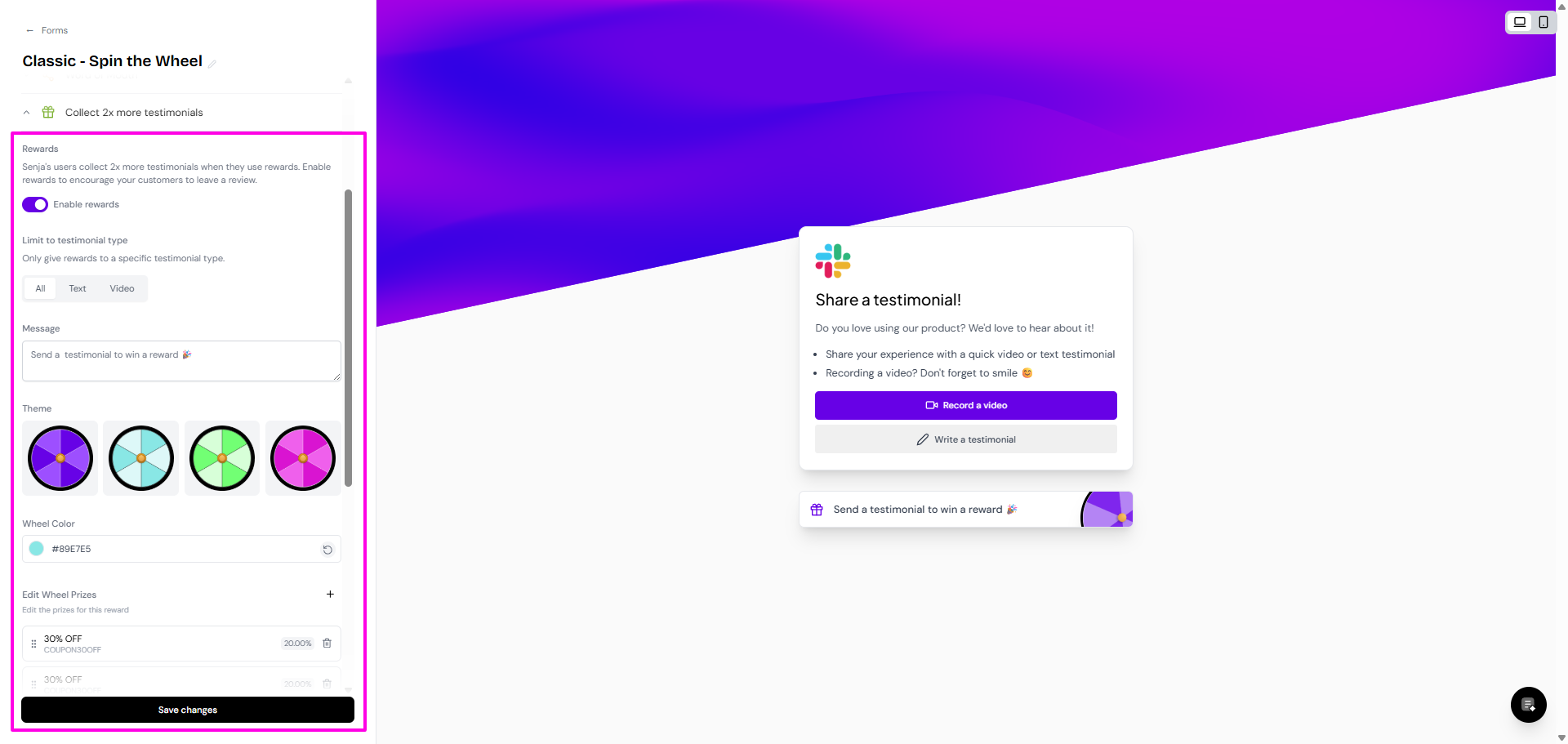
Save your changes and you're done!
Set different difficulty levels to control how often big prizes get won. "Impossible" prizes are very rare, while "normal" prizes come up more often. The wheel automatically balances probabilities across all segments.
What your customers see
After someone submits a testimonial, here's what happens:
Thank-you screen: They see a Claim your discount button
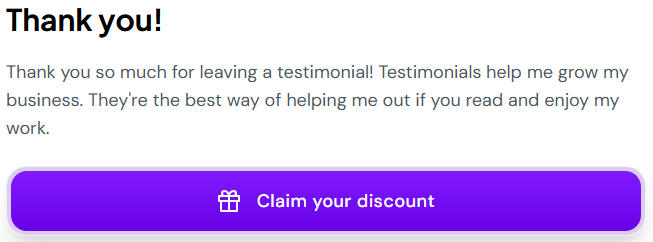
Wheel screen: Click the button and they land on your custom wheel
Spin animation: They click the CTA button and watch the wheel spin
Congrats screen: When it stops, they see the prize they won with your custom congrats message and the prize details
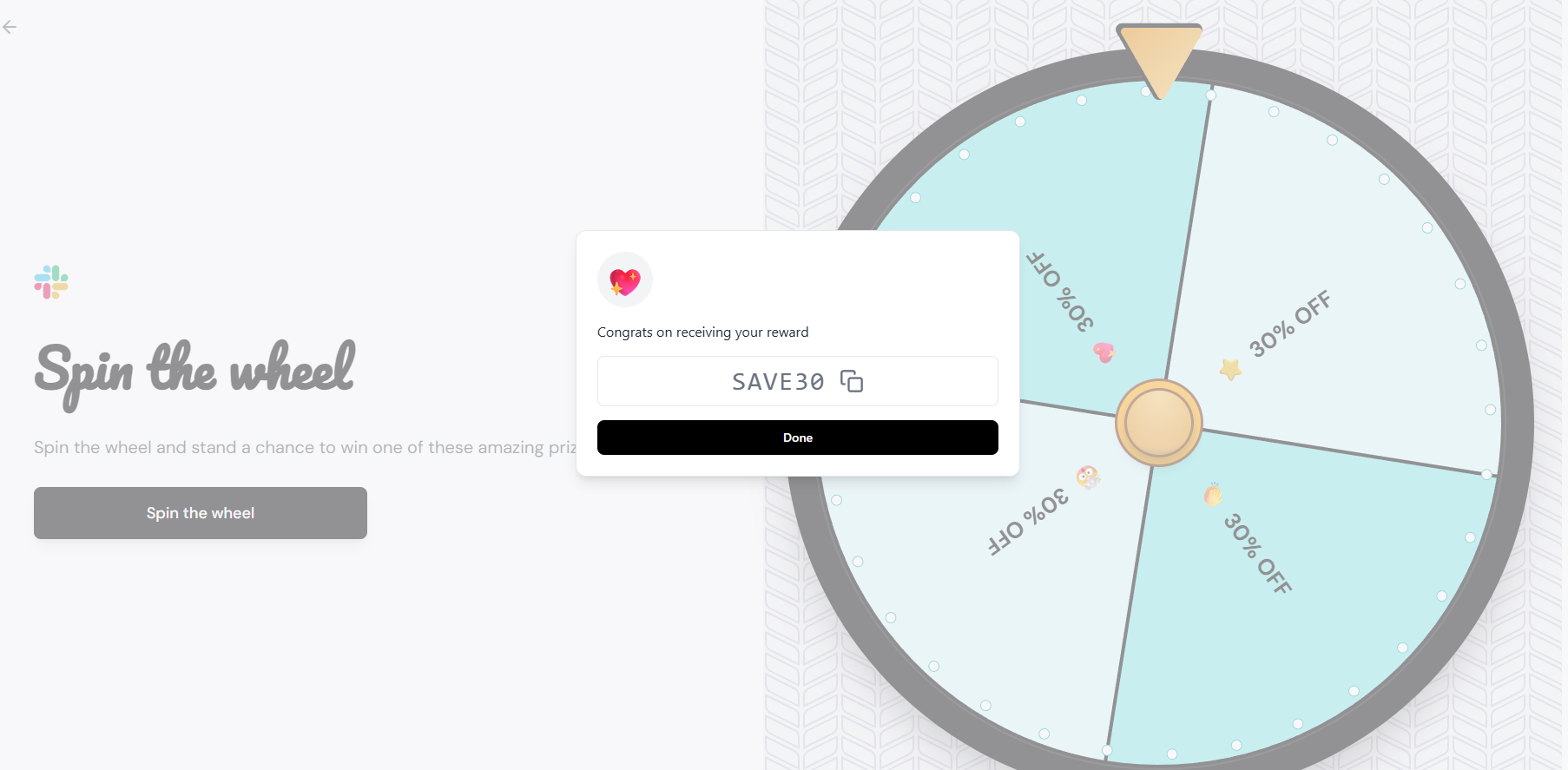
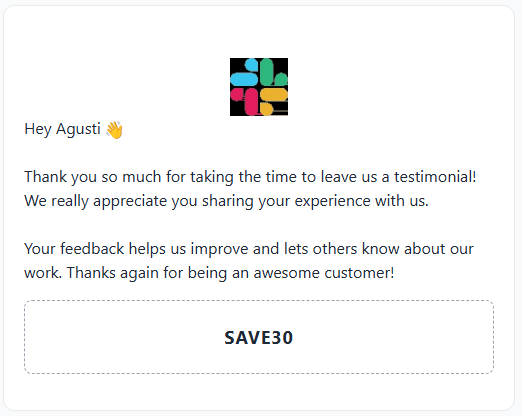
Automated email: If you've made the email field required, Senja sends the prize in a thank-you email
If you turned on Limit to video testimonials only, people who submit text won't see the wheel or get prizes. Same goes for Limit to text testimonials only — video submitters won't get the reward.
How prize delivery works
When a customer completes your testimonial form and spins the wheel, their prize is automatically sent via email—even if the wheel fails to spin or displays an error in the browser. This ensures your customers always receive their rewards, regardless of any UI issues they may encounter.
Prizes are delivered via email automatically after testimonial submission, so customers will receive their rewards even if the spinning animation doesn't work properly.
Good to know
Every spin wins something: The wheel always lands on a prize
No expiry tracking: Senja shows the prize but doesn't check if codes are expired or how many times they've been used
Email field is a must: To send prizes via email reliably, your form needs a customer email field and it has to be required
No admin notifications: You won't get notified when someone wins a prize. To see what someone won, go to your Proof page, filter by form, click the testimonial details, and the reward shows at the top
Preview your wheel: You can test how the wheel looks and spins right in the editor before saving
The wheel might fail to spin in rare cases due to browser or caching issues, but don't worry — the prize email still gets sent automatically. If customers report wheel issues, tell them to check their email.
Troubleshooting
Wheel not spinning or displaying errors
If you or your customers experience issues with the Spin the Wheel feature—such as the wheel not spinning when clicked, browser errors, or UI problems—here's what you need to know:
If a customer reports that the wheel didn't work after submitting their testimonial, ask them to check their email. The prize should have been delivered automatically despite the UI issue.
Common symptoms:
Wheel doesn't spin when clicked
Browser displays error messages during testimonial submission
Page freezes or becomes unresponsive after form completion
"Something went wrong" error on the reward screen
What to check:
Verify email delivery - Ask the customer to check their email (including spam/junk folders) for the prize notification. Prizes are sent automatically regardless of UI issues
Try a different browser - Test the form in Chrome, Firefox, Safari, or Edge to rule out browser-specific issues
Clear cache and cookies - Browser cache can sometimes interfere with the wheel functionality
Check form configuration - Ensure your Spin the Wheel settings are properly configured in your form settings
If the wheel consistently fails to spin across multiple browsers and devices, this may indicate a technical issue that requires support attention.
Customers not seeing the wheel
If customers aren't seeing the wheel after submitting:
Check the Limit to video testimonials only or Limit to text testimonials only toggle
Make sure it matches the type of testimonials you're collecting
Turn it off if you want everyone (text and video) to get the reward
Getting help
If troubleshooting steps don't resolve the issue, contact Senja Support with the following information:
The specific form link or form name where the issue occurs
Browser type and version being used
Any error messages displayed
Whether the prize email was successfully delivered despite the UI issue
Screenshots or screen recordings of the problem (if possible)
Want to explore other reward options? Check out Coupon Code rewards or External Link rewards.