
Share and download testimonials with Senja’s Chrome extension
Senja’s Chrome extension lets you share your testimonials anywhere on the web. We want to make it easier for you to get more visitors and more sales thanks to social proof!
Download our free testimonial extension here
The powerful actions
Here are some of the powerful actions you can take with the Chrome extension:
Access all your latest testimonials, and paste them as images or copy
Access the links for your forms and the code for your widgets with two clicks.
Download your video testimonials and create social videos
Sharing testimonials with Chrome extension
Open Senja Chrome extension from any page you'd like to share your testimonials
Click the link icon on the testimonial of your choice to copy the image to the clipboard
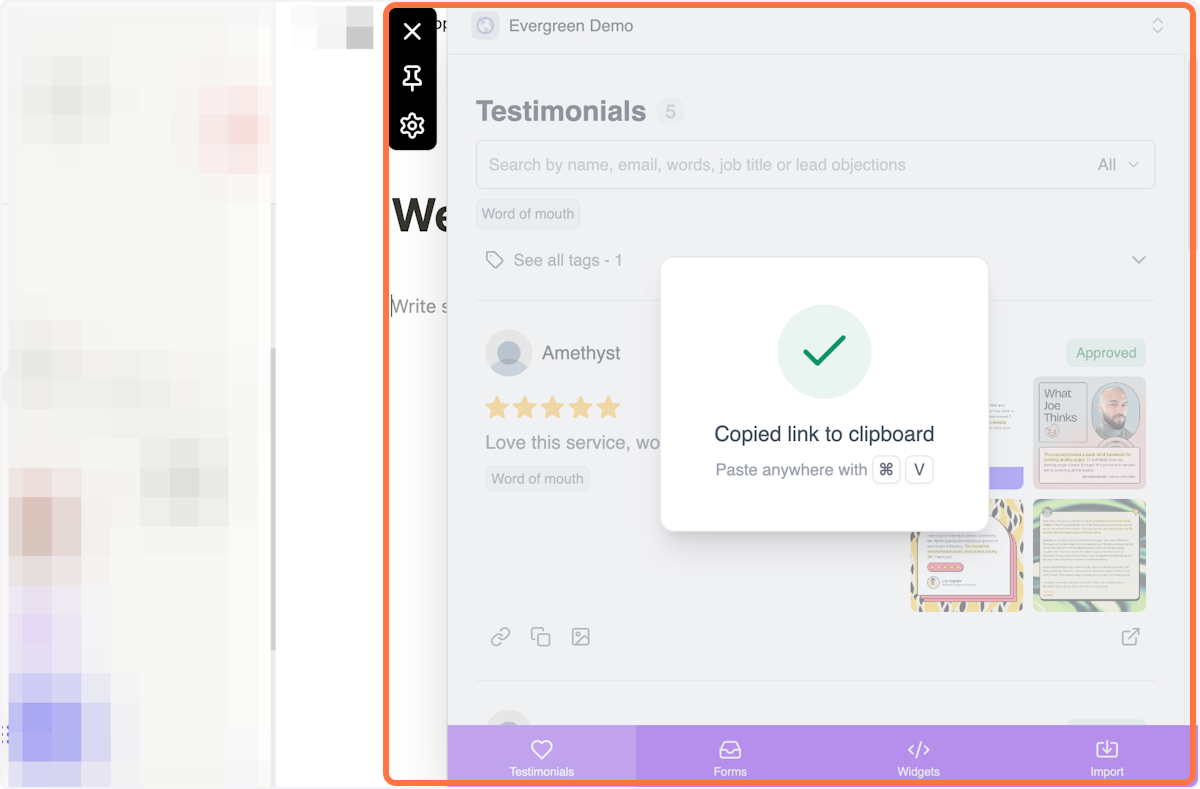
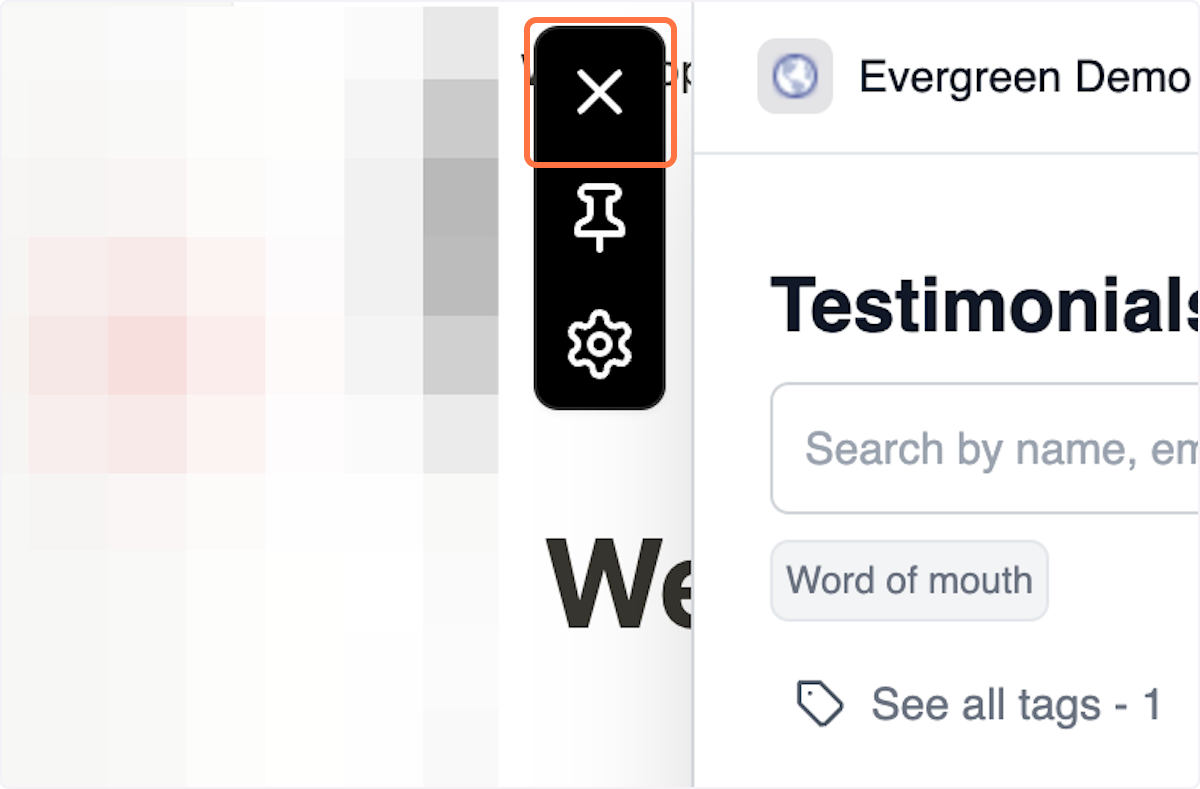
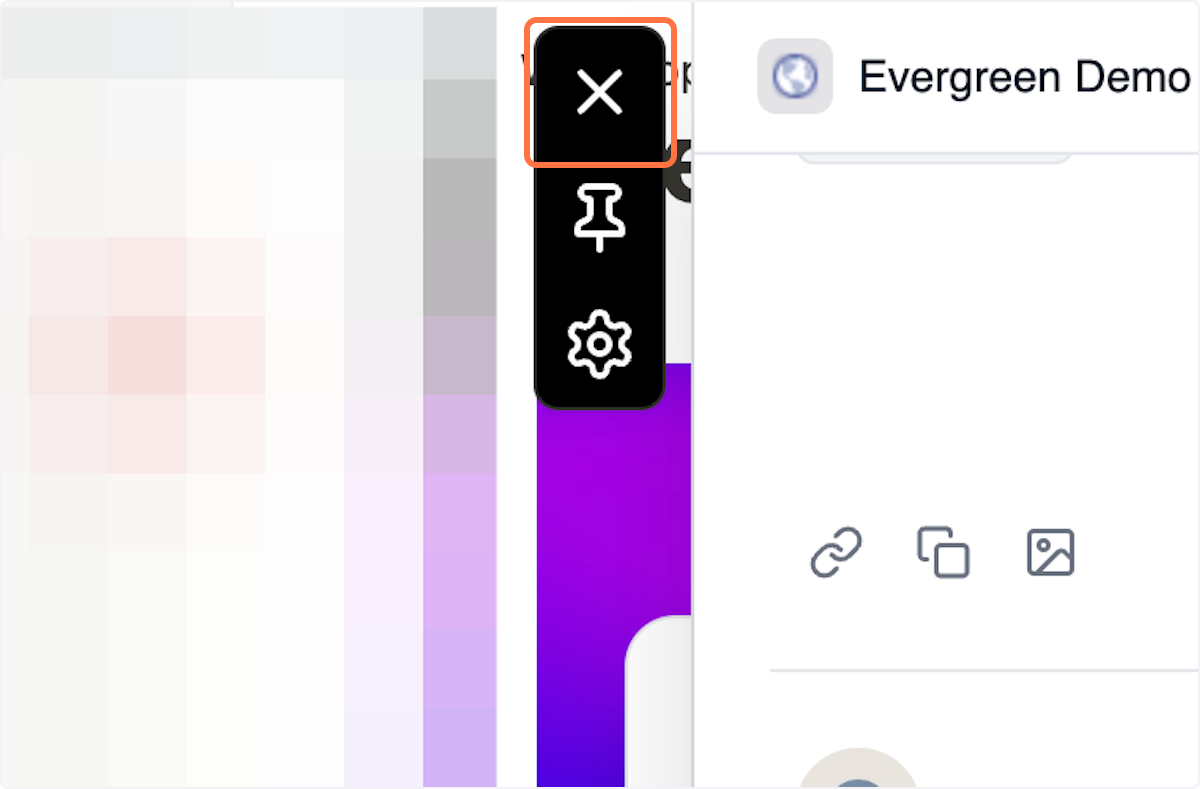
Click the ✖️ to hide the extension so you can paste the testimonial in your desired location
In this example, let's add an image testimonial to Notion by pasting the link
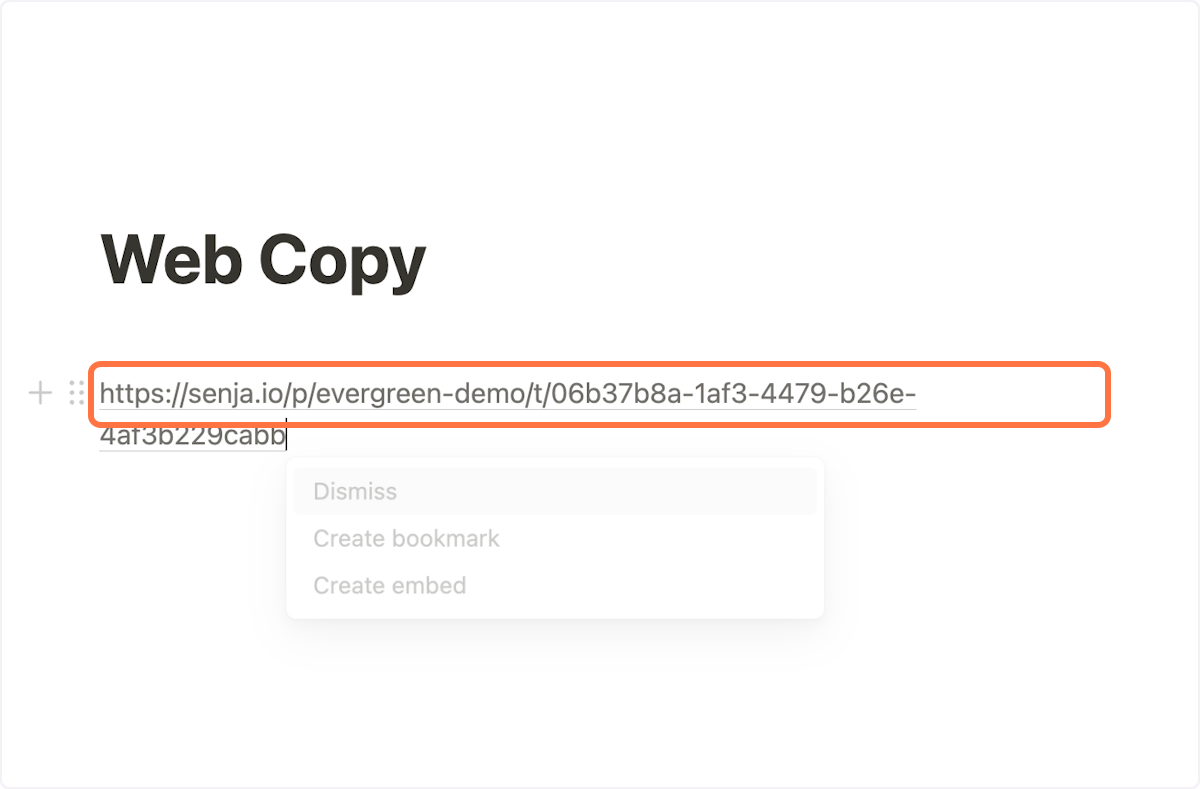
This is just an example, you can basically do it wherever you like
Notion gave me the option to embed the image testimonial (which is optional) but I went ahead and did it
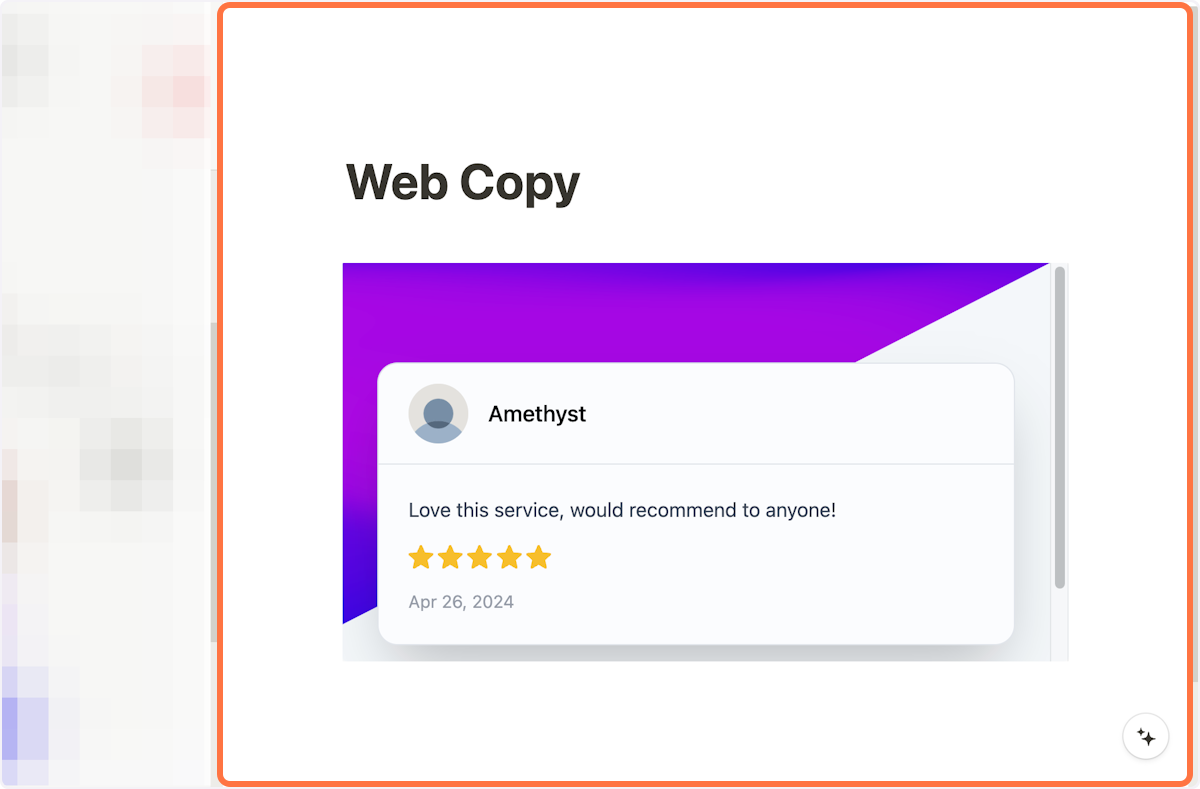
Say, I want to share another testimonial, but I only want the text, not the image
Click on copy text icon to capture the text only
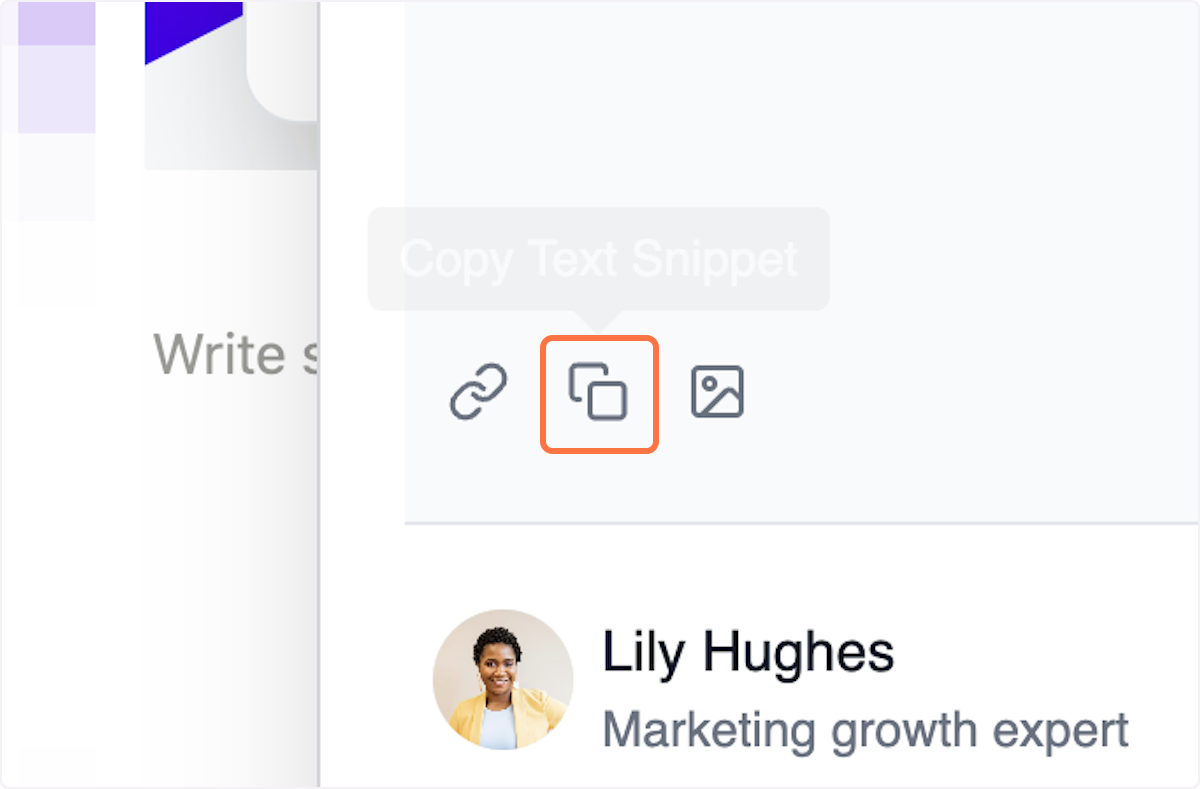
Click again the ✖️ to move Senja Chrome extension out of your view, so you can paste the testimonial in your desired location
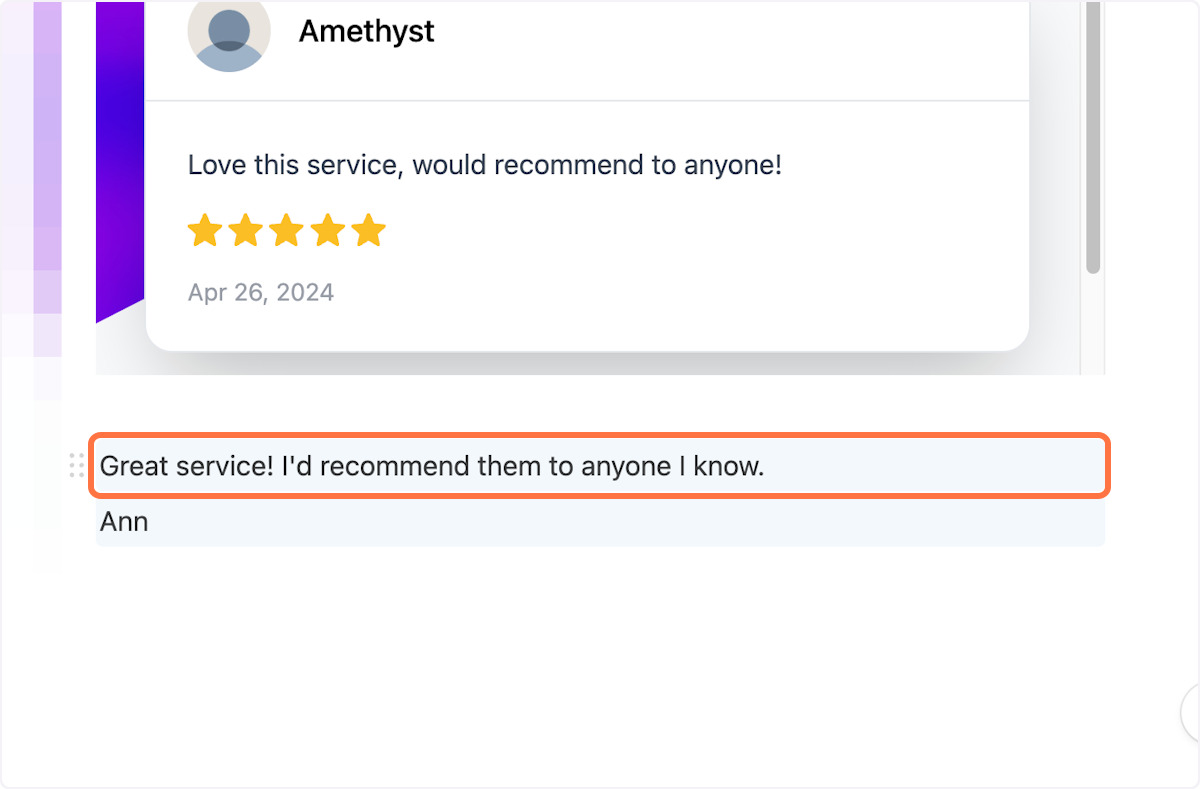
Paste the text testimonial into the page (like how I did it to my Notion page here)
Sharing forms using Chrome extension
Open Senja Chrome extension from any page you'd like to share your form link to
Choose the Forms tab on the extension
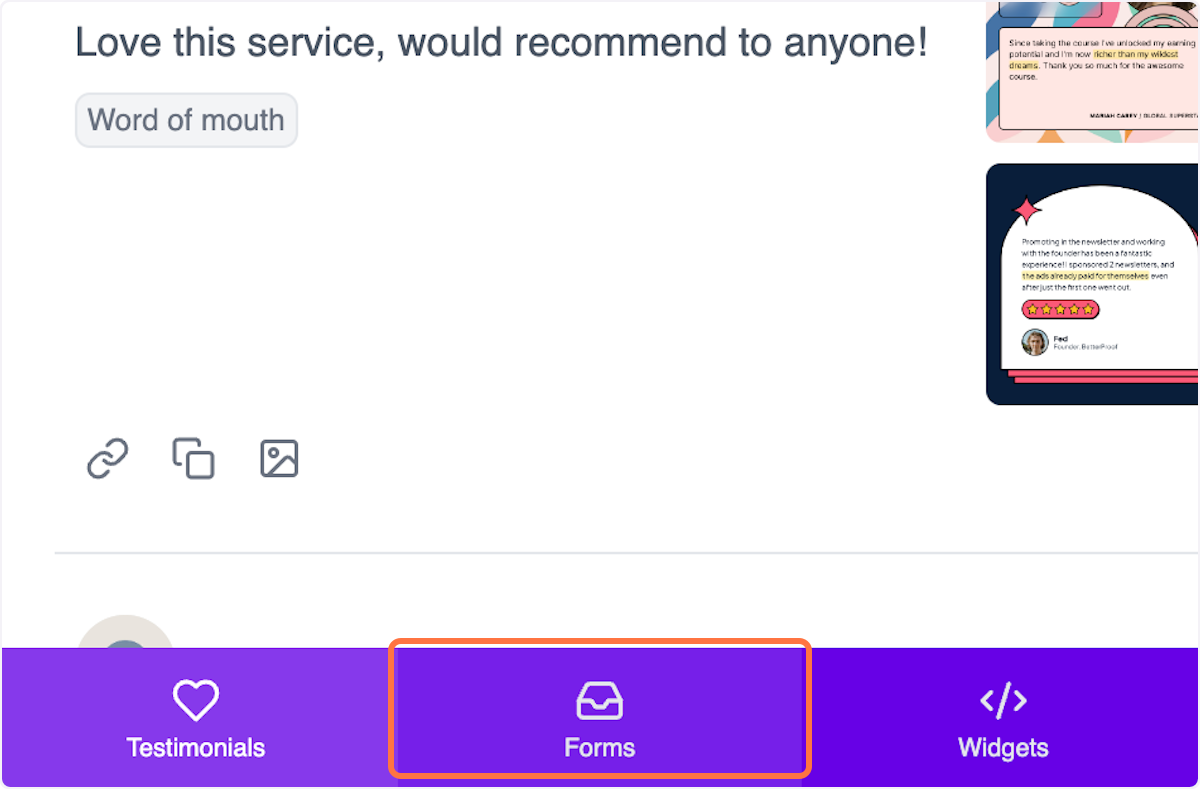
Find the form you want
Click the copy URL icon to capture the form link
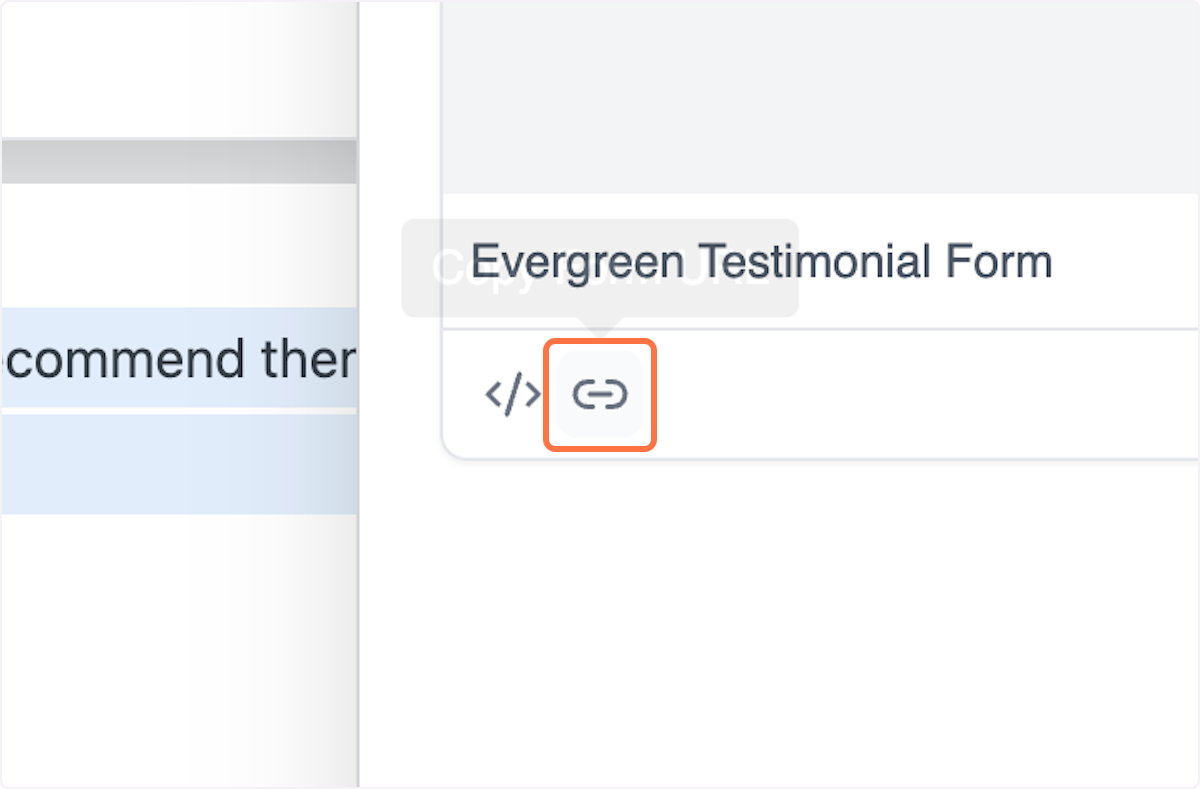
Paste the link on the page that you want
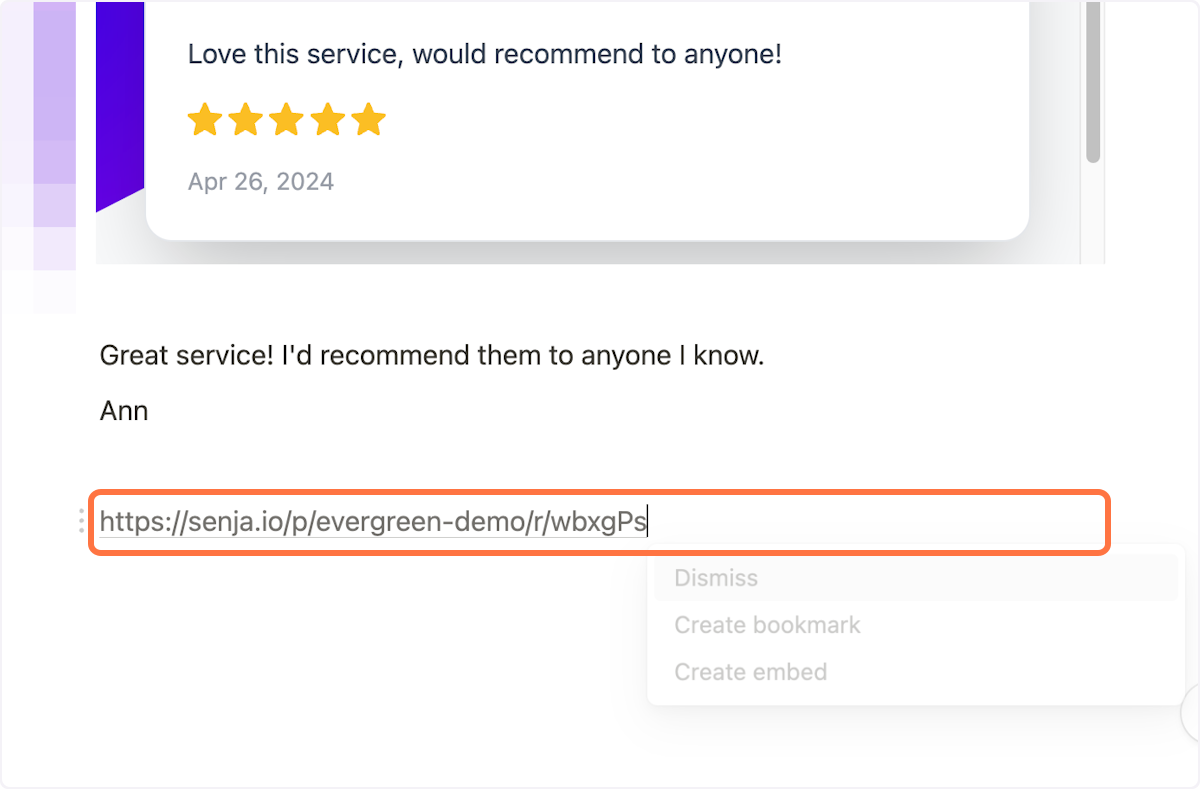
In my case, Notion gave me the option to embed the form - and I did

Sharing widgets using Chrome extension
Open Senja Chrome extension from any page you'd like to share your form link to
Choose the Widgets tab on the extension
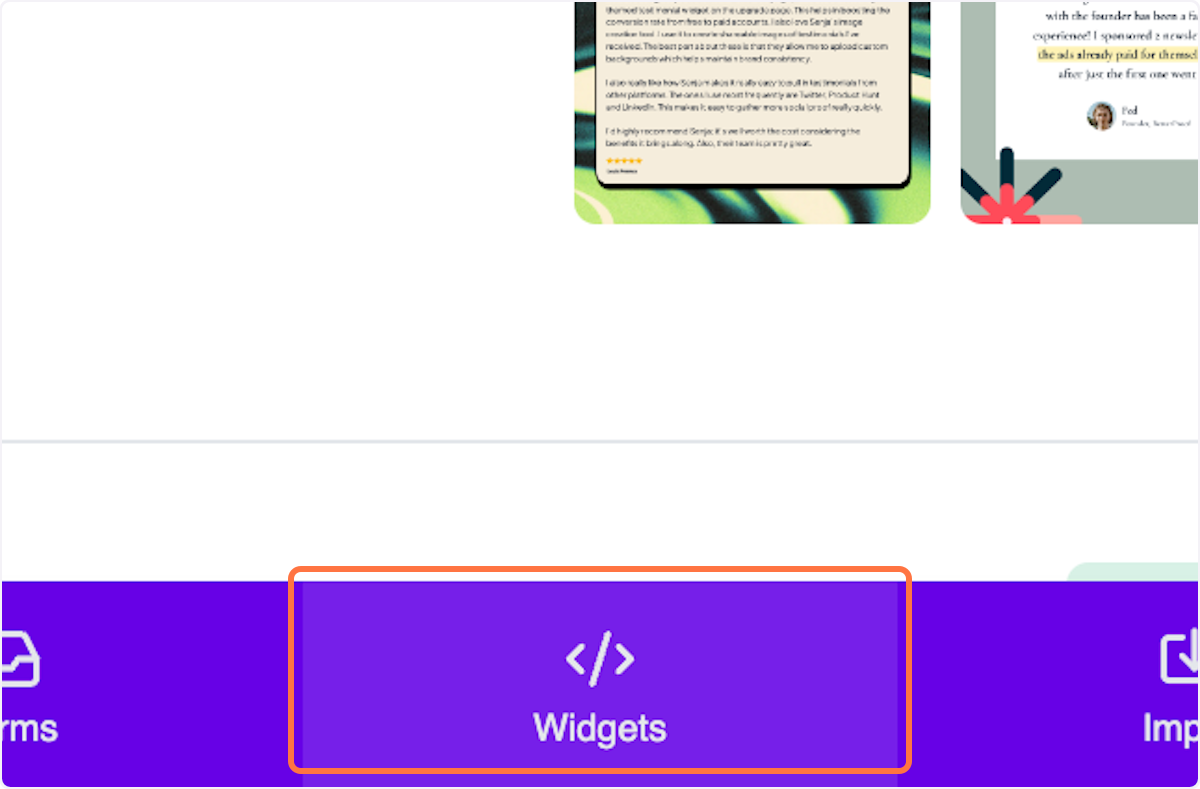
Find the widget you'd like to share, then click on the copy icon to get the URL, or click the embed icon to copy the embed code
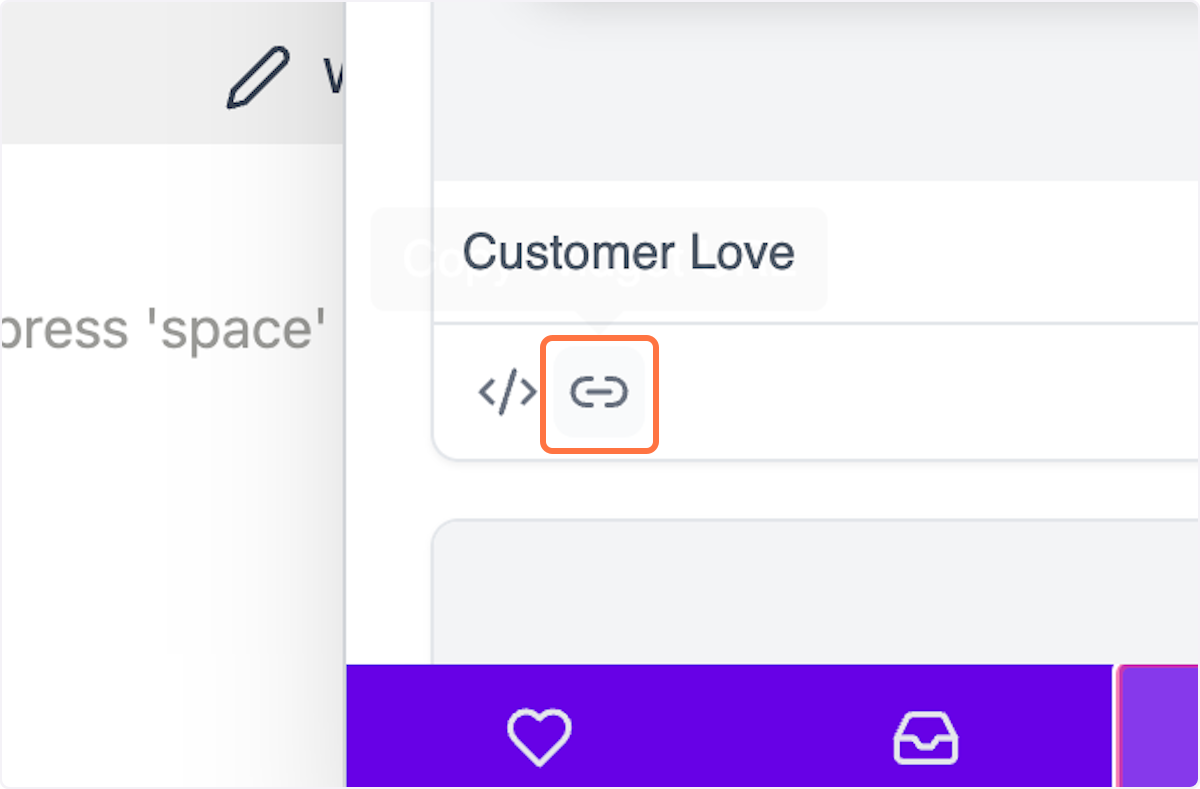
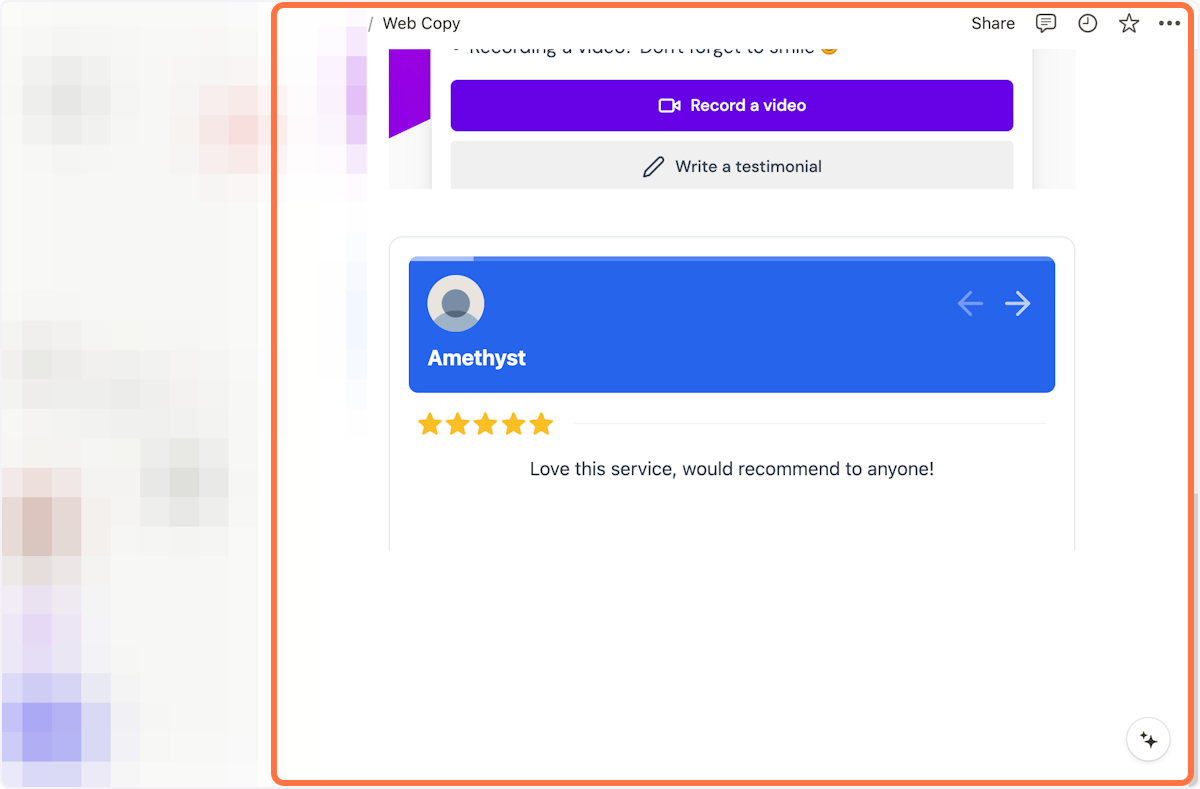
Paste the widget embed code or widget URL on the page you want
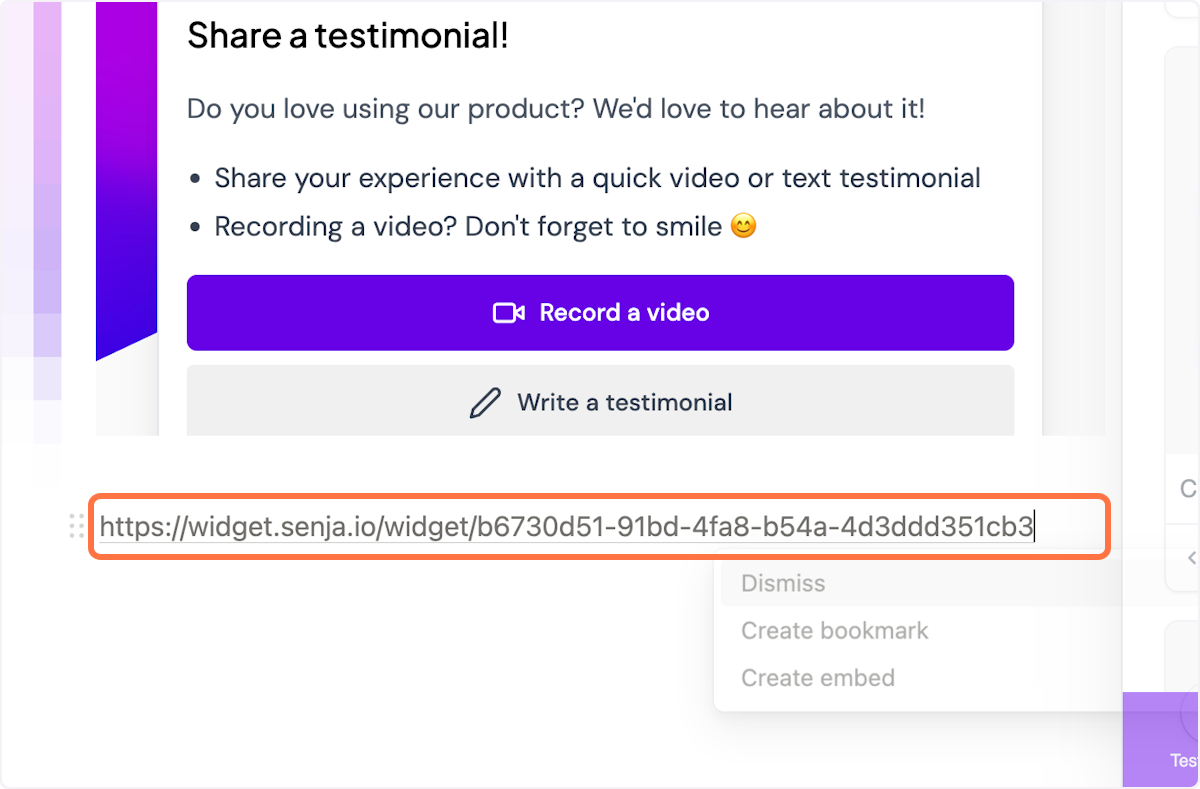
Here's how it looks when I embedded it to Notion
Grabbing video testimonials with Chrome extension
Once you collect testimonials, they become available in your Proof page (https://app.senja.io/) and also your Senja Chrome extension.
Watch this video below to see how you use your saved testimonials and create social videos using Senja Chrome extension in less than 2 minutes!