
Share or post your testimonials on LinkedIn
Share testimonial images as posts on LinkedIn to showcase social proof. This guide uses the free Senja Chrome Extension for quick posting.
Share testimonials on LinkedIn
1. Start a post on LinkedIn
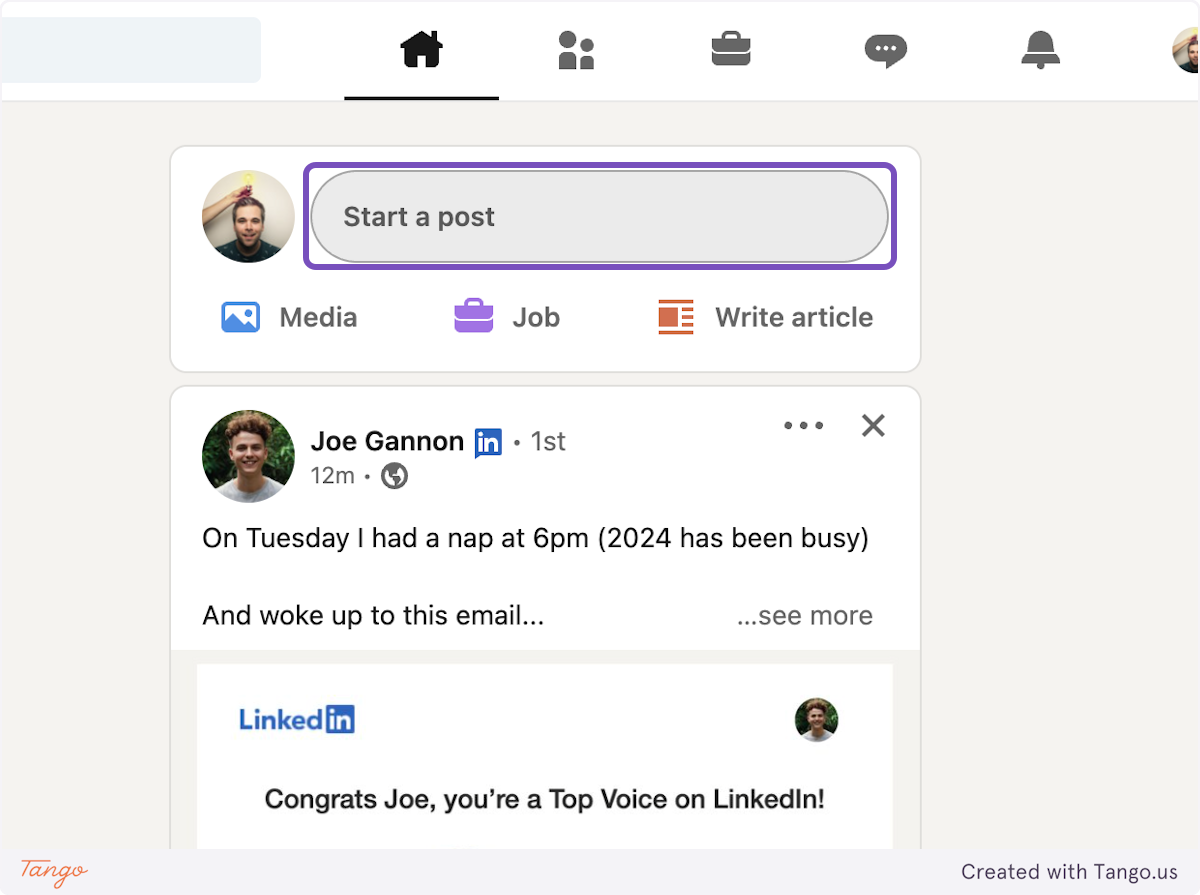
Go to your LinkedIn feed
Click Start a post
2. Use the Senja Chrome Extension
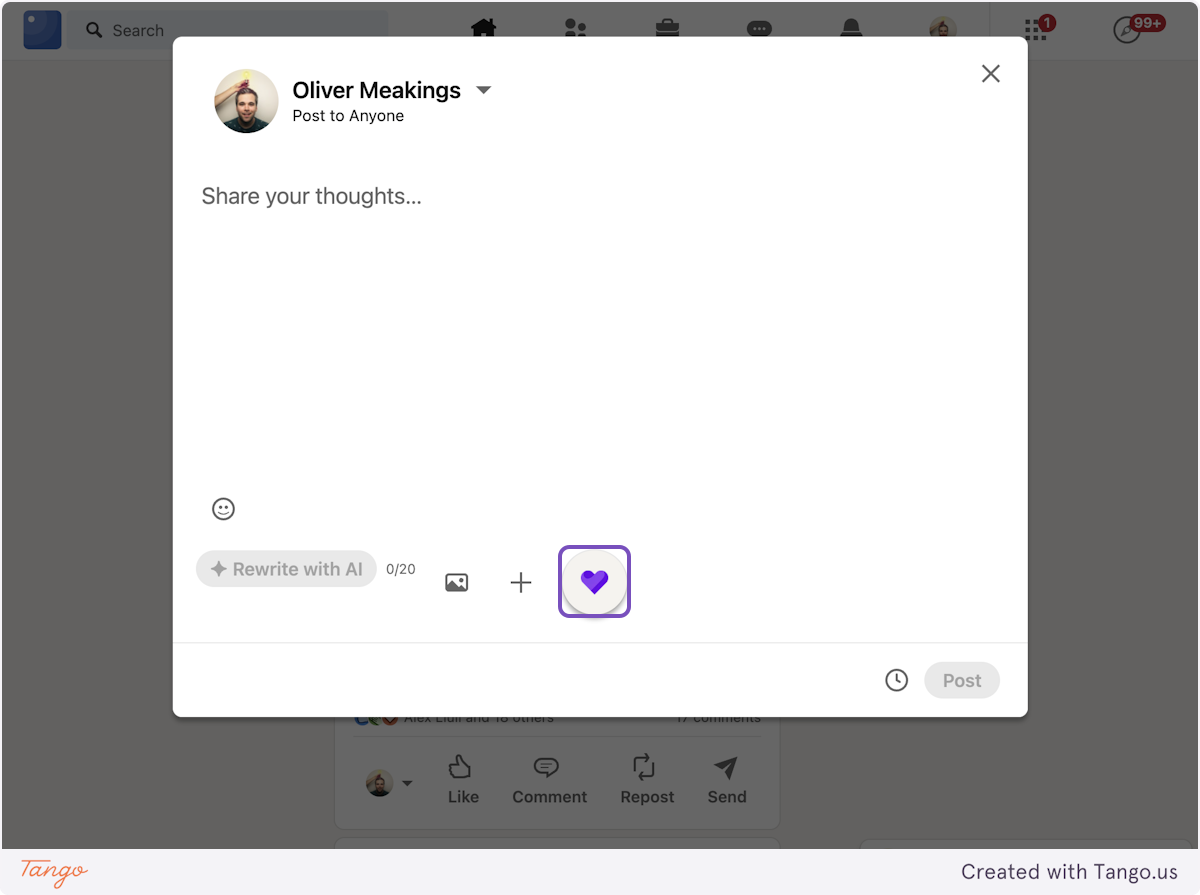
Click the Senja logo in the post editor
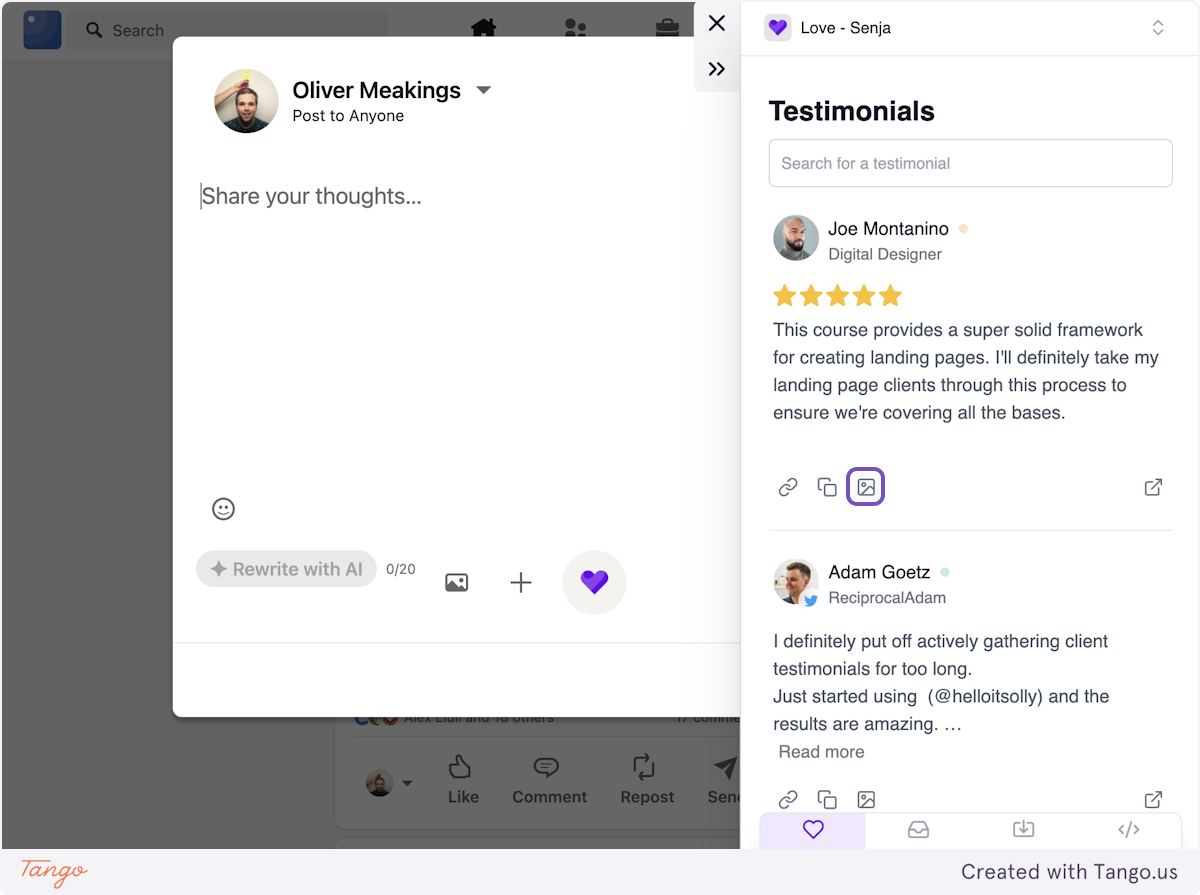
Search for the testimonial you want to share (by keyword, customer name, or email)
Click the image icon
Select the image template you want to use
The image will be copied automatically

3. Paste and post
Close the extension (click X)
Paste the image into your post (CMD/CTRL+V)
Add your text
Click Post
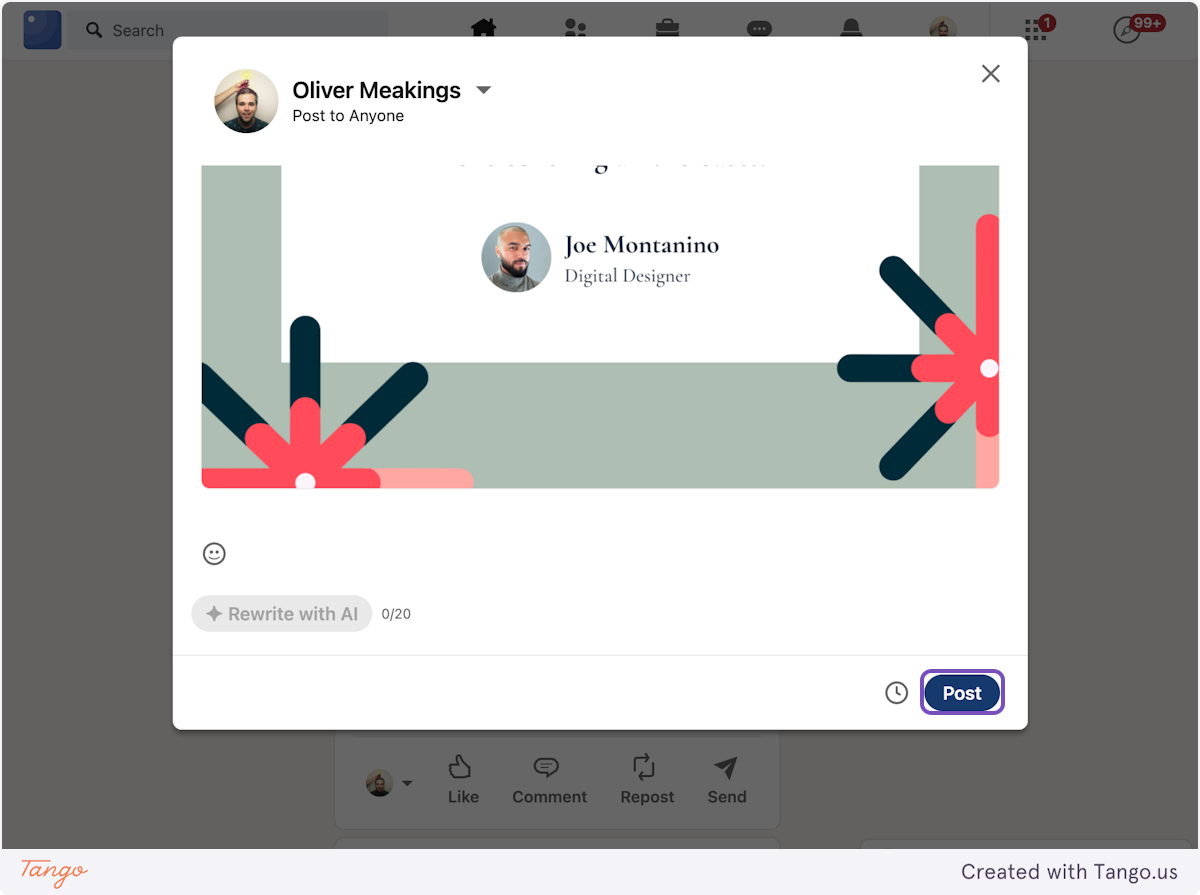
That's it, your testimonial is now shared on LinkedIn 🥳 Not working? Just click Contact Us above and we'll assist you.
Was this helpful?