
How to share your testimonials on Instagram
Create testimonial images in Senja optimized for Instagram and share them as posts or stories.
Create your Instagram testimonial image
1. Go to Studio in Senja
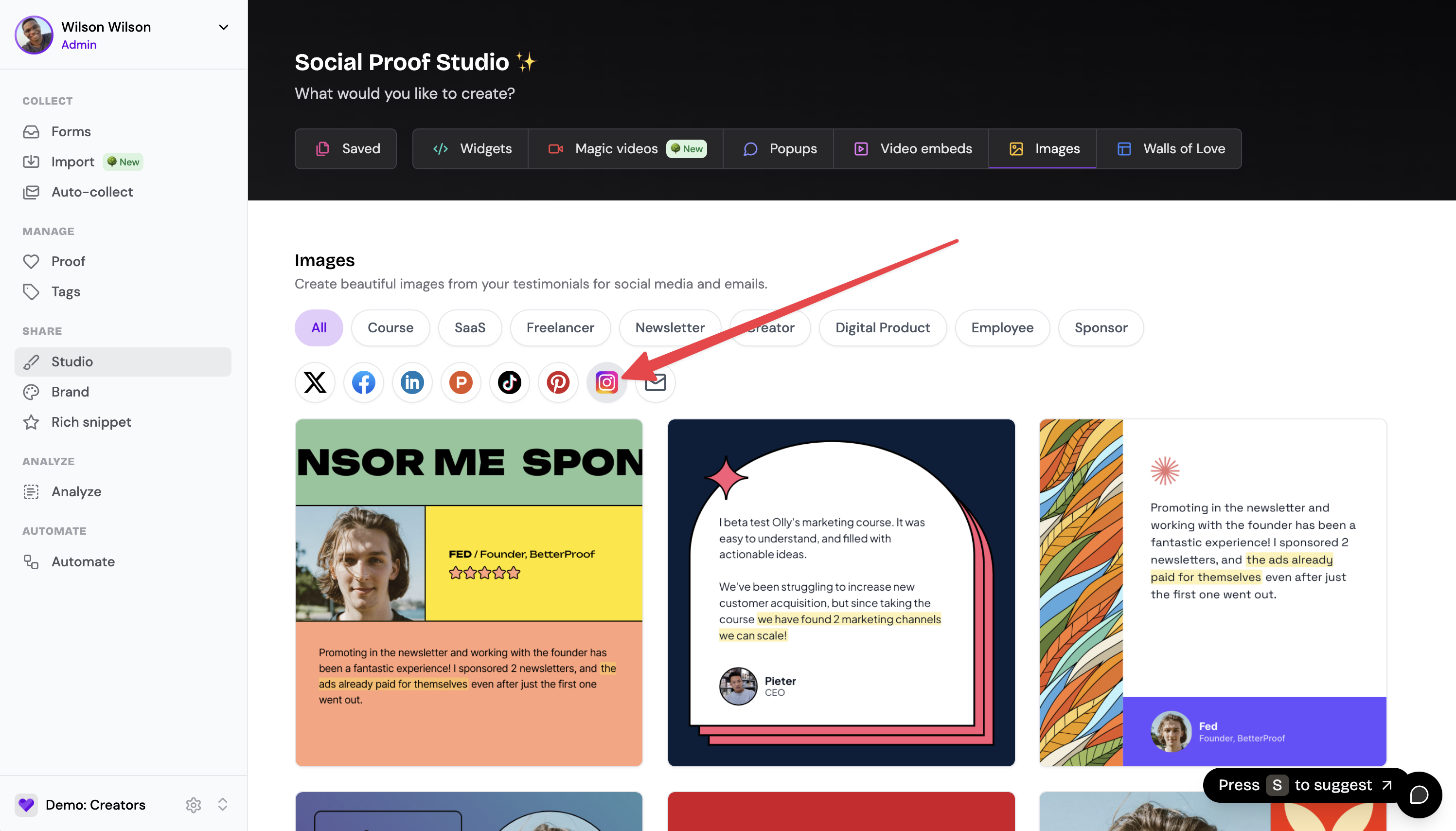
Navigate to your Studio
Click Images to create a new testimonial image
Senja suggests templates optimized for each platform
Click the Instagram icon to view Instagram-optimized templates:
2. Export your testimonial image
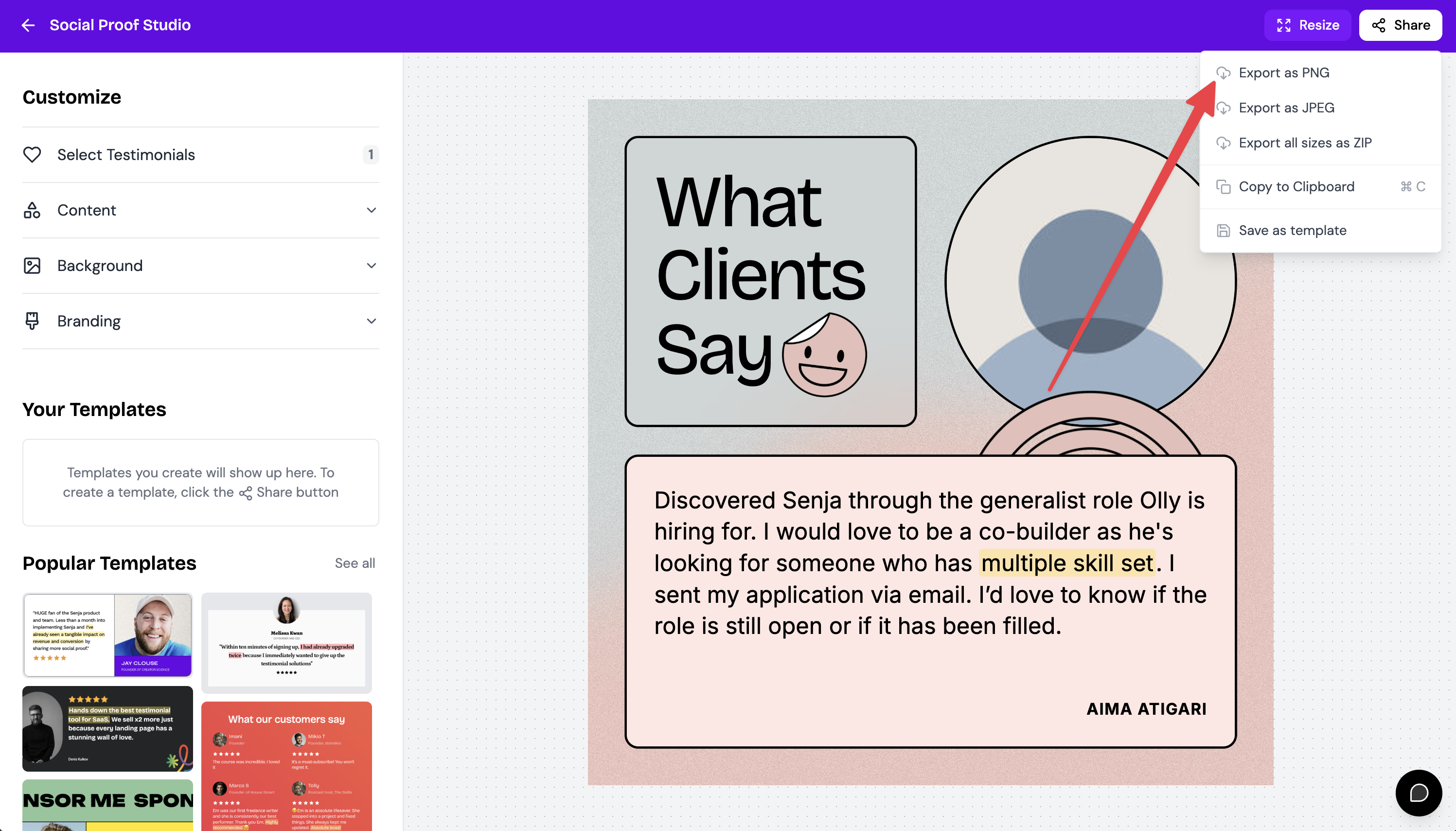
Once you've designed your image, click Share in the top right
Select Export as PNG
Download the image
3. Share on Instagram
Open the Instagram app
Tap the + icon to create a new post
Select your testimonial image from your device
Add your caption and relevant hashtags
Share your post
Best practices
Use square or portrait orientations for better visibility in the Instagram feed
Add relevant hashtags to increase visibility
Include a call-to-action in your caption
Tag relevant accounts when appropriate
That's it, your testimonial is now on Instagram 🥳 Not working? Just click Contact Us above and we'll assist you.